key TOYOTA TACOMA 2009 Owners Manual (in English)
[x] Cancel search | Manufacturer: TOYOTA, Model Year: 2009, Model line: TACOMA, Model: TOYOTA TACOMA 2009Pages: 520, PDF Size: 10.75 MB
Page 2 of 520
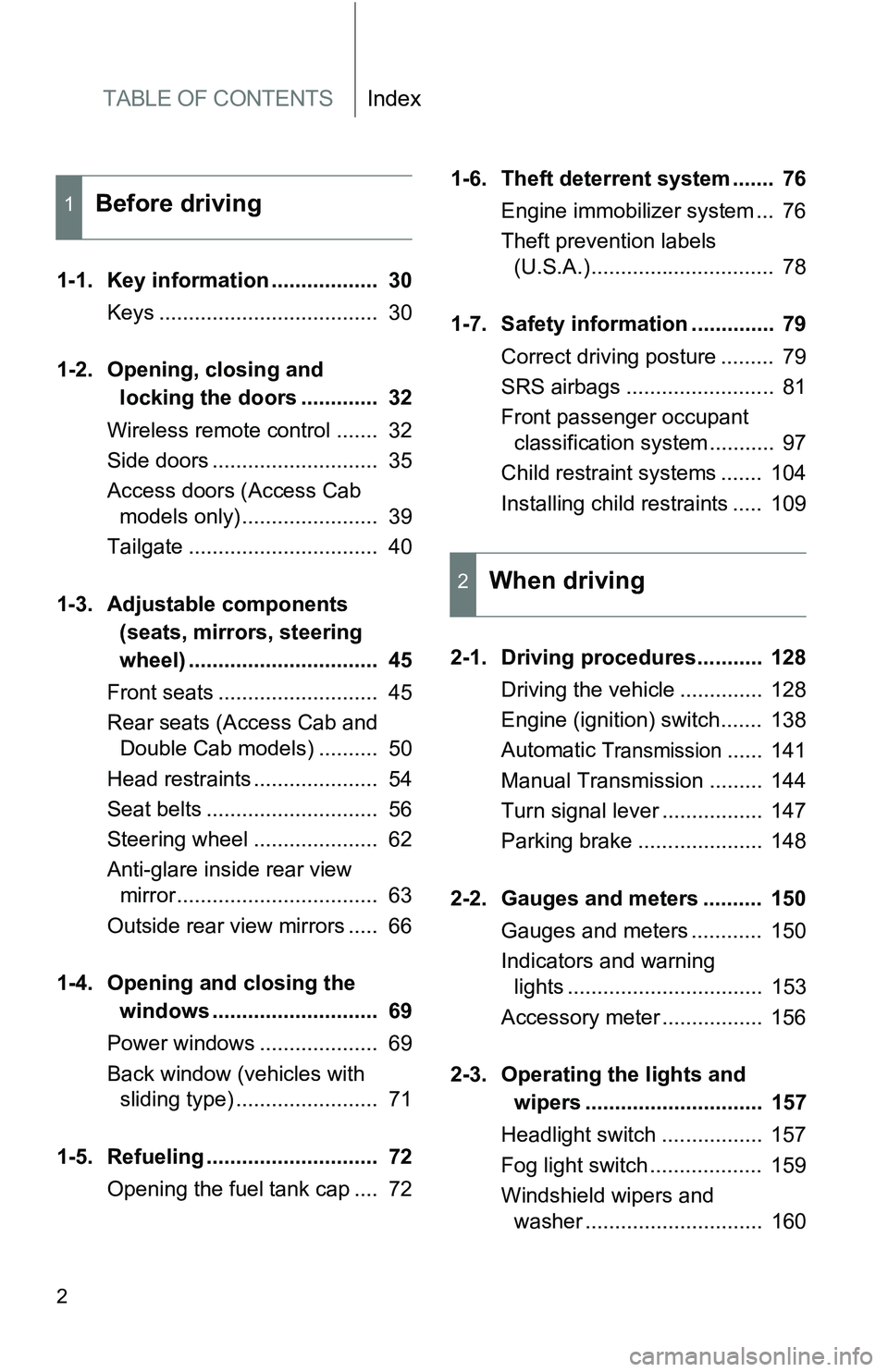
TABLE OF CONTENTSIndex
2
1-1. Key information .................. 30Keys ..................................... 30
1-2. Opening, closing and
locking the doors ............. 32
Wireless remote control ....... 32
Side doors ............................ 35
Access doors (Access Cab models only) ....................... 39
Tailgate ................................ 40
1-3. Adjustable components
(seats, mirrors, steering
wheel) ................................ 45
Front seats ........................... 45
Rear seats (Access Cab and Double Cab models) .......... 50
Head restraints ..................... 54
Seat belts ............................. 56
Steering wheel ..................... 62
Anti-glare inside rear view mirror .................................. 63
Outside rear view mirrors ..... 66
1-4. Opening a nd closing the
window s ............................ 69
Power windows .................... 69
Back window (vehicles with sliding type) ........................ 71
1-5. Refueling ............................. 72 Opening the fuel tank cap .... 72 1-6. Theft deterrent system ....... 76
Engine immobilizer system ... 76
Theft prevention labels (U.S.A.)............................... 78
1-7. Safety information .............. 79 Correct driving posture ......... 79
SRS airbags ......................... 81
Front passenger occupant classification system ........... 97
Child restraint systems ....... 104
Installing child restraints ..... 109
2-1. Driving procedures........... 128 Driving the vehicle .............. 128
Engine (ignition) switch....... 138
Automatic
Transmission...... 141
Manual Transmission ......... 144
Turn signal lever ................. 147
Parking brake ..................... 148
2-2. Gauges and meters .......... 150 Gauges and meters ............ 150
Indicators and warning lights ................................. 153
Accessory meter ................. 156
2-3. Operating the lights and wipers .............................. 157
Headlight switch ................. 157
Fog light switch ................... 159
Windshield wipers and washer .............................. 160
1Before driving
2When driving
Page 5 of 520
1
2
3
4
5
6
7
5
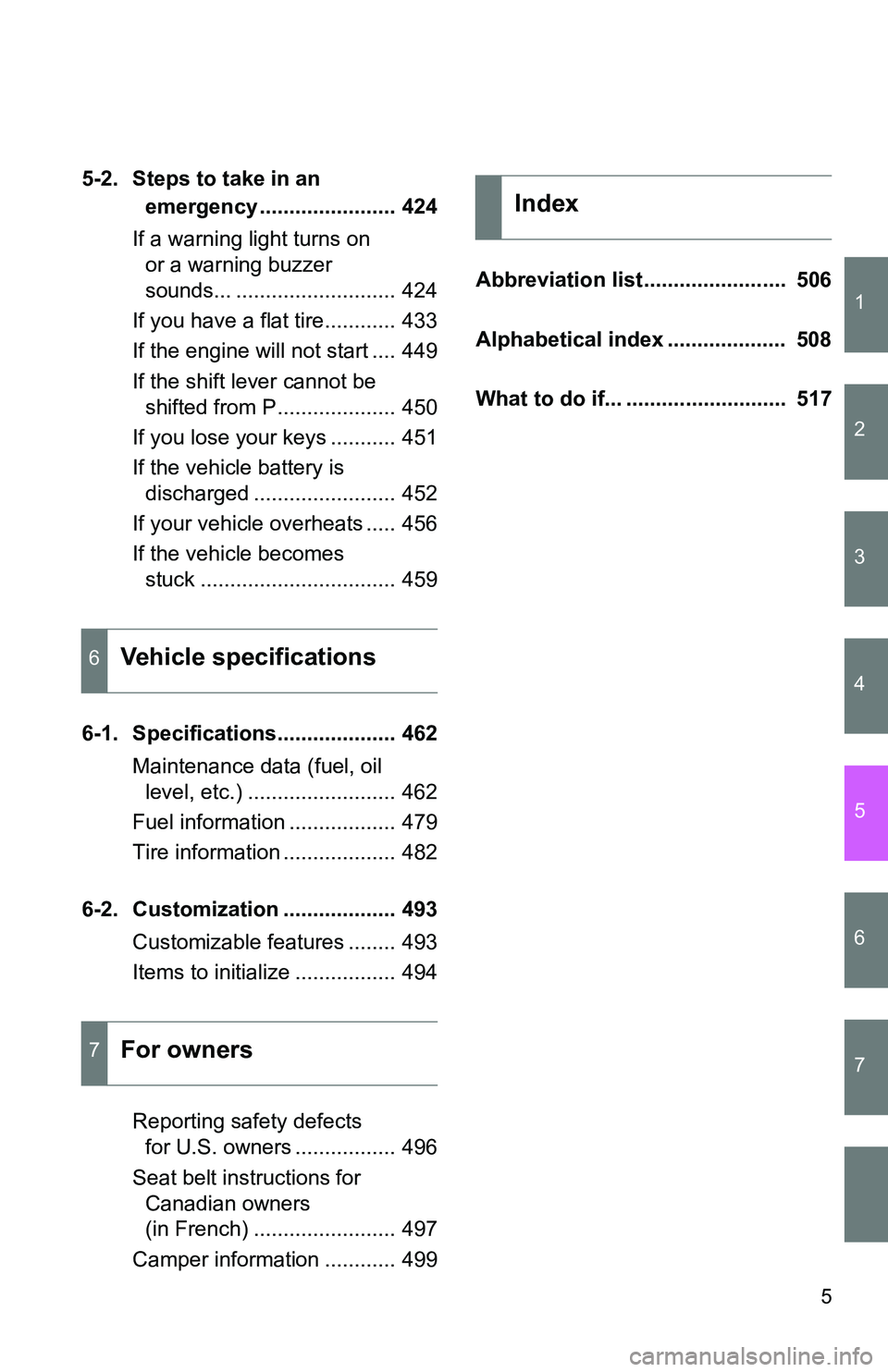
5-2. Steps to take in an emergency ....................... 424
If a warning light turns on or a warning buzzer
sounds... ........................... 424
If you have a flat tire............ 433
If the engine will not start .... 449
If the shift lever cannot be shifted from P.................... 450
If you lose your keys ........... 451
If the vehicle battery is discharged ........................ 452
If your vehicle overheats ..... 456
If the vehicle becomes stuck ................................. 459
6-1. Specifications.................... 462 Maintenance data (fuel, oil level, etc.) ......................... 462
Fuel information .................. 479
Tire information ................... 482
6-2. Customization ................... 493 Customizable features ........ 493
Items to initialize ................. 494
Reporting safety defects for U.S. owners ................. 496
Seat belt instructions for Canadian owners
(in French) ........................ 497
Camper information ............ 499 Abbreviation list ........................ 506
Alphabetical index .................... 508
What to do if... ........................... 517
6Vehicle specifications
7For owners
Index
Page 26 of 520
26
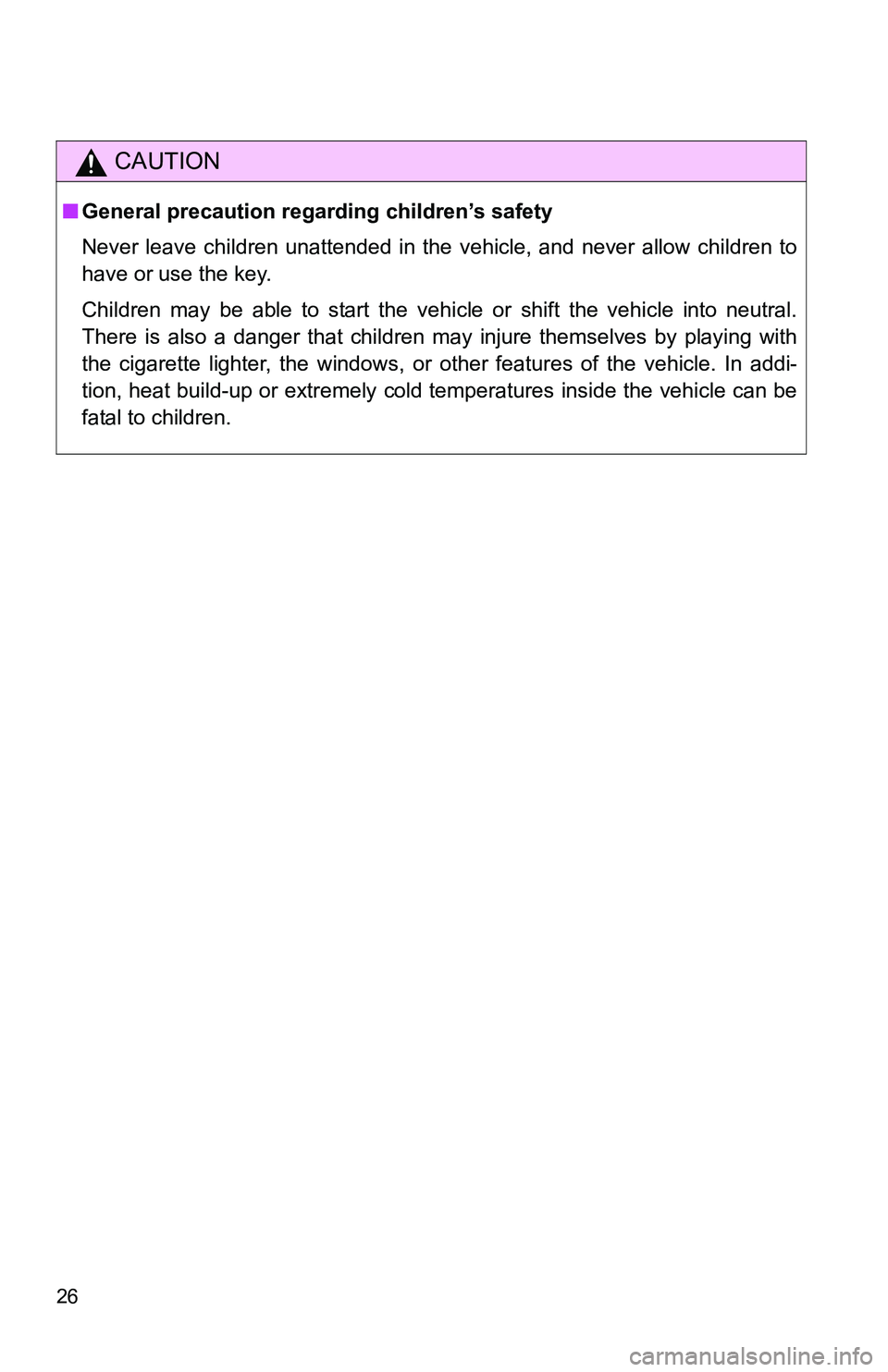
CAUTION
■General precaution regarding children’s safety
Never leave children unattended in the vehicle, and never allow children to
have or use the key.
Children may be able to start the vehicle or shift the vehicle into neutral.
There is also a danger that children may injure themselves by playing with
the cigarette lighter, the windows, or other features of the vehicle. In addi-
tion, heat build-up or extremely cold temperatures inside the vehicle can be
fatal to children.
Page 29 of 520
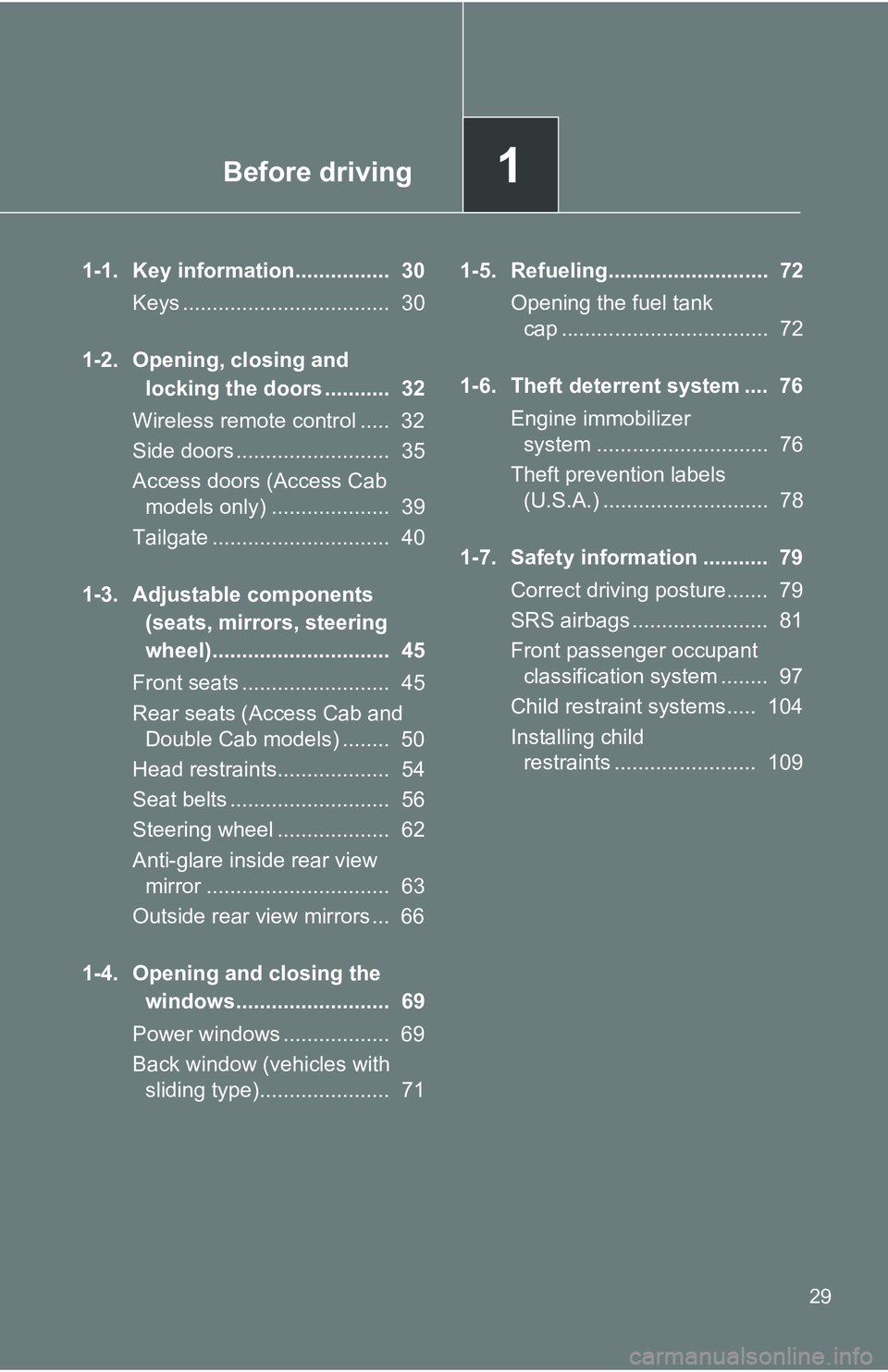
Before driving1
29
1-1. Key information................ 30Keys ................................... 30
1-2. Opening, closing and locking the doors ........... 32
Wireless remote control ..... 32
Side doors .......................... 35
Access doors (Access Cab models only) .................... 39
Tailgate .............................. 40
1-3. Adjustable components (seats, mirrors, steering
wheel).............................. 45
Front seats ......................... 45
Rear seats (Access Cab and Double Cab models) ........ 50
Head restraints................... 54
Seat belts ........................... 56
Steering wheel ................... 62
Anti-glare inside rear view mirror ............................... 63
Outside rear view mirrors ... 66
1-4. Opening and closing the windows.......................... 69
Power windows .................. 69
Back window (vehicles with sliding type)...................... 71 1-5. Refueling........................... 72
Opening the fuel tank cap ................................... 72
1-6. Theft deterrent system .... 76 Engine immobilizer system ............................. 76
Theft prevention labels (U.S.A.) ............................ 78
1-7. Safety information ........... 79 Correct driving posture....... 79
SRS airbags ....................... 81
Front passenger occupant classification system ........ 97
Child restraint systems..... 104
Installing child restraints ........................ 109
Page 30 of 520
30
1-1. Key information
Keys
■Key number plate
Keep the plate in a safe place such as your wallet, not in the vehicle. In the
event that a key is lost, a new key can be made by your Toyota dealer using
the key number plate. ( P. 451)
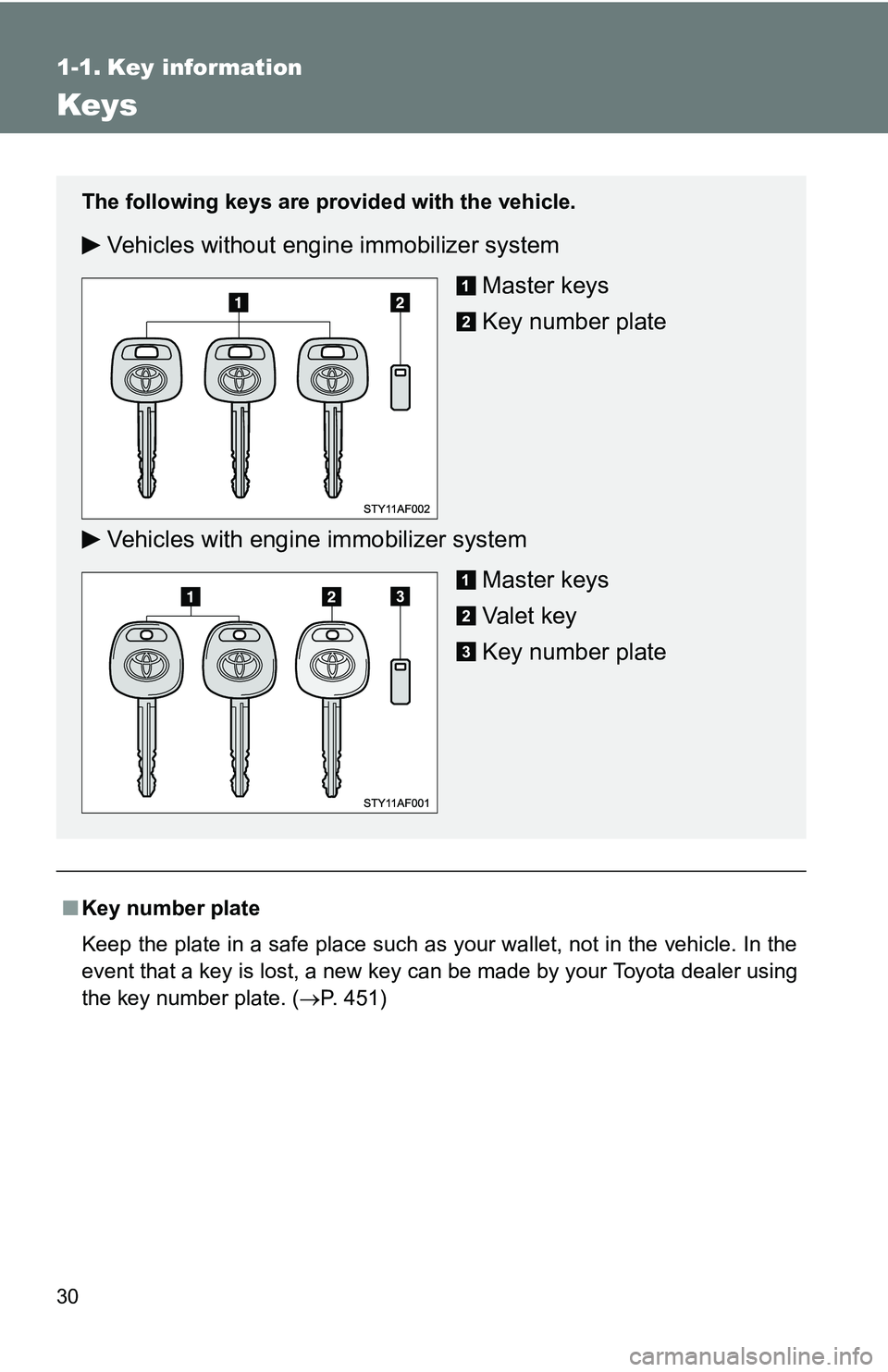
The following keys are provid ed with the vehicle.
Vehicles without engine immobilizer system
Master keys
Key number plate
Vehicles with engine immobilizer system Master keys
Va l e t k e y
Key number plate
Page 31 of 520
31
1-1. Key information
1
Before driving
NOTICE
■
To prevent key damage (vehicles with engine immobilizer system)
● Do not subject the keys to strong shocks, expose them to high tempera-
tures by placing them in direct sunlight, or get them wet.
● Do not expose the keys to electromagnetic materials or attach any mate-
rial that blocks electromagnetic waves to the key surface.
Page 33 of 520
33
1-2. Opening, closing and locking the doors
1
Before driving
■
Wireless remote control depletion
The standard battery life is 1 to 2 years. (The battery becomes depleted
even if the key is not used.) If the wireless remote control function does not
operate, the battery may be depleted. Replace the battery when necessary.
(P. 391)
■ If the wireless remote control does not operate
Locking and unlocking the doors: Use the key. ( P. 35)
■ Security feature
If a door is not opened within approximately 30 seconds after the vehicle is
unlocked, the security feature automatically locks the vehicle again.
■ Conditions affecting operation
The wireless remote control function may not operate normally in the follow-
ing situations.
●Near a TV tower, radio station, electr ic power plant, airport or other facil-
ity that generates strong radio waves
● When carrying a portable radio, cell ular phone or other wireless commu-
nication device
● When multiple wireless keys are in the vicinity
● When the wireless key has come into contact with, or is covered by a
metallic object
● When a wireless key (that emits radio waves) is being used nearby
● When the wireless key has been left near an electrical appliance such as
a personal computer
■ Customization that can be co nfigured at Toyota dealer
Settings (e.g. wireless remote control system) can be changed.
(Customizable features P. 493)
Page 35 of 520
35
1
1-2. Opening, closing and locking the doors
Before driving
Side doors
The vehicle can be locked/unlocked using the wireless remote con-
trol, key or door lock switch.
■ Wireless remote control (if equipped)
P. 3 2
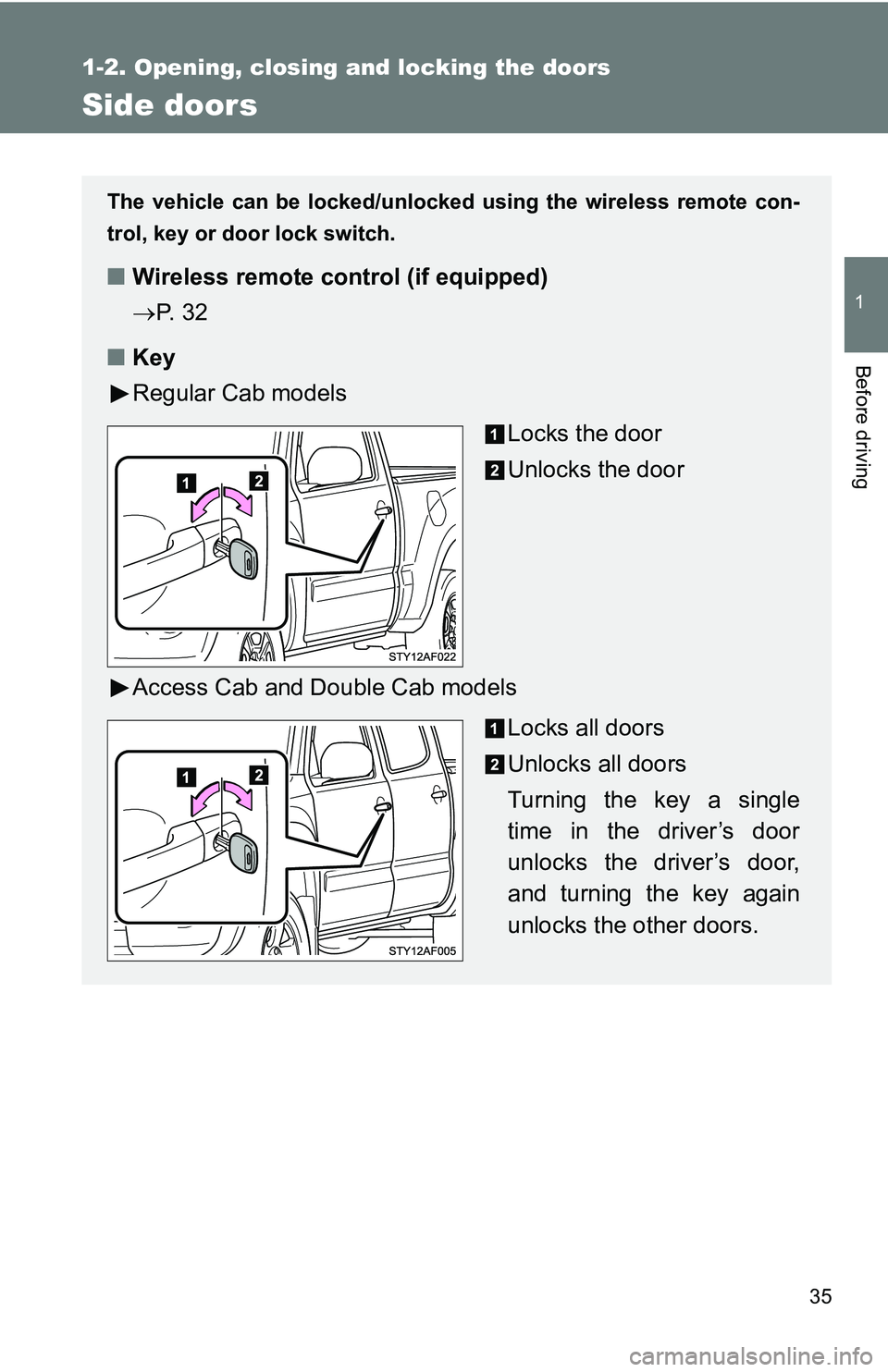
■ Key
Regular Cab models
Locks the door
Unlocks the door
Access Cab and Double Cab models Locks all doors
Unlocks all doors
Turning the key a single
time in the driver’s door
unlocks the driver’s door,
and turning the key again
unlocks the other doors.
Page 37 of 520
37
1-2. Opening, closing and locking the doors
1
Before driving
Locking the front doors from the outside without a key
Move the inside door lock button to the lock position.
Close the door.
Vehicles with power door lock system
The door cannot be locked if a front door is open and the key is in
the engine switch.
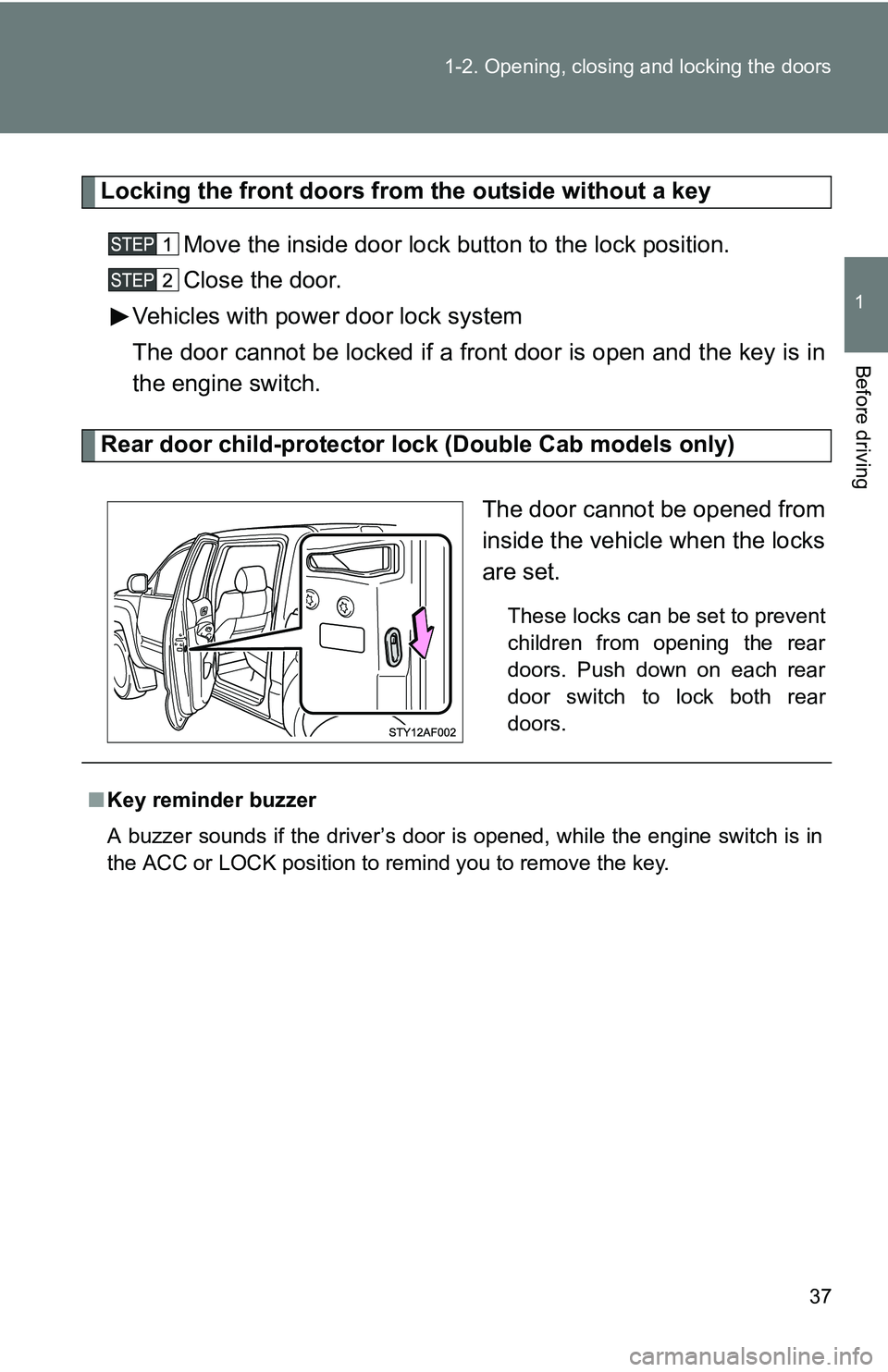
Rear door child-protector lock (Double Cab models only)
The door cannot be opened from
inside the vehicle when the locks
are set.
These locks can be set to prevent
children from opening the rear
doors. Push down on each rear
door switch to lock both rear
doors.
■Key reminder buzzer
A buzzer sounds if the driver’s door is opened, while the engine switch is in
the ACC or LOCK position to remind you to remove the key.
Page 76 of 520
76
1-6. Theft deterrent system
Engine immobilizer system (if equipped)
■System maintenance
The vehicle has a maintenance-free type of engine immobilizer system.
■ Conditions that may cause the system to malfunction
●If the key is in contact with a metallic object
● If the key is in close proximity to or touching a key to the security system
(key with a built-in transponder chip) of another vehicle
■ Certifications for the engine immobilizer system
For vehicles sold in U.S.A.
FCC ID: MOZRI-21BTY
This device complies with Part 15 of the FCC Rules. Operation is subject to
the following two conditions: (1) this device may not cause harmful interfer-
ence, and (2) this device must accept any interference received, including
interference that may cause undesired operation.
FCC WARNING:
Changes or modifications not expressly approved by the party responsible
for compliance could void the user’s authority to operate the equipment.
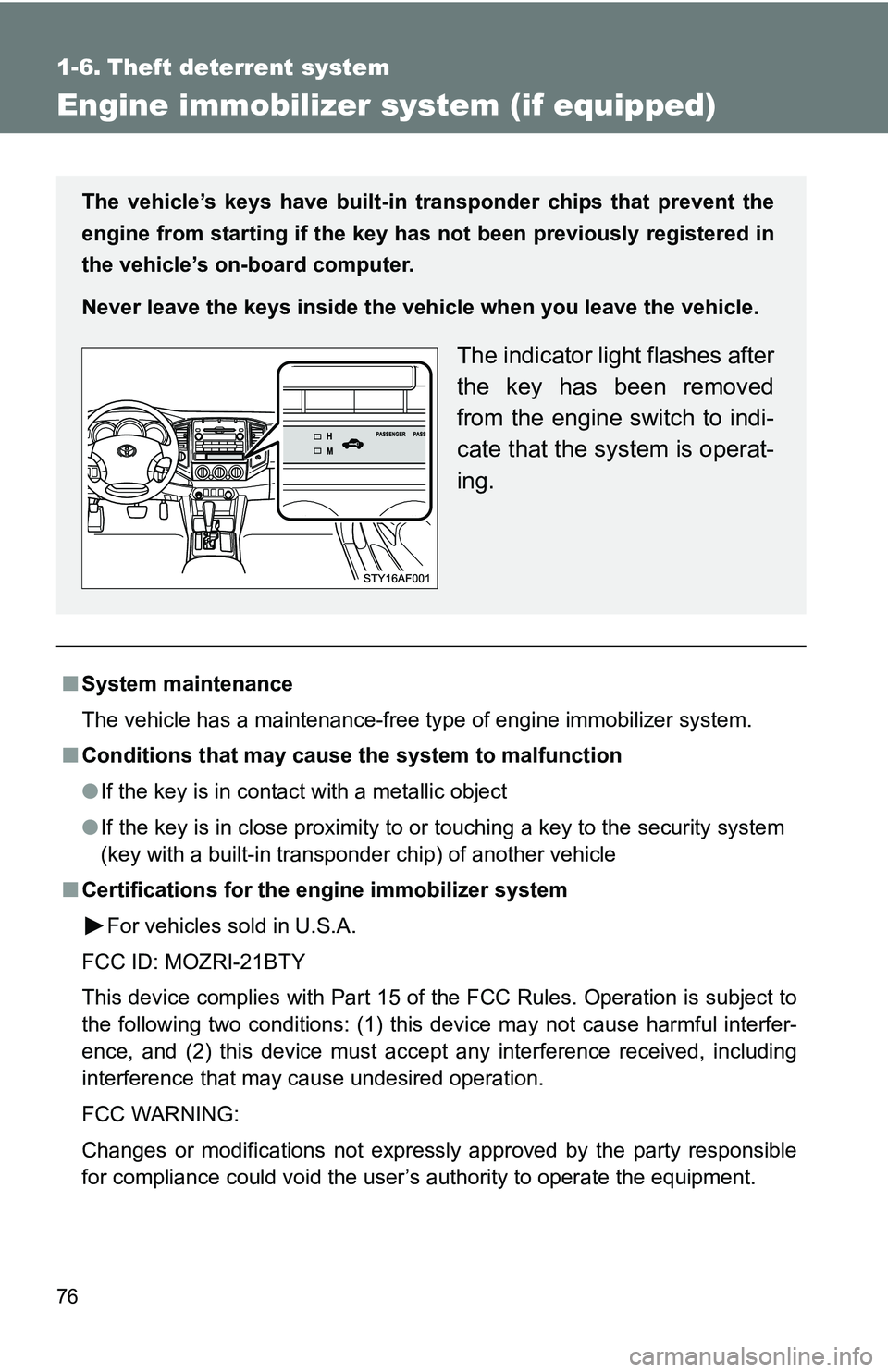
The vehicle’s keys have built-in tr ansponder chips that prevent the
engine from starting if the key has not been previously registered in
the vehicle’s on-board computer.
Never leave the keys inside the vehicle when you leave the vehicle.
The indicator light flashes after
the key has been removed
from the engine switch to indi-
cate that the system is operat-
ing.