engine TOYOTA VERSO 2017 Owner's Manual
[x] Cancel search | Manufacturer: TOYOTA, Model Year: 2017, Model line: VERSO, Model: TOYOTA VERSO 2017Pages: 668, PDF Size: 49.7 MB
Page 119 of 668
119
1
Before driving
VERSO_EE_OM64517E
1-5. Refueling
Opening the fuel tank cap
Perform the following steps to open the fuel tank cap.
■Before refueling the vehicle
● Vehicles without smart entry & start system
Turn the engine switch to the “LOCK” position and ensure that
all the doors and windows are closed.
● Vehicles with smart entry & start system
Turn the “ENGINE START STOP” switch off and ensure that
all the doors and windows are closed.
● Confirm the type of fuel. (P. 643)
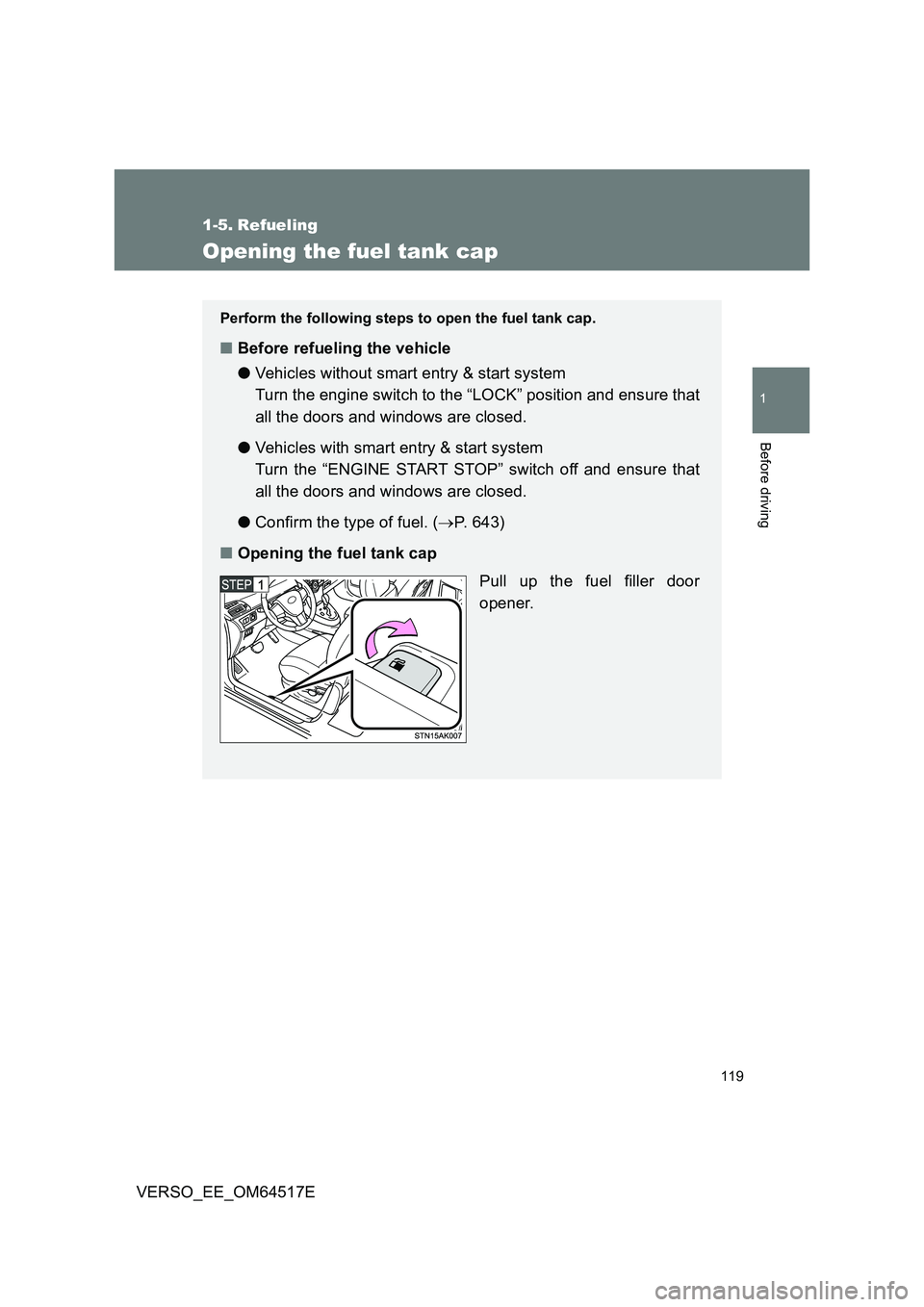
■ Opening the fuel tank cap
Pull up the fuel filler door
opener.
Page 121 of 668
121
1-5. Refueling
1
Before driving
VERSO_EE_OM64517E
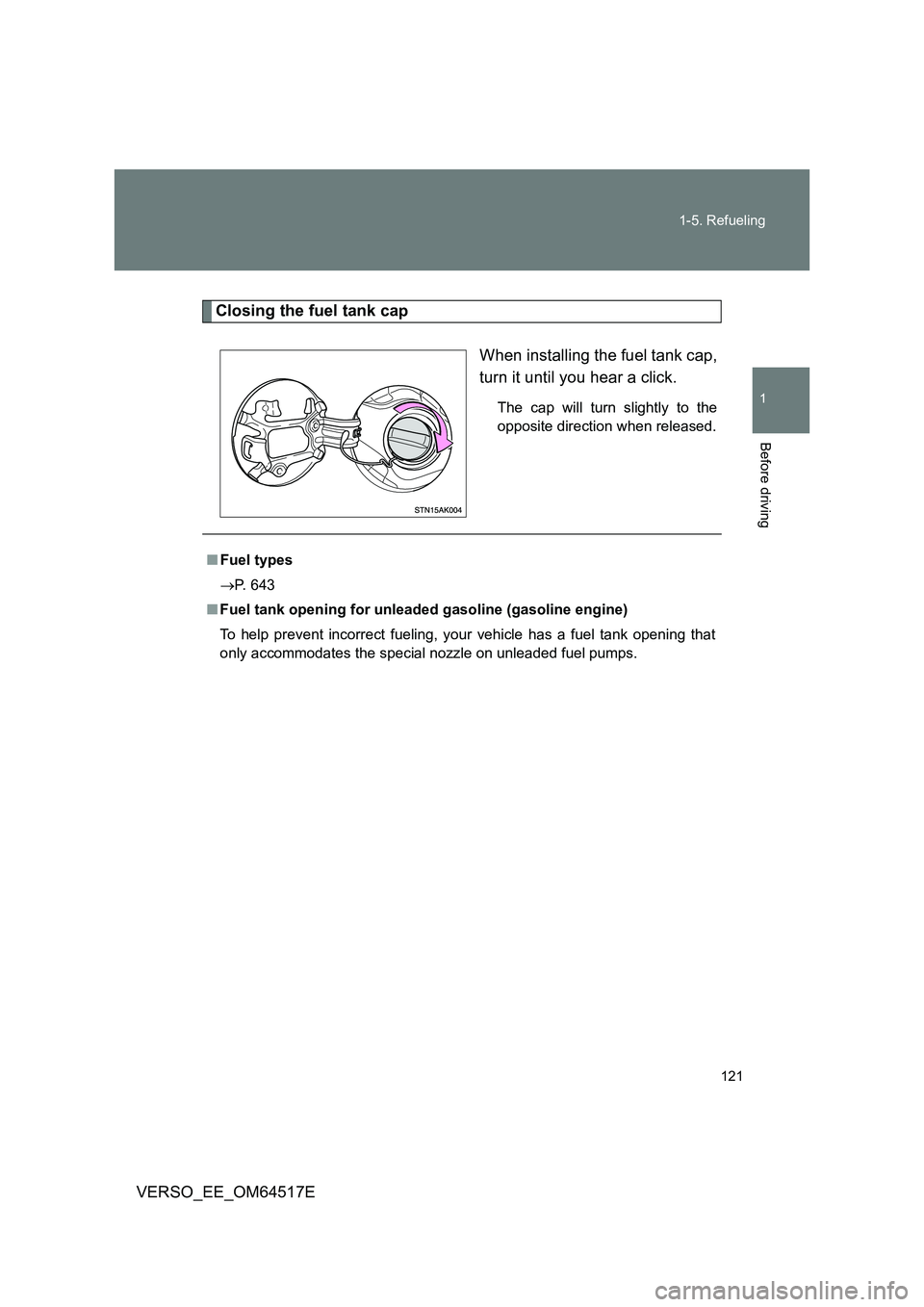
Closing the fuel tank cap
When installing the fuel tank cap,
turn it until you hear a click.
The cap will turn slightly to the
opposite direction when released.
■ Fuel types
P. 643
■ Fuel tank opening for unleaded gasoline (gasoline engine)
To help prevent incorrect fueling, your vehicle has a fuel tank opening that
only accommodates the special nozzle on unleaded fuel pumps.
Page 124 of 668

124
VERSO_EE_OM64517E
1-6. Theft deterrent system
Engine immobilizer system
The vehicle’s keys have built-in transponder chips that prevent the
engine from starting if the key h as not been previously registered in
the vehicle’s on-board computer.
Never leave the keys inside the vehicle when you leave the vehicle.
This system is designed to help prevent vehicle theft but does not
guarantee absolute security against all vehicle thefts.
Vehicles with manual air conditioning system
Vehicles without smart entry &
start system: The indicator
light flashes after the key has
been removed from the
engine switch to indicate that
the system is operating.
The indicator light stops flash-
ing after the registered key
has been inserted into the
engine switch to indicate that
the system has been can-
celed.
Vehicles with smart entry &
start system: The indicator
light flashes after the
“ENGINE START STOP”
switch has been turned off to
indicate that the system is
operating.
The indicator light stops flash-
ing after the “ENGINE START
STOP” switch has been turned
to ACCESSORY or IGNITION
ON mode to indicate that the
system has been canceled.
Page 125 of 668
125
1-6. Theft deterrent system
1
Before driving
VERSO_EE_OM64517E
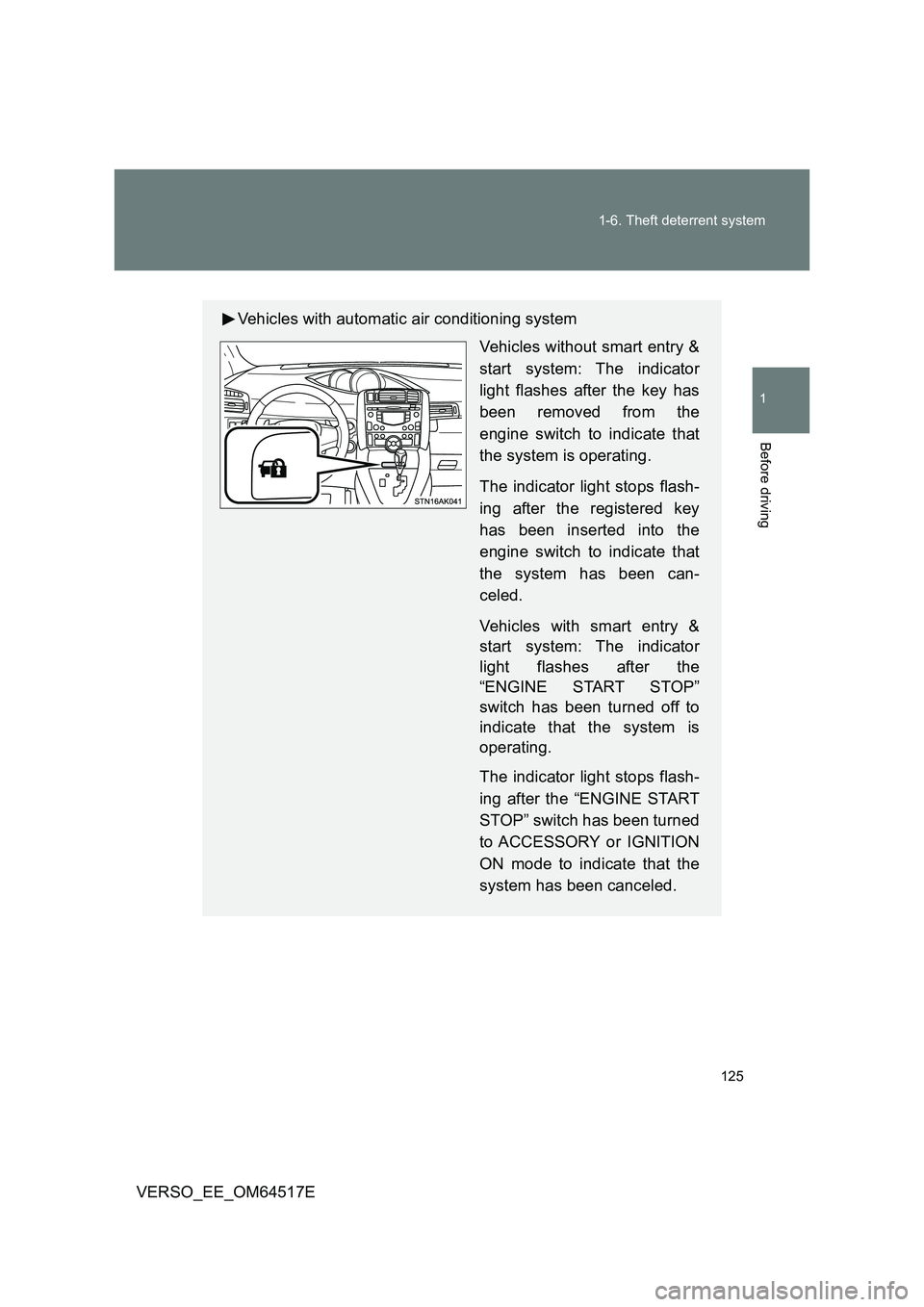
Vehicles with automatic air conditioning system
Vehicles without smart entry &
start system: The indicator
light flashes after the key has
been removed from the
engine switch to indicate that
the system is operating.
The indicator light stops flash-
ing after the registered key
has been inserted into the
engine switch to indicate that
the system has been can-
celed.
Vehicles with smart entry &
start system: The indicator
light flashes after the
“ENGINE START STOP”
switch has been turned off to
indicate that the system is
operating.
The indicator light stops flash-
ing after the “ENGINE START
STOP” switch has been turned
to ACCESSORY or IGNITION
ON mode to indicate that the
system has been canceled.
Page 126 of 668
126
1-6. Theft deterrent system
VERSO_EE_OM64517E
■ System maintenance
The vehicle has a maintenance-free type engine immobilizer system.
■ Conditions that may cause the system to malfunction
● If the grip portion of the key is in contact with a metallic object
● If the key is in close proximity to or touching a key to the security system
(key with a built-in transponder chip) of another vehicle
Page 127 of 668
127
1-6. Theft deterrent system
1
Before driving
VERSO_EE_OM64517E
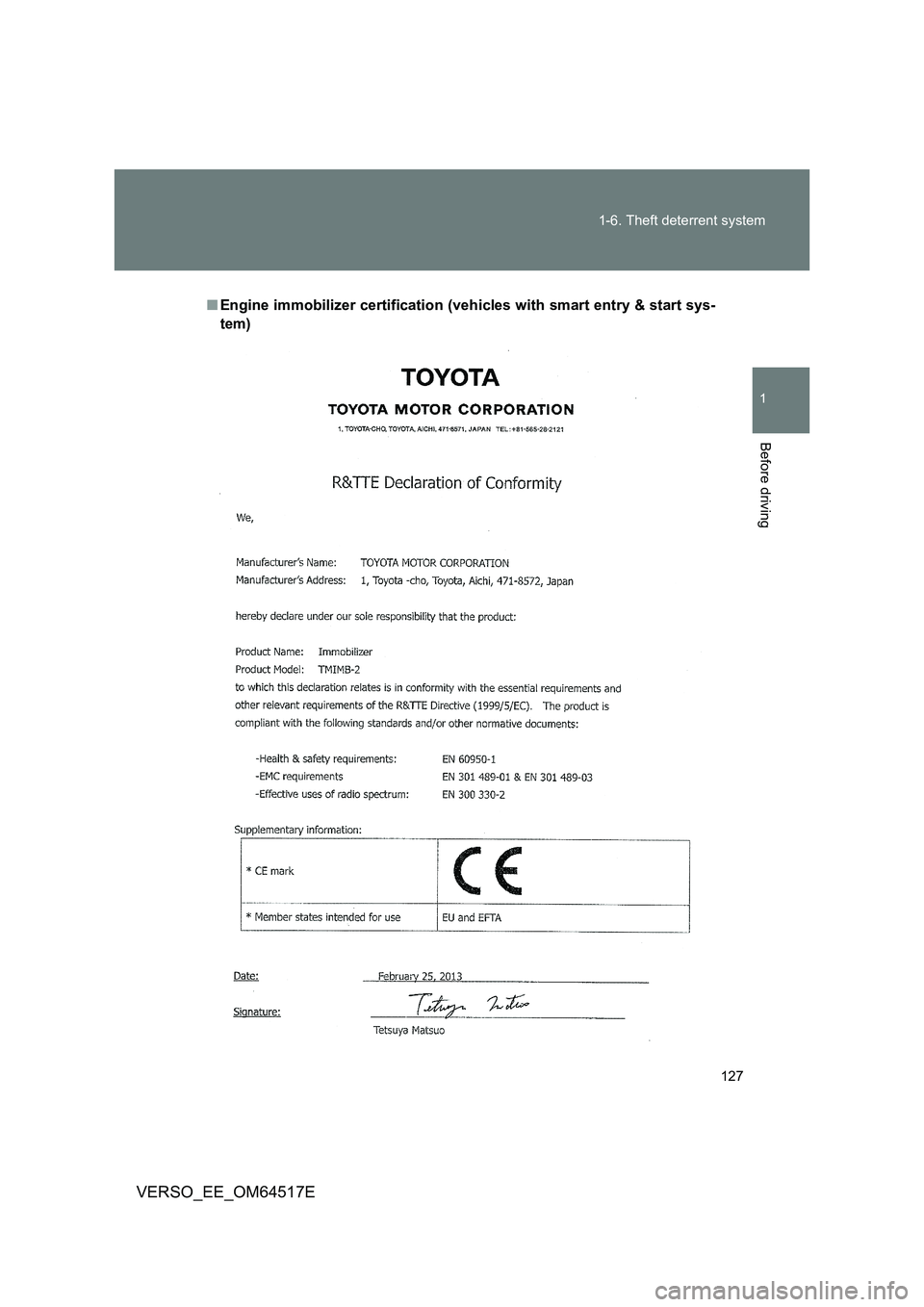
■ Engine immobilizer certification (vehicles with smart entry & start sys-
tem)
Page 131 of 668
131
1-6. Theft deterrent system
1
Before driving
VERSO_EE_OM64517E
■ Engine immobilizer certification (vehicles without smart entry & start
system)
The DECLARATION of CONFORMITY (DoC) is available at the following
address:
http://www.tokai-rika.co.jp/pc
Page 135 of 668
135
1
1-6. Theft deterrent system
Before driving
VERSO_EE_OM64517E
Double locking system
Setting the double locking system
Vehicles without smart entry & start system
Turn the engine switch to the “LOCK” position, have all the passen-
gers exit the vehicle and ensure that all the doors are closed.
Using the wireless remote control:
Press the button twice within 5 seconds.
Vehicles with smart entry & start system
Turn the “ENGINE START STOP” switch off, have all the passen-
gers exit the vehicle and ensure that all the doors are closed.
Using the smart entry & start system:
Touch the sensor area on the outside door handle twice within 5
seconds.
Using the wireless remote control:
Press the button twice within 5 seconds.
: If equipped
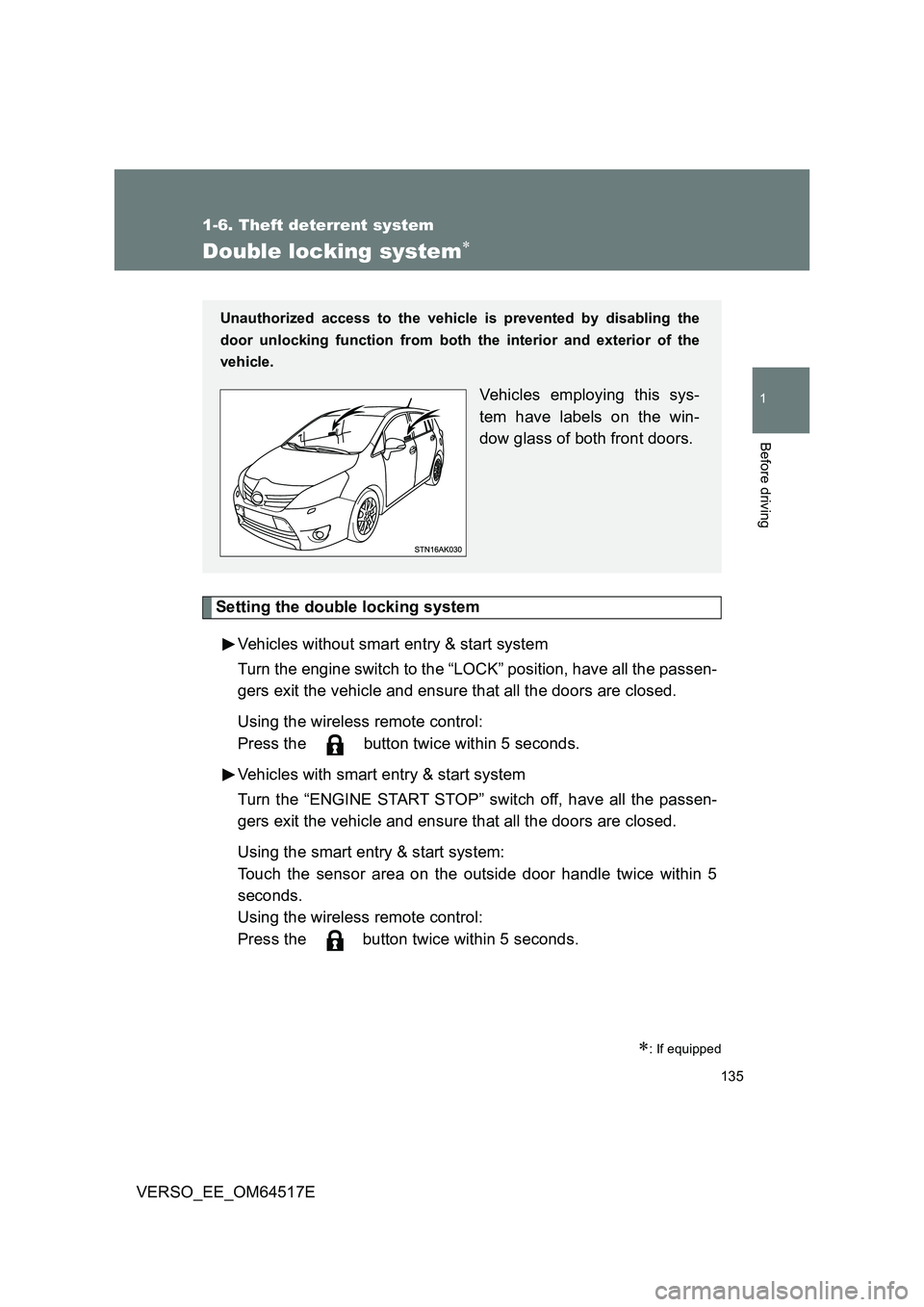
Unauthorized access to the vehicle is prevented by disabling the
door unlocking function from both the interior and exterior of the
vehicle.
Vehicles employing this sys-
tem have labels on the win-
dow glass of both front doors.
Page 139 of 668
139
1-6. Theft deterrent system
1
Before driving
VERSO_EE_OM64517E
Intrusion sensor (if equipped)
The intrusion sensor detects an intruder or movement in the vehicle.
The intrusion sensor can be canceled using the cancel switch.
This system is designed to deter and prevent vehicle theft but does
not guarantee absolute security against all intrusions.
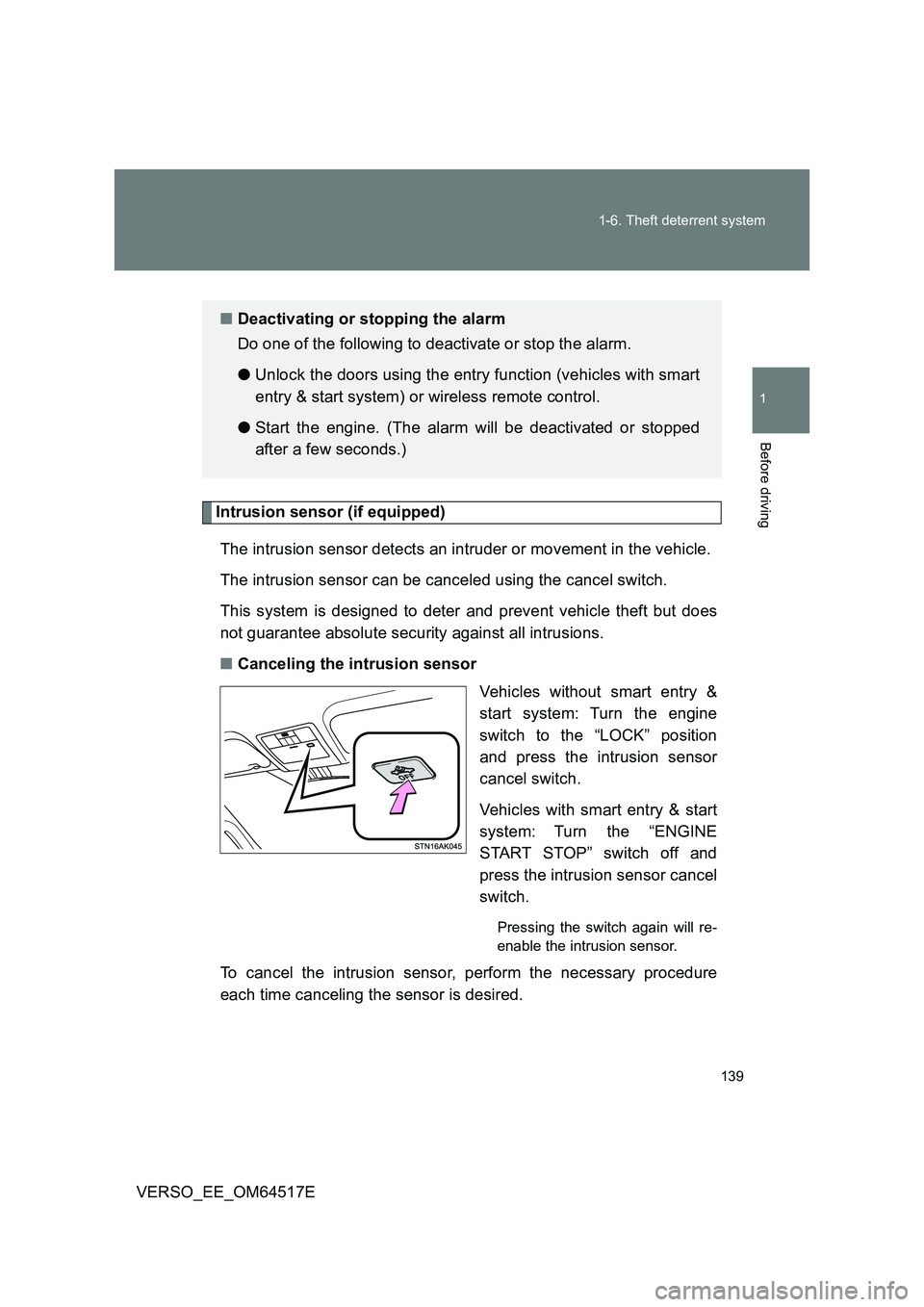
■ Canceling the intrusion sensor
Vehicles without smart entry &
start system: Turn the engine
switch to the “LOCK” position
and press the intrusion sensor
cancel switch.
Vehicles with smart entry & start
system: Turn the “ENGINE
START STOP” switch off and
press the intrusion sensor cancel
switch.
Pressing the switch again will re-
enable the intrusion sensor.
To cancel the intrusion sensor, perform the necessary procedure
each time canceling the sensor is desired.
■ Deactivating or stopping the alarm
Do one of the following to deactivate or stop the alarm.
● Unlock the doors using the entry function (vehicles with smart
entry & start system) or wireless remote control.
● Start the engine. (The alarm will be deactivated or stopped
after a few seconds.)
Page 141 of 668
141
1-6. Theft deterrent system
1
Before driving
VERSO_EE_OM64517E
■ When the battery is disconnected
Be sure to cancel the alarm system.
If the battery is discharged before canceling the alarm, the system may be
triggered when the battery is reconnected.
■ Alarm-operated door lock
In the following cases, depending on the situation, the door may automati-
cally lock to prevent improper entry into the vehicle:
● When a person remaining in the vehicle unlocks the door and the alarm
is activated.
● While the alarm is activated, a person remaining in the vehicle unlocks
the door.
● When recharging or replacing the battery.
■ Canceling and automatic re-enabling of the intrusion sensor
● The alarm will still be set even when the intrusion sensor is canceled.
● Vehicles without smart entry & start system: After the intrusion sensor is
canceled, turn the engine switch to the “ON” position or unlocking the
doors using the wireless remote control will re-enable the intrusion sen-
sor.
● Vehicles with smart entry & start system: After the intrusion sensor is
canceled, pressing the “ENGINE START STOP” switch or unlocking the
doors using the smart entry & start system or wireless remote control will
re-enable the intrusion sensor.
● When the alarm system is set again, the intrusion sensor will also be set.
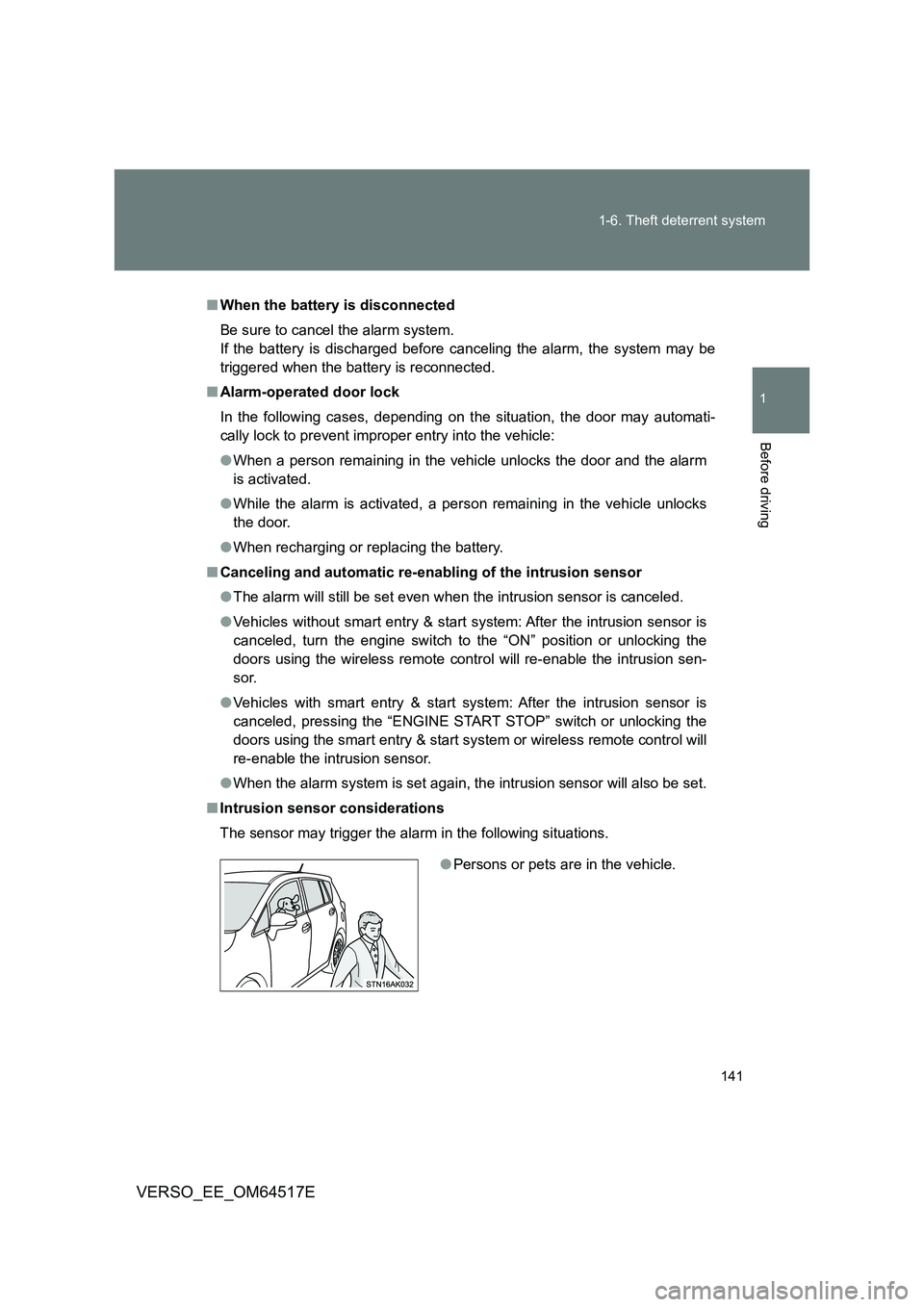
■ Intrusion sensor considerations
The sensor may trigger the alarm in the following situations.
● Persons or pets are in the vehicle.