lock TOYOTA VERSO 2017 Owner's Manual
[x] Cancel search | Manufacturer: TOYOTA, Model Year: 2017, Model line: VERSO, Model: TOYOTA VERSO 2017Pages: 668, PDF Size: 49.7 MB
Page 48 of 668
48
1-2. Opening, closing and locking the doors
VERSO_EE_OM64517E
● Do not leave the electronic key on top of the instrument panel or near the
door pockets when exiting the vehicle. Depending on the radio wave
reception conditions, it may be detected by the antenna outside the cabin
and the door will become lockable from the outside, possibly trapping the
electronic key inside the vehicle.
■ Special note for smart entry & start system
● When the electronic key is in the operating range, anyone can lock and
unlock the doors even without having the electronic key. However, the
unlocking operation will not be active at a door that has not detected the
electronic key.
● When the electronic key is in the operating range and the door handles
get soaked with water due to car washing or heavy rain, the doors may
be locked or unlocked. If the doors ar e unlocked, the doors will automati-
cally be locked again when no door operations occur in approximately 30
seconds.
● If the electronic key is inside or near the vehicle and if the doors are
locked using the wireless remote control, the doors may not be unlocked
with the smart entry & start system. In this case, unlock the doors using
the wireless remote control.
■ Note for door locking operation
● When touching a lock sensor to lock the doors while wearing gloves, the
response may be slow or the doors may not be locked. In this case,
touch the lock sensor without wearing a glove.
● When door handles get wet while washing the vehicle with the electronic
key on your person, the doors may be locked and unlocked repeatedly. In
this case, keep the electronic key 2 m (6 ft.) or more away from the vehi-
cle while washing (pay attention to key theft).
● When the electronic key is inside the vehicle and door handles get wet
due to a car wash, a warning message stating that the key is in the cabin
may appear on the multi-information display, interior and exterior alarms
may sound. In this case, lock the doors to stop the alarms.
Page 49 of 668
49
1-2. Opening, closing and locking the doors
1
Before driving
VERSO_EE_OM64517E
● A lock sensor covered with ice, snow or mud may not work properly. In
this case, remove the ice, snow or mud from the lock sensor surface and
then touch the sensor again, or unlock the doors using the lock sensor
located on the lower edge of the door handle.
● Fingernails may come into contact with a door when taking hold of a door
handle. Be careful not to damage the door surface or your fingernails.
■ Note for door unlocking operation
● The doors may not be unlocked when a door handle is operated quickly,
or if you suddenly enter the operating range of the exterior antenna and
operate a door handle. In this case, return the door handle to its original
position, unlock the doors again, and then check that the doors are
unlocked before pulling the door handle.
● When taking hold of a door handle while wearing gloves, the unlocking
response may become slow or the doors may not be unlocked.
● If there is another electronic key in the operating range, the response
time to unlock the doors after a door handle is taken hold of may become
longer.
■ When the vehicle is not driven for extended periods
● To prevent theft of the vehicle, do not leave the electronic key within 2 m
(6 ft.) of the vehicle.
● The smart entry & start system can be disabled. (P. 646)
■ Security feature
If a door is not opened within approximately 30 seconds after the vehicle is
unlocked, the security feature automatically locks the vehicle again.
Page 50 of 668
50
1-2. Opening, closing and locking the doors
VERSO_EE_OM64517E
■ Alarms and warning indicators
A combination of exterior and interior alarms as well as warnings displayed
on the multi-information display are used to prevent theft of the vehicle and
unforeseeable accidents resulting from erroneous operation. Take appropri-
ate measures in response to any warning indications on the multi-informa-
tion display. ( P. 551)
The following table describes circumstances and correction procedures
when only alarms are sounded.
■ Note for vehicle battery disconnection and reconnection
● When the doors are attempted to be unlocked by means of the smart
entry & start system just after the vehicle battery has been reconnected,
it may fail. In this case, use the wireless remote control or mechanical
key to unlock and lock the doors.
● The first engine start since the last time the vehicle battery was recon-
nected may fail. The engine will start from the second attempt, so it is not
a malfunction.
AlarmSituationCorrection procedure
Exterior alarm
sounds once for 5
seconds
Tried to lock the vehicle
using the entry function
while a door is open.
Close all of the doors
and lock the doors
again.
Interior alarm
pings continuously
Turned the “ENGINE
START STOP” switch to
ACCESSORY mode
while the driver’s door
is open. (Opened the
driver’s door when the
“ENGINE START
STOP” switch is in
ACCESSORY mode.)
Turn the “ENGINE
START STOP” switch
off and close the
driver’s door.
Turned the “ENGINE
START STOP” switch
off while the driver’s
door is open.
Close the driver’s door.
Page 51 of 668
51
1-2. Opening, closing and locking the doors
1
Before driving
VERSO_EE_OM64517E
● The status of the “ENGINE START STOP” switch remains stored in the
vehicle memory. Therefore, after the vehicle battery is reconnected, the
vehicle will return to the state before the battery was disconnected. When
the battery needs to be disconnected, turn the “ENGINE START STOP”
switch off before disconnecting the battery.
If the “ENGINE START STOP” switch status before the vehicle battery
was disconnected is unknown, pay due attention to the vehicle when the
battery is reconnected.
■ If the smart entry & start system does not operate properly
● Locking and unlocking the doors: Use the mechanical key. (P. 606)
● Starting the engine: P. 607
■ When the electronic key battery is fully depleted
P. 487
■ Customization that can be configured at any authorized Toyota dealer
or repairer, or another duly qua lified and equipped professional
Settings (e.g. smart entry & start system) can be deactivated.
(Customizable features P. 646)
For the information about the door locking/unlocking operations and the
engine start procedure when the smart entry & start system has been dis-
abled, refer to “If the electronic key does not work properly”. ( P. 606)
Page 52 of 668
52
1-2. Opening, closing and locking the doors
VERSO_EE_OM64517E
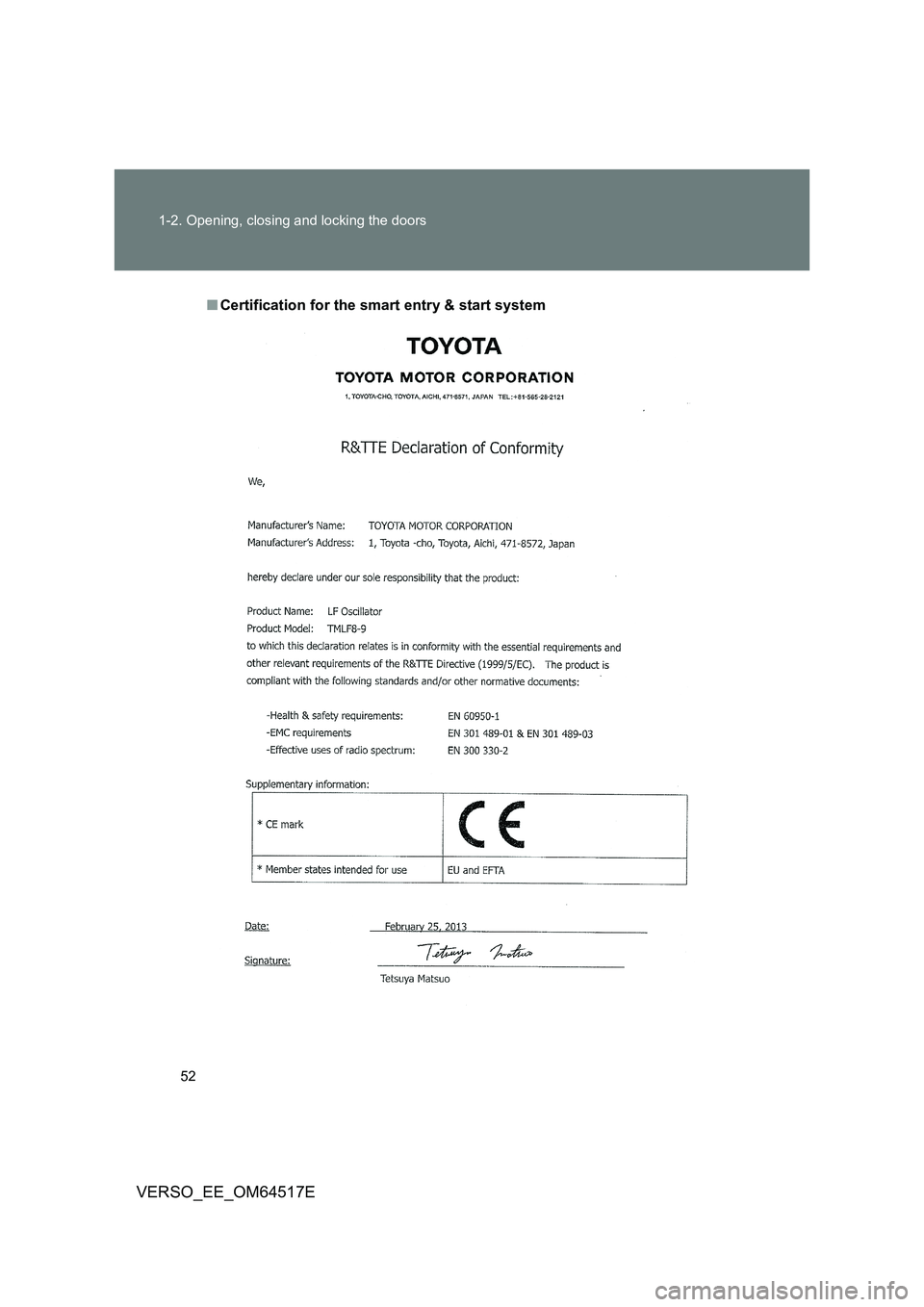
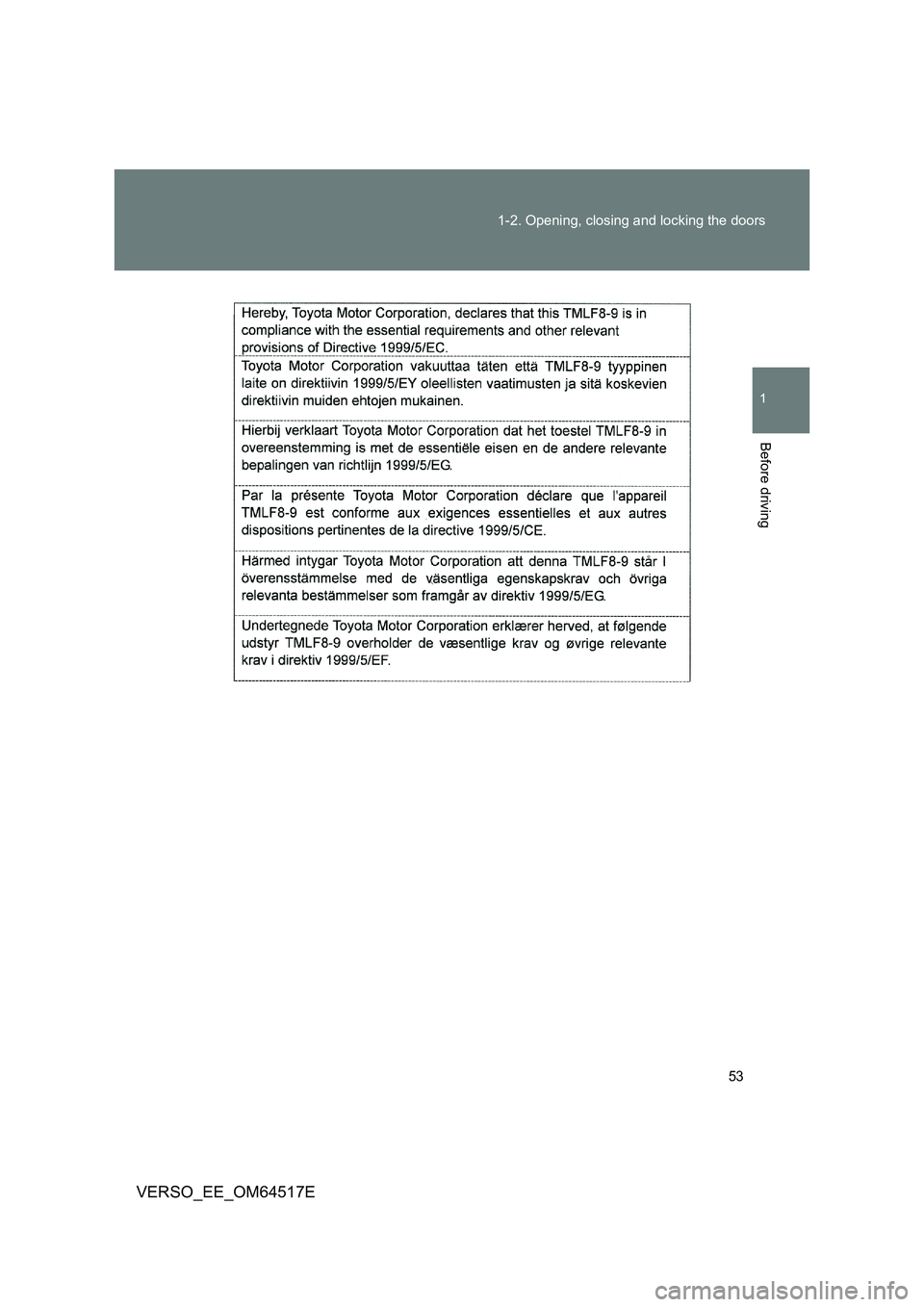
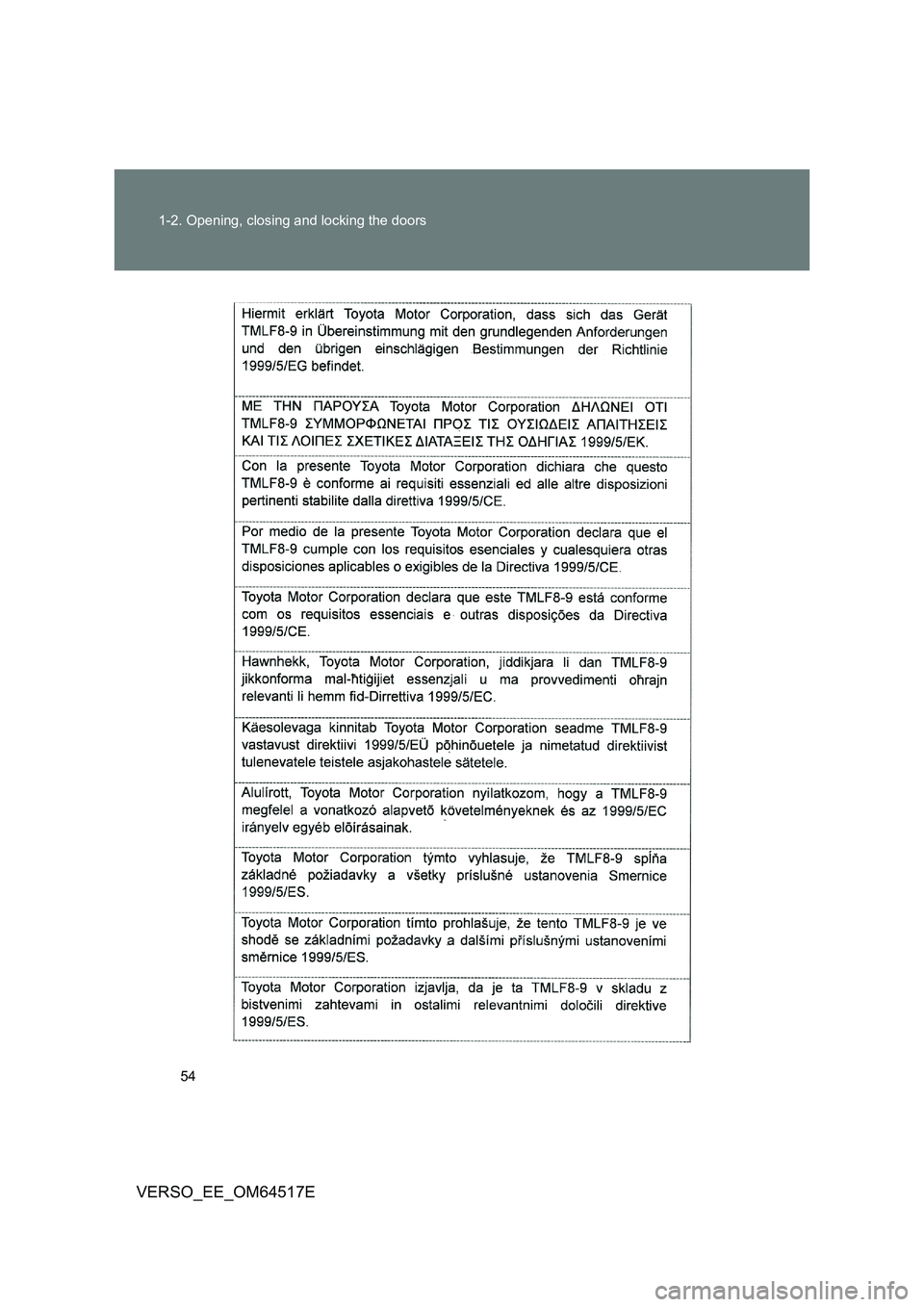
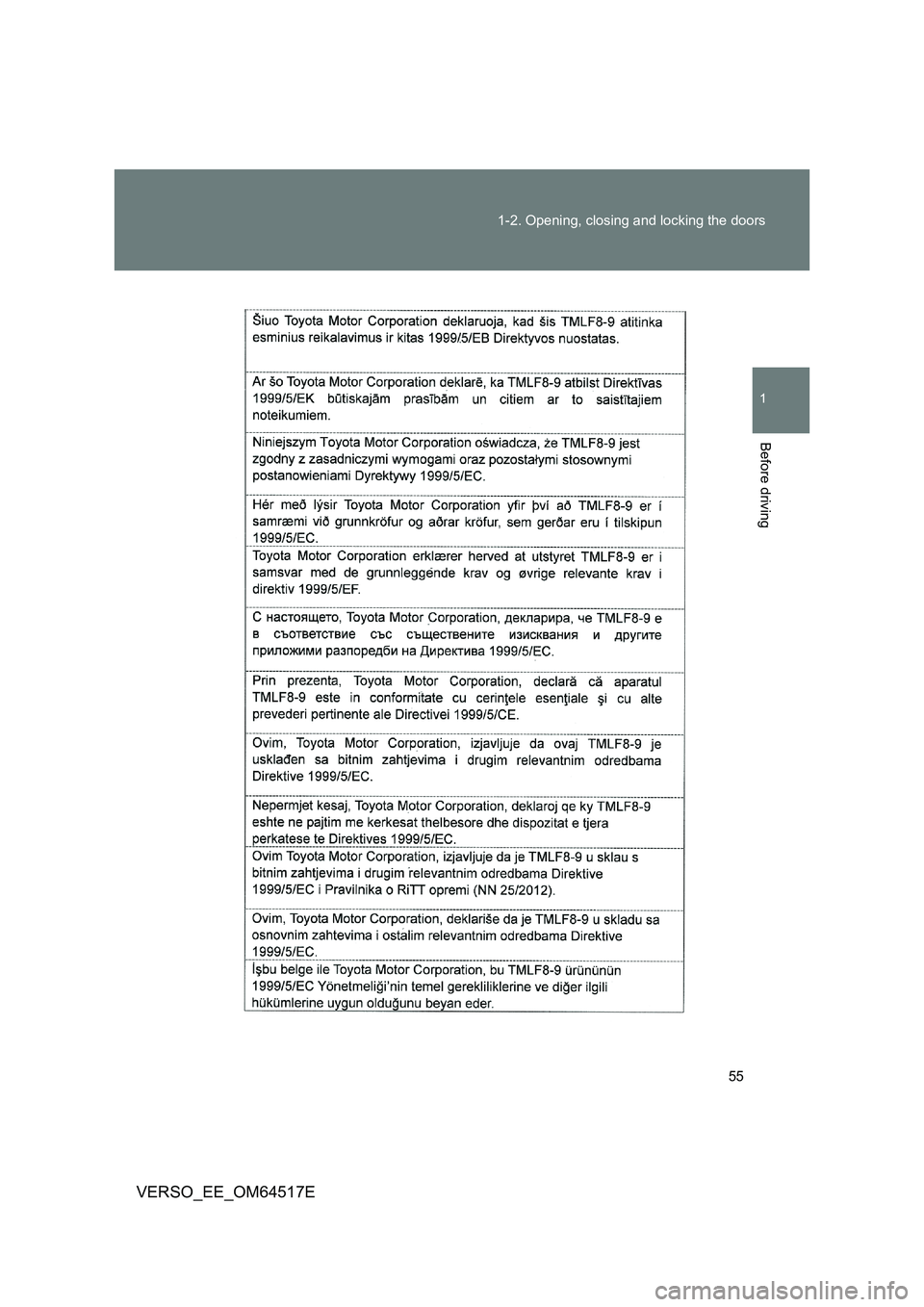
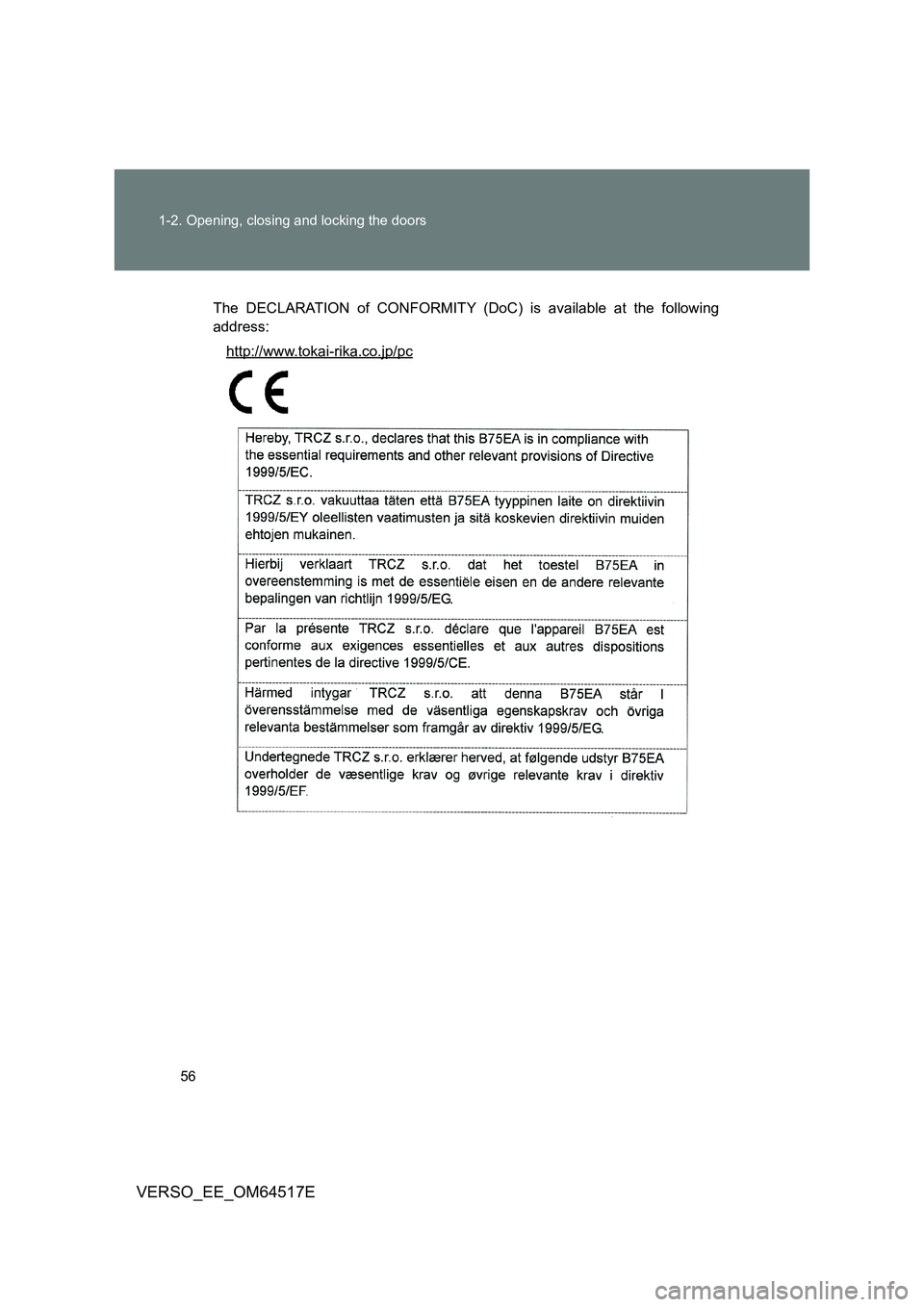
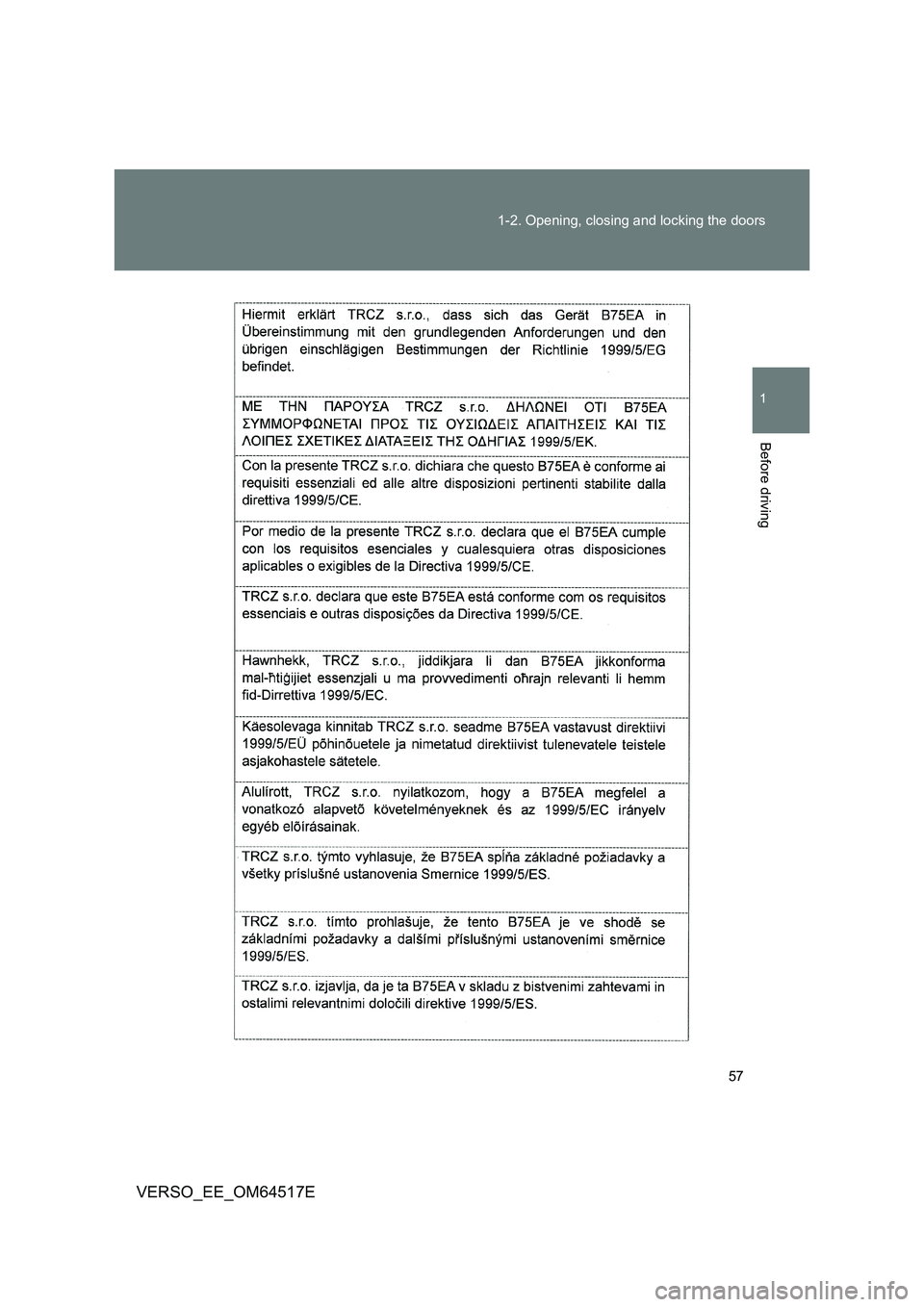
■ Certification for the smart entry & start system
Page 53 of 668
53
1-2. Opening, closing and locking the doors
1
Before driving
VERSO_EE_OM64517E
Page 54 of 668
54
1-2. Opening, closing and locking the doors
VERSO_EE_OM64517E
Page 55 of 668
55
1-2. Opening, closing and locking the doors
1
Before driving
VERSO_EE_OM64517E
Page 56 of 668
56
1-2. Opening, closing and locking the doors
VERSO_EE_OM64517E
The DECLARATION of CONFORMITY (DoC) is available at the following
address:
http://www.tokai-rika.co.jp/pc
Page 57 of 668
57
1-2. Opening, closing and locking the doors
1
Before driving
VERSO_EE_OM64517E