lock TOYOTA YARIS 2018 Workshop Manual
[x] Cancel search | Manufacturer: TOYOTA, Model Year: 2018, Model line: YARIS, Model: TOYOTA YARIS 2018Pages: 632, PDF Size: 44.1 MB
Page 168 of 632
1683-2. Opening, closing and locking the doors
YARIS_HV_OM_Europe_OM52J66E
■ Conditions affecting operation
The smart entry & start system uses weak radio waves. In the following situa-
tions, the communication between the electronic key and the vehicle may be
affected, preventing the smart entry & start system, wireless remote control
and immobilizer system from operating properly.
(Ways of coping: P. 573)
● When the electronic key battery is depleted
● Near a TV tower, electric power plant, gas station, radio station, large dis-
play, airport or other facility that generates strong radio waves or electrical
noise
● When carrying a portable radio, cellular phone, cordless phone or other
wireless communication device
● When the electronic key is in contact with, or is covered by the following
metallic objects
• Cards to which aluminum foil is attached
• Cigarette boxes that have aluminum foil inside
• Metallic wallets or bags
• Coins
• Hand warmers made of metal
• Media such as CDs and DVDs
● When other wireless keys (that emit radio waves) are being used nearby
● When carrying the electronic key together with the following devices that
emit radio waves
• Portable radio, cellular phone, cordless phone or other wireless commu-
nication device
• Another vehicle’s electronic key or a wireless key that emits radio waves
• Personal computers or pers onal digital assistants (PDAs)
• Digital audio players
• Portable game systems
● If window tint with a metallic content or metallic objects are attached to the
rear window
● When the electronic key is placed near a battery charger or electronic
devices
Page 169 of 632
1693-2. Opening, closing and locking the doors
3
Operation of each component
YARIS_HV_OM_Europe_OM52J66E
■ Notes for the entry function (vehicles with an entry function)
● Even when the electronic key is within the effective range (detection areas),
the system may not operate properly in the following case:
• The electronic key is too close to the window or outside door handle, near
the ground, or in a high place w hen the doors are locked or unlocked.
• The electronic key is near the ground or in a high place, or too close to
the rear bumper center when the back door is opened.
• The electronic key is on the instrument panel, luggage cover (if equipped)
or floor, or in the door pockets, glove box, accessory box of the instru-
ment panel, or in/near the front cup holder when the engine is started or
engine switch modes are changed.
● Do not leave the electronic key on top of the instrument panel or near the
door pockets when exiting the vehicle. Depending on the radio wave recep-
tion conditions, it may be detected by the antenna outside the cabin and the
door will become lockable from the out side, possibly trapping the electronic
key inside the vehicle.
● As long as the electronic key is within the effective range, the doors may be
locked or unlocked by anyone.
● Even if the electronic key is not inside the vehicle, it may be possible to start
the engine if the electronic key is near the window.
● The doors may unlock if a large amount of water splashes on the door han-
dle, such as in the rain or in a car wash when the electronic key is within the
effective range. (The door will automatically be locked after approximately
30 seconds if the doors are not opened and closed.)
● If the wireless remote control is used to lock the doors when the electronic
key is near the vehicle, there is a possibility that the door may not be
unlocked by the entry function. (Use the wireless remote control to unlock
the doors.)
● Touching the door lock or unlock sensor while wearing gloves may prevent
lock or unlock operation.
Page 170 of 632
1703-2. Opening, closing and locking the doors
YARIS_HV_OM_Europe_OM52J66E
● When the lock operation is performed using the lock sensor, recognition sig-
nals will be shown up to two consecutive times. After this, no recognition
signals will be given.
● If the door handle becomes wet while the electronic key is within the effec-
tive range, the door may lock and unlock repeatedly. In that case, follow the
following correction procedures to wash the vehicle:
• Place the electronic key in a location 2 m (6 ft.) or more away from the
vehicle. (Take care to ensure that the key is not stolen.)
● Vehicles with monochrome display: If the electronic key is inside the vehicle
and a door handle becomes wet during a car wash, a buzzer will sound out-
side the vehicle. To turn off the alarm, lock all the doors.
● Vehicles with color display: If the electronic key is inside the vehicle and a
door handle becomes wet during a car wash, a message may be shown on
the multi-information display and a buzzer will sound outside the vehicle. To
turn off the alarm, lock all the doors.
● The lock sensor may not work properly if it comes into contact with ice,
snow, mud, etc. Clean the lock sensor and attempt to operate it again.
● A sudden handle operation or a handle operation immediately after entering
the effective range may prevent the doors from being unlocked. Touch the
door unlock sensor and check that the doors are unlocked before pulling the
door handle again.
● If there is another electronic key in the detection area, it may take slightly
longer to unlock the doors after the door handle is gripped.
■ When the vehicle is not driven for extended periods
● To prevent theft of the vehicle, do not leave the electronic key within 2 m
(6 ft.) of the vehicle.
● The smart entry & start system can be deactivated in advance. (P. 603)
Page 171 of 632
1713-2. Opening, closing and locking the doors
3
Operation of each component
YARIS_HV_OM_Europe_OM52J66E
■ To operate the system properly
Make sure to carry the electronic key when operating the system. Do not get
the electronic key too close to the vehicle when operating the system from the
outside of the vehicle.
Depending on the position and holding condition of the electronic key, the key
may not be detected correctly and the system may not operate properly. (The
alarm may go off accidentally, or the door lock prevention function may not
operate.)
■ If the smart entry & start system does not operate properly
● Locking and unlocking the doors: Use the mechanical key. (P. 573)
● Starting the hybrid system: P. 574
■ Customization
Settings (e. g. smart entry & start system) can be changed.
(Customizable features: P. 603)
■ If the smart entry & start system has been deactivated in a customized
setting
● Locking and unlocking the doors:
Use the wireless remote control or mechanical key. ( P. 141, 573)
● Starting the hybrid system and changing power switch modes: P. 574
● Stopping the hybrid system: P. 222
Page 172 of 632
1723-2. Opening, closing and locking the doors
YARIS_HV_OM_Europe_OM52J66E
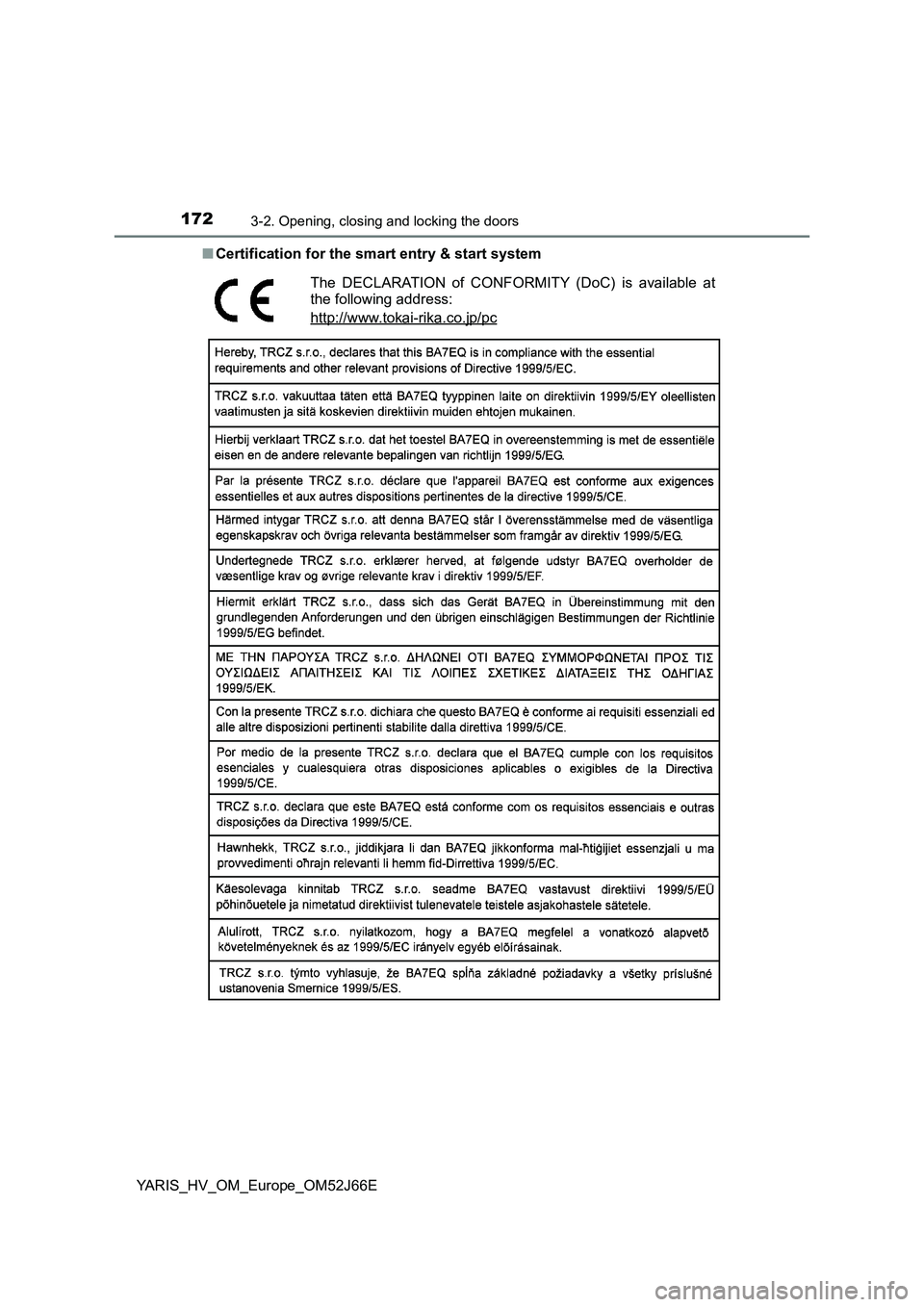
■ Certification for the smart entry & start system
The DECLARATION of CONFORMITY (DoC) is available at
the following address:
http://www.tokai-rika.co.jp/pc
Page 173 of 632
1733-2. Opening, closing and locking the doors
3
Operation of each component
YARIS_HV_OM_Europe_OM52J66E
Page 174 of 632
1743-2. Opening, closing and locking the doors
YARIS_HV_OM_Europe_OM52J66E
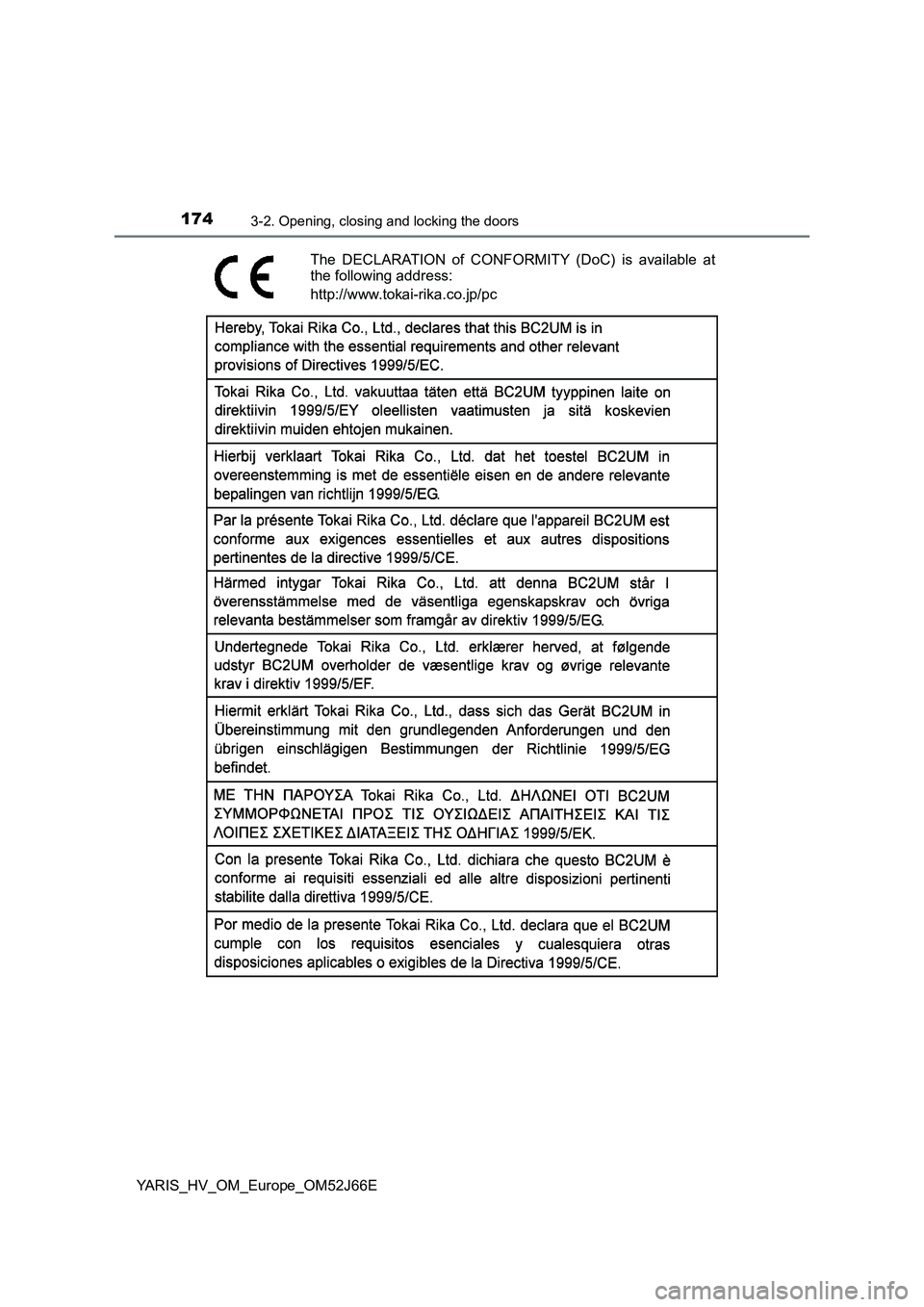
The DECLARATION of CONFORMITY (DoC) is available at
the following address:
http://www.tokai-rika.co.jp/pc
Page 175 of 632
1753-2. Opening, closing and locking the doors
3
Operation of each component
YARIS_HV_OM_Europe_OM52J66E
Page 176 of 632
1763-2. Opening, closing and locking the doors
YARIS_HV_OM_Europe_OM52J66E
Page 177 of 632
1773-2. Opening, closing and locking the doors
3
Operation of each component
YARIS_HV_OM_Europe_OM52J66E