maintenance TOYOTA YARIS 2022 Owners Manual
[x] Cancel search | Manufacturer: TOYOTA, Model Year: 2022, Model line: YARIS, Model: TOYOTA YARIS 2022Pages: 590, PDF Size: 128.6 MB
Page 3 of 590
1
6
5
4
3
2
7
8
HV Owner's Manual_Europe_M52N30_en
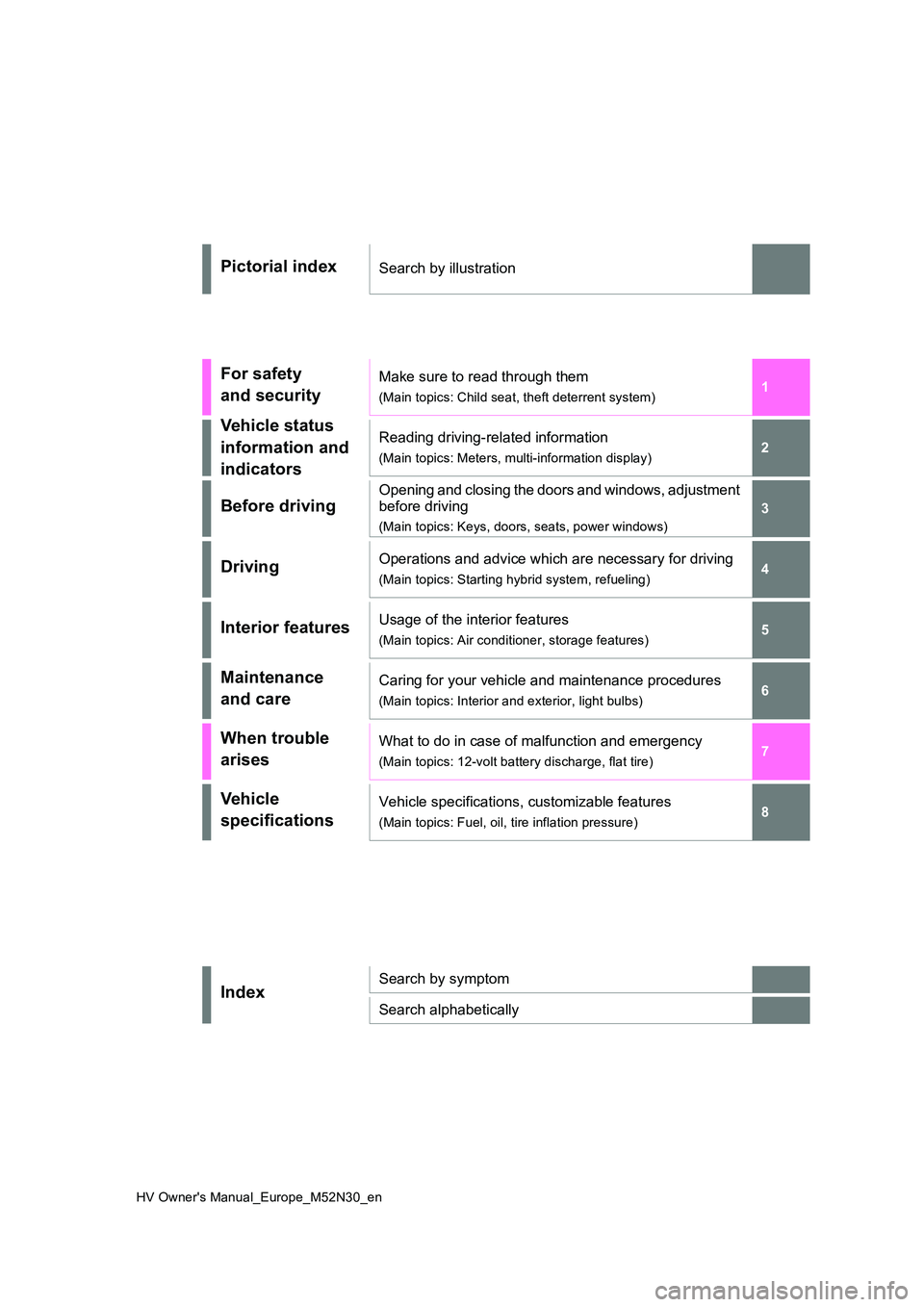
Pictorial indexSearch by illustration
For safety
and security
Make sure to read through them
(Main topics: Child seat, theft deterrent system)
Vehicle status
information and
indicators
Reading driving-related information
(Main topics: Meters, multi-information display)
Before driving
Opening and closing the doors and windows, adjustment
before driving
(Main topics: Keys, doors, seats, power windows)
DrivingOperations and advice which are necessary for driving
(Main topics: Starting hybrid system, refueling)
Interior featuresUsage of the interior features
(Main topics: Air conditioner, storage features)
Maintenance
and care
Caring for your vehicle and maintenance procedures
(Main topics: Interior and exterior, light bulbs)
When trouble
arises
What to do in case of malfunction and emergency
(Main topics: 12-volt battery discharge, flat tire)
Vehicle
specifications
Vehicle specifications, customizable features
(Main topics: Fuel, oil, tire inflation pressure)
IndexSearch by symptom
Search alphabetically
Page 6 of 590
4
HV Owner's Manual_Europe_M52N30_en
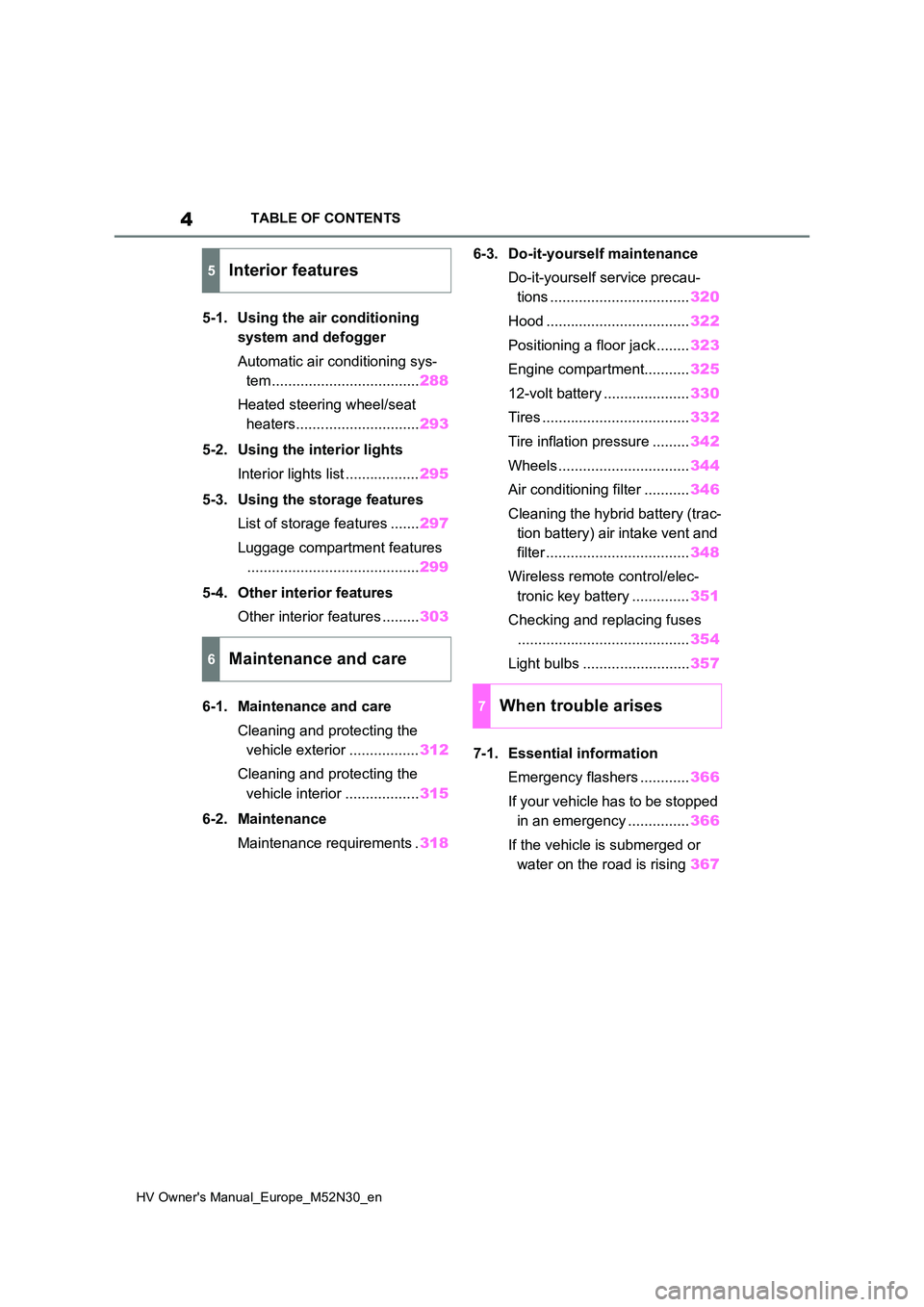
TABLE OF CONTENTS
5-1. Using the air conditioning
system and defogger
Automatic air conditioning sys-
tem .................................... 288
Heated steering wheel/seat
heaters.............................. 293
5-2. Using the interior lights
Interior lights list .................. 295
5-3. Using the storage features
List of storage features ....... 297
Luggage compartment features
.......................................... 299
5-4. Other interior features
Other interior features ......... 303
6-1. Maintenance and care
Cleaning and protecting the
vehicle exterior ................. 312
Cleaning and protecting the
vehicle interior .................. 315
6-2. Maintenance
Maintenance requirements . 318
6-3. Do-it-yourself maintenance
Do-it-yourself service precau-
tions .................................. 320
Hood ................................... 322
Positioning a floor jack ........ 323
Engine compartment........... 325
12-volt battery ..................... 330
Tires .................................... 332
Tire inflation pressure ......... 342
Wheels ................................ 344
Air conditioning filter ........... 346
Cleaning the hybrid battery (trac-
tion battery) air intake vent and
filter ................................... 348
Wireless remote control/elec-
tronic key battery .............. 351
Checking and replacing fuses
.......................................... 354
Light bulbs .......................... 357
7-1. Essential information
Emergency flashers ............ 366
If your vehicle has to be stopped
in an emergency ............... 366
If the vehicle is submerged or
water on the road is rising 367
5Interior features
6Maintenance and care
7When trouble arises
Page 7 of 590
5
HV Owner's Manual_Europe_M52N30_en
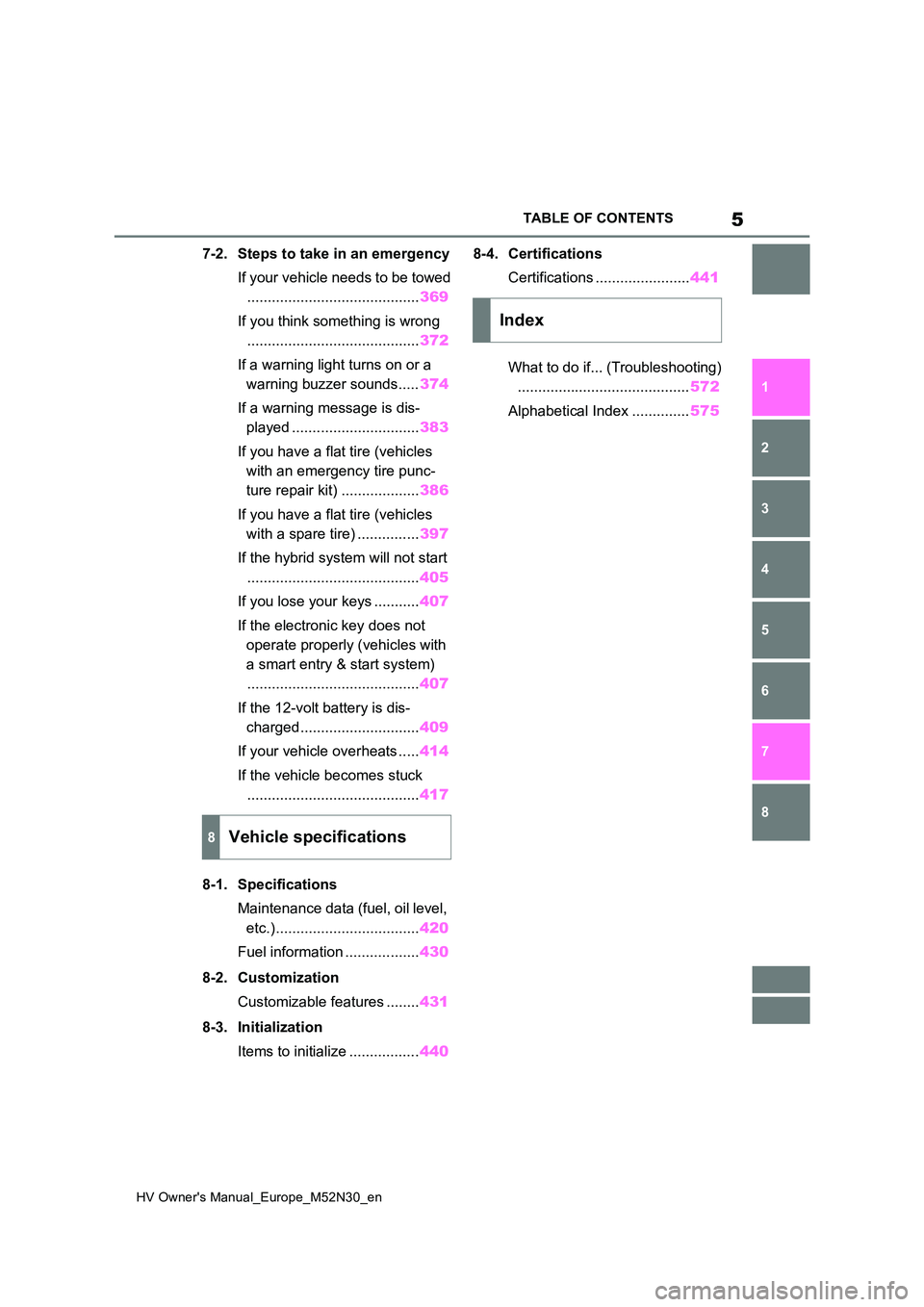
TABLE OF CONTENTS
1
6
5
4
3
2
8
7
7-2. Steps to take in an emergency
If your vehicle needs to be towed
.......................................... 369
If you think something is wrong
.......................................... 372
If a warning light turns on or a
warning buzzer sounds..... 374
If a warning message is dis-
played ............................... 383
If you have a flat tire (vehicles
with an emergency tire punc-
ture repair kit) ................... 386
If you have a flat tire (vehicles
with a spare tire) ............... 397
If the hybrid system will not start
.......................................... 405
If you lose your keys ........... 407
If the electronic key does not
operate properly (vehicles with
a smart entry & start system)
.......................................... 407
If the 12-volt battery is dis-
charged............................. 409
If your vehicle overheats ..... 414
If the vehicle becomes stuck
.......................................... 417
8-1. Specifications
Maintenance data (fuel, oil level,
etc.)................................... 420
Fuel information .................. 430
8-2. Customization
Customizable features ........ 431
8-3. Initialization
Items to initialize ................. 440
8-4. Certifications
Certifications ....................... 441
What to do if... (Troubleshooting)
.......................................... 572
Alphabetical Index .............. 575
8Vehicle specifications
Index
Page 70 of 590
68
HV Owner's Manual_Europe_M52N30_en
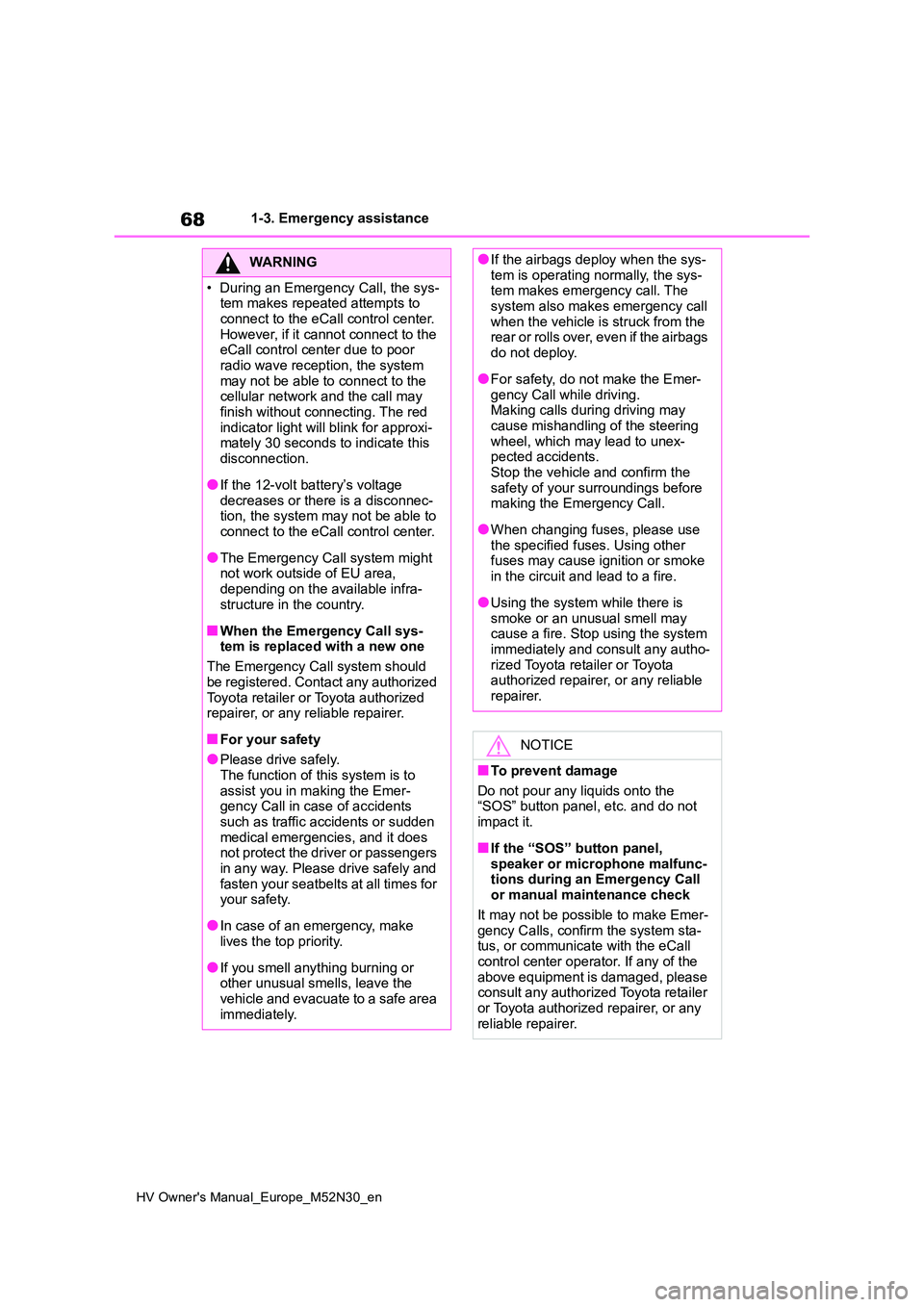
1-3. Emergency assistance
WARNING
• During an Emergency Call, the sys- tem makes repeated attempts to
connect to the eCall control center. However, if it cannot connect to the eCall control center due to poor
radio wave reception, the system may not be able to connect to the cellular network and the call may
finish without connecting. The red indicator light will blink for approxi-mately 30 seconds to indicate this
disconnection.
●If the 12-volt battery’s voltage
decreases or there is a disconnec- tion, the system may not be able to connect to the eCall control center.
●The Emergency Call system might not work outside of EU area,
depending on the available infra- structure in the country.
■When the Emergency Call sys-tem is replaced with a new one
The Emergency Call system should
be registered. Contact any authorized Toyota retailer or Toyota authorized repairer, or any reliable repairer.
■For your safety
●Please drive safely.
The function of this system is to assist you in making the Emer-gency Call in case of accidents
such as traffic accidents or sudden medical emergencies, and it does not protect the driver or passengers
in any way. Please drive safely and fasten your seatbelts at all times for your safety.
●In case of an emergency, make lives the top priority.
●If you smell anything burning or other unusual smells, leave the
vehicle and evacuate to a safe area immediately.
●If the airbags deploy when the sys-tem is operating normally, the sys-tem makes emergency call. The
system also makes emergency call when the vehicle is struck from the r e a r o r r ol l s ov er, ev e n i f t h e a ir b a gs
do not deploy.
●For safety, do not make the Emer-
gency Call while driving. Making calls during driving may cause mishandling of the steering
wheel, which may lead to unex- pected accidents.Stop the vehicle and confirm the
safety of your surroundings before making the Emergency Call.
●When changing fuses, please use the specified fuses. Using other fuses may cause ignition or smoke
in the circuit and lead to a fire.
●Using the system while there is
smoke or an unusual smell may cause a fire. Stop using the system immediately and consult any autho-
rized Toyota retailer or Toyota authorized repairer, or any reliable repairer.
NOTICE
■To prevent damage
Do not pour any liquids onto the “SOS” button panel, etc. and do not
impact it.
■If the “SOS” button panel,
speaker or microphone malfunc- tions during an Emergency Call or manual maintenance check
It may not be possible to make Emer- gency Calls, confirm the system sta-tus, or communicate with the eCall
control center operator. If any of the above equipment is damaged, please consult any authorized Toyota retailer
or Toyota authorized repairer, or any reliable repairer.
Page 80 of 590
78
HV Owner's Manual_Europe_M52N30_en
1-4. Hybrid system
■Charging the 12-volt battery
P. 4 1 1
■After the 12-volt battery has dis- charged or when the terminal has been removed and installed during
exchange, etc.
The gasoline engine may not stop even if the vehicle is being driven by the
hybrid battery (traction battery). If this continues for a few days, contact any authorized Toyota retailer or Toyota
authorized repairer, or any reliable repairer.
■Sounds and vibrations specific to a hybrid vehicle
There may be no engine sound or vibra- tion even though the vehicle is able to move with the “READY” indicator is illu-
minated. For safety, apply the parking brake and make sure to shift the shift lever to P when parked.
The following sounds or vibrations may occur when the hybrid system is operat-ing and are not a malfunction:
●Motor sounds may be heard from the engine compartment.
●Sounds may be heard from the hybrid battery (traction battery) under the
rear seats when the hybrid system starts or stops.
●Relay operating sounds such as a snap or soft clank will be emitted from the hybrid battery (traction battery),
under the rear seats, when the hybrid system is started or stopped.
●Sounds from the hybrid system may be heard when the back door is open.
●Sounds may be heard from the trans-mission when the gasoline engine starts or stops, when driving at low
speeds, or during idling.
●Engine sounds may be heard when
accelerating sharply.
●Sounds may be heard due to regener-
ative braking when the brake pedal is depressed or as the accelerator pedal is released.
●Vibration may be felt when the gaso-
line engine starts or stops.
●Cooling fan sounds may be heard
from the air intake vent on the side of the lower part of the rear left seat.
■Maintenance, repair, recycling, and disposal
Contact any authorized Toyota retailer or Toyota authorized repairer, or any reli-able repairer regarding maintenance,
repair, recycling and disposal. Do not dispose of the vehicle yourself.
■Customization
Some functions can be customized.
( P.431)
When the gasoline engine is off
while driving, a sound is produced
to warn pedestrians, people riding
bicycles or other people and vehi-
cles in the surrounding area that
the vehicle is approaching. The
pitch of the sound adjusts accord-
ing to vehicle speed. When vehicle
speed is approximately 25 km/h (16
mph) or more, the warning system
turns off.
■Acoustic vehicle alerting system
In the following cases, the acoustic vehi- cle alerting system sound may be diffi-
cult for pedestrians, people riding bicycles or other people and vehicles in the surrounding area to hear:
●When there is a lot of noise in the vicinity
●When it is raining or during strong winds
●When in the area surrounding the rear of the vehicle, rather than in front of
the vehicle
Acoustic vehicle alerting
system
Page 86 of 590
84
HV Owner's Manual_Europe_M52N30_en
1-5. Theft deterrent system
1-5.Theft de terre nt sys te m
Vehicles without a smart entry &
start system
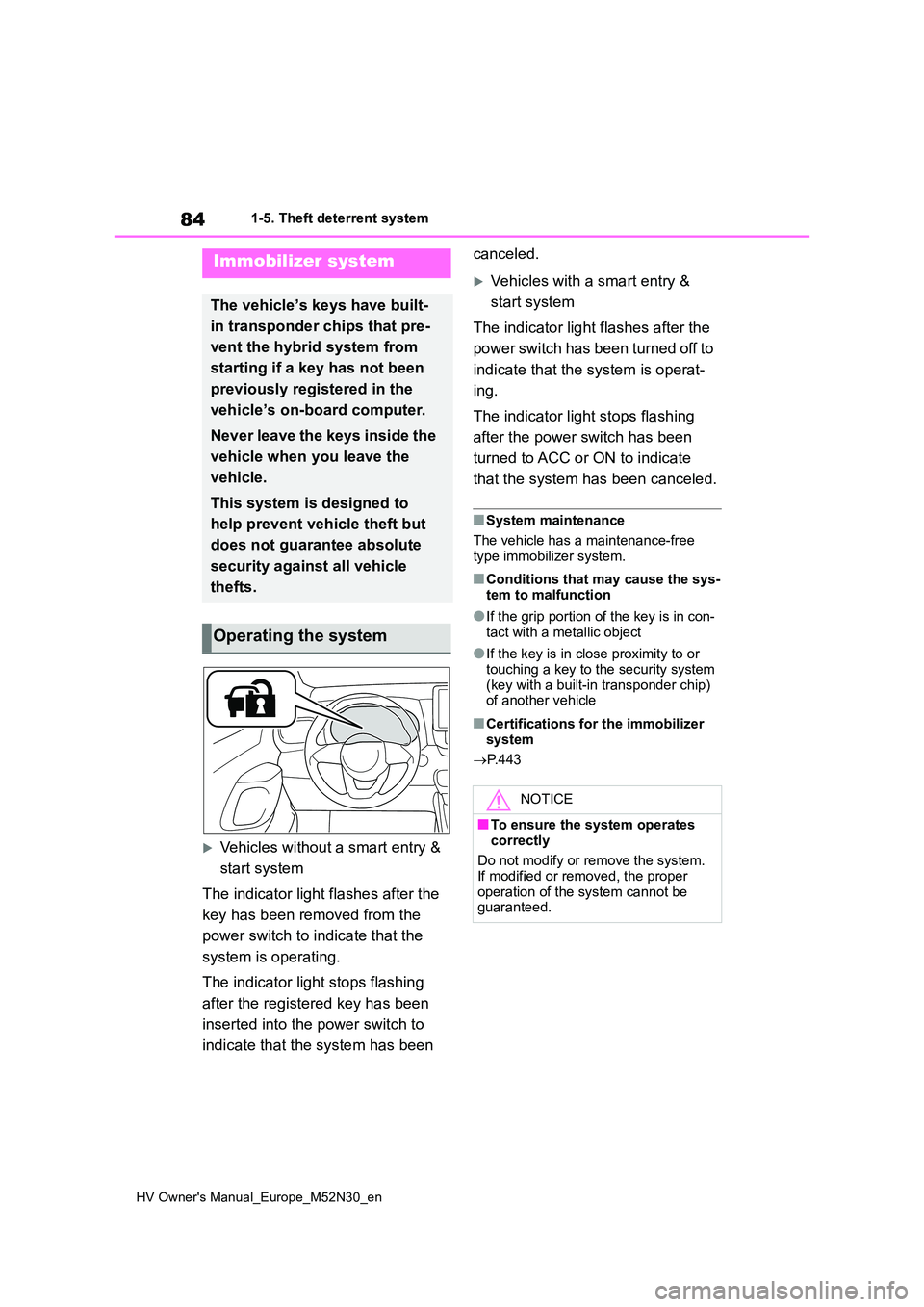
The indicator light flashes after the
key has been removed from the
power switch to indicate that the
system is operating.
The indicator light stops flashing
after the registered key has been
inserted into the power switch to
indicate that the system has been
canceled.
Vehicles with a smart entry &
start system
The indicator light flashes after the
power switch has been turned off to
indicate that the system is operat-
ing.
The indicator light stops flashing
after the power switch has been
turned to ACC or ON to indicate
that the system has been canceled.
■System maintenance
The vehicle has a maintenance-free type immobilizer system.
■Conditions that may cause the sys-
tem to malfunction
●If the grip portion of the key is in con-
tact with a metallic object
●If the key is in close proximity to or
touching a key to the security system (key with a built-in transponder chip) of another vehicle
■Certifications for the immobilizer
system
P. 4 4 3
Immobilizer system
The vehicle’s keys have built-
in transponder chips that pre-
vent the hybrid system from
starting if a key has not been
previously registered in the
vehicle’s on-board computer.
Never leave the keys inside the
vehicle when you leave the
vehicle.
This system is designed to
help prevent vehicle theft but
does not guarantee absolute
security against all vehicle
thefts.
Operating the system
NOTICE
■To ensure the system operates
correctly
Do not modify or remove the system. If modified or removed, the proper
operation of the system cannot be guaranteed.
Page 88 of 590
86
HV Owner's Manual_Europe_M52N30_en
1-5. Theft deterrent system
*: If equipped
■Items to check before locking
the vehicle
To prevent unexpected triggering of
the alarm and vehicle theft, make
sure of the following:
Nobody is in the vehicle.
The windows are closed before
the alarm is set.
No valuables or other personal
items are left in the vehicle.
■Setting
Close the door and hood, and lock
all the doors using the entry func-
tion (if equipped) or wireless
remote control. The system will set
automatically after 30 seconds.
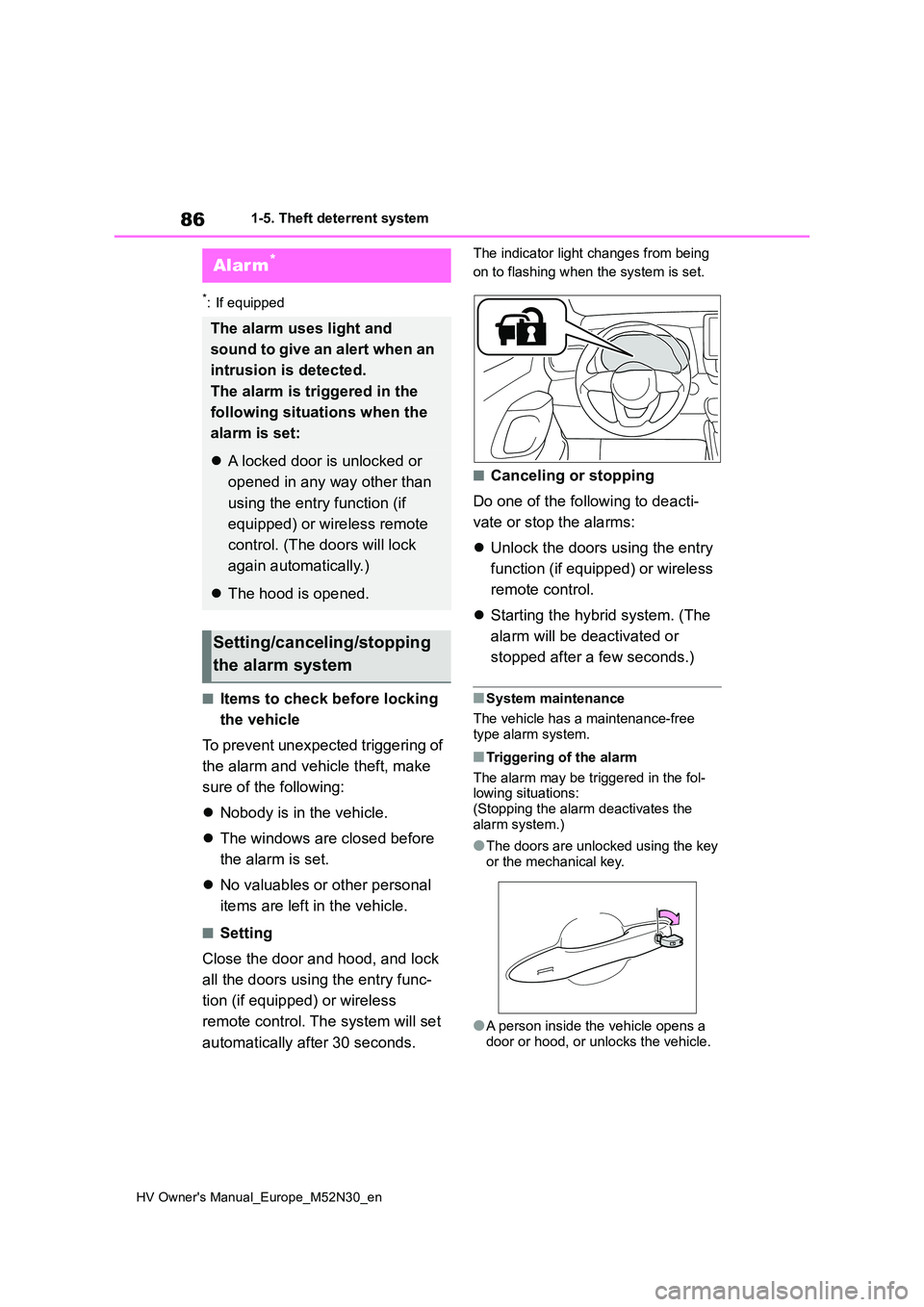
The indicator light changes from being
on to flashing when the system is set.
■Canceling or stopping
Do one of the following to deacti-
vate or stop the alarms:
Unlock the doors using the entry
function (if equipped) or wireless
remote control.
Starting the hybrid system. (The
alarm will be deactivated or
stopped after a few seconds.)
■System maintenance
The vehicle has a maintenance-free type alarm system.
■Triggering of the alarm
The alarm may be triggered in the fol- lowing situations: (Stopping the alarm deactivates the
alarm system.)
●The doors are unlocked using the key
or the mechanical key.
●A person inside the vehicle opens a
door or hood, or unlocks the vehicle.
Alarm*
The alarm uses light and
sound to give an alert when an
intrusion is detected.
The alarm is triggered in the
following situations when the
alarm is set:
A locked door is unlocked or
opened in any way other than
using the entry function (if
equipped) or wireless remote
control. (The doors will lock
again automatically.)
The hood is opened.
Setting/canceling/stopping
the alarm system
Page 99 of 590
97
2
HV Owner's Manual_Europe_M52N30_en
2-1. Instrument cluster
Vehicle status information and indicators
■Display items
Odometer
Displays the total distance the vehicle
has been driven.
Trip meter A/Trip meter B
Displays the distance the vehicle has
been driven since the meter was last
reset. Trip meters A and B can be used
to record and display different distances
independently.
To reset, display the desired trip meter
and press and hold the display change
button.
Distance until next engine oil
change
Displays the distance the vehicle can
be driven until an oil change is neces-
sary.
The distance until the next engine oil
change will also be displayed in the fol-
lowing situations:
• When the power switch is turned to
ON.
• When a warning message indicating
that oil maintenance should be per-
formed soon or is required is dis-
played.
• Resetting: P. 3 2 7
■Adjusting the minute to “00”
1 Press or to select of
the multi-information display.
2 Press or to select “Clock
: 00”.
Press the to set the clock to the
beginning of the nearest hour.
e.g.
1:00 to 1:29 1:00
1:30 to 1:59 2:00
■Changing the clock
1 Press or to select of
the multi-information display.
2 Press or to select “Clock
: 00”.
3 Press and hold the .
4 Press or to select an
item to be changed.
5 Press or to change the
setting.
The following can be changed:
12-hour/24-hour format
Hour
Minute
The clocks on the following can be
adjusted on the multimedia system
screen.
Multi-information display
Multimedia system screen
For details, refer to “Navigation and
multimedia system Owner’s man-
Adjusting the clock (vehi-
cles without 7-inch/8-inch
display multimedia system)
Adjusting the clock (vehi-
cles with 7-inch/8-inch dis-
play multimedia system)
Page 104 of 590
102
HV Owner's Manual_Europe_M52N30_en
2-1. Instrument cluster
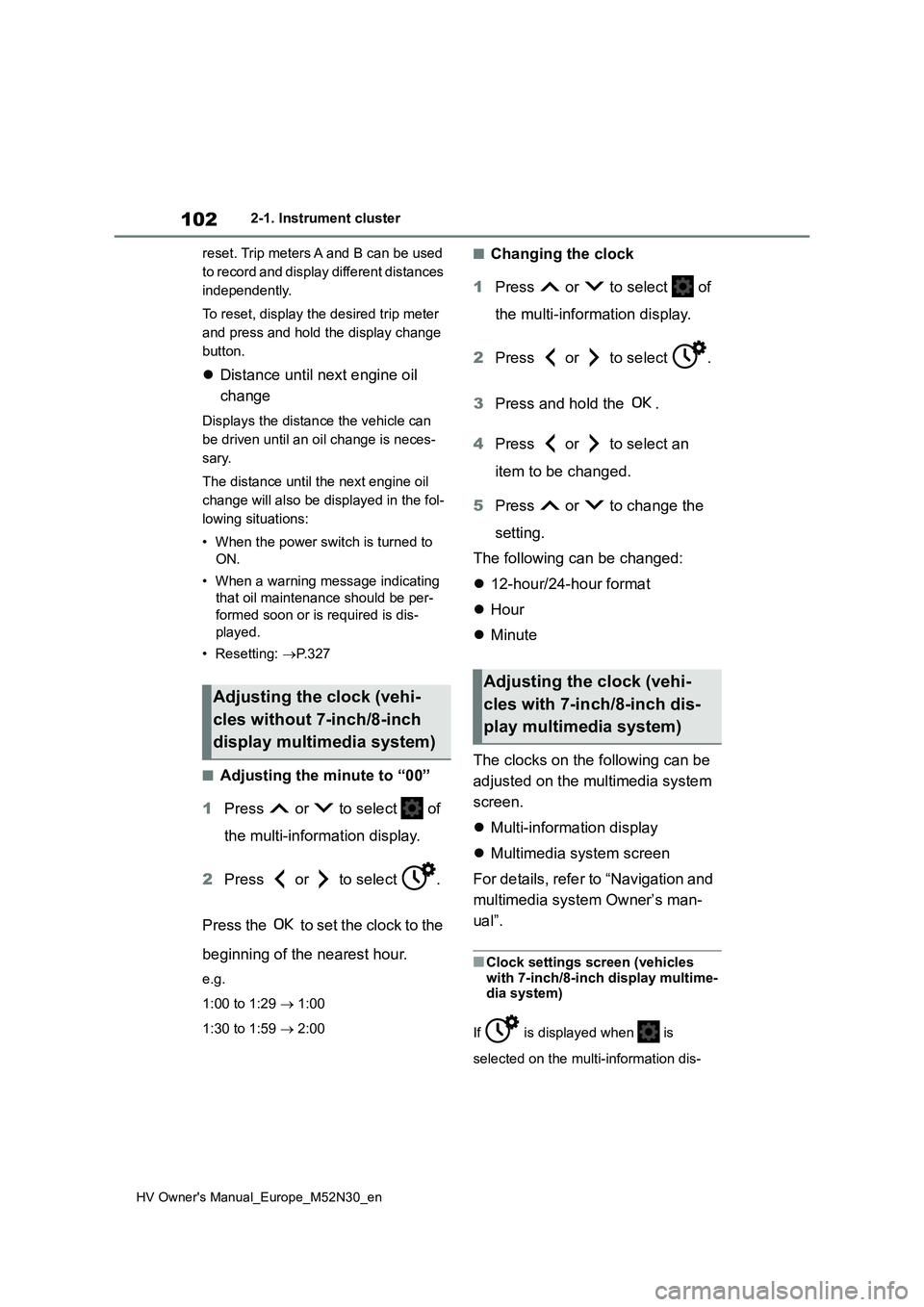
reset. Trip meters A and B can be used
to record and display different distances
independently.
To reset, display the desired trip meter
and press and hold the display change
button.
Distance until next engine oil
change
Displays the distance the vehicle can
be driven until an oil change is neces-
sary.
The distance until the next engine oil
change will also be displayed in the fol-
lowing situations:
• When the power switch is turned to
ON.
• When a warning message indicating
that oil maintenance should be per-
formed soon or is required is dis-
played.
• Resetting: P. 3 2 7
■Adjusting the minute to “00”
1 Press or to select of
the multi-information display.
2 Press or to select .
Press the to set the clock to the
beginning of the nearest hour.
e.g.
1:00 to 1:29 1:00
1:30 to 1:59 2:00
■Changing the clock
1 Press or to select of
the multi-information display.
2 Press or to select .
3 Press and hold the .
4 Press or to select an
item to be changed.
5 Press or to change the
setting.
The following can be changed:
12-hour/24-hour format
Hour
Minute
The clocks on the following can be
adjusted on the multimedia system
screen.
Multi-information display
Multimedia system screen
For details, refer to “Navigation and
multimedia system Owner’s man-
ual”.
■Clock settings screen (vehicles
with 7-inch/8-inch display multime- dia system)
If is displayed when is
selected on the multi-information dis-
Adjusting the clock (vehi-
cles without 7-inch/8-inch
display multimedia system)
Adjusting the clock (vehi-
cles with 7-inch/8-inch dis-
play multimedia system)
Page 172 of 590
170
HV Owner's Manual_Europe_M52N30_en
4-1. Before driving
■Break-in schedule
Toyota recommends that vehicles fitted with new power train components should not be used for towing trailers for
the first 800 km (500 miles).
■Safety checks before towing
●Check that the maximum load limit for
the towing hitch/bracket hitch ball is not exceeded. Bear in mind that the coupling weight of the trailer will add
to the load exerted on the vehicle. Also make sure that you will not be towing a load that exceeds the maxi-
mum permissible axle capacity.
●Ensure that the trailer load is secure.
●Supplementary outside rear view mir- rors should be added to the vehicle if
the traffic behind cannot be clearly seen with standard mirrors. Adjust the extending arms of these mirrors on
both sides of the vehicle so that they always provide maximum visibility of the road behind.
■Maintenance
●Maintenance must be performed more frequently when using the vehicle for
towing due to the greater weight bur- den placed on the vehicle compared to normal driving.
●Retighten all bolts securing the hitch-ing ball and bracket after towing for
approximately 1000 km (600 miles).
Your vehicle will handle differently
when towing a trailer. In order to
avoid accident, death or serious
injury, keep the following in mind
when towing:
■Checking connections
between trailer and lights
Stop the vehicle and check the
operation of the connection
between the trailer and lights after
driving for a brief period as well as
before starting off.
■Practicing driving with a cou-
pled trailer
Get the feel for turning, stopping
and reversing with the trailer
coupled by practicing in an area
with no or light traffic.
When reversing with a coupled
trailer, hold the section of the
steering wheel nearest to you
and rotate clockwise to turn the
trailer left or counterclockwise to
turn it right. Always rotate a little
at a time to prevent steering
error. Have someone guide you
when reversing to lessen the risk
of an accident.
■Increasing vehicle-to-vehicle
distance
At a speed of 10 km/h (6 mph), the
distance to the vehicle running
ahead of you should be equivalent
to or greater than the combined
length of your vehicle and trailer.
NOTICE
■When the rear bumper strength- ening material is aluminum
Ensure the steel bracket part does not come directly in contact with that area.
When steel and aluminum come into contact, there is a reaction similar to corrosion, which will weaken the sec-
tion concerned and may result in damage. Apply a rust inhibitor to parts that will come in contact when attach-
ing a steel bracket.
Guidance