AUX TOYOTA YARIS LIFTBACK 2020 Accessories, Audio & Navigation (in English)
[x] Cancel search | Manufacturer: TOYOTA, Model Year: 2020, Model line: YARIS LIFTBACK, Model: TOYOTA YARIS LIFTBACK 2020Pages: 164, PDF Size: 3.77 MB
Page 6 of 164

6
TABLE OF CONTENTS
1. CONTROLS AND FEATURES ........ 10
CONTROLS OVERVIEW....................... 10
“Apps” SCREEN .................................... 12
“Home” SCREEN ................................... 14
“Setup” SCREEN ................................... 18
1. BASIC INFORMATION BEFORE
OPERATION .................................. 22
INITIAL SCREEN ................................... 22
TOUCH SCREEN GESTURES ............. 23
TOUCH SCREEN OPERATION ............ 24
“Home” SCREEN OPERATION ............. 25
“Apps” SCREEN OPERATION .............. 26
SCREEN ADJUSTMENT ....................... 27
2. Bluetooth® SETTINGS.................... 29
REGISTERING/CONNECTING
Bluetooth® DEVICE............................. 29
SETTING Bluetooth® DETAILS ............. 34
3. OTHER SETTINGS .......................... 41
GENERAL SETTINGS ........................... 41
VOICE SETTINGS ................................. 46
VEHICLE SETTINGS............................. 47
DRIVER SETTINGS .............................. 48
1. BASIC OPERATION ....................... 52
QUICK REFERENCE ............................. 52
SOME BASICS....................................... 53
2. RADIO OPERATION ....................... 57
AM/FM RADIO ....................................... 57
XM Satellite Radio .................................. 66
3. MEDIA OPERATION ....................... 72
USB MEMORY ....................................... 72
iPod ........................................................ 76
Bluetooth
® AUDIO.................................. 81
AUX............................................................ 86
4. AUDIO REMOTE CONTROLS........ 88
STEERING SWITCHES ......................... 88
5. SETUP ............................................. 89
AUDIO SETTINGS ................................. 89
6. TIPS FOR OPERATING
THE AUDIO SYSTEM.... ................
91
OPERATING INFORMATION ................ 91
1QUICK GUIDE
2BASIC FUNCTION
3AUDIO SYSTEM
Page 33 of 164

CERTIFICATION
33
2. Bluetooth® SETTINGS
BASIC FUNCTION
2
U.S.A.
Canada
FCC ID: ACJ932YEAP01A727
NOTE: This device complies with part
15 of the FCC Rules. Operation is
subject to the following two conditions:
(1) This device may not cause harmful
interference, and (2) this device must
accept any interference received,
including interference that may cause
undesired operation.
FCC WARNING: Changes or
modifications not expressly approved by
the party responsible for compliance
could void the user’s authority to
operate the equipment.
CAUTION: Radio frequency radiation
exposure information
This equipment complies with FCC
radiation exposure limits set forth for an
uncontrolled environment. This
equipment should be installed and
operated with minimum distance of
20cm between the radiator and your
body. This transmitter must not be co-
located or operated in conjunction with
any other antenna or transmitter.
FCC WARNING: Any unauthorized
changes or modifications to this
equipment would void the user’s
authority to operate this device.
NOTE: This device complies with
Industry Canada licence-exempt RSS
standard(s). Operation is subject to the
following two conditions: (1) this device
may not cause interference, and (2) this
device must accept any interference,
including interference that may cause
undesired operation of the device.
Le présent appareil est conforme aux
CNR d’Industrie Canada applicables
aux appareils radio exempts de licence.
L’exploitation est autorisée aux deux
conditions suivantes: (1) l’appareil ne
doit pas produire de brouillage, et (2)
l’utilisateur de l’appareil doit accepter
tout brouillage radioélectrique subi,
même si le brouillage est susceptible
d’en compromettre le fonctionnement.
NOTE: This radio transmitter (identify
the device by certification number, or
model number if Category II) has been
approved by Industry Canada to
operate with the antenna types listed
below with the maximum permissible
gain and required antenna impedance
for each antenna type indicated.
Antenna types not included in this list,
having a gain greater than the maximum
gain indicated for that type, are strictly
prohibited for use with this device.
Le présent émetteur radio (identifier le
dispositif par son numéro de
certification ou son numéro de modèle
s’il fait partie du matériel de catégorie II)
a été approuvé par Industrie Canada
pour fonctionner avec les types
d’antenne énumérés ci-dessous et
ayant un gain admissible maximal et
l’impédance requise pour chaque type
d’antenne. Les types d’antenne non
inclus dans cette liste, ou dont le gain
est supérieur au gain maximal indiqué,
sont strictement interdits pour
l’exploitation de l’émetteur.
Page 50 of 164
50
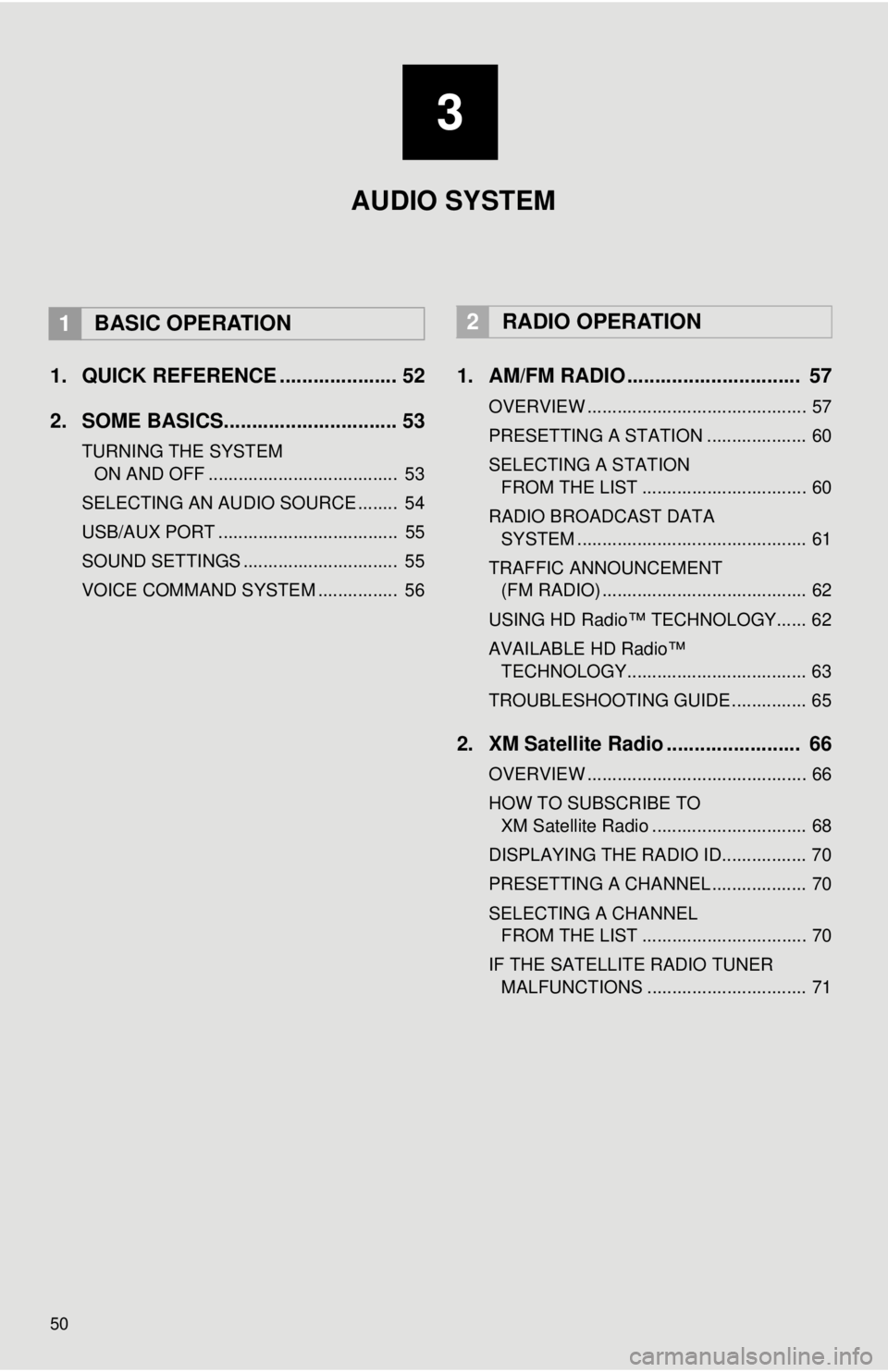
1. QUICK REFERENCE ..................... 52
2. SOME BASICS............................... 53
TURNING THE SYSTEM
ON AND OFF
...................................... 53
SELECTING AN AUDIO SOURCE ........ 54
USB/AUX PORT .................................... 55
SOUND SETTINGS ............................... 55
VOICE COMMAND SYSTEM ................ 56
1. AM/FM RADIO ............................... 57
OVERVIEW ............................................ 57
PRESETTING A STATION .................... 60
SELECTING A STATION
FROM THE LIST
................................. 60
RADIO BROADCAST DATA
SYSTEM ..........................
.................... 61
TRAFFIC ANNOUNCEMENT
(FM RADIO) .........................................
62
USING HD Radio™ TECHNOLOGY...... 62
AVAILABLE HD Radio™
TEC
HNOLOGY.................................... 63
TROUBLESHOOTING GUIDE ............... 65
2. XM Satellite Radio ........................ 66
OVERVIEW ............................................ 66
HOW TO SUBSCRIBE TO
XM Satellite Radio ...........
.................... 68
DISPLAYING THE RADIO ID................. 70
PRESETTING A CHANNEL ................... 70
SELECTING A CHANNEL
FROM THE LIST
................................. 70
IF THE SATELLITE RADIO TUNER MALFUNCTIONS ................................ 71
2RADIO OPERATION
3
AUDIO SYSTEM
1BASIC OPERATION
Page 51 of 164
3
51
1
2
3
4
5
6
7
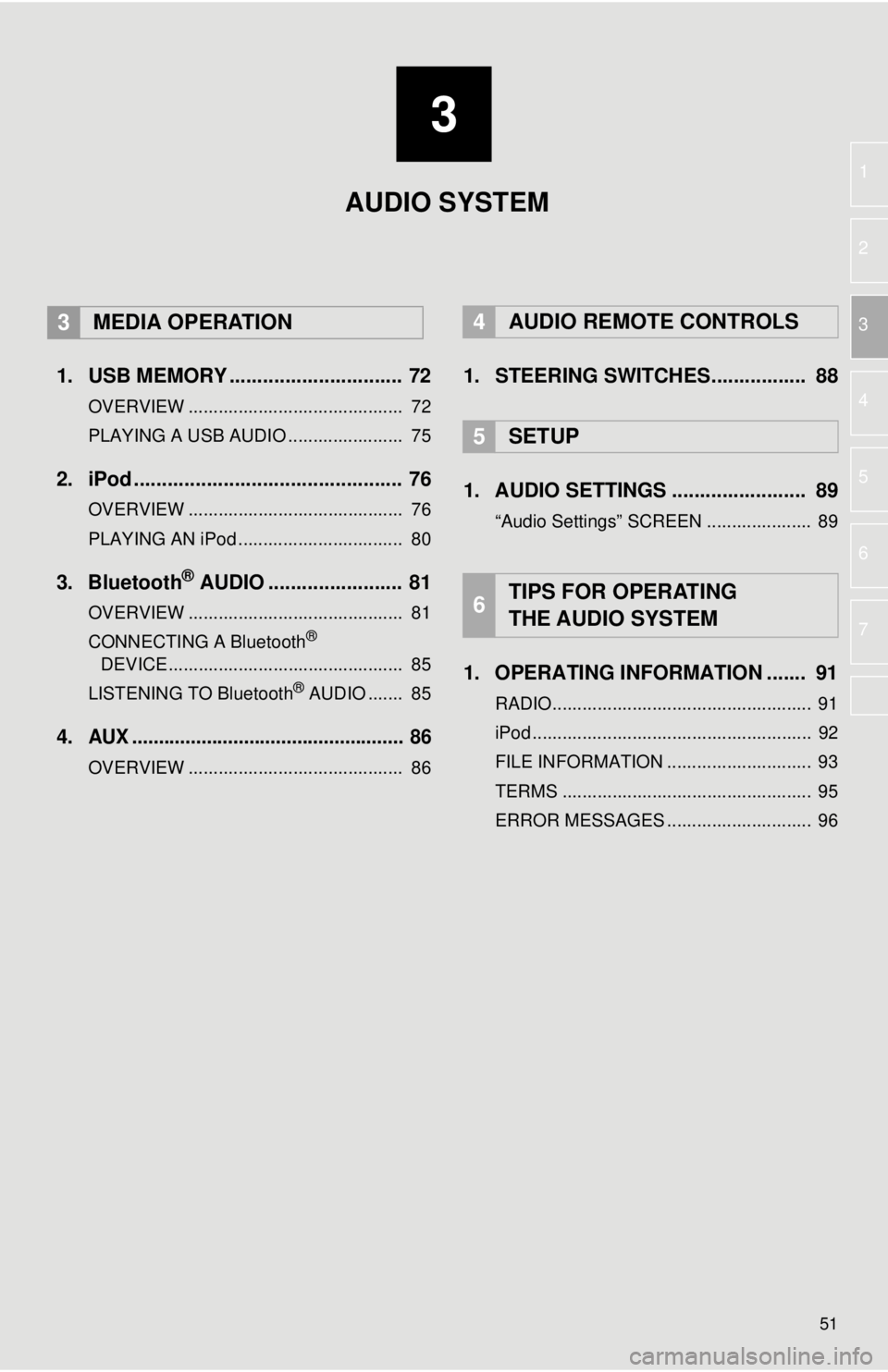
1. USB MEMORY ............................... 72
OVERVIEW ........................................... 72
PLAYING A USB AUDIO ....................... 75
2. iPod ................................................ 76
OVERVIEW ........................................... 76
PLAYING AN iPod ................................. 80
3. Bluetooth® AUDIO ........................ 81
OVERVIEW ........................................... 81
CONNECTING A Bluetooth®
DEVICE ........................
....................... 8 5
LISTENING TO Bluetooth
® AUDIO ....... 85
4.AUX ................................................... 86
OVERVIEW ........................................... 86
4AUDIO REMOTE CONTROLS
1. STEERING SWITCHES................. 88
5SETUP
1. AUDIO SETTINGS ........................ 89
“Audio Settings” SCREEN ..................... 89
1. OPERATING INFORMATION ....... 91
RADIO.................................................... 91
iPod ........................................................ 92
FILE INFORMATION ............................. 93
TERMS .................................................. 95
ERROR MESSAGES ............................. 96
6TIPS FOR OPERATING
THE AUDIO SYSTEM
AUDIO SYSTEM
3MEDIA OPERATION
Page 52 of 164
52
1. BASIC OPERATION
1. QUICK REFERENCE
FunctionPage
57
72
76
81
86
88
89
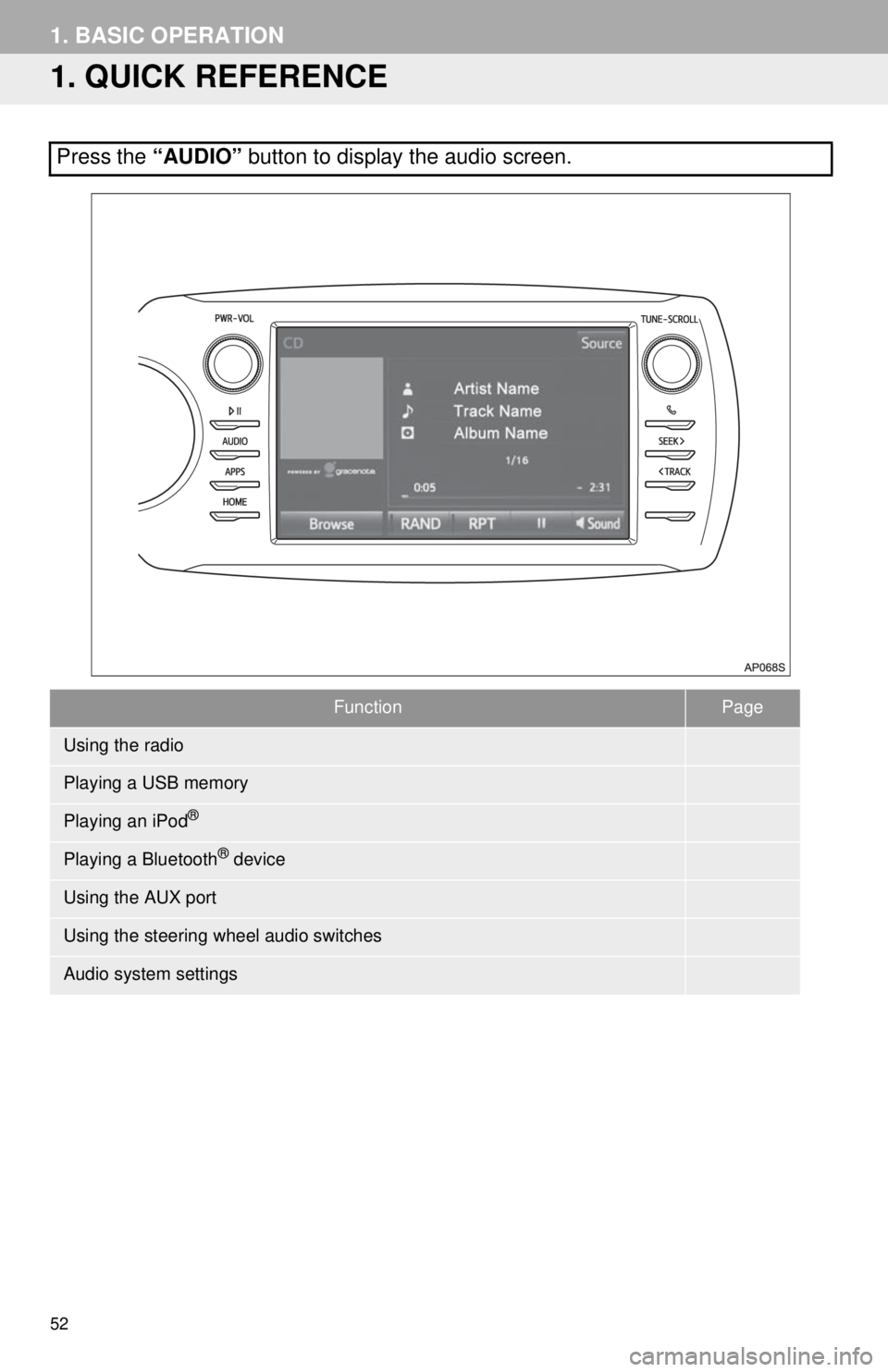
Press the “AUDIO” button to display the audio screen.
Using the radio
Playing a USB memory
Playing an iPod®
Playing a Bluetooth® device
Using the AUX port
Using the steering wheel audio switches
Audio system settings
Page 55 of 164
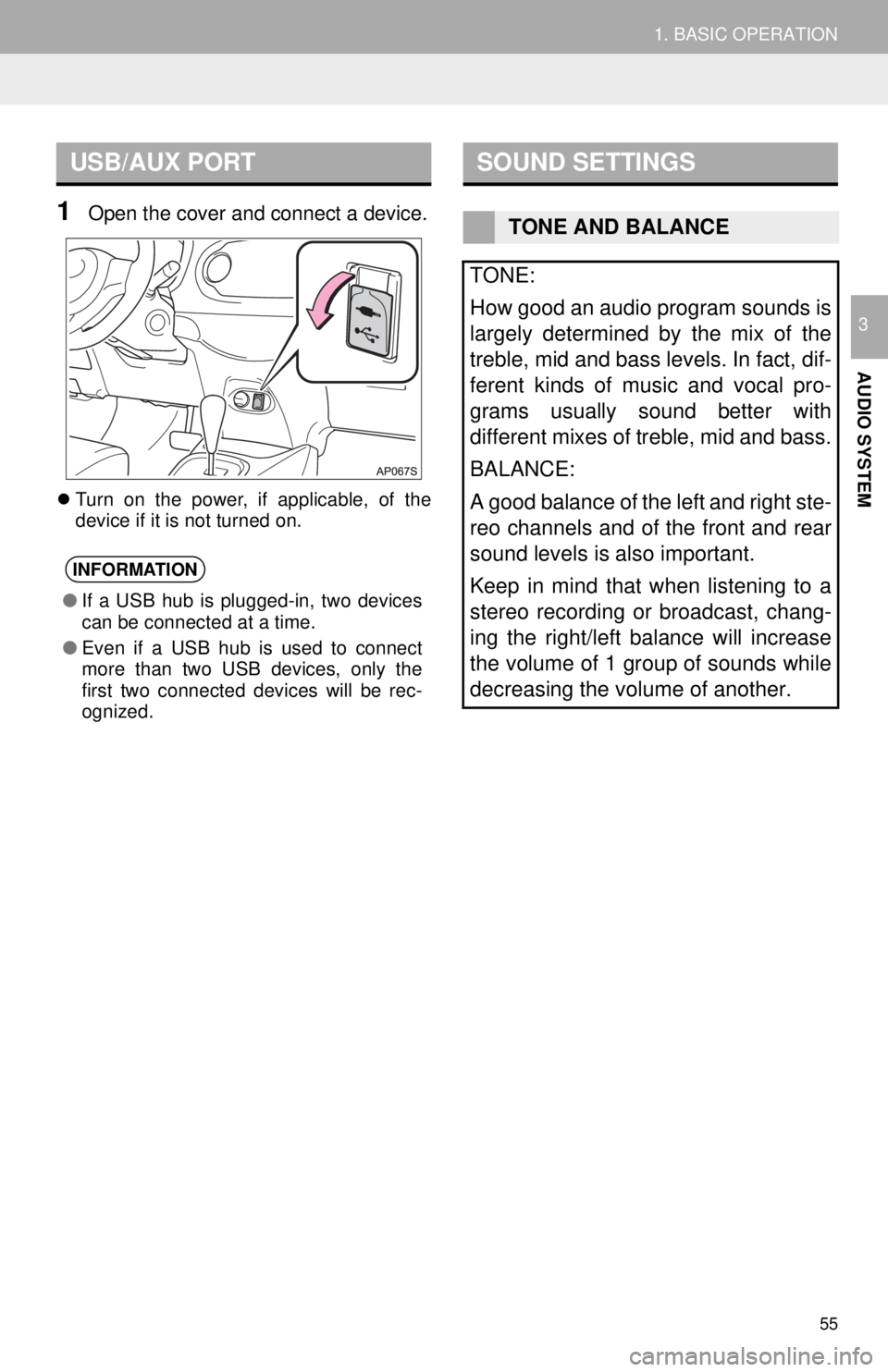
USB/AUX PORT
55
1. BASIC OPERATION
AUDIO SYSTEM
3
1Open the cover and connect a device.
Turn on the power, if applicable, of the
device if it is not turned on.
SOUND SETTINGS
INFORMATION
● If a USB hub is plugged-in, two devices
can be connected at a time.
● Even if a USB hub is used to connect
more than two USB devices, only the
first two connected devices will be rec-
ognized.
TONE AND BALANCE
TONE:
How good an audio program sounds is
largely determined by the mix of the
treble, mid and bass levels. In fact, dif-
ferent kinds of music and vocal pro-
grams usually sound better with
different mixes of treble, mid and bass.
BALANCE:
A good balance of the left and right ste-
reo channels and of the front and rear
sound levels is also important.
Keep in mind that when listening to a
stereo recording or broadcast, chang-
ing the right/left balance will increase
the volume of 1 group of sounds while
decreasing the volume of another.
Page 86 of 164
86
3. MEDIA OPERATION
4. AUX
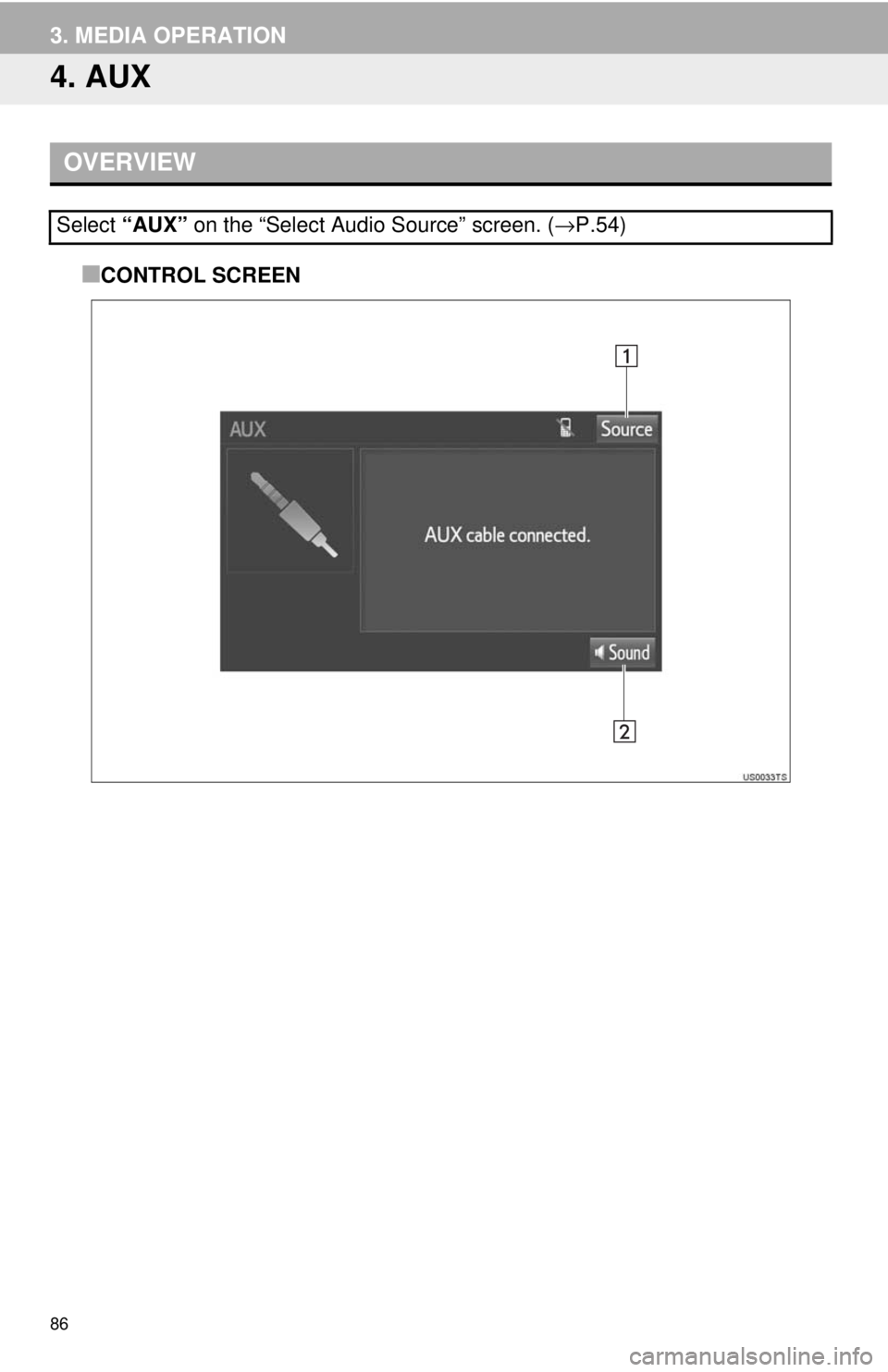
OVERVIEW■
CONTROL SCREEN
Select “AUX” on the “Select Audio Source” screen. ( →P.54)
Page 160 of 164
160
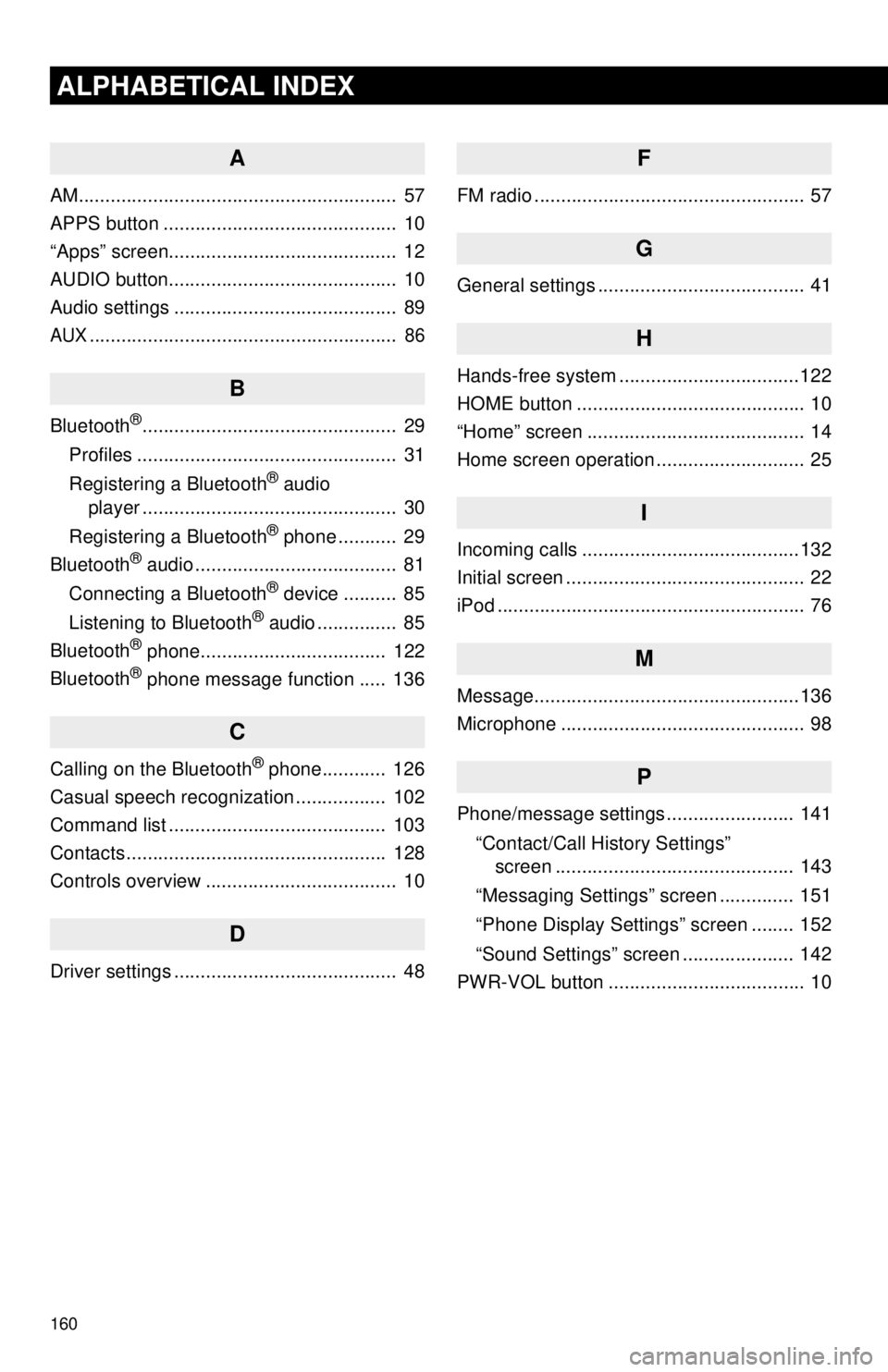
ALPHABETICAL INDEX
A
AM............................................................ 57
APPS button ............................................ 10
“Apps” screen........................................... 12
AUDIO button........................................... 10
Audio settings .......................................... 89
AUX.......................................................... 86
B
Bluetooth®................................................ 29
Profiles ................................................. 31
Registering a Bluetooth
® audio
player ................................................ 30
Registering a Bluetooth
® phone ........... 29
Bluetooth® audio ...................................... 81
Connecting a Bluetooth® device .......... 85
Listening to Bluetooth® audio ............... 85
Bluetooth® phone................................... 122
Bluetooth® phone message function ..... 136
C
Calling on the Bluetooth® phone............ 126
Casual speech recognization ................. 102
Command list ......................................... 103
Contacts ................................................. 128
Controls overview .................................... 10
D
Driver settings .......................................... 48
F
FM radio ................................................... 57
G
General settings ....................................... 41
H
Hands-free system ........... .......................122
HOME button ........................................... 10
“Home” screen ......................................... 14
Home screen operation ............................ 25
I
Incoming calls .........................................132
Initial screen ............................................. 22
iPod .......................................................... 76
M
Message..................................................136
Microphone .............................................. 98
P
Phone/message settings ........................ 141
“Contact/Call History Settings”
screen ............................................. 143
“Messaging Settings” screen .............. 151
“Phone Display Settings” screen ........ 152
“Sound Settings” screen ..................... 142
PWR-VOL button ..................................... 10
Page 161 of 164
161
1
2
3
4
5
6
7R
Radio .................................................. 57, 66
Rear view monitor system ..................... 112
Registering/connecting Bluetooth
®
device ................................................... 29
Certification .......................................... 33
Profiles ................................................. 31
Registering a Bluetooth
® audio player
for the first time ................................. 30
Registering a Bluetooth
® phone
for the first time ................................. 29
S
Satellite Radio.......................................... 66
Screen adjustment ................................... 27
Setting Bluetooth
® details ........................ 34
“Bluetooth Setup” screen ..................... 34
Connecting a Bluetooth
® device .......... 36
Deleting a Bluetooth® device ............... 36
Editing the Bluetooth® device
information ........................................ 38
Registering a Bluetooth
® device .......... 35
“System Settings” screen ..................... 39
“Setup” screen ......................................... 18
Sound setting ............................................ 41
Steering switches..................................... 88
T
Talking on the Bluetooth® phone ........... 133
Touch screen gestures ............................ 23
Touch screen operation ........................... 24
Traffic map information ........................... 109
Troubleshooting ..................................... 153
TUNE-SCROLL knob ............................... 10
U
USB/AUX port .......................................... 55
USB memory............................................ 72
V
Vehicle settings ........................................ 47
Voice command system ........................... 98
Voice settings........................................... 46
W
Weather information................................ 108
X
XM Satellite Radio ................................... 66