window TOYOTA YARIS LIFTBACK 2020 Accessories, Audio & Navigation (in English)
[x] Cancel search | Manufacturer: TOYOTA, Model Year: 2020, Model line: YARIS LIFTBACK, Model: TOYOTA YARIS LIFTBACK 2020Pages: 164, PDF Size: 3.77 MB
Page 94 of 164

94
6. TIPS FOR OPERATING THE AUDIO SYSTEM
MP3 (MPEG Audio Layer 3), WMA
(Windows Media Audio) and AAC
(Advanced Audio Coding) are audio com -
pression standards.
Thi
s system can play MP3/WMA/AAC files
on USB memory.
When
naming an MP3/WMA/AAC file, add
an appropriate file extension (.mp3/.wma/
.m4a).
Thi
s system plays back files with .mp3/
.wma/.m4a file extensions as MP3/WMA/
AAC files respectively. To prevent noise
and playback errors, use the appropriate
file extension.
MP3
files are compatible with the ID3 Tag
Ver. 1.0, Ver. 1.1, Ver. 2.2 and Ver. 2.3 for -
mats. This system cannot display Album
ti
tle, track title and artist name in other for -
mats.
WMA/
AAC files can contain a WMA/AAC
tag that is used in the same way as an ID3
tag. WMA/AAC tags carry information
such as track title and artist name.
The
emphasis function is available only
when playing MP3/WMA files recorded at
32, 44.1 and 48 kHz.
Thi
s system can play back AAC files
encoded by iTunes.
The so
und quality of MP3/WMA files gen -
erally improves with higher bit rates. In
order t o achieve a reasonable level of
sound quality, files recorded with a bit rate
of at least 128 kbps are recommended.
M3u pl
aylists are not compatible with the
audio player.
MP3i
(MP3 interactive) and MP3PRO for -
mats are not compatible with the audio
pla yer.
The pl
ayer is compatible with VBR (Vari -
able Bit Rate).
When
playing back files recorded as VBR
(Variable Bit Rate) files, the play time will
not be correctly displayed if the fast for -
ward or rewind operations are used.
It
is not possible to check folders that do
not include MP3/WMA/AAC files.
MP3
/WMA/AAC files in folders up to 8 lev -
els deep can be played. However, the
st art of playback may be delayed when
there are numerous levels of folders. For
this reason, we recommend using no
more than 2 levels of folders.
The
play order changes depending on the
personal computer and MP3/WMA/AAC
encoding software you use.
Page 95 of 164
TERMS
95
6. TIPS FOR OPERATING THE AUDIO SYSTEM
AUDIO SYSTEM
3
This is a method of embedding track-
related information in an MP3 file. This
embedded information can include the
track number, track title, the artist’s name,
the album title, the music genre, the year
of production, comments, cover art and
other data. The contents can be freely
edited using software with ID3 tag editing
functions. Although the tags are restricted
to a number of characters, the information
can be viewed when the track is played
back.
WMA files can contain a WMA tag that is
u
sed in the same way as an ID3 tag. WMA
tags carry information such as track title
and artist name.
MP3 i s an audio compression standard
d
etermined by a working group (MPEG) of
the ISO (International Standard Organiza -
tion). MP3 compresses audio data to
a bout
1/10 the size of that on conventional
discs.
WMA (Windows Media Audio) is an audio
co
mpression format developed by
Micro soft
®. It compresses files into a size
smaller than that of MP3 files. The decod -
ing formats for WMA files are Ver. 7, 8 and
9.
Thi
s product is protected by certain intel -
lectual property rights of Microsoft Corpo -
ration and third parties. Use or distribution
o f
such technology outside of this product
is prohibited without a license from Micro -
soft or an authorized Microsoft subsidiary
a nd thi
rd parties.
AAC is short for Advanced Audio Coding
and ref
ers to an audio compression tech -
nology standard used with MPEG2 and
MPEG 4
.ID3 TAG
WMA TAG
MP3
WMA
AAC
Page 98 of 164
98
1. VOICE COMMAND SYSTEM OPERATION
1. VOICE COMMAND SYSTEM
USING THE VOICE
COMMAND SYSTEM
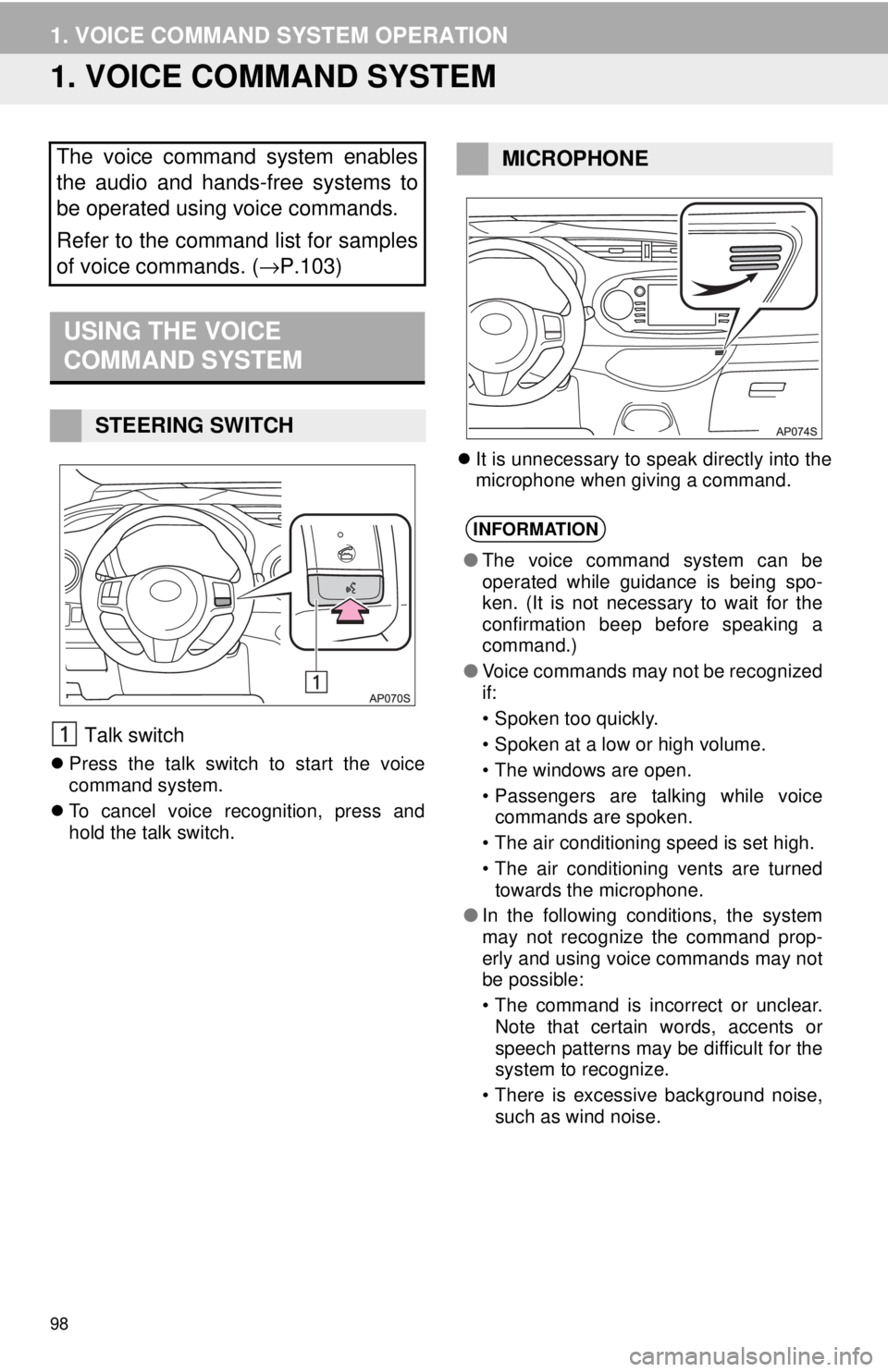
Talk switch
Press the talk switch to start the voice
command system.
To cancel voice recognition, press and
hol
d the talk switch.
It is unnecessary to speak directly into the
microphone when giving a command.
The voice command system enables
the audio and hands-free systems to
be operated using voice commands.
Refer to the command list for samples
of voice commands. ( →P.103)
STEERING SWITCH
MICROPHONE
INFORMATION
●The voice command system can be
operated while guidance is being spo-
ken. (It is not necessary to wait for the
confirmation beep before speaking a
command.)
● Voice commands may not be recognized
if:
• Spoken too quickly.
• Spoken at a low or high volume.
• The windows are open.
• Passengers are talking while voice
commands are spoken.
• The air conditioning speed is set high.
• The air conditioning vents are turned
towards the microphone.
● In the following conditions, the system
may not recognize the command prop-
erly and using voice commands may not
be possible:
• The command is incorrect or unclear.
Note that certain words, accents or
speech patterns may be difficult for the
system to recognize.
• There is excessive background noise,
such as wind noise.
Page 106 of 164

106
2. MOBILE ASSISTANT OPERATION
MICROPHONE
It is not necessary to speak directly into
the microphone when using the Mobile
Assistant. (Microphone location:
→P.98)
INFORMATION
● Wait for the listening beeps before using
the Mobile Assistant.
● The Mobile Assistant may not recognize
commands in the following situations:
• Spoken too quickly.
• Spoken at a low or high volume.
• The windows are open.
• Passengers are talking while the
Mobile Assistant is being used.
• The air conditioning speed is set high.
• The air conditioning vents are turned
toward the microphone.
Page 115 of 164
DIFFERENCES BETWEEN
THE SCREEN AND THE
ACTUAL ROAD
115
1. REAR VIEW MONITOR SYSTEM
PERIPHERAL MONITORING SYSTEM
6
The distance guide lines and the vehicle
width guide lines may not actually be par -
allel with the dividing lines of the parking
space ,
even when they appear to be so.
Be sure to check visually.
The distances between the vehicle width
gui
de lines and the left and right dividing
lines of the parking space may not be
equal, even when they appear to be so.
Be sure to check visually.
The distance guide lines give a distance
gui
de for flat road surfaces. In any of the
following situations, there is a margin of
error between the fixed guide lines on the
screen and the actual distance/course on
the road.
NOTICE
● The rear view monitor system may not
operate properly in the following cases.
• If the back of the vehicle is hit, the
position and mounting angle of the
camera may change.
• As the camera has a water proof con- struction, do not detach, disassemble
or modify it. This may cause incorrect
operation.
• When cleaning the camera lens, flush
the camera with a large quantity of
water and wipe it with a soft and wet
cloth. Strongly rubbing the camera lens
may cause the camera lens to be
scratched and unable to transmit a
clear image.
• Do not allow organic solvent, car wax,
window cleaner or a glass coating to
adhere to the camera. If this happens,
wipe it off as soon as possible.
• If the temperature changes rapidly,
such as when hot water is poured on
the vehicle in cold weather, the system
may not operate normally.
• When washing the vehicle, do not
apply intensive bursts of water to the
camera or camera area. Doing so may
result in the camera malfunctioning.
● Do not expose the camera to strong
impact as this could cause a malfunc-
tion. If this happens, have the vehicle
inspected by your Toyota dealer as soon
as possible.
Page 125 of 164
ABOUT THE CONTACTS IN
THE CONTACT LIST
125
1. PHONE OPERATION (HANDS-FREE SYSTEM FOR CELLULAR PHONES)
PHONE
7
The following data is stored for every reg -
istered phone. When another phone is
conne cte
d, the following registered data of
the previously connected phone cannot be
read:
• Contact data
• Call history data
• Favorites data
• Image data
• All phone settings
• Message settings
WHEN SELLING OR
DISPOSING OF THE VEHICLE
The following data in the system can be
initialized:
• Contact data
• Call history data
• Favorites data
• Image data
• All phone settings
• Message settings
INFORMATION
● The other party’s voice will be heard
from the front speakers. The audio sys-
tem will be muted during phone calls or
when hands-free voice commands are
used.
● Talk alternately with the other party on
the phone. If both parties speak at the
same time, the other party may not hear
what has been said. (This is not a mal-
function.)
● Keep call volume down. Otherwise, the
other party’s voice may be audible out-
side the vehicle and voice echo may
increase. When talking on the phone,
speak clearly towards the microphone.
● The other party may not hear you clearly
when:
• Driving on an unpaved road. (Making
excessive traffic noise.)
• Driving at high speeds.
• The windows are open.
• The air conditioning vents are pointed
towards the microphone.
• The sound of the air conditioning fan is
loud.
• There is a negative effect on sound
quality due to the phone and/or net-
work being used.
INFORMATION
● When a phone’s registration is deleted,
the above-mentioned data is also
deleted.
A lot of personal data is registered
when the hands-free system is used.
When selling or disposing of the vehi-
cle, initialize the data. (
→P. 4 5)
INFORMATION
●Once initialized, the data and settings
will be erased. Pay careful attention
when initializing the data.