Page 24 VOLKSWAGEN GOLF 2009 Owner's Guide
[x] Cancel search | Manufacturer: VOLKSWAGEN, Model Year: 2009, Model line: GOLF, Model: VOLKSWAGEN GOLF 2009Pages: 516, PDF Size: 105.12 MB
Page 58 of 516
Destination input
this section
a destination address or intersection . . . . . . . . . . . . . . . . . . . . . . . . . . . 43
a point of interest . . . . . . . . . . . . . . . 44 view of a dest ination . . . . . . . . . . . . . 45
315: Saving .
on page 3 an d note t he
37 .
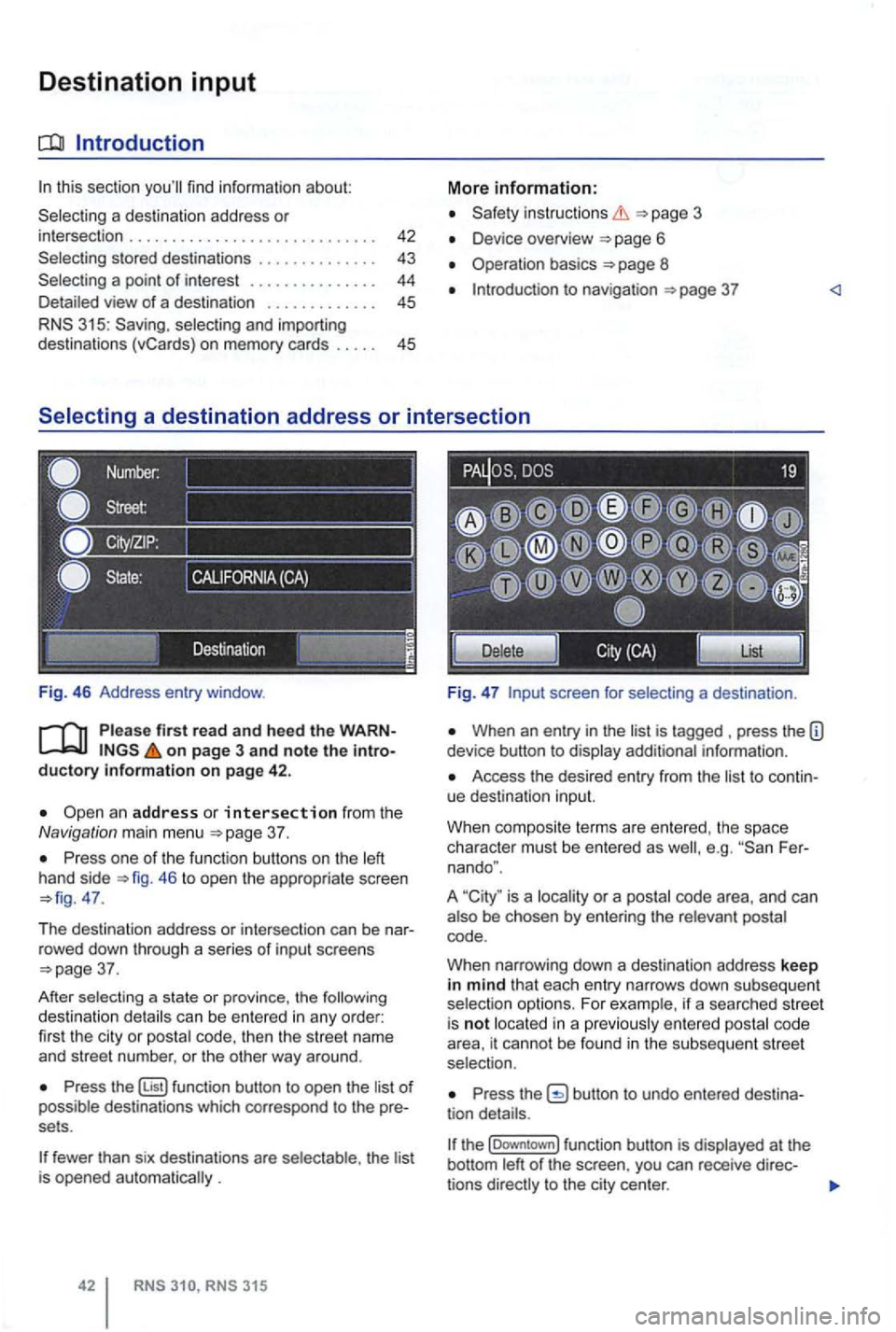
one of the functi on buttons on the 46 to open the appropriate screen 47.
T he destina tion address or intersec tion can be nar
r owed down throug h a se
ries of i nput screens 37.
After sel
ecting a state or province, the can be entered in any order:
fir st the cit y or code, then the str ee t name
and street number. or the oth er way around .
function button to open the of destinations which corres pond to the pre
sets .
fewer than six destinations are th e lis t is opened .
in structio ns
Device overview 6
Operation basics 8
to nav igation
screen for
When an entry in the is tagged press the information .
Access the desired entry from the to continue destinatio n input.
W hen composi te terms are entered . t
he space
character must be ente red as Fer
nando ".
A
is a or a
code .
W hen narrow ing down a
destination address keep in mind that each entry narrows down sub seq uent
ente red cod e
area, it cannot be found in the subsequent stree t
selection.
the
t he (Downtown] function button is
Page 59 of 516
Press view of the destination 45.
tions .
on page 3 and note the introductory information on page 42.
You can start route guidance to a saved home ad
dress or to an
the Navigation main menu and access Home Address
4 7.
Starting route guidance to a stored destination
Destinations which were ente red for route guid
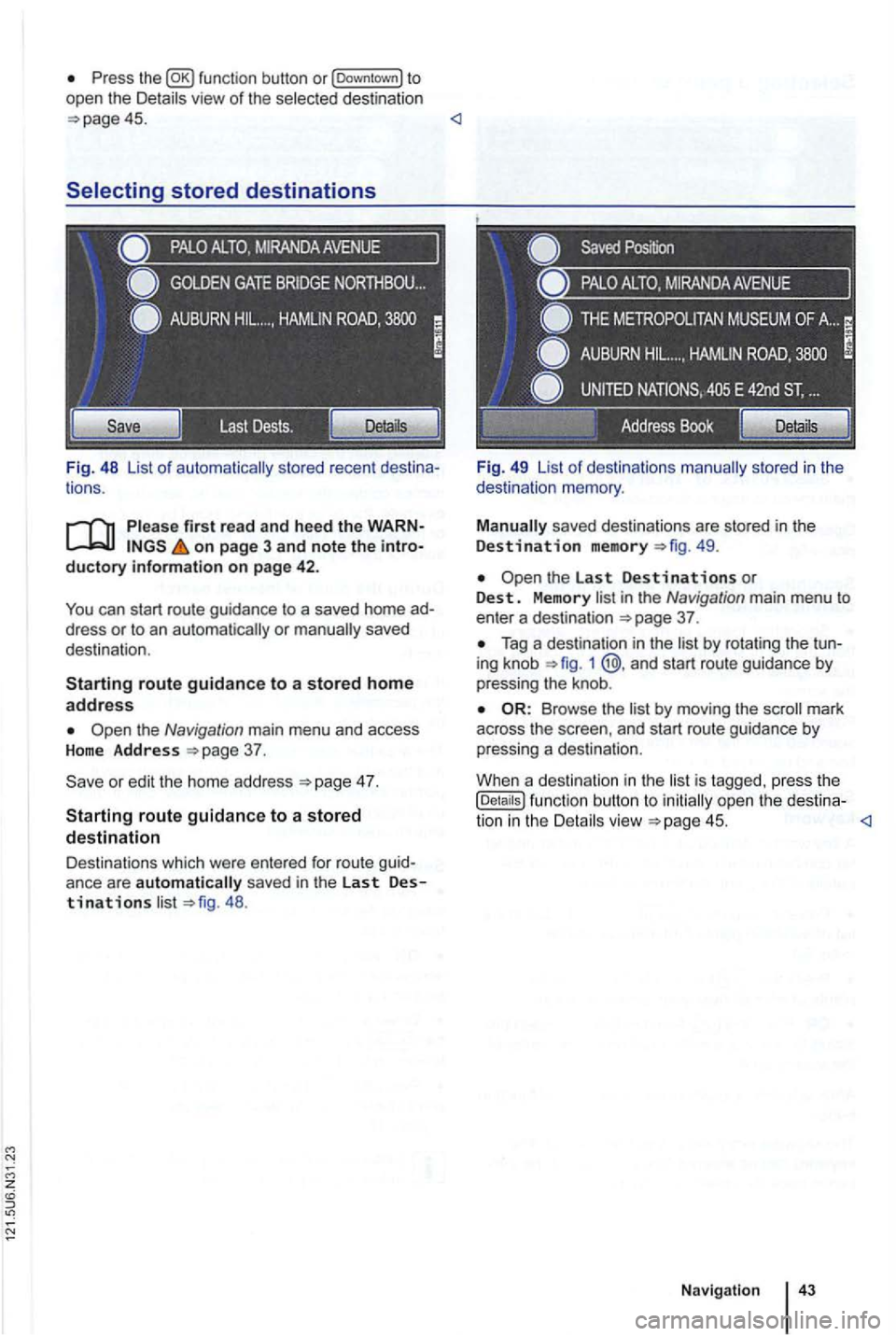
ance are automatically saved in the last Destinations 48 . Fi
g. 49 List
of destinations
49.
in the Navigation main menu to enter a destination 37 .
Tag a destination in the 1 @ .and start route guidance by
pressing the knob .
by moving the mark
across the and start route guidance by
pressing a destination .
Whe n a destination in the
is tagged. press the (Details ) function button to open the destina-
tion in the
Page 60 of 516
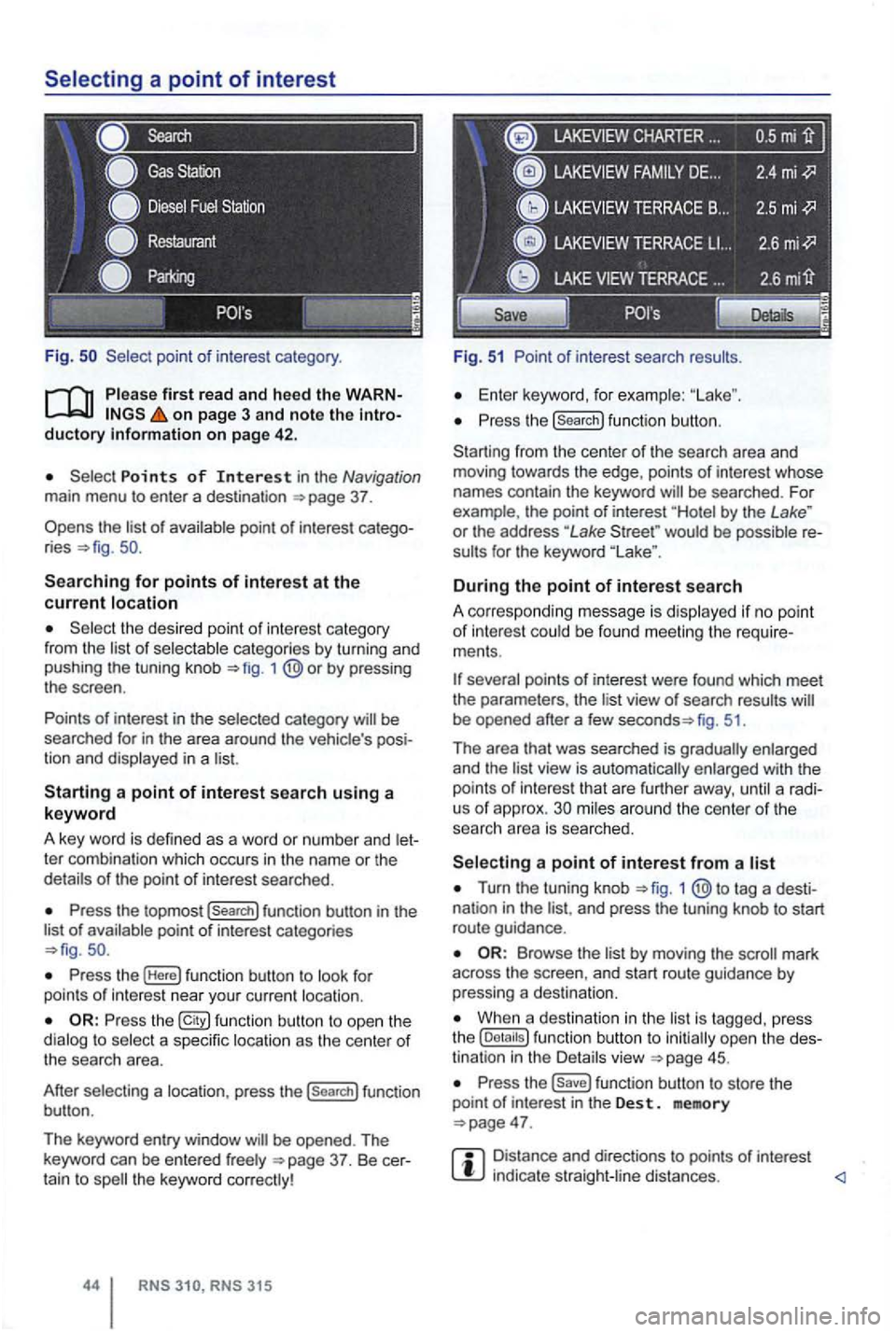
Fig .
on page 3 and note the introductory on pag e 42 .
Points of Interest in the Navigation main menu to enter a destination
Searching for points of interest at the current location
the desired point of interest category
from the list of selectable categories by turning and
pushing the tuning knob 1
Press the topmost (Search] function button in the
list of availab le point of interest categories
Press the (Here] function button to look for
points of int erest near your current location.
Press the function button to ope n the
dialog to select a specific location as the center of the searc h area.
After selecting a location, press the
(search] function
button .
The keyword entry window
CHARTER ...
Fig. 51 Point of interest search results.
Enter keyword, for examp le:
Press the (search] function button.
Starting from the center
of the search area and
moving towards the edge , points of interest whose
names contain the keyword
by the Lake " or the address "Lake would be possible re
sults for the keyword
During the point of interest search
A correspo nding message is disp layed if no point of interest could be found meeting the require
ments .
fig. 51.
Th e area that was searched is gradually enlarged
and the
view is automatically enlarged with the
points of int erest that are further away, until a radi
us of approx. mi les around the center of the
searc h area is searched.
Turn the tuning knob 1 tag a desti
nation in the and press the tuning knob to start
route guidance .
by moving the mark
across the screen , and start route guidance by pressing a destina tion.
When a destination in the is tagg ed , press
the
Press the function button to store the
point of in terest in the Des t. memory
Distance and directions to points of interest indica te straight -line distances.
Page 61 of 516
Detailed view of a destination
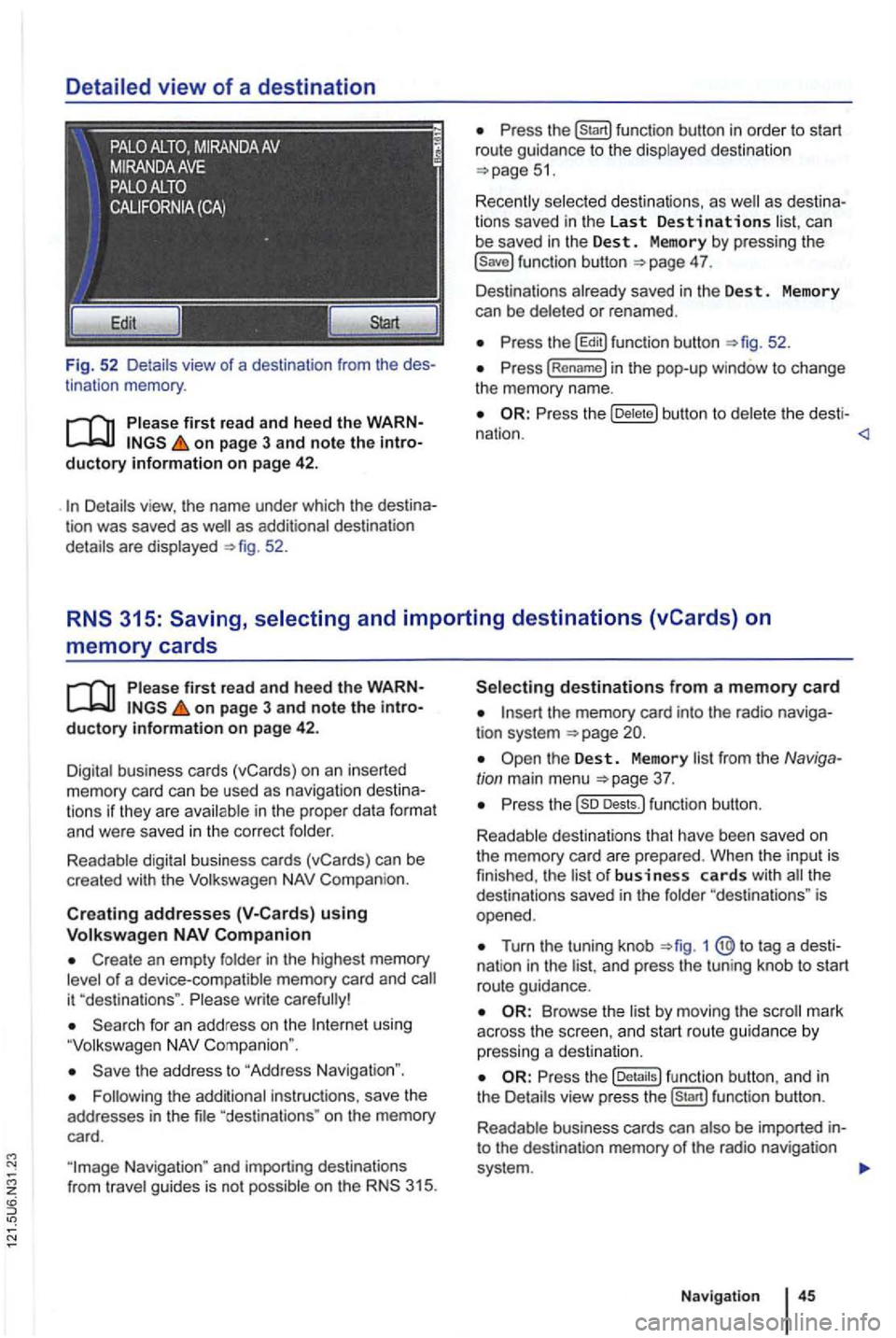
Fig. 52 Detail s view of a destination from the des
tinat ion memory .
first read and heed the WARNon page 3 and note the introductory information on page 42 .
as additional destination
details are displayed 52.
can
be saved in the Dest . Memory by pressing the 4 7.
Des tinations already saved in the Des t. Memory
can be deleted or renamed .
the b utton to del et e t he desti -
nation .
memory cards
on page 3 and note the introductory information on page 42.
Digital business cards (vCards) on an inserted memory card can be used as naviga tion des tin a
t ions if they are avai lable in th e proper data format and were saved in the cor rect folder.
Readable digital business cards (vCards) can be
crea ted with the
Compan ion.
Creat ing addresses using
Create an empty folder in the highest memory of a device-compatible memory card and
using
the address to "Address Navigation ".
"destina tions " on the memory
card.
the memory card into the radio naviga
tion system
Turn the tuning knob 1 @ to tag a dest i
nat ion in the and press the tun ing knob to start
route guidance.
Browse th e list by moving the
the fu nc tion button , a nd in
the Details view pre ss function button.
R eadab le business cards can also
be imported into the destination memory of the radio navigation
system .
Navigation
Page 63 of 516
Destination memory
tn this section
. . . . . . . . . . . . . . 48
Deleting or renamin g dest inations
in the
destination memory . . . . . . . . . 48
Disp laying the
The destination memory is used for saving destinations.
Function buttons to save a trip destination are only
active and accessible if the destination has been
sufficiently defined.
Device overview
Operation basics
Introduction to navigation
Destination input
Pl ease first read and heed the WARNon pag e 3 and note the introductory information on page 47.
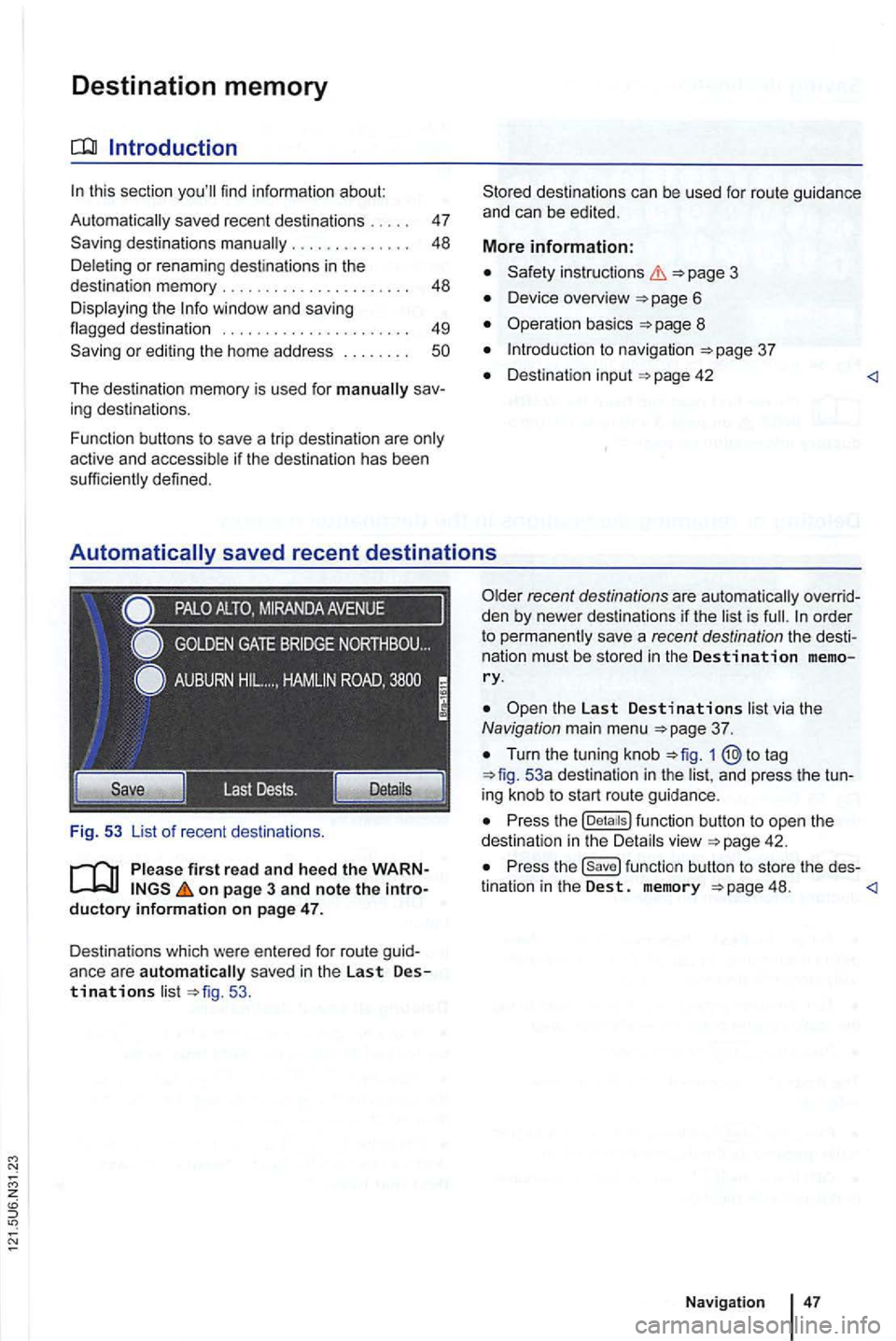
Destinations which were entered for route guid
anc e ar e
automatically sav ed in the Last Destinations list 53 .
the Last Destinations list via the Navigation main menu
Turn the tuning knob to tag 53a destination in the list, and press the tun
ing knob to start route guidance .
Press the function button to open the
dest ination in the Detai ls view
Press the function button to store the des-
tination in the Dest. memory 48.
Page 64 of 516
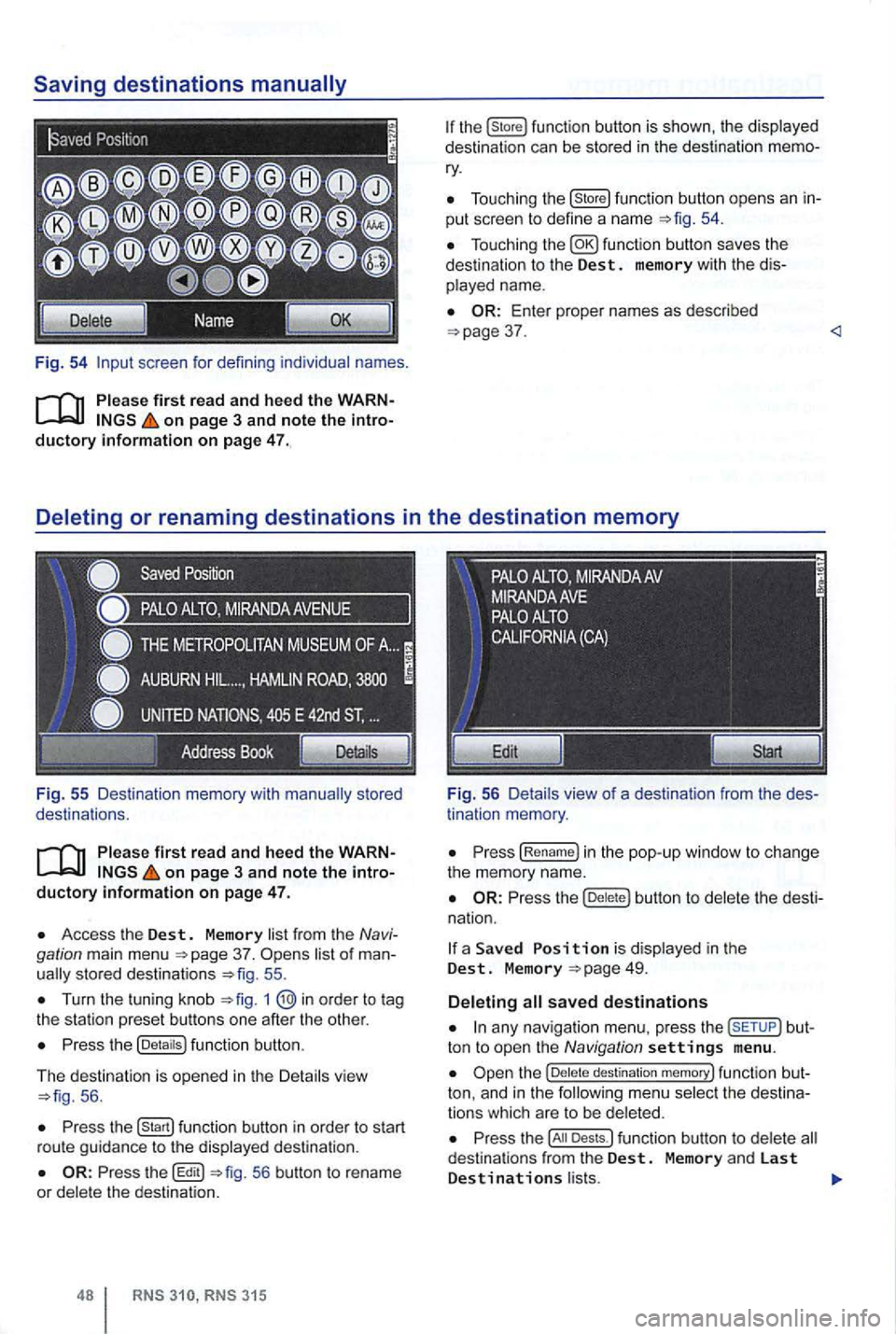
Fig. 54 screen for defini ng individual names.
on page 3 and note the introductory information on page 47.
Fig . 55 Des ti nation memory with
on page 3 and note the introductory informa tion on page 47.
Access the Dest. Memory list fr om the Navi
gation main menu 37. sto red destinat ions 55 .
Turn the tuning kn ob 1
Press the (Detaitsl function button.
The d
estination is opened in the Detail s vie w 56 .
Press function button in order to start
r ou te gu id a nce to the displayed destination .
56 button to rename
or dele te the destinat ion.
315
Tou ch ing the (store! functio n button opens an in
put scree n to define a name
37 .
tin ation memory .
Press (Re name! in the pop -up window to ch ange
the memory name.
Press the butt on to delete the dest i
na tion.
a Save d is display ed in the Dest. M emory
any nav iga tio n menu. press the but
ton to open the Navigation settings menu .
destination memory! func tion but
ton, and in t h e
Press the Dests.l funct ion button to dele te d estina tio n s from the Dest. Memory and las t Destinations l ists.
Page 65 of 516
Press the !Last Destinations) function button to delete
Press the button to the pop-up
window without saving any changes .
on page 3 and note the
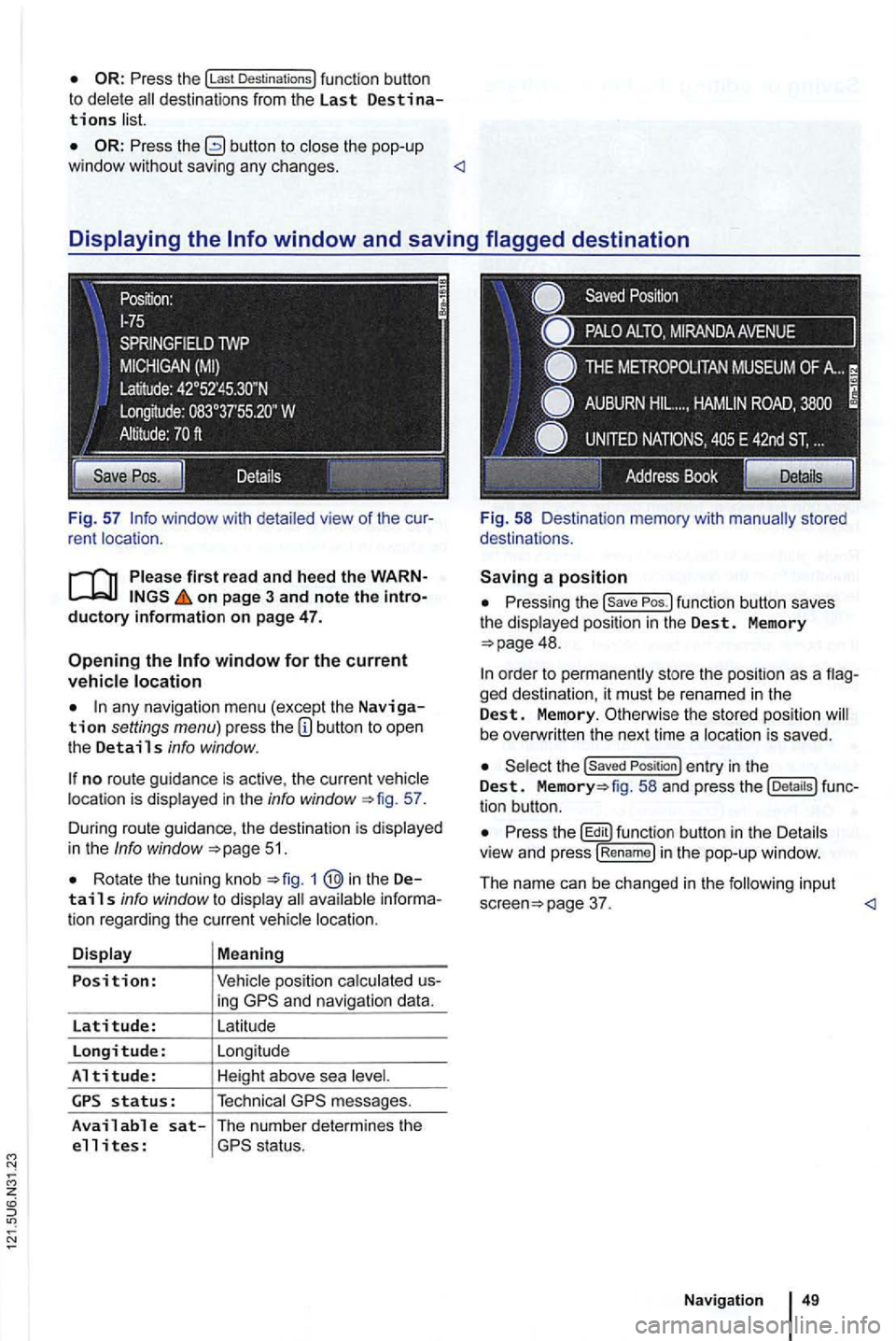
any navigation menu (excep t the Navigation settings menu) press the
no route guidance is active , the current location is displayed in the info window 57.
During route guidance , the destination is d isp lay ed
in the
Info window 51.
Rota te the tuning knob 1 @in the Details info window to display
ing
messages.
Available sat-The number determines the
e 11 i tes :
Pressing the
48.
ged destination, it must be renamed in the Dest. Memory. Otherwise the stored position be overw ritten the next time a locat ion is saved .
the Saved Position ) entry in the Dest. fig. 58 and press the tion button.
Press th e butt on in th e Details
v iew and press !R en am e) i n the pop-up window .
The name can be changed in
the follow in g input page 37.
Page 66 of 516
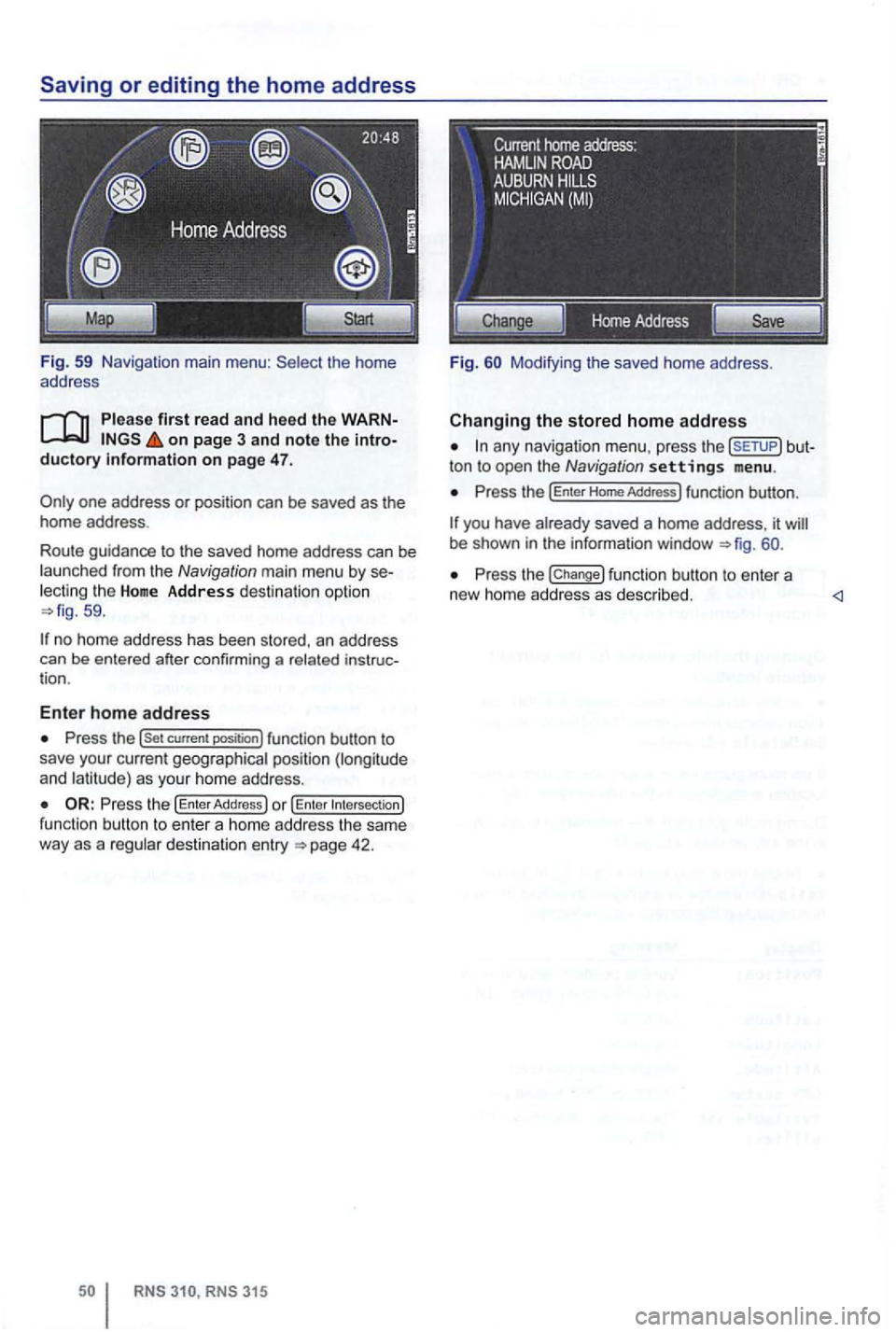
Fig. 59 Navigation main menu : the home
address
firs t read and heed the on page 3 and note the duc tory informa tio n on page 47.
th e Home Address des tin a tion op tio n 59 .
no home address has been sto red, an address
can be ente red after confirming a
Press the (Set current positi on) func tion button to
save you r current geographica l posi tio n (lon gitude
and l at it ude) as you r hom e add ress.
functio n bu tto n t o en te r a home address the sam e
way as a destination entry
ton to open the Navig ation settings menu.
Press the (Enter Home Addres s) function button.
you have 60.
Press the (Change) fu nction button to en te r a
new home addre ss as desc rib ed .
Page 67 of 516
Route guidance
Introduction
this sec tion
315: Displaying the ............................. .
blocking sections in the
R oute ...... ......... ..... ......... .
315: Blocking upcoming route sections
51
52
53
54
55
55
56
(congestion ahead) . . . . . . . . . . . . . . . . . . . . . 57
Rou te guidance
in Demo mode ........... .
Navigation settings menu ............. . . 57 58
After
starting route guidance , the rou te is
on page 3, note the introductory information and heed the on
page 51.
Sections of the route may be
More information:
Safety instructions
Dev ice overview
Operat ion basics page 8
Destinat ion input
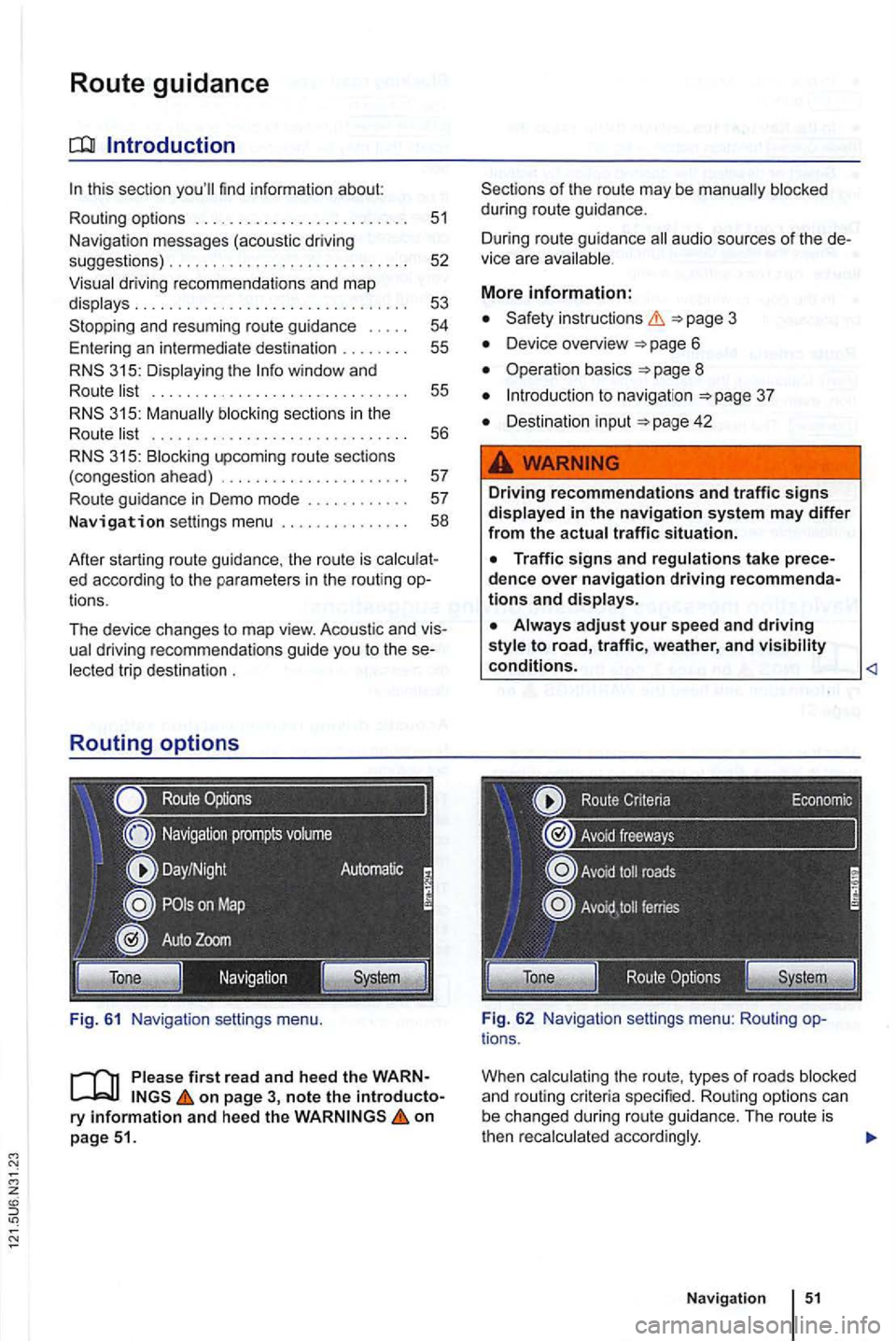
Fig . 62 Navig ation settings menu: Rou ting options .
When
Navigation
Page 68 of 516
button.
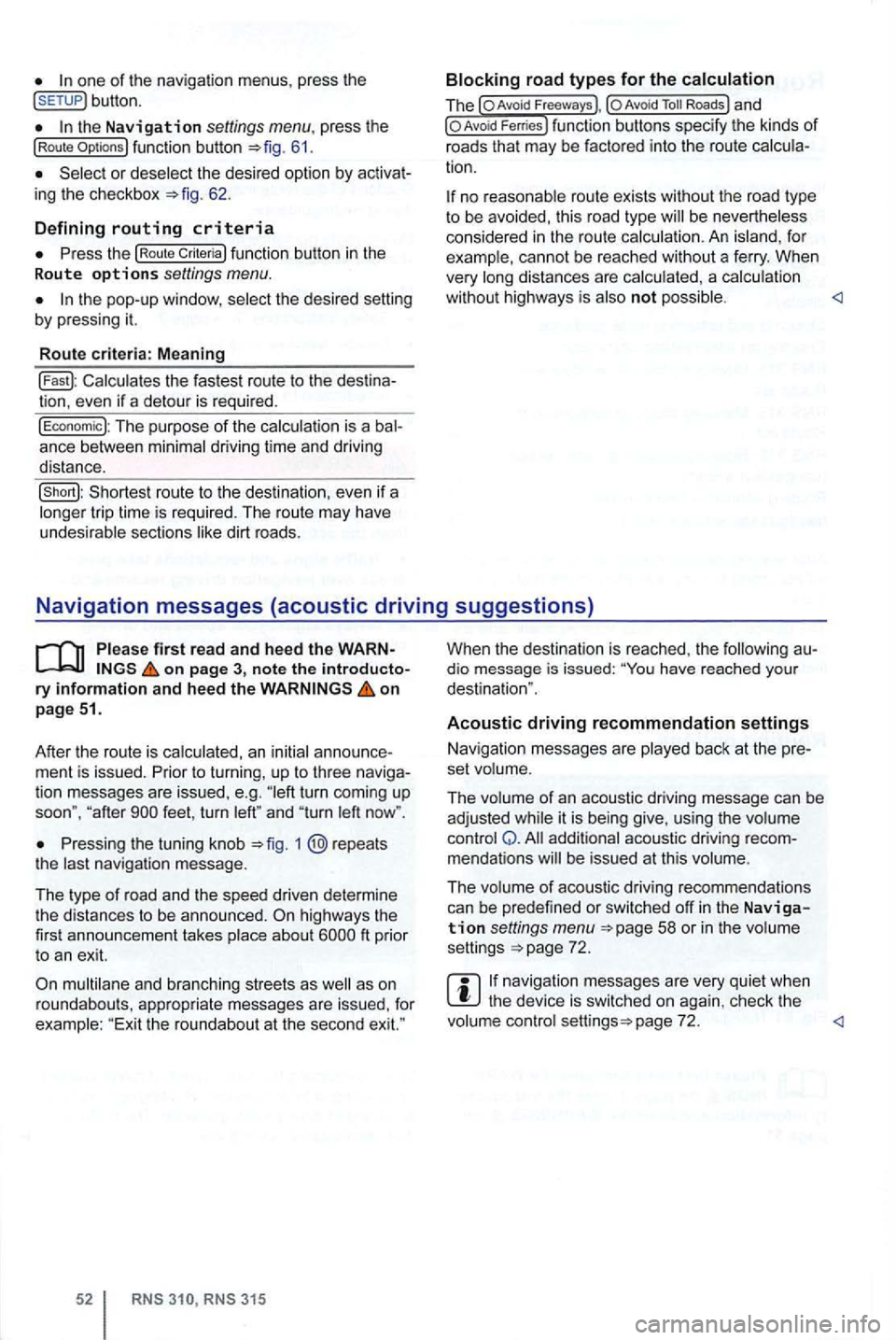
the Navigation settings menu . press the (Route 61.
or deselect the desired option by 62.
D e
fining routing criteria
function button in the
R oute o ptio ns settings menu.
the pop-up window , se lect the desired by pressing it.
R o
ute criteria : M eaning
Calcu lates the fastest route to the
The purpose of the calcula tion is a ance between minimal driving ti me and driving
distance.
no reasonable route exists without the road type to be avoided, this road type be nevertheless
considered in the rou te calcula tion . A n i sland , fo r
example, cannot be reached without a fe rry . When
very long distances are calcu lated , a calcu lation
wit hou t highways is also not possible .
on pag e 3, note the ry infor m ation and hee d the on
p ag e 51.
After the route is ca lculated, an initial
ment is issued . Prior to turning , up to three tion messages are issued , e.g . turn coming up
soon", " af ter
Pressing the tuning knob 1 @repeats
t he last navigation message.
T he type
of r oad and th e speed driven determine
t he distances to be announced . ft prior
t o an exit.
multilane and branching streets as
315
When the destination is reached , the dio message is issued: have reached you r
destination ".
Acoustic driving recommendation settings
Nav igation messages are played back at the
set volume .
The volume
of an acoustic driving message can be
adjusted while it is being give, using the volume
control Q . addi tional acoustic driving mendations be issued at this volume .
The volume
of acoustic driving recommendations
can be predefined or switched off in the Navigation settings menu 58 or in the volume
settings 72 .
navigation messages are very quiet when the device is switched on aga in , check the
volume control page 72.