instrument panel VOLVO XC60 2017 Owner´s Manual
[x] Cancel search | Manufacturer: VOLVO, Model Year: 2017, Model line: XC60, Model: VOLVO XC60 2017Pages: 398, PDF Size: 9.17 MB
Page 260 of 398
STARTING AND DRIVING
258
Start/Stop – introductionStart/Stop is a function that temporarily switches off the engine when the vehicle is not moving,for instance in heavy traffic or at a traffic light tohelp reduce fuel consumption.
Start/Stop is available with certain engines/ transmissions.
Related information
• Start/Stop – function (p. 258)
• Start/Stop – settings (p. 260)
• Start/Stop – Auto-stop exceptions (p. 259)
• Start/Stop – Auto-start exceptions (p. 260)
• Start/Stop – Hill Start Assist (HSA) (p. 257)
• Start/Stop – symbols and messages(p. 261)
Start/Stop – function
Function and use
Start/Stop symbol in the instrument panel
Start/Stop button on the center console
Start/Stop is activated automatically each time the engine is started 9
. The symbol in the instru-
ment panel will be displayed for several seconds when the engine starts and the indicator light inthe On/Off button will remain illuminated whilethe function is activated. All of the vehicle's systems will function while the engine is auto-stopped, although the function ofcertain systems may reduced at this time. Forexample, blower speed and high infotainmentsystem volume may be reduced to help conservethe battery's capacity.
Auto-stopping the engine
Normally, when Start/Stop is activated and the brakes are applied until the vehicle comes to a standstill, the engine will auto-stop automatically if the driver keeps the brake pedal depressed
.
To remind the driver that the enginehas been auto-stopped, the Start/Stopsymbol will illuminate in the instrumentpanel and remain on until the engine
restarts.
Auto-starting the engine
The engine restarts as soon as the driver relea- ses the brake pedal.
Deactivating Start/Stop
In certain situations (e.g., driv- ing in heavy, stop-and-go traf-fic), it may be preferable todeactivate Start/Stop. This is done by pressing the button in the center console.
The indicator light in the button will go out. Start/Stop will remain deactivated until the but- ton is pressed again or until the engine isswitched off and restarted by the driver.
Related information
• Start/Stop – introduction (p. 258)
• Start/Stop – settings (p. 260)
• Start/Stop – Auto-stop exceptions (p. 259)
• Start/Stop – Auto-start exceptions (p. 260)
9
Not when the engine is started using the optional Engine Remote Start feature, Starting the engine (p. 248)
Page 263 of 398
STARTING AND DRIVING
261
Start/Stop – symbols and messages
Text messagesCombined with the information symbol in the instrument panel, the Start/Stopfunction may also display messages in
certain situations. Follow the instructions provi- ded in the message. The following table givesseveral examples.
SymbolMessageInformation/action
Auto Start/Stop Service requiredStart/Stop is not functioning properly. Contact a Volvo retailer or a trained and qualified Volvo service tech- nician.
Autostart Engine running + an
audible signalThis is triggered if the driver's door is opened while the engine is auto-stopped.
-Press Start buttonThe engine will not auto-start. Start the engine normally by pressing the START/STOP ENGINE button.
-Select P or N to startStart/Stop has been deactivated. Move the gear selector to N or P and start the engine normally be press-
ing the START/STOP ENGINE button.
-Press Start buttonThe engine will not auto-start. Move the gear selector to N or P and start the engine normally be pressing
the START/STOP ENGINE button.
If the message does not disappear after the sug- gested action has been taken, contact a Volvoretailer or a trained and qualified Volvo servicetechnician.Related information
•Start/Stop – introduction (p. 258)
• Start/Stop – function (p. 258)
• Start/Stop – settings (p. 260)
• Start/Stop – Auto-stop exceptions (p. 259) •
Start/Stop – Auto-start exceptions (p. 260)
• Start/Stop – Hill Start Assist (HSA) (p. 257)
Page 264 of 398
STARTING AND DRIVING
262
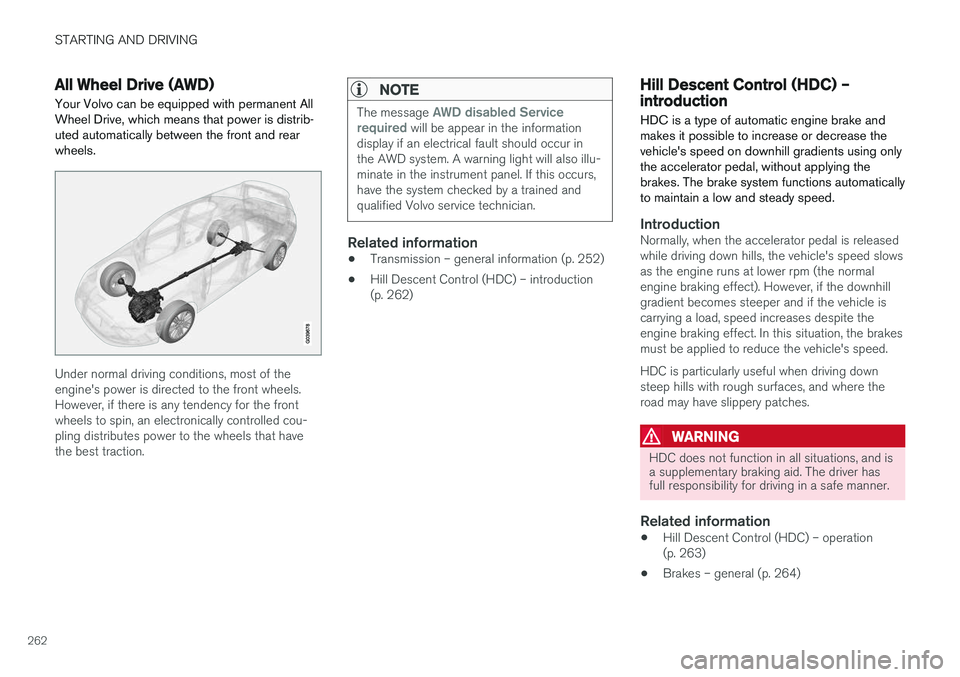
All Wheel Drive (AWD)Your Volvo can be equipped with permanent All Wheel Drive, which means that power is distrib-uted automatically between the front and rearwheels.
Under normal driving conditions, most of the engine's power is directed to the front wheels.However, if there is any tendency for the frontwheels to spin, an electronically controlled cou-pling distributes power to the wheels that havethe best traction.
NOTE
The message AWD disabled Service
required will be appear in the information
display if an electrical fault should occur in the AWD system. A warning light will also illu-minate in the instrument panel. If this occurs,have the system checked by a trained andqualified Volvo service technician.
Related information
• Transmission – general information (p. 252)
• Hill Descent Control (HDC) – introduction (p. 262)
Hill Descent Control (HDC) – introduction
HDC is a type of automatic engine brake and makes it possible to increase or decrease thevehicle's speed on downhill gradients using onlythe accelerator pedal, without applying thebrakes. The brake system functions automaticallyto maintain a low and steady speed.
IntroductionNormally, when the accelerator pedal is released while driving down hills, the vehicle's speed slowsas the engine runs at lower rpm (the normalengine braking effect). However, if the downhillgradient becomes steeper and if the vehicle iscarrying a load, speed increases despite theengine braking effect. In this situation, the brakesmust be applied to reduce the vehicle's speed. HDC is particularly useful when driving down steep hills with rough surfaces, and where theroad may have slippery patches.
WARNING
HDC does not function in all situations, and is a supplementary braking aid. The driver hasfull responsibility for driving in a safe manner.
Related information
• Hill Descent Control (HDC) – operation (p. 263)
• Brakes – general (p. 264)
Page 265 of 398
STARTING AND DRIVING
263
Hill Descent Control (HDC) – operation
Function
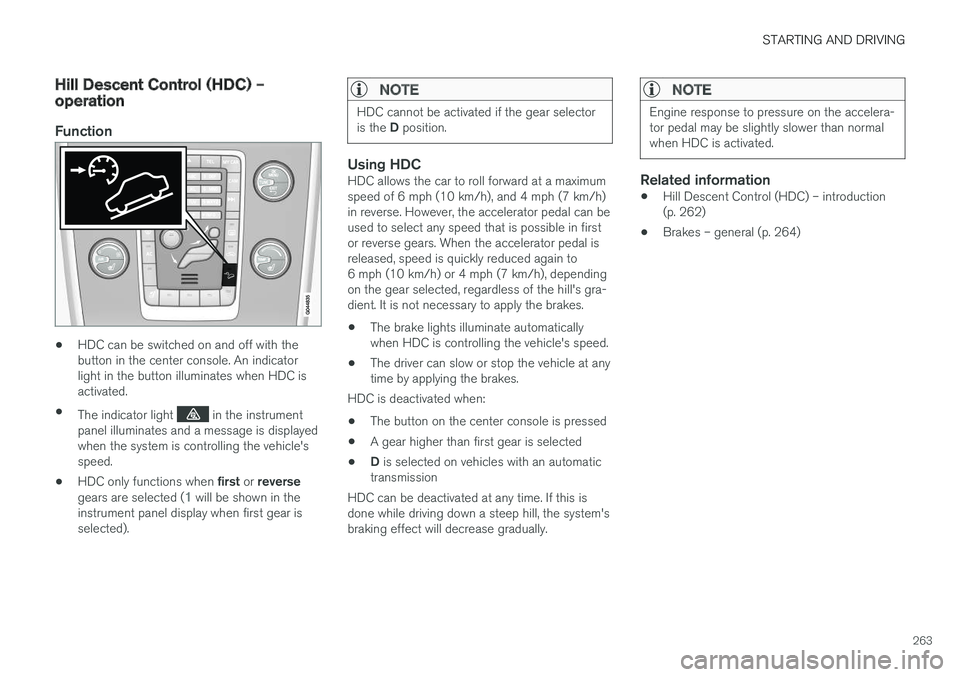
•HDC can be switched on and off with the button in the center console. An indicatorlight in the button illuminates when HDC isactivated.
• The indicator light
in the instrument
panel illuminates and a message is displayed when the system is controlling the vehicle'sspeed.
• HDC only functions when
first or reverse
gears are selected (
1 will be shown in the
instrument panel display when first gear is selected).
NOTE
HDC cannot be activated if the gear selector is the D position.
Using HDCHDC allows the car to roll forward at a maximum speed of 6 mph (10 km/h), and 4 mph (7 km/h)in reverse. However, the accelerator pedal can beused to select any speed that is possible in firstor reverse gears. When the accelerator pedal isreleased, speed is quickly reduced again to6 mph (10 km/h) or 4 mph (7 km/h), dependingon the gear selected, regardless of the hill's gra-dient. It is not necessary to apply the brakes.
• The brake lights illuminate automaticallywhen HDC is controlling the vehicle's speed.
• The driver can slow or stop the vehicle at anytime by applying the brakes.
HDC is deactivated when:
• The button on the center console is pressed
• A gear higher than first gear is selected
• D
is selected on vehicles with an automatic
transmission
HDC can be deactivated at any time. If this isdone while driving down a steep hill, the system'sbraking effect will decrease gradually.
NOTE
Engine response to pressure on the accelera- tor pedal may be slightly slower than normalwhen HDC is activated.
Related information
• Hill Descent Control (HDC) – introduction (p. 262)
• Brakes – general (p. 264)
Page 266 of 398
STARTING AND DRIVING
* Option/accessory, for more information, see Introduction.
264
Brakes – general The brake system is a hydraulic system consist- ing of two separate brake circuits. If a problemshould occur in one of these circuits, it is stillpossible to stop the vehicle with the other brakecircuit.
If the brake pedal must be depressed farther than normal and requires greater foot pressure,the stopping distance will be longer. A warning light in the instrument panel will light up to warn the driver that a fault has occurred. If this light comes on while driving or braking, stop immediately and check the brake fluid levelin the reservoir.
NOTE
Press the brake pedal hard and maintain pressure on the pedal – do not pump thebrakes.
WARNING
If the fluid level is below the MIN mark in the
reservoir or if a brake system message is shown in the information display: DO NOT
DRIVE . Have the vehicle towed to a trained
and qualified Volvo service technician and have the brake system inspected.
Brake pad inspection
On vehicles equipped with a jack *, the condition
of the brake pads can be checked by raising the vehicle (see Changing a wheel – removing wheel(p. 291) for information about using the jack andremoving a wheel) and performing a visualinspection of the brake pads.
WARNING
• If the vehicle has been driven immediately prior to a brake pad inspection, the wheelhub, brake components, etc., will be veryhot. Allow time for these components tocool before carrying out the inspection.
• Apply the parking brake and put the gear selector in the Park (
P) position.
• Block the wheels standing on the ground, use rigid wooden blocks or large stones.
WARNING
• Use the jack intended for the vehicle when changing a tire. For any other job,use stands to support the vehicle.
• The jack should be kept well-greased andclean, and should not be damaged.
• Be sure the jack is on a firm, level, non-slippery surface.
• No objects should be placed between thebase of jack and the ground, or betweenthe jack and the attachment bar on thevehicle.
• The jack must correctly engage the jackattachment.
• Never allow any part of your body to beextended under a vehicle supported by ajack.
Power brakes function only when the engine is running
The power brakes utilize vacuum pressure which is only created when the engine is running. Neverlet the vehicle roll to a stop with the engineswitched off. If the power brakes are not working, considerably higher pressure will be required on the brakepedal to compensate for the lack of power assis-tance. This can happen for example when towingyour vehicle or if the engine is switched off whenthe vehicle is rolling. The brake pedal feels harderthan usual.
Page 267 of 398
STARTING AND DRIVING
265
Water on brake discs and brake pads affects braking
Driving in rain and slush or passing through an automatic car wash can cause water to collect onthe brake discs and pads. This will cause a delayin braking effect when the pedal is depressed. Toavoid such a delay when the brakes are needed,depress the pedal occasionally when drivingthrough rain, slush, etc. This will remove the waterfrom the brakes. Check that brake applicationfeels normal. This should also be done afterwashing or starting in very damp or cold weather.
Severe strain on the brake systemThe brakes will be subject to severe strain whendriving in mountains or hilly areas, or when towinga trailer. Vehicle speed is usually slower, whichmeans that the cooling of the brakes is less effi-cient than when driving on level roads. To reducethe strain on the brakes, shift into a lower gearand let the engine help with the braking. Do notforget that if you are towing a trailer, the brakeswill be subjected to a greater than normal load.
Cleaning the brake discsCoatings of dirt and water on the brake discsmay result in delayed brake function. This delay isminimized by cleaning the brake linings. Cleaning the brake pads is advisable in wet weather, prior to long-term parking, and after thevehicle has been washed. Do this by braking gen-tly for a short period while the vehicle is moving.
Related information
•Parking brake – general information (p. 267)
• Emergency Brake Assistance (EBA) (p. 266)
• Brakes – general (p. 264)
• Anti-lock braking system (ABS) (p. 266)
• Hill Descent Control (HDC) – introduction(p. 262)
Brakes – symbols
Symbols in the instrument panel
SymbolSpecification
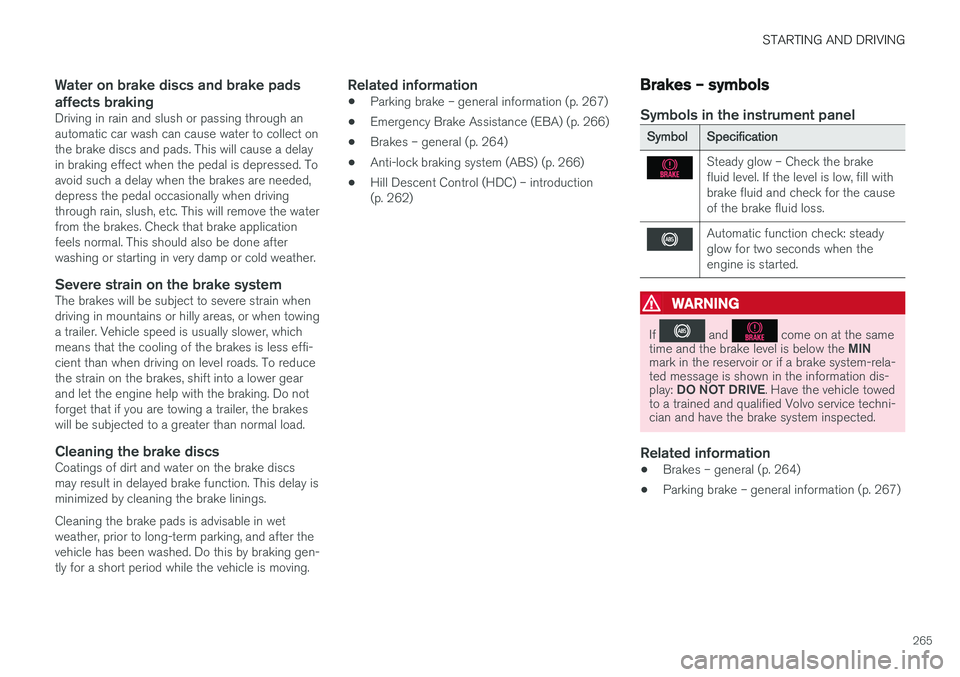
Steady glow – Check the brake fluid level. If the level is low, fill withbrake fluid and check for the causeof the brake fluid loss.
Automatic function check: steady glow for two seconds when theengine is started.
WARNING
If and come on at the same
time and the brake level is below the MIN
mark in the reservoir or if a brake system-rela- ted message is shown in the information dis- play: DO NOT DRIVE . Have the vehicle towed
to a trained and qualified Volvo service techni- cian and have the brake system inspected.
Related information
• Brakes – general (p. 264)
• Parking brake – general information (p. 267)
Page 270 of 398
STARTING AND DRIVING
268
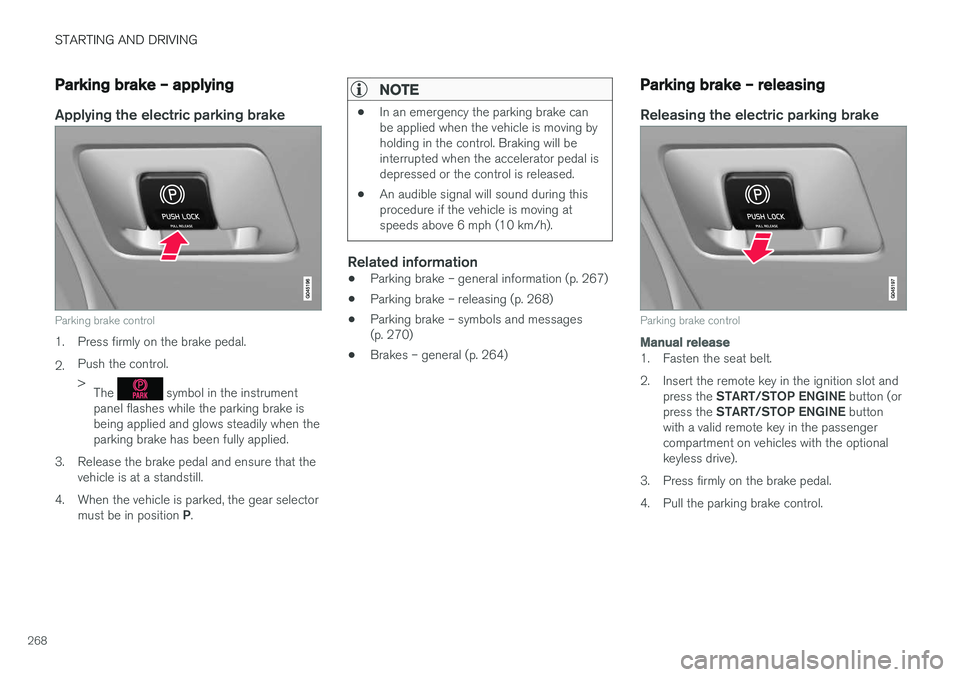
Parking brake – applying
Applying the electric parking brake
Parking brake control
1. Press firmly on the brake pedal. 2.Push the control. >
The
symbol in the instrument
panel flashes while the parking brake is being applied and glows steadily when theparking brake has been fully applied.
3. Release the brake pedal and ensure that the vehicle is at a standstill.
4. When the vehicle is parked, the gear selector must be in position P.
NOTE
• In an emergency the parking brake can be applied when the vehicle is moving byholding in the control. Braking will beinterrupted when the accelerator pedal isdepressed or the control is released.
• An audible signal will sound during thisprocedure if the vehicle is moving atspeeds above 6 mph (10 km/h).
Related information
•Parking brake – general information (p. 267)
• Parking brake – releasing (p. 268)
• Parking brake – symbols and messages (p. 270)
• Brakes – general (p. 264)
Parking brake – releasing
Releasing the electric parking brake
Parking brake control
Manual release
1. Fasten the seat belt.
2. Insert the remote key in the ignition slot and
press the START/STOP ENGINE button (or
press the START/STOP ENGINE button
with a valid remote key in the passenger compartment on vehicles with the optionalkeyless drive).
3. Press firmly on the brake pedal.
4. Pull the parking brake control.
Page 272 of 398
STARTING AND DRIVING
270
Parking brake – symbols and messages
A text message can be erased by pressing briefly on the OK button on the turn signal lever.
Symbol and messages in the instrument panel
SymbolMessageDescription/action
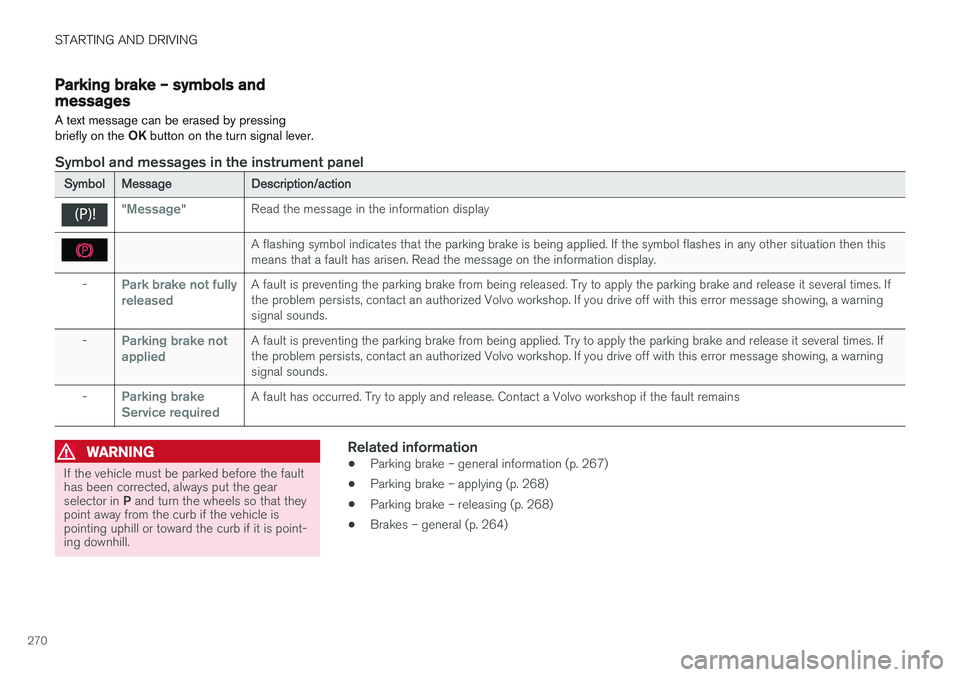
"Message"Read the message in the information display
A flashing symbol indicates that the parking brake is being applied. If the symbol flashes in any other situation then this means that a fault has arisen. Read the message on the information display.
-Park brake not fully releasedA fault is preventing the parking brake from being released. Try to apply the parking brake and release it several times. If the problem persists, contact an authorized Volvo workshop. If you drive off with this error message showing, a warningsignal sounds.
-Parking brake not appliedA fault is preventing the parking brake from being applied. Try to apply the parking brake and release it several times. If the problem persists, contact an authorized Volvo workshop. If you drive off with this error message showing, a warningsignal sounds.
-Parking brake Service requiredA fault has occurred. Try to apply and release. Contact a Volvo workshop if the fault remains
WARNING
If the vehicle must be parked before the fault has been corrected, always put the gear selector in P and turn the wheels so that they
point away from the curb if the vehicle is pointing uphill or toward the curb if it is point-ing downhill.
Related information
• Parking brake – general information (p. 267)
• Parking brake – applying (p. 268)
• Parking brake – releasing (p. 268)
• Brakes – general (p. 264)
Page 276 of 398
||
STARTING AND DRIVING
274cle inspection programs will make detection of misfueling easier, possibly resulting in emissiontest failure for misfueled vehicles.
NOTE
Some U.S. and Canadian gasolines contain an octane enhancing additive called methyl-cyclopentadienyl manganese tricarbonyl(MMT). If such fuels are used, your EmissionControl System performance may be affected,and the Check Engine Light (malfunctionindicator light) located on your instrumentpanel may light. If this occurs, please returnyour vehicle to a trained and qualified Volvoservice technician for service.
Gasoline containing alcohol and ethers, "Oxygenated fuels"
Some fuel suppliers sell gasoline containing "oxygenates" which are usually alcohols orethers. In some areas, state or local laws requirethat the service pump be marked indicating useof alcohols or ethers. However, there are areas inwhich the pumps are unmarked. If you are notsure whether there is alcohol or ethers in thegasoline you buy, check with the service stationoperator. To meet seasonal air quality standards,some areas require the use of "oxygenated" fuel. Volvo allows the use of the following "oxygen- ated" fuels; however, the octane ratings (p. 274)listed must still be met.
Alcohol – Ethanol
Fuels containing up to 10% ethanol by volume may be used. Ethanol may also be referred to asEthyl alcohol, or "Gasohol". Ethers – MTBE: Fuels containing up to 15% MTBE may be used.
MethanolDo not use gasolines containing methanol(methyl alcohol, wood alcohol). This practice canresult in vehicle performance deterioration andcan damage critical parts in the fuel system. Suchdamage may not be covered under the NewVehicle Limited Warranty.
Refueling – octane rating Volvo recommends premium fuel for best per- formance, but using 87 octane
10
or above will
not affect engine reliability.
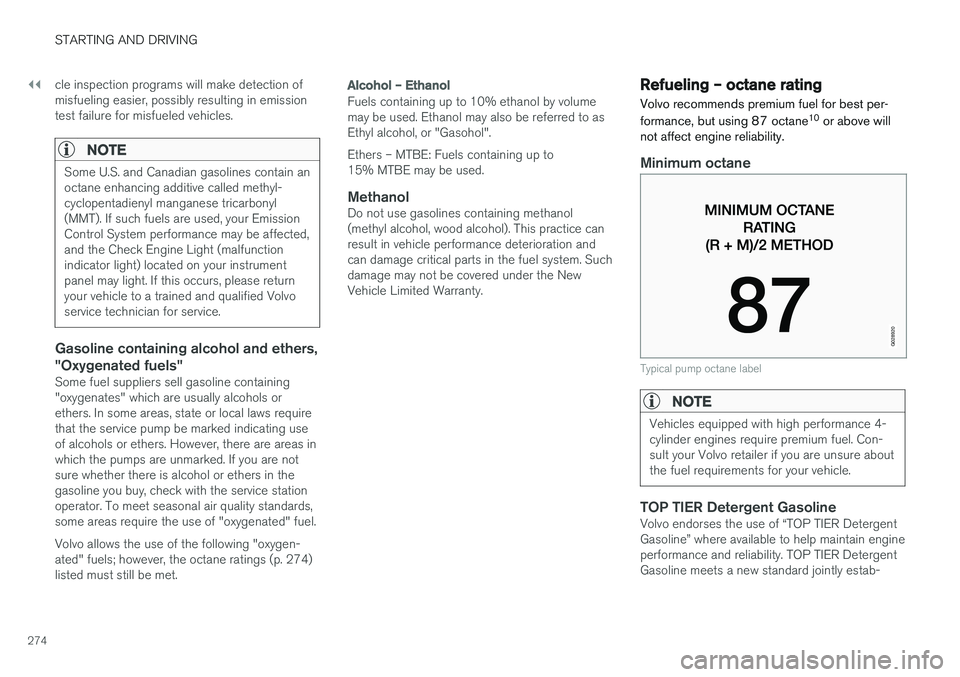
Minimum octane
G028920
Typical pump octane label
NOTE
Vehicles equipped with high performance 4- cylinder engines require premium fuel. Con-sult your Volvo retailer if you are unsure aboutthe fuel requirements for your vehicle.
TOP TIER Detergent GasolineVolvo endorses the use of “TOP TIER Detergent Gasoline” where available to help maintain engineperformance and reliability. TOP TIER DetergentGasoline meets a new standard jointly estab-
Page 284 of 398
STARTING AND DRIVING
282
Trailer Stability Assist (TSA)
Trailer Stability Assist is a system designed to help stabilize a vehicle that is towing a trailerwhen the vehicle and trailer have begun to swayand is part of the stability system. For informationon the stability system, see Stability system –introduction (p. 174)
FunctionA vehicle towing a trailer may begin to sway for various reasons. Normally this only occurs at highspeeds but, for example, if the trailer is overloa-ded or if the load is unevenly distributed in thetrailer, there is risk of swaying at speeds betweenapproximately 45-55 mph (70-90 km/h). Swaying may be caused by factors such as:
• The vehicle and trailer are hit by a sudden, strong crosswind
• The vehicle and trailer are traveling on anuneven road surface or drive over a bump
• Sudden movements of the steering wheel
Facts about TSA
• TSA intervenes at speeds above approxi-mately 40 mph (60 km/h)
• The stability system symbol in the instrumentpanel will flash when TSA is working
• If the driver switches off the stability system'sSpin Control function, TSA will also beswitched off (but will be on again the nexttime the engine is started) •
TSA may not intervene when the vehicle andtrailer begin to sway if the driver tries to com-pensate for the swaying motion by movingthe steering wheel rapidly
How TSA worksOnce swaying has begun, it can be very difficultto stop, which makes it difficult to control thevehicle and trailer. The TSA system continuously monitors the vehi- cle's movements, particularly lateral movement. Ifthe system detects a tendency to sway, thebrakes are applied individually on the frontwheels, which has a stabilizing effect on the vehi-cle and trailer. This is often enough to enable thedriver to regain control of the vehicle. If this is not adequate to stop the swaying motion, the brakes are applied to all of the wheels on thevehicle and on the trailer if it is equipped withbrakes, and engine power is temporarily reduced.As the swaying motion begins to decrease andthe vehicle-trailer have once again become sta-ble, TSA will now stop regulating the brakes/engine power and the driver regains control ofthe vehicle.
Related information
•
Towing a trailer (p. 279)
• Loading – general (p. 144)
Towing the vehicle Always check with state and local authorities before attempting to tow another vehiclebecause this type of towing is subject to regula-tions regarding maximum towing speed, lengthand type of towing device, lighting, etc.