ESP VOLVO XC90 2015 Workshop Manual
[x] Cancel search | Manufacturer: VOLVO, Model Year: 2015, Model line: XC90, Model: VOLVO XC90 2015Pages: 570, PDF Size: 12.44 MB
Page 321 of 570
DRIVER SUPPORT
* Option/accessory, for more information, see Introduction.319
•
An audible signal indicates that CTA has detected something that is approaching fromthe side. The signal will come from either theleft or right infotainment system speakers,depending on which the side of your vehiclethe approaching vehicle/ object has beendetected.
• A warning is indicated using the Park Assist
*
system's graphic in the instrument panel.
• An icon is also shown in the Park Assist Camera's
* Top view.
Related information
• Activating/deactivating Cross Traffic Alert(CTA)
* (p. 319)
• Blind Spot Information (BLIS)
* with Cross
Traffic Alert (CTA) * symbols and messages
(p. 322)
• Cross Traffic Alert (CTA)
* limitations (p. 320)
Activating/deactivating Cross Traffic Alert (CTA) *
Cross Traffic Alert (CTA) can be activated/deac- tivated separately from Blind Spot Information(BLIS).
CTA is activated/deactivated in the center display's Functionview.
–Tap Cross Traffic Alert in Function view.
> CTA activates/deactivates (the indicator light in the button will be green/gray).
CTA is activated when the engine is started.
WARNING
• BLIS and CTA are information systems, NOT warning or safety systems and donot function in all situations.
• BLIS and CTA do not eliminate the needfor you to visually confirm the conditionsaround you, and the need for you to turnyour head and shoulders to make surethat you can safely change lanes or backup.
• As the driver, you have full responsibilityfor changing lanes/backing up in a safemanner.
Related information
•
Cross Traffic Alert (CTA)
* (p. 318)
• Blind Spot Information (BLIS)
* On/Off
(p. 317)
Page 326 of 570
DRIVER SUPPORT
* Option/accessory, for more information, see Introduction.
324
NOTE
If the turn signal is used, neither of the driving lane assistance systems (LDW or LKA) willprovide an alert or steering assistance.
WARNING
This feature is only intended to assist the driver and does not function in all driving,weather, traffic or road conditions. As the driver, you have full responsibility for operating the vehicle in a safe manner.
Steering assistance (LKA only)In order for LKA's steering assistance to function, the driver's hands must be on the steering wheel,which the system monitors continuously.
If this is not the case, this sym-bol will illuminate in the instru- ment panel and
Lane Keeping
Aid Apply steering will appear
to alert the driver to actively steer the vehicle.
If the driver does not take action, an audible sig- nal will sound and LKA will go into standby mode.The function will not become available again untilthe driver actively steers the vehicle.
Dynamic cornering
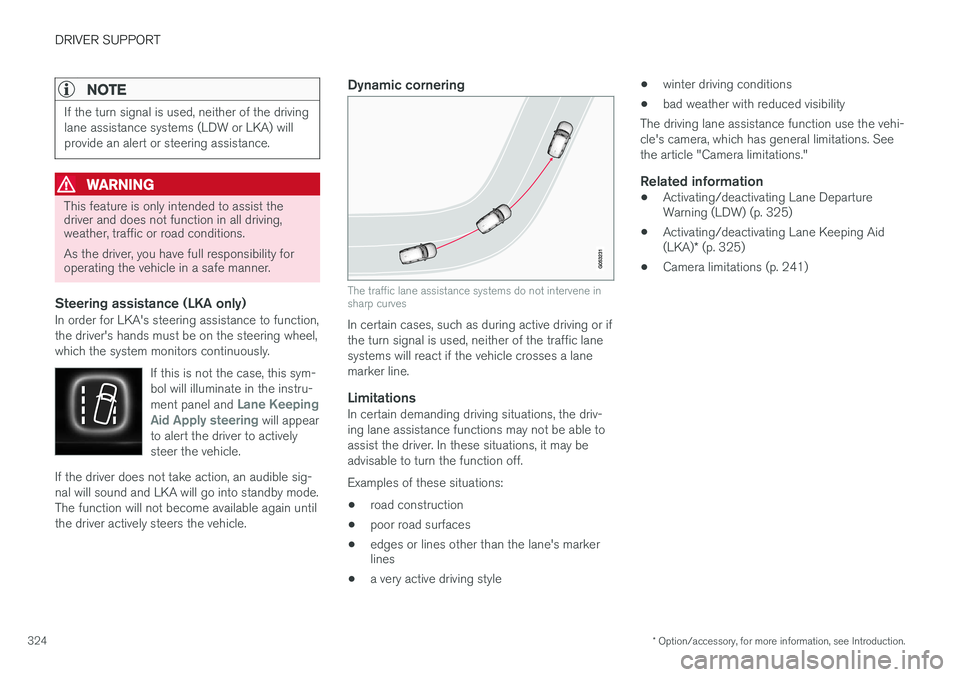
The traffic lane assistance systems do not intervene in sharp curves
In certain cases, such as during active driving or if the turn signal is used, neither of the traffic lanesystems will react if the vehicle crosses a lanemarker line.
LimitationsIn certain demanding driving situations, the driv-ing lane assistance functions may not be able toassist the driver. In these situations, it may beadvisable to turn the function off. Examples of these situations: • road construction
• poor road surfaces
• edges or lines other than the lane's marker lines
• a very active driving style •
winter driving conditions
• bad weather with reduced visibility
The driving lane assistance function use the vehi- cle's camera, which has general limitations. Seethe article "Camera limitations."
Related information
• Activating/deactivating Lane Departure Warning (LDW) (p. 325)
• Activating/deactivating Lane Keeping Aid (LKA)
* (p. 325)
• Camera limitations (p. 241)
Page 336 of 570
STARTING AND DRIVING
* Option/accessory, for more information, see Introduction.
334
Emergency brake lights
The emergency brake lights activate in the event of hard braking/rapid deceleration at most nor-mal driving speeds or if the ABS system is acti-vated. This function causes an additional taillighton each side of the vehicle to illuminate to helpalert vehicles traveling behind.
Once the emergency brake lights have been acti- vated, if the driver releases the brake pedal, thebrake lights will return to their normal function.
Related information
• Brakes (p. 330)
• Hazard warning flashers (p. 144)
• Brake lights (p. 143)
Hill Descent Control (HDC) HDC is a type of low-speed automatic engine brake and makes it possible to increase ordecrease the vehicle's speed on steep downhillgradients using only the accelerator pedal, with-out applying the brakes. HDC is integrated into the
Off Road drive mode.
HDC is particularly useful when driving down steep hills with rough surfaces, and where theroad may have slippery patches.
WARNING
HDC does not function in all situations, and is a supplementary braking aid. The driver hasfull responsibility for driving in a safe manner.
FunctionHDC allows the vehicle to roll forward or in reverse at very low speed with enhanced enginebraking. However, speed can be adjusted withthe accelerator pedal. When the acceleratorpedal is released, the vehicle will return to verylow speed. The driver can use the brakes to slow or stop the vehicle at any time. HDC is activated along with Low Speed Control (LSC), which together make driving on slipperysurfaces at low speeds easier. When HDC and LSC are activated, this changes the response from the accelerator pedal andengine.
Activating HDCHDC only functions at low speeds.
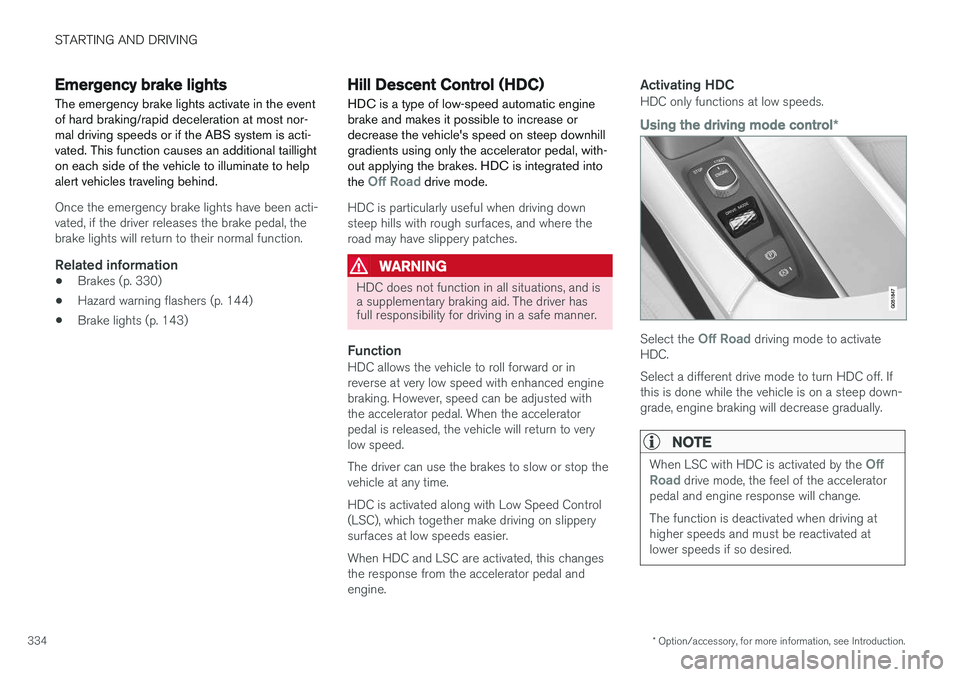
Using the driving mode control
*
Select the Off Road driving mode to activate
HDC. Select a different drive mode to turn HDC off. If this is done while the vehicle is on a steep down-grade, engine braking will decrease gradually.
NOTE
When LSC with HDC is activated by the Off
Road drive mode, the feel of the accelerator
pedal and engine response will change. The function is deactivated when driving at higher speeds and must be reactivated atlower speeds if so desired.
Page 357 of 570
STARTING AND DRIVING
* Option/accessory, for more information, see Introduction.355
Ignition modes
The vehicle's ignition can be put in various modes (levels) to make different functions availa-ble.
The vehicle's ignition has 3 modes: 0, I, and II
that can be used to operate various functions without starting the engine. The following tableshows examples of which functions are availablein the respective modes.
ModeFunctions available
0• The odometer, clock and tem- perature gauge are illuminated
• Power seats
* can be adjusted
• The power windows can be oper-ated
• The 12-volt socket in the cargocompartment can be used
• The center display is activatedand can be used
• The infotainment system can beused for a limited time
In this mode, certain functions can only be used for a limited time to helpminimize battery drain
I• The laminated panoramic roof
*,
power seats */windows,12-volt
sockets in the passenger com- partment, Bluetooth, navigation system *, climate system blower,
windshield wipers can be oper- ated
• The infotainment system will start(if it was started when the ignitionwas switched off)
ModeFunctions available
II• The headlights illuminate
• Warning/indicator lights illumi- nate for 5 seconds
• A number of other functions willalso be activated. However, the heated seats
* and heated rear
window functions can only be activated when the engine is run-ning.
This mode should only be used for very short periods to help avoiddraining the battery.
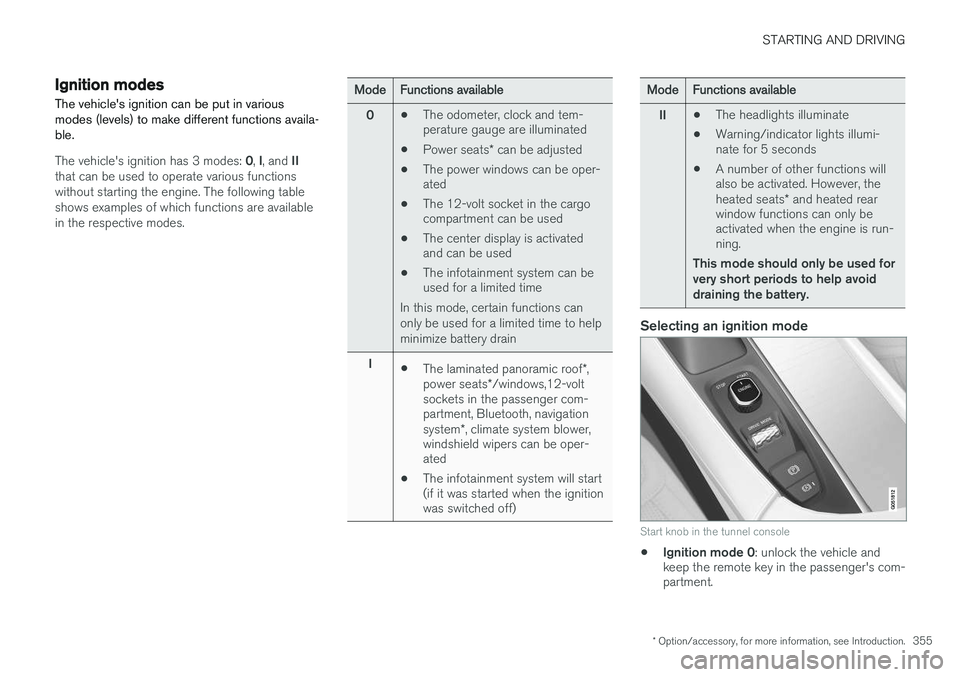
Selecting an ignition mode
Start knob in the tunnel console
• Ignition mode 0
: unlock the vehicle and
keep the remote key in the passenger's com- partment.
Page 358 of 570
STARTING AND DRIVING
356
NOTE
To access ignition modes I or II without star-
ting the engine, the brake pedal must not be
depressed when these modes are selected.
• Ignition mode I
: Turn the start knob to
START and release it. The knob will return
automatically to its original position.
• Ignition mode II
: Turn the start knob to
START and hold it there for approx.
4 seconds. Release the knob.
• Returning to ignition mode 0
: To return to
mode 0 from mode II or I, turn the start knob
to STOP and release it.
Related information
•Starting the engine (p. 356)
• Turning the engine off (p. 359)
Battery drain Your vehicle's electrical functions drain the bat- tery to varying extents.
Avoid using ignition mode
II as much as posssi-
ble, or electrical functions that require a great deal of electrical current when the engine is notrunning. Using ignition mode I whenever possible con-
sumes less electrical current. Functions that require a great deal of electrical current include:
• the climate system blower
• headlights
• wipers
• infotainment system (especially at high vol- ume).
If the battery's charge level is low, a text message will appear in the instrument panel. The vehicle'senergy-saving function will then turn off orreduce certain functions that are currently con-suming electrical current. If the battery needs to be recharged, start the engine and let it idle for at least 15 minutes ordrive the vehicle (driving charges the batteryfaster than letting the engine idle).
Related information
• Ignition modes (p. 355)
Starting the engine
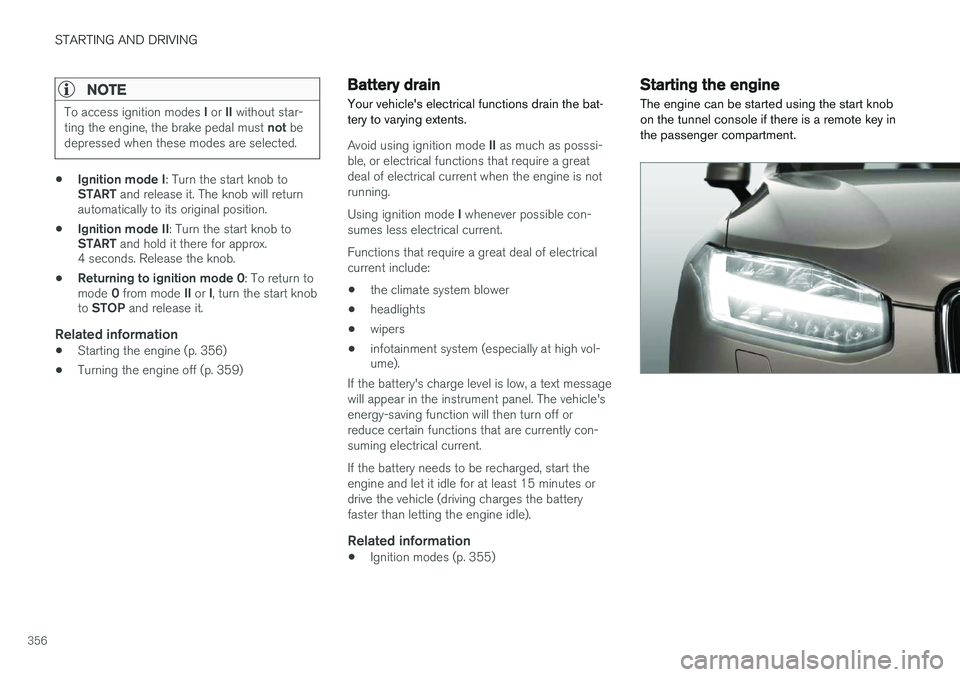
The engine can be started using the start knob on the tunnel console if there is a remote key inthe passenger compartment.
Page 361 of 570
STARTING AND DRIVING
* Option/accessory, for more information, see Introduction.359
Turning the engine off
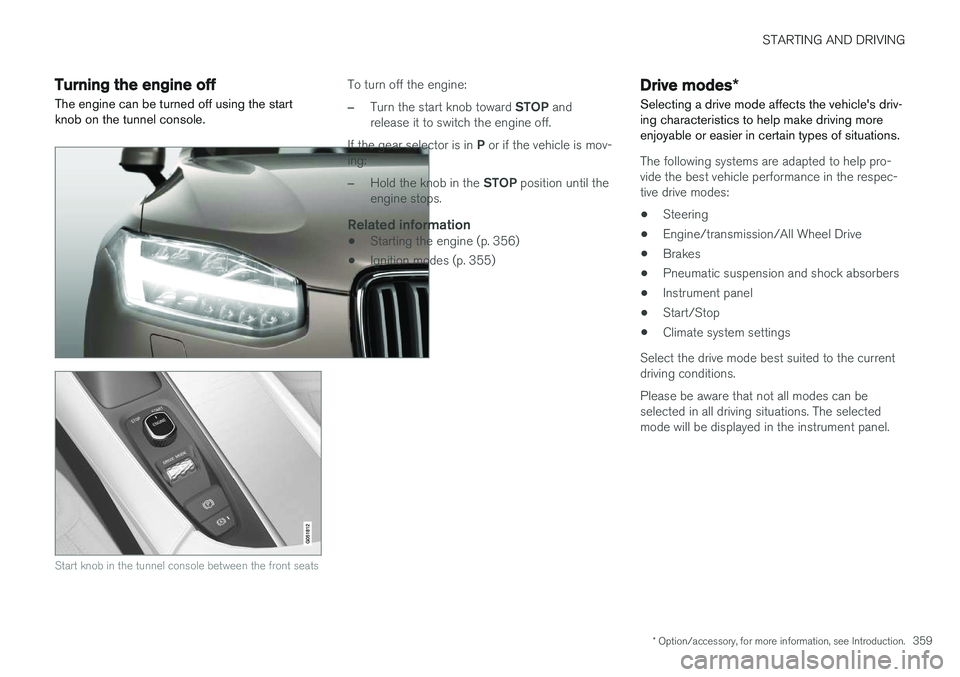
The engine can be turned off using the start knob on the tunnel console.
Start knob in the tunnel console between the front seats
To turn off the engine:
–Turn the start knob toward STOP and
release it to switch the engine off.
If the gear selector is in P or if the vehicle is mov-
ing:
–Hold the knob in the STOP position until the
engine stops.
Related information
• Starting the engine (p. 356)
• Ignition modes (p. 355)
Drive modes
*
Selecting a drive mode affects the vehicle's driv- ing characteristics to help make driving moreenjoyable or easier in certain types of situations.
The following systems are adapted to help pro- vide the best vehicle performance in the respec-tive drive modes: • Steering
• Engine/transmission/All Wheel Drive
• Brakes
• Pneumatic suspension and shock absorbers
• Instrument panel
• Start/Stop
• Climate system settings
Select the drive mode best suited to the current driving conditions. Please be aware that not all modes can be selected in all driving situations. The selectedmode will be displayed in the instrument panel.
Page 362 of 570
STARTING AND DRIVING
360
Selecting a drive mode
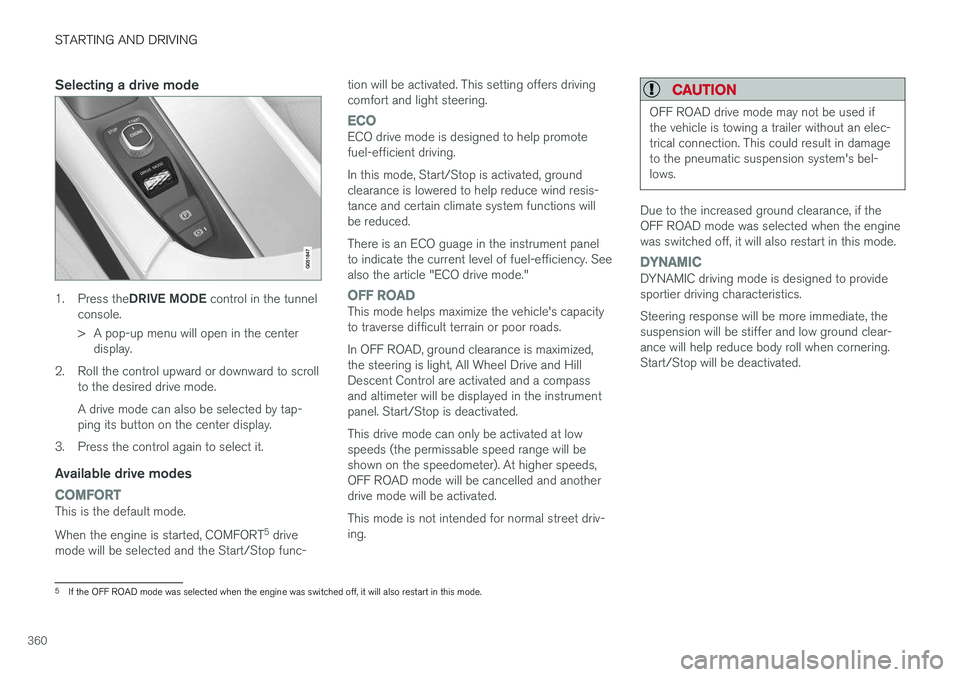
1.Press the DRIVE MODE control in the tunnel
console.
> A pop-up menu will open in the center display.
2. Roll the control upward or downward to scroll to the desired drive mode. A drive mode can also be selected by tap- ping its button on the center display.
3. Press the control again to select it.
Available drive modes
COMFORTThis is the default mode. When the engine is started, COMFORT 5
drive
mode will be selected and the Start/Stop func- tion will be activated. This setting offers driving comfort and light steering.
ECOECO drive mode is designed to help promote fuel-efficient driving. In this mode, Start/Stop is activated, ground clearance is lowered to help reduce wind resis-tance and certain climate system functions willbe reduced. There is an ECO guage in the instrument panel to indicate the current level of fuel-efficiency. Seealso the article "ECO drive mode."
OFF ROADThis mode helps maximize the vehicle's capacity to traverse difficult terrain or poor roads. In OFF ROAD, ground clearance is maximized, the steering is light, All Wheel Drive and HillDescent Control are activated and a compassand altimeter will be displayed in the instrumentpanel. Start/Stop is deactivated. This drive mode can only be activated at low speeds (the permissable speed range will beshown on the speedometer). At higher speeds,OFF ROAD mode will be cancelled and anotherdrive mode will be activated. This mode is not intended for normal street driv- ing.
CAUTION
OFF ROAD drive mode may not be used if the vehicle is towing a trailer without an elec-trical connection. This could result in damageto the pneumatic suspension system's bel-lows.
Due to the increased ground clearance, if the OFF ROAD mode was selected when the enginewas switched off, it will also restart in this mode.
DYNAMICDYNAMIC driving mode is designed to provide sportier driving characteristics. Steering response will be more immediate, the suspension will be stiffer and low ground clear-ance will help reduce body roll when cornering.Start/Stop will be deactivated.
5
If the OFF ROAD mode was selected when the engine was switched off, it will also restart in this mode.
Page 364 of 570
STARTING AND DRIVING
* Option/accessory, for more information, see Introduction.
362
ECO drive mode
The Eco drive mode is a function designed to give the driver the opportunity to drive more eco-nomically and to help reduce fuel consumption.
When this mode is activated, the following cha- racteristics are modified:
• The automatic transmission's shifting points
• The engine management system and accel- erator pedal response
• Eco Coast functionality is activated: enginebraking is disabled at speeds betweenapprox. 40 and 85 mph (65 and 140 km/h)
• Climate system settings: certain functionswill be temporarily reduced or deactivated
• The suspension's self-leveling function
* low-
ers ground clearance to help reduce windresistance
• Information is shown in an ECO gauge in theinstrument panel to help promote more eco-nomical driving
NOTE
When Eco is activated, several climate system parameters are changed and the function ofcertain current-consuming systems will bereduced. Some of these functions can be restarted manually but full functionality will not berestored until Eco is deactivated.
Selecting ECO modeWhen the engine is switched off, ECO mode is deactivated and must be reactivated each time the engine is started.
ECO will appear in the
instrument panel when the function is activated.
Via Function view
Select Driving mode ECO in
the center display's Function view. A green indicator light inthe button shows that the func-tion is activated.
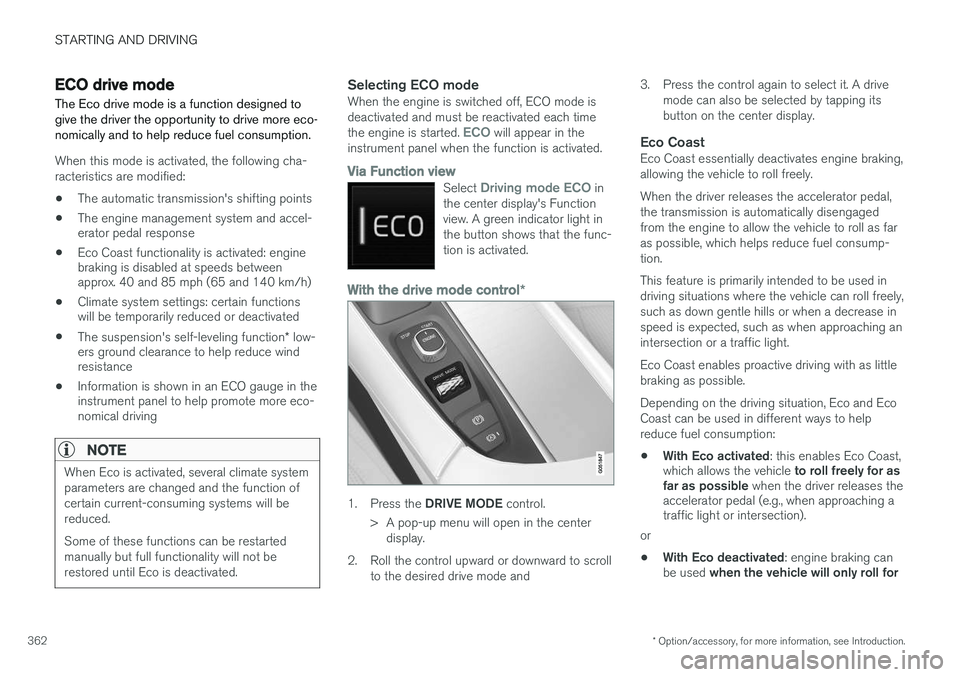
With the drive mode control *
1.
Press the DRIVE MODE control.
> A pop-up menu will open in the center display.
2. Roll the control upward or downward to scroll to the desired drive mode and 3. Press the control again to select it. A drive
mode can also be selected by tapping its button on the center display.
Eco CoastEco Coast essentially deactivates engine braking,allowing the vehicle to roll freely. When the driver releases the accelerator pedal, the transmission is automatically disengagedfrom the engine to allow the vehicle to roll as faras possible, which helps reduce fuel consump-tion. This feature is primarily intended to be used in driving situations where the vehicle can roll freely,such as down gentle hills or when a decrease inspeed is expected, such as when approaching anintersection or a traffic light. Eco Coast enables proactive driving with as little braking as possible. Depending on the driving situation, Eco and Eco Coast can be used in different ways to helpreduce fuel consumption: • With Eco activated
: this enables Eco Coast,
which allows the vehicle to roll freely for as
far as possible when the driver releases the
accelerator pedal (e.g., when approaching a traffic light or intersection).
or
• With Eco deactivated
: engine braking can
be used when the vehicle will only roll for
Page 373 of 570
STARTING AND DRIVING
* Option/accessory, for more information, see Introduction.371
AutomaticallyIf the paddles are not used for a period of time, they will deactivate automatically. The number ofthe current gear in the instrument panel changes to "D".
The paddles will remain active if engine braking is currently being used.
Related information
• Gear selector positions (p. 367)
• Gear shift indicator (p. 370)
Low Speed Control (LSC) Low Speed Control (LSC) helps make off-road driving easier on slippery surfaces when towinga trailer on grass, etc. This feature is part of the
Off Road drive mode.
When driving at low speeds, LSC prioritizes low gears and all wheel drive to help avoid wheel spinand to improve the vehicle's tractive force. Theaccelerator pedal and engine react differently tomake low-speed driving easier. It is activated along with Hill Descent Control (HDC), which increases engine braking to helpkeep vehicle speed low and smooth, even drivingdown steep hills.
Activating LSCThis function can be activated in different ways,depending on how the vehicle is equipped.
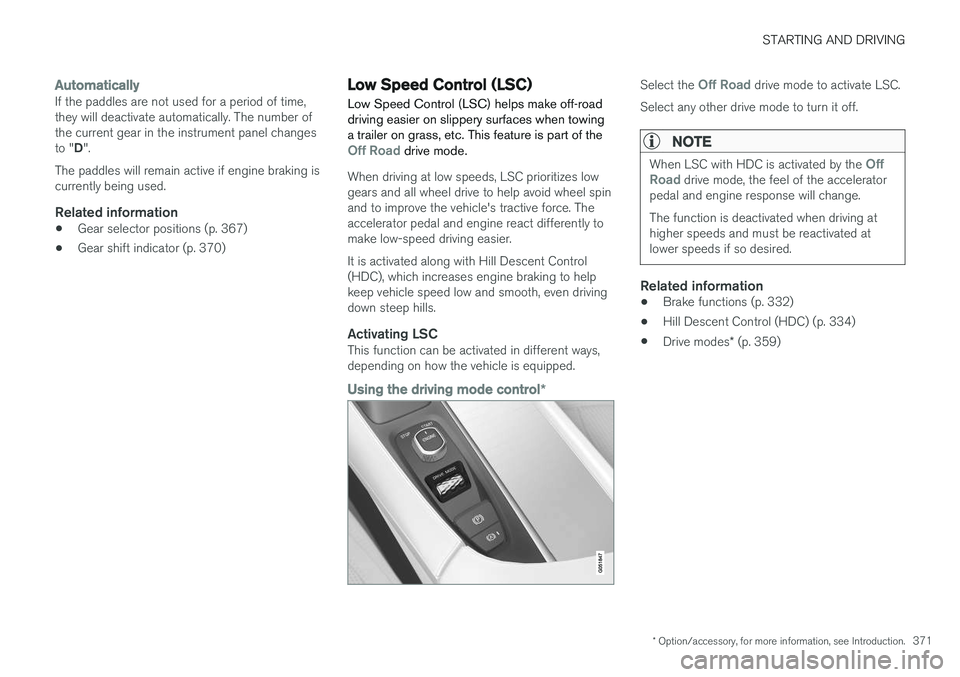
Using the driving mode control
*
Select the Off Road drive mode to activate LSC.
Select any other drive mode to turn it off.
NOTE
When LSC with HDC is activated by the Off
Road drive mode, the feel of the accelerator
pedal and engine response will change. The function is deactivated when driving at higher speeds and must be reactivated atlower speeds if so desired.
Related information
• Brake functions (p. 332)
• Hill Descent Control (HDC) (p. 334)
• Drive modes
* (p. 359)
Page 375 of 570
STARTING AND DRIVING
* Option/accessory, for more information, see Introduction.373
Loading modeUse the buttons in the cargo compartment to raise or lower the vehicle to make loading orunloading easier or when attaching a trailer.
Parking the vehicleWhen parking, be sure that there is adequatespace above and below the vehicle since itsground clearance may vary, e.g., depending onthe ambient temperature, how the vehicle is loa-ded, if loading mode is being used or the drivemode selected after the engine is started. The level may also be adjusted for a certain time after the vehicle has been parked to compensatefor possible height adjustments due to tempera-ture changes in the pneumatic suspension whenthe vehicle has cooled.
TransportWhen transporting the vehicle on a ferry, train ora tow truck, it may only be secured (lashed)around the tires, not using any other chassiscomponents. Changes in the pneumatic suspen-sion may occur during transport that could nega-tively affect the lashing and result in damage.
Related information
•Drive modes
* (p. 359)
• Driving with a trailer (p. 351)
• Loading (p. 207)