service VOLVO XC90 TWIN ENGINE 2020 Owners Manual
[x] Cancel search | Manufacturer: VOLVO, Model Year: 2020, Model line: XC90 TWIN ENGINE, Model: VOLVO XC90 TWIN ENGINE 2020Pages: 693, PDF Size: 13.34 MB
Page 4 of 693
2
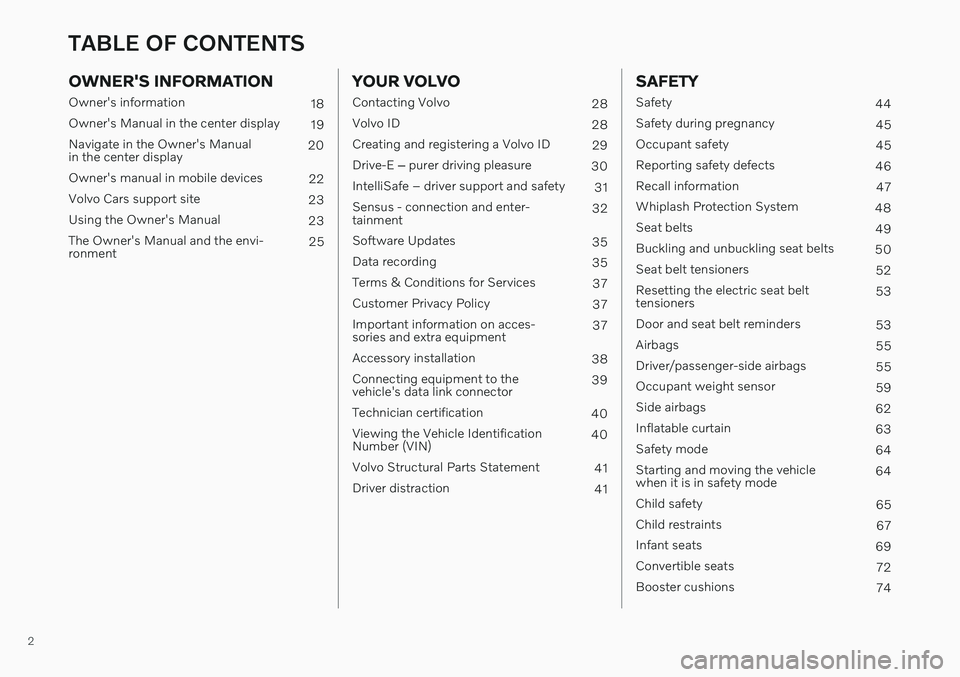
OWNER'S INFORMATION
Owner's information18
Owner's Manual in the center display 19
Navigate in the Owner's Manual in the center display 20
Owner's manual in mobile devices 22
Volvo Cars support site 23
Using the Owner's Manual 23
The Owner's Manual and the envi-ronment 25
YOUR VOLVO
Contacting Volvo
28
Volvo ID 28
Creating and registering a Volvo ID 29
Drive-E ‒ purer driving pleasure
30
IntelliSafe – driver support and safety 31
Sensus - connection and enter- tainment 32
Software Updates 35
Data recording 35
Terms & Conditions for Services 37
Customer Privacy Policy 37
Important information on acces-sories and extra equipment 37
Accessory installation 38
Connecting equipment to thevehicle's data link connector 39
Technician certification 40
Viewing the Vehicle IdentificationNumber (VIN) 40
Volvo Structural Parts Statement 41
Driver distraction 41
SAFETY
Safety44
Safety during pregnancy 45
Occupant safety 45
Reporting safety defects 46
Recall information 47
Whiplash Protection System 48
Seat belts 49
Buckling and unbuckling seat belts 50
Seat belt tensioners 52
Resetting the electric seat belt tensioners 53
Door and seat belt reminders 53
Airbags 55
Driver/passenger-side airbags 55
Occupant weight sensor 59
Side airbags 62
Inflatable curtain 63
Safety mode 64
Starting and moving the vehiclewhen it is in safety mode 64
Child safety 65
Child restraints 67
Infant seats 69
Convertible seats 72
Booster cushions 74
TABLE OF CONTENTS
Page 14 of 693
12
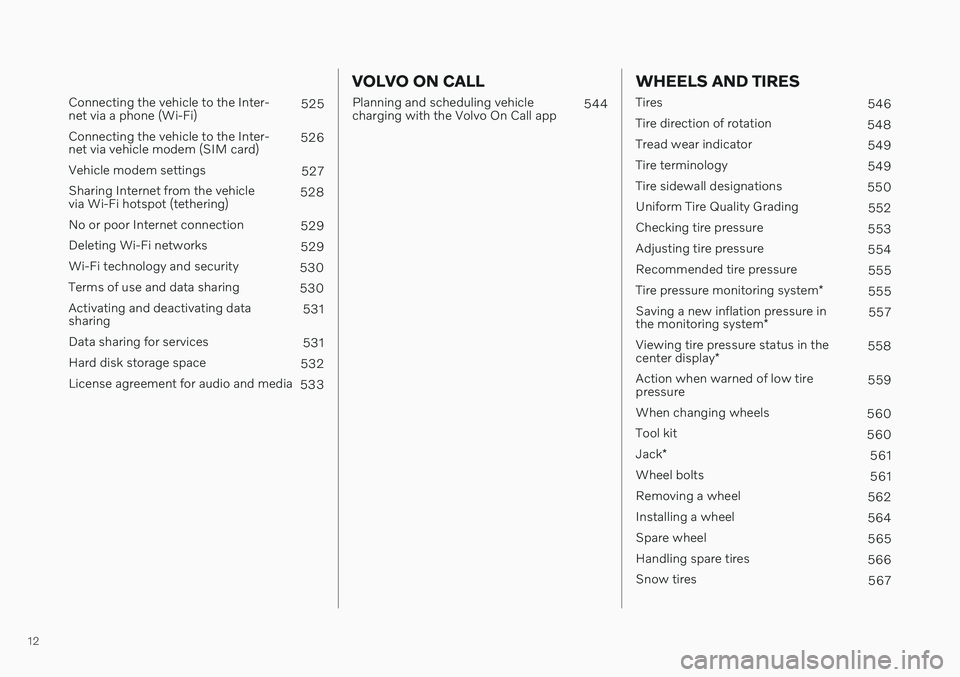
Connecting the vehicle to the Inter- net via a phone (Wi-Fi)525
Connecting the vehicle to the Inter-net via vehicle modem (SIM card) 526
Vehicle modem settings 527
Sharing Internet from the vehiclevia Wi-Fi hotspot (tethering) 528
No or poor Internet connection 529
Deleting Wi-Fi networks 529
Wi-Fi technology and security 530
Terms of use and data sharing 530
Activating and deactivating datasharing 531
Data sharing for services 531
Hard disk storage space 532
License agreement for audio and media 533
VOLVO ON CALL
Planning and scheduling vehicle charging with the Volvo On Call app 544
WHEELS AND TIRES
Tires
546
Tire direction of rotation 548
Tread wear indicator 549
Tire terminology 549
Tire sidewall designations 550
Uniform Tire Quality Grading 552
Checking tire pressure 553
Adjusting tire pressure 554
Recommended tire pressure 555
Tire pressure monitoring system *
555
Saving a new inflation pressure in the monitoring system *557
Viewing tire pressure status in thecenter display * 558
Action when warned of low tire pressure 559
When changing wheels 560
Tool kit 560
Jack *
561
Wheel bolts 561
Removing a wheel 562
Installing a wheel 564
Spare wheel 565
Handling spare tires 566
Snow tires 567
Page 15 of 693
13
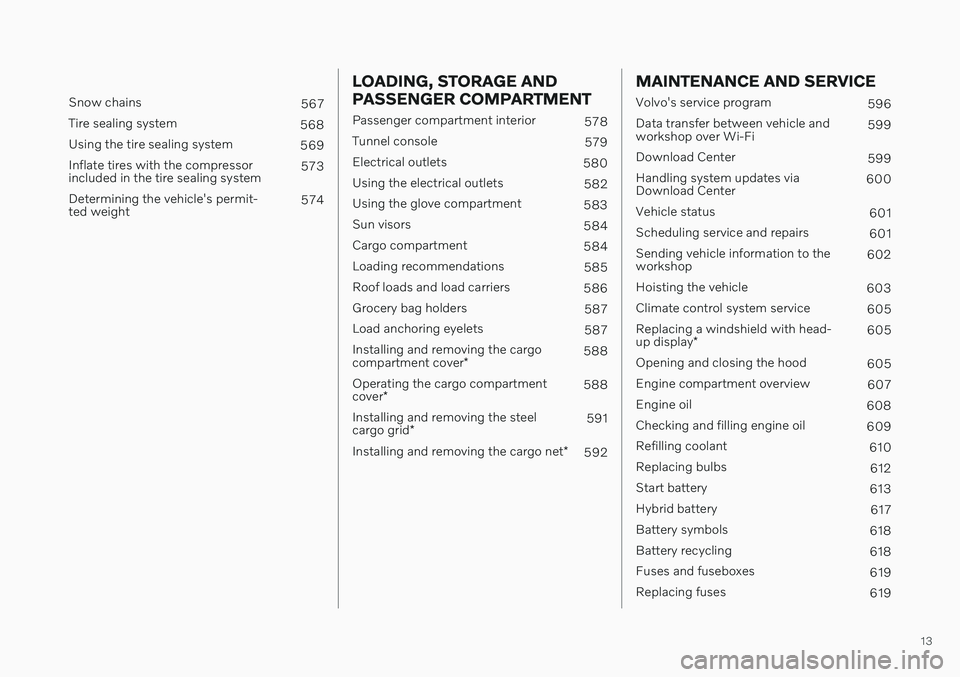
Snow chains567
Tire sealing system 568
Using the tire sealing system 569
Inflate tires with the compressor included in the tire sealing system 573
Determining the vehicle's permit-ted weight 574
LOADING, STORAGE AND PASSENGER COMPARTMENT
Passenger compartment interior
578
Tunnel console 579
Electrical outlets 580
Using the electrical outlets 582
Using the glove compartment 583
Sun visors 584
Cargo compartment 584
Loading recommendations 585
Roof loads and load carriers 586
Grocery bag holders 587
Load anchoring eyelets 587
Installing and removing the cargo compartment cover * 588
Operating the cargo compartmentcover * 588
Installing and removing the steelcargo grid * 591
Installing and removing the cargo net *
592
MAINTENANCE AND SERVICE
Volvo's service program
596
Data transfer between vehicle and workshop over Wi-Fi 599
Download Center 599
Handling system updates viaDownload Center 600
Vehicle status 601
Scheduling service and repairs 601
Sending vehicle information to theworkshop 602
Hoisting the vehicle 603
Climate control system service 605
Replacing a windshield with head- up display * 605
Opening and closing the hood 605
Engine compartment overview 607
Engine oil 608
Checking and filling engine oil 609
Refilling coolant 610
Replacing bulbs 612
Start battery 613
Hybrid battery 617
Battery symbols 618
Battery recycling 618
Fuses and fuseboxes 619
Replacing fuses 619
Page 16 of 693
14
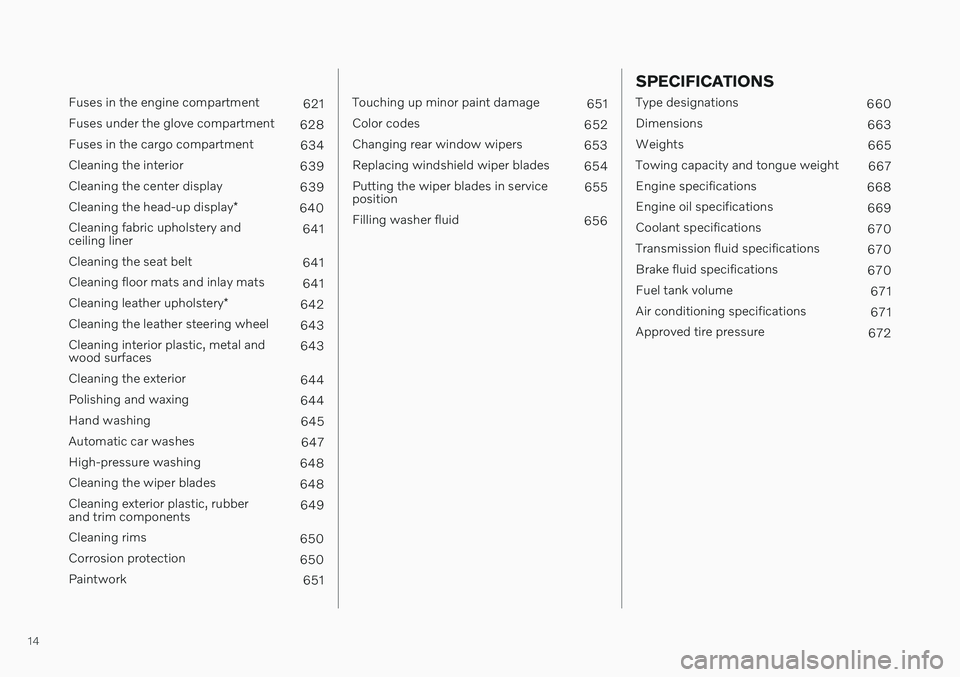
Fuses in the engine compartment621
Fuses under the glove compartment 628
Fuses in the cargo compartment 634
Cleaning the interior 639
Cleaning the center display 639
Cleaning the head-up display *
640
Cleaning fabric upholstery and ceiling liner 641
Cleaning the seat belt 641
Cleaning floor mats and inlay mats 641
Cleaning leather upholstery *
642
Cleaning the leather steering wheel 643
Cleaning interior plastic, metal andwood surfaces 643
Cleaning the exterior 644
Polishing and waxing 644
Hand washing 645
Automatic car washes 647
High-pressure washing 648
Cleaning the wiper blades 648
Cleaning exterior plastic, rubberand trim components 649
Cleaning rims 650
Corrosion protection 650
Paintwork 651
Touching up minor paint damage651
Color codes 652
Changing rear window wipers 653
Replacing windshield wiper blades 654
Putting the wiper blades in service position 655
Filling washer fluid 656
SPECIFICATIONS
Type designations660
Dimensions 663
Weights 665
Towing capacity and tongue weight 667
Engine specifications 668
Engine oil specifications 669
Coolant specifications 670
Transmission fluid specifications 670
Brake fluid specifications 670
Fuel tank volume 671
Air conditioning specifications 671
Approved tire pressure 672
Page 21 of 693
OWNER'S INFORMATION
}}
19
CAUTION
The driver is always responsible for operat- ing the vehicle in a safe manner and adher-ing to all applicable laws and regulations. Itis also important that the vehicle is oper-ated, maintained and serviced according toVolvo's recommendations provided in theowner's information. If the information in the center display dif- fers from the printed information, the prin-ted information always takes precedence.
NOTE
Changing languages in the center display could mean that certain owner's informa-tion will not comply with national or locallaws and regulations. Do not change to alanguage you do not speak well, as it canbe difficult to find your way back throughthe menu.
Related information
Owner's Manual in the center display (p. 19)
Owner's manual in mobile devices(p. 22)
Volvo Cars support site (p. 23)
Using the Owner's Manual (p. 23)
Owner's Manual in the center display
A digital version of the Owner's Manual is available in the vehicle's center display 2
.
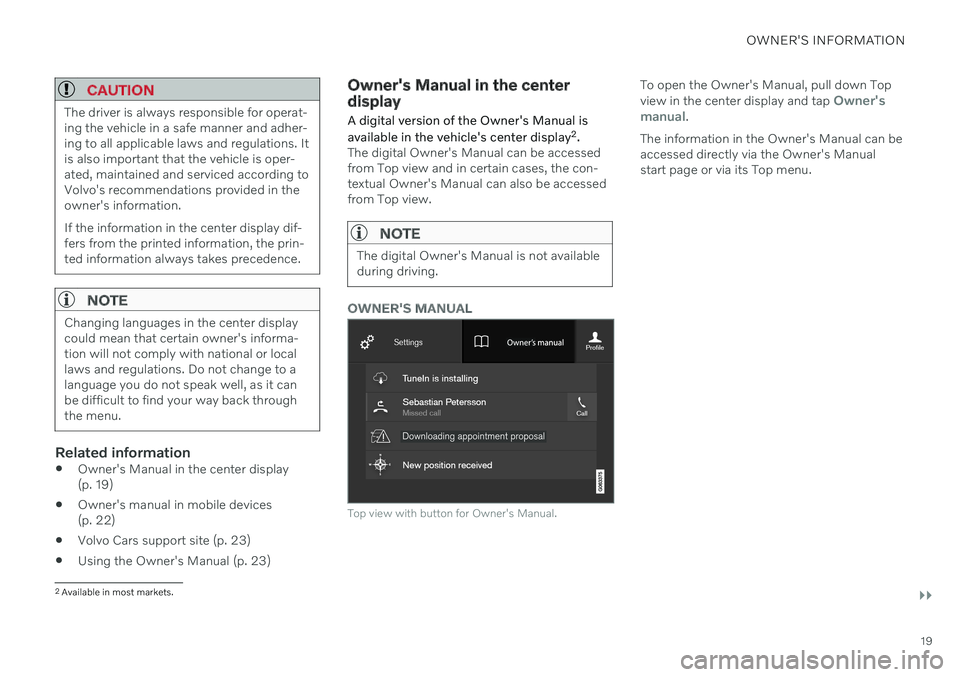
The digital Owner's Manual can be accessed from Top view and in certain cases, the con-textual Owner's Manual can also be accessedfrom Top view.
NOTE
The digital Owner's Manual is not available during driving.
OWNER'S MANUAL
Top view with button for Owner's Manual.
To open the Owner's Manual, pull down Top view in the center display and tap Owner's
manual.
The information in the Owner's Manual can be accessed directly via the Owner's Manualstart page or via its Top menu.
2 Available in most markets.
Page 25 of 693
OWNER'S INFORMATION
}}
* Option/accessory.23
Volvo Cars support site
Volvo Cars' website and support site contain additional information about your vehicle.
Online supportGo to support.volvocars.com to visit the site. The support site is available in most markets. The site contains support for e.g. Internet- based services and functions, Volvo On Call, the navigation system * and apps. Videos and
step-by-step instructions explain various pro- cedures, such as how to connect the vehicleto the Internet via a cellular phone.
Downloadable information
Maps
For vehicles equipped with Sensus Navigation maps can be downloaded from the supportsite.
Mobile apps
Beginning with model year 2014, the Owner's Manual is available as an app for certain Volvomodels. The Volvo On Call app can also bedownloaded from the support site.
Owner's manuals in PDF format
Owner's Manuals are available for download- ing in PDF format. Select the vehicle modeland year to download the desired manual.
ContactContact information for customer support andyour nearest Volvo retailer are available on thesupport site.
Related information
Contacting Volvo (p. 28)
Volvo ID (p. 28)
Using the Owner's Manual
To get to know your new vehicle, read the Owner's Manual before driving it for the firsttime.
Reading your Owner's Manual is a way to familiarize yourself with new features andfunctions, get advice on how to handle yourvehicle in different situations, and to learn howto take advantage of everything your Volvo hasto offer. Pay particular attention to the safetywarnings provided in the Owner's Manual. The intention of this owner's information is to explain all of the possible features, functions,options and accessories included in a Volvovehicle. It is not intended as an indication orguarantee that all of these features, functionsand options are included in every vehicle.Some terminology used may not exactlymatch terminology used in sales, marketingand advertising materials. Volvo continuously works to develop and improve our products. Modifications can meanthat information, descriptions and illustrationsin the Owner's Manual differ from the equip-ment in the vehicle. We reserve the right tomake changes without prior notice. Do not remove this manual from the vehicle. If a problem should occur, you will not have thenecessary information on where and how toget professional assistance. © Volvo Car Corporation
Page 30 of 693
YOUR VOLVO
28
Contacting VolvoUse the following contact information if you would like to get in touch with Volvo in theUnited States or Canada.
In the USA: Volvo Car USA, LLCCustomer Care Center1 Volvo Drive,P.O. Box 914Rockleigh, New Jersey 076471-800-458-1552www.volvocars.com/us In Canada: Volvo Car Canada Ltd.Customer Care Centre9130 Leslie Street, Suite 101Richmond Hill, Ontario L4B 0B91-800-663-8255www.volvocars.com/ca
Volvo ID Volvo ID is a personal ID that gives you access to a range of services using a singleusername and password.
NOTE
The available services can vary over time and depend on equipment level and mar-ket.
Examples of services: Volvo On Call-app - check your vehicle using your phone. You can check fuellevel, find the nearest gas station and lockthe vehicle remotely.
Send to Car – send addresses from onlinemap services directly to the vehicle.
Send a request for service and repairsdirectly from the vehicle. The booking willthen be completed via email.
NOTE
If the username/password for a service (e.g. Volvo On Call) is changed, the changewill also automatically be applied to otherservices.
The creation of a Volvo ID is initiated through the Volvo On Call app or from the vehicle and then completed by email. When a Volvo ID is registered in the vehicle,additional services are available. MultipleVolvo IDs can be used for the same vehicle,and multiple vehicles can be linked to thesame Volvo ID.
Related information
Creating and registering a Volvo ID(p. 29)
Scheduling service and repairs (p. 601)
Page 31 of 693
YOUR VOLVO
* Option/accessory.29
Creating and registering a Volvo ID
A Volvo ID can be created in two ways. If your Volvo ID was created with the Volvo On Callapp, the Volvo IDmust also be registered tothe vehicle to enable access to the Volvo IDservices.
Creating a Volvo ID with the Volvo ID app
1. Download the Volvo ID app fromDownload Center in the center display's
App view.
2. Start the app and register a personal email address.
3. Follow the instructions that will be sent automatically to this email address.
> A Volvo ID has now been created and isautomatically registered to the vehicle. The Volvo ID services can now be used.
Creating a Volvo ID using the Volvo On Call
app 1
1. Download the latest version of the Volvo
On Call app to your phone, via e.g. App Store, Windows Phone or Google Play.
2. Choose to create a Volvo ID.
3. The website for creating a Volvo ID will open. Fill in the requested information.
4. Check the box to accept the terms and conditions. 5. Press the button to create your Volvo ID.
6. An email will be sent to the address you
have provided. Confirm that the address is correct.
> Your Volvo ID is now ready to be used.
Registering your Volvo ID to the vehicle
If your Volvo ID was created using the Volvo On Call app, follow these steps to register theID to the vehicle:
1. If you have not already done so, download
the Volvo ID app from
Download Centerin the center display's App view.
NOTE
To download apps the vehicle must be connected to the internet.
2. Start the app and enter your Volvo ID/email address.
3. Follow the instructions that will be auto- matically sent to the email address con- nected to your Volvo ID.
> Your Volvo ID has now been registeredto the vehicle. The Volvo ID services can now be used.
Related information
Volvo ID (p. 28)
Download apps (p. 481)
Handling system updates via DownloadCenter (p. 600)
Internet-connected vehicle
* (p. 524)
1
Vehicles with Volvo On Call.
Page 32 of 693
YOUR VOLVO
30
Drive-E ‒ purer driving pleasure
Volvo is committed to the well-being of its customers. As a natural part of this commit-ment, we care about the environment inwhich we all live. Concern for the environ-ment means an everyday involvement inreducing our environmental impact.
Volvo's environmental activities are based on a holistic view, which means we consider theoverall environmental impact of a productthroughout its complete life cycle. In this con-text, design, production, product use, andrecycling are all important considerations. Inproduction, Volvo has partly or completelyphased out several chemicals including CFCs,lead chromates, asbestos, and cadmium; andreduced the number of chemicals used in ourplants 50% since 1991. Volvo was the first in the world to introduce into production a three-way catalytic converterwith a Lambda sond, now called the heatedoxygen sensor, in 1976. The current version ofthis highly efficient system reduces emissionsof harmful substances (CO, HC, NOx) from theexhaust pipe by approximately 95 - 99% andthe search to eliminate the remaining emis-sions continues. Volvo is the only automobilemanufacturer to offer CFC-free retrofit kits forthe air conditioning system of all models as farback as the 1975 model 240. Advanced elec-tronic engine controls and cleaner fuels arebringing us closer to our goal. In addition to continuous environmental refinement of con-ventional gasoline-powered internal combus-tion engines, Volvo is actively looking atadvanced technology alternative-fuel vehicles. When you drive a Volvo, you become our part- ner in the work to lessen the vehicle's impacton the environment. To reduce your vehicle'senvironmental impact, you can:
Maintain proper air pressure in your tires.Tests have shown decreased fuel econ-omy with improperly inflated tires.
Follow the recommended maintenanceschedule in your Warranty and ServiceRecords Information booklet.
Drive at a constant speed whenever possi-ble.
See a trained and qualified Volvo servicetechnician as soon as possible for inspec-tion if the check engine (malfunction indi-cator) light illuminates, or stays on afterthe vehicle has started.
Properly dispose of any vehicle-relatedwaste such as used motor oil, used batter-ies, brake pads, etc.
When cleaning your vehicle, please usegenuine Volvo car care products. All Volvocar care products are formulated to beenvironmentally friendly.
Twin Engine vehicles
If possible, precondition the vehicle withthe charging cable before driving.
If preconditioning is not possible in coldweather, use the seat and steering wheelheating primarily. Avoid heating the entirepassenger compartment, which reducesthe hybrid battery's charge level.
Choose the
Pure drive mode to help mini-
mize electric power consumption.
In hilly terrain, put the gear selector in mode
B to utilize the electric motor's
braking function when the acceleratorpedal is released. This helps charge thehybrid battery.
Related information
Economical driving (p. 446)
Starting and stopping preconditioning(p. 234)
The Owner's Manual and the environment(p. 25)
Air quality (p. 210)
Page 37 of 693
YOUR VOLVO
}}
35
Software Updates
So that you as a Volvo customer shall have the best possible experience from your car,Volvo is continuously developing the systemsin the cars and the services that you areoffered.
You can update the software in your Volvo to the latest version when your car is serviced atan authorized Volvo dealer. With the latestsoftware update, you can take advantage ofavailable improvements, including those thatcame with previous software updates. For more information about released updates and answers to frequently asked questions,please go to support.volvocars.com.
NOTE
Functionality after updating may vary depending on market, model, model yearand options.
Related information
Sensus - connection and entertainment (p. 32)
Handling system updates via DownloadCenter (p. 600)
Data recording As part of Volvo's commitment to safety and quality, certain information is recorded regar-ding vehicle operation, functionality and inci-dents.
US market only:
EDR
This vehicle is equipped with an "Event Data Recorder" (EDR). The main purpose of an EDRis to record, in certain crash or near crash-likesituations, such as an air bag deployment orhitting a road obstacle, data that will assist inunderstanding how a vehicle's systemsperformed. The EDR is designed to recorddata related to vehicle dynamics and safetysystems for a short period of time, typically 30seconds or less. The EDR in this vehicle isdesigned to record such data as:
How various systems in your vehicle wereoperating;
Whether or not the driver and passengersafety belts were buckled/fastened;
How far (if at all) the driver wasdepressing the accelerator and/or brakepedal; and,
How fast the vehicle was traveling.
These data can help provide a betterunderstanding of the circumstances in whichcrashes and injuries occur. NOTE: EDR dataare recorded by your vehicle only if a non- trivial crash situation occurs; no data arerecorded by the EDR under normal drivingconditions and no personal data (e.g., name,gender, age, and crash location) are recorded.However, other parties, such as lawenforcement, could combine the EDR datawith the type of personally identifying dataroutinely acquired during a crash investigation. To read data recorded by an EDR, special equipment is required, and access to thevehicle or the EDR is needed. In addition tothe vehicle manufacturer, other parties, suchas law enforcement, that have the specialequipment, can read the information if theyhave access to the vehicle or the EDR.
ASDR
This vehicle is equipped with an Active Safety Data Recorder (ASDR). This data recorder canrecord information related to the usage of thecar, functional errors and active safetyactuations (e.g. auto brake). The informationsaved is used by technicians for service andmaintenance to diagnose and repair possiblefaults that has occurred in the vehicle and tofulfil certain legal requirements. The registereddata can also, in congregated form, be usedfor research- and product development –purposes to continuously improve the safetyand quality of Volvo Cars. For moreinformation contact your local Volvo retailer.