lock Acura ZDX 2012 Repair Manual
[x] Cancel search | Manufacturer: ACURA, Model Year: 2012, Model line: ZDX, Model: Acura ZDX 2012Pages: 370, PDF Size: 10.06 MB
Page 173 of 370

171
Features
Audio System Basic Operation
To use the audio system function, the ignition switch must be in ACCESSORY q or
ON
w*1. Use the selector knob or SETUP button to
access some audio functions.
Press to switch between the normal and
extended display for some functions.
The extended display has three segments to
display detailed information.
Selector knob: Rotate left or right to scroll
through the available choices. Press to set
your selection.
SETUP/ button: Press to select any
setting such as the clock or sound control.
RETURN button: Press to go back to the
previous display.
*1: Models with the keyless access system have an ENGINE START/STOP button
instead of an ig nition switch.1Audio System Basic Operation
These indications are used to show how to operate
the selector knob.
Rotate to select.
Press to ENTER.
Selector
Knob
SETUP
Button
RETURN
Button
Menu Display
Page 193 of 370
191
Features
General Information on the Audio System
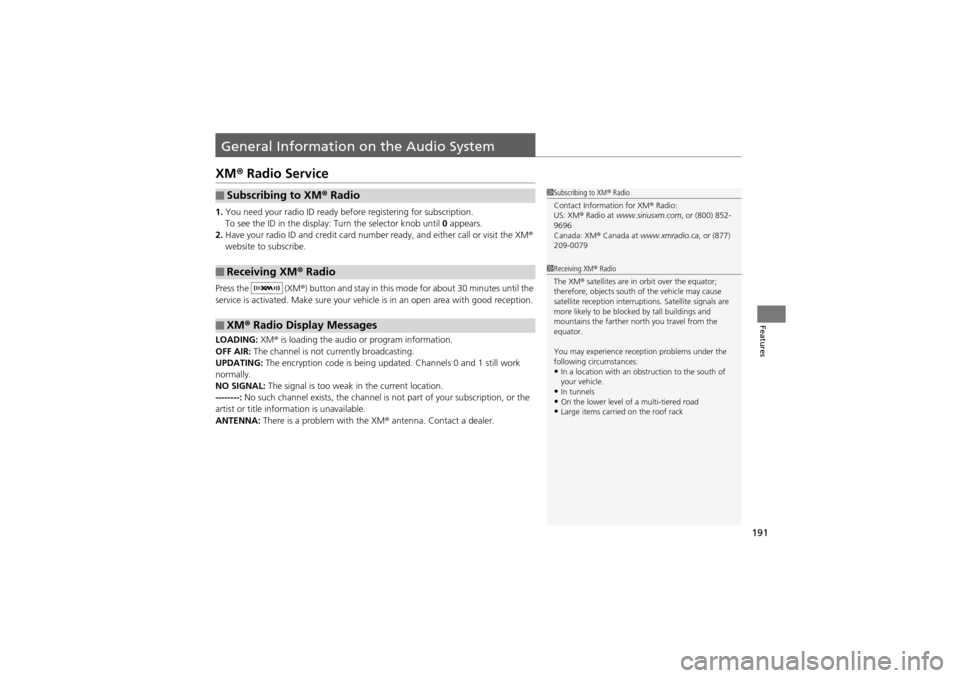
XM® Radio Service
1.You need your radio ID ready before registering for subscription.
To see the ID in the display: Turn the selector knob until 0 appears.
2. Have your radio ID and credit card number ready, and either call or visit the XM®
website to subscribe.
Press the (XM ®) button and stay in this mode for about 30 minutes until the
service is activated. Make sure your vehicl e is in an open area with good reception.
LOADING: XM® is loading the audio or program information.
OFF AIR: The channel is not currently broadcasting.
UPDATING: The encryption code is being updated. Channels 0 and 1 still work
normally.
NO SIGNAL: The signal is too weak in the current location.
--------: No such channel exists, the channel is not part of your subscription, or the
artist or title info rmation is unavailable.
ANTENNA: There is a problem with the XM ® antenna. Contact a dealer.
■Subscribing to XM ® Radio
■Receiving XM ® Radio
■XM ® Radio Display Messages
1 Subscribing to XM ® Radio
Contact Information for XM ® Radio:
US: XM ® Radio at www.siriusxm.com , or (800) 852-
9696
Canada: XM ® Canada at www.xmradio.ca , or (877)
209-0079
1 Receiving XM ® Radio
The XM ® satellites are in orbit over the equator;
therefore, objects south of the vehicle may cause
satellite reception interrupt ions. Satellite signals are
more likely to be blocked by tall buildings and
mountains the farther north you travel from the
equator.
You may experience reception problems under the
following circumstances:
•In a location with an obstruction to the south of
your vehicle.
•In tunnels•On the lower level of a multi-tiered road•Large items carried on the roof rack
Page 196 of 370
194
uuGeneral Information on the Audio System uCompatible iPod ® and USB Flash Drives
Features
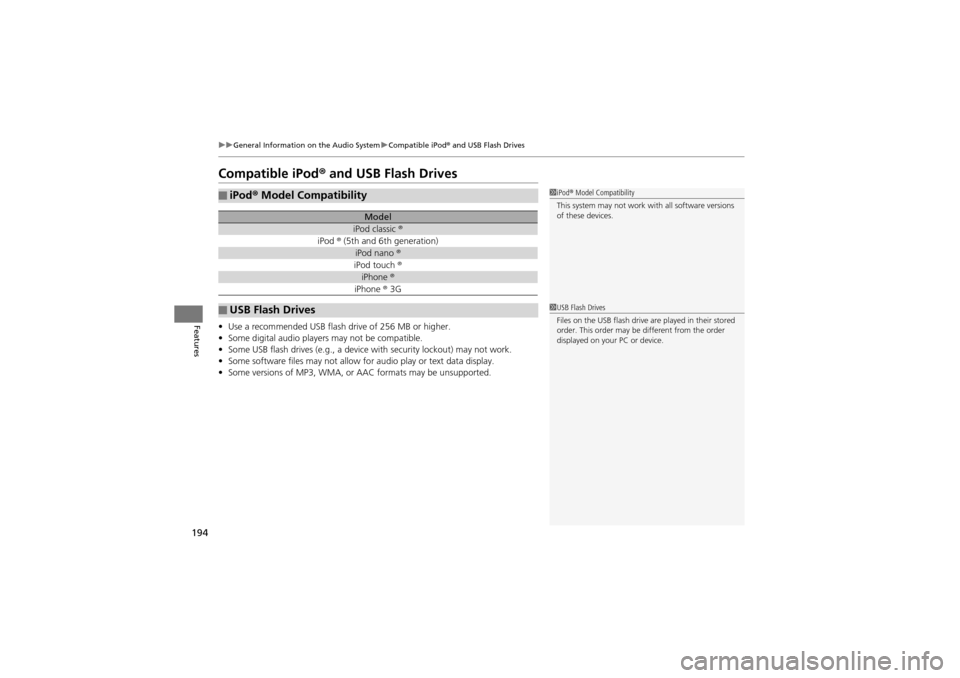
Compatible iPod® and USB Flash Drives
• Use a recommended USB flash drive of 256 MB or higher.
• Some digital audio players may not be compatible.
• Some USB flash drives (e.g., a device with security lockout) may not work.
• Some software files may not allow for audio play or text data display.
• Some versions of MP3, WMA, or AAC formats may be unsupported.
■iPod® Model Compatibility
Model
iPod classic ®
iPod ® (5th and 6th generation)
iPod nano ®
iPod touch ®
iPhone ®
iPhone ® 3G
■USB Flash Drives
1 iPod ® Model Compatibility
This system may not work with all software versions
of these devices.
1 USB Flash Drives
Files on the USB flash drive are played in their stored
order. This order may be different from the order
displayed on your PC or device.
Page 209 of 370
Continued207
uuBluetooth ® HandsFreeLink ®u HFL Menus
Features
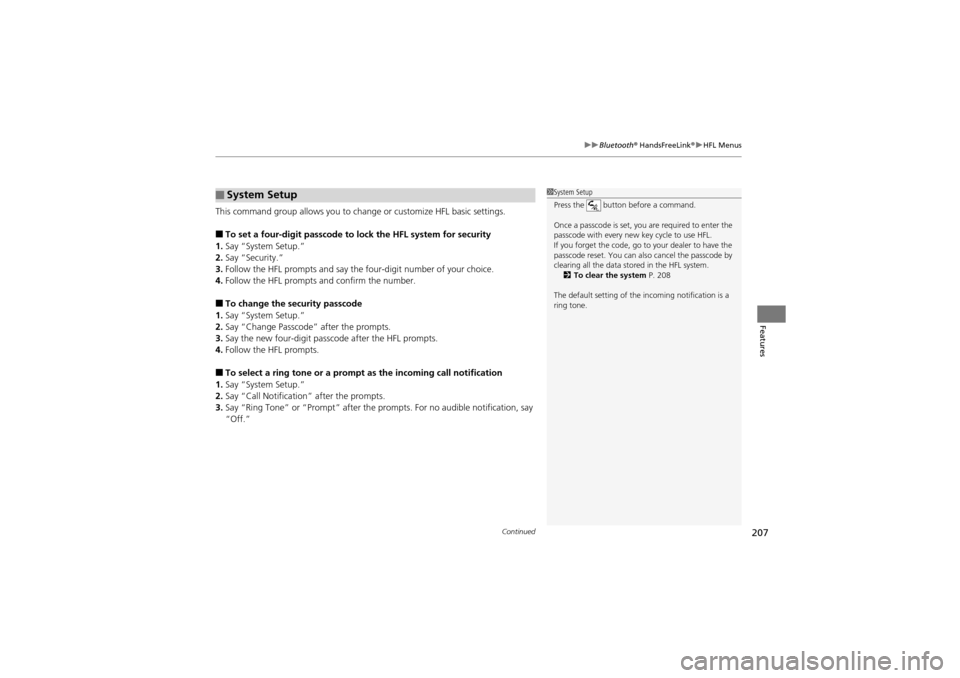
This command group allows you to change or customize HFL basic settings.
■To set a four-digit passcode to lock the HFL system for security
1. Say “System Setup.”
2. Say “Security.”
3. Follow the HFL prompts and say the four-digit number of your choice.
4. Follow the HFL prompts and confirm the number.
■To change the security passcode
1. Say “System Setup.”
2. Say “Change Passcode” after the prompts.
3. Say the new four-digit passcode after the HFL prompts.
4. Follow the HFL prompts.
■To select a ring tone or a prompt as the incoming call notification
1. Say “System Setup.”
2. Say “Call Notification” after the prompts.
3. Say “Ring Tone” or “Prompt” after the prompts. For no audible notification, say
“Off.”
■System Setup1System Setup
Press the button before a command.
Once a passcode is set, you are required to enter the
passcode with every new key cycle to use HFL.
If you forget the code, go to your dealer to have the
passcode reset. You can al so cancel the passcode by
clearing all the data st ored in the HFL system.
2 To clear the system P. 208
The default setting of the incoming notification is a
ring tone.
Page 211 of 370
209
Driving
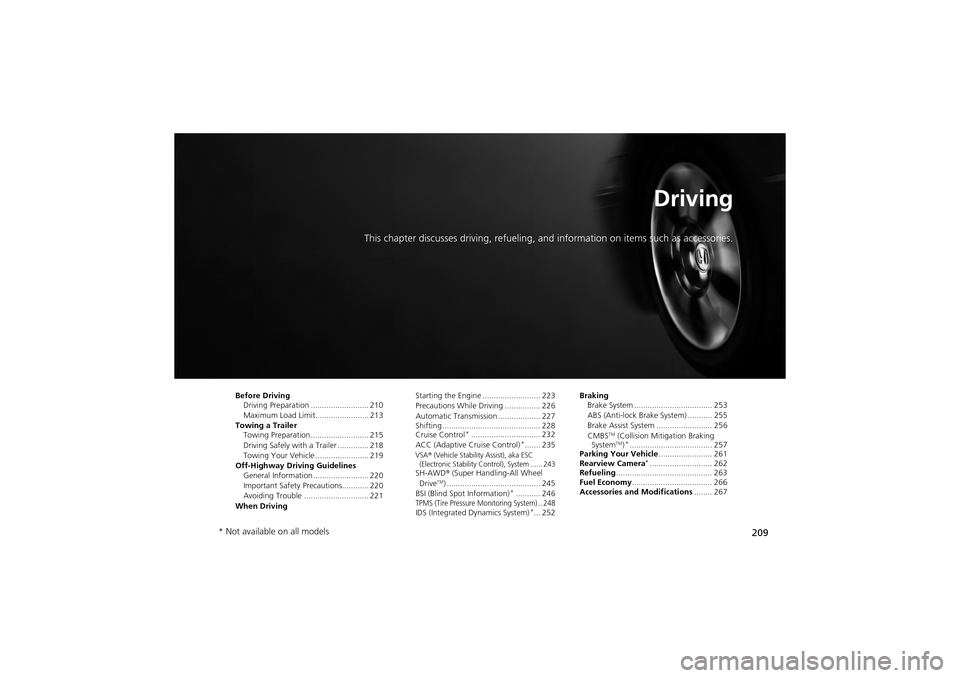
This chapter discusses driving, refueling, an d information on items such as accessories.
Before Driving
Driving Preparation .......................... 210
Maximum Load Limit........................ 213
Towing a Trailer Towing Preparation ..... ..................... 215
Driving Safely with a Trailer .............. 218
Towing Your Vehicle ........................ 219
Off-Highway Driving Guidelines General Information ......................... 220
Important Safety Prec autions............ 220
Avoiding Trouble ......... .................... 221
When Driving Starting the Engine .......................... 223
Precautions While Driving ................ 226
Automatic Transmission ................... 227
Shifting ............................................ 228
Cruise Control
*............................... 232
ACC (Adaptive Cruise Control)*....... 235VSA® (Vehicle Stability Assist), aka ESC
(Electronic Stability Control), System ...... 243
SH-AWD ® (Super Handling-All Wheel
DriveTM) .......................................... 245
BSI (Blind Spot Information)*........... 246TPMS (Tire Pressure Monitoring System) .. 248IDS (Integrated Dynamics System)*... 252 Braking
Brake System ................................... 253
ABS (Anti-lock Brake System) ........... 255
Brake Assist System ......................... 256
CMBS
TM (Collision Mitigation Braking
SystemTM)*..................................... 257
Parking Your Vehicle ........................ 261
Rearview Camera
*............................ 262
Refueling ........................................... 263
Fuel Economy .................................... 266
Accessories and Modifications ........ 267
* Not available on all models
Page 212 of 370
210
Driving
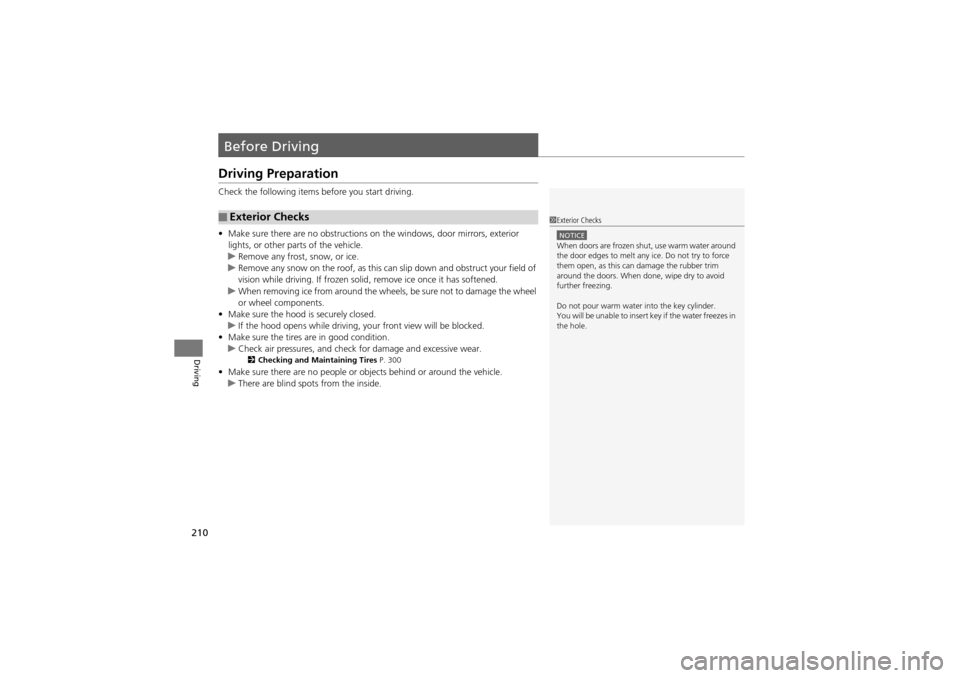
Before Driving
Driving Preparation
Check the following items before you start driving.
•Make sure there are no obstructions on the windows, door mirrors, exterior
lights, or other parts of the vehicle.
u Remove any frost, snow, or ice.
u Remove any snow on the roof, as this can slip down and obstruct your field of
vision while driving. If frozen solid, remove ice once it has softened.
u When removing ice from around the wheels, be sure not to damage the wheel
or wheel components.
• Make sure the hood is securely closed.
u If the hood opens while driving, your front view will be blocked.
• Make sure the tires are in good condition.
u Check air pressures, and check for damage and excessive wear.
2Checking and Maintaining Tires P. 300
•Make sure there are no people or objects behind or around the vehicle.
u There are blind spots from the inside.
■Exterior Checks1Exterior Checks
NOTICEWhen doors are frozen shut, use warm water around
the door edges to melt any ice. Do not try to force
them open, as this ca n damage the rubber trim
around the doors. When done, wipe dry to avoid
further freezing.
Do not pour warm water into the key cylinder.
You will be unable to insert key if the water freezes in
the hole.
Page 213 of 370
Continued211
uuBefore Driving uDriving Preparation
Driving
• Store or secure all items on board properly.
u Carrying too much cargo, or improperly storing it, can affect your vehicle’s
handling, stability, stopping distan ce, and tires, and make it unsafe.
2Maximum Load Limit P. 213
•Do not pile items higher than the seat height.
u They can block your view and may be thrown forward in the event of sudden
braking.
• Do not place anything in th e front seat footwells. Make sure to secure the floor
mat.
u An object or unsecured floor mat can inte rfere with your brake and accelerator
pedal operation while driving.
• If you have any animals on board, do not let them move around in the vehicle.
u They may interfere with driv ing and a crash could occur.
• Securely close and lock a ll doors and the tailgate.
2Locking/Unlocking the Doors from the Inside P. 111
•Adjust your seating position properly.
u Adjust the head restraint, too.
2 Adjusting the Seats P. 143
2 Adjusting the Head Restraints P. 145
•Adjust the mirrors and steering wheel properly for your driving.
u Adjust them while sitting in the proper driving position.
2 Adjusting the Mirrors P. 141
2 Adjusting the Steering Wheel P. 140
■Interior Checks1Interior Checks
The headlight aim is set by the factory, and does not
need to be adjusted. However, if you regularly carry
heavy items in the cargo ar ea or tow a trailer, have
the aiming readjusted at a dealer or by a qualified
technician.
Page 228 of 370
226
uuWhen Driving uPrecautions While Driving
Driving
Precautions While Driving
Utility vehicles have a significantly higher rollover rate than other types of vehicles.
To prevent rollovers or loss of control:
• Take corners at slower speeds than you would with a passenger vehicle.
• Avoid sharp turns and abrupt maneuvers whenever possible.
• Do not modify your vehicle in any way th at you would raise the center of gravity.
• Do not carry heavy cargo on the roof.
Avoid driving in deep water and on flooded roads. This can damage the engine or
cause electrical component failure.
If there is a strong impact with something under the vehicl e, stop in a safe location.
Check the underside of the vehicl e for damage or any fluid leaks.
■Driving Guidelines for Your Utility Vehicle
■In Rain
■Other Precautions
1Precautions While Driving
NOTICEDo not operate the shift lever while pressing the
accelerator pedal. You could damage the
transmission.
If the ignition switch is turned to ACCESSORY
(q or
LOCK (0*1 while driving, the engine will shut down
and all steering and brake power assist functions will
stop, making it difficult to control the vehicle.
Do not put the shift lever in
( N, as you will lose
engine braking (and acce leration) performance.
During the first 600 mile s (1,000 km) of operation,
avoid sudden acceleration or full throttle operation so
as not to damage the engine or powertrain.
Avoid hard braking for the first 200 miles (300 km).
You should also follow this when the brake pads are
replaced.
1 Driving Guidelines for Your Utility Vehicle
Failure to operate your vehi cle correctly might result
in a crash or a roll over.
2 Important Handling Information P. 24
2 Off-Highway Driving Guidelines P. 220
*1: Models with the keyles s access system have an
ENGINE START/STOP button instead of an ignition
switch.
Page 230 of 370
228
uuWhen Driving uShifting
Driving
Shifting
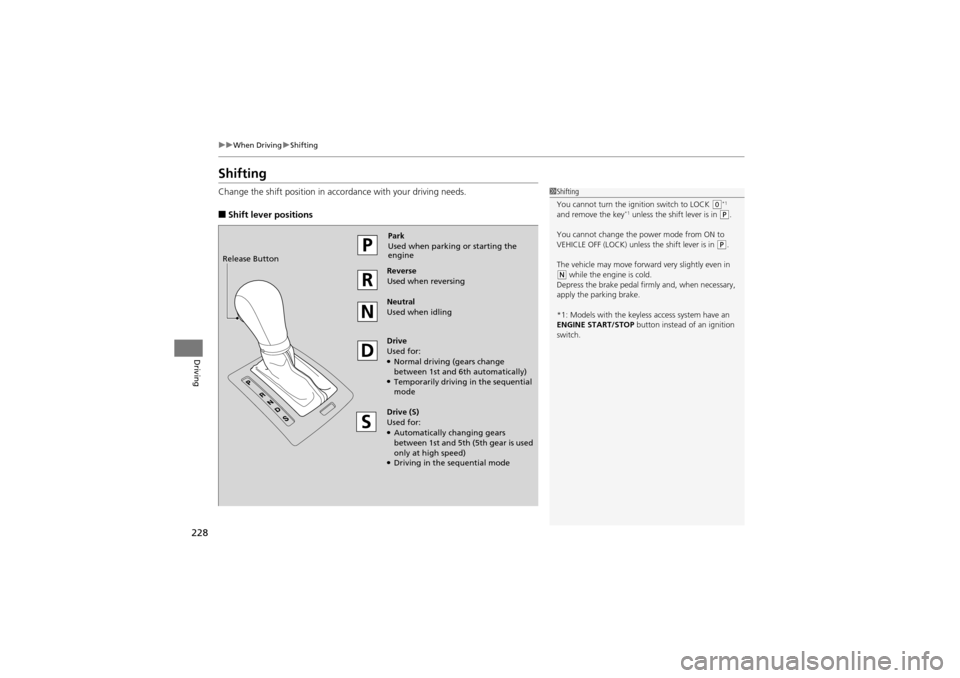
Change the shift position in accordance with your driving needs.
■Shift lever positions
1Shifting
You cannot turn the ignition switch to LOCK
(0*1
and remove the key*1 unless the shift lever is in ( P.
You cannot change the power mode from ON to
VEHICLE OFF (LOCK) unless the shift lever is in
(P.
The vehicle may move forward very slightly even in
( N while the engine is cold.
Depress the brake pedal firmly and, when necessary,
apply the parking brake.
*1: Models with the keyles s access system have an
ENGINE START/STOP button instead of an ignition
switch.
Park
Used when parking or starting the
engine
Reverse
Used when reversing
Neutral
Used when idling
Drive
Used for:
●Normal driving (gears change
between 1st and 6t h automatically)
●Temporarily driving in the sequential
mode
Drive (S)
Used for:
●Automatically changing gears
between 1st and 5th (5 th gear is used
only at high speed)
●Driving in the sequential mode
Release Button
Page 233 of 370
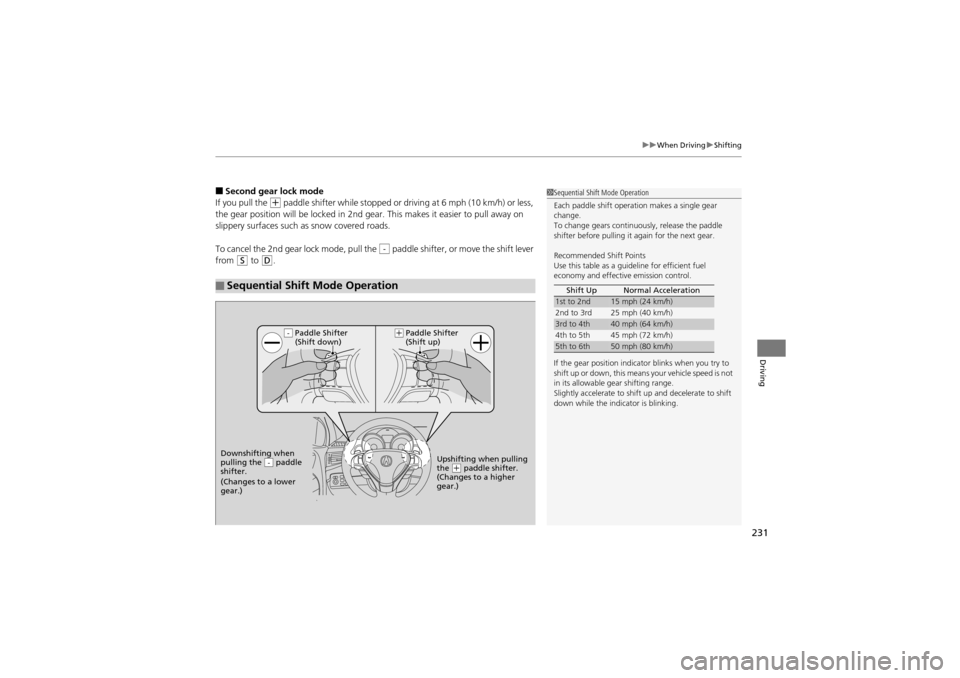
231
uuWhen Driving uShifting
Driving
■Second gear lock mode
If you pull the
+ paddle shifter while stopped or driv ing at 6 mph (10 km/h) or less,
the gear position will be locked in 2nd gear. This makes it easier to pull away on
slippery surfaces such as snow covered roads.
To cancel the 2nd gear lock mode, pull the paddle shifter, or move the shift lever
from
S to D.
■Sequential Shift Mode Operation
-
1 Sequential Shift Mode Operation
Each paddle shift operat ion makes a single gear
change.
To change gears continuously, release the paddle
shifter before pulling it again for the next gear.
Recommended Shift Points
Use this table as a guideline for efficient fuel
economy and effective emission control.
If the gear position indicator blinks when you try to
shift up or down, this means your vehicle speed is not
in its allowable gear shifting range.
Slightly accelerate to shift up and decelerate to shift
down while the indicator is blinking. Shift Up Normal Acceleration
1st to 2nd15 mph (24 km/h)
2nd to 3rd 25 mph (40 km/h)
3rd to 4th40 mph (64 km/h)
4th to 5th 45 mph (72 km/h)
5th to 6th50 mph (80 km/h)
Paddle Shifter
(Shift down)
Downshifting when
pulling the paddle
shifter.
(Changes to a lower
gear.)
-Upshifting when pulling
the (+ paddle shifter.
(Changes to a higher
gear.)
-(+
Paddle Shifter
(Shift up)