ECU AUDI Q3 2019 Service Manual
[x] Cancel search | Manufacturer: AUDI, Model Year: 2019, Model line: Q3, Model: AUDI Q3 2019Pages: 280, PDF Size: 72.73 MB
Page 212 of 280
Checking and Filling
— If the appropriate coolant additive is not
available in an emergency, do not add any
other additive. You could damage the en-
gine. If this happens, only use water and re-
store the correct mixture ratio with the
specified coolant additive as soon as possi-
ble.
— Only refill with new coolant.
— Radiator sealant must not be mixed with
the coolant.
Adding coolant
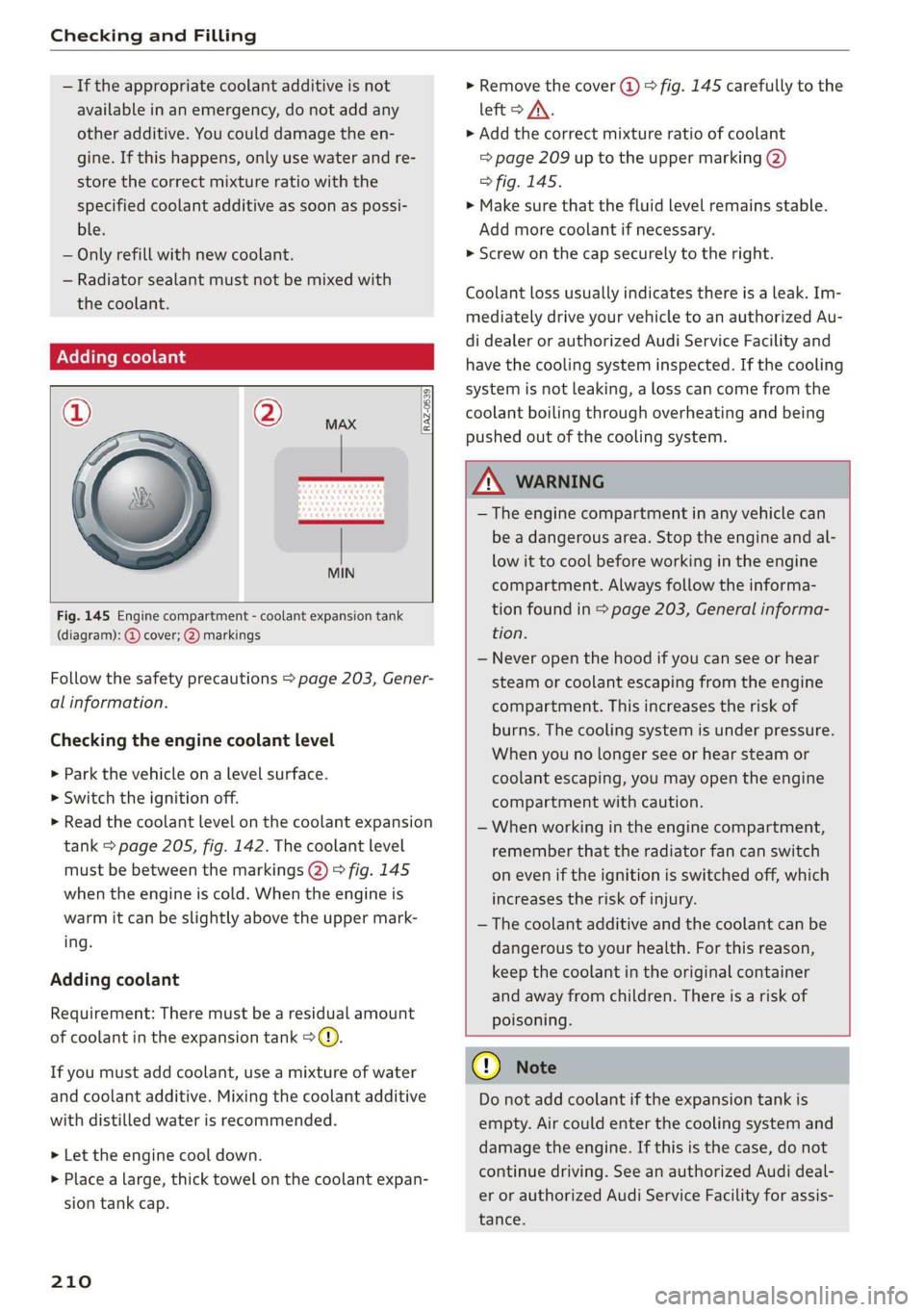
RAZ-0539
Fig. 145 Engine compartment - coolant expansion tank
(diagram): @ cover; @) markings
Follow the safety precautions > page 203, Gener-
al information.
Checking the engine coolant level
>» Park the vehicle on a level surface.
> Switch the ignition off.
> Read the coolant level on the coolant expansion
tank > page 205, fig. 142. The coolant level
must be between the markings @) 9 fig. 145
when the engine is cold. When the engine is
warm it can be slightly above the upper mark-
ing.
Adding coolant
Requirement: There must be a residual amount
of coolant in the expansion tank >@).
If you must add coolant, use a mixture of water
and coolant additive. Mixing the coolant additive
with distilled water is recommended.
> Let the engine cool down.
> Place a large, thick towel on the coolant expan-
sion tank cap.
210
» Remove the cover (@) > fig. 145 carefully to the
left > AX.
» Add the correct mixture ratio of coolant
> page 209 up to the upper marking @)
> fig. 145.
> Make sure that the fluid level remains stable.
Add more coolant if necessary.
> Screw on the cap securely to the right.
Coolant loss usually indicates there is a leak. Im-
mediately drive your vehicle to an authorized Au-
di dealer or authorized Audi Service Facility and
have the cooling system inspected. If the cooling
system is not leaking, a loss can come from the
coolant boiling through overheating and being
pushed out of the cooling system.
ZA WARNING
— The engine compartment in any vehicle can
be a dangerous area. Stop the engine and al-
low it to cool before working in the engine
compartment. Always follow the informa-
tion found in > page 203, General informa-
tion.
— Never open the hood if you can see or hear
steam or coolant escaping from the engine
compartment. This increases the risk of
burns. The cooling system is under pressure.
When you no longer see or hear steam or
coolant escaping, you may open the engine
compartment with caution.
— When working in the engine compartment,
remember that the radiator fan can switch
on even if the ignition is switched off, which
increases the risk of injury.
— The coolant additive and the coolant can be
dangerous to your health. For this reason,
keep the coolant in the original container
and away from children. There is a risk of
poisoning.
@) Note
Do not add coolant if the expansion tank is
empty. Air could enter the cooling system and
damage the engine. If this is the case, do not
continue driving. See an authorized Audi deal-
er or authorized Audi Service Facility for assis-
tance.
Page 214 of 280
Checking and Filling
The starting ability may be impaired.
If this message turns off after a little while, the
vehicle battery charged enough while driving.
If this message does not turn off, drive immedi-
ately to an authorized Audi dealer or authorized
Audi Service Facility.
ZA WARNING
When there is an electrical system malfunc-
tion, vehicle functions may not work and driv-
ing stability may be limited, which increases
the risk of an accident. Stop driving and
switch the engine off. See an authorized Audi
dealer or authorized Audi Service Facility for
assistance.
Battery
rae Le cel)
Because of the complex power supply, all work on
batteries such as disconnecting, replacing, etc.,
should only be performed by an authorized Audi
dealer or authorized Audi Service Facility > A.
Multiple batteries with different technologies
may be installed in your vehicle:
— Vehicle battery (for example, for starting the
engine, basic power supply) > page 213, Lead
battery or > page 213, Other battery types
— Auxiliary battery (for example, for recuperation
or optional equipment) > page 213, Other bat-
tery types
Not running the vehicle for long periods of
time
The battery will gradually drain if the vehicle
does not run for long periods of time. To ensure
that the vehicle can still be started, the electrical
equipment will be reduced or switched off
= page 87. Some convenience functions, such as
interior lighting or power seat adjustment, may
not be available under certain circumstances.
These convenience functions will be available
again once you switch the ignition on and start
the
engine.
Even when electrical equipment is switched off,
the equipment can still drain the battery if the
212
vehicle is not driven for long periods of time.
Deep draining results in a chemical reaction that
destroys the inside of the battery. The battery
must be charged every month to prevent this
= page 213. Contact an authorized Audi dealer or
authorized Audi Service Facility for more infor-
mation.
Winter operation
Cold weather places higher demands on the bat-
tery. This results in reduced starting ability. Have
the battery checked by an authorized Audi dealer
or authorized Audi Service Facility before cold
weather begins.
ZA\ WARNING
All work on the battery or electrical system in
your vehicle can result in injuries, chemical
burns, accidents, or burns. Because of this, all
work must be performed only by an author-
ized Audi dealer or authorized Audi Service Fa-
cility.
ZA WARNING
California Proposition 65 Warning:
— Battery posts, terminals and related acces-
sories contain lead and lead compounds,
chemicals known to the State of California
to cause cancer and reproductive harms.
Wash hands after handling.
C) Note
— If the vehicle will be parked for long periods
of time, protect the battery against the cold
so that it will not be destroyed by “freezing”
= page 213, Charging the battery.
— There are electrical components under the
cargo floor behind a trim panel that warm
up during operation. To reduce the risk of
the components overheating, do not store
objects such as blankets under the cargo
floor. If the components overheat, they will
switch off temporarily. This will be indicated
by a message that will be displayed in the
instrument cluster until the temperature re-
turns to normal.
Page 246 of 280
Emergency assistance
> Find the marking on the sill that is closest to
the tire that will be changed > fig. 157. Behind
the marking, there is a lifting point on the side
sill for the vehicle jack.
> Raise the vehicle jack under the lifting point on
the side sill until the bracket on the jack @)
completely covers the notch on the vehicle.
> Align the vehicle jack so the bracket @ covers
the notch and the base (2) is flat on the ground.
The base @) must be directly under the mount-
ing point @.
> Install the rod on the vehicle jack: Insert the
rod into the opening on the handwheel. Turn
the crank to the left or right to secure it.
> Continue raising the vehicle jack with the crank
until the wheel lifts off the ground slightly.
ZX WARNING
— To reduce the risk of injury, make sure no
one is in the vehicle before raising it.
— Make sure the vehicle jack is stable. The risk
of
injury is increased when the ground is
slippery or soft, because the vehicle jack
could slide or sink.
— Only raise your vehicle with the vehicle jack
provided by the factory. If you use a vehicle
jack designed for another vehicle, your vehi-
cle could slip and cause injury.
— Position the vehicle jack only at the desig-
nated mounting points on the side sill and
align the jack. Otherwise, the vehicle jack
could slip and cause an injury if it does not
have sufficient hold on the vehicle.
—To reduce the risk of injury, do not raise any
other vehicles or other loads using the vehi-
cle jack provided by the factory.
— To reduce the risk of an accident, never start
the engine when the vehicle is raised.
—To reduce the risk of injury, support the vehi-
cle securely with suitable stands if work is to
be performed underneath the vehicle.
@) Note
Do not lift the vehicle by the sill. Position the
vehicle jack only at the designated mounting
points on the side sill. Otherwise, your vehicle
could be damaged.
244
Removing and installing a wheel
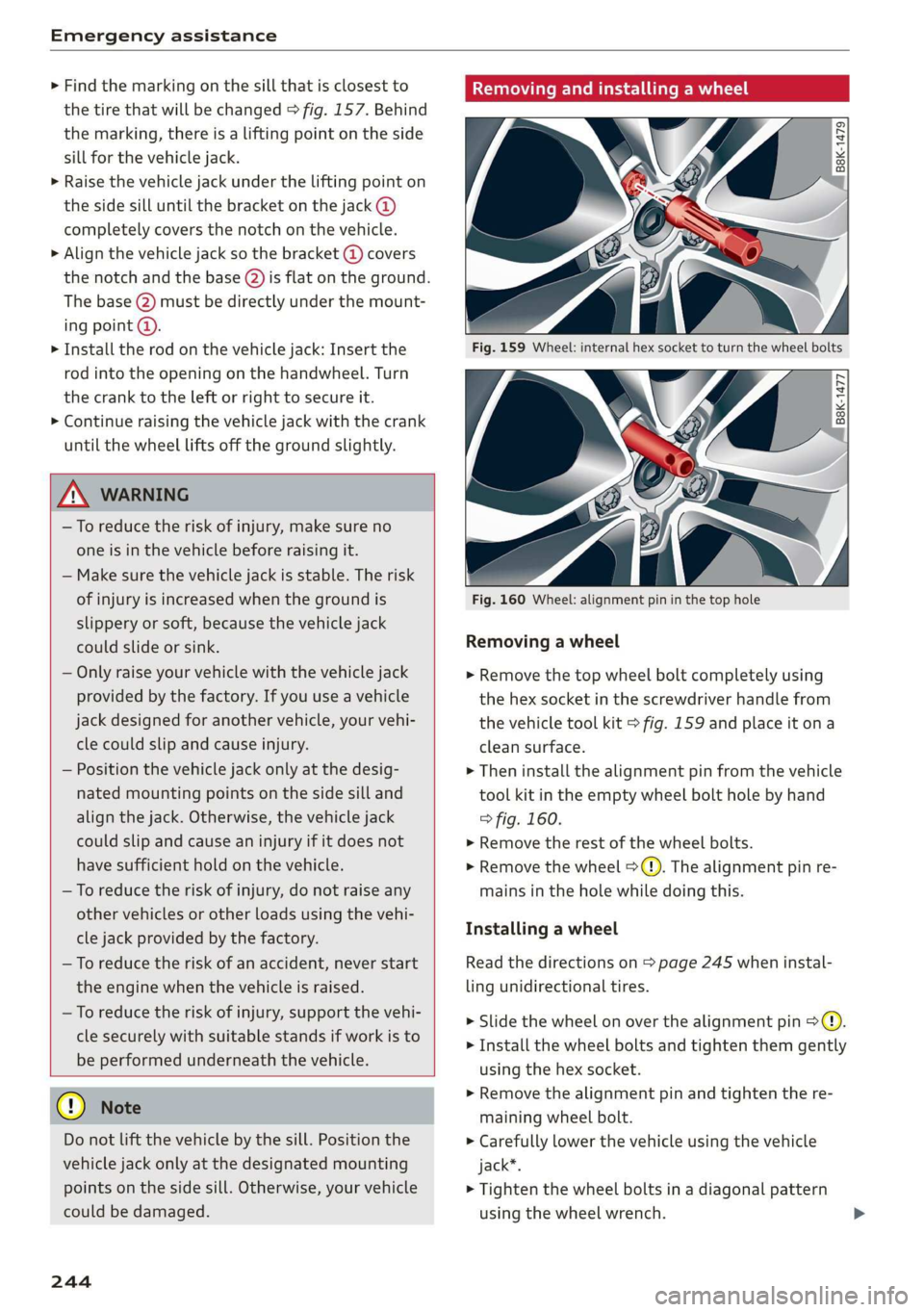
Fig. 159 Wheel: internal hex socket to turn the wheel bolts
|
©
B8k-1477
Fig. 160 Wheel: alignment pin in the top hole
Removing a wheel
> Remove the top wheel bolt completely using
the hex socket in the screwdriver handle from
the vehicle tool kit > fig. 159 and place it ona
clean surface.
> Then install the alignment pin from the vehicle
tool kit in the empty wheel bolt hole by hand
> fig. 160.
> Remove the rest of the wheel bolts.
> Remove the wheel >(). The alignment pin re-
mains in the hole while doing this.
Installing a wheel
Read the directions on > page 245 when instal-
ling unidirectional tires.
> Slide the wheel on over the alignment pin >@.
> Install the wheel bolts and tighten them gently
using the hex socket.
> Remove the alignment pin and tighten the re-
maining wheel bolt.
> Carefully lower the vehicle using the vehicle
jack*.
> Tighten the wheel bolts in a diagonal pattern
using the wheel wrench.
Page 247 of 280
83A012721BA
Emergency assistance
The wheel bolts must be clean and loosen and
tighten easily. Check the contact surfaces for the
wheel and hub. Contaminants on these surfaces
must be removed before installing the wheel.
Z\ WARNING
— Read and follow the important information
and notes under > page 223.
— Never use the hex socket in the screwdriver
handle to tighten the wheel bolts. Using the
hex socket will not achieve the required
tightening torque, which increases the risk
of an accident.
C) Note
When removing or installing the wheel, the
rim
could hit the brake rotor and damage the
rotor. Work carefully and have a second per-
son help you.
Unidirectional tires
A unidirectional tire profile is identified by arrows
on the tire sidewall that point in the running di-
rection. You must always maintain the specified
running direction. This is necessary to ensure the
tire's optimal performance in regard to adhesion,
running noise, and friction, and to reduce the risk
of
hydroplaning.
To benefit fully from the advantages of the uni-
directional tire design, you should replace faulty
tires as soon as possible and restore the correct
running direction on all of the tires.
> Reinstall the caps on the wheel bolts if necessa-
ry.
> Store the vehicle tool kit in its designated
place.
> If the removed wheel does not fit in the spare
wheel well, store it securely in the luggage
compartment > page 73.
> Check the tire pressure on the installed wheel
as soon as possible.
> Correct the tire pressure and store it
=> page 235.
> The wheel bolt tightening specification must be
100 ft lbs (140 Nm). Have it checked as soon as
possible with a torque wrench. Drive carefully
until then.
> Have the faulty wheel replaced as quickly as
possible.
Spare tire
tute Mae eis
Applies to: vehicles with subwoofer
The subwoofer must be removed before the
spare tire*/temporary spare tire* can be re-
moved.
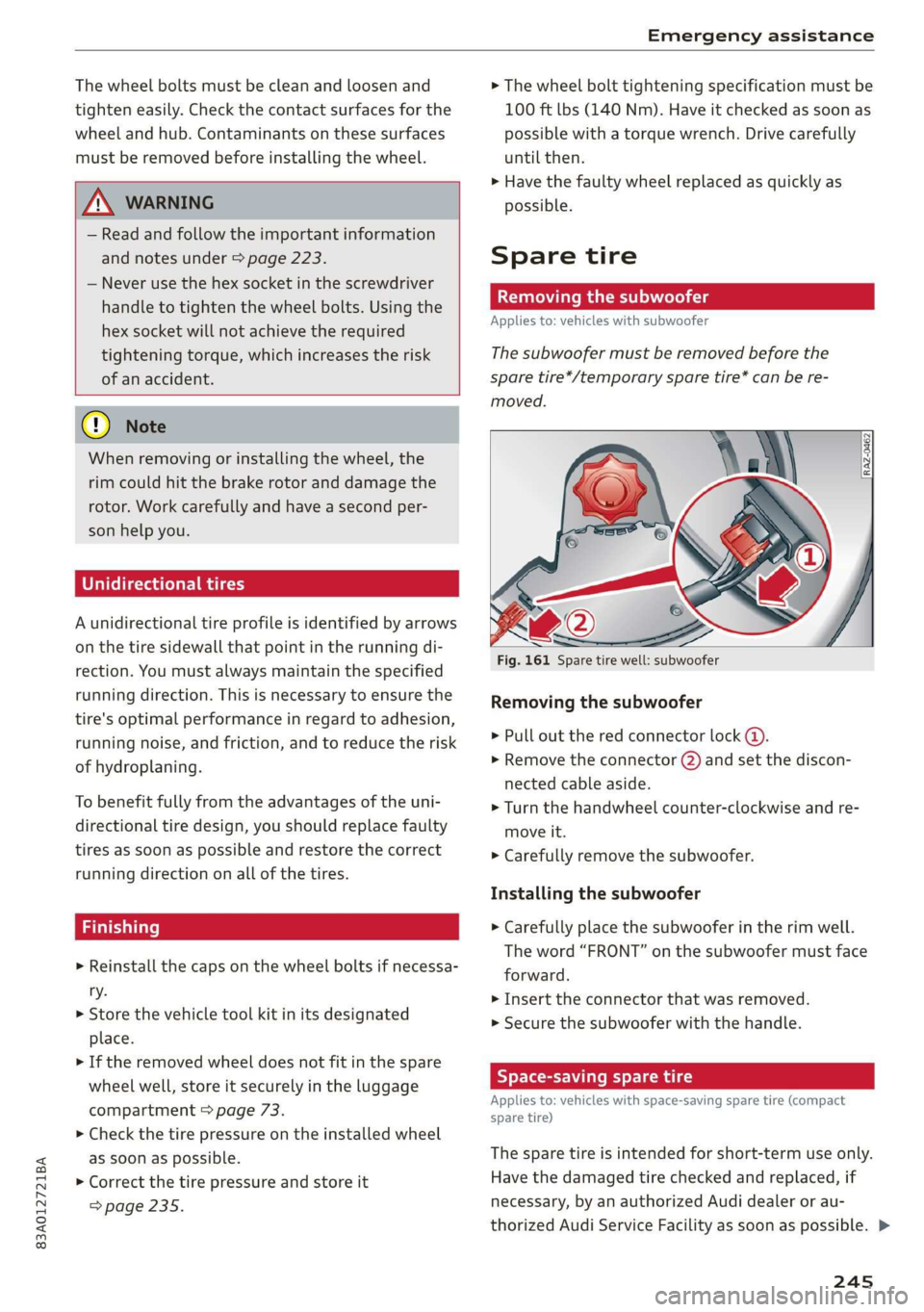
Fig. 161 Spare tire well: subwoofer
Removing the subwoofer
> Pull out the red connector lock @).
>» Remove the connector (2) and set the discon-
nected cable aside.
> Turn the handwheel counter-clockwise and re-
move it.
> Carefully remove the subwoofer.
Installing the subwoofer
> Carefully place the subwoofer in the rim well.
The word “FRONT” on the subwoofer must face
forward.
> Insert the connector that was removed.
> Secure the subwoofer with the handle.
Byer leet Ue iy re
Applies to: vehicles with space-saving spare tire (compact
spare tire)
The spare tire is intended for short-term use only.
Have the damaged tire checked and replaced, if
necessary, by an authorized Audi dealer or au-
thorized Audi Service Facility as soon as possible. >
245
Page 250 of 280
Emergency assistance
bolted securely to the engine block, or to
the engine block itself. If the vehicle battery
in the vehicle being jump started is not
vented to the outside, there is a risk of ex-
plosion due to hydrogen gas.
Gi) Tips
Make sure that the connected jump start ca-
bles have sufficient contact with metal.
Towing
erasure)
You should only perform the steps that follow if
you have the necessary tools and technical ex-
pertise.
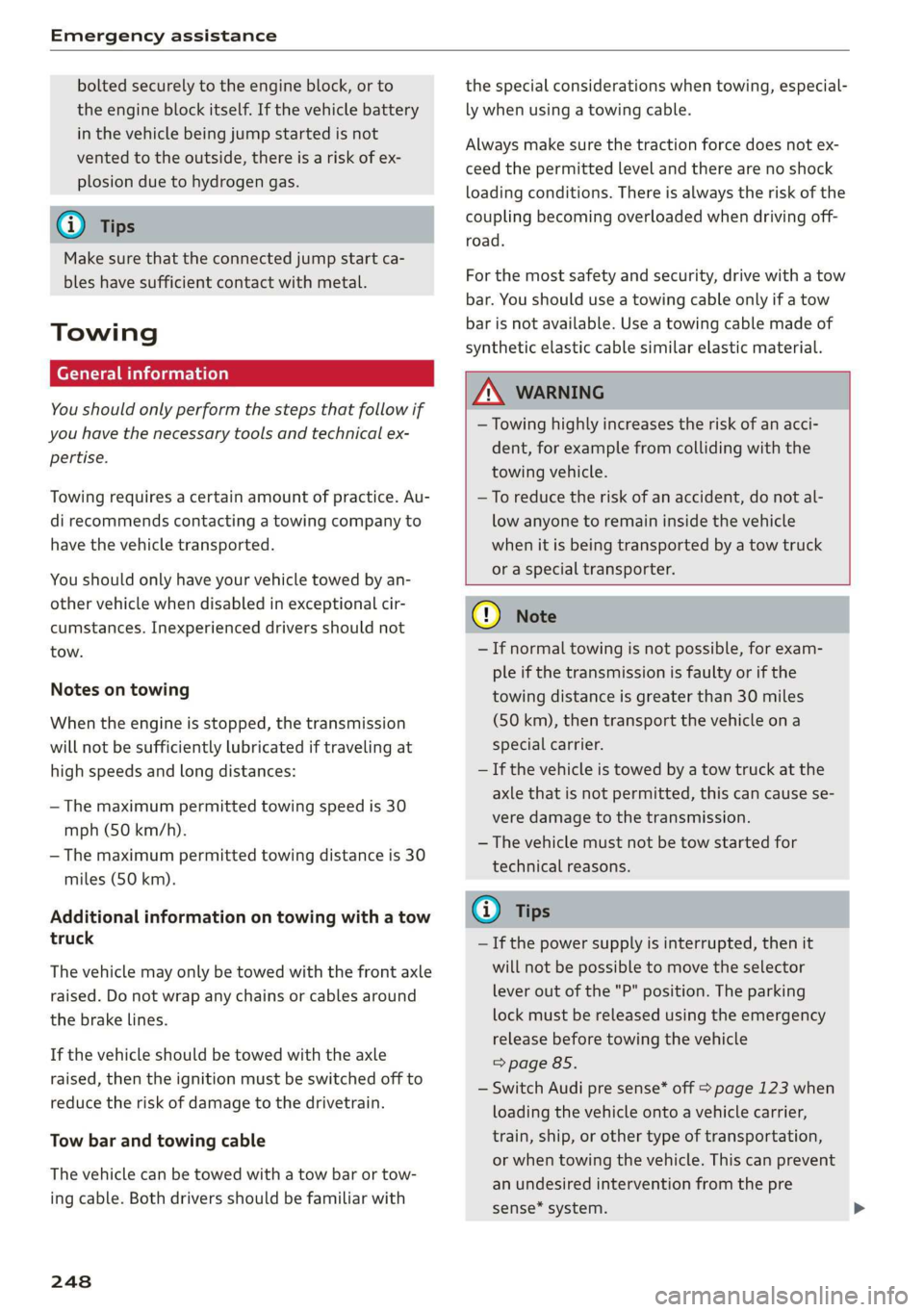
Towing requires a certain amount of practice. Au-
di recommends contacting a towing company to
have the vehicle transported.
You should only have your vehicle towed by an-
other vehicle when disabled in exceptional cir-
cumstances. Inexperienced drivers should not
tow.
Notes on towing
When the engine is stopped, the transmission
will not be sufficiently lubricated if traveling at
high speeds and long distances:
— The maximum permitted towing speed is 30
mph (50 km/h).
— The maximum permitted towing distance is 30
miles (50 km).
Additional information on towing with a tow
truck
The vehicle may only be towed with the front axle
raised. Do not wrap any chains or cables around
the brake lines.
If the vehicle should be towed with the axle
raised, then the ignition must be switched off to
reduce the risk of damage to the drivetrain.
Tow bar and towing cable
The vehicle can be towed with a tow bar or tow-
ing cable. Both drivers should be familiar with
248
the special considerations when towing, especial-
ly when using a towing cable.
Always make sure the traction force does not ex-
ceed the permitted level and there are no shock
loading conditions. There is always the risk of the
coupling becoming overloaded when driving off-
road.
For the most safety and security, drive with a tow
bar. You should use a towing cable only if a tow
bar is not available. Use a towing cable made of
synthetic elastic cable similar elastic material.
ZA\ WARNING
— Towing highly increases the risk of an acci-
dent, for example from colliding with the
towing vehicle.
—To reduce the risk of an accident, do not al-
low anyone to remain inside the vehicle
when it is being transported by a tow truck
or a special transporter.
@) Note
— If normal towing is not possible, for exam-
ple if the transmission is faulty or if the
towing distance is greater than 30 miles
(50 km), then transport the vehicle on a
special carrier.
— If the vehicle is towed by a tow truck at the
axle that is not permitted, this can cause se-
vere damage to the transmission.
— The vehicle must not be tow started for
technical reasons.
(i) Tips
— If the power supply is interrupted, then it
will not be possible to move the selector
lever out of the "P" position. The parking
lock must be released using the emergency
release before towing the vehicle
> page 85.
— Switch Audi pre sense* off > page 123 when
loading the vehicle onto a vehicle carrier,
train, ship, or other type of transportation,
or when towing the vehicle. This can prevent
an undesired intervention from the pre
sense* system.
Page 251 of 280
83A012721BA
Emergency assistance
— Follow the local legal regulations for tow-
ing.
Read and follow the important information under
=> page 248.
Preparations
> Only secure the towing cable or tow bar at the
designated towing loops > page 249,
=> page 249.
> Make sure the towing cable is not twisted. Oth-
erwise it could disconnect from the towing loop
while towing.
> Switch the emergency flashers on in both vehi-
cles > page 45. However, do not do this if it
prohibited by law.
Towing vehicle (front)
> Only start to drive when the towing cable is
taut.
> Press the brake pedal very carefully.
> Avoid sudden braking or driving maneuvers.
Vehicle being towed (rear)
> Make sure the ignition is switched on so that
the steering wheel is not locked and so that you
can use the turn signals, the horn, and the
windshield wipers if needed > A\.
> Switching it off before the vehicle has stopped
may impair the function of the brake booster
and power steering. You would then need to
use more force to steer and brake the vehicle.
> Release the parking brake > page 90.
> Select the “N” selector lever position.
> Make sure the towing cable is always taut.
A WARNING
Never tow a vehicle using a tow bar or towing
cable if the vehicle does not have electrical
power.
Front towing loop
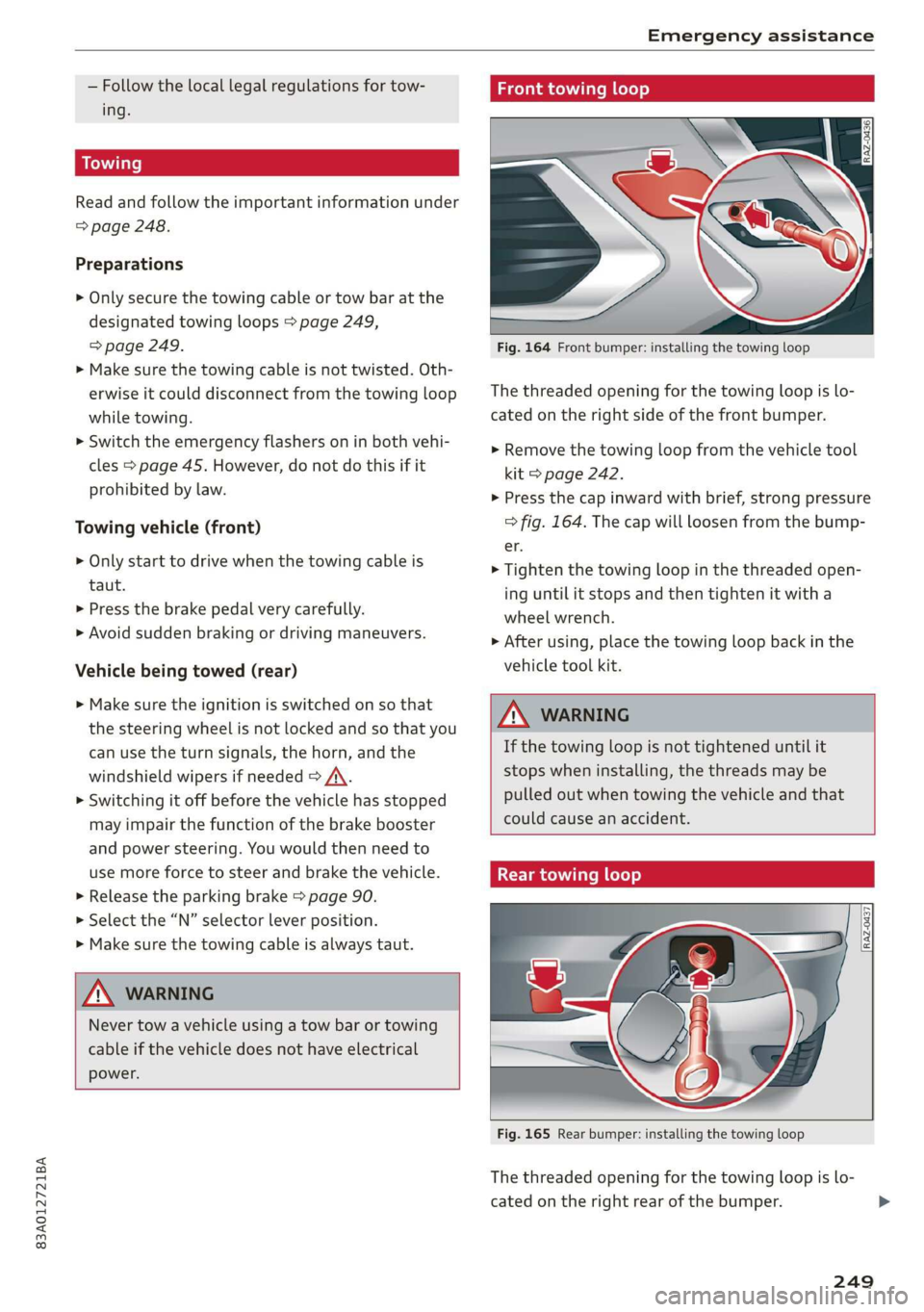
Fig. 164 Front bumper: installing the towing loop
The threaded opening for the towing loop is lo-
cated on the right side of the front bumper.
> Remove the towing loop from the vehicle tool
kit > page 242.
> Press the cap inward with brief, strong pressure
> fig. 164. The cap will loosen from the bump-
er.
> Tighten the towing loop in the threaded open-
ing until it stops and then tighten it with a
wheel wrench.
> After using, place the towing loop back in the
vehicle tool kit.
ZX WARNING
If the towing loop is not tightened until it
stops when installing, the threads may be
pulled out when towing the vehicle and that
could cause an accident.
Rear towing loop
Fig. 165 Rear bumper: installing the towing loop
The threaded opening for the towing loop is lo-
cated on the right rear of the bumper.
249
Page 263 of 280
83A012721BA
Accessories and technical changes
or write to:
Administrator NHTSA
1200 New Jersey Ave.,
S.E. West Building
Washington, DC
20590.
You can also obtain other infor-
mation about motor vehicle safe-
ty from http://www.safercar.gov.
Applicable to Canada
If you live in Canada and you be-
lieve that your vehicle has a de-
fect that could cause a crash, in-
jury or death, you should immedi-
ately inform Transport Canada,
Defect Investigations and Recalls.
You should also notify Audi Cana-
da.
Canadian customers who wish to
report a safety-related defect to
Transport Canada, Defect Investi-
gations and Recalls, may either
call Transport Canada toll-free at:
Tel.: 1-800-333-0510 or
Tel.: 1-819-994-3328 (Ottawa re-
gion and from other countries)
TTY for hearing impaired:
1-888-675-6863
or contact Transport Canada by
mail at:
Transport Canada
Motor Vehicle Safety Investiga-
tions Laboratory
80 Noel Street
Gatineau, QC
J8Z OA1
For additional road safety infor-
mation, please visit the Road
Safety website at:
English:
http://www.tc.gc.ca/eng/
motorvehiclesafety/menu.htm
French:
http://www.tc.gc.ca/fra/
securiteautomobile/menu.htm
Declaration of
compliance for telecom-
munications equipment
and electronic systems
The manufacturer is not liable for radio malfunc-
tions that are caused by unauthorized changes to
the equipment.
Equipment
The following equipment complies with FCC sec-
tion 15 and RSS-Gen:
— Adaptive cruise assist*
— Remote control key
— Cell phone package*
— Garage door opener (HomeLink)*
— Side assist*
— Rear cross traffic assist*
— WLAN hotspot*
FCC Part 15.19
This device complies with part 15 of the FCC
Rules. Operation is subject to the following two
conditions: (1) This device may not cause harmful >
261
Page 268 of 280
Index
Brake fluid
Checking the brake fluid level........... 211
Brakes... 2... eee eee 89
BrakevassiSt': scase < « seme 2s ae a eee eB: 98
Brakerflidl: «2 cso 2 assim 2 a conse oo emai 9 2A,
Emergency braking function............. 91
New brake pads..............---000-0- 89
Break-in security feature...........-....- 31
Breaking in
New brake pads « sews ss aemy ss ese : eam « 89
New tires: si iwi 2s amie 4 amiss ao oriee a a 223
Browser
refer to Mediacenter................4. 186
BULBS. asceone 2 o seems 2 a cuasenie wo weviens Eww we 253
BUSINESS. Address wie ss aren os ams a oo 168
Cc
California Proposition 65 Warning........ 204
Battery specific...............00.000. 212
Calllist. 00.0... cece eee ene 144, 146
Capacities
Fueltank.....................000005 264
Washer fluid reservoir...............-. 264
Cargo floor... 2.2... eee 76
Cargo net... .... eee eee eee eee ee eee 75
Car key... icc eeeeeeeee 32
Car phone
Serial number (IMEI) ...............05- 151
SWitching Oficws : s sesa s pave a i demas ere 150
Using the car phone function........... 139
GCarwashiss « wes 2 2 awe so wae oo een oe cee 236
Gatalyticconverter', env = s weve sv eewe x vow 202
Cell phone
refer to Telephone ...........eeeee eens 139
Cell phone compartment
refer to Audi phone box............... 141
Central locking.............0 eee eee eee 28
Auto Lock... 2... 0. eee eee eee 28
Convenience key..........-: cece eee ees 33
Convenience opening and closing......... 39
Luggage compartment lid............... 35
Mechanically unlocking and locking....... 30
MeSSAGES wissians oo severe » o scwnare oo acatave ow owen 30
Remote control key.............--.0005 33
SGtting « = sews ¢ o neves ¢ e fewS & e Eetes xo ees 29
Vehicle Key) cress i 2 sccue o 2 eseueve © v eweaue ov erecene 33
266
Central locking switch.................0. 29
Ceramic brakeSrisscs «oases x » owen & 8 averse «0 ae 89
Certificationia: « 2 mews «x enw «2 mews 4 2 eR 261
Charging
refer to Power sourceS...........-000005 72
Charging the battery (mobile devices). 141, 184
Child safety lock
Power windows.........--.00 eee eee ee 38
Rear doors... .... 2... cece ee eee eee 38
Child
safety seats ......... cc cece eee eee ee 66
Securing to the top tether anchor........ 69
Securing with a safety belt.............. 69
Securing with LATCH.................-. 68
Cleaning... ... cece eee eee eee 236
Cleaning Alcantara...............000005 239
Cleaning artificial leather............... 239
Cleaning carbon parts.............. 238, 239
Clédning controls’: « sess << esas x ¥ oes go oe 238
Cleaning decorative parts andtrim........ 238
Cleaning exhaust tail pipes.............. 238
Cleaning plastic parts.................. 238
Cleaning textiles..................000. 239
Climate control system............-..0-- 77
Closing
Automatic luggage compartment lid...... 36
Convenience closing..........0.eeeeees
HOGG sw = aosune x 3 casas 2 smawesce w cuaangos o aeRees
Luggage compartment lid
Luggage compartment lid with foot motion . 37
PanoramicglassirOof wsi« 6 2 susie « e sowsere 9 & 3 39
Sunshade (roof) ..............000000 eee 39
WiTidOWS%: + © sees x ¢ sees co eR i 8 ee Ee 38
Cockpit dimming ..............000e sees 47
Cockpit (overview) .........--.00 022 e eee ee 6
Colornumber..............00c eee e eens 263
Compact:sparestire:. . « sesces so comin ov cesta» 245
COMPArLtMeNtSccses vs ssc ve ees vo meeT vw oes 7
Compass inthe mirror...............0005 51
Compliance:ss + ¢ saws ss eee se cas s ewes 261
Configuration wizard « « « wwe se eee ae came x 18
COMMECE ccscg s Haws ss Here sy HeeE FE ORE Ee 154
Data plans: «= sssen ss cen ov ewan eo crn o 157
Data Privacy..... 0.0... cece eee eee eee 257
INfOtaiiMeNtsen « 3 scam x x em as Ree FS 155
Infotainment services..............0048 155
Page 272 of 280
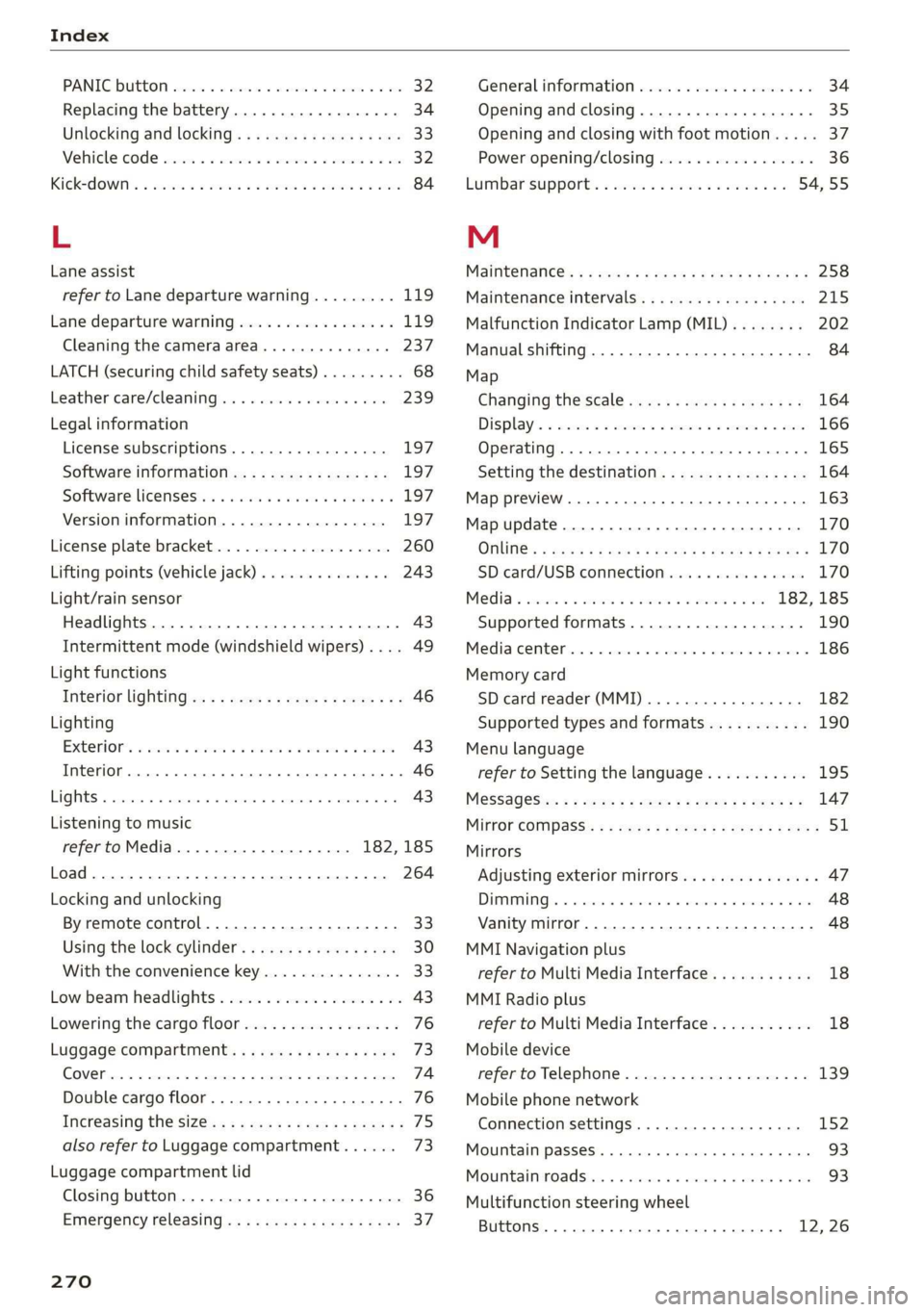
Index
PANIC Button ssicsooe © 2 cocvise © avant ww rumen @ eee 32
Replacing the battery...............0-. 34
Unlocking and locking...............005 33
Vehicle Code ssicve x + swine ee etre oe eas a 2 one 32
Kick#dOWn'. 2 scons e senea oe ae ao ca @ eee 84
L
Lane assist
refer to Lane departure warning......... 119
Lane departure warning................. 119
Cleaning the camera area.............. 237
LATCH (securing child safety seats)......... 68
Leather care/cleaning...............005 239
Legal information
License subscriptions................. 197
Software information................. 197
Software:licensesies . sowie ae iawn ws nsenn a 6 197
Version
information.................. 197
License plate bracket................0.. 260
Lifting points (vehicle jack).............. 243
Light/rain sensor
Headlights...............00 020-0 ee eee 43
Intermittent mode (windshield wipers) .... 49
Light functions
Interior lighting!sc . = ssw = 2 ese sy eee eee 46
Lighting
Exterior. « ic © wesen ae ease a 2 wane vo ore 43
Interior... 0... eee eee 46
Lights 0.0... eee eee eee 43
Listening to music
refertoMedia................005. 182,185
Load... 6.6... eee 264
Locking and unlocking
By remote control............2.2.0005. 33
Using the lock cylinder................. 30
With the convenience key............... 33
Low beam headlights.................... 43
Lowering the cargo floor................. 76
Luggage compartment...............05. 73
COVER ime x x cena % 2 soamere # x wemnER oo en aw Re 74
Double cargo floor..............0..000- 76
Increasing the size............0--.00 ee 75
also refer to Luggage compartment...... 73
Luggage compartment lid
Closing button. ...............000 ee eee 36
Emergency releasing:ss : < waa x x aeax ¢ gaee 37
270
General information 34
Opening and closing 35
Opening and closing with foot motion..... 37
Power opening/closing................. 36
Lumbar'support:s + ses so sews oo owen oo 54,55
M
Maintenance’: « « sews + » sen + e awe + pores a 258
Maintenance intervals................-. 245
Malfunction Indicator Lamp (MIL)........ 202
Manual shifting ................0020 eee 84
Map
Changing the scale ............ee eves 164
Display’ « sncine 2 2 setese a a comes ow anes ve to 166
Operating. ..... 0.0... cece eee eee eee 165
Setting the destination................ 164
Map preview...............0- 00-00 e eee 163
Map update................0 20. e ee eee 170
Oli: 2 gems + 2 wise = pense & ¥ em ee See = 170
SD card/USB connection........0.. 00006 170
Media somes: i sxonns ao eevee ¥ oe orem wae 182,185
Supported formats.................-. 190
Media Cemberin. « . acewus « w snonsue = auarems wo meriite 186
Memory card
SD card reader (MMI).............0... 182
Supported types and formats........... 190
Menu language
refer to Setting the language........... 195
MeSSaQeSixc: « ¢ sews & ¢ ese 2s ees § oe ees es 147
MIrforcompass:s « « ues cs wean: 2 meee + eee 51
Mirrors
Adjusting exterior mirrors............... 47
DUUANTING Ss, « scersiss ow snouts om exons 6 x oxmanm x 48
Vanity mirror... 1.2... eee ee eee 48
MMI Navigation plus
refer to Multi Media Interface........... 18
MMI Radio plus
refer to Multi Media Interface........... 18
Mobile device
referto Telephone..............0.0005 139
Mobile phone network
Connection settings...............00. 152
Mountain passeS....... 00.0. e cece ee eee 93
MouintainirOadsivn. « scins a 6 vimses a 6 nraeiise #6 om 93
Multifunction steering wheel
Buttons......... 0... ee eee eee eee 12, 26
Page 274 of 280

Index
Parking aids
Adjusting ..............0 cece eee eee 138
ParkeaSsist': « weave x sequen § 3 aameG ¢ & ae & 136
Parking and maneuvering.............-. 127
Parking brake
refer to Electromechanical parking brake.. 90
Parking lightSizx « = sax « y oss = ¢ sees 2 e eee 43
Parking lock
Manually releasing................004. 85
also refer to Gears... 1.6... cee eee ee eee 82
Parking systems
Parking system plus...............04. 127
Pass-through.............-0 eee eee eee 75
Paths... . 2... cece eee eee eee 17
Pause: (Media’files):. « «cies ov scsi 6 waves oo 185
PedalSiscis saien « x waren w ¥ eae 6 ¥ mae oo ee 84
Perchlorates + mcs + 2 mews & pase 2 s wee oe oe 258
Peripheral: cameras ses ss sua se come sg cos 129
Personal route assistance. ...........00. 167
Phone
Answering/ending acall............... 146
Connecting acellphone............... 140
Connecting a second mobile device...... 141
Disconnecting a mobile device.......... 141
SEEMS cxesise o exaasan w © means i 7 seeue 5 santas 150
Phonebook
refer to ContactS............. eee eae 144
Playback (media). « + scarce» s snesnin «sneer «0 « 185
Pointiofiintenests. + vicve x x susie x 2 euswere a ones 162
Point of interest search. .......... 000005 162
also refer to Point of interest........... 162
Polishing. .... 0.0... cece eee eee eee 238
POWerSOUNCESE: 5 6 sees as cowie 8 acm & v 72,184
Power WINdOWS « sieen . ¢ ewva s 6 eae we ews a a 38
Malfunction..............00000 0a ee 38, 39
Power windows malfunction.............. 38
pre sense
refer to Audi presense.............0.. 121
Presentation mode..............2--005 174
PLOSCES eres so smnews «a ems 9 sete oe tere @ 5 177
Presets list
refer to Presets... 0.0.0... cece eee eee 177:
Pressure
Tire pressure monitoring system........ 234
TGS: 2 cccane oo ome 2 o cae ¢ o cen Yo oR 226
Progressive steering................20055 97.
272
PROLCCUINGiices oo snesies w ot ceawis w euseees we ere 238
Pyrotechnic elements............0.0e ee 258
Q
QUACEOS + wae a s wanes a xe ee & 2 HOHE 5 £ ROTOR 6 98
Selective wheel torque control........... 99
R
RAGIOS x 5 cranes % 1 cusents © 5 sesuens 6 @ exsoams oo 175, 177:
Radio text.................0.000 00 179
Station MSt sewn: + x seme + x popes F x sRWOS Fo EE 175
Radio communications equipment........ 260
Radio equipment................--004- 260
Radio Standards Specification (RSS) ....... 261
Rain/light sensor
Headlights! ween = sases 2 3 neon § x Sou 5 ae 43
Intermittent mode (windshield wipers).... 49
Random
refer to Shuffle...............000200. 187
Range (fuelslevel)isc sx seni x sree oo aneweie a a as 14
Reading lights. <= see. 2 scum 2 2 mewn o ¥ eves 46
Rear cross-traffic‘assist - a ss caw ss oes 133
Rear lid
refer to Luggage compartment lid........ 35
RearsSeatsios 2 wens <2 were ss meme oo acne 9 6 we 55
Rearishelt': ses ¢ 2 cewe so ewe 2 2 gewe ¢ none 74
Rearview camera‘: = : asec = : sees ev owen ees 129
Rear window defogger............-.0000- 79
Reception range.............-.0-.0000- 75
Recirculation mode..............0e0 eee 79
RECUPCRAEION acosece oo suexem 4 suseene oe seem « one 15
Refi ling is oc ccs 2 x unmsen 0 mci a ema 6 200
Remote control
Garage door opener...........-.000000- 40
Remote control key............---00005 32
Remote control key 32
Convenience opening and closing......... 39
Key replacement...............-0000-- 32
LED... eee 34
Replacing the battery.................. 34
SyMehnomizationticns « « ssinem « o enero « os enewoce » oe 34
Unlocking and locking............-..005 33
also refer to Vehicle key................ 32
Removing the caps (wheel bolts)......... 242
Repairs. ...... 2.0.0... eee ee eee eee 258