height AUDI S8 2015 Owners Manual
[x] Cancel search | Manufacturer: AUDI, Model Year: 2015, Model line: S8, Model: AUDI S8 2015Pages: 312, PDF Size: 79.18 MB
Page 11 of 312
,....,
N ,....,
N
0 J:
'SI: ,...., \!) 1.1'1 ,...., 1.1'1 ,....,
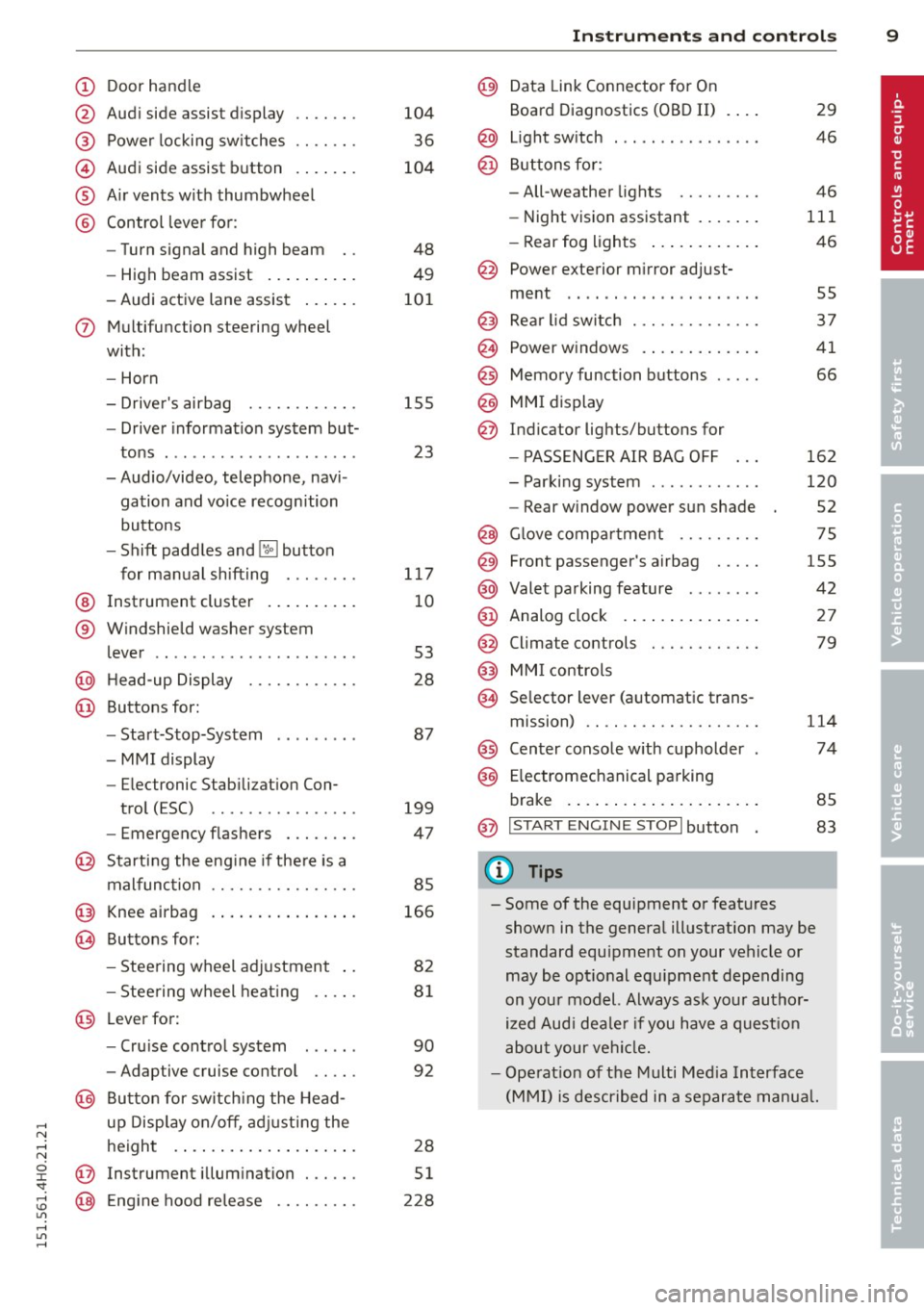
(!) Door handle
@
®
©
®
®
Audi side assist d isplay
Power locking sw itches
Audi side assist button . ... .. .
A ir vents with thumbwheel
Control leve r for :
- Turn signal and high beam
- High beam assist .... ... .. .
- Audi active lane assist ... .. .
(J) Mul tif unction steering wheel
with :
- Horn
- Driver's airbag ....... .. .. .
- Drive r information system but-
tons . ................ ... .
- Audio/video, telephone, navi
gation and vo ice recognition
buttons
- Shift paddles and
lil butto n
for manual shifting ....... .
@ Instrument cluster .. ... .. .. .
® W indshield washer sys tem
lever .. .................. . .
@ H ead-up Display ....... .. .. .
@ Buttons for:
- Start-Stop-System
-MMI display
- Electronic Stab iliza tion Con-
trol (ESC) ............ ... .
- Eme rgency flashers ... .. .. .
@ Starting the eng ine if the re is a
malfunction .... ..... .. .... .
@ Knee airbag . ....... ... .. .. .
@ Buttons for :
- Stee ring wheel adjustment ..
- Stee ring wheel heat ing .. .. .
@ Leverfor:
- Cru ise cont rol system
- Adaptive cruise control .. .. .
@ Bu tton for switch ing the Head
up Disp lay on/off, adj usting the
height . ... ... ..... ... .. .. .
@ Instrument illum in ation . .. .. .
@ Eng ine hood re lease .... .. .. .
104
36
104
48
49
10 1
15 5
23
117
10
53
28
87
199
47
85
166
82
81
90
92
28
51
228
In strument s and control s 9
@) Data Link Connector for On
Board Diagnostics (OBD II)
@ Light sw itch ... .. . .. ... ... . .
@ B uttons for :
- All-weather lights
- Night v ision assistant .... .. .
- Rear fog lights .. .. .. ..... .
@ Power exterior m irror adjust-
ment .. .. .. .. .. . ... ...... .
@ Rear lid switch . .. . ... ...... .
@ Power w indows . .. .. ... .... .
@ Memory function buttons .... .
@) MMI display
@ Indicator lights/buttons for
- PASSENG ER AIR BAG OFF
- Parking system ........... .
- Rear w indow power sun shade
@ G love compar tment .. ...... .
@ Front passenger's airbag .... .
@ Valet pa rking feature ....... .
@ Analog clock .. .. . ... ...... .
@
@
Climate controls
MMI controls
@ Se lector lever (a utomat ic trans-
mission) .. .. .. .... .... .... .
@ Center console w ith cupholder
@ E lectromechanical parking
brake . ... .... .. . .. .. ..... .
@ I START ENGIN E STOPI button
Q) Tips
29
46
46
111
46
55
37
41
66
162
120
52
75
155
42
27
79
1 14
74
85
83
- Some of the equipment or features shown in the genera l illustration may be
standard equ ipment on your vehicle or
may be opt ional equ ipment depending
on your mod el. Always ask your author
ized Aud i dea le r i f you have a quest ion
abou t your vehi cle.
- Ope rat ion of the Multi Med ia Interface
(MMI) is described in a separa te manua l.
Page 30 of 312

28 Instruments and warning /indicator lights
the app rop riate serv ice on yo ur vehicle. Yo u
a lso have the possibility to reset the oil
change sched ule after having performed an
oil change accord ing to Audi specifications.
Select the
! CAR ! function button> Car sys
tems
co ntrol button > Servicing & checks >
Service Intervals > Re set oil change interval.
(D Note
- Only reset the o il change d isp lay when
you hav e completed an o il chang e.
- If you d isconnect t he battery term inals,
no calculations can be made for the serv
i ce i nterva l display du ring this t ime and
n o s ervi ce rem ind er w ill appea r. Remem
be r that ob se rvi ng the pr ope r se rvice in
te rv als is vitally impor ta nt t o extendi ng
the life o f yo ur vehicle, p articula rly th e
engine, an d main tainin g its va lue . Even i f
the mileage dr iven is low, t he max imum
p eriod of one year from one se rv ice to
the next must n ot be e xceeded.
@ Tips
- The information in the Service Reminder
r ema ins sto red even when the vehicle
batte ry is disconnected .
Head-up Display
Applies to vehicles: with Hea d-up Display
Fig. 14 Examp le: in di cato rs in the Head-up Disp lay
Fig . 15 Instrument pa nel: k nob fo r the Head -up D is
p lay
T he Head -up Disp lay projec ts cer tain warnings
or se lected information from the ass istance
systems * or navigation* on the windshie ld.
The display appea rs within t he driver's field of
vision.
Switching on /off
.,. Press the knob~ to switch t he Head -up
Display on/off ¢
fig. 15.
Adjusting the height
The heig ht of th e d is p lay can be adju sted to
t h e i nd ividua l dr ive r.
.,. Mak e s ure you are s eated co rre ctly
co page 134.
.,. Tur n th e kn ob~ to adjust t he di sp lay.
Settings in the MMI
.,. Select: !CARI function button> ( Car) * sys
tems
co ntrol button > Driver Assist > Head
up Di splay
> Head-up Display content o r
Di splay brightness .
Display content
In the MMI, you can spec ify w hich information
shou ld be disp layed such as nav igat io n in for
mation* or Night v is io n assis tant* .
The speed disp lay and some of the red i nd ica
tor lights cannot be hidden in the MMI.
Display brightness
Y ou can adjust the disp lay br ig ht ness in the
MMI. The d isp lay brightness decreases a uto
matically as the amount of light decreases.
The basic level of br ightness is adjusted w ith
t h e instr ume nt ill uminati on
co page 51 . ..,.
Page 60 of 312

58 Seat s a nd s tor ag e
Seats and storage
General recommen
dations
Why is your seat adjustment so
important?
The safety belts and the airbag system can
only provide maximum protection if the front
seats are correctly adjusted.
There are various ways of adjust ing the front
seats to provide safe and comfortable support
for the driver and the front passenger . Adjust
you r seat prope rly so that :
- you can easily and quick ly reach all the
switches and controls in the instrument
panel
-your body is prope rly supported thus reduc
ing physical stress and fatigue
- the safety be lts and a irbag system can offer
maximum protection
¢ page 151 .
In the following sec tions, you will see exactly
how you can best adjust you r seats .
There are special regulations and instructions
for insta lling a child seat on the front pas
senger's seat. Always fo llow the information
regarding ch ild safety provided in
q page 17 4, Child Safety.
A WARNING
Incorrect seating position of the driver and
all other passengers can result in serious
personal in jury.
- Always keep your feet on the floor when
the vehicle is in motion -never p ut your
f eet on top of the instrument panel, out
of the w indow or on top of the seat cush
ion . Th is app lies especially to the passen
gers .
If your seating position is incorrect,
yo u increase the r isk of injury in the case
of sudden braking or an acc ident.
If the
a irbag infla tes and the seating positio n
is incorrect, this could result in personal
injury o r even death.
- It is import ant for bo th the driver and
front passenger to keep a distance of at least 10 inches (25 cm) between them
selves and the steering wheel and/or in
strument panel. If you're s itting any
closer than th is, the a irbag system can
not protect you properly . In addition, the
front seats and head restraints must be
adjusted to your body height so that they
can give you max imum protect ion.
- Always try to keep as much distance as
possible between yourself and the steer
ing wheel o r inst rument pane l.
- Do not adjust the driver's o r front pas
senger's seat whi le the vehicle is moving.
Your sea t may move unexpected ly, caus
ing sudden loss of vehicle cont rol and
personal injury . If yo u adjust yo ur seat
while the veh icle is moving, yo u are out
of posit ion.
Driver's seat '
The correct seat position is important for safe
and relaxed driving.
We recommend tha t you adjus t the dr iver's
seat in the fo llowing manner :
.,. Adjust t he seat in fore and aft direction so
t ha t you can eas ily push the peda ls to the
floor w hile keeping your knees sl igh tly bent
q A in Why is your seat adjustment so im
portant? on page 58.
.. Adjust the backrest so that when you sit
w ith your back against t he backrest, you can
still grasp the top of the steering wheel.
.. Adjust the head restraint so the upper edge
is as even as poss ible with the top of your
head . If that is not poss ible , try to adjust
t he head restraint so that it is as close to
t his pos it ion as possib le
q page 65.
A WARNING
Neve r place any objects in the dr iver's foot
well. An object could get into the pedal
a rea and interfere with pedal function . In
case of sudden braking or an acc ident, you
would not be able to brake or accelerate .
Page 61 of 312

Front passenger's seat
Always move the front passenger seat into the rearmost position .
To avoid contact with the airbag while it is de
ploying, do not sit any closer to the instru
ment panel than necessary and always wear
the three-point safety belt provided adjusted correctly . We recommend that you adjust the
passenger's seat in the following manner:
.. Bring the backrest up to an (almost) upright
pos it ion .
Do not ride with the seat reclined .
.. Adjust the head restraint so the upper edge
i s as even as possib le wit h the top of you r
head .
If that is not possib le, try to adjust
the head restraint so that it is as close to
this position as possible ¢
page 65.
.. Place your feet on the floor in front of the
passenger's seat.
Front seats
Controls
Moving the seat forward or back and adjust
ing the height , backrest angle and seat an
gle.
F ig . 57 Fron t seat: adju sting th e seat
@ -Mov ing the seat forward/back: press the
button forward/back ¢ .&, .
@ -Mov ing the sea t up/down : p ress the but
ton up/down ¢& . To ad just the front sect ion
of the seat, press the front button up/down
¢ .&, .To adjust the rear sect ion of the seat,
press the rea r button up/down
c> ,& .
@ -Turn the massage function on/off. You
can select the type of massage using the mu l
tifunct ion button
c> pag e 60.
Sea ts a nd s to rage 59
© -Backrest forward/back: press the button
forward/back ¢ .&, .
©-Comfort head restraints¢ page 65,
¢ ,& .
(D -Multifunction button ¢,& , ¢page 60.
A WARNING
-Never adjust the driver's or front pas
senger's seat whi le the vehicle is moving.
If you do th is while the veh icle is moving,
you will be out of position. A lways adjust
the dr iver's or front passenger's seat
when the vehicle is not moving.
- Be ca reful when adj usting the seat
height. Check to see that no one is in the
way, or serious injury cou ld resu lt!
- Because the seats can be electrically ad
justed with the ignition off, never leave children unattended in the vehicle . Unsu
pervised use of the electric seat adjust
ments may cause serious injury.
- To reduce the risk of injury in the case of
sudden braking or accident, front pas
sengers must never ride in a moving ve
hicle with the backrest reclined . Safety
be lts and the airbag system on ly offer
maximum protection w hen the backrest
is upr ight and the safety belts are prop
erly positioned on the body . The more
the backrest is reclined, the greater the risk of persona l injury from an incorrect
seating position and improperly posi
tioned safety belts.
Page 62 of 312

60 Seats and st o rage
Multifunction button
App lies to vehicles: wit h memory fu nctio n
You can adjust the massage function, upper
section of the backrest, lumbar support, side
bolsters, seating surface and safety belt
height using the multifunction button.
F ig. 58 MMI display : seat settings
Operating
• The M MI displays the possible seat sett ings
@ when yo u turn the mu ltifunction button
c:> fig. 58, c:> .&_ .
• To select a seat setting, turn the multifunc
tion button
• The arrows ® indicate the possible adjust
ments . For example, to move the lumbar
support down, press the multifunct ion but
ton
The following seat settings @are possible:
Mas sage funct ion * -Massage type Wave,
K nock in g, Stretch, Lumbar , Shoulder or Off .
You can set the massage strength level from 1
to 5 . You can turn the selected massage on/
off us ing the button ®
c:> page 59, fig. 5 7.
Safe ty belt h eight adju stment * -Moving the
safety belt up/down
c:> page 148, c:> .&..
Upper backre st -Moving the ang le of the up
per section of the backrest forward/back
c:> &.
Lu mb ar support -Moving the lumbar support
up/down and making it firme r/softer
c:> .&. .
Side bol ster s* -Increasing/reducing the side
support in the seat using the side bolsters on
the seating surface and backrest
c:> &.
Seat ing surfa ce -Making the seat ing s urface
longer/shorter
c:> A .
A WARNING
-
-Never ad just the driver's or front pas
senger's seat whi le the vehicle is moving.
If you do this while the vehicle is moving,
you will be out of position. A lways adjust
the dr iver's or front passenge r's seat
when the vehicle is not mov ing.
- Be careful when adjusting the seat
he ight . Check to see that no one is in the
way, or serious injury cou ld result!
- Because the seats can be electrically ad
justed with the ignition off, never leave
children unattended in the veh icle. Unsu
perv ised use of the e lectr ic sea t adj ust
men ts may cause serious injury.
- To reduce the risk of injury in the case of
sudden b raking or acc iden t, front pas
sengers mus t never r ide in a movi ng ve
hicle with the backrest reclined . Safety
be lts and the airbag system only offer
maximum protection when the backrest
is upright and the safety belts are prop
erly positioned on the body . The more
the backrest is reclined, the greater the risk of personal injury from an incorrect
seating position and improperly pos i
tioned safety belts .
@ Tips
-The massage function switches off auto
matically after approximately 10 mi
nutes.
- In vehicles w ith the reclining rear seat,
only the safety belt he ight and the seat
ing surface can be adjusted on the front
passenge r sea t using the mul tifunc tion
butto n.
- T he side bolsters * deflate when t he d riv-
er's doo r is ope ned. This allows you to ..,_
Page 67 of 312

Head restraints
Adjusting the head restraints
Head restraints that are adjusted according
to body size, along with the safety belt, offer
effective protection.
Fig. 64 Comfort head restraints: adjusting the side
bolsters
Fig. 65 Outer rear seat: ad justing th e head restraint
Adjust the head restraint so the upper edge is
as even as possible with the top of your head.
If that is not possible, try to adjust the head
restra int so that it is as close to this position
as possible r=:>page 65.
Adjusting front head restraints
• To adjust the height of the front head re
straints, press/push the button ©
<=> page 59, fig. 57 up/down
o _&.
• Vehicles with reclining rear seat: Grasp the
s ides of the passenger's head restraint with
both hands and slide it upward/downward.
Adjusting rear head restraints (adjustable
head restraints)
The center rear head restraint is not adjusta
b le.
Seats and storage 65
• Grasp the sides of the head restraint with
both hands and slide it upward until you feel
it click into place r=:>
A.
• To lower the head restraints, press button -
small arrow -
o fig. 65 and slide the head re
straint all the way down .
Adjusting the side bolsters*
• To adjust the side bolsters *, press them into
the desired position
c:> fig. 64.
Refer to
¢ page 13 7, Proper adjustment of
head restraints for guidelines on how to ad
just the height of the front head restraints to
suit the occupant's body size.
&_ WARNING
-
- All seats are equipped with head re-
straints. Dr iving without head restraints
or with head restraints that are not prop
erly adjusted increases the risk of serious
or fatal neck injury dramatically.
- Read and heed all WARNINGS
c::> page 13 7, Proper adjustment of head
restraints.
- Vehicles with a pass through in the cen
ter conso le have seating for four. The
long center console between the two
rear seats is
not a seating position.
Therefore, a safety belt is not provided.
(D Tips
- T o prevent the head restraints from run
ning into the headliner, they retract au
tomatically when moving the seat for
ward or upward.
- Correctly adjusted head restraints and
safety belts are an extremely effective
combination of safety features.
Page 75 of 312

,....,
N ,....,
N
0 J:
'SI: ,...., \!) 1.1"1 ,...., 1.1"1 ,....,
(D Note
-Your vehicle warranty does not cover any
damages to the vehicle caused by using
roof racks or mount ing structures not
approved by Audi for your vehicle . The
same applies to damage resulting from i ncorrect roof rack installation .
- Always check the roof rack mountings
and hardware before each trip and dur
i ng a tr ip to make sure everythi ng is se
curely tightened. If necessary, retighten
the mount ings and check the ent ire sys
tem from t ime to t ime.
- After mounting a roof rack system, or
when you transport objects on the roof
of your veh icle, the height of the vehicle
is natura lly increased . Be careful when
driving under low bridges or in parking
garages for example. This could ca use
damage to the load and even the vehicle
i tself.
- Make sure the open rear lid and the sun
roof* do not come into contact with the
roof rack .
Loading the roof rack
Always distribu te loads evenly. Make sure
any thing on the roof rock is securely tied
down .
.. Always distribute the loads on the roof rack
evenly .
.. Always attach items to the roof rack securely
before you drive off .
The maximum perm iss ible roof weight is
220 lb (100 kg ). The roof weight is the to tal
of the weight of the roof rack, the attach
ments and the cargo you are carrying . You
must also not exceed the maximum load
weight for the roof rack you are using.
When us ing a roof rack system which has a
lower load carry ing capac ity, you must not use
up the total max imum pe rm iss ib le load ca rry
ing capacity specified above. I nstead , you
should lo ad the roof rack sys tem only to the
S eat s an d sto rage 73
maximum capacity specified by the manufac
turer of the roof rack syst em.
A WARNING
Weak , damaged or improper straps used
to secure items to the roof rack can fail
during hard braking or in a coll is ion and
cause ser ious persona l injury .
- Make sure the roof rack is installed exact
ly as specif ied above
c> poge 72.
-Always use s uitable mount ing straps for
secur ing items to the roof rack to help
prevent items from sh ifting or flying for
ward .
- Items on the roof rack must always be
securely mounted .
- The use of a roof rack can negat ively af
fect the way a veh icle hand les . Cargo
that is large, heavy, bulky, long or flat
will have a greater negat ive infl uence on
the vehicle's aerodynamics, center of grav ity and overall handling. Always
drive s lowly, avoid s udden braking and
maneuvers when transporting cargo on
the roof of your vehicle.
- Never exceed the maxim um permissible
load carrying capacity of the roof of your
vehicle, the permissible axle weights and the permissible total weight of your vehi
cle
c> page 287, Weights.
@ For the sa ke of the environment
As a result of the increased wind resist
ance created by a roof rack, your vehicle is
u s ing fuel unnecessarily . So remove the
roof rack after using it .
Page 84 of 312

82 On the road
On the road
Steering
Adjusting steering wheel position
The steering wheel position can be adjusted
for height and reach .
Fig. 87 Switch for steering whee l adjustment
F irst, adjust the driver's seat correctly.
• To adjust the height, press the sw itch up/
down. The stee ring column will continue
moving as long as you a re pressing the
switch.
• To move the steering wheel forward or back,
press the switch forwa rd/back. The steering
column will continue moving as long as you
are pressing the switch.
There must be at least 10 inches (25 cm) be
tween your chest and the center of the steer ing wheel. If you cannot sit more than 10 in
ches (25 cm) from the steering wheel, see if
adaptive equipment is available to help you
reac h the pedals and increase the distance
from the steering wheel.
For detai led informat ion on how to adjust the
driver's seat, see
Qpage 59.
In vehicles with the memory function*, the
steering column settings are stored together
with the seat position.
A WARNING
Improper use of steering wheel adjust
ment and improper seating position can
cause serious personal injury . -
Adjust the steering wheel col umn only
when the vehicle is not mov ing to pre
vent loss of vehicle control.
- Adj ust the driver's seat or steering whee l
so that there is a minimum of 10 inches
(25 cm) between your chest and the
steer ing wheel
Q page 134, fig . 153 . If
you cannot mainta in th is m inimum dis
tance, the airbag system cannot p rotect
you properly.
- If physical limitations prevent you from sitt ing 10 inches (25 cm) or more from
the steering wheel, check wit h your au
thorized A udi dealer to see if adaptive
equipment is available .
- I f the steering wheel is al igned with your
face, the supplementa l driver's airbag
cannot provide as much protection in an
accident. Always make sure that the
steering whee l is aligned with your
chest.
- Always hold the steering wheel w ith your
hands at the 9 o'clock and 3 o'clock posi
tions to reduce the risk of persona l injury
if the dr iver's airbag dep loys.
- Never hold the steering wheel at the 12
o'clock position or with your hands inside
the steeri ng wheel rim or on t he steering
wheel hub. Holding the steer ing wheel
the wrong way can cause serious injuries
to the hands, arms and head if the driv
er's airbag deploys.
Easy entry feature
The easy entry feature makes it easier to en
ter and exit the vehicle by automatically ad
justing the steering wheel.
• Select in the MMI: ICAR lfunction button>
Car sy st e m s control button > Vehi cle set·
tin gs > Se ats > Dri ver 's s eat > Ea sy entr y>
On .
When the easy entry feature is turned on, the
steering wheel moves up to the park position
whe n you switch off the igni tion. Afte r you en-
ter the ve hicl e, the steering wheel moves to .,..
Page 111 of 312
the drive select mode. Adaptive cruise control
also responds to the driving behavior of the
veh icle ahead in a more conservative or sporty
manner.
E ngin e soun d*
The sound of the engine is adapted to the se
l ected mode and ranges from subtle to sporty.
(D Note
- Make sure there is eno ugh clea rance
above and below the veh icle when park
i ng. The height of the vehicle can change
once it is parked due to temperature
fluctuations, changes to the load cond i
tions and changes to the dr iv ing modes,
which can affect clearance.
- When transporting the veh icle on a car
carrier, tra in, ship or by other means, on
ly tie the veh icle down at the running
surface of the tires, which is the outer
circumference. Secur ing the vehicle at
the axle components, s uspension struts
or tow ing eyes is not pe rm itted because
the pressure in the air suspension stru ts
can cha nge during transport . The vehicle
may not be sec ured s ufficient ly if this
happens.
- If you a re going to tow a trailer, you
must activate the trailer operation mode
C? poge210.
@ Tips
- In some models, the maximum vehicle
speed can only be reached in the
auto
and dynami c modes.
- Se lecting the
d ynamic mode results in
sporty shifting characteristics . The S
gear position engages automatically.
- In vehicles that have dynamic steering*,
operating noise is heard when starting or
stopping the engine. Th is does not indi
cate a problem.
Audi dri ve sele ct 109
-In ve hicles w ith sport differentia l*, the
dynamic mode is deactivated when tow
ing a trailer.
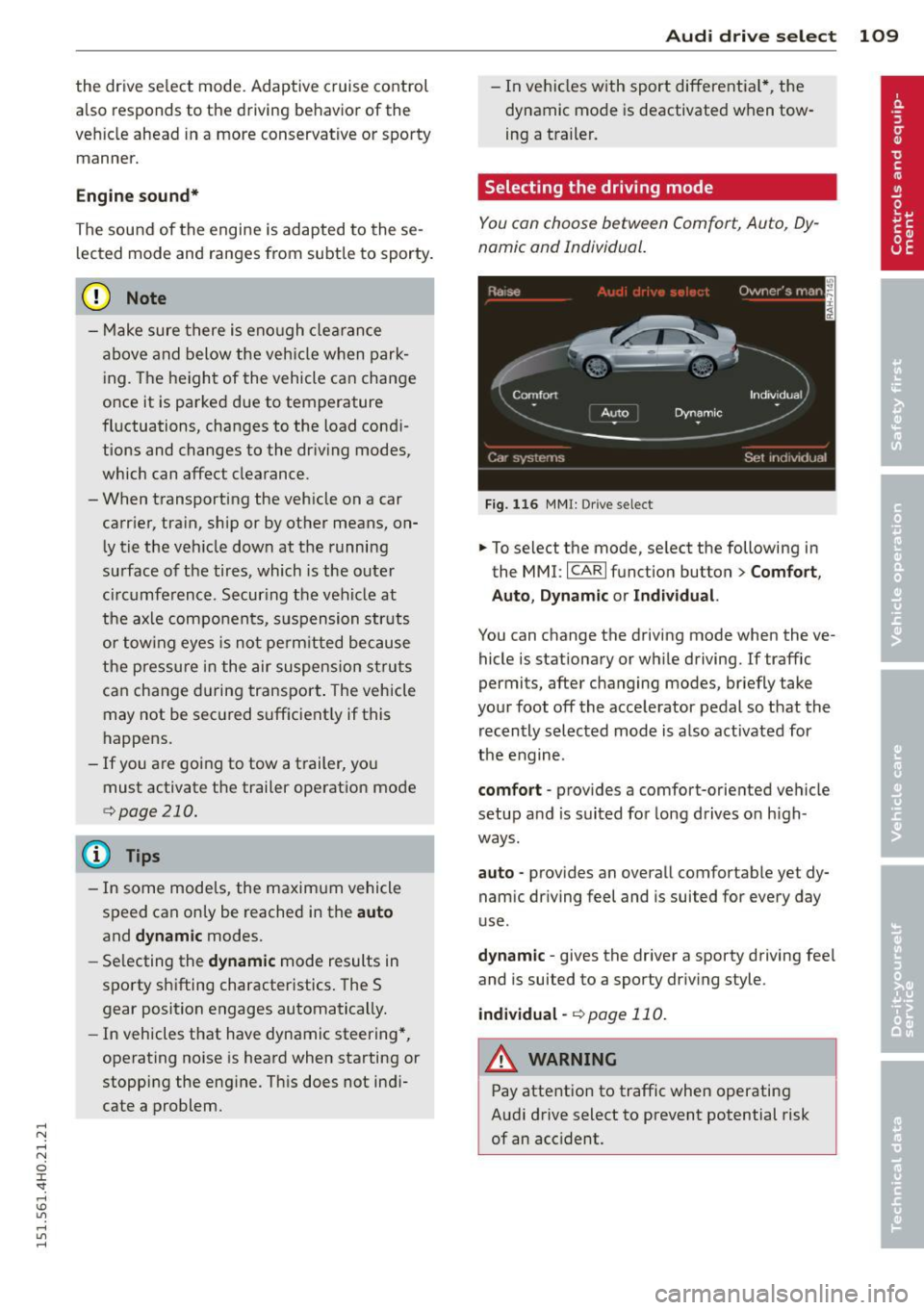
Selecting the driving mode
You con choose between Comfort, Auto, Dy
namic and Individual.
F ig. 116 MMI: Drive select
.,. To select the mode, se lect the following in
the MMI:
I CARI function button > C om fort ,
Auto , Dynamic or Individu al.
You can change the driving mode when the ve
hicle is stationary or wh ile driving. If traffic
permits, after changing modes, briefly take
your foot off the accelerator pedal so that the recently selected mode is also activated for
the engine.
comfort -provides a comfort-oriented ve hicle
setup a nd is suited for long drives on h igh
ways .
auto -provides an overall comfortable yet dy
namic dr iving feel and is suited for every day
use .
dy nami c -gives the driver a sporty driving fee l
and is suited to a sporty driv ing style.
indi vidual -¢page 110.
A WARNING
Pay attention to traffic when operating
Audi drive select to prevent potential risk
of an accident.
Page 135 of 312
,....,
N ,....,
N
0 J:
'SI: ,...., \!) 1.1'1 ,...., 1.1'1 ,....,
Driving Safely
General notes
Safe driving habits
Please remember -safety first!
This chapter contains important information,
tips, instructions and warnings that you need
to read and observe for your own safety, the
safety of your passengers and others . We have
summarized here what you need to know
about safety belts, airbags, ch ild restra ints as
well as child safety. You r safety is for us
priori
ty number 1.
Always observe t he information
a nd warn ings in th is se ct ion - for yo ur own
safety as well as that of your passengers .
The information in this se ction applies to all
model ve rsion s of your veh icle . Some of the
feat ures descr ibed in th is sec tions may be
standa rd equipment on some models, or may
be optional equipment on others . If you are
not sure, ask yo ur authorized Aud i dea ler.
A WARNING
- Always make sure that you follow the in
st ruct ions and heed the WARNINGS i n
this Manual. It is in your interest and in
the inte rest of you r passengers.
- Always keep the complete Owne r's Liter
at ure in your Audi when you lend or sell
yo ur vehicle so that this important info r
mation will always be ava ilable to the
dr iver and passenge rs.
- Always keep the Owner's literature handy
so that you can find i t eas ily if you have
ques tion s.
Safety equipment
The safety features are part of the occupant
restraint syst em and work togeth er to help
redu ce the risk of injury in a wide variety of
accident situations .
Your safety and the safety of your passenge rs
should not be left to chance. Advances in
t echnology have made a var iety o f fea tures
avai lable to he lp red uce the risk of i njury in an
Dr iving Safel y 133
accident . The following is a list of just a few of
the safety features in yo ur Audi :
- sophis tic ated s afety be lts fo r driver and a ll
passenger sea ting posit ions,
- s afety bel t prete nsio ners ,
- safety belt force lim ite rs fo r the front sea ts,
- safety belt he ight adjustment systems for
the front seats ,
- front airbags,
- knee airbags for the front seats - side airbags in the front seats and outer rea r
seats,
- side c urtain airbags ,
- specia l LATCH anchorages for child re-
straints,
- he ad restr aints for each sea ting pos it ion,
- adj ustab le steeri ng colum n.
These ind iv idual safety features, can work to
ge ther as a system to he lp protect you and
you r passenge rs in a wide rang e of accide nts .
T hese features canno t wo rk as a system if
they are not always cor re ct ly adjus ted and co r
re ct ly used.
Safety is everybody's responsibil ity!
Important things to do before driving
Safety is everybody 's job! Vehicle and occu
pant safety always depends on the informed and careful driver .
For yo ur safety and the safety of your passen
gers,
before d riving always:
.. Make s ure that all lig hts and signa ls are op
erating correctly .
.,. Make sure that the tire pressure is correct .
.. Make s ure that all w indows are clean and a f
ford good vis ibility to the outs ide .
.,. Se cure all luggage a nd o ther items caref ully
I::!) page 70, I::!) page 74 .
.. Ma ke s ure that no thing can inte rfere wi th
the peda ls .
.. Adj ust front seat, head restraint and mirrors
correctly for your height.
.. Instruct passengers to adjust the head re-
straints according to the ir height . .,.. •
•