brakes BUICK LACROSSE 2007 User Guide
[x] Cancel search | Manufacturer: BUICK, Model Year: 2007, Model line: LACROSSE, Model: BUICK LACROSSE 2007Pages: 512
Page 294 of 512
Traction Control System (TCS)
Your vehicle may have a Traction Control System
(TCS) that limits wheel spin. This is especially
useful in slippery road conditions. The system
operates only if it senses that one or both of the
front wheels are spinning or beginning to lose
traction. When this happens, the system works the
front brakes and reduces engine power to limit
wheel spin. It may also upshift the transaxle to limit
wheel spin. You may feel or hear the system
working, but this is normal.
The TRACTION CONTROL ACTIVE message on
the Driver Information Center (DIC) will be
displayed when the system is limiting wheel spin.
If the vehicle is in cruise control when the TCS
begins to limit wheel spin, the cruise control will
automatically disengage. When road conditions
allow safe use of the cruise control, it can be used
again. SeeCruise Control on page 154.The TCS operates in all transaxle shift lever
positions. But the system can upshift the transaxle
only as high as the shift lever position that was
chosen, so use the lower gears only when
necessary. SeeAutomatic Transaxle Operation
on page 114.
This light, along with the
TRACTION CONTROL
OFF message, will
display on the DIC for
three seconds when the
TCS is not on.
If there is a problem with the system, the
SERVICE TRACTION SYSTEM message will also
come on in the DIC. When this warning light is
on, the system will not limit wheel spin. Adjust
driving accordingly.
294
Page 296 of 512
The ETS operates in all transaxle shift lever
positions. But the system can upshift the transaxle
only as high as the chosen shift lever position,
so use the lower gears only when necessary. See
Automatic Transaxle Operation on page 114.
This light, along with the
TRACTION CONTROL
OFF message, will
display on the DIC for
three seconds when the
ETS is not on.
If there is a problem with the system, the
SERVICE TRACTION SYSTEM message will also
come on in the DIC. When this warning light is
on, the system will not limit wheel spin. Adjust your
driving accordingly.
To limit wheel spin, especially in slippery road
conditions, you should always leave the ETS on.
But you can turn the system off if you ever
need to. The ETS should be turned off if the
vehicle ever gets stuck in sand, mud or snow and
rocking the vehicle is required.To turn the ETS on or off, press the ETS button
located above the radio.
When the ETS is turned off, the ETS warning light
will come on along with the TRACTION
CONTROL OFF message on the DIC. It will
disappear when the ETS is turned back on. If the
ETS is limiting wheel spin when the traction
control button is pressed, the ETS warning light
will come on and the ETS will turn off right away.
StabiliTrak®System
Your vehicle may be equipped with a vehicle
stability enhancement system called StabiliTrak®.
It is an advanced computer controlled system
that assists you with directional control of
the vehicle in difficult driving conditions.
StabiliTrak
®activates when the computer senses
a discrepancy between your intended path
and the direction the vehicle is actually traveling.
StabiliTrak
®selectively applies braking pressure
at any one of the vehicle’s brakes to help steer the
vehicle in the direction which you are steering.
296
Page 298 of 512
The traction you can get in a curve depends on
the condition of your tires and the road surface, the
angle at which the curve is banked, and your
speed. While you are in a curve, speed is the
one factor you can control.
Suppose you are steering through a sharp curve.
Then you suddenly apply the brakes. Both
control systems — steering and braking — have
to do their work where the tires meet the road.
Unless you have four-wheel anti-lock brakes,
adding the hard braking can demand too much of
those places. You can lose control.
The same thing can happen if you are steering
through a sharp curve and you suddenly
accelerate. Those two control systems — steering
and acceleration — can overwhelm those
places where the tires meet the road and make
you lose control. SeeTraction Control System
(TCS) on page 294.What should you do if this ever happens? Ease up
on the brake or accelerator pedal, steer the
vehicle the way you want it to go, and slow down.
Speed limit signs near curves warn that you
should adjust your speed. Of course, the posted
speeds are based on good weather and road
conditions. Under less favorable conditions you will
want to go slower.
If you need to reduce your speed as you approach
a curve, do it before you enter the curve, while
your front wheels are straight ahead.
Try to adjust your speed so you can “drive”
through the curve. Maintain a reasonable, steady
speed. Wait to accelerate until you are out of
the curve, and then accelerate gently into
the straightaway.
Adding non-GM accessories can affect your
vehicle’s performance. SeeAccessories and
Modications on page 341.
298
Page 299 of 512
Steering in Emergencies
There are times when steering can be more
effective than braking. For example, you come
over a hill and nd a truck stopped in your lane, or
a car suddenly pulls out from nowhere, or a
child darts out from between parked cars and
stops right in front of you. You can avoid these
problems by braking — if you can stop in time. But
sometimes you cannot; there is not room. That
is the time for evasive action — steering around
the problem.
Your vehicle can perform very well in emergencies
like these. First apply your brakes.
SeeBraking on page 290. It is better to remove as
much speed as you can from a possible collision.
Then steer around the problem, to the left or
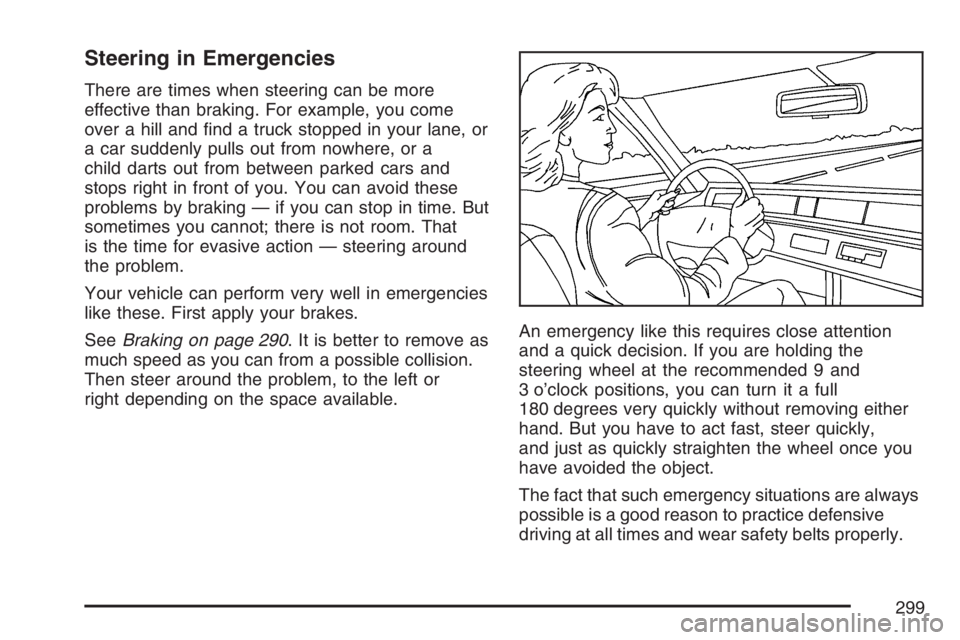
right depending on the space available.An emergency like this requires close attention
and a quick decision. If you are holding the
steering wheel at the recommended 9 and
3 o’clock positions, you can turn it a full
180 degrees very quickly without removing either
hand. But you have to act fast, steer quickly,
and just as quickly straighten the wheel once you
have avoided the object.
The fact that such emergency situations are always
possible is a good reason to practice defensive
driving at all times and wear safety belts properly.
299
Page 302 of 512
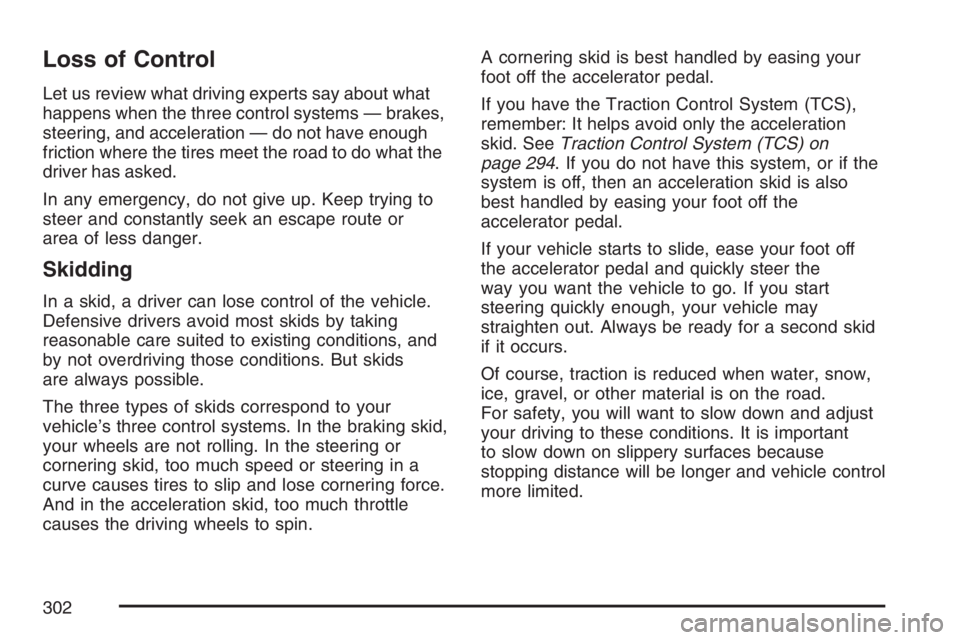
Loss of Control
Let us review what driving experts say about what
happens when the three control systems — brakes,
steering, and acceleration — do not have enough
friction where the tires meet the road to do what the
driver has asked.
In any emergency, do not give up. Keep trying to
steer and constantly seek an escape route or
area of less danger.
Skidding
In a skid, a driver can lose control of the vehicle.
Defensive drivers avoid most skids by taking
reasonable care suited to existing conditions, and
by not overdriving those conditions. But skids
are always possible.
The three types of skids correspond to your
vehicle’s three control systems. In the braking skid,
your wheels are not rolling. In the steering or
cornering skid, too much speed or steering in a
curve causes tires to slip and lose cornering force.
And in the acceleration skid, too much throttle
causes the driving wheels to spin.A cornering skid is best handled by easing your
foot off the accelerator pedal.
If you have the Traction Control System (TCS),
remember: It helps avoid only the acceleration
skid. SeeTraction Control System (TCS) on
page 294. If you do not have this system, or if the
system is off, then an acceleration skid is also
best handled by easing your foot off the
accelerator pedal.
If your vehicle starts to slide, ease your foot off
the accelerator pedal and quickly steer the
way you want the vehicle to go. If you start
steering quickly enough, your vehicle may
straighten out. Always be ready for a second skid
if it occurs.
Of course, traction is reduced when water, snow,
ice, gravel, or other material is on the road.
For safety, you will want to slow down and adjust
your driving to these conditions. It is important
to slow down on slippery surfaces because
stopping distance will be longer and vehicle control
more limited.
302
Page 303 of 512
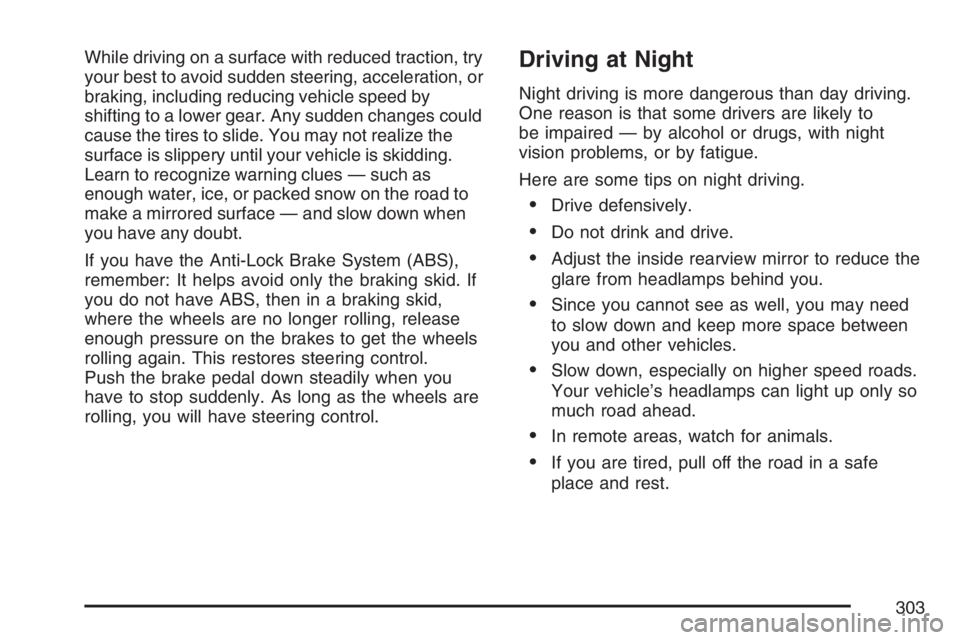
While driving on a surface with reduced traction, try
your best to avoid sudden steering, acceleration, or
braking, including reducing vehicle speed by
shifting to a lower gear. Any sudden changes could
cause the tires to slide. You may not realize the
surface is slippery until your vehicle is skidding.
Learn to recognize warning clues — such as
enough water, ice, or packed snow on the road to
make a mirrored surface — and slow down when
you have any doubt.
If you have the Anti-Lock Brake System (ABS),
remember: It helps avoid only the braking skid. If
you do not have ABS, then in a braking skid,
where the wheels are no longer rolling, release
enough pressure on the brakes to get the wheels
rolling again. This restores steering control.
Push the brake pedal down steadily when you
have to stop suddenly. As long as the wheels are
rolling, you will have steering control.Driving at Night
Night driving is more dangerous than day driving.
One reason is that some drivers are likely to
be impaired — by alcohol or drugs, with night
vision problems, or by fatigue.
Here are some tips on night driving.
Drive defensively.
Do not drink and drive.
Adjust the inside rearview mirror to reduce the
glare from headlamps behind you.
Since you cannot see as well, you may need
to slow down and keep more space between
you and other vehicles.
Slow down, especially on higher speed roads.
Your vehicle’s headlamps can light up only so
much road ahead.
In remote areas, watch for animals.
If you are tired, pull off the road in a safe
place and rest.
303
Page 306 of 512
It is wise to keep your windshield wiping equipment
in good shape and keep your windshield washer
uid reservoir lled with washer uid. Replace your
windshield wiper inserts when they show signs
of streaking or missing areas on the windshield, or
when strips of rubber start to separate from the
inserts.
{CAUTION:
Wet brakes can cause accidents. They
may not work as well in a quick stop and
may cause pulling to one side. You could
lose control of the vehicle.
After driving through a large puddle of
water or a car wash, apply your brake
pedal lightly until your brakes work
normally.
Driving too fast through large water puddles or even
going through some car washes can cause
problems, too. The water may affect your brakes.
Try to avoid puddles. But if you cannot, try to slow
down before you hit them.
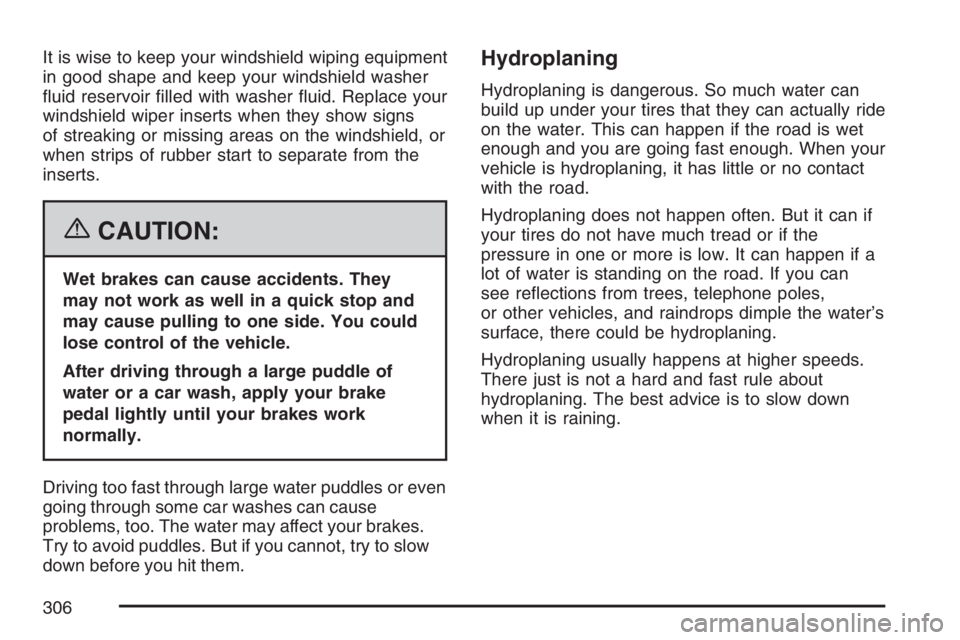
Hydroplaning
Hydroplaning is dangerous. So much water can
build up under your tires that they can actually ride
on the water. This can happen if the road is wet
enough and you are going fast enough. When your
vehicle is hydroplaning, it has little or no contact
with the road.
Hydroplaning does not happen often. But it can if
your tires do not have much tread or if the
pressure in one or more is low. It can happen if a
lot of water is standing on the road. If you can
see reections from trees, telephone poles,
or other vehicles, and raindrops dimple the water’s
surface, there could be hydroplaning.
Hydroplaning usually happens at higher speeds.
There just is not a hard and fast rule about
hydroplaning. The best advice is to slow down
when it is raining.
306
Page 312 of 512
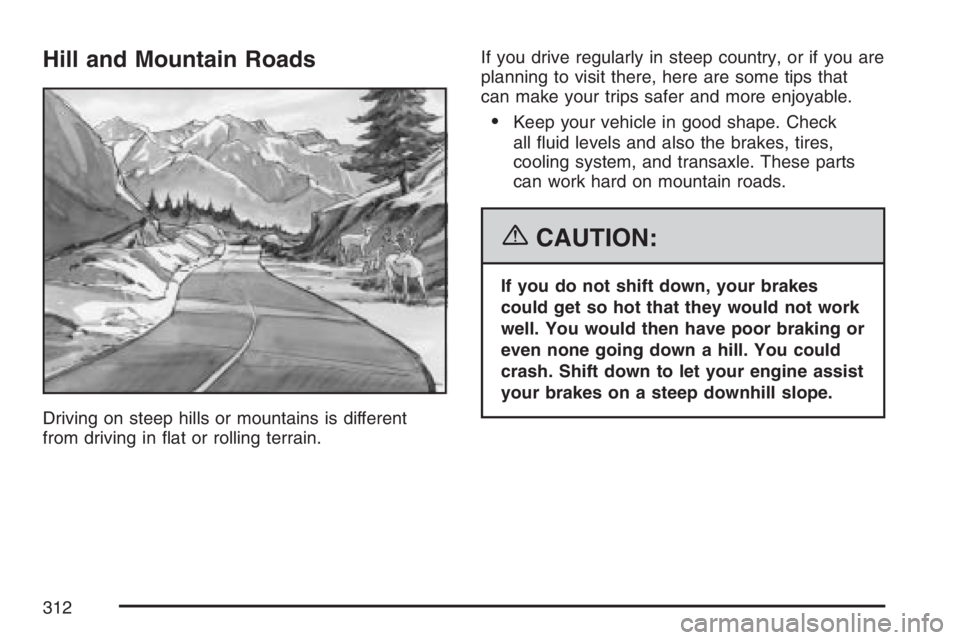
Hill and Mountain Roads
Driving on steep hills or mountains is different
from driving in at or rolling terrain.If you drive regularly in steep country, or if you are
planning to visit there, here are some tips that
can make your trips safer and more enjoyable.
Keep your vehicle in good shape. Check
all uid levels and also the brakes, tires,
cooling system, and transaxle. These parts
can work hard on mountain roads.
{CAUTION:
If you do not shift down, your brakes
could get so hot that they would not work
well. You would then have poor braking or
even none going down a hill. You could
crash. Shift down to let your engine assist
your brakes on a steep downhill slope.
312
Page 313 of 512
{CAUTION:
Coasting downhill in NEUTRAL (N) or with
the ignition off is dangerous. Your brakes
will have to do all the work of slowing
down. They could get so hot that they
would not work well. You would then have
poor braking or even none going down a
hill. You could crash. Always have your
engine running and your vehicle in gear
when you go downhill.
Know how to go down hills. The most important
thing to know is this: let your engine do some of
the slowing down. Shift to a lower gear when
you go down a steep or long hill.
Know how to go uphill. You may want to shift
down to a lower gear. The lower gears help
cool your engine and transaxle, and you can
climb the hill better.
Stay in your own lane when driving on two-lane
roads in hills or mountains. Do not swing wide
or cut across the center of the road. Drive at
speeds that let you stay in your own lane.
As you go over the top of a hill, be alert. There
could be something in your lane, like a stalled
car or an accident.
You may see highway signs on mountains that
warn of special problems. Examples are long
grades, passing or no-passing zones, a falling
rocks area, or winding roads. Be alert to these
and take appropriate action.
313
Page 316 of 512
Unless you have the Anti-Lock Brake System
(ABS), you will want to brake very gently, too. If
you do have ABS, seeAnti-Lock Brake System
(ABS) on page 291. ABS improves your vehicle’s
stability when you make a hard stop on a
slippery road. Whether you have ABS or not, you
will want to begin stopping sooner than you
would on dry pavement. Without ABS, if you feel
your vehicle begin to slide, let up on the brakes
a little. Push the brake pedal down steadily to get
the most traction you can.
Remember, unless you have ABS, if you brake so
hard that your wheels stop rolling, you will just
slide. Brake so your wheels always keep rolling
and you can still steer.
Whatever your braking system, allow greater
following distance on any slippery road.
Watch for slippery spots. The road might be
ne until you hit a spot that is covered with
ice. On an otherwise clear road, ice patches
may appear in shaded areas where the
sun cannot reach, such as around clumps of
trees, behind buildings, or under bridges.
Sometimes the surface of a curve or an
overpass may remain icy when the
surrounding roads are clear.If you see a patch of ice ahead of you, brake
before you are on it. Try not to brake while
you are actually on the ice, and avoid sudden
steering maneuvers.
If You Are Caught in a Blizzard
If you are stopped by heavy snow, you could be in
a serious situation. You should probably stay
with your vehicle unless you know for sure that you
are near help and you can hike through the
snow. Here are some things to do to summon
help and keep yourself and your passengers safe:
Turn on your hazard ashers.
Tie a red cloth to your vehicle to alert police
that you have been stopped by the snow.
Put on extra clothing or wrap a blanket around
you. If you do not have blankets or extra
clothing, make body insulators from
newspapers, burlap bags, rags, oor
mats — anything you can wrap around
yourself or tuck under your clothing to
keep warm.
316