key BUICK PARK AVENUE 1998 Owner's Guide
[x] Cancel search | Manufacturer: BUICK, Model Year: 1998, Model line: PARK AVENUE, Model: BUICK PARK AVENUE 1998Pages: 426, PDF Size: 23.59 MB
Page 144 of 426
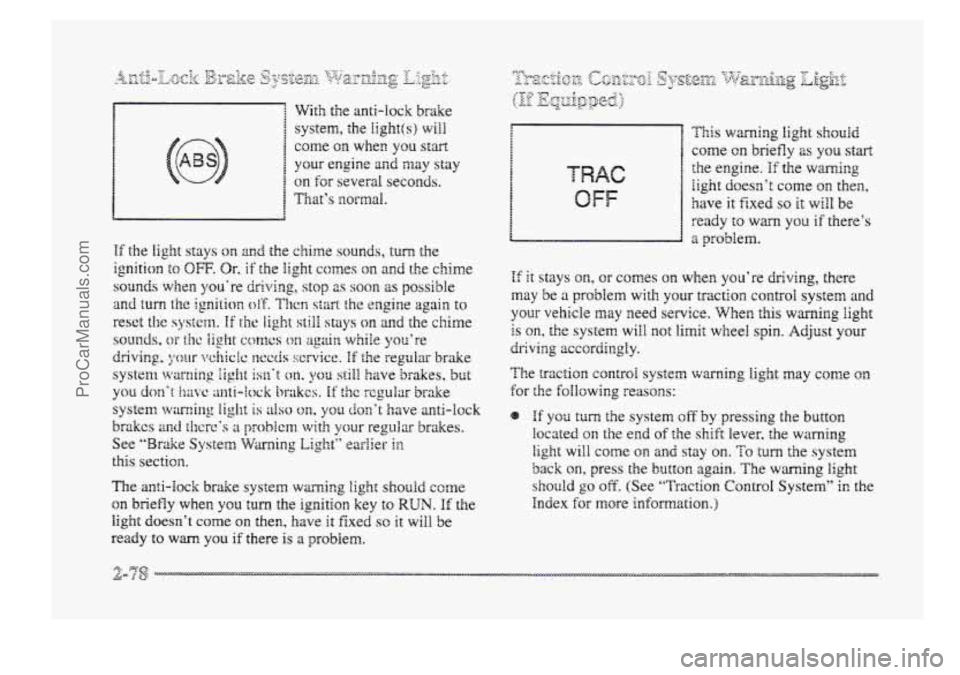
With the anti-lock brake
system, the
Iight(s) will
come on when you start
your engine and may stay
on for several seconds.
1 That’s BzorfnaI.
The anti-lock brake system warning light should come
on briefly when YOU turn the ignition key to RUN. If the
light doesn’t come on then, have it fixed SO it will be
ready
to wm you if there is a problem.
OFF
This warnirag light should
come on briefly 2s you start
the engine. If the warning
iight doesn’t corne on then,
have it fixed so it will be
ready
to warn you if there’s
a problem.
If it stays on, or comes on when you’re driving, there
may be a problem with your traction control system and
your vehicle may need service. When this warning light
is on, the system will not limit wheel spin. Adjust your
The traction control system wming light may come on
for the foIlowing reasons:
dr;ivi3g accordingly.
If yos turn the system off by pressing the button
located on the end of the shift lever, the warning
light will come on and stay on. To turn the system
back on, press the button again. The warning light
should go off. (See “Traction Control System” in the
Index
for more kf~m;ation.)
ProCarManuals.com
Page 146 of 426
NOTICE:
If you keep driving your vehicle with this light
on, after a whiie, your emission controls rnay not
work as well, your fuel economy may not be as
good and your engine may not PUR as smoothly.
This could lead to costly repairs that may not be
covered by pur warranty.
This jight should corne on, as a check to show YOU it is
working, when the ignition is
on and the engine is not
running. If the light doesn’t come on, have it repaired.
This light will also come QII during ;I malfunction in one
of ~WO ways:
8 Light Flashing -- A misfire condition has been
detected.
A misfire increases vehicle emissions and
may damage the emission controi system on your
vehicle. Dealer or qualified service center diagnosis
and service rnay be required.
@ Eight On Steady -- An emission control system
malfunction
has been detected on your vehicle.
Dealer
or qualified service center diagnosis and
service
may be required.
-.- 8:. f. ,fie ~ 2s F‘fp&-!&g --
The following may prevent more serious damage to
your vehicle:
Reducing vehicle speed.
Avoiding hard accelerations.
e Avoiding steep uphill grades.
If YOU are towing a trailer, reduce the amount of
cargo being hauled as soon as it is possible.
If the light stops flashing and remains on steady, see “If
the Light Is On Steady” following.
Sf the light continues to flash, when it is safe to do so,
stop the vehicle. Find a safe place to park your vehicle.
Turn the key off, wait at least IO seconds and restart the
engine.
If the light remains on steady, see “If the Light
Is On Steady” following. If the light is still flashing,
follow the previous steps,
and drive the vehcle to your
dealer or qualified service center €or service.
ProCarManuals.com
Page 153 of 426
e mL INFO: Press this button to display fuel
infomation such
as, fuel used, fuel range and
fuel economy.
Q GAGE INFO: Use this button to display oil
pressure,
oil Me, coolant temperature, tire pressure
and battery infomation.
RESET: ”his button, used dong with other buttons,
will reset system functions.
@ ENGNET: Use this button to change the display
between English and metric
units.
p@r@-jn& Choice gJ1c DispEay
This feature allows two different drivers to store and
recall their
QWP~ preferred display mode. The personal
choice settings displayed
on the DIC are determined by
the transmitter used
t~ enter the vehicle. After the
UNLOCK button of a remote keyless entry transmitter
is pressed
and the ignition is in RUN, the DIC will
display
the identified driver. The settings can also be
changed
by briefly pressing one of the MEMORY
buttons located on the driver’s door.
The DIC can also be used to program the following
personal
choice features available with your vehicle:
e Memory Seats
Memory Door Locks
Security Feedback
Delayed Locking
e Perimeter Lighting
Parallel Park Assist Mirror
Window Lockout
See “Personal Choice Features”
in the Index and “DIC
Personal Choice Progran~ning’~ later in this part. The
DIC is used to program infomation €or DWIVEiR #1 and
DRIVER #2. The DIC will identify a person as
UNKNOWN DRIVER if they are neither DRIVER #I
nor DRIVER #2.
ProCarManuals.com
Page 157 of 426
The DIC can be used $0 program the following personal
choice
features available with your vehicle:
@ Melnosy Seats
Memory Door Locks
Security Feedback
@ Delayed hcking
See ‘‘Personal Choice Features” In the Index.
T’ne DTC is used to program the personal choices of two
drivers. The driver’s are recognized by
DRIVER #I and
DRIVER #2. You will kt the DIC know which driver
you are by using your remote keyless entry transmitter
or
by pressing the appropriate memory seat control
buttorm located on the driver’s door. The remote
transmitter was pre-programmed to belong to
DRIVER # 9 or DRIVER #2.
The last driver number remembered by the DIC will
show on the display each time the UNLOCK button on
the same transmitter is pressed, and the ignition is
turned OE.
When you press UNLOCK en your transmitter, the DIC
will automaticaihy change driver numbers 2nd the
vehicle will recall the persod choice settings that were
last made to correspond to your transmitter.
if you unlock the vehicle using your door key instead sf
your zransmitter, the DIC will not change drivers 2nd
will recall the infomation from the last transmitter use
or the last driver change using the men~ory seat controls.
If this happens and you were not the last driver of the
vehicle, simply
press your correct driver number on the
memory seat controls OH press the UNLOCK button on
your transmitter.
ProCarManuals.com
Page 162 of 426
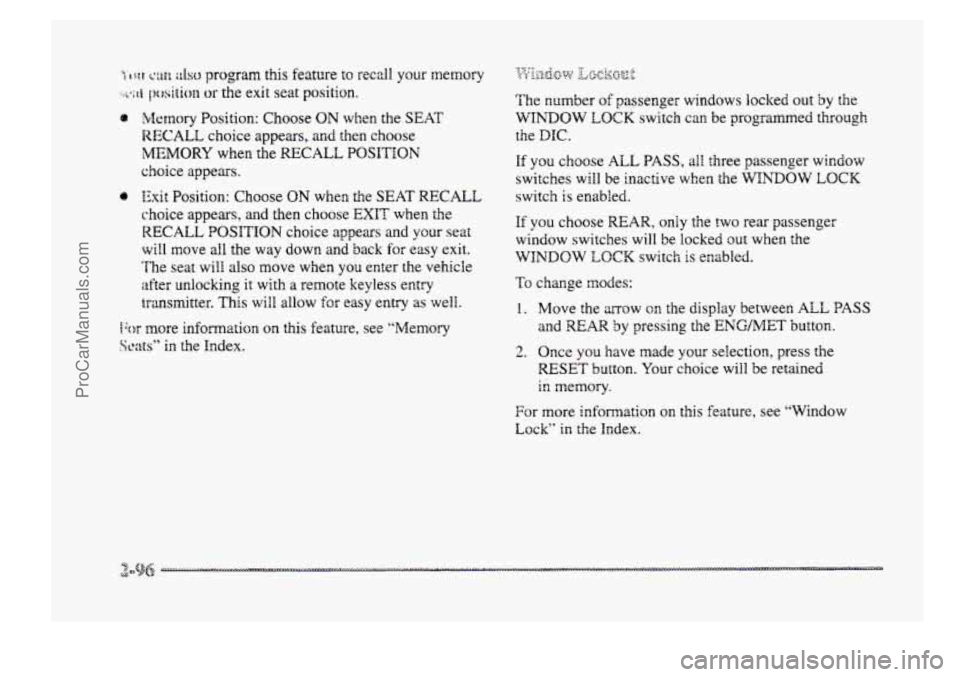
%fetnory Position: Choose ON when the SEAT
RECALL choice appears, and then choose
MEMORY when the RECALL POSITION
choice appears.
0 Exit Position: Choose ON when the SEAT RECALL
choice appears, and then choose EXIT when the
RECALL POSITION choice aslpears and your seat
will move all the way down anh back for easy exit.
’he seat will also move when
you enter the vehicle
after unlocking it with a remote keyless entry
transmitter. This
will allow for easy entry as well.
fbr more information on this feature, see “Memory
Scats” in the Index. The
number
of passenger windows locked out by the
WINDOW LQCK switch can be programmed through
the
DIC.
If you choose ALL PASS, all three passenger window
switches will be inactive when the WINDOW LOCK
switch is enabled.
If you choose MAR, only the two rear passenger
window switches will
be locked out when the
WINDOW LOCK switch is enabled.
To change modes:
1. Move the ~QW OR the display betweer, ALL PASS
and REAR by pressing the ENGMET button.
2. Once you have made your selection, press the
RESET button. Your choice will be retained
in memory.
For more information on this feature, see “Window
Lock” in the Index.
ProCarManuals.com
Page 166 of 426

'Ms section tells you how to operate your comfort
ctrrtt.ro8s. Your comfort control system uses
trxone-friendIy
hi- B 348 refrigerant.
With these systems, you can control the heating, cooling
and ventilation in your vehicle. Your vehicle also has a
flow-through ventilation system described
Eater in
this section.
This feature allows two different drivers to store and
recall their own climate control settings for temperature,
air delivery node, fan and passenger climate COXI~FO~
fdom status. The Personal Choice settings recalled are
determined by the transmitter used to enter the vehicle.
After the UNLOCK button of a remote keyless entry
transmitter
is pressed, and the igrrition is in RUN, the
climate
control will adjust to the last settings of the
identified driver.
The settings can also be changed by
briefly pressing one
of the MEMORY seat switches
located on the
driver's door panel. When adjustments
are made, the new settings are automatically saved for
the
driver.
Your vehicle has the dual automatic cornfortemp climate
control system. The fdowing
infomation tells you how
1: works.
Yorr will hear a beep each time a button is pushed and a
small light orr the button will indicate which buttons lire
active.
The lights are QIP ali buttons except EMP, FAN
and AIR FLOW. The display will show fm speed,
comfort level setting
and airf'~ direction for a few
seconds whenever any button,
except for the rear defog,
is pushed, and then it will display the outside
temperature. The outside temperature reading
is most
accurate when the vehicle
is movi~g.
During stops, when drivkg slow, QF when the engine is
first sta-ted after a short trip, the outside temperature
reading can be affected by road or engine heat. In order
to enswe proper automatic climate control operation, the
outside temperature
display may not update BS quickly
as expected.
ProCarManuals.com
Page 242 of 426
h..,, - . '
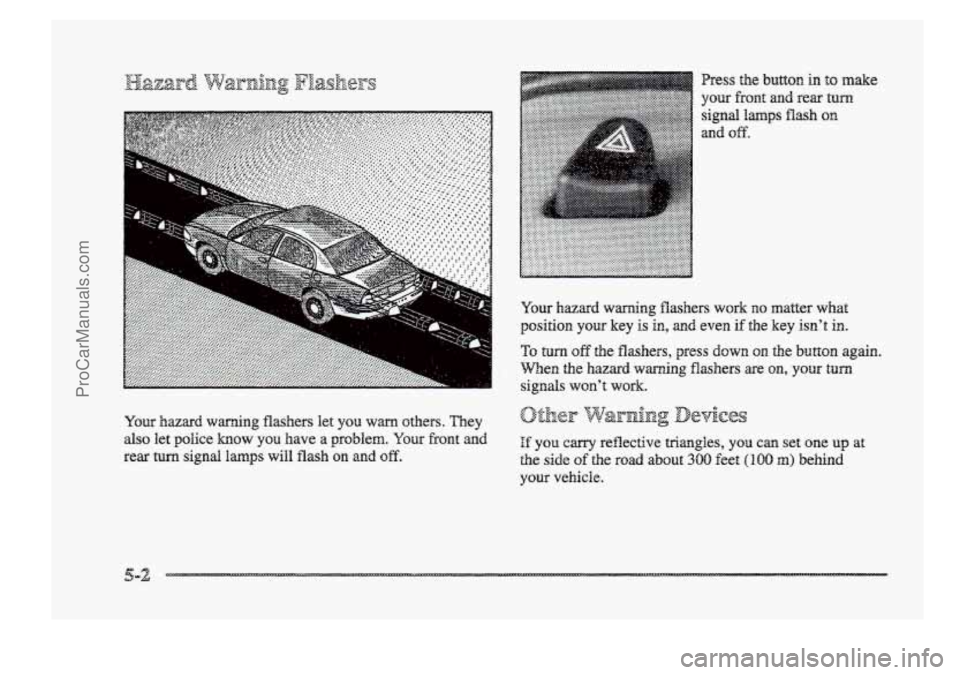
YQW hazard warning flashers work no matter what
position yow key is in, and even if the key isn't in.
To turn off the flashers, press down on the button again.
When the hazard warning flashers are CUI, your turn
signals won't work.
your vehicle.
ProCarManuals.com
Page 248 of 426
2
A vehicle can fall from a car carrier if it isn’t
adequately secured. This can cause a collision,
serious personal injury and vehicle damage. The
vehicle should be tightly secured with chains OF
steel cables before it is transported.
Don’t use substitutes (ropes, leather straps,
canvas webbing, etc.) that can be cut by sharp
edges underneath the towed vehicje. Always use
T-hooks inserted in the T-hook siob. Never use
J-hooks. They will damage drivetrain and
suspension components. When your vehicle
is being towed, have the ignition key
in OW. The steering wheel should be
clamped in a.
straight-ahead position, with a clamping device
designed for towing service. DQ not use the vehicle’s
steering
column iock for this. The transaxle should be in
NEUTRAL (N) and the parking brake released.
Don’t have your vehicle towed the front wheels,
unless you must. If the vehicle must be towed QII the
front wheels, be sure to fallow the speed and distance
restrictions later in this section or your transaxle will be
damaged. If these Limits must be exceeded, then the
front wheels have to be supported on a dolly.
ProCarManuals.com
Page 383 of 426
When YOU are doing this check, the vehicle could
move suddenly. If it does, you or others could be
injured. Follow the steps below.
1.
2.
3.
Before you start, be sure you have enoug’ I? room
around the vehicle.
Firmly apply
both the parking brake (see “Parking
Brake” in the
Index if necessary) and the regular brake.
NOTE: Do not use the accelerator pedal, and be
ready
to turn of€ the engine immediately if it starts.
Try to start the engine in each gear. The starter
should work only in PARK (P) or NEUTRAL (N).
If the starter works in any other position, your
vehicle needs service.
1.
2.
3.
Before you start, be sure yo3 have CEQU~~
room around the vehicle. It should be parked on
a Bevel surface.
FimBy apply the parking brake (see “Parking Brice”
in the Index if necessary).
NOTE: Be ready to aqdy the regular brake
immediately if the vehick begins to move.
With the engine off, turn the key to the RUN
position, but don’t start the engine. Without
applying the regular brake, try to move the shift
lever out
of PARK (P) with normal effort. X the
shift lever moves out of PARK (P), your vehicle’s
BTSI needs service.
ProCarManuals.com
Page 384 of 426
While parked, and with the parking brake set, try to turn
the ignition key to LOCK In each shift lever position.
@ The key should turn to LOCK only when ;he shift
lever is in PARK (P).
The key should come out only in LOCK.
Park on a fairly steep hill, with the vehicle facing
downhill. Keeping your foot QII the regular brake, set
the parking brake.
@ To check the parking brake's holding ability: With
the engine running and tramaxle in NEUTRAL (N),
slowiy remove foot pressure from the reginlag brake
pedal. DQ this until the vehicle is held by the parking
brake only.
Q To check the PARK (PI mechanism's holding ability:
With the engine running,
shift to PARK (P). Then
release ail brakes.
ProCarManuals.com