ignition CADILLAC CATERA 1997 1.G User Guide
[x] Cancel search | Manufacturer: CADILLAC, Model Year: 1997, Model line: CATERA, Model: CADILLAC CATERA 1997 1.GPages: 338, PDF Size: 18.02 MB
Page 73 of 338
Downloaded from www.Manualslib.com manuals search engine Theft-Deterrent System (Option)
If the ignition is off and
any door is open, the
SECURITY light will flash
reminding
you to activate
1. Open the door.
2. Lock the door using the power door lock or the RKE
transmitter. The SECURITY light should come on
and stay
on.
3. Close all the doors. The SECURITY light should go
off within approximately 30 seconds.
The horn will sound and the lamps will flash for several
minutes when the door or trunk is opened without the
key or RKE transmitter. The horn also sounds if the
locks are damaged. Remember, the theft-deterrent
system won’t activate if
you lock the doors with
a key or use the manual door
lock. It activates only if
you use a power door lock
switch or the
RKE transmitter.
To avoid activating the alarm by accident:
The vehicle should be locked with the key after the
doors are closed if
you don’t want to activate the
theft-deterrent system.
Always unlock a door with a key or use the RKE
transmitter. (Pressing the unlock button on the RKE
transmitter disables the theft-deterrent system.)
Unlocking a door
any other way will activate the
alarm. Cycling the ignition without disarming the
theft-deterrent system will also activate the alarm.
If
you activate the alarm by accident, unlock the driver’s
door with your key. You can also turn off the alarm by
using the RKE transmitter. The alarm won’t stop if you
try to unlock a door in any other way.
2-12
Page 75 of 338
Downloaded from www.Manualslib.com manuals search engine The system works when you turn the key to the
RUN (11) position. The key uses a transponder that
matches an immobilizer control unit in your vehicle.
The correct key will start the vehicle.
When the system senses that someone
is using the
wrong key, it may start but it will not continue
to run. If
someone tries to start your vehicle again or
uses another
key during this time, the shutdown will start over again.
This discourages someone from randomly trying
different keys with different transponders in an attempt
to make a match.
If the engine cannot be started, turn the key in the
ignition
to the RUN (11) position. Wait approximately
two seconds; then start your vehicle again.
If the engine still won’t start, try another key. You may
also want
to check the fuses (see “Fuses and Circuit
Breakers” in the Index). If the engine doesn’t start with
the other key, your vehicle needs service. If your vehicle
does start, the first key may be faulty. See your
Catera dealer.
If you lose or damage a key or you cannot start the
engine, see your Catera dealer.
If a key is lost, bring all
remaining keys
to your dealer for re-programming. In
an emergency, call the Cadillac Roadside Service
Program at 1-800-882-1112.
New Vehicle “Break-In’’
NOTICE:
Your modern Catera doesn’t need an elaborate
“break-in.” But it will perform better in the long
run if you follow these guidelines:
Don’t drive at any one speed -- fast or
slow
-- for the first 500 miles (805 km).
Don’t make full-throttle starts.
200 miles (322 km) or so. During this time
your new brake linings aren’t yet broken
in. Hard stops with new linings can mean
premature wear and earlier replacement.
Follow this breaking-in guideline every
time you get new brake linings.
See “Towing a Trailer” in the Index for
more information.
Avoid making hard stops for the first
0 Don’t tow a trailer during break-in.
2-14
Page 76 of 338
Downloaded from www.Manualslib.com manuals search engine Ignition Positions
NOTICE:
If your key seems stuck in LOCK and you can’t
turn
it, be sure you are using the correct key; if
so, is it all the way in?
If it is, then turn the
steering wheel left and right while you turn the
key hard. But turn the key only with your hand.
Using a tool to force it could break the key or the
ignition switch.
If none of this works, then your
vehicle needs service.
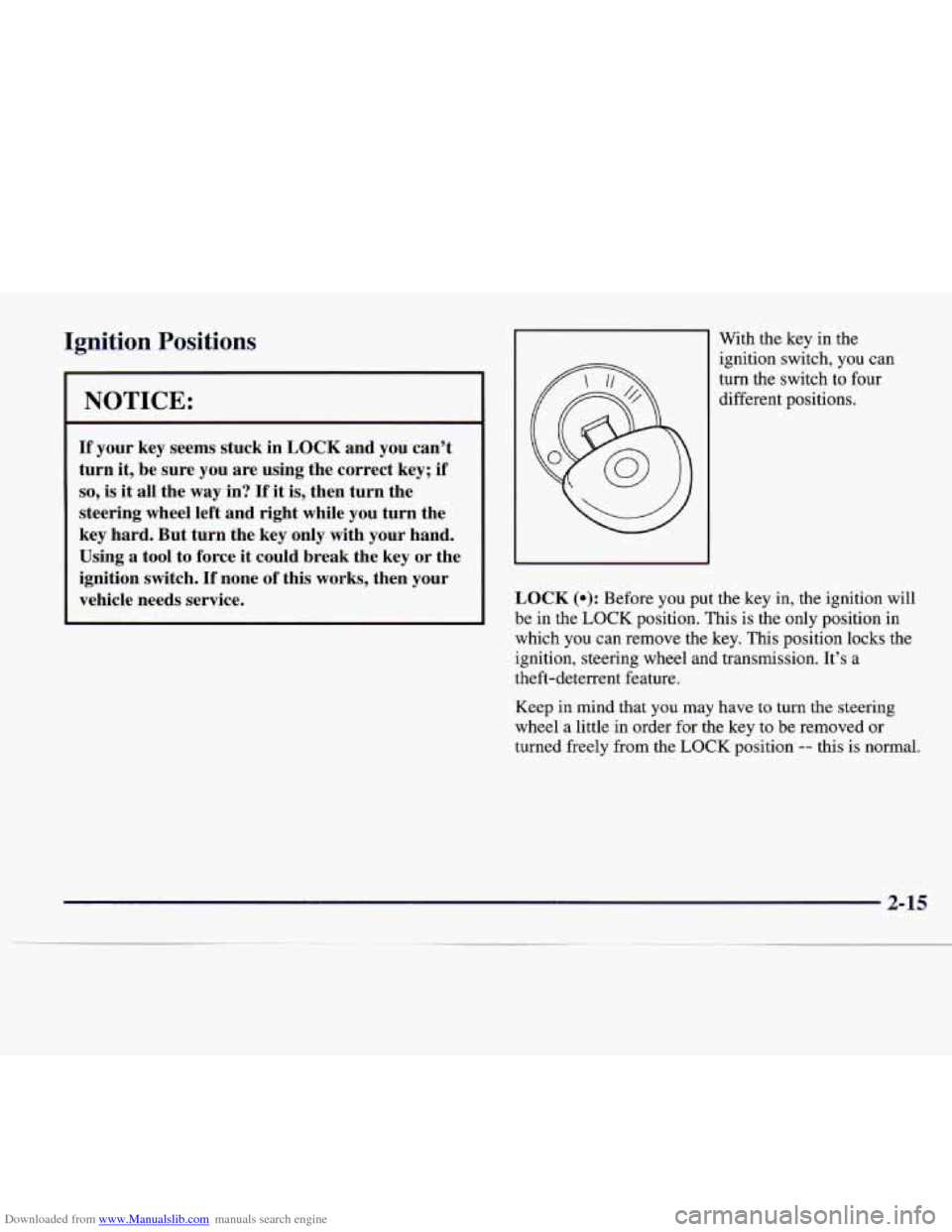
With the key in the
ignition switch, you can
turn the switch to four
different positions.
LOCK (0): Before you put the key in, the ignition will
be in the
LOCK position. This is the only position in
which you can remove the key. This position locks the
ignition, steering wheel and transmission. It’s a
theft-deterrent feature.
Keep in mind that you may have to turn the steering
wheel
a little in order for the key to be removed or
turned freely from the
LOCK position -- this is normal.
2-15
Page 77 of 338
Downloaded from www.Manualslib.com manuals search engine OFF (I): This position lets you turn off the engine but
still turn the steering wheel. It doesn’t lock the steering
wheel like
LOCK. Use OFF if you must have your
vehicle in motion while the engine
is off (for example, if
your vehicle is being pushed).
RUN (11): The ignition is on in this position. RUN is
used for driving your vehicle.
START (III): This position starts the engine.
To lock the steering column, remove the key while in
LOCK. Rotate the steering wheel until you hear a click.
Retained Accessory Power
The radio is the only accessory on your Catera that may
be used
for up to 10 minutes after the ignition is turned
to OFF.
Power to the fuel door, trunk release and door locks is
available at all times. The power window controls and the
sunroof controls are active until a door is opened
-- there
is no time limit as long as the doors remain closed.
Starting Your Engine
Move your shift lever to PARK (P) or NEUTRAL (N).
Your engine won’t start in any other position -- that’s a
safety feature. To restart when you’re already moving,
use NEUTRAL
(N) only.
NOTICE:
Don’t try to shift to PARK (P) if your Catera
is moving. If you do, you could damage the
transmission. Shift to PARK
(P) only when your
vehicle is stopped.
1. Without pushing the accelerator pedal, turn your
ignition key to START. When the engine starts, let
go of the key. The idle speed will
go down as your
engine gets warm.
NOTICE:
Holding your key in START for longer than
15 seconds at a time will cause your battery to be
drained much sooner. And the excessive heat can
damage your starter motor.
2. If it doesn’t start right away, hold your key in
START for about three seconds at a time until your
engine starts. Wait about
15 seconds between each
try to help avoid draining your battery.
Page 81 of 338
Downloaded from www.Manualslib.com manuals search engine Ensure the shift lever is fully in PARK (P) range
before starting the engine. Your Catera has a
Brake-Transmission Shift Interlock (BTSI).
You have to fully apply the regular brakes
before you
can shift from PARK
(P) when the ignition key is in
RUN. If you cannot shift out of PARK (P), ease pressure
on the shift lever -- push the shift lever all the way into
PARK
(P) as you maintain brake application. Then
move the shift lever into the gear you wish. See
“Shifting Out of PARK
(P)” in this section.
REVERSE (R): Use this gear to back up.
To rock your vehicle back and forth to get out of snow,
ice or sand without damaging the transmission, see
“Stuck: In Sand,
Mud, Ice or Snow” in the Index.
NEUTRAL (N): The engine doesn’t connect with
the wheels when driving in NEUTRAL
(N). Use
NEUTRAL
(N) to restart your vehicle when you’re
already moving or when your vehicle is being towed.
I 1
Shifting out of PARK (P) or NEUTRAL (N) while
your engine
is “racing” (running at high speed) is
dangerous. Unless your foot is firmly on the
brake pedal, your vehicle could move very
rapidly. You could lose control and hit people or
objects. Don’t shift out of
PARK (P) or
NEUTRAL (N) while your engine is racing.
NOTICE:
Damage to the transmission caused by shifting
out of PARK
(P) or NEUTRAL (N) with the
engine racing isn’t covered by your warranty.
2-20
Page 84 of 338
Downloaded from www.Manualslib.com manuals search engine Third-Gear Start
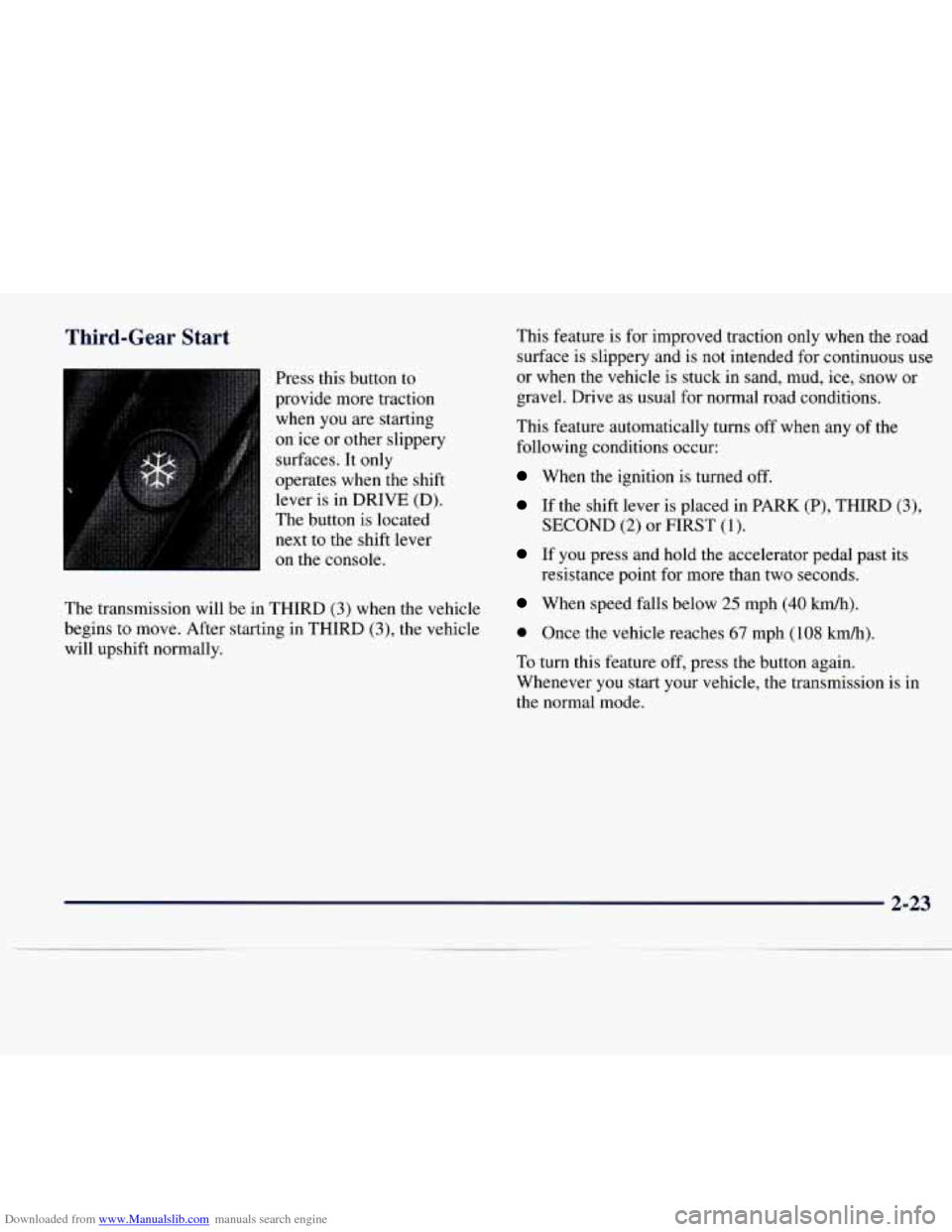
Press this button to
provide more traction when you are starting
on ice or other slippery
surfaces. It only
operates when the shift lever is in DRIVE (D).
The button is located next to the shift lever
on the console.
The transmission will be in THIRD
(3) when the vehicle
begins to move. After starting in THIRD
(3), the vehicle
will upshift normally. This
feature is for improved traction only when the road
surface is slippery and is not intended for continuous use
or when the vehicle is stuck in sand,
mud, ice, snow or
gravel. Drive as usual for normal road conditions.
This feature automatically turns off when
any of the
following conditions occur:
When the ignition is turned off.
If the shift lever is placed in PARK (P), THIRD (3),
SECOND (2) or FIRST (1).
If you press and hold the accelerator pedal past its
resistance point for more than two seconds.
When speed falls below 25 mph (40 km/h).
0 Once the vehicle reaches 67 mph (108 kdh).
To turn this feature off, press the button again.
Whenever you start your vehicle, the transmission is
in
the normal mode.
2-23
Page 85 of 338
Downloaded from www.Manualslib.com manuals search engine Parking Brake If you start to drive away with the parking brake set, the
BRAKE warning light stays on. See "Brake System
Warning Light" in the Index for more information.
To release the parking brake, hold the brake pedal down
with your foot and pull the parking brake lever up until
you
can press the end release button. Hold the release
button in as
you move the brake lever all the way down.
1 .. .
0
NOTICE:
Driving with the parking brake on can cause the
rear brakes to overheat. You may have to replace
them and you could also damage other parts
of
your vehicle.
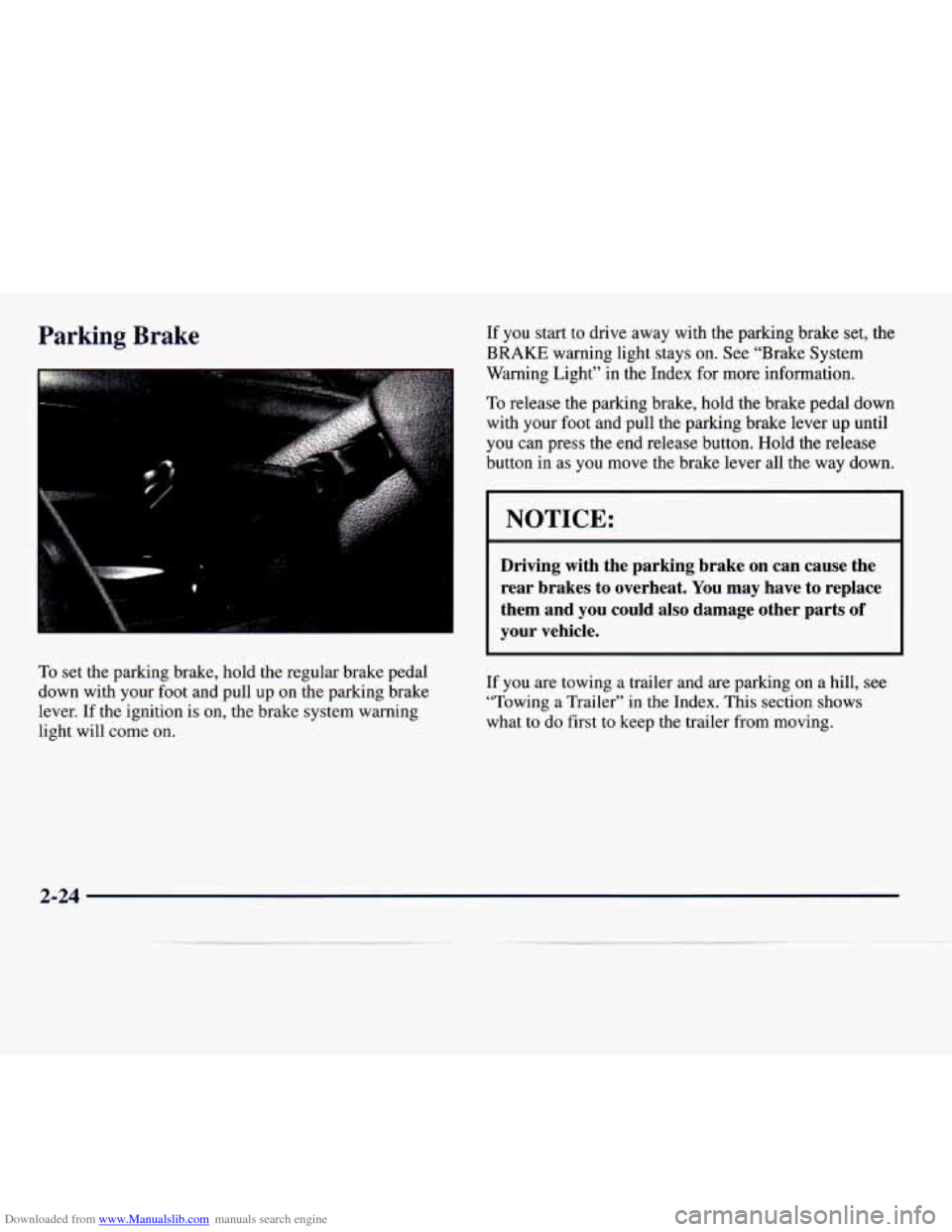
To set the parking brake, hold the regular brake pedal
down with your foot and pull
up on the parking brake
lever.
If the ignition is on, the brake system warning
light will come on. If you
are towing a trailer and
are parking on a hill, see
"Towing a Trailer" in the Index. This section shows
what to do first to keep the trailer from moving.
2-24
Page 86 of 338
Downloaded from www.Manualslib.com manuals search engine Shifting Into PARK (P)
It can be dangerous to get out of your vehicle if
the shift lever is not fully in
PARK (P) with the
parking brake firmly set. Your vehicle can roll.
If you have left the engine running, the vehicle
can move suddenly. You or others could be
injured.
To be sure your vehicle won’t move, even
when you’re on fairly level ground, use the steps
that follow.
If you’re pulling a trailer, see
“Towing
a Trailer” in the Index.
Console Shift Lever
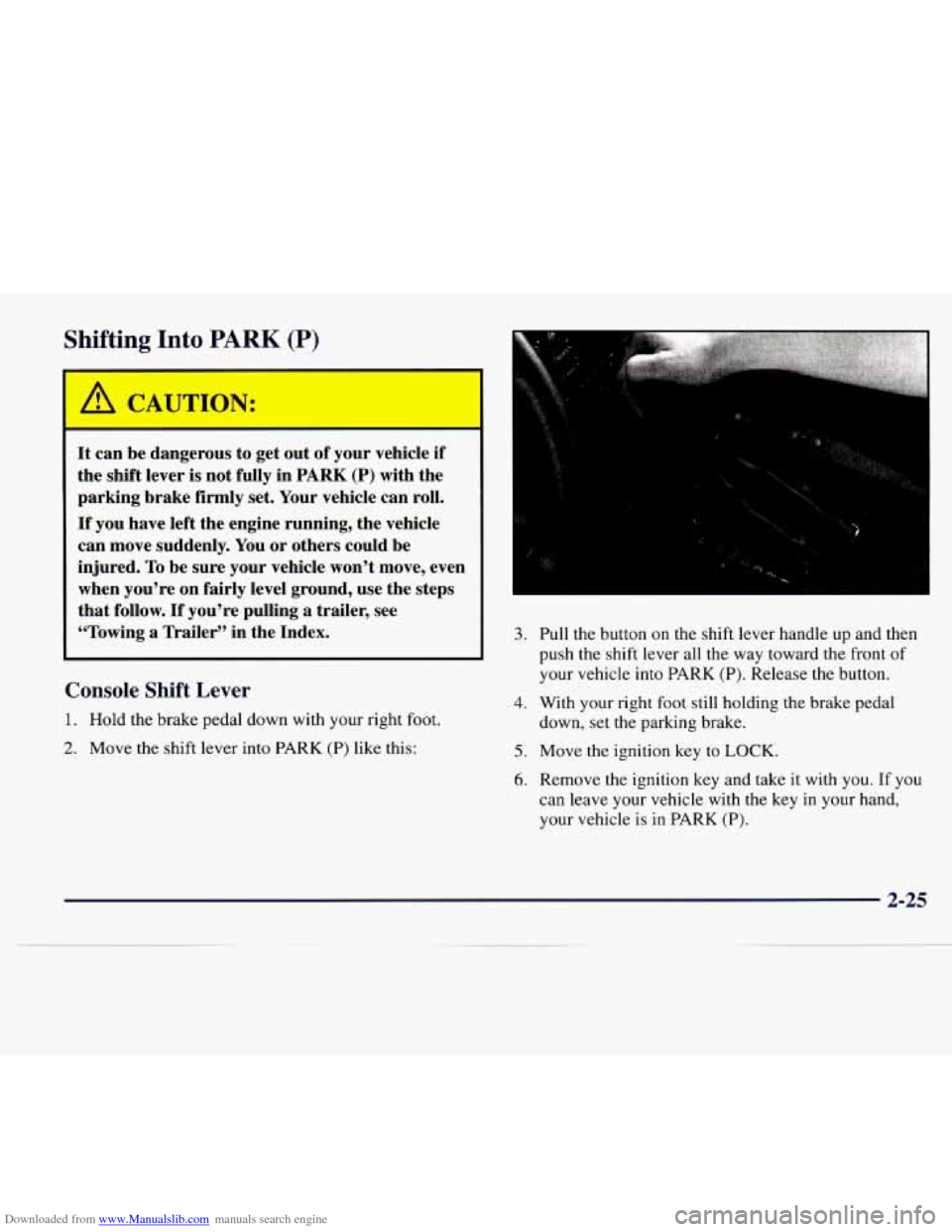
1. Hold the brake pedal down with your right foot.
2. Move the shift lever into PARK (P) like this:
..
3. Pull the button on the shift lever handle up and then
push the shift lever all the way toward the front of
your vehicle into PARK
(P). Release the button.
4. With your right foot still holding the brake pedal
down, set the parking brake.
5. Move the ignition key to LOCK.
6. Remove the ignition key and take it with you. If you
can leave your vehicle with the key in your hand,
your vehicle is
in PARK (P).
2-25
Page 88 of 338
Downloaded from www.Manualslib.com manuals search engine Shifting Out of PARK (P)
Your Catera has a Brake-Transmission Shift Interlock
(BTSI). You have to fully apply the regular brakes
before you can shift from PARK (P) when the ignition is
in RUN. See “Automatic Transmission” in the Index.
If you cannot shift out of PARK (P), ease pressure on
the shift lever
-- push the shift lever all the way into
PARK (P) as you maintain brake application. Then
move the shift lever into the gear you want. If you ever
hold the brake pedal down but still can’t shift out of
PARK (P), try this:
1. Turn the key to OFF. Open and close the driver’s
door to
turn off the Retained Accessory Power
(RAP) feature.
2. Apply and hold the brake until the end of Step 8.
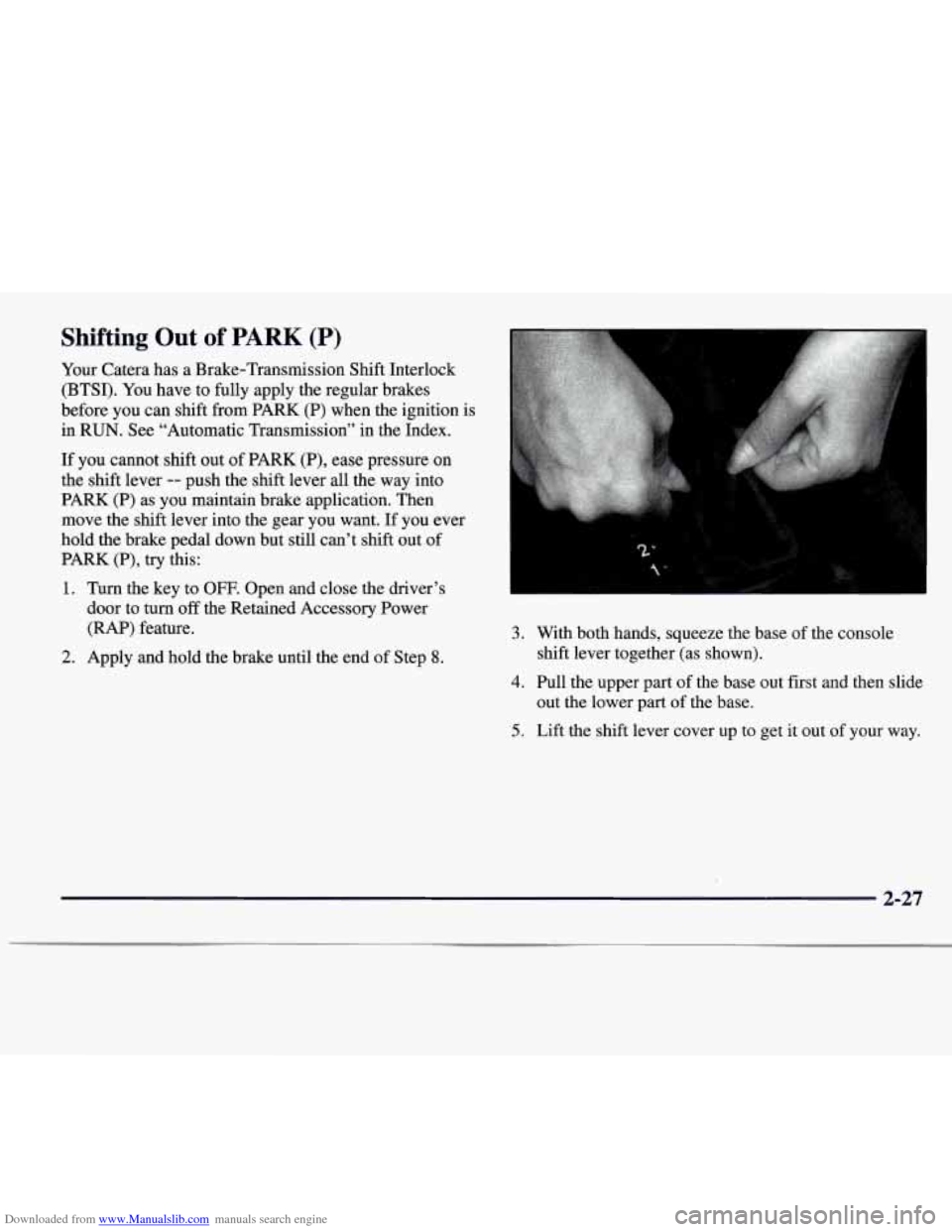
3. With both hands, squeeze the base of the console
4. Pull the upper part of the base out first and then slide
shift lever
together (as shown).
out the lower part of the base.
5. Lift the shift lever cover up to get it out of your way.
2-27
Page 92 of 338
Downloaded from www.Manualslib.com manuals search engine When you stop your vehicle and turn the ignition key to
LOCK, you can still use the power windows. The
electrical power to operate the windows will not shut off
until a door is opened
-- there is no time limit to this
feature.
As soon as a door is opened, power window
movement will stop immediately.
Programming the Power Windows
If the battery on your vehicle has been disconnected or
is not working, you will need to reprogram each power
window in order for the express-open and close features
to work.
To program each window, press and hold the power
window control until the window has fully opened.
Continue holding the control down for approximately
five more seconds after the window is completely down.
The window is now programmed. Repeat this process
for each window.
Anti-Pinch Feature
If a hand, a head or another object is in the way of the
power window express-closing, the window will
immediately stop at the obstruction and express-open to
a preset factory position.
Note that pressing and holding the power window
control button will override the anti-pinch feature.
Rear Window Lockout
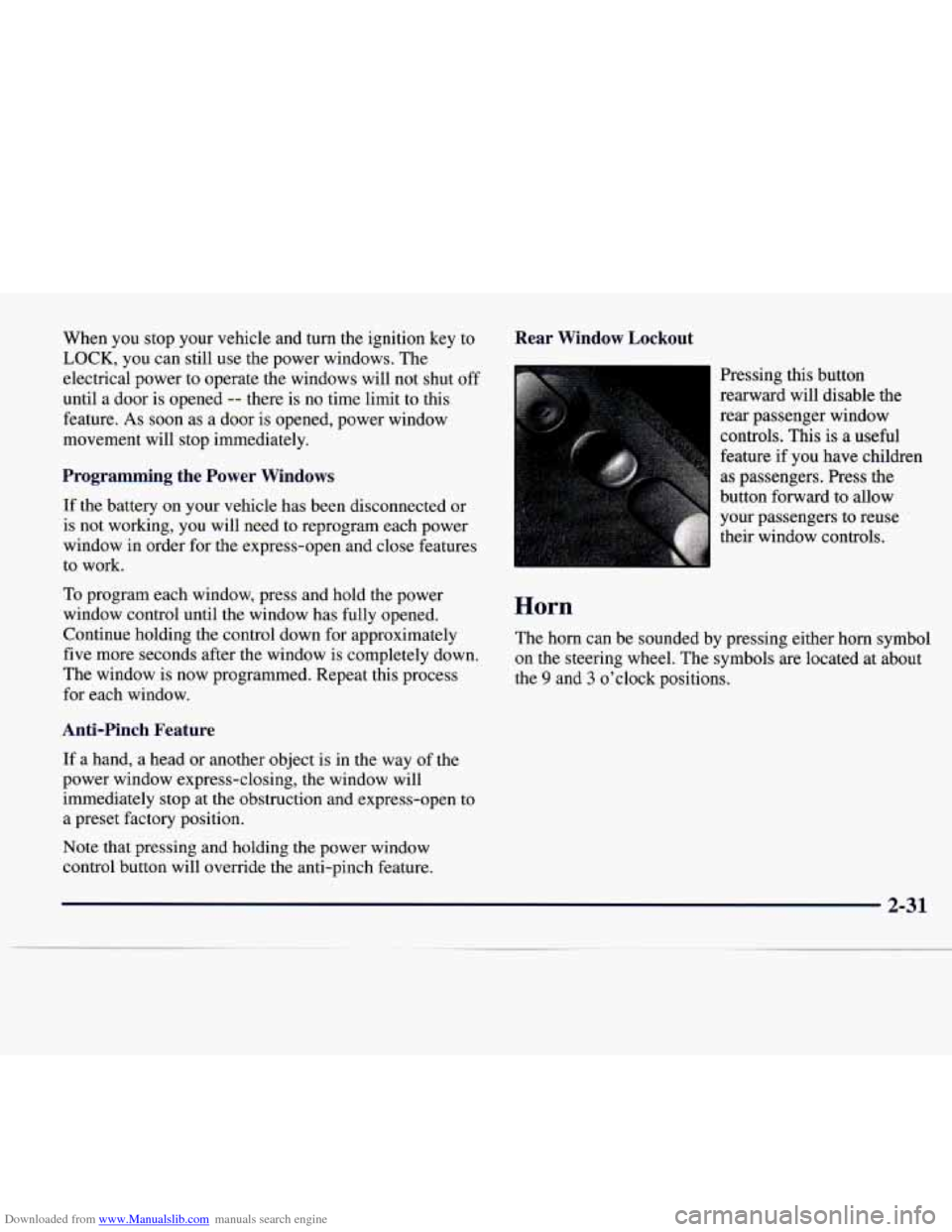
Pressing this button
rearward will disable the
rear passenger window
controls. This is a useful
feature if you have children
as passengers.
Press the
button forward to allow
your passengers to reuse
their window controls.
Horn
The horn can be sounded by pressing either horn symbol
on the steering wheel. The symbols are located at about
the
9 and 3 o’clock positions.