warning CADILLAC STS 2011 1.G Owners Manual
[x] Cancel search | Manufacturer: CADILLAC, Model Year: 2011, Model line: STS, Model: CADILLAC STS 2011 1.GPages: 528, PDF Size: 4.96 MB
Page 319 of 528
Black plate (7,1)Cadillac STS Owner Manual - 2011
StabiliTrak comes on automatically whenever the
vehicle is started. To help assist with directional control
of the vehicle, always leave the system on. StabiliTrak
can be turned off, however, by using the Traction
Control System (TCS)/StabiliTrak button. SeeTraction
Control System (TCS) on page 5‑9.
If cruise control is being used when StabiliTrak
activates, it will automatically disengage. Cruise control
may be reengaged when road conditions allow. See
Cruise Control
on page 4‑12or Adaptive Cruise
Controlon page 4‑15for more information.
Enhanced StabiliTrak®
All‐wheel‐drive (AWD) vehicles with the Active Steering
with Enhanced StabiliTrak option have an enhanced
computer controlled vehicle stability system that assists
with directional control of the vehicle in difficult driving
conditions. This system coordinates automatic control of
the Active Steering System, the Magnetic Ride Control
Suspension System, and the Brake Control System for
better vehicle performance.
During extreme cold temperature conditions, the active
steering function may be temporarily disabled which
may cause the steering wheel to be offset from the
center position while driving straight. This is normal
operation and the vehicle is safe to drive in these
cases. Stability control activates when the computer senses a
difference between the intended path and the direction
the vehicle is actually traveling. Stability control
automatically adjusts the front road wheel steering
angle, modifies the suspension stiffness, and selectively
applies braking pressure at any one of the vehicle’s
brakes to help maintain directional control of the
vehicle.
When the system activates, a STABILITY SYS ACTIVE
message displays on the Driver Information Center
(DIC). See
DIC Warnings and Messages
on page 4‑76.
It is normal to hear a noise or feel vibration in the brake
pedal when the system is working. Continue to steer the
vehicle in the intended direction.
If cruise control is engaged when Enhanced
StabiliTrak activates, the cruise control will
automatically disengage. Re-engage cruise control
when road conditions allow. See Cruise Control
on
page 4‑12, or Adaptive Cruise Controlon page 4‑15for more information.
Enhanced StabiliTrak comes on automatically in the
Stability Touring Mode, when the vehicle is started.
The Stability Touring Mode is recommended for normal
driving.
5-7
Page 320 of 528
Black plate (8,1)Cadillac STS Owner Manual - 2011
To assist with directional control of the vehicle, always
leave the system on. Stability control can be turned off
however, by using the TC button. SeeTraction Control
System (TCS)
on page 5‑9. The STABILITY SYS
OFF message will be displayed on the DIC. See DIC
Warnings and Messages on page 4‑76.
If there is a problem detected with Enhanced
StabiliTrak, the SERVICE STABILITY SYS message
will be displayed on the DIC. See DIC Warnings and
Messages
on page 4‑76. When this message is
displayed, the system is not operating. Driving should
be adjusted accordingly.
When certain faults or vehicle conditions are detected,
the Stability control will automatically go into a secure
mode and the STABILITY SECURE MODE message
will be displayed on the DIC. When the Stability Secure
Mode is activated, the stability control system will not
respond to driver requests to change the stability mode
until the next ignition cycle or until the vehicle condition
or fault is returned to normal. When the Stability Secure
Mode is activated, other messages may be displayed,
such as SERVICE STEERING SYS, SERVICE
SUSPENSION SYS or CHECK TIRE PRESSURE on
the DIC. When the Stability Secure Mode is activated,
a larger degree of steering wheel input at low vehicle
speeds and a smaller degree of steering wheel input at
high vehicle speeds may be required. Stability Secure Mode will be activated if a compact spare tire is being
used. See
DIC Warnings and Messages
on page 4‑76andCompact Spare Tire on page 6‑105.
Persistent operation of the vehicle in the STABILITY
SECURE MODE may be an indication that the vehicle
needs to be serviced by your dealer.
When certain faults are present, the vehicle’s speed
may be limited and the SPEED LIMITED TO XXX
message will be displayed on the DIC. See DIC
Warnings and Messages
on page 4‑76. When the
vehicle’s speed is limited, other messages may be
displayed, such as SERVICE STABILITY SYS,
SERVICE STEERING SYS or SERVICE SUSPENSION
SYS on the DIC. Have the vehicle serviced by your
dealer.
Enhanced StabiliTrak and Traction Control
Mode Selection
Enhanced StabiliTrak can be operated in Touring Mode.
It can also be turned off. The TC button is used to
change stability control modes (Touring or Off) as well
as to turn traction control on or off. See Traction Control
System (TCS)
on page 5‑9. The following information
describes the operation of the TC button for changing
Traction Control and Stability Control Modes.
5-8
Page 321 of 528
Black plate (9,1)Cadillac STS Owner Manual - 2011
When the vehicle is started, Stability control comes on
automatically in the Stability Touring Mode.
.To change from Stability Touring Mode to Stability
Off Mode, press and hold the TC button until the
STABILITY SYS OFF message is displayed on
the DIC.
.To change from Stability Off Mode to Stability
Touring Mode, press and release the TC button
and the STABILITY TOURING MODE message will
be displayed on the DIC.
.To turn traction control off while in the Stability
Touring Mode, press and release the TC button
and the traction control system warning light will
come on. SeeTraction Control System (TCS)
on
page 5‑9.
.To turn traction control on while in the Stability
Touring Mode, press and release the TC button
and the traction control system warning light will
turn off.
Traction Control System (TCS)
The vehicle has a traction control system that limits
wheel spin. This is especially useful in slippery road
conditions. On a rear-wheel-drive vehicle, the system
operates if it senses that one or both of the rear wheels
are spinning or beginning to lose traction. On an
All-Wheel-Drive (AWD) vehicle, the system will operate
if it senses that any of the wheels are spinning or
beginning to lose traction. When this happens, the
system brakes the spinning wheel(s) and/or reduces
engine power to limit wheel spin.
The system may be heard or felt while it is working, but
this is normal.
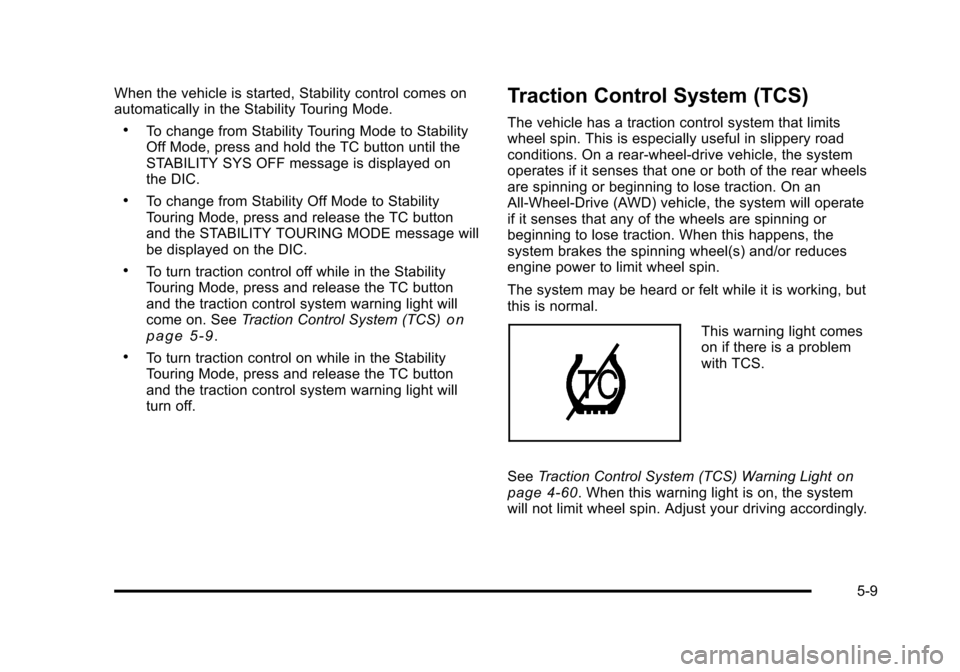
This warning light comes
on if there is a problem
with TCS.
See Traction Control System (TCS) Warning Light
on
page 4‑60. When this warning light is on, the system
will not limit wheel spin. Adjust your driving accordingly.
5-9
Page 322 of 528
Black plate (10,1)Cadillac STS Owner Manual - 2011
TCS automatically comes on whenever the vehicle is
started. To limit wheel spin, especially in slippery road
conditions, the system should always be left on, but
TCS can be turned off if needed.
Notice:Do not repeatedly brake or accelerate
heavily when TCS is off. The vehicle's driveline
could be damaged.
When TCS is turned off on a vehicle with AWD, the
system may still be working. This is normal and
necessary with the hardware on the vehicle.
It may be necessary to turn the system off if the vehicle
gets stuck in sand, mud or snow and rocking the vehicle
is required. See Rocking Your Vehicle to Get It Out
on
page 5‑23and If Your Vehicle is Stuck in Sand, Mud,
Ice, or Snowon page 5‑22for more information. See
Winter Drivingon page 5‑20for information on using
TCS when driving in snowy or icy conditions.
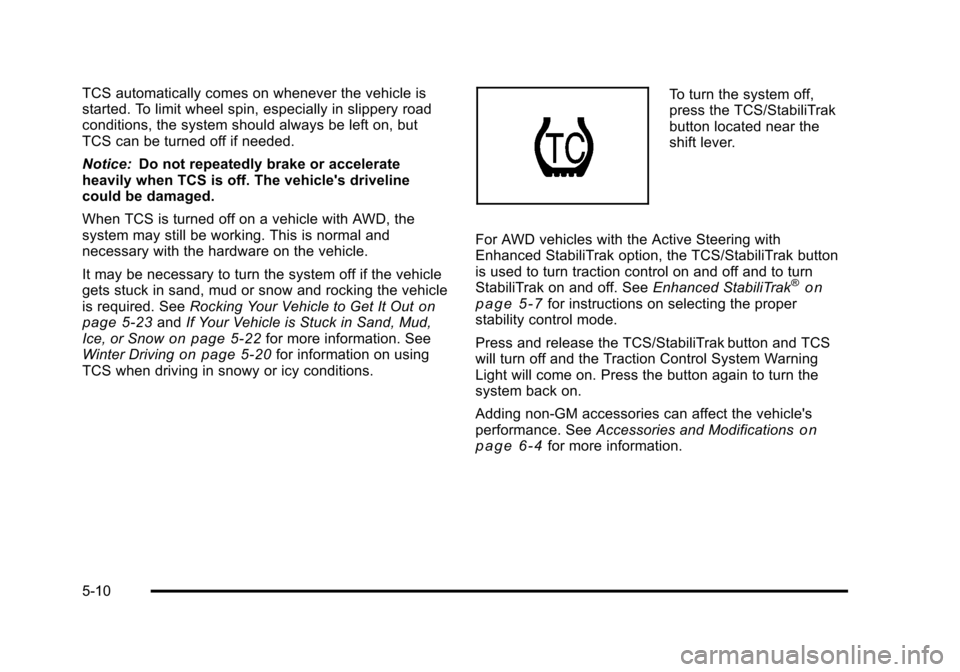
To turn the system off,
press the TCS/StabiliTrak
button located near the
shift lever.
For AWD vehicles with the Active Steering with
Enhanced StabiliTrak option, the TCS/StabiliTrak button
is used to turn traction control on and off and to turn
StabiliTrak on and off. See Enhanced StabiliTrak
®on
page 5‑7for instructions on selecting the proper
stability control mode.
Press and release the TCS/StabiliTrak button and TCS
will turn off and the Traction Control System Warning
Light will come on. Press the button again to turn the
system back on.
Adding non‐GM accessories can affect the vehicle's
performance. See Accessories and Modifications
on
page 6‑4for more information.
5-10
Page 324 of 528
Black plate (12,1)Cadillac STS Owner Manual - 2011
SeeDIC Warnings and Messageson page 4‑76. The
normal power steering system is still operational. You
might notice that the center position of the steering
wheel is changed and that more steering effort at low
speeds and less steering effort at high speeds is
required. You can continue to drive the vehicle with
normal power steering but you should have your dealer
inspect the steering system as soon as possible in
order to have the problem corrected and the steering
wheel position centered.
When stability control activates, the system
automatically adjusts the front road wheel steering
angle, modifies the suspension stiffness, and selectively
applies braking pressure at any one of the vehicle's
brakes to help maintain directional control of the
vehicle. Adjustments to the steering will not be felt in
the steering wheel. See Enhanced StabiliTrak
®on
page 5‑7.
It is recommended that the battery not be disconnected
when the steering wheel is turned from the center
position. If this occurs, the center position of the
steering wheel could be temporarily changed a small
amount. You can continue to operate the vehicle and,
after a short time, the center position of the steering
wheel will return to normal.
Steering Tips
It is important to take curves at a reasonable speed.
Traction in a curve depends on the condition of the tires
and the road surface, the angle at which the curve is
banked, and vehicle speed. While in a curve, speed is
the one factor that can be controlled.
If there is a need to reduce speed, do it before entering
the curve, while the front wheels are straight.
Try to adjust the speed so you can drive through the
curve. Maintain a reasonable, steady speed. Wait to
accelerate until out of the curve, and then accelerate
gently into the straightaway.
To help you steer in the direction you want to go, during
certain sharp or sudden cornering maneuvers, gear
selection is controlled. This will maximize the available
drive wheel torque and minimize the transmission
response time and shift activity. During this kind of
maneuver, the transmission shifts automatically as
vehicle speed changes.
5-12
Page 327 of 528
Black plate (15,1)Cadillac STS Owner Manual - 2011
Skidding
In a skid, a driver can lose control of the vehicle.
Defensive drivers avoid most skids by taking
reasonable care suited to existing conditions, and by
not overdriving those conditions. But skids are always
possible.
The three types of skids correspond to the vehicle's
three control systems. In the braking skid, the wheels
are not rolling. In the steering or cornering skid, too
much speed or steering in a curve causes tires to slip
and lose cornering force. And in the acceleration skid,
too much throttle causes the driving wheels to spin.
Remember: Any traction control system helps avoid
only the acceleration skid. If the traction control system
is off, then an acceleration skid is best handled by
easing your foot off the accelerator pedal.
If the vehicle starts to slide, ease your foot off the
accelerator pedal and quickly steer the way you want
the vehicle to go. If you start steering quickly enough,
the vehicle may straighten out. Always be ready for a
second skid if it occurs.You might see the STABILITY SYS ACTIVE message
on the Driver Information Center. See
DIC Warnings
and Messageson page 4‑76and StabiliTrak®Systemon page 5‑6orEnhanced StabiliTrak®on page 5‑7.
Of course, traction is reduced when water, snow, ice,
gravel, or other material is on the road. For safety, slow
down and adjust your driving to these conditions. It is
important to slow down on slippery surfaces because
stopping distance will be longer and vehicle control
more limited.
While driving on a surface with reduced traction, try
your best to avoid sudden steering, acceleration,
or braking, including reducing vehicle speed by shifting
to a lower gear. Any sudden changes could cause the
tires to slide. You may not realize the surface is slippery
until the vehicle is skidding. Learn to recognize warning
clues —such as enough water, ice, or packed snow on
the road to make a mirrored surface —and slow down
when you have any doubt.
Remember: Antilock brakes help avoid only the
braking skid.
5-15
Page 329 of 528
Black plate (17,1)Cadillac STS Owner Manual - 2011
{WARNING:
Wet brakes can cause crashes. They might not
work as well in a quick stop and could cause
pulling to one side. You could lose control of the
vehicle.
After driving through a large puddle of water or a
car/vehicle wash, lightly apply the brake pedal
until the brakes work normally.
Flowing or rushing water creates strong forces.
Driving through flowing water could cause your
vehicle to be carried away. If this happens, you
and other vehicle occupants could drown. Do not
ignore police warnings and be very cautious about
trying to drive through flowing water.
Hydroplaning
Hydroplaning is dangerous. Water can build up under
your vehicle's tires so they actually ride on the water.
This can happen if the road is wet enough and you are
going fast enough. When your vehicle is hydroplaning,
it has little or no contact with the road.
There is no hard and fast rule about hydroplaning. The
best advice is to slow down when the road is wet.
Other Rainy Weather Tips
Besides slowing down, other wet weather driving tips
include:
.Allow extra following distance.
.Pass with caution.
.Keep windshield wiping equipment in good shape.
.Keep the windshield washer fluid reservoir filled.
.Have good tires with proper tread depth. SeeTireson page 6‑50.
.Turn off cruise control.
5-17
Page 331 of 528
Black plate (19,1)Cadillac STS Owner Manual - 2011
Hill and Mountain Roads
Driving on steep hills or through mountains is different
than driving on flat or rolling terrain. Tips for driving in
these conditions include:
.Keep the vehicle serviced and in good shape.
.Check all fluid levels and brakes, tires, cooling
system, and transmission.
.Going down steep or long hills, shift to a
lower gear.
{WARNING:
If you do not shift down, the brakes could get so
hot that they would not work well. You would then
have poor braking or even none going down a hill.
You could crash. Shift down to let the engine
assist the brakes on a steep downhill slope.
{WARNING:
Coasting downhill in N (Neutral) or with the
ignition off is dangerous. The brakes will have to
do all the work of slowing down and they could
get so hot that they would not work well. You
would then have poor braking or even none going
down a hill. You could crash. Always have the
engine running and the vehicle in gear when
going downhill.
.Stay in your own lane. Do not swing wide or cut
across the center of the road. Drive at speeds that
let you stay in your own lane.
.Top of hills: Be alert—something could be in your
lane (stalled car, accident).
.Pay attention to special road signs (falling rocks
area, winding roads, long grades, passing or
no-passing zones) and take appropriate action.
5-19
Page 333 of 528
Black plate (21,1)Cadillac STS Owner Manual - 2011
Blizzard Conditions
Being stuck in snow can be in a serious situation. Stay
with the vehicle unless there is help nearby. If possible,
use theRoadside Service
on page 8‑8. To get help
and keep everyone in the vehicle safe:
.Turn on the Hazard Warning Flasherson
page 4‑3.
.Tie a red cloth to an outside mirror.
{WARNING:
Snow can trap engine exhaust under the vehicle.
This may cause exhaust gases to get inside.
Engine exhaust contains carbon monoxide (CO)
which cannot be seen or smelled. It can cause
unconsciousness and even death.
If the vehicle is stuck in the snow:
.Clear away snow from around the base of
your vehicle, especially any that is blocking
the exhaust pipe.
.Check again from time to time to be sure
snow does not collect there.
(Continued)
WARNING: (Continued)
.Open a window about 5 cm (two inches) on
the side of the vehicle that is away from the
wind to bring in fresh air.
.Fully open the air outlets on or under the
instrument panel.
.Adjust the Climate Control system to a setting
that circulates the air inside the vehicle and
set the fan speed to the highest setting. See
Climate Control System in the Index.
For more information about carbon monoxide, see
Engine Exhaust on page 3‑36.
Snow can trap exhaust gases under your vehicle.
This can cause deadly CO (carbon monoxide) gas
to get inside. CO could overcome you and kill you.
You cannot see it or smell it, so you might not
know it is in your vehicle. Clear away snow from
around the base of your vehicle, especially any
that is blocking the exhaust.
5-21
Page 334 of 528
Black plate (22,1)Cadillac STS Owner Manual - 2011
To save fuel, run the engine for only short periods as
needed to warm the vehicle and then shut the engine
off and close the window most of the way to save heat.
Repeat this until help arrives but only when you feel
really uncomfortable from the cold. Moving about to
keep warm also helps.
If it takes some time for help to arrive, now and then
when you run the engine, push the accelerator pedal
slightly so the engine runs faster than the idle speed.
This keeps the battery charged to restart the vehicle
and to signal for help with the headlamps. Do this as
little as possible to save fuel.
If Your Vehicle is Stuck in Sand,
Mud, Ice, or Snow
Slowly and cautiously spin the wheels to free the
vehicle when stuck in sand, mud, ice, or snow. See
Rocking Your Vehicle to Get It Out on page 5‑23.If the vehicle has a traction system, it can often help
to free a stuck vehicle. Refer to the vehicle's traction
system in the Index. If stuck too severely for the traction
system to free the vehicle, turn the traction system off
and use the rocking method.
{WARNING:
If the vehicle's tires spin at high speed, they
can explode, and you or others could be injured.
The vehicle can overheat, causing an engine
compartment fire or other damage. Spin the
wheels as little as possible and avoid going above
55 km/h (35 mph) as shown on the speedometer.
For information about using tire chains on the vehicle,
see Tire Chains on page 6‑74.
5-22