wheel CHEVROLET CAVALIER 1996 3.G User Guide
[x] Cancel search | Manufacturer: CHEVROLET, Model Year: 1996, Model line: CAVALIER, Model: CHEVROLET CAVALIER 1996 3.GPages: 372, PDF Size: 19.73 MB
Page 77 of 372
Downloaded from www.Manualslib.com manuals search engine lever is put in FIRST (l), the transaxle won’t shift into
first gear until the vehicle is going slowly enough.
NOTICE:
If your front wheels can’t rotate, don’t try to
drive. This might happen if you were stuck in
very deep sand or mud or were up against a solid
object.
You could damage your transaxle. Also, if
you stop when going uphill, don’t hold your
vehicle there with only the accelerator pedal.
This could overheat and damage the transaxle.
Use your brakes or shift into PARK (P) to hold
your vehicle in position
on a hill.
Forward Gears (4-Speed)
AUTOMATIC OVERDRIVE (D): This position is for
normal driving with the fourspeed automatic transaxle.
If you need more power for passing, and you’re:
Going less than about 35 mph (56 km/h), push your
accelerator pedal about halfway down.
Going about 35 mph (56 km/h), push your
accelerator
all the way down. THIRD
(3): This position is also used for normal
driving, however, it offers more power and lower fuel
economy than AUTOMATIC OVERDRIVE
(D). Here
are some times you might choose
THIRD (3) instead of
AUTOMATIC OVERDRIVE (D):
When driving on hilly, winding roads.
0 When going down a steep hill.
SECOND
(2): This position gives you more power but
lower fuel economy.
You can use SECOND (2) on hills.
It can help control your speed as you go down steep
mountain roads, but then you would
also want to use
your brakes
off and on.
NOTICE:
Don’t drive in SECOND (2) for more than
25 miles (41 km), or at speeds over 55 mph
(88 km/h), or you can damage your transaxle.
Use AUTOMATIC OVERDRIVE (D) or
THIRD
(3) as much as possible. Don’t shift
into
SECOND (2) unless you are going slower
than
65 mph (105 km/h), or you can damage
your engine.
2-19
Page 78 of 372
Downloaded from www.Manualslib.com manuals search engine FIRST (1): This position gives you even more power (but
lower fuel economy) than
SECOND (2). You can use it on
very
steep hills, or in deep snow or mud. If the selector
lever
is put in FIRST (1)’ the transaxle won’t shift into
first gear until the vehicle is going slowly enough.
NOTICE:
If your front wheels can’t rotate, don’t try to
drive. This might happen
if you were stuck in
very deep sand or mud or were
up against a solid
object.
You could damage your transaxle. Also, if
you stop when going uphill, don’t hold your
vehicle there with only the accelerator pedal. This
could overheat and damage the transaxle. Use
your brakes or shift into PARK (P) to hold your
vehicle in position on
a hill.
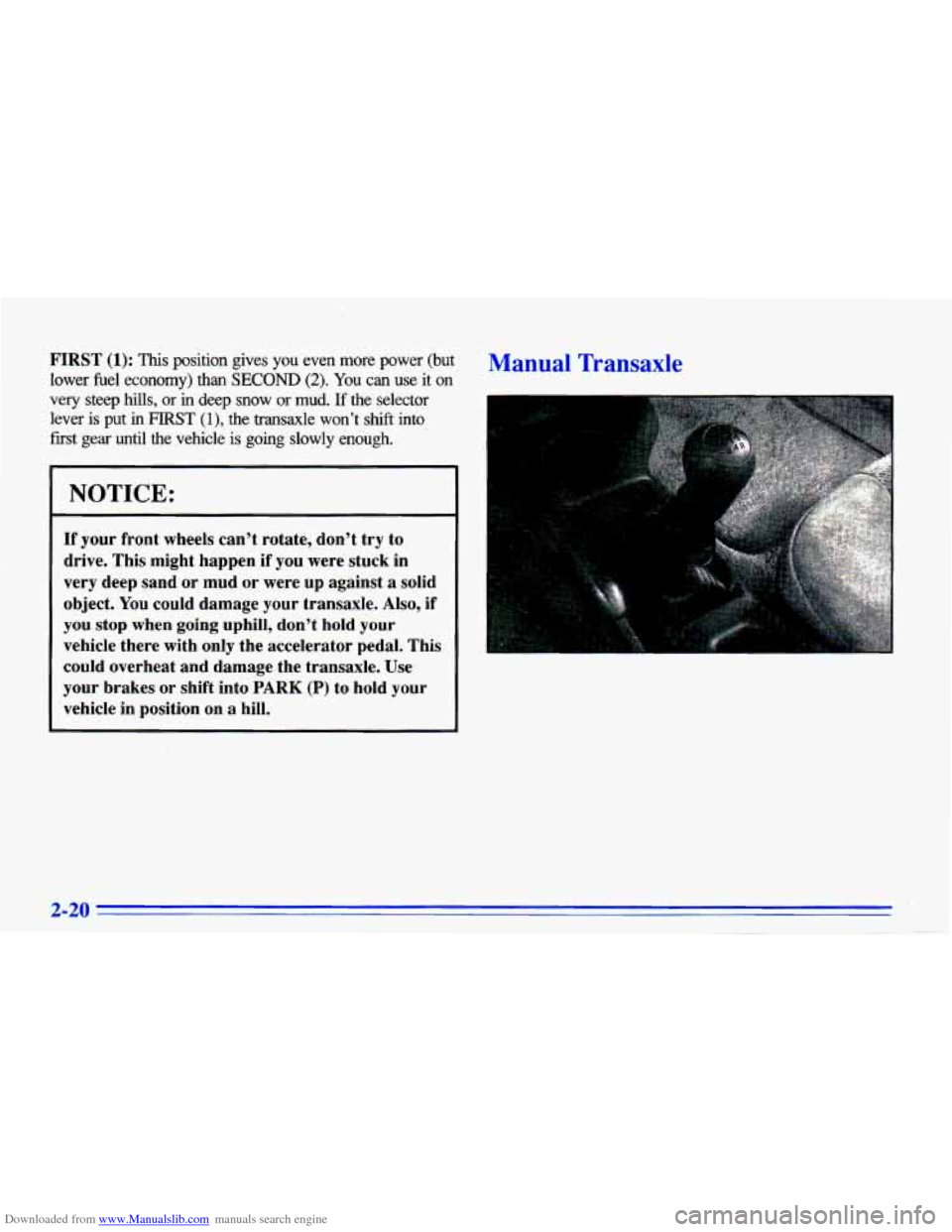
Manual Transaxle
2-20
. --
Page 87 of 372
Downloaded from www.Manualslib.com manuals search engine Windows
On a vehicle with manual windows, use the window
crank to open and close each window.
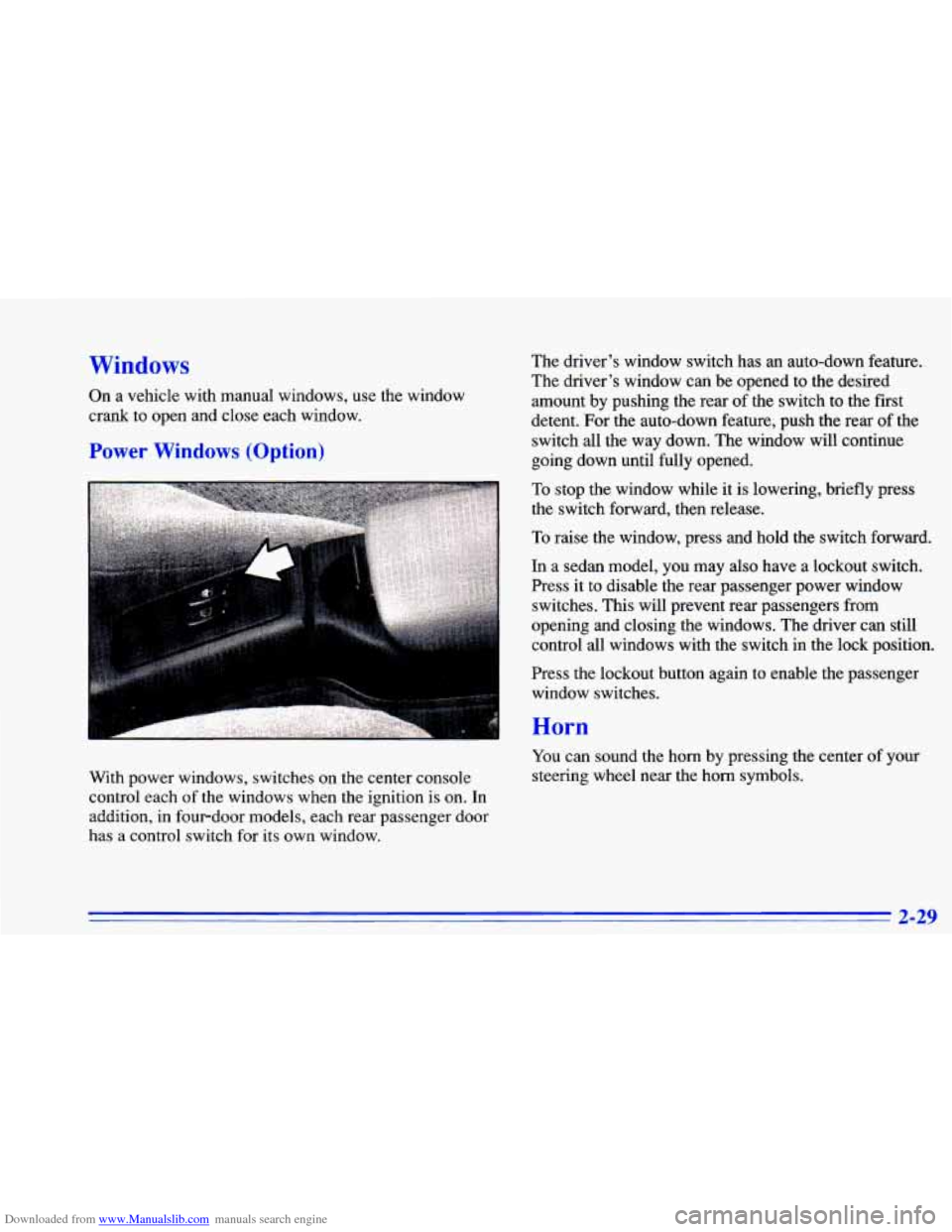
Power Windows (Option)
The driver’s window switch has an auto-down feature.
The driver’s window can be opened to the desired
amount by pushing the rear of the switch to the first
detent. For the auto-down feature, push the rear of the
switch all the way down. The window will continue
going down until fully opened.
To stop the window while it is lowering, briefly press
the switch forward, then release.
To raise the window, press and hold the switch forward.
In a sedan model, you may also have a lockout switch.
Press
it to disable the rear passenger power window
switches. This will prevent rear passengers from
opening and closing the windows. The driver can still
control all windows with the switch in the lock position.
rress the lockout button again to enable the passenger
window switches.
With power windows, switches on the center console
control each
of the windows when the ignition is on. In
addition, in fourdoor models, each rear passenger door
has a control switch for its own window.
Horn
You can sound the horn by pressing the center of your
steering wheel near the horn symbols.
2-29
Page 88 of 372
Downloaded from www.Manualslib.com manuals search engine Tilt Steering Wheel (Option)
I
Turn Signal/Multifunction Lever
A tilt steering wheel allows you to adjust the steering
wheel before you drive. You can also raise it
to the
highest level to give your legs more room when you exit
and enter the vehicle.
To tilt the wheel, hold the steering wheel and pull the
lever. Move the steering wheel
to a comfortable level,
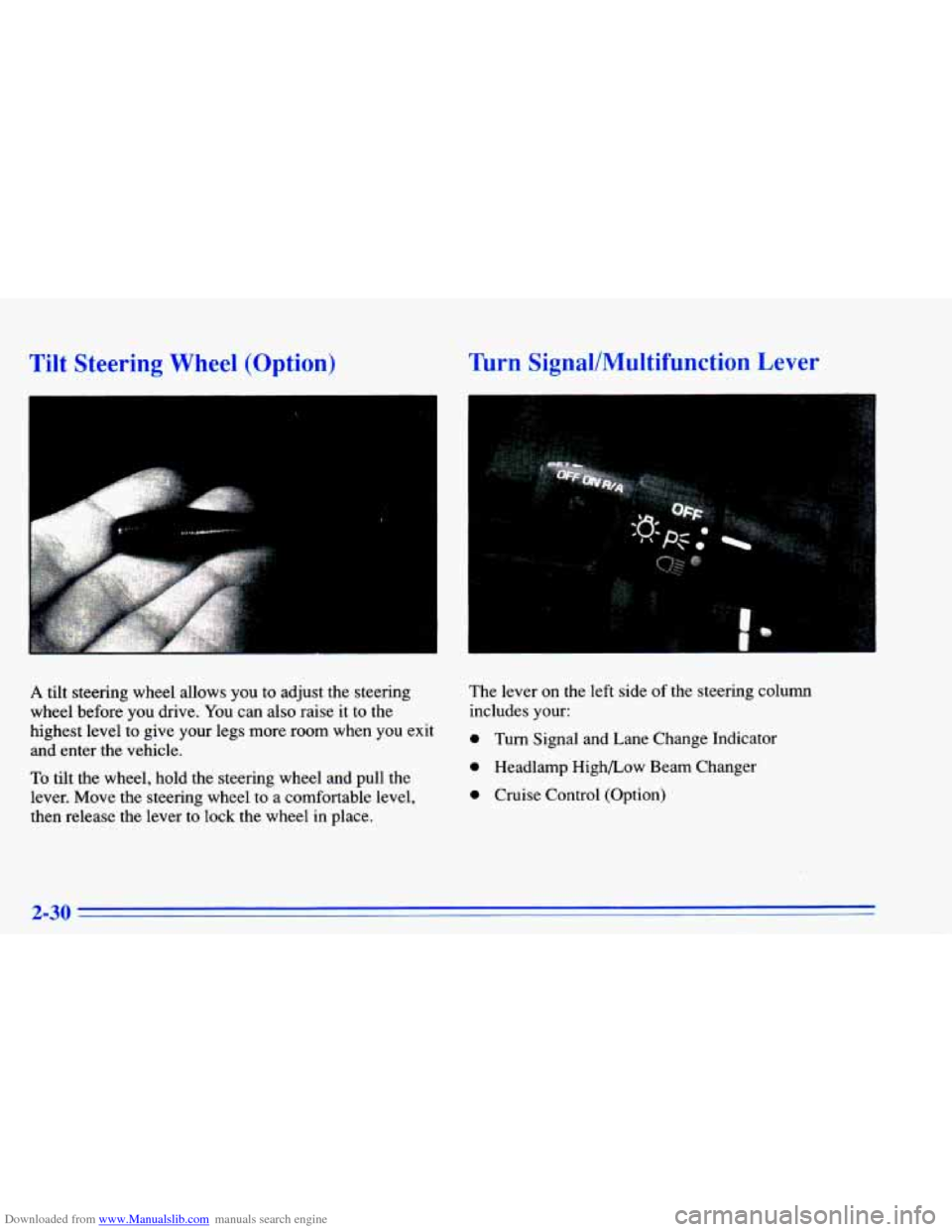
then release the lever to lock the wheel in place. The lever
on the left
side of the steering column
includes your:
0 Turn Signal and Lane Change Indicator
0 Headlamp High/Low Beam Changer
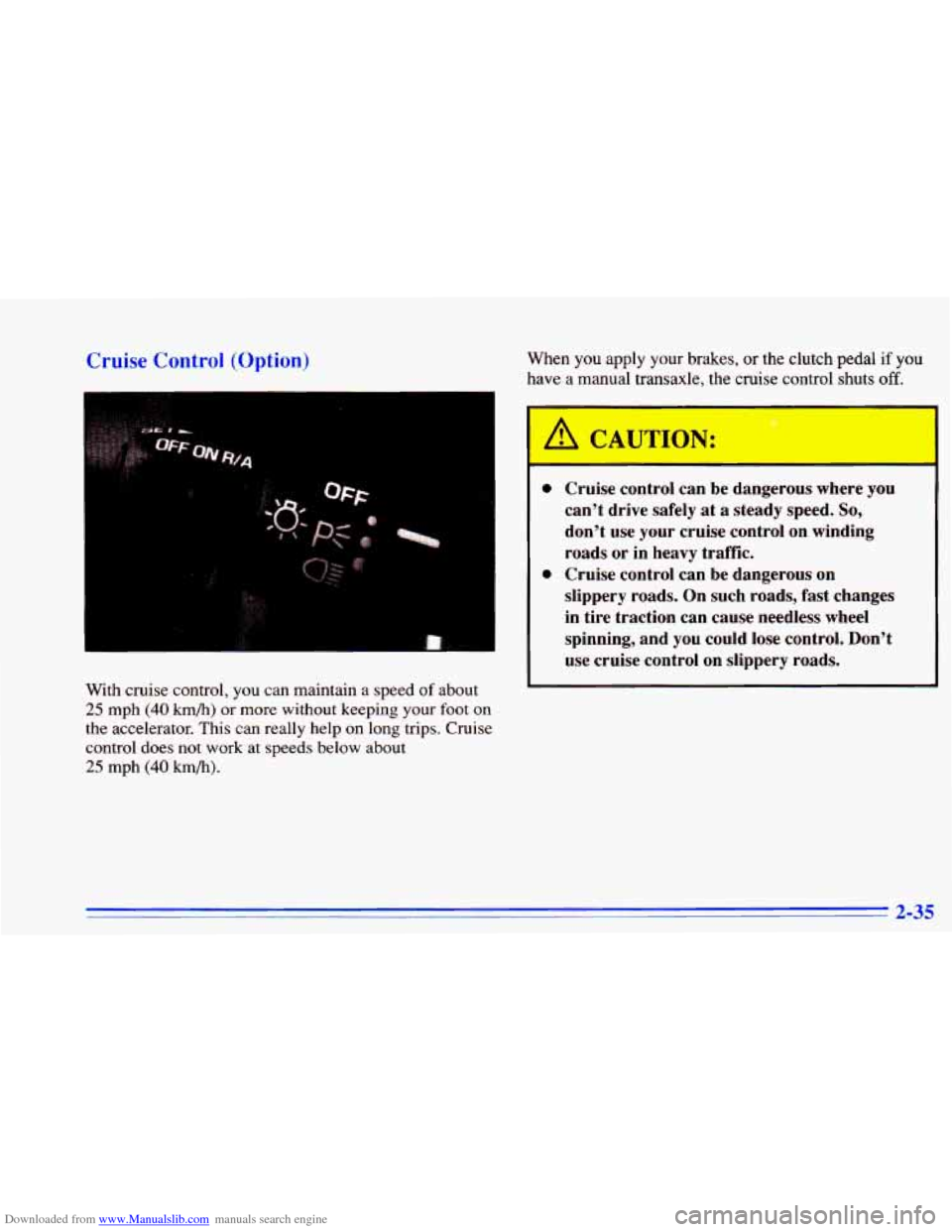
0 Cruise Control (Option)
2-30
Page 93 of 372
Downloaded from www.Manualslib.com manuals search engine Cruise Control (Option)
With cruise control, you can maintain a speed of about
25 mph (40 km/h) or more without keeping your foot on
the accelerator. This can really help on long trips. Cruise
control does not work at speeds below about
25 mph (40 km/h).
When you apply your brakes, or the clutch pedal if you
have a manual transaxle, the
c ‘se contrc jhu off. *
I
A CAUTION:
0
0
- - -
Cruise control can be dangerous where you
can’t drive safely at a steady speed. So,
don’t use your cruise control on winding
roads or in heavy traffic.
Cruise control can be dangerous on
slippery roads. On such roads, fast changes
in tire traction can cause needless wheel
spinning, and
you could lose control. Don’t
use cruise control on slippery roads.
2-35
Page 119 of 372
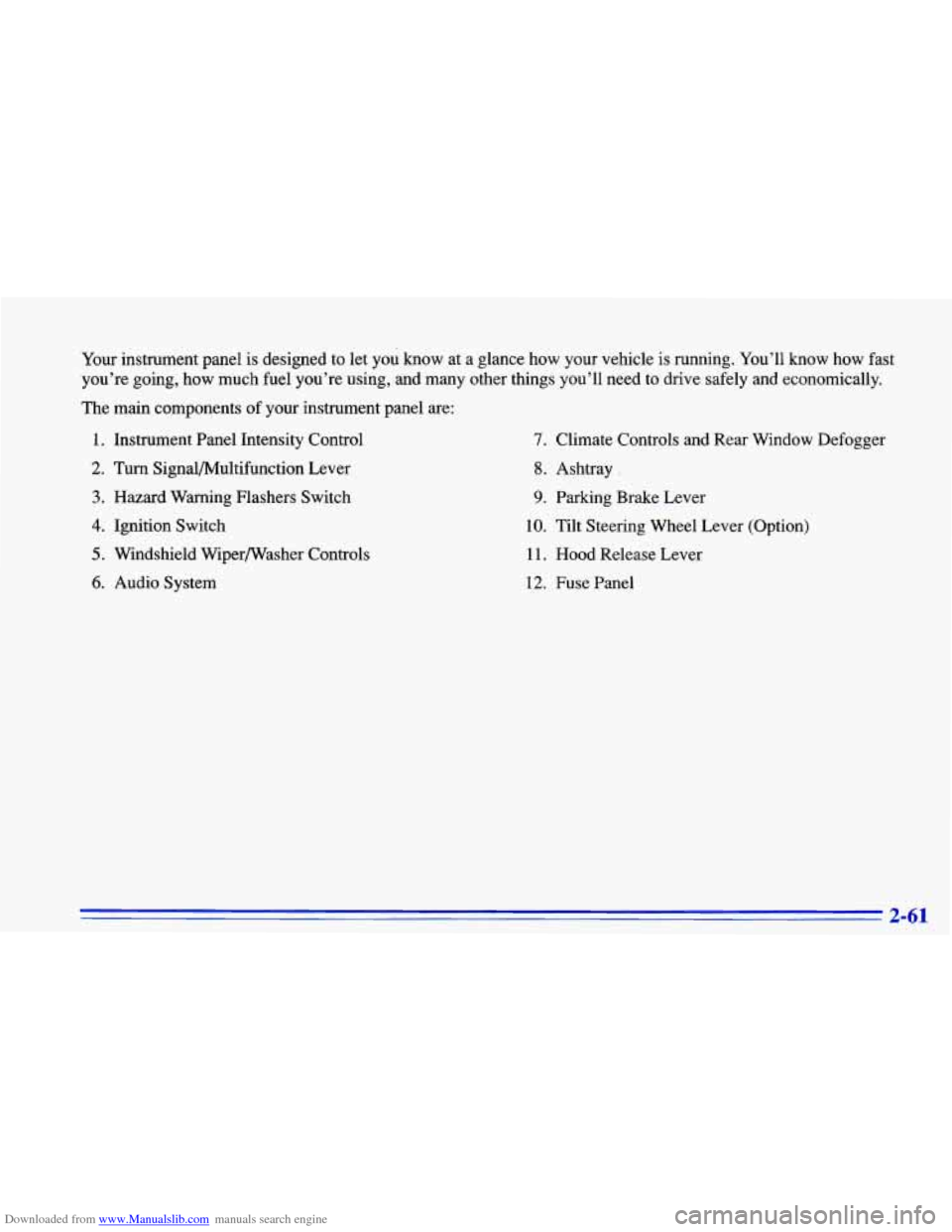
Downloaded from www.Manualslib.com manuals search engine Your instrument panel is designed to let you know at a glance how your vehicle is running. You’ll know how fast
you’re going, how much fuel you’re using, and many other things you’ll need to drive safely and economically.
The main components of your instrument panel are:
1. Instrument Panel Intensity Control
2. Turn Signal/Multifunction Lever
3. Hazard Warning Flashers Switch
4. Ignition Switch
5. Windshield Wiperwasher Controls
6. Audio System
7. Climate Controls and Rear Window Defogger
8. Ashtray .
9. Parking Brake Lever
10. Tilt Steering Wheel Lever (Option)
11. Hood Release Lever
12. Fuse Panel
2-61
Page 126 of 372
Downloaded from www.Manualslib.com manuals search engine Anti-Lock Brake System Warning Light
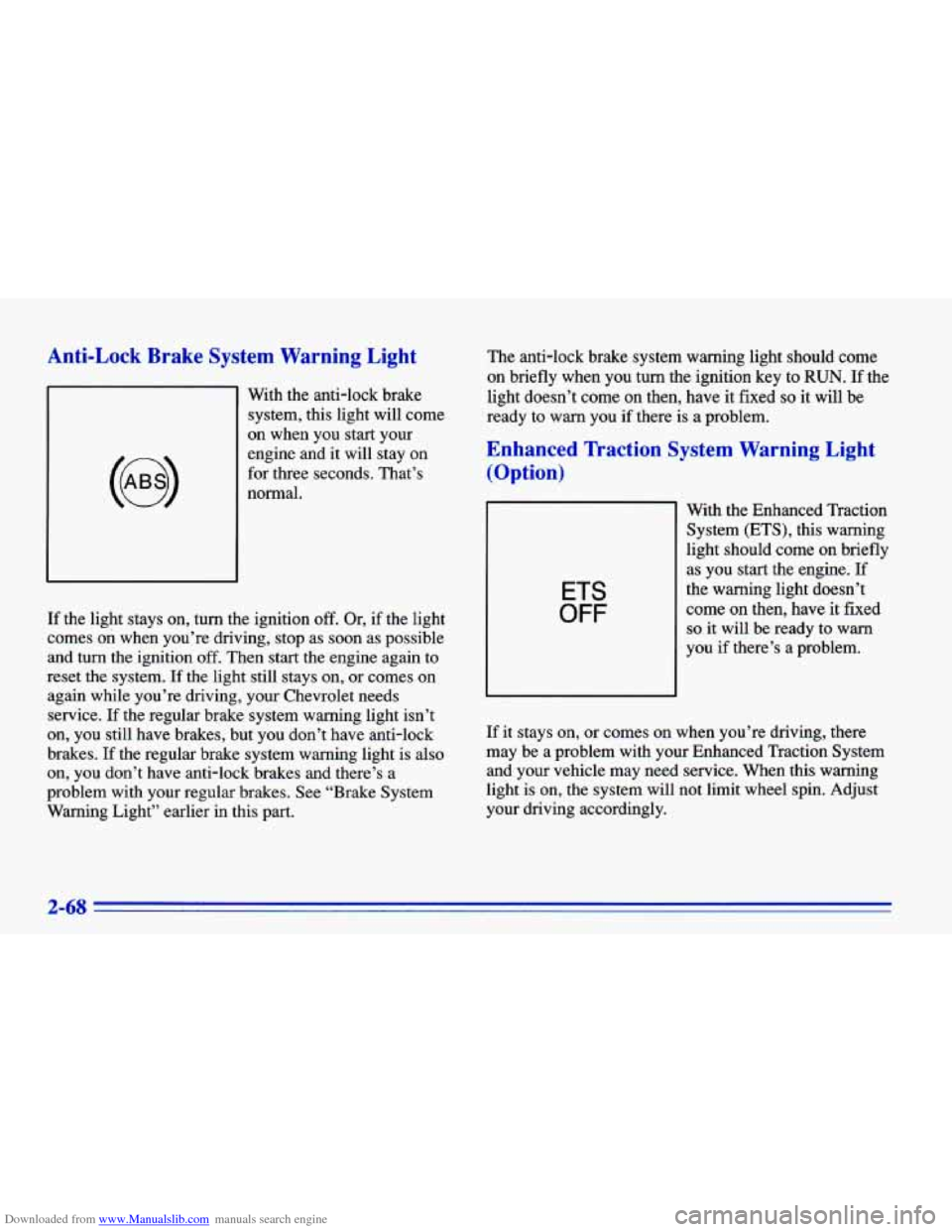
With the anti-lock brake
system, this light will come
on when you start your
engine and
it will stay on
for three seconds. That’s
normal.
If the light stays on, turn the ignition off. Or, if the light
comes
on when you’re driving, stop as soon as possible
and turn the ignition off. Then start the engine again to
reset the system. If the light still stays on, or comes on
again while you’re driving, your Chevrolet needs
service.
If the regular brake system warning light isn’t
on, you still have brakes, but you don’t have anti-lock
brakes.
If the regular brake system warning light is also
on, you don’t have anti-lock brakes and there’s a
problem with your regular brakes. See “Brake System
Warning Light” earlier in this part. The
anti-lock brake system warning light should come
on briefly when you turn the ignition key to
RUN. If the
light doesn’t come
on then, have it fixed so it will be
ready to warn you if there is a problem.
Enhanced lkaction System Warning Light
(Option)
ETS
OFF
With the Enhanced Traction
System (ETS), this warning
light should come
on briefly
as you start the engine.
If
the warning light doesn’t
come
on then, have it fixed
so it will be ready to warn
you if there’s a problem.
If
it stays on, or comes on when you’re driving, there
may be a problem with your Enhanced Traction System
and your vehicle may need service. When this warning
light is on, the system will not limit wheel spin. Adjust
your driving accordingly.
2-68
Page 127 of 372
Downloaded from www.Manualslib.com manuals search engine The Enhanced Traction System warning light may come
on for the following reasons:
0 If you turn the system off by moving the shift lever to
a position other than THIRD
(3) or OVERDRIVE (a)?
the warning light will come on and stay on. To turn
the system back on, move the shift lever back to the
THIRD (3) or OVERDRIVE (a) position again. The
warning light should go
off. (See “Enhanced Traction
System”
in the Index for more information.)
The warning light will come on when you set your
parking brake with the engine running, and
it will
stay on if your parking brake doesn’t release fully.
If the transaxle shift lever is in the THIRD
(3) or
OVERDRIVE
(@) position and the warning light
stays on after your parking brake is fully released, it
means there’s
a problem with the system.
If the Enhanced Traction System warning light comes
on and stays on for an extended period
of time when
the transaxle shift lever is in the THIRD
(3) or
OVERDRIVE
(0) position and the parking brake is
fully released, your vehicle needs service.
Enhanced Traction System Active Light
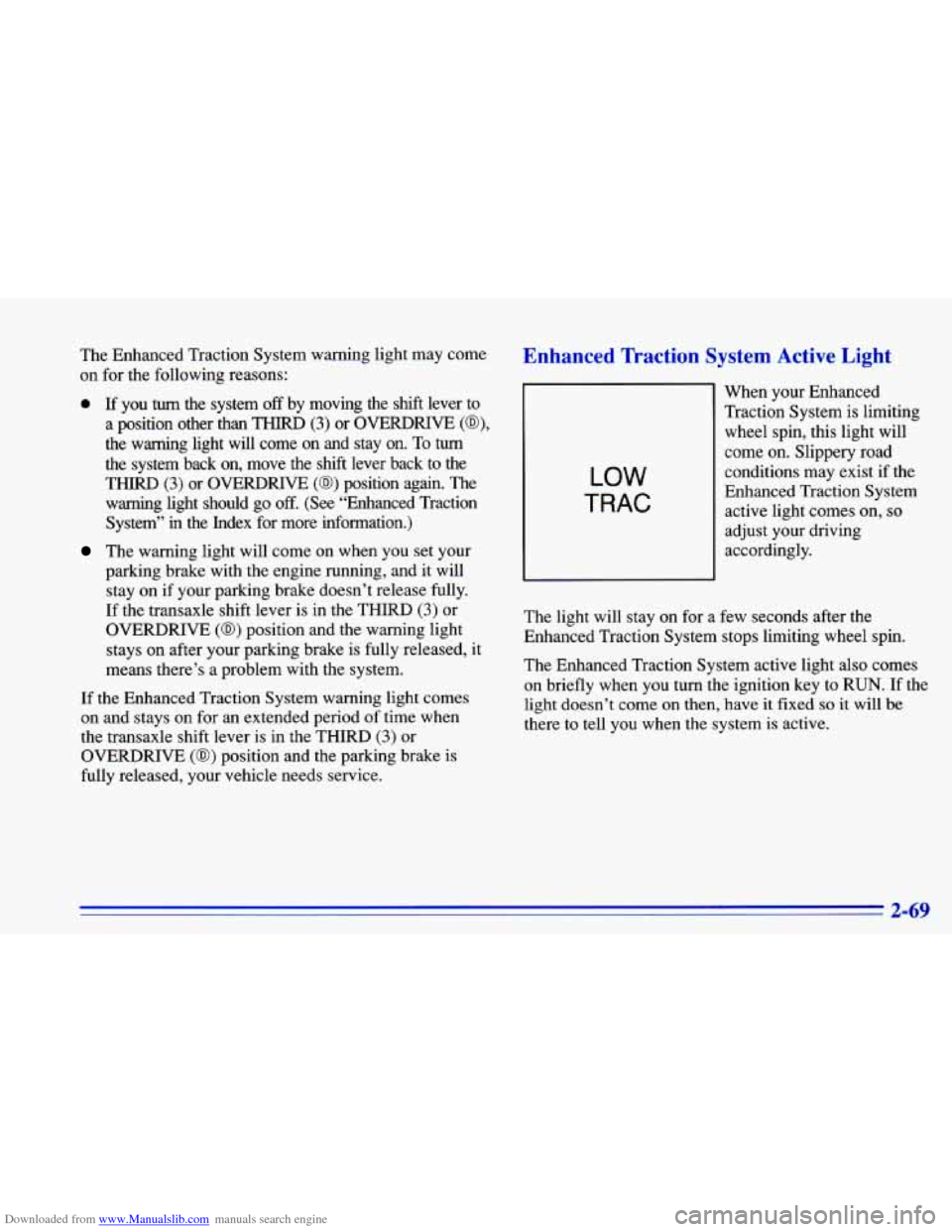
LOW
TRAC
When your Enhanced
Traction System is limiting wheel spin, this light will
come on. Slippery road
conditions may exist if the
Enhanced Traction System
active light comes on,
so
adjust your driving
accordingly.
The light will stay on for a few seconds after the
Enhanced Traction System stops limiting wheel spin.
The Enhanced Traction System active light also comes
on’briefly when you turn the ignition key
to RUN. If the
light doesn’t come on then, have it fixed so it will be
there to tell you when the system is active.
2-69
Page 169 of 372
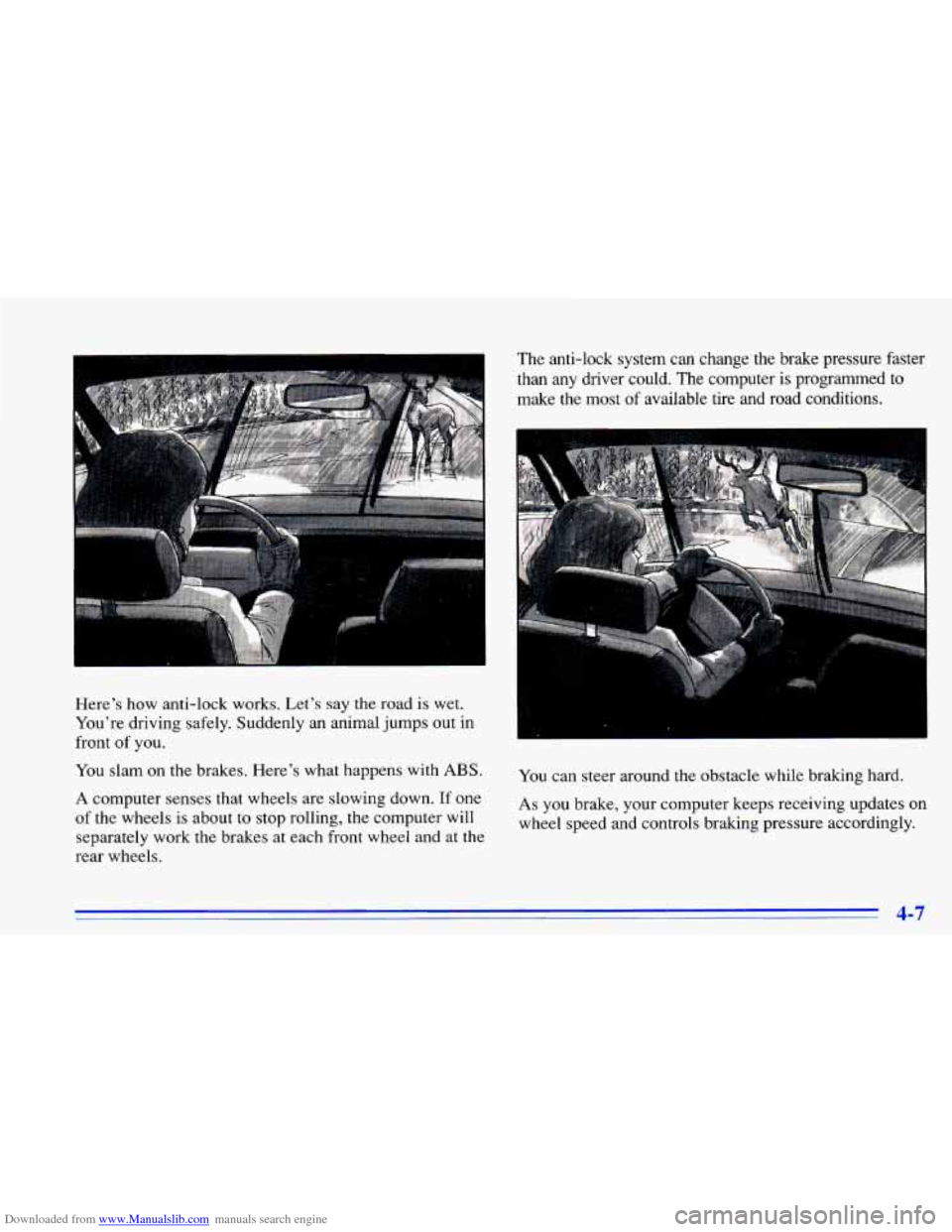
Downloaded from www.Manualslib.com manuals search engine Here's how anti-lock works. Let's say the road is wet.
You're driving safely. Suddenly an animal jumps out in
front of you.
You slam on
the brakes. Here's what happens with ABS.
A computer senses that wheels are slowing down. If one
of the wheels is about to stop rolling, the computer will
separately work the brakes at each front wheel and at the
rear wheels. The anti-lock system can change the brake pressure faster
than any driver could.
The computer
is programmed to
make the most of available tire and road conditions.
You can steer around the obstacle while braking hard.
As you brake, your computer keeps receiving updates on
wheel speed and controls braking pressure accordingly.
4-7
Page 170 of 372
Downloaded from www.Manualslib.com manuals search engine Remember: Anti-lock doesn’t change the time you need
to get your foot up to the brake pedal or always decrease
stopping distance. If you get too close to the vehicle in
front of you, you won’t have time to apply your brakes
if that vehicle suddenly slows or stops. Always leave
enough room up ahead to stop, even though you have
anti-lock brakes.
Using Anti-Lock
Don’t pump the brakes. Just hold the brake pedal
down and let anti-lock work for you. You may feel
the
system working, or you may notice some noise, but this
is normal.
Enhanced Traction System
If your vehicle has the optional four-speed automatic
transaxle, it also has an Enhanced Traction System
(ETS) that limits wheel spin. This is especially useful
in slippery road conditions. The system operates only
when the transaxle shift lever is in the
THIRD (3) or
OVERDRIVE
(a) position and the system senses
that one or both of the front wheels are spinning or
beginning to lose traction. When this happens, the system reduces engine power and may also upshift the
transaxle to limit wheel spin.
LOW
TRAC
This light will come on
when your Enhanced
Traction System is limiting
wheel spin. See “Enhanced
Traction System Active
Light” in the Index.
You
may feel or hear the system working, but this
is normal.
4-8