Door CHEVROLET SUBURBAN 1994 Owner's Manual
[x] Cancel search | Manufacturer: CHEVROLET, Model Year: 1994, Model line: SUBURBAN, Model: CHEVROLET SUBURBAN 1994Pages: 385, PDF Size: 19.88 MB
Page 114 of 385
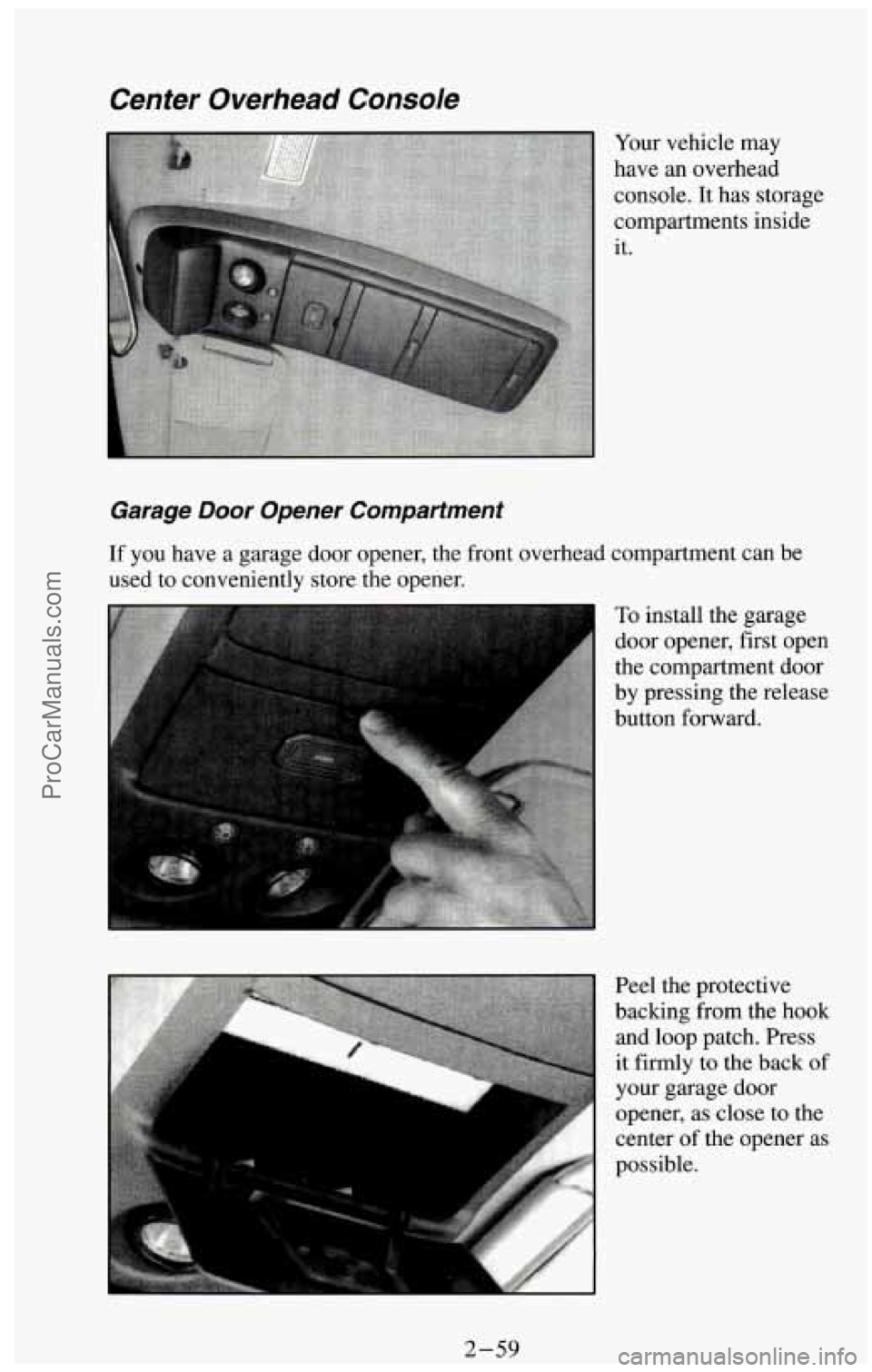
Center Overhead Console
Garage Door Opener Compartment
Your vehicle may
have an overhead
console. It has storage
compartments inside
it.
If you have a garage door opener, the front overhead compartment can be
used to conveniently store the opener.
I To install the garage
door opener, first open
the compartment door
by pressing the release
button forward.
2-59 ProCarManuals.com
Page 115 of 385
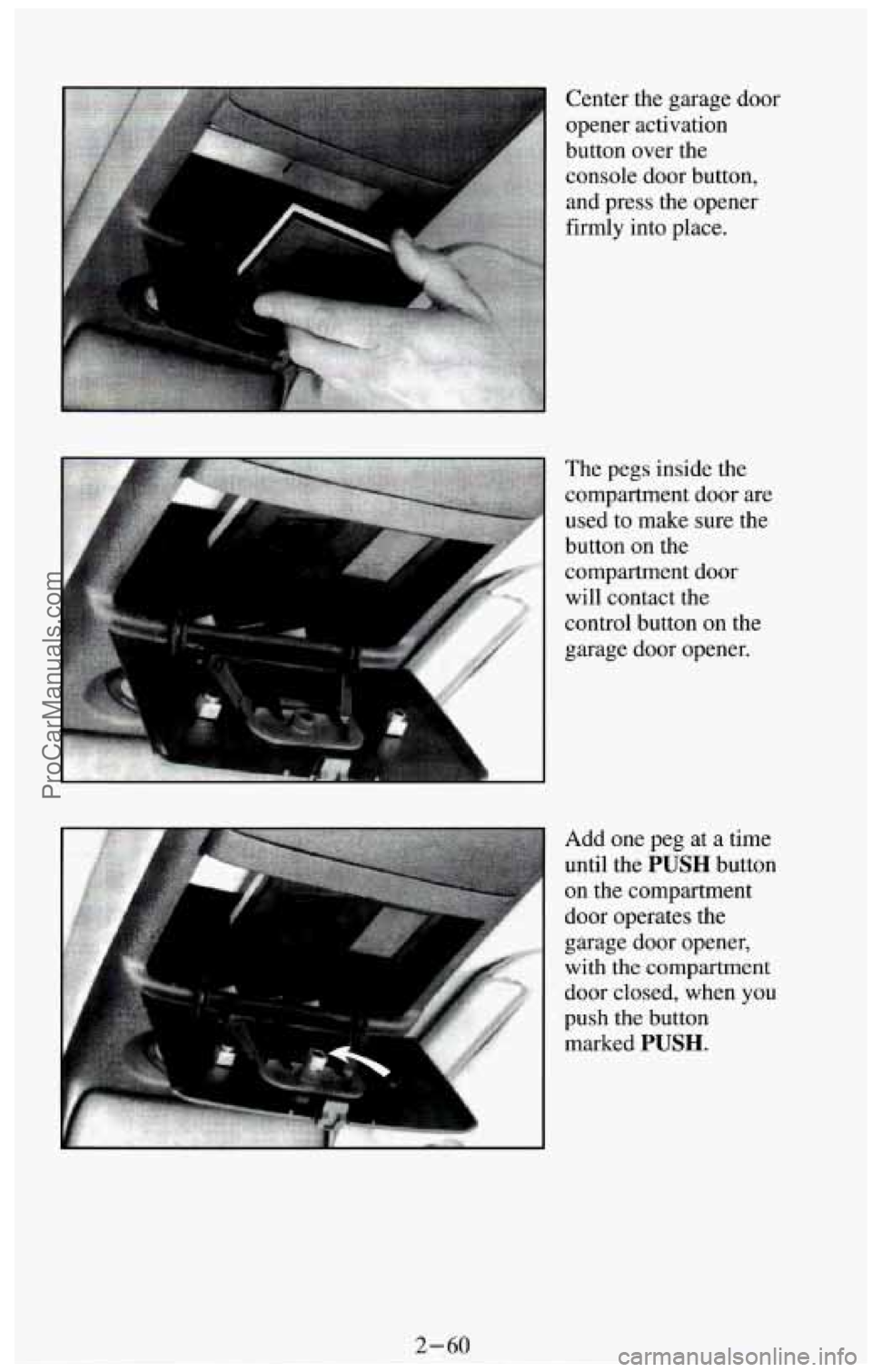
The pegs inside the
compartment door
are
used to make sure the
button on the
compartment door
will contact the
control button on the
garage door opener.
Add one peg at a time
until the
PUSH button
on the compartment
door operates the
garage door opener,
with the compartment
door closed, when
you
push the button
marked
PUSH.
2-60
ProCarManuals.com
Page 116 of 385
?
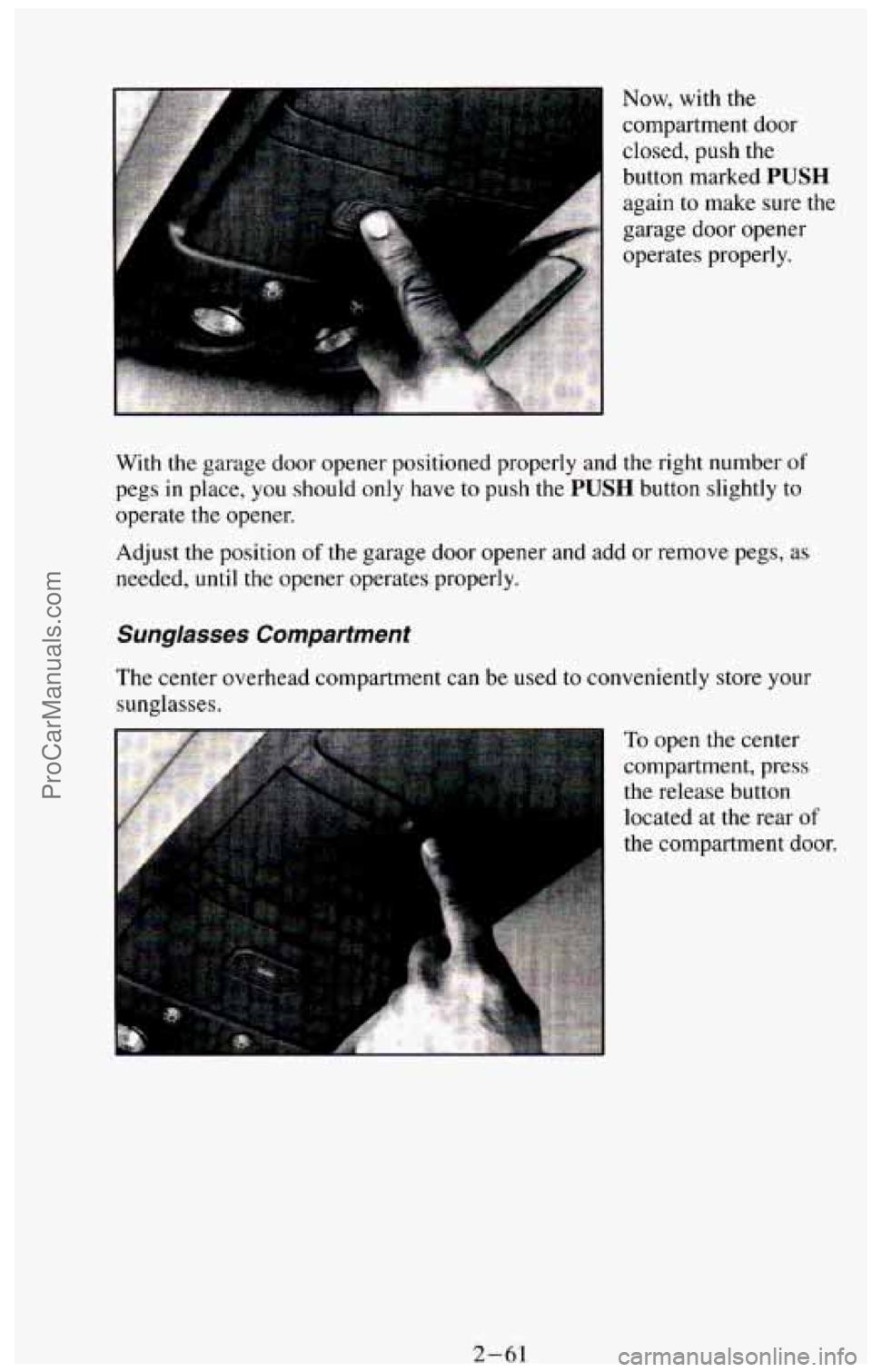
Now, with the
compartment door
closed, push
the
button marked PUSH
again to make sure the
garage door opener
operates properly.
With the garage door opener positioned properly and
the right number of
pegs in place, you should only have to push the PUSH button slightly to
operate the opener.
Adjust the position
of the garage door opener and add or remove pegs, as
needed,
until the opener operates properly.
Sunglasses Compartment
The center overhead compartment can be used to conveniently store your
sunglasses.
To open the center
compartment, press
the release button
located at the rear
of
the compartment door.
2-61 ProCarManuals.com
Page 117 of 385
1
Rear Compartment
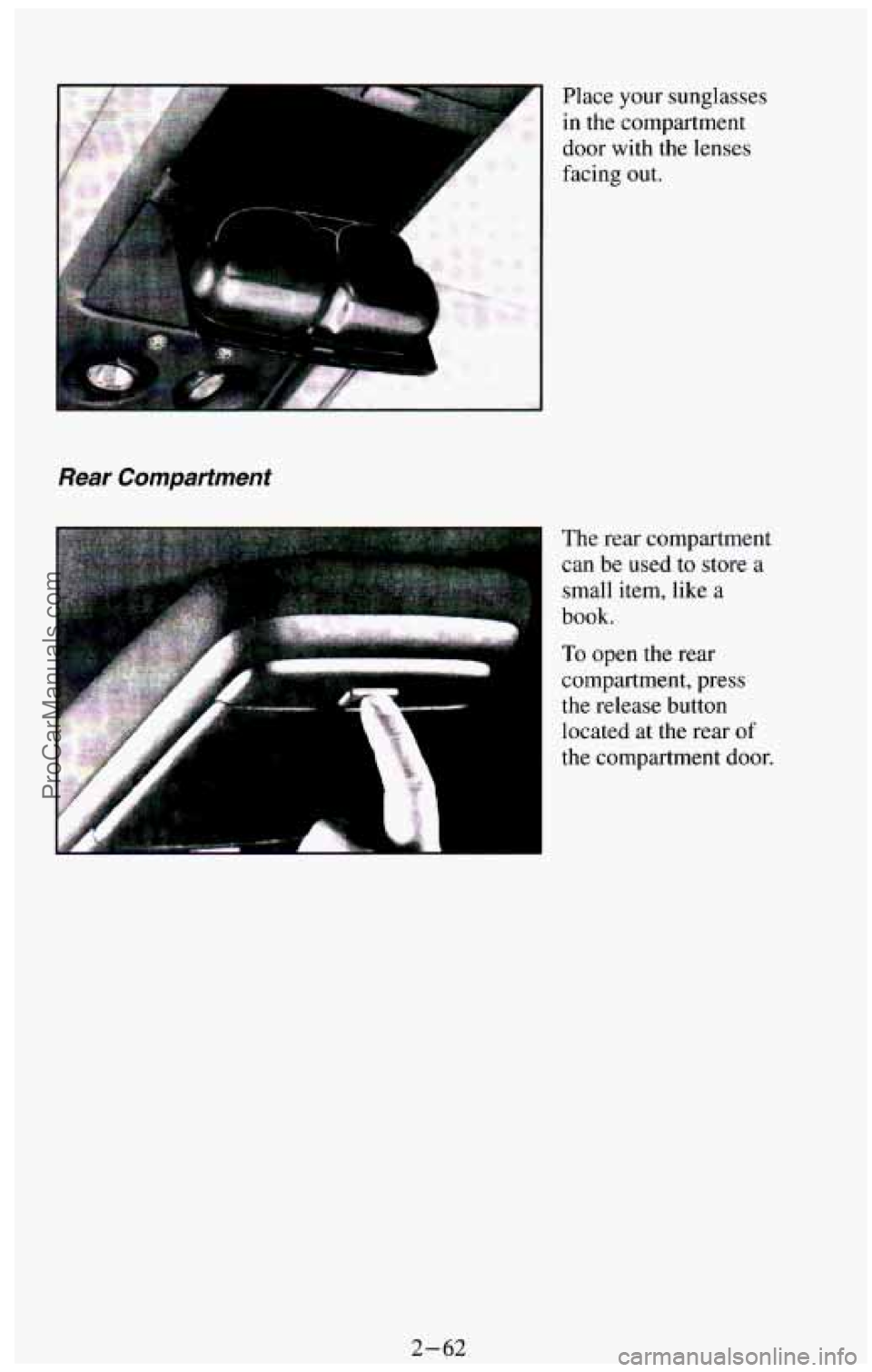
Place your sunglasses
in the compartment
door with the lenses
facing out.
The rear compartment
can be used
to store a
small item, like a
book.
To open the rear
compartment, press
the release button
located at the rear
of
the compartment door.
2-62 ProCarManuals.com
Page 118 of 385
Other Storage Compartments
Your vehicle features a number of storage compartments for convenient
storage
of often used items
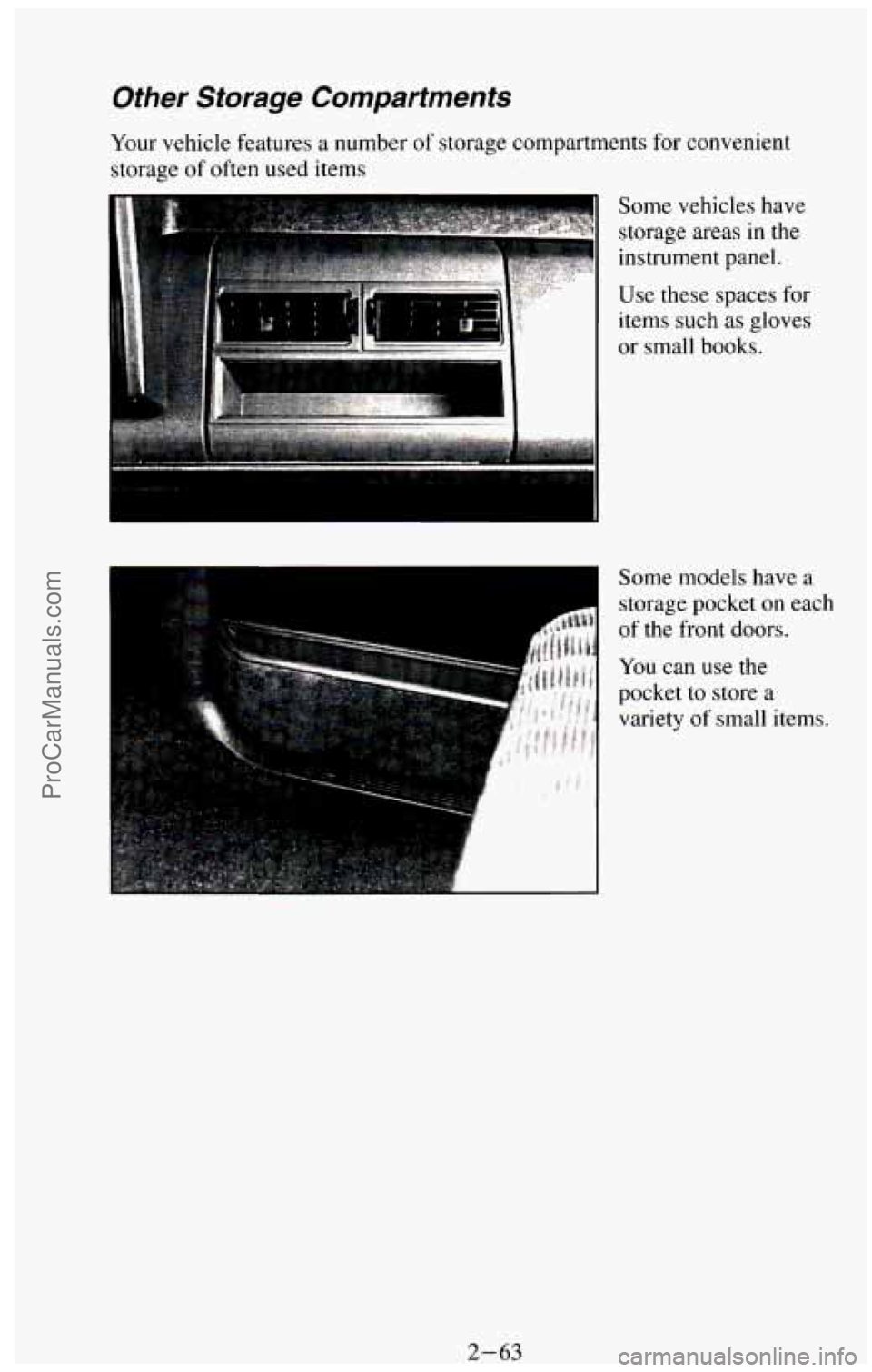
Some vehicles have
storage areas
in the
instrument panel.
Use these spaces for
items
such as gloves
or small books.
Some models have
a
storage pocket on each
of the front doors.
You can use the
pocket
to store a
variety of small items.
2-63 ProCarManuals.com
Page 120 of 385
Speedometer and Odometer
. ..
' -20
MPH
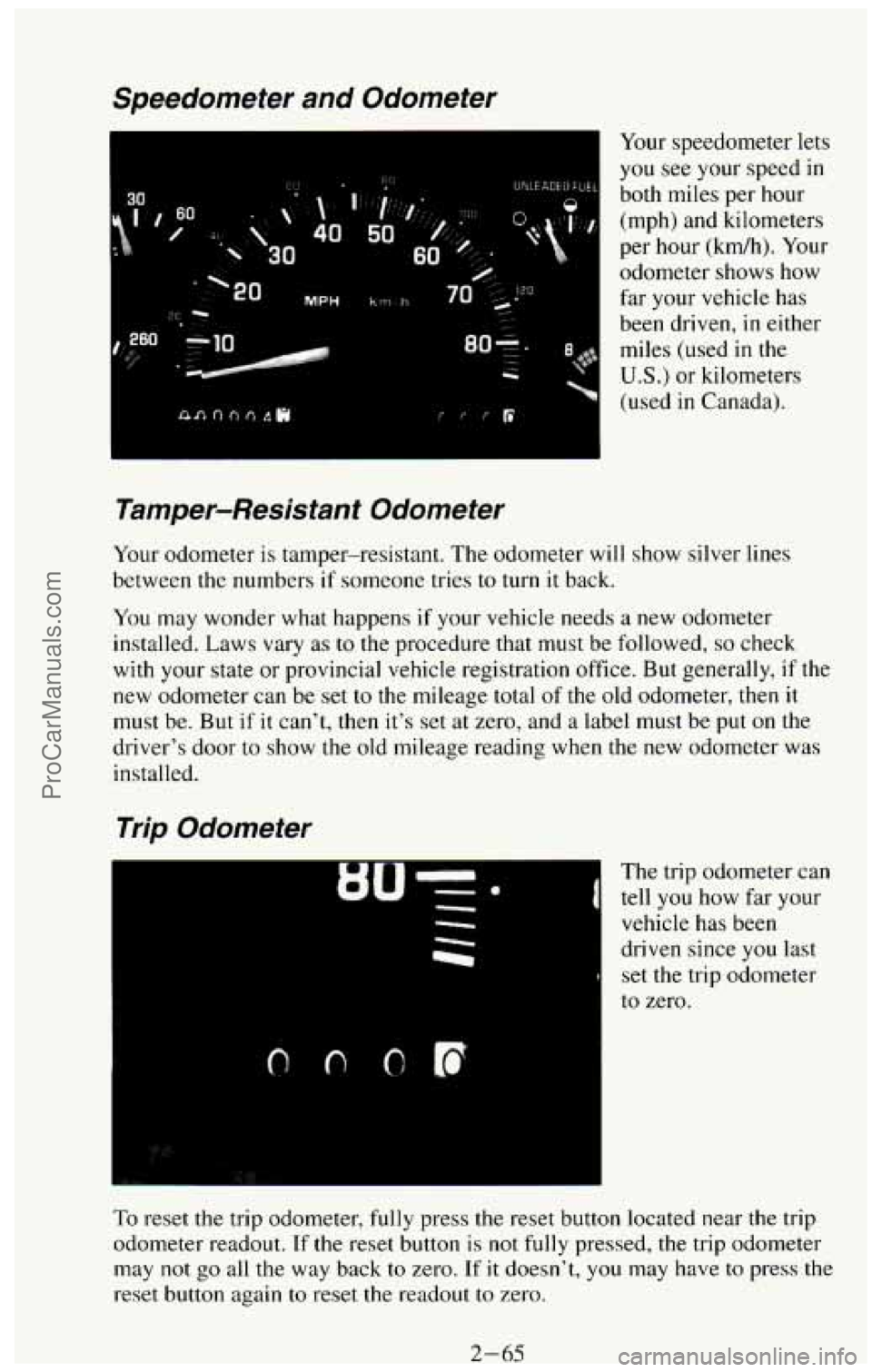
Your speedometer lets
you see your speed in
both miles per hour
(mph) and kilometers
per hour (kdh). Your
odometer shows how
far your vehicle has
been driven, in either
miles (used
in the
US.) or kilometers
(used
in Canada).
Tamper-Resistant Odometer
Your odometer is tamper-resistant. The odometer will show silver lines
between
the numbers if someone tries to turn it back.
You may wonder what happens if your vehicle needs a new odometer
installed. Laws vary
as to the procedure that must be followed, so check
with your state or provincial
vehicle registration office. But generally, if the
new odometer can be set to the mileage total
of the old odometer, then it
must be. But if it can't, then it's set at zero, and a label must be put on the
driver's door to show the old mileage reading when the new odometer was
installed.
Trip Odometer
The trip odometer can
tell you how far your
vehicle has been
driven since
you last
set the trip odometer
to zero.
To reset the trip odometer, fully press the reset button located near the trip
odometer readout.
If the reset button is not fully pressed, the trip odometer
may
not go all the way back to zero. If it doesn't, you may have to press the
reset button again
to reset the readout to zero.
2-65 ProCarManuals.com
Page 134 of 385
Luggage Carrier (Option)
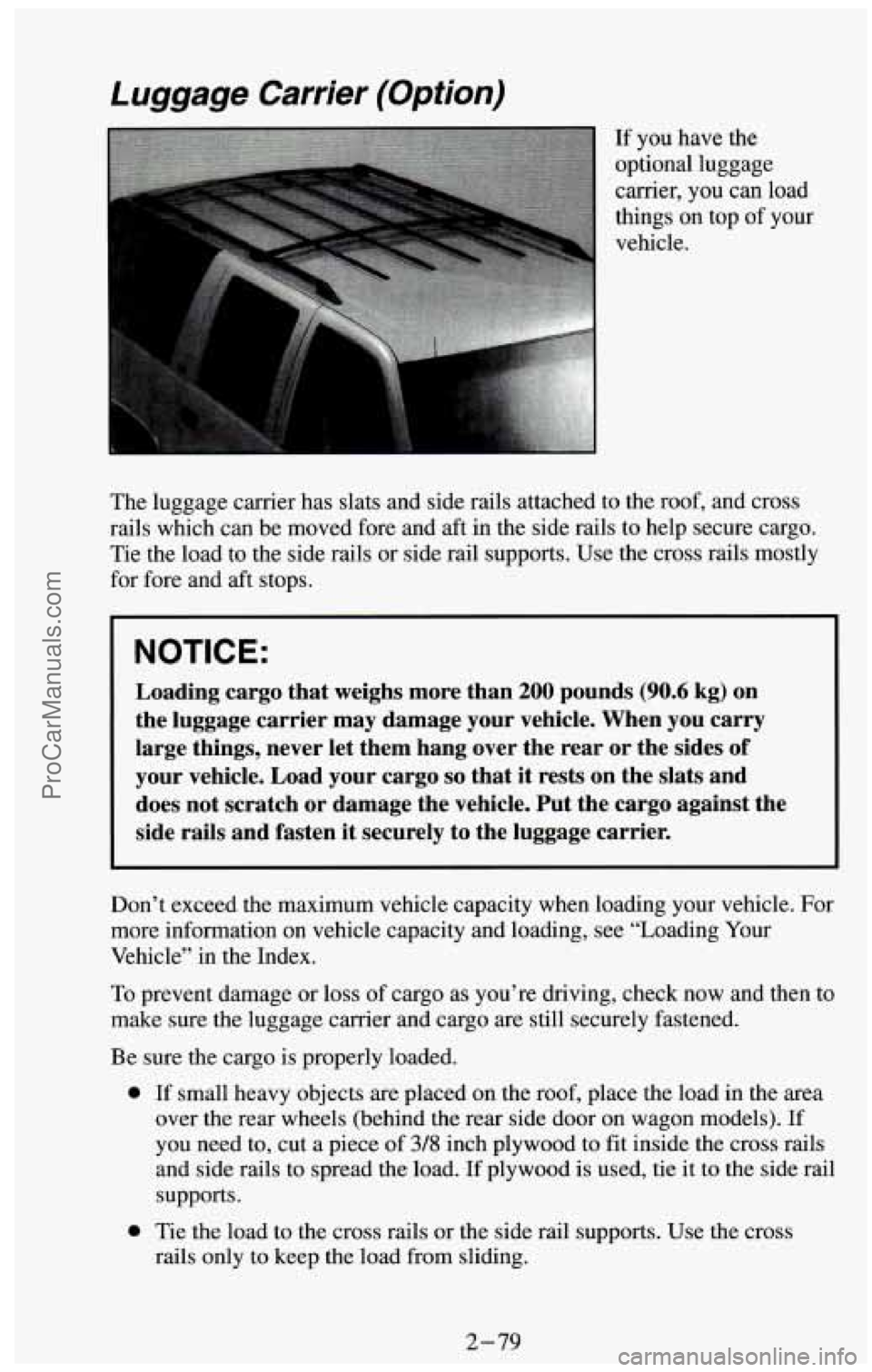
The luggage carrier has slats and side rails attached to the roof, and cross
rails which can be moved fore and aft in the side rails to help secure cargo.
Tie the load
to the side rails or side rail supports. Use the cross rails mostly
for fore and aft stops.
NOTICE:
Loading cargo that weighs more than 200 pounds (90.6 kg) on
the luggage carrier may damage your vehicle. When you carry
large things, never let them hang over the rear or the sides of
your vehicle. Load your cargo
so that it rests on the slats and
does not scratch or damage the vehicle. Put the cargo against the
side rails and fasten
it securely to the luggage carrier.
Don’t exceed the maximum vehicle capacity when loading your vehicle. For
more information on vehicle capacity and loading, see “Loading Your
Vehicle” in the Index.
To prevent damage or loss of cargo as you’re driving, check now and then to
make sure the luggage carrier and cargo are still securely fastened.
Be sure the cargo is properly loaded.
0 If small heavy objects are placed on the roof, place the load in the area
over the rear wheels (behind the rear side door
on wagon models). If
you need to, cut a piece of 3/8 inch plywood to fit inside the cross rails
and side rails to spread the load.
If plywood is used, tie it to the side rail
supports.
0 Tie the load to the cross rails or the side rail supports. Use the cross
rails only
to keep the load from sliding.
2-79
ProCarManuals.com
Page 154 of 385
Press the PWR button on the radio to turn the system on. The radio will
play until a cassette is pushed into the cassette entry door (the tape side goes
in first.)
Once the tape
is playing, use the radio control buttons for volume, tone,
balance and fade, just
as you do for the radio. The arrows on the player
indicate which side
of the tape is being played.
PROG
To go from one side of the tape to the other, press the PROG button.
Observe the lighted arrows to determine which side of the tape is being
played.
If a tape is inserted with side “1” (or “A”) up, then the up arrow means that
that side
is being played. Likewise, a down arrow would indicate that side
“2” (or “B”) had been selected. The player will automatically switch to the
other side of the tape when the first side ends.
REV
To rapidly rewind the tape, press the REV button. The tape will rapidly
rewind
until you press either the PROG or EJCT button. If the beginning
of the tape is reached while in the REV mode, play will resume on the same
side of the tape.
FWD
To rapidly advance the tape, press the FWD button. The tape will rapidly
advance
until you press either the PROG or EJCT button. If the end of the
tape is reached while in the
FWD mode, the tape will change direction, and
play will resume on the opposite side of the tape.
EJCT
Press the EJCT button to eject the cassette tape from the player (the radio
will then play).
3-17
ProCarManuals.com
Page 157 of 385
Then, press and hold the SCAN button until the correct minute appears
on the display.
After you set the time, the word SET will remain in the electronic
display for a few seconds.
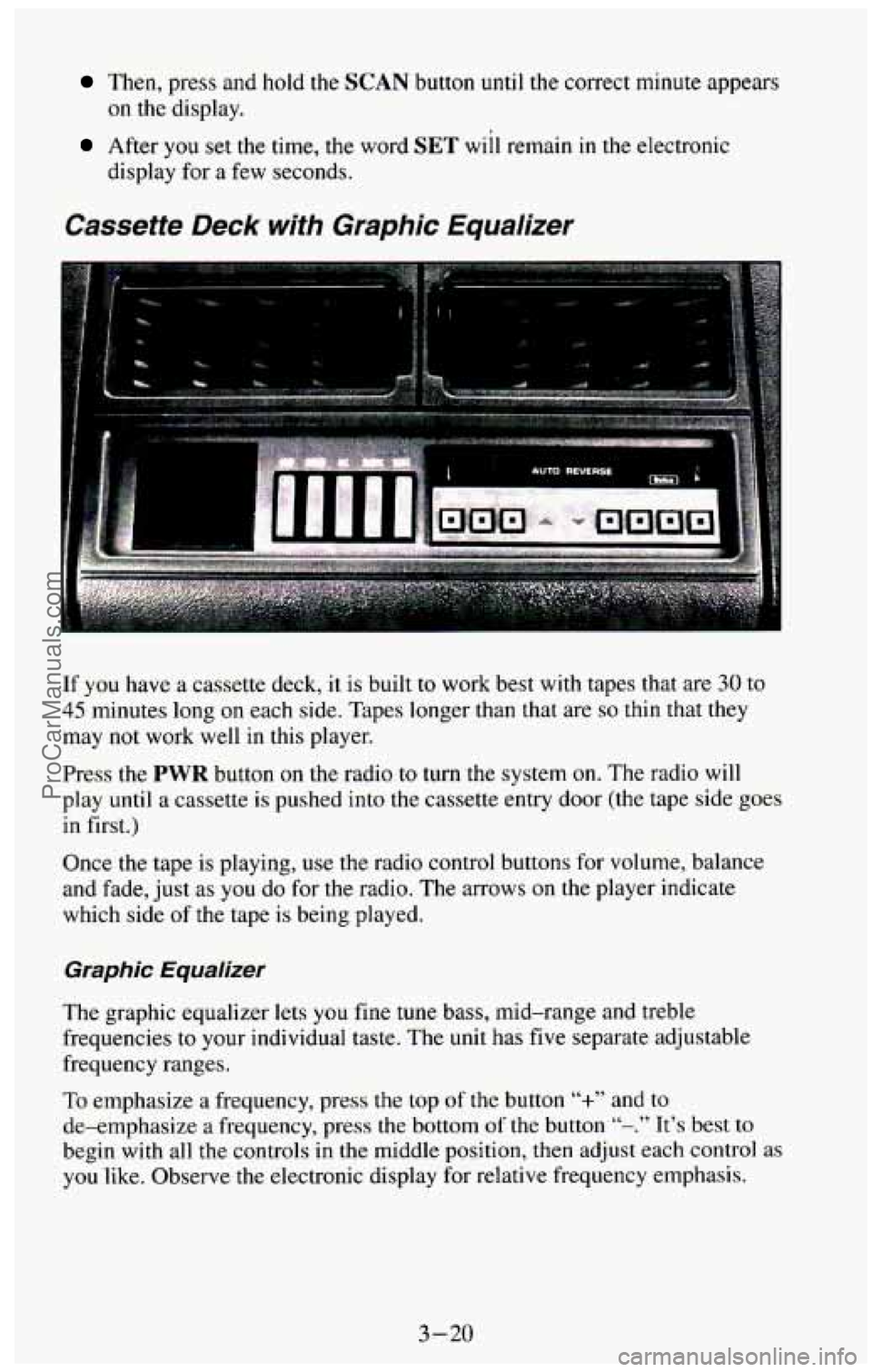
Cassette Deck with Graphic Equalizer
If you have a cassette deck, it is built to work best with tapes that are 30 to
45 minutes long on each side. Tapes longer than that are so thin that they
may not work well in this player.
Press the
PWR button on the radio to turn the system on. The radio will
play until a cassette is pushed into the cassette entry door
(the tape side goes
in first.)
Once the tape is playing,
use the radio control buttons for volume, balance
and fade, just
as you do for the radio. The arrows on the player indicate
which side
of the tape is being played.
Graphic Equalizer
The graphic equalizer lets you fine tune bass, mid-range and treble
frequencies to your individual taste.
The unit has five separate adjustable
frequency ranges.
To emphasize a frequency,
press the top of the button “+” and to
de-emphasize a frequency, press the bottom of the button “-.” It’s best to
begin with all the controls in the middle position, then adjust each control as
you like. Observe the electronic display for relative frequency emphasis.
3-20
ProCarManuals.com
Page 180 of 385
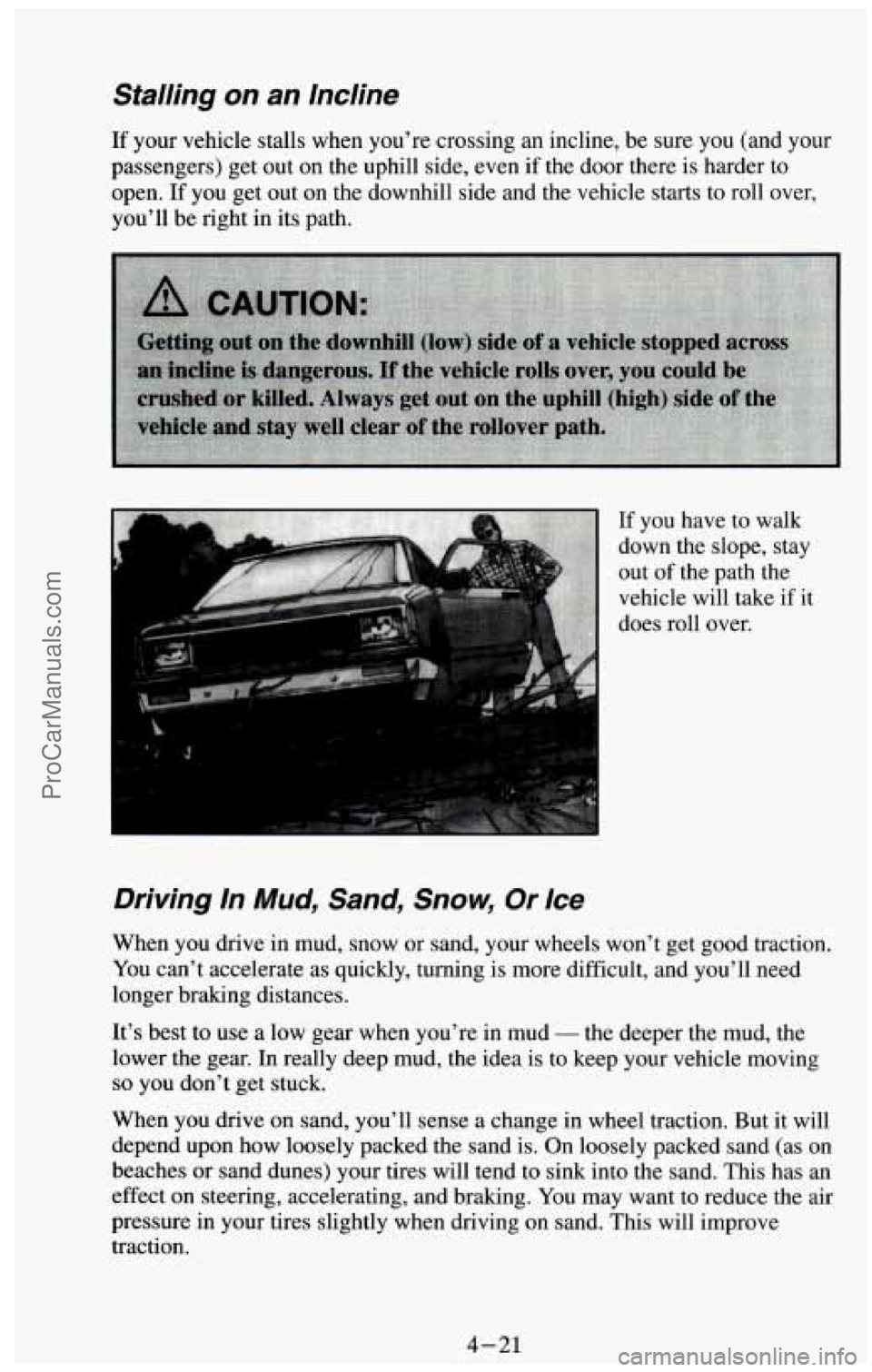
Stalling on an Incline
If your vehicle stalls when you’re crossing an incline, be sure you (and your
passengers) get out on the uphill side, even
if the door there is harder to
open. If you get out on the downhill side and the vehicle starts to roll over,
you’ll be right in its path.
Driving In Mud, Sand, Snow, Or Ice
When you drive in mud, snow or sand, your wheels won’t get good traction.
You can’t accelerate as quickly, turning is more difficult, and you’ll need
longer braking distances.
It’s best to use a low gear when you’re in mud
- the deeper the mud, the
lower the gear. In really deep mud, the idea is to keep your vehicle moving
so you don’t get stuck.
When you drive on sand, you’ll sense a change in wheel traction. But it will
depend upon how loosely packed the sand is. On loosely packed sand (as on
beaches or sand dunes) your tires will tend to sink into the sand. This has an
effect
on steering, accelerating, and braking. You may want to reduce the air
pressure in your tires slightly when driving on sand. This will improve
traction.
4-21
ProCarManuals.com