display DODGE CHARGER SRT 2015 7.G Uconnect 8.4A
[x] Cancel search | Manufacturer: DODGE, Model Year: 2015, Model line: CHARGER SRT, Model: DODGE CHARGER SRT 2015 7.GPages: 429, PDF Size: 4.01 MB
Page 91 of 429
Give It A Try!
1. Bring the vehicle to a complete stop, but leave vehicle
ON for the instrument gauges to be active.
2. Select the “Apps” button at bottom of radio touch-
screen.
3. Select the “Information Apps” button on left side of
radio.
4. Select the “SRT Performance Pages.”
5. Select the “Timers” tab from left side of screen.
The Timer will present data from your current drive
cycle until the vehicle reaches a Timer milestone or a
Timer constraint is broken.
NOTE:If the vehicle does not reach a Timer milestone or
a Timer constraint is broken, the data will show only
dashes “- - “ as the result.
6. Bring the vehicle to a complete stop after reaching the
target speed or distance.
7. You can view the Timer performance data on the radio
from the drive cycle by selecting the “Apps” button on
the faceplate, then the Information Apps button, then
SRT Performance pages tab:
•Select Ticket displays.
•Select “Current,” “Last,” or “Best” ticket displays.
•Press the “Save” button on the faceplate to save
results.
Requirements
•Vehicle must be a SRT performance vehicle properly
equipped with the Uconnect® Access System.
•Vehicle must be in range of a usable and authorized 3G
cellular signal.
90 ALL ABOUT Uconnect® ACCESS
Page 92 of 429
•Vehicle must be powered in the ON/RUN or ACC
(Accessory) position with a properly functioning elec-
trical system.
Disclaimers
•Vehicle must be registered with Uconnect® Access and
have an active subscription to get SRT Performance
Pages Plus.
•The first time the SRT Performance Pages App is
activated, an alert will appear that the driver should
not be driving while engaging the performance tools.
Tips
•Accessing the Timers page for the first time, double
dashes (“- -“) will display as values for all timers, until
real values can be acquired.
•Upon accessing the Timers screen after an ignition
cycle and/or battery disconnect, the driver will see the
“Best” set of values for all performance indicators, as
received from the cluster.
•If accessing Timers screen after an ignition cycle
and/or battery removal, if the driver selects “Current”,
double dashes (“- -”) will display for all timers, until
real values can be acquired.
•The “Current” ticket maintains the same values until
the vehicle speed is greater than 0 again, assuming the
driver is beginning another run. This functionality is
based upon the data as it is received from the cluster.
•Once the vehicle speed is greater than 0 again, the
“Current” page values are moved to the “Last” page
and the “Current” page is cleared out. The “Last”
ticket shows only the exact last run, not the last value
for each timer.
2
ALL ABOUT Uconnect® ACCESS 91
Page 93 of 429
FAQs
1.How do I get SRT Performance Pages?This App is
pre-loaded from the factory.
2.Do I turn Performance Pages “ON” or “OFF” at any
time?No. You do not need to do anything to start or
stop performance pages or Timers. The vehicle is
always running and calculating this information.
3.Why are these specific measurements shown in
Timers?Measurements were shown that were com-
mon measures to performance driving.
4.Do I need to register?You need to register the vehicle
and subscribe to Uconnect® Access in order to get SRT
Performance Pages Plus. If a customer does not regis-
ter, SRT Performance Pages will still be available.
5.What is the difference between SRT Performance
Pages and SRT Performance Pages Plus?SRT Perfor-
mance Pages Plus gives you the additional option to
save performance data to the web.
6.Do I have to do anything to turn on the Timers data?
No, the timers in an SRT vehicle are continuously
running to reflect this data.
7.If I chose to download my performance data to the
web, which site do I login to in order to download
this data?You will need to visit the Mopar Owner
Connect website (moparownerconnect.com) to ac-
cess and download your performance data.
8.Why does my Timer performance data only show
dashes?Dashes will display if the Timer milestone
was not reached or the criteria needed to meet a
measurement was broken (such as 0-60 mph in 10
seconds, instead took 15 seconds.)
92 ALL ABOUT Uconnect® ACCESS
Page 100 of 429
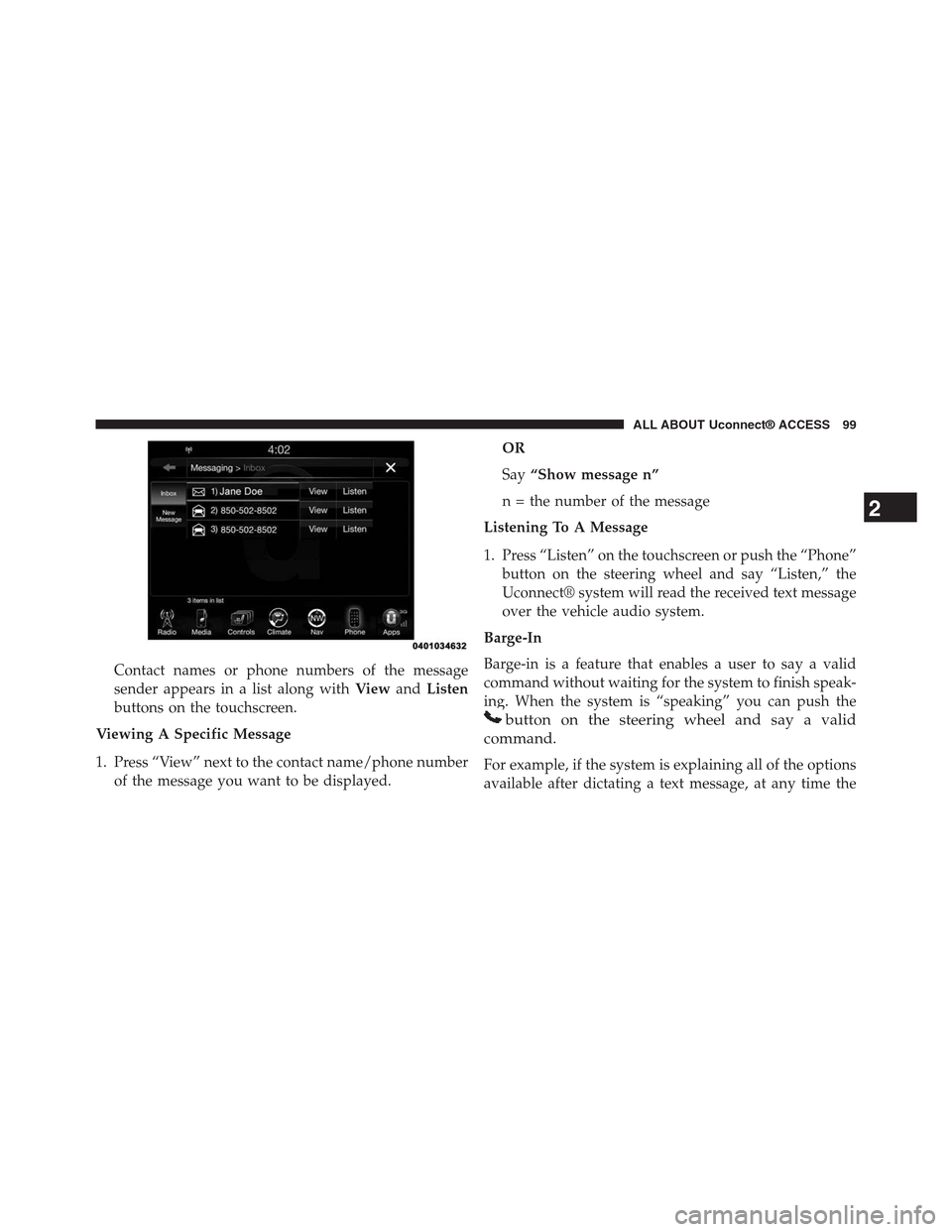
Contact names or phone numbers of the message
sender appears in a list along withViewandListen
buttons on the touchscreen.
Viewing A Specific Message
1. Press “View” next to the contact name/phone number
of the message you want to be displayed.
OR
Say“Show message n”
n = the number of the message
Listening To A Message
1. Press “Listen” on the touchscreen or push the “Phone”
button on the steering wheel and say “Listen,” the
Uconnect® system will read the received text message
over the vehicle audio system.
Barge-In
Barge-in is a feature that enables a user to say a valid
command without waiting for the system to finish speak-
ing. When the system is “speaking” you can push the
button on the steering wheel and say a valid
command.
For example, if the system is explaining all of the options
available after dictating a text message, at any time the
2
ALL ABOUT Uconnect® ACCESS 99
Page 125 of 429
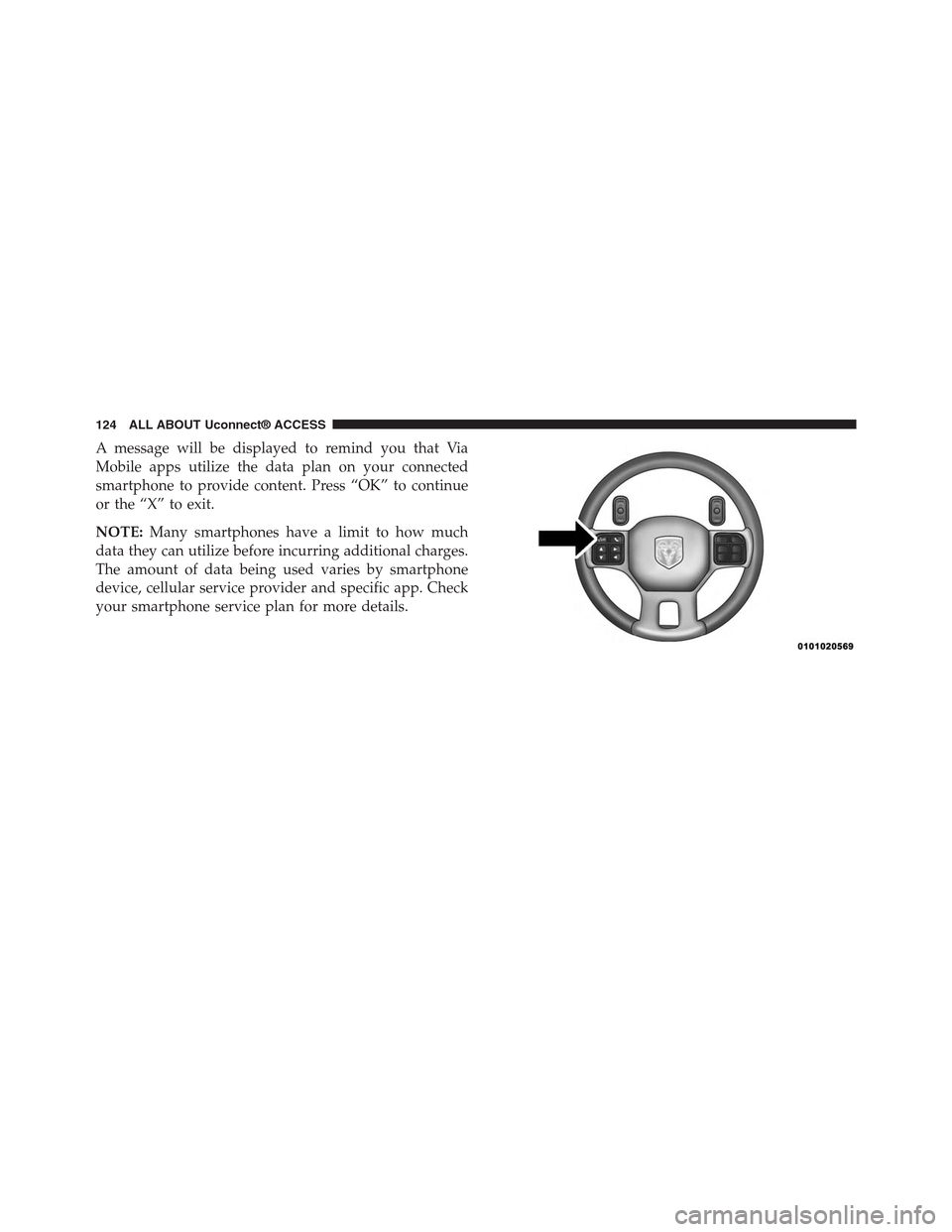
A message will be displayed to remind you that Via
Mobile apps utilize the data plan on your connected
smartphone to provide content. Press “OK” to continue
or the “X” to exit.
NOTE:Many smartphones have a limit to how much
data they can utilize before incurring additional charges.
The amount of data being used varies by smartphone
device, cellular service provider and specific app. Check
your smartphone service plan for more details.
124 ALL ABOUT Uconnect® ACCESS
Page 132 of 429
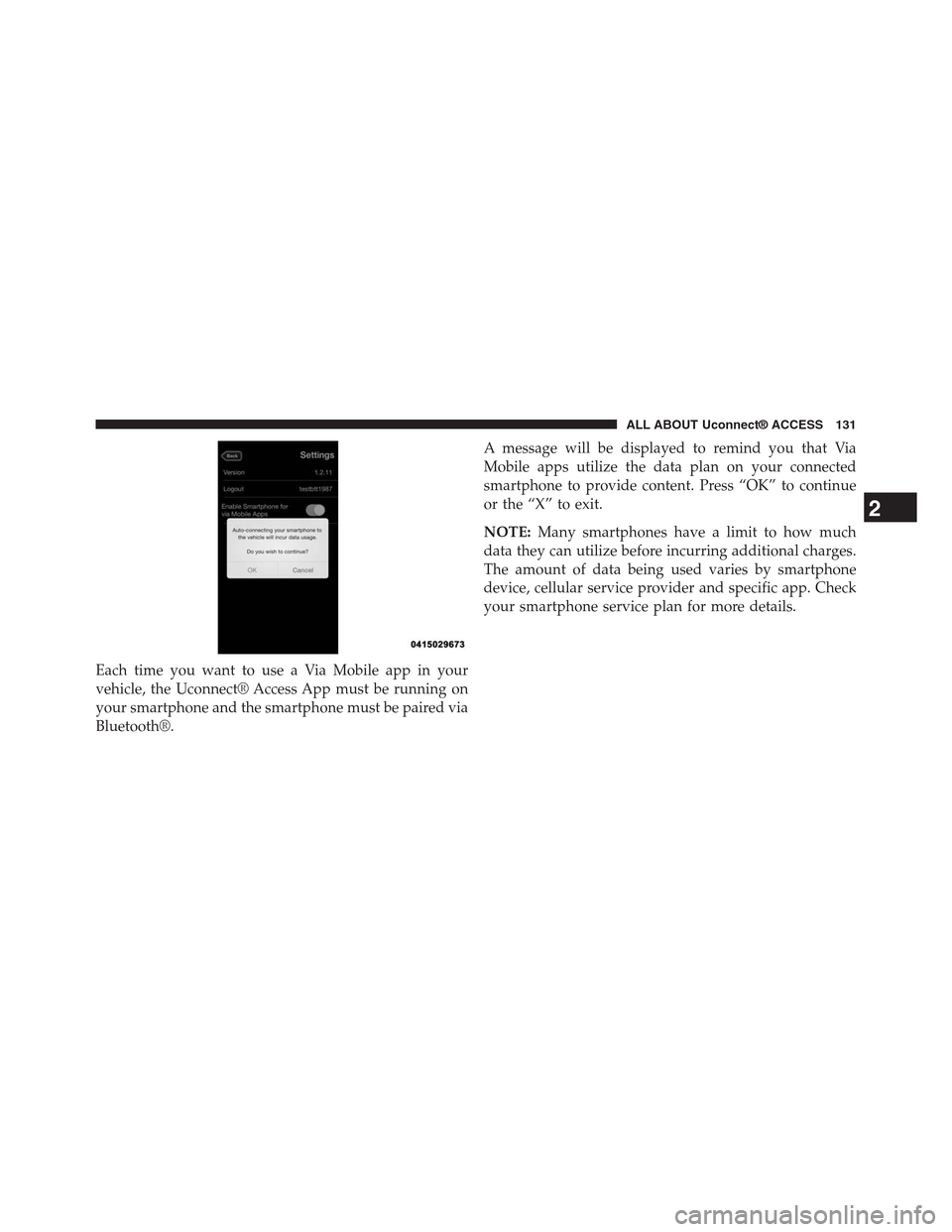
Each time you want to use a Via Mobile app in your
vehicle, the Uconnect® Access App must be running on
your smartphone and the smartphone must be paired via
Bluetooth®.
A message will be displayed to remind you that Via
Mobile apps utilize the data plan on your connected
smartphone to provide content. Press “OK” to continue
or the “X” to exit.
NOTE:Many smartphones have a limit to how much
data they can utilize before incurring additional charges.
The amount of data being used varies by smartphone
device, cellular service provider and specific app. Check
your smartphone service plan for more details.
2
ALL ABOUT Uconnect® ACCESS 131
Page 134 of 429
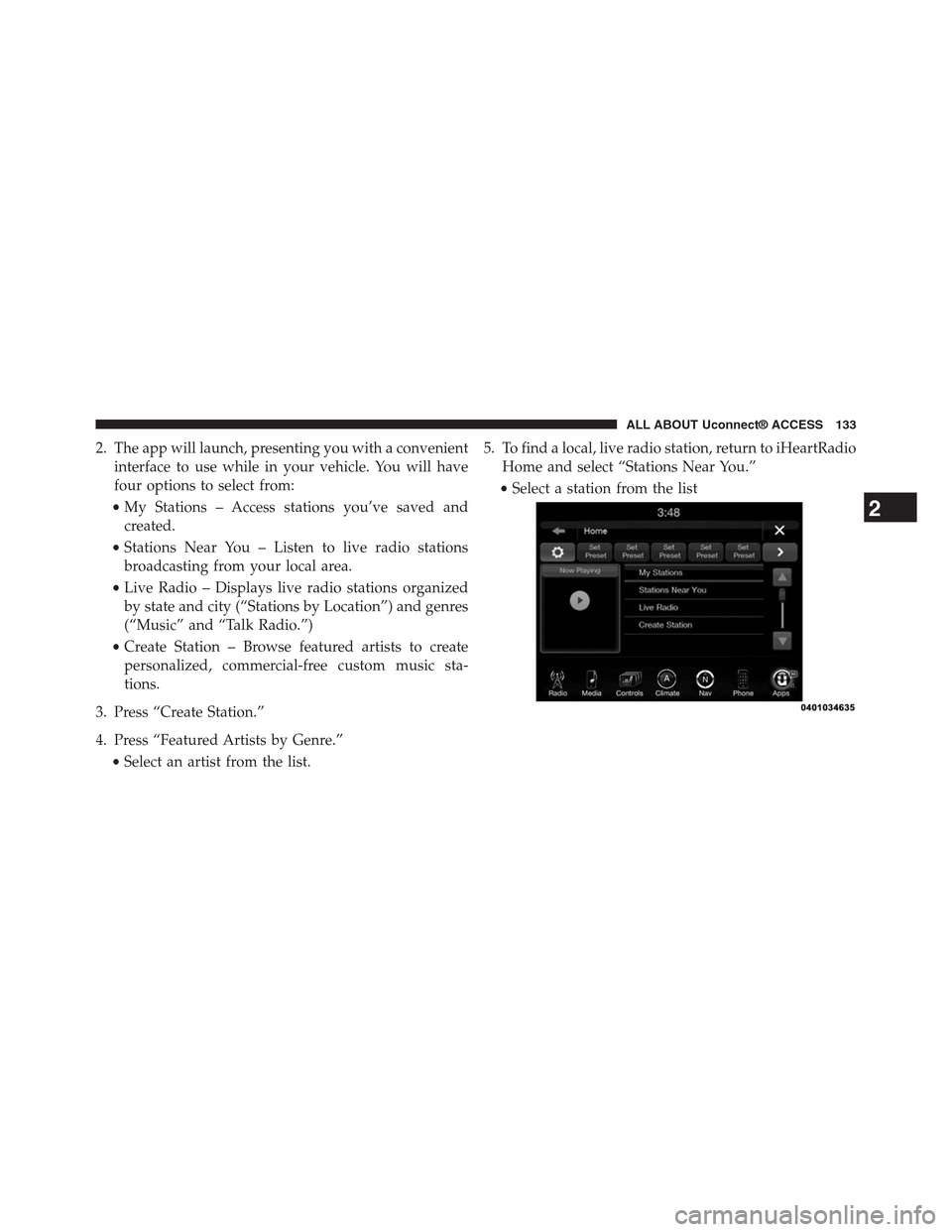
2. The app will launch, presenting you with a convenient
interface to use while in your vehicle. You will have
four options to select from:
•My Stations – Access stations you’ve saved and
created.
•Stations Near You – Listen to live radio stations
broadcasting from your local area.
•Live Radio – Displays live radio stations organized
by state and city (“Stations by Location”) and genres
(“Music” and “Talk Radio.”)
•Create Station – Browse featured artists to create
personalized, commercial-free custom music sta-
tions.
3. Press “Create Station.”
4. Press “Featured Artists by Genre.”
•Select an artist from the list.
5. To find a local, live radio station, return to iHeartRadio
Home and select “Stations Near You.”
•Select a station from the list
2
ALL ABOUT Uconnect® ACCESS 133
Page 141 of 429
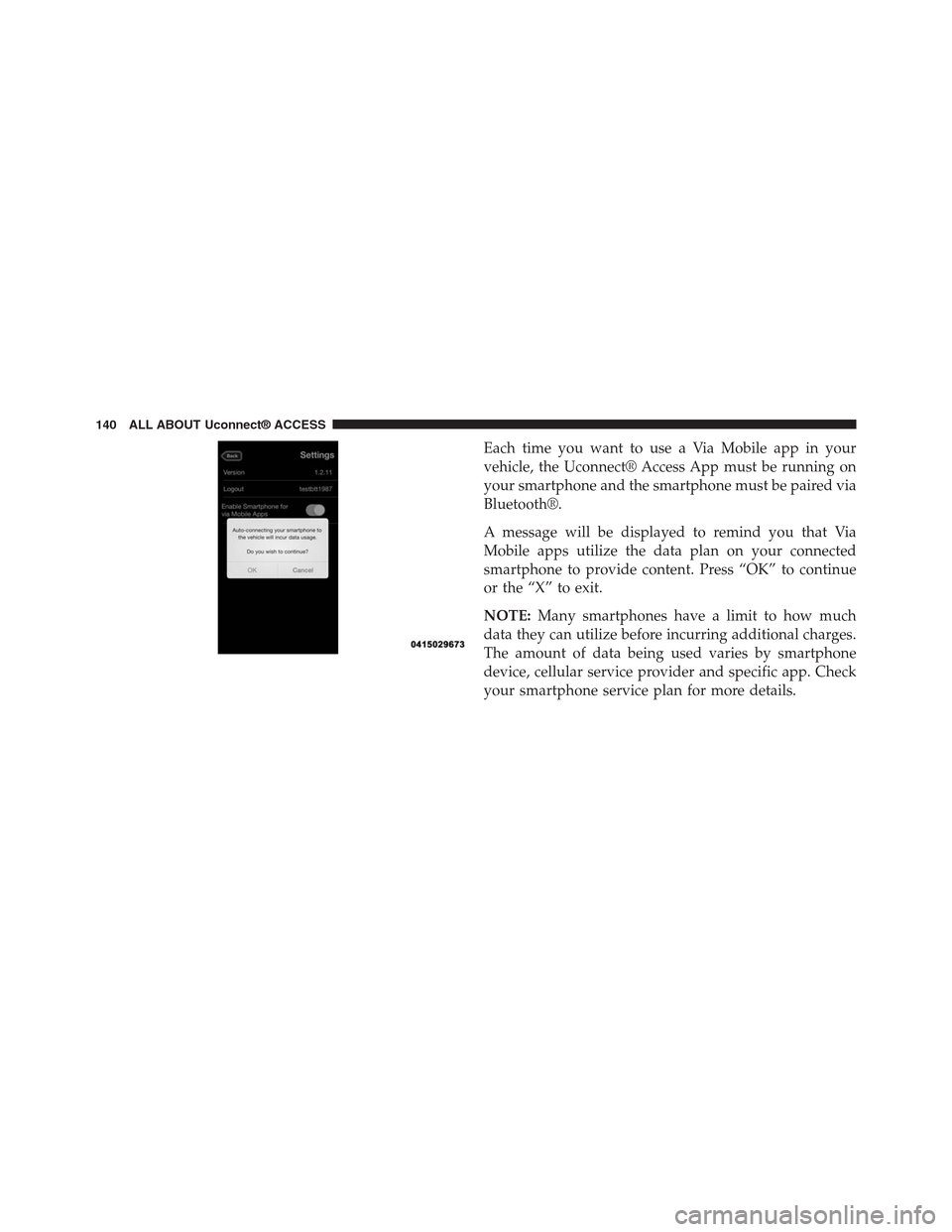
Each time you want to use a Via Mobile app in your
vehicle, the Uconnect® Access App must be running on
your smartphone and the smartphone must be paired via
Bluetooth®.
A message will be displayed to remind you that Via
Mobile apps utilize the data plan on your connected
smartphone to provide content. Press “OK” to continue
or the “X” to exit.
NOTE:Many smartphones have a limit to how much
data they can utilize before incurring additional charges.
The amount of data being used varies by smartphone
device, cellular service provider and specific app. Check
your smartphone service plan for more details.
140 ALL ABOUT Uconnect® ACCESS
Page 149 of 429
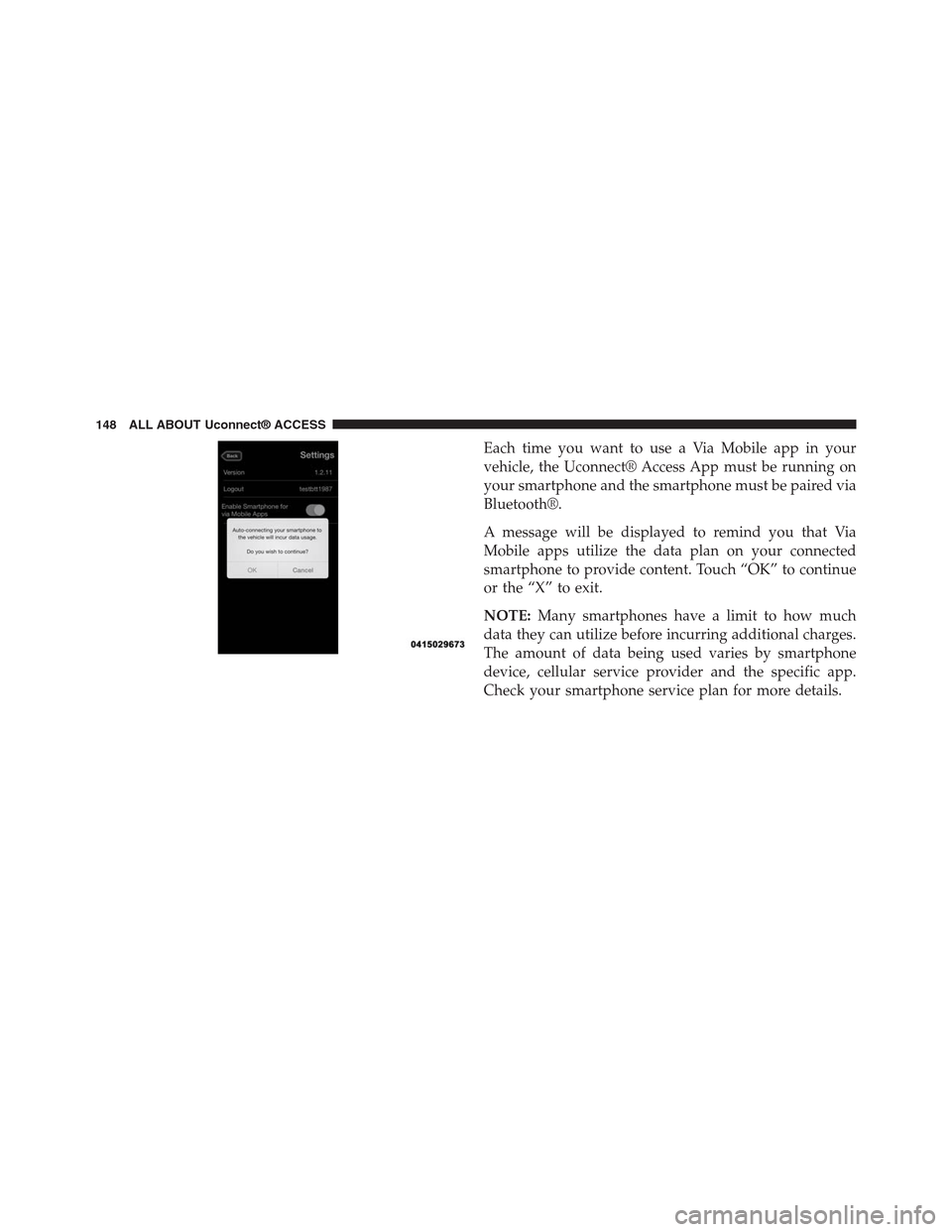
Each time you want to use a Via Mobile app in your
vehicle, the Uconnect® Access App must be running on
your smartphone and the smartphone must be paired via
Bluetooth®.
A message will be displayed to remind you that Via
Mobile apps utilize the data plan on your connected
smartphone to provide content. Touch “OK” to continue
or the “X” to exit.
NOTE:Many smartphones have a limit to how much
data they can utilize before incurring additional charges.
The amount of data being used varies by smartphone
device, cellular service provider and the specific app.
Check your smartphone service plan for more details.
148 ALL ABOUT Uconnect® ACCESS
Page 176 of 429
VOLUME/MUTE Control
Push the VOLUME/MUTE control knob to mute the
radio. Push the VOLUME/MUTE control knob a second
time to unmute the radio.
The electronic volume control turns continuously (360
degrees) in either direction, without stopping. Turning
the Volume control knob clockwise increases the volume,
and counter-clockwise decreases it.
TUNE/SCROLL Control
When the audio system is turned on, the sound will be
set at the same volume level as last played.
Turn the rotary TUNE/SCROLL control knob clockwise
to increase or counterclockwise to decrease the radio
station frequency. Press the ENTER/BROWSE button to
choose a selection.
Screen Close
The “X” button on touchscreen, located at the top right,
provides a means to close the Direct Tune Screen. The
Direct Tune Screen also auto closes if no activity occurs
within 10 seconds.
Seek And Direct Tune Functions
The Seek Up and Down functions are activated by
pressing the “double arrow”buttons on the
touchscreen to the right and left of the radio station
display, or by pushing the left “Steering Wheel Audio
Control” (if equipped) up or down.
Seek Up
Press and release the “Seek Up”button on the
touchscreen to tune the radio to the next listenable
station or channel. During a Seek Up function, if the
3
Uconnect® 8.4A — If Equipped 175