steering wheel DODGE SPRINTER 2007 2.G Service Manual
[x] Cancel search | Manufacturer: DODGE, Model Year: 2007, Model line: SPRINTER, Model: DODGE SPRINTER 2007 2.GPages: 393, PDF Size: 7.61 MB
Page 102 of 393
101 Controls in detail
Operating system with steering wheel buttons*
3
Clock/Date submenu
You can reach the
Clock/Date
submenu via
the
Settings
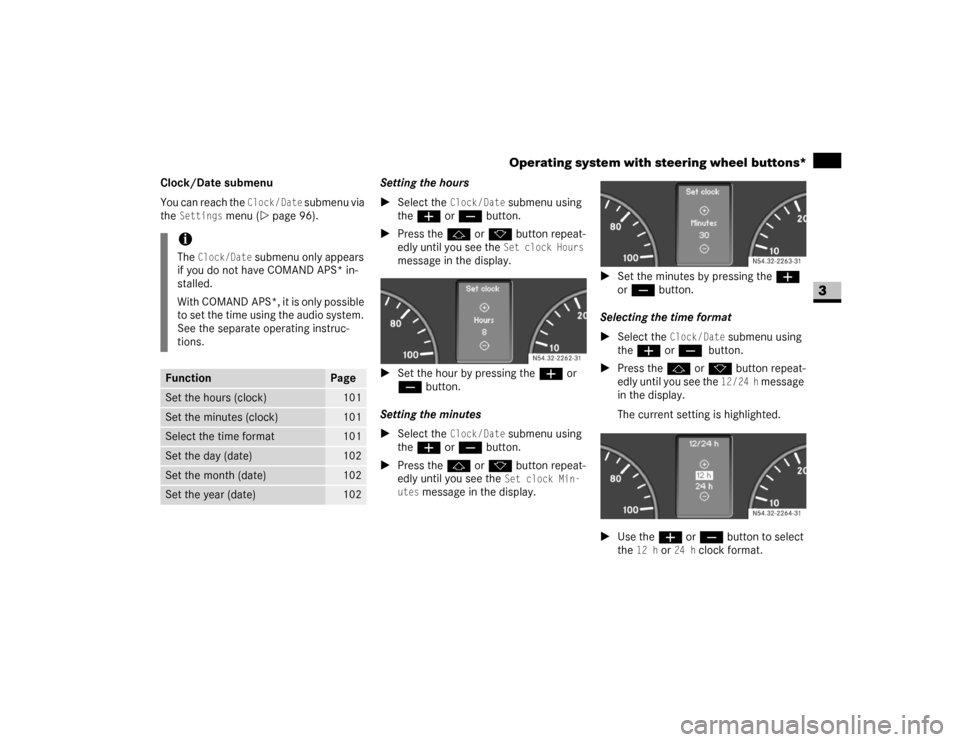
menu (\2page 96).Setting the hours
\1Select the
Clock/Date
submenu using
theæ or ç button.
\1Press thej or k button repeat-
edly until you see the Set clock Hours
message in the display.
\1Set the hour by pressing theæ or
ç button.
Setting the minutes
\1Select the
Clock/Date
submenu using
theæ or ç button.
\1Press thej or k button repeat-
edly until you see the Set clock Min-
utes
message in the display.\1Set the minutes by pressing the æ
or ç button.
Selecting the time format
\1Select the
Clock/Date
submenu using
theæ or ç
button.
\1Press thej or k button repeat-
edly until you see the
12/24 h
message
in the display.
The current setting is highlighted.
\1Use theæ or ç button to select
the
12 h
or
24 h
clock format.
iThe
Clock/Date
submenu only appears
if you do not have COMAND APS* in-
stalled.
With COMAND APS*, it is only possible
to set the time using the audio system.
See the separate operating instruc-
tions.
Function
Page
Set the hours (clock)
101
Set the minutes (clock)
101
Select the time format
101
Set the day (date)
102
Set the month (date)
102
Set the year (date)
102
N54.32-2262-31
N54.32-2263-31N54.32-2264-31
Page 103 of 393
102 Controls in detailOperating system with steering wheel buttons*
3
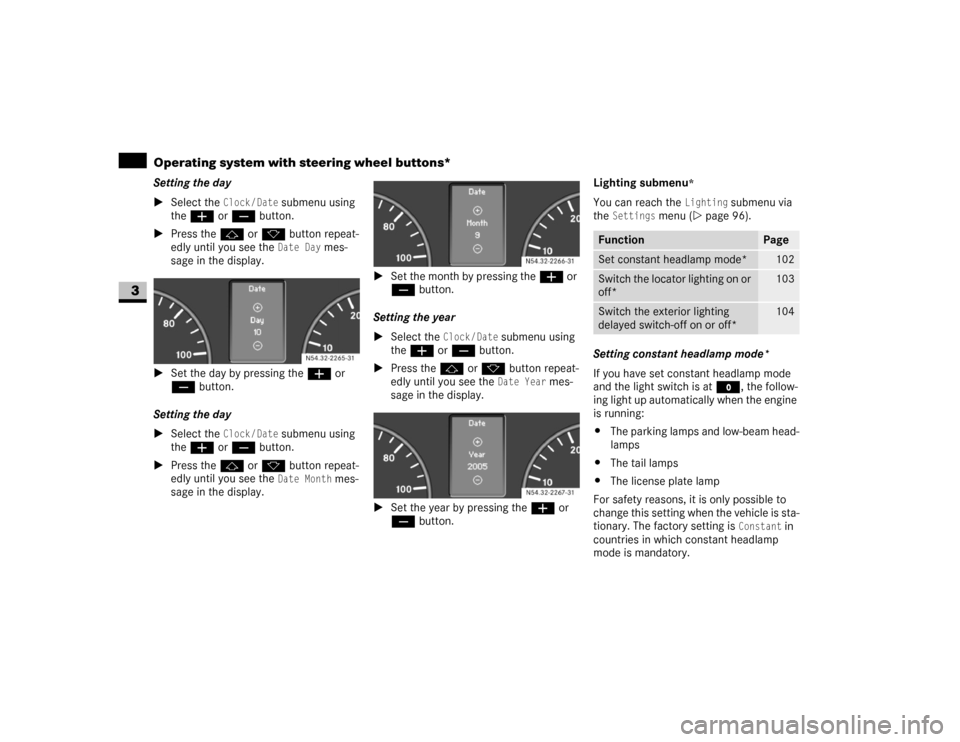
Setting the day
\1Select the
Clock/Date
submenu using
theæ or ç button.
\1Press thej or k button repeat-
edly until you see the Date Day
mes-
sage in the display.
\1Set the day by pressing theæ or
ç button.
Setting the day
\1Select the
Clock/Date
submenu using
theæ or ç button.
\1Press thej or k button repeat-
edly until you see the Date Month
mes-
sage in the display.\1Set the month by pressing theæ or
ç button.
Setting the year
\1Select the
Clock / Date
submenu using
theæ or ç button.
\1Press thej or k button repeat-
edly until you see the Date Year
mes-
sage in the display.
\1Set the year by pressing theæ or
ç button.Lighting submenu
*
You can reach the
Lighting
submenu via
the
Settings
menu (\2page 96).
Setting constant headlamp mode*
If you have set constant headlamp mode
and the light switch is at M, the follow-
ing light up automatically when the engine
is running:
\4The parking lamps and low-beam head-
lamps
\4The tail lamps
\4The license plate lamp
For safety reasons, it is only possible to
change this setting when the vehicle is sta-
tionary. The factory setting is
Constant
in
countries in which constant headlamp
mode is mandatory. N54.32-2265-31
N54.32-2266-31N54.32-2267-31
Function
Page
Set constant headlamp mode*
102
Switch the locator lighting on or
off*
103
Switch the exterior lighting
delayed switch-off on or off*
104
Page 104 of 393
103 Controls in detail
Operating system with steering wheel buttons*
3
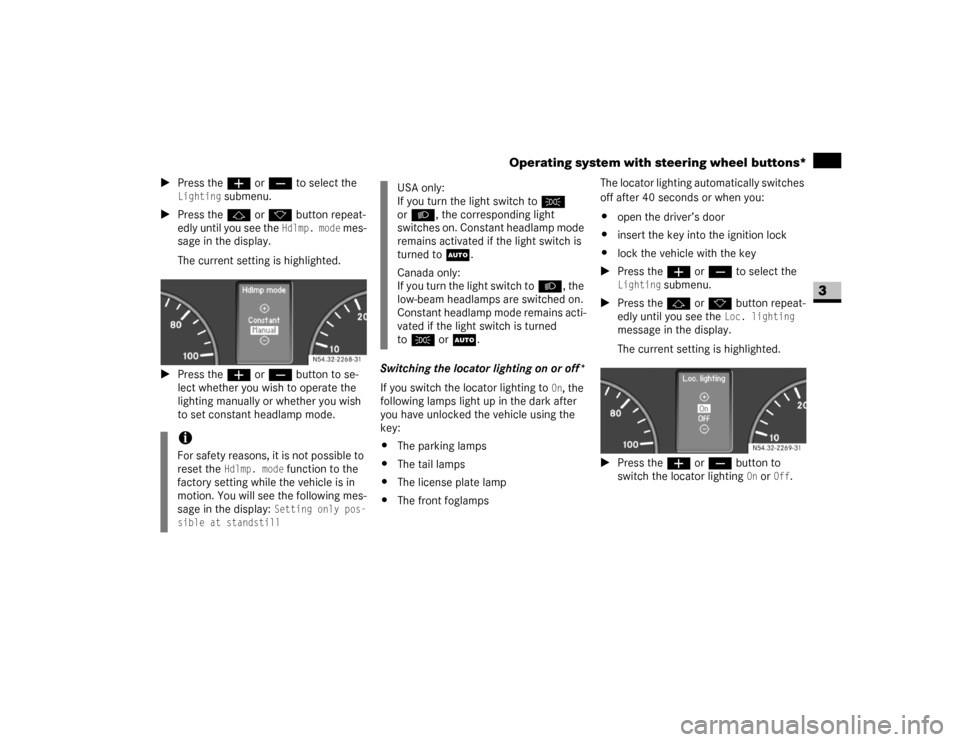
\1Press theæ or ç to select the
Lighting
submenu.
\1Press thej or k button repeat-
edly until you see the
Hdlmp. mode
mes-
sage in the display.
The current setting is highlighted.
\1Press theæ or ç button to se-
lect whether you wish to operate the
lighting manually or whether you wish
to set constant headlamp mode.Switching the locator lighting on or off*
If you switch the locator lighting to
On, the
following lamps light up in the dark after
you have unlocked the vehicle using the
key:
\4The parking lamps
\4The tail lamps
\4The license plate lamp
\4The front foglampsThe locator lighting automatically switches
off after 40 seconds or when you:
\4open the driver’s door
\4insert the key into the ignition lock
\4lock the vehicle with the key
\1Press theæ or ç to select the
Lighting
submenu.
\1Press thej or k button repeat-
edly until you see the
Loc. lighting
message in the display.
The current setting is highlighted.
\1Press the æ or ç button to
switch the locator lighting
On or
Off
.
iFor safety reasons, it is not possible to
reset the
Hdlmp. mode
function to the
factory setting while the vehicle is in
motion. You will see the following mes-
sage in the display: Setting only pos-
sible at standstill
N54.32-2268-31
USA only:
If you turn the light switch toC
orB, the corresponding light
switches on. Constant headlamp mode
remains activated if the light switch is
turned toU.
Canada only:
If you turn the light switch toB, the
low-beam headlamps are switched on.
Constant headlamp mode remains acti-
vated if the light switch is turned
toC orU.
N54.32-2269-31
Page 105 of 393
104 Controls in detailOperating system with steering wheel buttons*
3
Setting the exterior lighting delayed
switch-off*
The
Headlamps
(headlamps delayed switch-
off) function enables you to set whether or
not the exterior lighting should remain on
in the dark after the doors have been
closed.
When you have set the delayed switch-off
and have switched off the engine, the fol-
lowing light up:
\4The parking lamps
\4The tail lamps
\4The license plate lamp
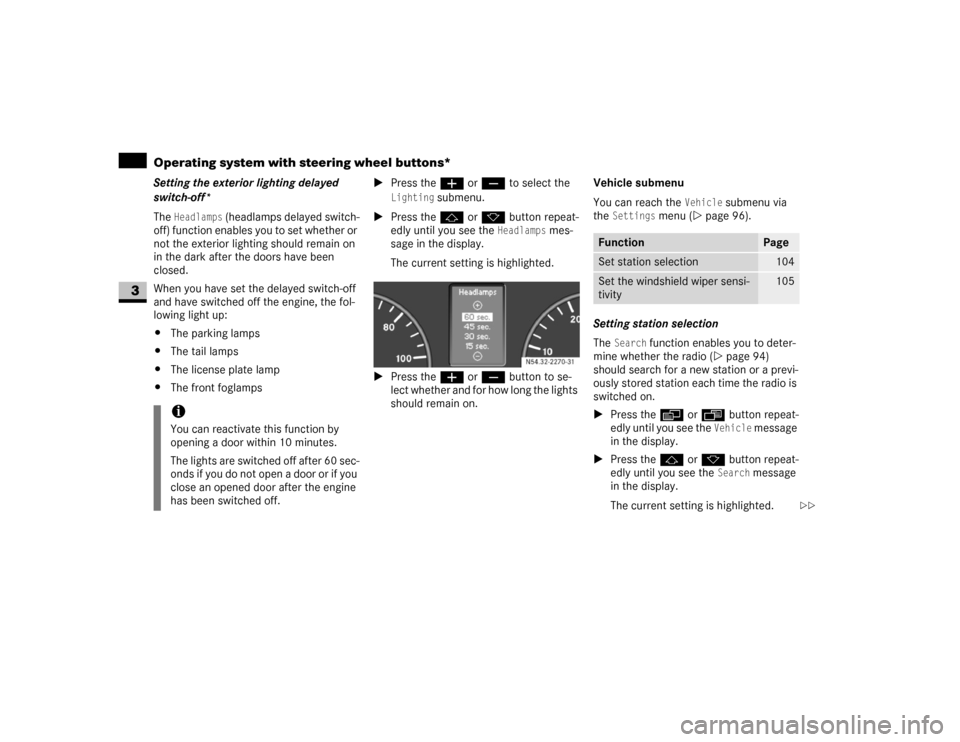
\4The front foglamps\1Press theæ or ç to select the
Lighting
submenu.
\1Press thej or k button repeat-
edly until you see the
Headlamps
mes-
sage in the display.
The current setting is highlighted.
\1Press the æ or ç button to se-
lect whether and for how long the lights
should remain on.Vehicle submenu
You can reach the
Vehicle
submenu via
the
Settings
menu (\2page 96).
Setting station selection
The
Search
function enables you to deter-
mine whether the radio (\2page 94)
should search for a new station or a previ-
ously stored station each time the radio is
switched on.
\1Press the è or ÿ button repeat-
edly until you see the
Vehicle
message
in the display.
\1Press thej or k button repeat-
edly until you see the
Search
message
in the display.
The current setting is highlighted.
iYou can reactivate this function by
opening a door within 10 minutes.
The lights are switched off after 60 sec-
onds if you do not open a door or if you
close an opened door after the engine
has been switched off.
N54.32-2270-31
Function
Page
Set station selection
104
Set the windshield wiper sensi-
tivity
105
\2\2
Page 106 of 393
105 Controls in detail
Operating system with steering wheel buttons*
3
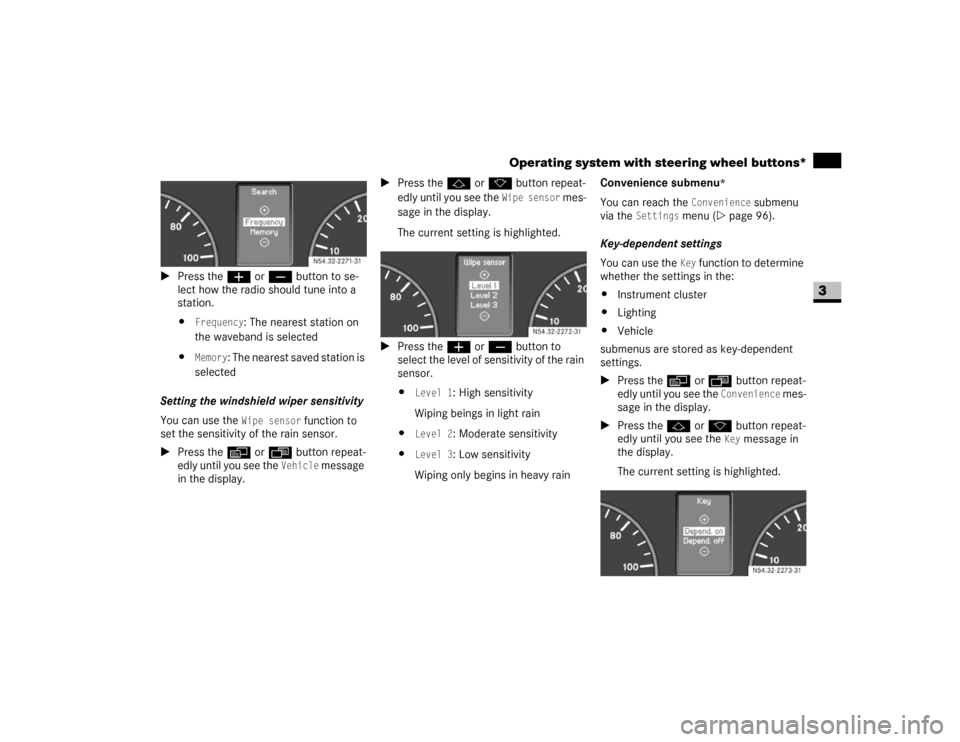
\1Press the æ or ç button to se-
lect how the radio should tune into a
station.
\4
Frequency
: The nearest station on
the waveband is selected
\4
Memory
: The nearest saved station is
selected
Setting the windshield wiper sensitivity
You can use the
Wipe sensor
function to
set the sensitivity of the rain sensor.
\1Press the è or ÿ button repeat-
edly until you see the
Vehicle
message
in the display.\1Press thej or k button repeat-
edly until you see the
Wipe sensor
mes-
sage in the display.
The current setting is highlighted.
\1Press the æ or ç button to
select the level of sensitivity of the rain
sensor.
\4
Level 1
: High sensitivity
Wiping beings in light rain
\4
Level 2
: Moderate sensitivity
\4
Level 3
: Low sensitivity
Wiping only begins in heavy rainConvenience submenu
*
You can reach the
Convenience
submenu
via the
Settings
menu (\2page 96).
Key-dependent settings
You can use the Key
function to determine
whether the settings in the:
\4Instrument cluster
\4Lighting
\4Vehicle
submenus are stored as key-dependent
settings.
\1Press the è or ÿ button repeat-
edly until you see the
Convenience
mes-
sage in the display.
\1Press thej or k button repeat-
edly until you see the
Key
message in
the display.
The current setting is highlighted. N54.32-2271-31
N54.32-2272-31
N54.32-2273-31
Page 107 of 393
106 Controls in detailOperating system with steering wheel buttons*
3
\1Press the æ or ç button to
switch key dependence
On or
Off
.
The Trip computer menu displays statisti-
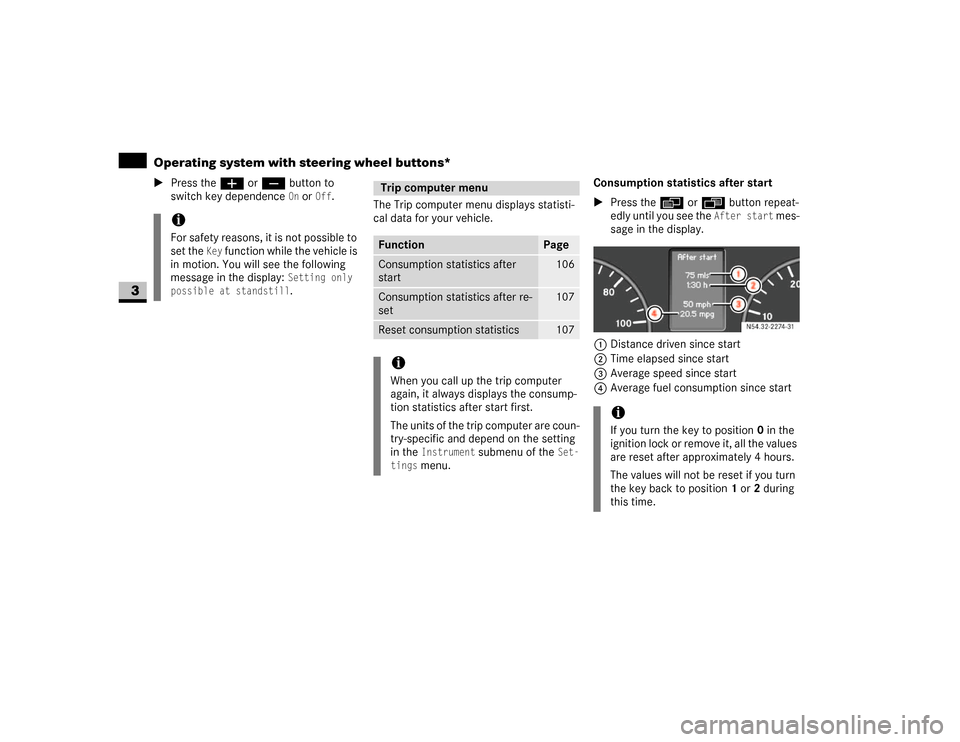
cal data for your vehicle.Consumption statistics after start
\1Press the è or ÿ button repeat-
edly until you see the
After start
mes-
sage in the display.
1Distance driven since start
2Time elapsed since start
3Average speed since start
4Average fuel consumption since start
iFor safety reasons, it is not possible to
set the
Key
function while the vehicle is
in motion. You will see the following
message in the display:
Setting only
possible at standstill.
Trip computer menuFunction
Page
Consumption statistics after
start
106
Consumption statistics after re-
set
107
Reset consumption statistics
107
iWhen you call up the trip computer
again, it always displays the consump-
tion statistics after start first.
The units of the trip computer are coun-
try-specific and depend on the setting
in the
Instrument
submenu of the
Set-
tings
menu.
iIf you turn the key to position 0 in the
ignition lock or remove it, all the values
are reset after approximately 4 hours.
The values will not be reset if you turn
the key back to position1 or2 during
this time.
N54.32-2274-31
Page 108 of 393
107 Controls in detail
Operating system with steering wheel buttons*
3
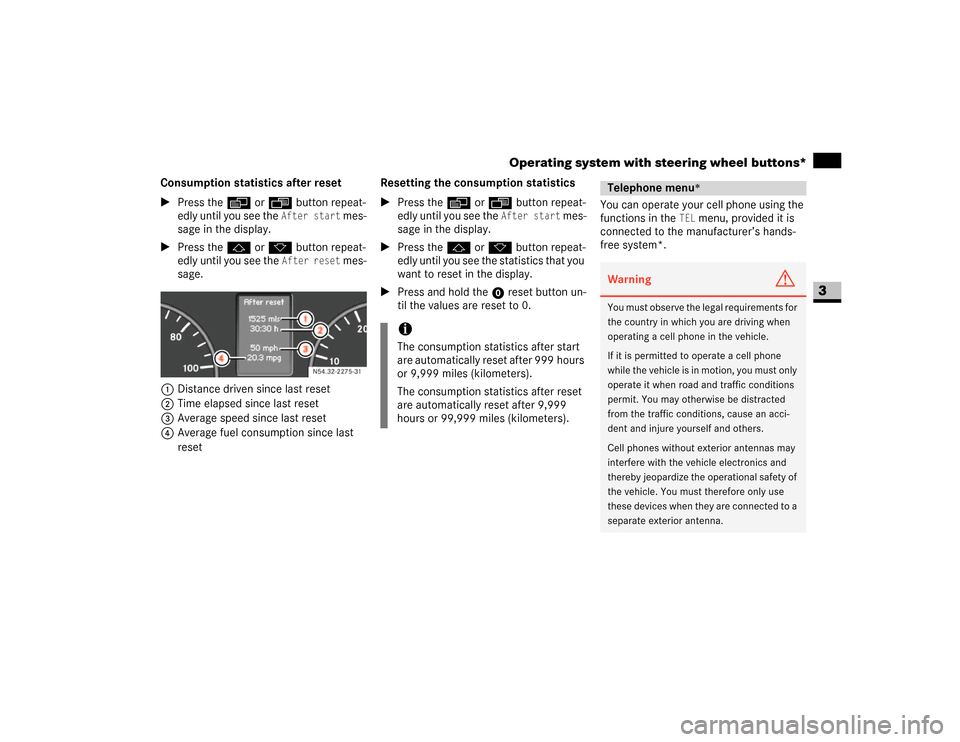
Consumption statistics after reset
\1Press the è or ÿ button repeat-
edly until you see the
After start
mes-
sage in the display.
\1Press the j or k button repeat-
edly until you see the
After reset
mes-
sage.
1Distance driven since last reset
2Time elapsed since last reset
3Average speed since last reset
4Average fuel consumption since last
resetResetting the consumption statistics
\1Press the è or ÿ button repeat-
edly until you see the
After start
mes-
sage in the display.
\1Press the j or k button repeat-
edly until you see the statistics that you
want to reset in the display.
\1Press and hold the reset button un-
til the values are reset to 0.You can operate your cell phone using the
functions in the
TEL
menu, provided it is
connected to the manufacturer’s hands-
free system*.
N54.32-2275-31
iThe consumption statistics after start
are automatically reset after 999 hours
or 9,999 miles (kilometers).
The consumption statistics after reset
are automatically reset after 9,999
hours or 99,999 miles (kilometers).
Telephone menu
*
Warning
G
You must observe the legal requirements for
the country in which you are driving when
operating a cell phone in the vehicle.
If it is permitted to operate a cell phone
while the vehicle is in motion, you must only
operate it when road and traffic conditions
permit. You may otherwise be distracted
from the traffic conditions, cause an acci-
dent and injure yourself and others.
Cell phones without exterior antennas may
interfere with the vehicle electronics and
thereby jeopardize the operational safety of
the vehicle. You must therefore only use
these devices when they are connected to a
separate exterior antenna.
Page 109 of 393
108 Controls in detailOperating system with steering wheel buttons*
3
\1Switch on the cell phone and audio sys-
tem or COMAND APS*.
See the separate operating instruc-
tions.
\1Press theè or ÿ button repeat-
edly until you see the
TEL
menu in the
display.
You will see different messages in the
display, depending on the status of
your cell phone:
\4If the cell phone is switched off, you
will see the
TEL off
message
(Sound 20) or
Tel Turn on
message
(COMAND APS*) in the display.
\4If you have not yet entered a PIN,
you will see the
TEL PIN
message
(Sound 20) or
Enter PIN
message
(COMAND APS*).
\1Enter the PIN code using the cell
phone, audio system or
COMAND APS*.The cell phone searches for a network. The
display remains blank during this time.
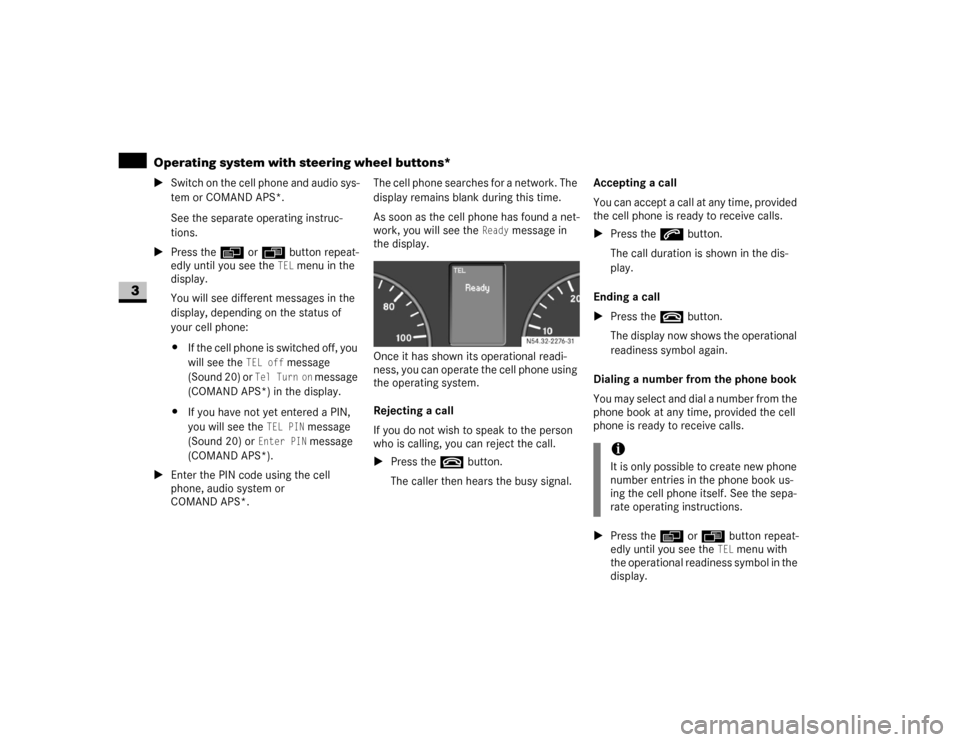
As soon as the cell phone has found a net-
work, you will see the
Ready
message in
the display.
Once it has shown its operational readi-
ness, you can operate the cell phone using
the operating system.
Rejecting a call
If you do not wish to speak to the person
who is calling, you can reject the call.
\1Press the t button.
The caller then hears the busy signal.Accepting a call
You can accept a call at any time, provided
the cell phone is ready to receive calls.
\1Press the s button.
The call duration is shown in the dis-
play.
Ending a call
\1Press the t button.
The display now shows the operational
readiness symbol again.
Dialing a number from the phone book
You may select and dial a number from the
phone book at any time, provided the cell
phone is ready to receive calls.
\1Press the è or ÿ button repeat-
edly until you see the
TEL
menu with
the operational readiness symbol in the
display. N54.32-2276-31
iIt is only possible to create new phone
number entries in the phone book us-
ing the cell phone itself. See the sepa-
rate operating instructions.
Page 110 of 393
109 Controls in detail
Operating system with steering wheel buttons*
3
\1Press thej or k button.
The operating system reads the phone
book stored on the SIM card or in the
phone. This may take more than
1minute.
You will see the
Processing
message
(Sound 20) or
Wait...
message
(COMAND APS*) in the display.
\1Press the j or k button repeat-
edly until you see the name you are
looking for.
The stored names are displayed alpha-
betically from A to Z, or Z to A.
\1Press the s button.The operating system dials the select-
ed phone number. You will see the
dialing
message (Sound 20) or
Dial-
ing...
message (COMAND APS*) in
the display.
The operating system stores the phone
numbers in the redial memory.
If a connection is made, you will see the
name of the person you are calling and
the call duration.
Redialing
The operating system stores the most re-
cently dialed phone numbers. This means
that you do not have to search through the
entire phone book.
\1Press the ÿ or è button repeat-
edly until you see the
TEL
menu with
the operational readiness symbol in the
display.\1Press the s button.
The redial memory shows the most re-
cently dialed numbers or names.
\1Press the j or k button repeat-
edly until the number or the name you
are looking for is displayed.
\1Press the s button.
The operating system dials the select-
ed phone number.
If a connection is made, you will see the
call duration and name of the person
you are calling if stored in the phone
book. Otherwise, the number you are
dialing continues to be displayed.
iThe operating system scrolls through
the names rapidly if you press and hold
the j or k button for more than
one second. Releasing the button stops
the rapid scroll.
If you no longer wish to make a call,
press the t button.
iIf you no longer wish to make a call,
press the t button.
Page 117 of 393
116 Controls in detailDriving and parking
3
Stopping the engine
\1Apply handbrake (\2page 115).
\1Move selector lever to P.
\1Turn key to position 0 (\2page 67) in
the ignition lock and remove it.
The immobilizer is activated.\1Secure the vehicle at the front axle if
unloaded and at the rear axle if loaded,
e.g. using a chock (\2page 303).
Drinking and drivingSteering
!
CAUTION
If the coolant temperature is raised,
e.g. following driving in mountainous
terrain, run the engine at idling speed
for a further 1 or 2 minutes before you
switch off the engine. This allows the
coolant temperature to return to nor-
mal again.
iWhen parking on steep uphill or down-
hill gradients, turn the front wheels to-
wards the curb.iYou can only remove the key from the
ignition lock when the selector lever is
in positionP.
General driving tipsWarning
G
Drinking and driving and/or taking drugs
and driving are very dangerous combina-
tions. Even a small amount of alcohol or
drugs can affect your reflexes, perceptions
and judgment. The possibility of a serious or
even fatal accident is sharply increased
when you drink or take drugs and drive.
Never drink or take drugs and drive or allow
anyone to drive after drinking or taking
drugs.
Warning
G
There is no power-steering assistance when
the engine is not running.
You will need to use significantly more force
to steer and could therefore lose control of
the vehicle and cause an accident.
Never switch off the engine while driving.!
CAUTION
Do not hold the steering wheel in its
end positions for longer than neces-
sary (e.g. when turning or maneuver-
ing).
The hydraulic pump can be damaged
by the increased temperature of the
hydraulic fluid.