display DODGE SPRINTER 2008 2.G Workshop Manual
[x] Cancel search | Manufacturer: DODGE, Model Year: 2008, Model line: SPRINTER, Model: DODGE SPRINTER 2008 2.GPages: 666, PDF Size: 14.11 MB
Page 244 of 666
242 Controls in detailAuxiliary heating/ventilation*
3
\1
Press the
æ
or
ç
button to se-
lect the desired switch-on time. The
automatic switch-on is deactivated if
the
Timer off
setting is selected.
\1
Press the
è
button.
The switch-on time is selected.
The yellow indicator lamp in
the
ö
switch comes on.
Setting the switch-on time
Operating system without steering
wheel buttons
\1
Select a switch-on time as described
under “Selecting a switch-on time”
(\2
page 240).
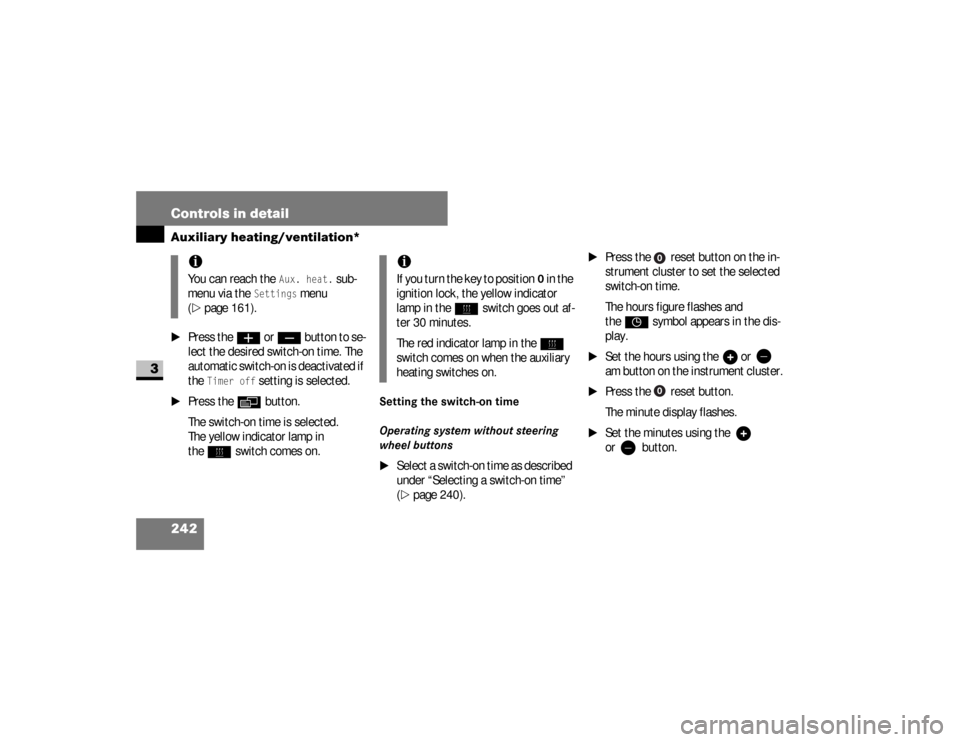
\1
Press the reset button on the
in-
strument cluster to set the selected
switch-on time.
The hours figure flashes and
the
”
symbol appears in the dis-
play.
\1
Set the hours using the or
am
button on the
instrument cluster.
\1
Press the reset button.
The minute display flashes.
\1
Set the minutes using the
or button.
iYou can reach the
Aux. heat.
sub-
menu via the
Settings
menu
(
\2
page 161).
iIf you turn the key to position
0 in the
ignition lock, the yellow indicator
lamp in the
ö
switch goes out af-
ter 30 minutes.
The red indicator lamp in the
ö
switch comes on when the auxiliary
heating switches on.
nf_BA.book Page 242 Friday, January 25, 2008 3:53 PM
Page 245 of 666
243 Controls in detail
Auxiliary heating/ventilation*
3
Operating system with steering wheel
buttons
\1
Select a switch-on time as described
under “Selecting a switch-on time”
(\2
page 240).
\1
Press the
j
button.
The
Hours
menu appears in the dis-
play.
\1
Set the hours using the
æ
or
ç
button.
\1
Press the
j
button.
The
Minutes
menu appears in the
display.
\1
Set the minutes using the
æ
or
ç
button.
\1
Press the
è
button.
The switch-on time is set and selected.
iIf you keep the button pressed, the
values will change continuously.
To return to the standard display:\4
press and hold the button
on the
instrument cluster for
more than 1 second
\4
do not press a button for
10 seconds
iTo return to the standard display,
press the
è
or
ÿ
button re-
peatedly until the standard display
appears.
nf_BA.book Page 243 Friday, January 25, 2008 3:53 PM
Page 257 of 666
255 Controls in detail
Driving systems
3
Front sensors
Rear sensors
Minimum distance
If an obstacle is within this range, all seg-
ments of the warning displays light up
and a warning tone sounds (the warning
for the front sounds different than the
warning for the rear). The distance may
no longer be displayed if you drive the
vehicle closer to the obstacle than the
minimum distance.
Center
about 39 in (100 cm)
Corners
about 26 in (65 cm)
Center
about 71 in (180 cm)
Corners
about 39 in (100 cm)
Center
about 12 in (30 cm)
Corners, front
about 10 in (25 cm)
Corners, rear
about 12 in (30 cm)
!
CAUTION
Pay particular attention to obstacles
above or below the sensors when
p a r k i n g , s u c h a s f l o w e r p o t s o r t r a i l e r
towbars.
Parktronic does not detect such ob-
jects in the immediate vicinity. You
could damage the vehicle or objects.
Parktronic can malfunction as a con-
sequence of:\4
ultrasonic sources such as a
truck’s compressed-air brakes,
an automatic car wash or a pneu-
matic drill
\4
attachments to the vehicle, e.g.
load-bearing implements or trail-
er couplings
\4
number plates (vehicle license
plates) that are not affixed flat
against the bumper
\4
dirty or icy sensors
nf_BA.book Page 255 Friday, January 25, 2008 3:53 PM
Page 258 of 666
256 Controls in detailDriving systems
3
Warning displays
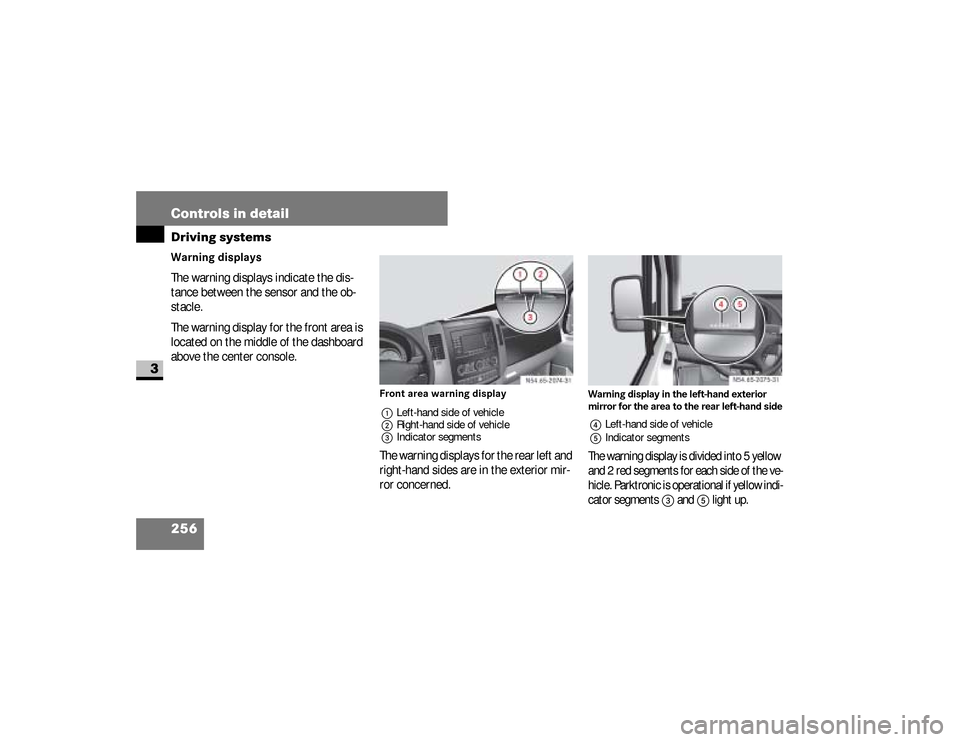
The warning displays indicate the dis-
tance between the sensor and the ob-
stacle.
The warning display for the front area is
located on the middle of the dashboard
above the center console.
Front area warning display
1Left-hand side of vehicle
2Right-hand side of vehicle
3Indicator segmentsThe warning displays for the rear left and
right-hand sides are in the exterior mir-
ror concerned.
Warning display in the left-hand exterior
mirror for the area to the rear left-hand side4Left-hand side of vehicle
5Indicator segmentsThe warning display is divided into 5 yellow
and 2 red segments for each side of the ve-
hicle. Parktronic is operational if yellow indi-
cator segments
3
and
5
light up.
N54.65-2074-31
N54.65-2075-31
nf_BA.book Page 256 Friday, January 25, 2008 3:53 PM
Page 259 of 666
257 Controls in detail
Driving systems
3
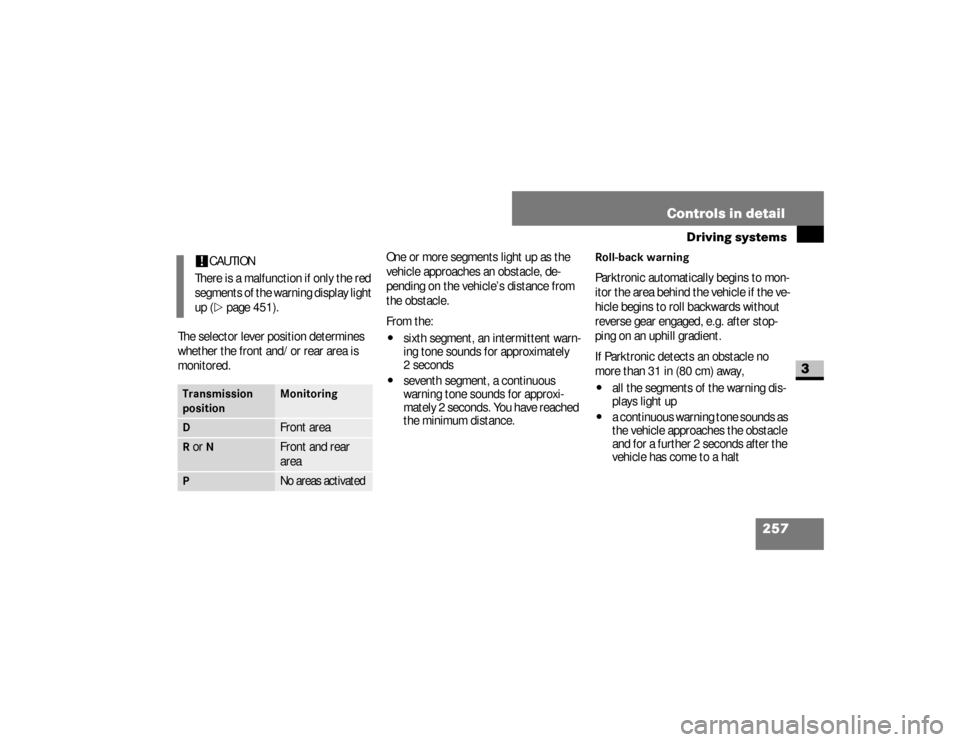
The selector lever position determines
whether the front and/or rear area is
monitored.One or more segments light up as the
vehicle approaches an obstacle, de-
pending on the vehicle’s distance from
the obstacle.
From the:
\4
sixth segment, an intermittent warn-
ing tone sounds for approximately
2seconds
\4
seventh segment, a continuous
warning tone sounds for approxi-
mately 2 seconds. You have reached
the minimum distance.
Roll-back warningParktronic automatically begins to mon-
itor the area behind the vehicle if the ve-
hicle begins to roll backwards without
reverse gear engaged, e.g. after stop-
ping on an uphill gradient.
If Parktronic detects an obstacle no
more than 31 in (80 cm) away,\4
all the segments of the warning dis-
plays light up
\4
a continuous warning tone sounds as
the vehicle approaches the obstacle
and for a further 2 seconds after the
vehicle has come to a halt
!
CAUTION
There is a malfunction if only the red
segments of the warning display light
up (\2
page 451).
Transmission
position
Monitoring
D
Front area
R or
N
Front and rear
area
P
No areas activated
nf_BA.book Page 257 Friday, January 25, 2008 3:53 PM
Page 260 of 666
258 Controls in detailDriving systems
3
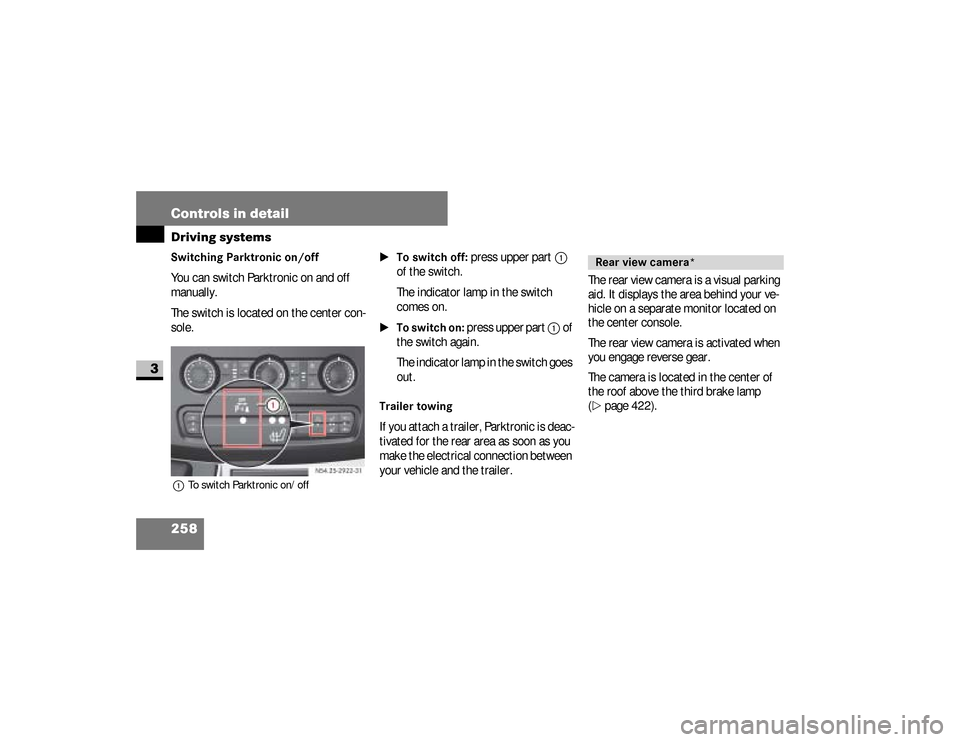
Switching Parktronic on/off You can switch Parktronic on and off
manually.
The switch is located on the center con-
sole.1To switch Parktronic on/off
\1To switch off:
press upper part
1
of the switch.
The indicator lamp in the switch
comes on.
\1To switch on:
press upper part
1
of
the switch again.
The indicator lamp in the switch goes
out.
Trailer towingIf you attach a trailer, Parktronic is deac-
tivated for the rear area as soon as you
make the electrical connection between
your vehicle and the trailer.The rear view camera is a visual parking
aid. It displays the area behind your ve-
hicle on a separate monitor located on
the center console.
The rear view camera is activated when
you engage reverse gear.
The camera is located in the center of
the roof above the third brake lamp
(
\2
page 422). N54.25-2922-31Rear view camera*
nf_BA.book Page 258 Friday, January 25, 2008 3:53 PM
Page 261 of 666
259 Controls in detail
Driving systems
3
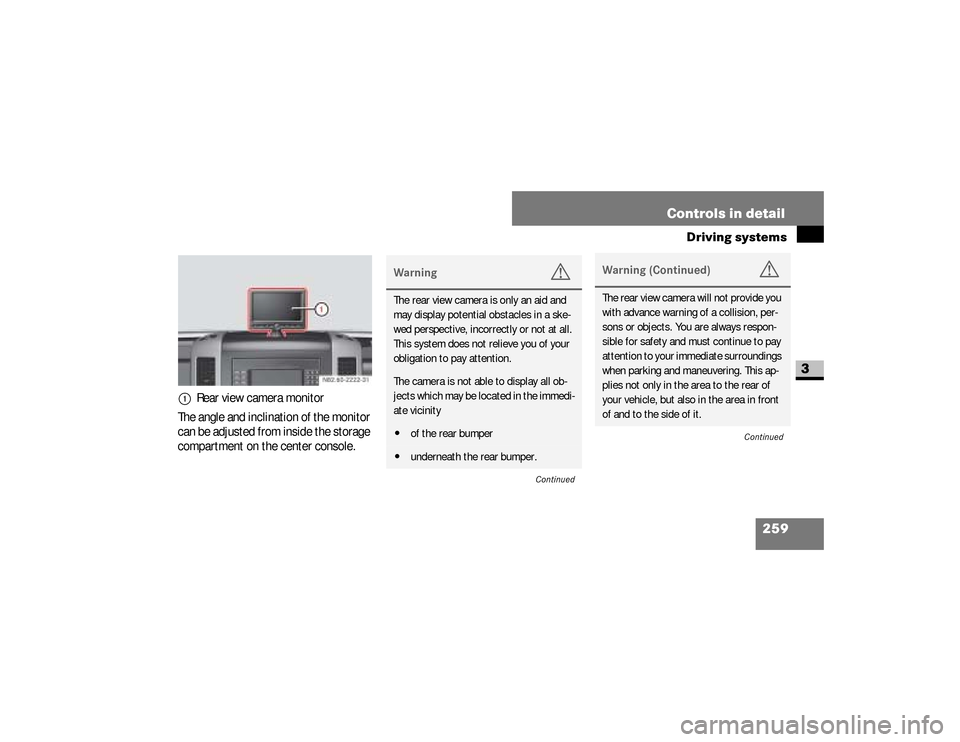
The angle and inclination of the monitor
can be adjusted from inside the storage
compartment on the center console.1
Rear view camera monitor
Warning
G
The rear view camera is only an aid and
may display potential obstacles in a ske-
wed perspective, incorrectly or not at all.
This system does not relieve you of your
obligation to pay attention.The camera is not able to display all ob-
jects which may be located in the immedi-
ate vicinity\4of the rear bumper\4underneath the rear bumper.
Continued
Warning (Continued)
G
The rear view camera will not provide you
with advance warning of a collision, per-
sons or objects. You are always respon-
sible for safety and must continue to pay
attention to your immediate surroundings
when parking and maneuvering. This ap-
plies not only in the area to the rear of
your vehicle, but also in the area in front
of and to the side of it.
Continued
nf_BA.book Page 259 Friday, January 25, 2008 3:53 PM
Page 262 of 666
260 Controls in detailDriving systems
3
Warning (Continued)
G
Failure to pay attention could mean that
you fail to notice persons or objects and,
by continuing to drive, cause injury to per-
sons or damage to objects and your vehic-
le. The manufacturer recommends that
you also use the Parktronic system* when
parking your vehicle.Warning
G
Make sure that there are no persons or
animals in or in the vicinity of the area in
which you are maneuvering your vehicle.
They could otherwise be injured.
Warning
G
The rear view camera could function in-
correctly or might not function at all if:\4it is raining or snowing very heavily, or
if there is thick fog\4you have parked your vehicle in a very
poorly lit location\4the camera is exposed to very bright
white light (white stripes could appear
on the monitor display)\4the surrounding area is lit by fluores-
cent light (the monitor display could
start to flicker)
Continued
Warning (Continued)
G
\4the temperature changes suddenly
(e.g., if you drive out of the cold and
into a heated garage in the winter)\4ambient temperatures are very high\4the camera lens is dirty or obstructed\4t h e r e a r o f y o u r v e h i c l e i s d a m a g e d . I n
this case, have the camera’s position
and settings checked at a qualified
specialist workshop which has the ne-
cessary specialist knowledge and
tools to carry out the work required.\4The manufacturer recommends that
you use an authorized Sprinter Dealer
for this purpose.
nf_BA.book Page 260 Friday, January 25, 2008 3:53 PM
Page 265 of 666
263 Controls in detail
Driving systems
3
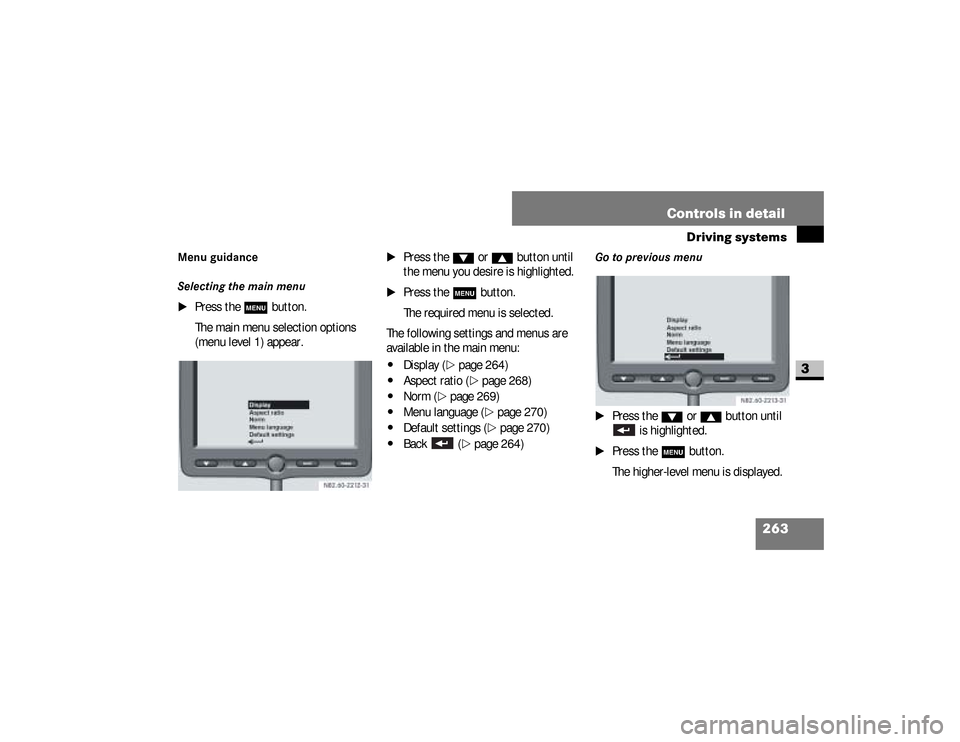
Menu guidance
Selecting the main menu
\1
Press the
m
button.
The main menu selection options
(menu level 1) appear.
\1
Press the
%
or
$
button until
the menu you desire is highlighted.
\1
Press the
m
button.
The required menu is selected.
The following settings and menus are
available in the main menu:
\4
Display (
\2
page 264)
\4
Aspect ratio (
\2
page 268)
\4
Norm (
\2
page 269)
\4
Menu language (
\2
page 270)
\4
Default settings (
\2
page 270)
\4
Back (
\2
page 264)
Go to previous menu
\1
Press the
%
or
$
button until
is highlighted.
\1
Press the
m
button.
The higher-level menu is displayed.
nf_BA.book Page 263 Friday, January 25, 2008 3:53 PM
Page 266 of 666
264 Controls in detailDriving systems
3
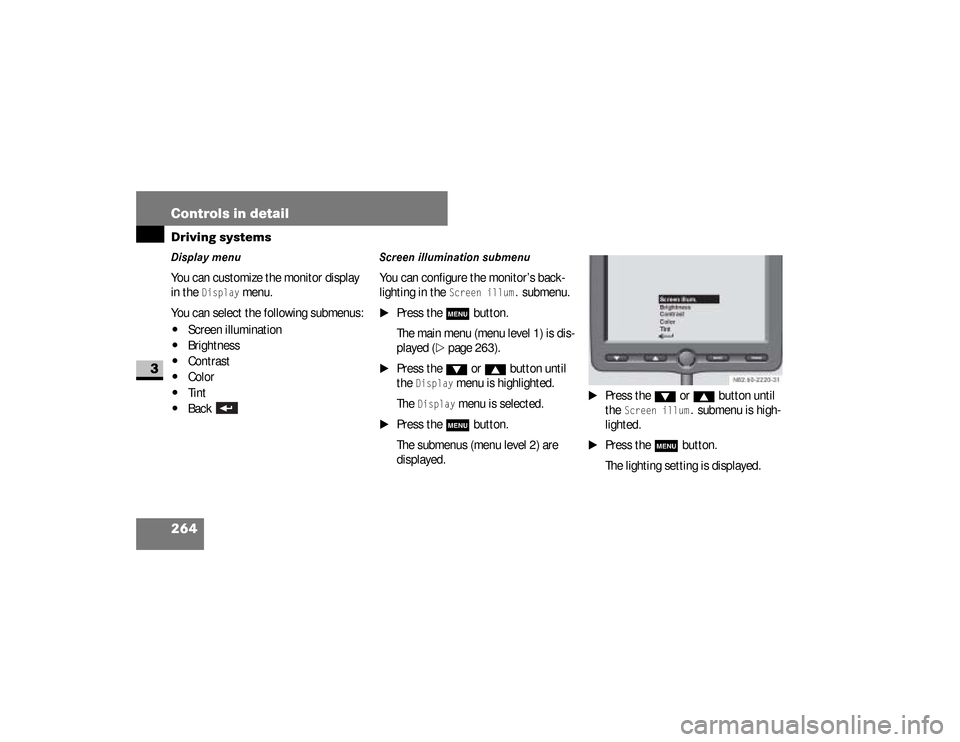
Display menu You can customize the monitor display
in the
Display
menu.
You can select the following submenus:
\4
Screen illumination
\4
Brightness
\4
Contrast
\4
Color
\4
Tint
\4
Back
Screen illumination submenuYou can configure the monitor’s back-
lighting in the
Screen illum.
submenu.
\1
Press the
m
button.
The main menu (menu level 1) is dis-
played (
\2
page 263).
\1
Press the
%
or
$
button until
the
Display
menu is highlighted.
The
Display
menu is selected.
\1
Press the
m
button.
The submenus (menu level 2) are
displayed.
\1
Press the
%
or
$
button until
the
Screen illum.
submenu is high-
lighted.
\1
Press the
m
button.
The lighting setting is displayed.
nf_BA.book Page 264 Friday, January 25, 2008 3:53 PM