touch screen FORD ESCAPE 2022 Owner's Manual
[x] Cancel search | Manufacturer: FORD, Model Year: 2022, Model line: ESCAPE, Model: FORD ESCAPE 2022Pages: 585, PDF Size: 6.15 MB
Page 137 of 585
WHAT IS REMOTE START
The system allows you to remotely start
your vehicle and to adjust the interior
temperature according to the settings that
you chose.
REMOTE START
PRECAUTIONS
WARNING: Do not start the engine
in a closed garage or in other enclosed
areas. Exhaust fumes are toxic. Always
open the garage door before you start
the engine. Failure to follow this
instruction could result in personal injury
or death.
REMOTE START LIMITATIONS
Remote start does not work under the
following conditions:
• The alarm horn is sounding.
• The hood is open.
• The transmission is not in park (P).
• The ignition is on.
• The battery voltage is below the minimum operating voltage.
• Remote start is not enabled.
Note: Do not use remote start if the fuel
level is low.
Note: You can use remote start with
FordPass. See Connecting the Vehicle to
a Wi-Fi Network (page 405).
ENABLING REMOTE START
1. Press Settings on the touchscreen.
2. Press Vehicle Settings .
3. Press Remote Start Setup .4. Switch Remote Start on or off.
Note:
To remote start with FordPass, make
sure that the modem is enabled. See
Connected Vehicle Requirements (page
405).
REMOTELY STARTING AND
STOPPING THE VEHICLE
Remotely Starting the Vehicle
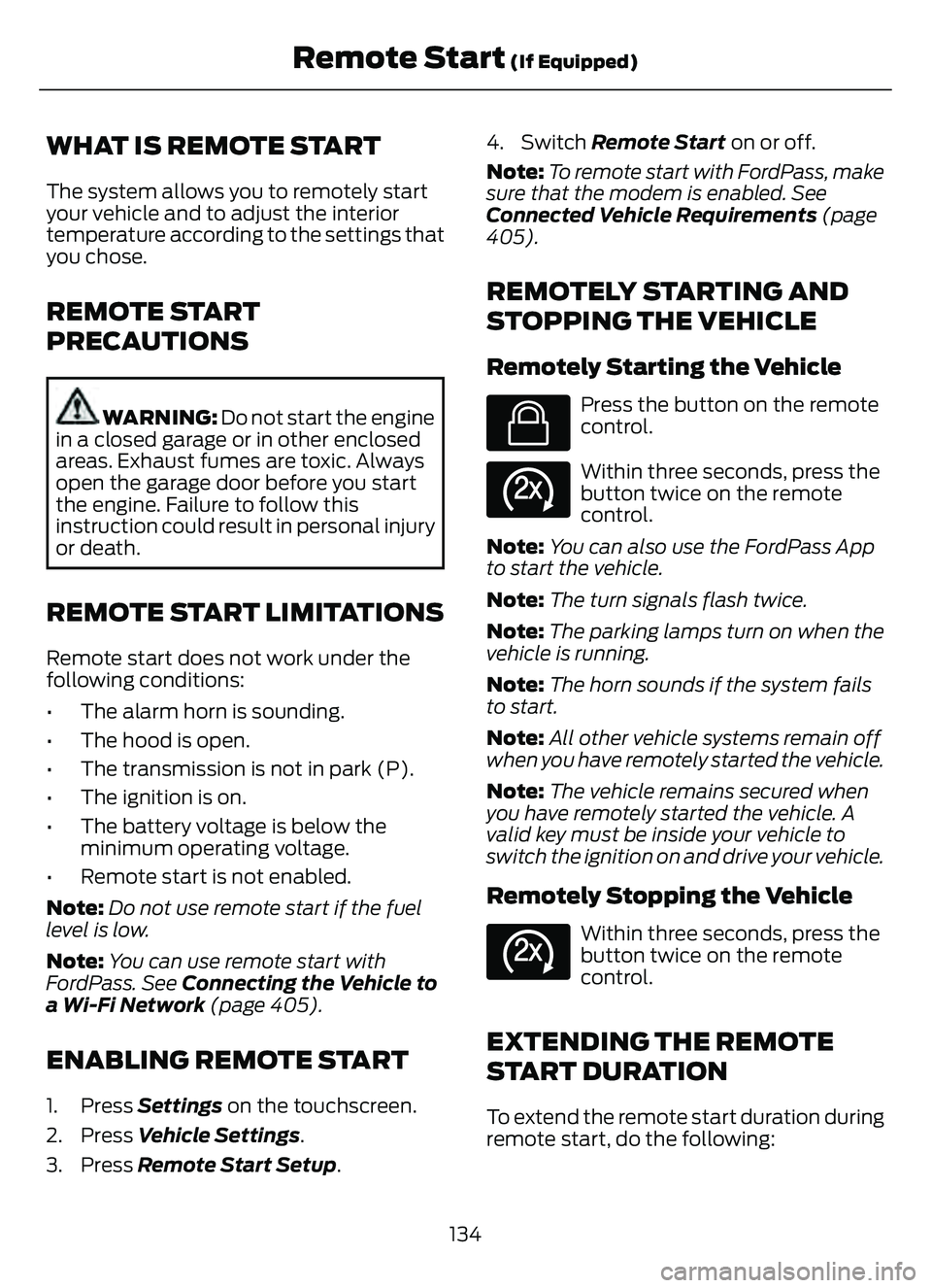
E138623
Press the button on the remote
control.
E138625
Within three seconds, press the
button twice on the remote
control.
Note: You can also use the FordPass App
to start the vehicle.
Note: The turn signals flash twice.
Note: The parking lamps turn on when the
vehicle is running.
Note: The horn sounds if the system fails
to start.
Note: All other vehicle systems remain off
when you have remotely started the vehicle.
Note: The vehicle remains secured when
you have remotely started the vehicle. A
valid key must be inside your vehicle to
switch the ignition on and drive your vehicle.
Remotely Stopping the Vehicle
E138625
Within three seconds, press the
button twice on the remote
control.
EXTENDING THE REMOTE
START DURATION
To extend the remote start duration during
remote start, do the following:
134
Remote Start (If Equipped)
Page 138 of 585
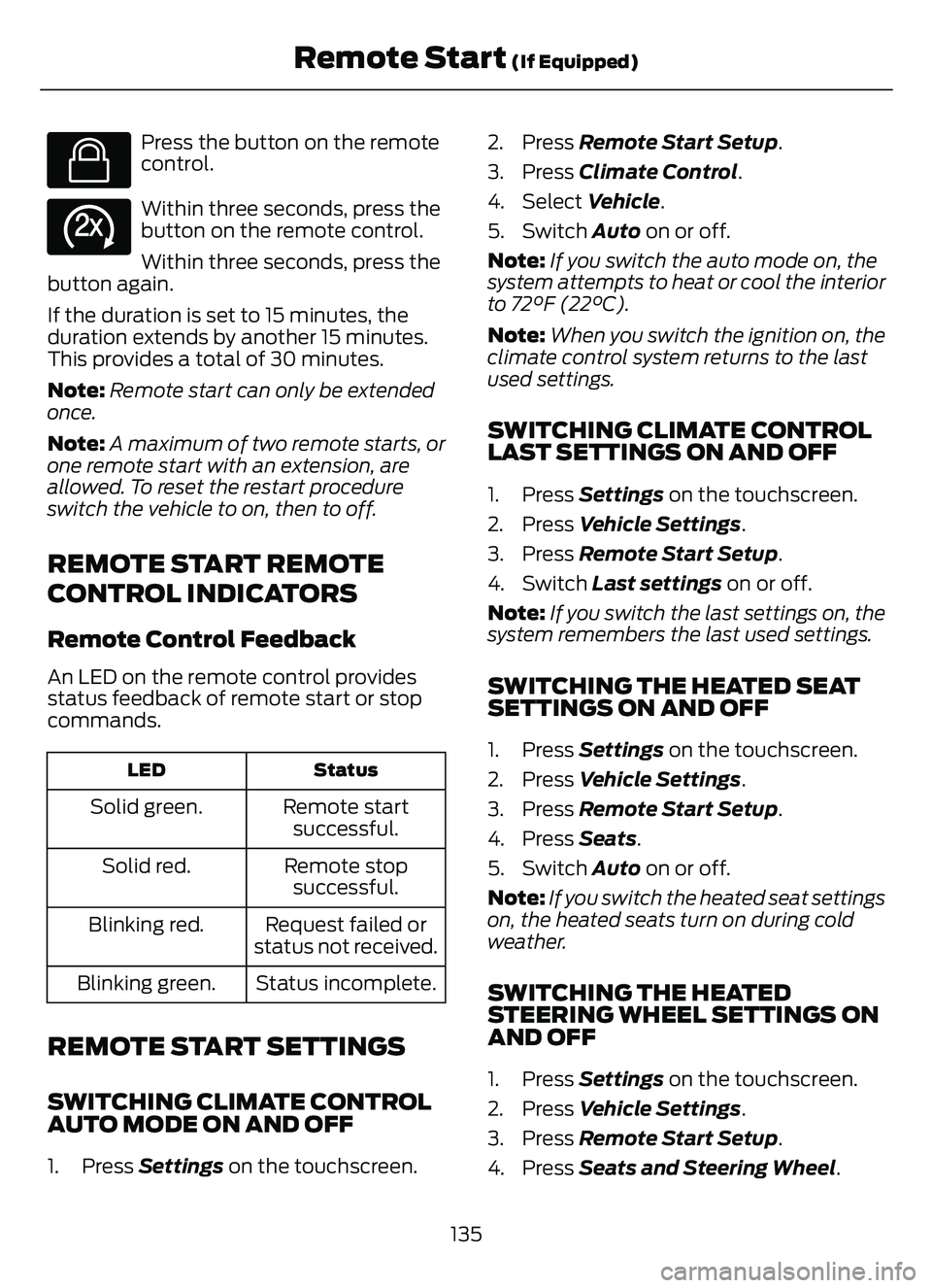
E138623
Press the button on the remote
control.
E138625
Within three seconds, press the
button on the remote control.
Within three seconds, press the
button again.
If the duration is set to 15 minutes, the
duration extends by another 15 minutes.
This provides a total of 30 minutes.
Note: Remote start can only be extended
once.
Note: A maximum of two remote starts, or
one remote start with an extension, are
allowed. To reset the restart procedure
switch the vehicle to on, then to off.
REMOTE START REMOTE
CONTROL INDICATORS
Remote Control Feedback
An LED on the remote control provides
status feedback of remote start or stop
commands.
Status
LED
Remote start
successful.
Solid green.
Remote stopsuccessful.
Solid red.
Request failed or
status not received.
Blinking red.
Status incomplete.
Blinking green.
REMOTE START SETTINGS
SWITCHING CLIMATE CONTROL
AUTO MODE ON AND OFF
1. Press Settings on the touchscreen. 2. Press Remote Start Setup.
3. Press Climate Control
.
4. Select Vehicle.
5. Switch Auto on or off.
Note: If you switch the auto mode on, the
system attempts to heat or cool the interior
to 72°F (22°C).
Note: When you switch the ignition on, the
climate control system returns to the last
used settings.
SWITCHING CLIMATE CONTROL
LAST SETTINGS ON AND OFF
1. Press Settings on the touchscreen.
2. Press Vehicle Settings .
3. Press Remote Start Setup.
4. Switch Last settings on or off.
Note: If you switch the last settings on, the
system remembers the last used settings.
SWITCHING THE HEATED SEAT
SETTINGS ON AND OFF
1. Press Settings on the touchscreen.
2. Press Vehicle Settings .
3. Press Remote Start Setup.
4. Press Seats.
5. Switch Auto on or off.
Note: If you switch the heated seat settings
on, the heated seats turn on during cold
weather.
SWITCHING THE HEATED
STEERING WHEEL SETTINGS ON
AND OFF
1. Press Settings on the touchscreen.
2. Press Vehicle Settings .
3. Press Remote Start Setup.
4. Press Seats and Steering Wheel .
135
Remote Start (If Equipped)
Page 139 of 585
5. Switch Auto on or off.
Note: If you switch the heated steering
wheel settings on, the heated steering wheel
turns on during cold weather.
SETTING THE REMOTE START
DURATION
1. Press Settings on the touchscreen.
2. Press Vehicle Settings .
3. Press Remote Start Setup .
4. Press Duration.
Note: Wait a few seconds before remotely
starting the vehicle after the vehicle stops
running.
136
Remote Start (If Equipped)
Page 161 of 585
WHAT IS THE REAR
OCCUPANT ALERT SYSTEM
The rear occupant alert system monitors
vehicle conditions and notifies you to check
for rear seat occupants when you switch
the ignition off.
HOW DOES THE REAR
OCCUPANT ALERT SYSTEM
WORK
The system monitors when rear doors have
been opened and closed to indicate the
potential presence of an occupant in the
rear seat.
A message displays in the information and
entertainment display screen and an
audible warning sounds when you switch
the ignition off after any of the following
conditions have been met:
• A rear door is opened or closed whilethe ignition is on.
• You switch the ignition on within 15 minutes of a rear door opening and
closing.
• You switch the ignition on within 15 minutes of the alert having displayed
or sounded.
REAR OCCUPANT ALERT
SYSTEM PRECAUTIONS
WARNING: On hot days, the
temperature inside the vehicle can rise
very quickly. Exposure of people or
animals to these high temperatures for
even a short time can cause death or
serious heat related injuries, including
brain damage. Small children are
particularly at risk.
WARNING: Do not leave children
or pets unattended in your vehicle.
Failure to follow this instruction could
result in personal injury or death.
REAR OCCUPANT ALERT
SYSTEM LIMITATIONS
The system does not detect the presence
of objects or passengers in the rear seat.
It monitors when rear doors are opened
and closed.
Note: It is possible to receive an alert when
there is no rear seat occupant, but alert
conditions are met.
Note: It is possible to receive no alert when
there is an occupant in the rear seat, if alert
conditions are not met. For example, if a rear
seat occupant does not enter the vehicle
through a rear door.
Note: The audible warning does not sound
when the front door is opened before you
switch the ignition off.
SWITCHING REAR OCCUPANT
ALERT SYSTEM ON AND OFF
1. Press Settings on the touchscreen.
2. Press Vehicle.
3. Switch Rear Occupant Alert on or off.
Note: The default setting is on.
Note: Performing a master reset causes the
system to switch on again.
Semiannual Reminder (If Equipped)
When you switch the system off, a
message appears every six months as a
reminder that the system is off. You can
switch the system back on or leave it off.
158
Rear Occupant Alert System (If Equipped)
Page 179 of 585
2. Shift into neutral and use the brakes tobring your vehicle to a safe stop.
3. Shift into park (P).
4. Apply the parking brake.
AUTOMATIC ENGINE STOP (IF
EQUIPPED)
WHAT IS AUTOMATIC ENGINE
STOP
Automatic engine stop is a feature that
switches the engine off if it has been idling
for an extended period to help you save
fuel.
HOW DOES AUTOMATIC ENGINE
STOP WORK
Automatic engine stop turns the engine
off. The ignition also turns off in order to
save battery power. Before the engine
shuts down, a message appears in the
information display showing a timer
counting down. If you do not intervene
within 30 seconds, the engine shuts down.
Another message appears in the
information display to inform you that the
engine has shut down in order to save fuel.
Start your vehicle as you normally do.
SWITCHING AUTOMATIC ENGINE
STOP ON AND OFF
1. Press Settings on the touchscreen.
2. Press Vehicle Settings .
3. Switch 30min Max Idle on or off.
Note: You cannot permanently switch off
the automatic shutdown. If you switch it
off, it turns on each time you switch the
ignition on.
OVERRIDING AUTOMATIC ENGINE
STOP
You can stop the engine shutdown, or reset
the timer, at any point before the
30-second countdown has expired by
doing any of the following:
• Pressing the brake pedal or accelerator pedal.
• Pressing the OK or RESET button during the countdown.
Note: You cannot permanently switch off
the automatic engine shutdown feature.
When you switch it off temporarily, it turns
on at the next ignition cycle.
STARTING AND STOPPING
THE ENGINE –
TROUBLESHOOTING
STARTING AND STOPPING THE
ENGINE – WARNING LAMPS
Malfunction Indicator Lamp
If it illuminates when the engine
is running, the on-board
diagnostics system is detecting
a malfunction of the vehicle emission
control system.
If it flashes, engine misfire could be
occurring. Increased exhaust gas
temperatures could damage the catalytic
converter or other vehicle components.
Avoid heavy acceleration and deceleration,
and have your vehicle checked as soon as
possible.
176
Starting and Stopping the Engine
Page 208 of 585
Note:If the charge status indicator does
not light up or pulse after plugging in, please
verify that the charge port light setting is On.
If you do not wish to have the charge status
indicator light up at all while charging, then
you can switch it Off. See charge port light
under vehicle settings on your touchscreen.
See SYNC™ 3 (page 431).
AC CHARGING
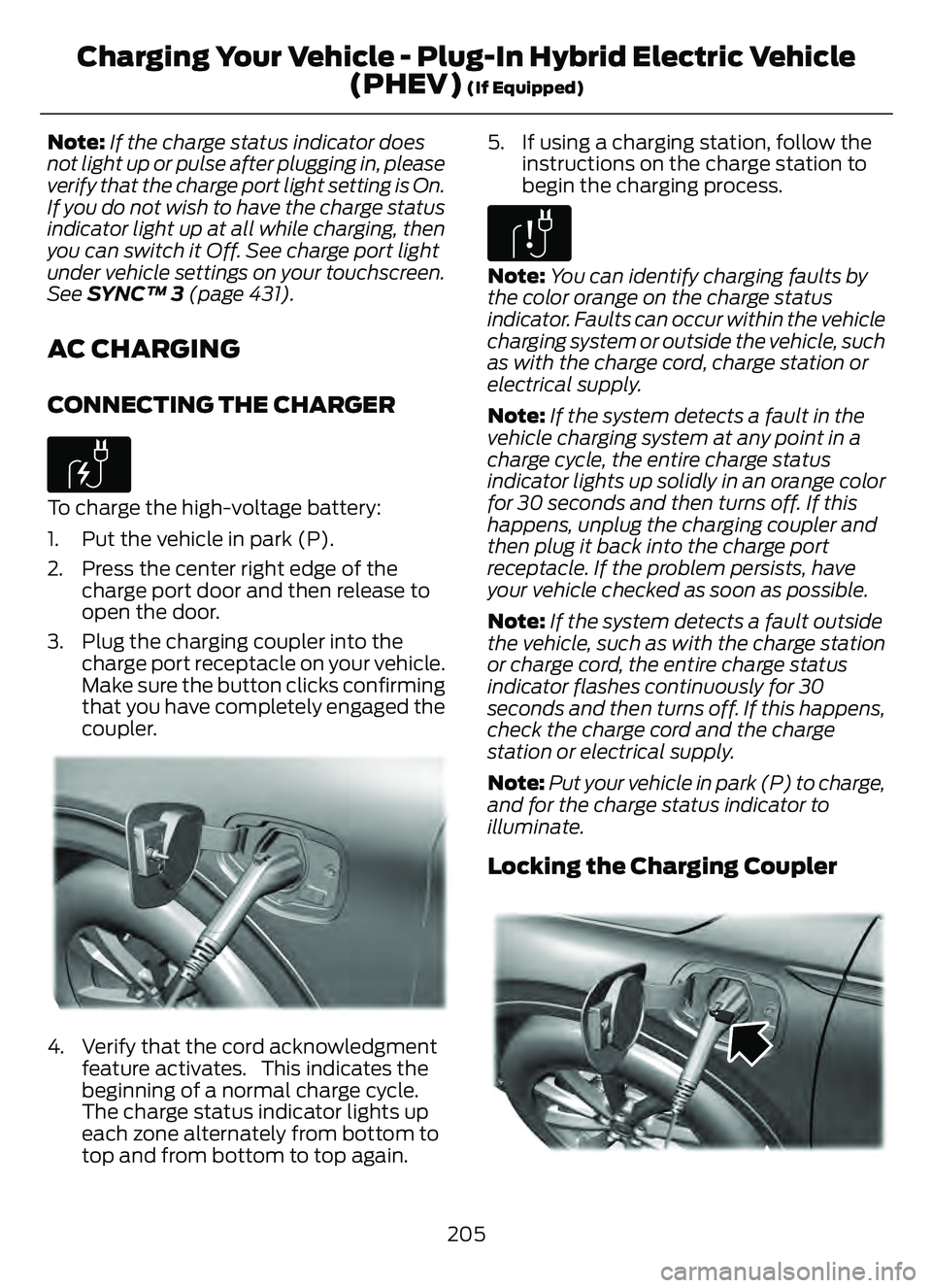
CONNECTING THE CHARGER
E306676To charge the high-voltage battery:
1. Put the vehicle in park (P).
2. Press the center right edge of the
charge port door and then release to
open the door.
3. Plug the charging coupler into the charge port receptacle on your vehicle.
Make sure the button clicks confirming
that you have completely engaged the
coupler.
E295257E295257E29529522295229292929295295955295295292952992952295295995225725722577222557257257257225257252572572557
4. Verify that the cord acknowledgmentfeature activates. This indicates the
beginning of a normal charge cycle.
The charge status indicator lights up
each zone alternately from bottom to
top and from bottom to top again. 5. If using a charging station, follow the
instructions on the charge station to
begin the charging process.
E306677
Note: You can identify charging faults by
the color orange on the charge status
indicator. Faults can occur within the vehicle
charging system or outside the vehicle, such
as with the charge cord, charge station or
electrical supply.
Note: If the system detects a fault in the
vehicle charging system at any point in a
charge cycle, the entire charge status
indicator lights up solidly in an orange color
for 30 seconds and then turns off. If this
happens, unplug the charging coupler and
then plug it back into the charge port
receptacle. If the problem persists, have
your vehicle checked as soon as possible.
Note: If the system detects a fault outside
the vehicle, such as with the charge station
or charge cord, the entire charge status
indicator flashes continuously for 30
seconds and then turns off. If this happens,
check the charge cord and the charge
station or electrical supply.
Note: Put your vehicle in park (P) to charge,
and for the charge status indicator to
illuminate.
Locking the Charging Coupler
95 5E295451E295451
205
Charging Your Vehicle - Plug-In Hybrid Electric Vehicle (PHEV)
(If Equipped)
Page 209 of 585
Note:You need a padlock or a combination
lock with a shackle diameter of 0.2 in
(5 mm) or less, and the straight portion of
the shackle of 1.0 in (25.4 mm) of length or
more.
1. Insert the lock through the hole in the charging coupler button.
2. Lock the padlock or combination lock.
STOPPING CHARGING
1. If you have installed a padlock or combination lock, then remove it.
2. Press the button on the charging coupler.
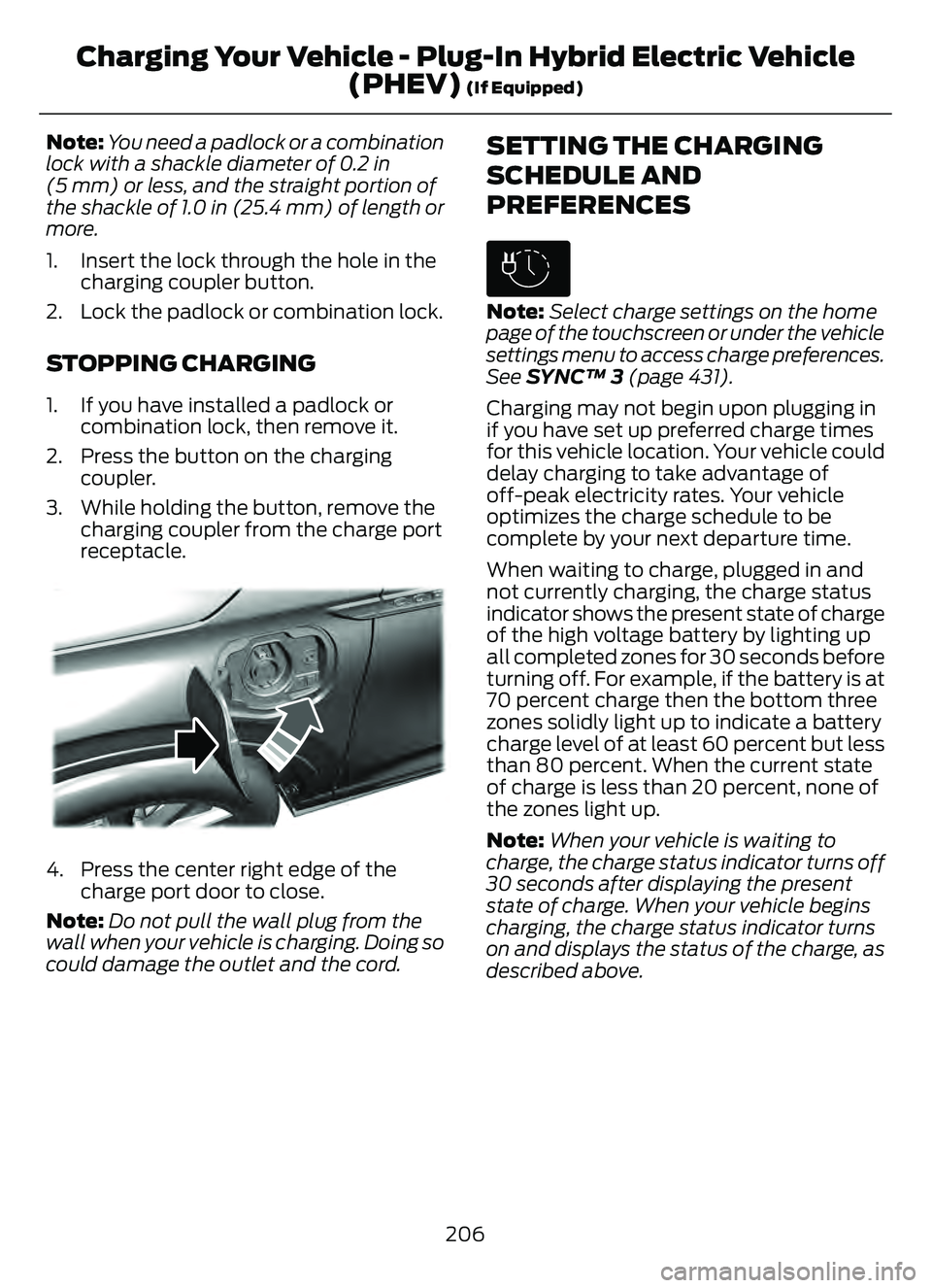
3. While holding the button, remove the charging coupler from the charge port
receptacle.
E295444E295444E295444
4. Press the center right edge of thecharge port door to close.
Note: Do not pull the wall plug from the
wall when your vehicle is charging. Doing so
could damage the outlet and the cord.
SETTING THE CHARGING
SCHEDULE AND
PREFERENCES
E306678
Note: Select charge settings on the home
page of the touchscreen or under the vehicle
settings menu to access charge preferences.
See SYNC™ 3 (page 431).
Charging may not begin upon plugging in
if you have set up preferred charge times
for this vehicle location. Your vehicle could
delay charging to take advantage of
off-peak electricity rates. Your vehicle
optimizes the charge schedule to be
complete by your next departure time.
When waiting to charge, plugged in and
not currently charging, the charge status
indicator shows the present state of charge
of the high voltage battery by lighting up
all completed zones for 30 seconds before
turning off. For example, if the battery is at
70 percent charge then the bottom three
zones solidly light up to indicate a battery
charge level of at least 60 percent but less
than 80 percent. When the current state
of charge is less than 20 percent, none of
the zones light up.
Note: When your vehicle is waiting to
charge, the charge status indicator turns off
30 seconds after displaying the present
state of charge. When your vehicle begins
charging, the charge status indicator turns
on and displays the status of the charge, as
described above.
206
Charging Your Vehicle - Plug-In Hybrid Electric Vehicle (PHEV)
(If Equipped)
Page 210 of 585
Charge Times Button
Use the charge times button to either turn
off or turn on your charge times settings
for this location. Select charge settings on
the home page of your touchscreen or
under the vehicle settings menu to access
charge preferences. See SYNC™ 3 (page
431).
E301E301E301E301E301E301E301001301E301E3013E111111111111111111111111111111
CHARGING YOUR VEHICLE – TROUBLESHOOTING
CHARGING YOUR VEHICLE – INFORMATION MESSAGES
Action
Message
Your vehicle needs confirmation that you unplugged it before
allowing a start. You must make sure your vehicle is unplugged
and you respond to the message before starting your vehicle.
Vehicle Plugged In ? Yes
No
Your vehicle detects it is still plugged in after you attempt to
start it.
Unplug Prior to Starting
Vehicle
A charging fault has been detected. Check the charging cord
and the charge station or electrical supply.
Charge Station Fault See
Manual
The charging station cannot communicate with your vehicle.
Contact the station provider.
Charge Station Commu-
nication Error Contact Station Provider
207
Charging Your Vehicle - Plug-In Hybrid Electric Vehicle(PHEV)
(If Equipped)
Page 215 of 585
HOW DOES AUTOMATIC RETURN
TO PARK (P) WORK
Your vehicle shifts into park (P) when your
vehicle is stationary and any of the
following occur:
• You switch the vehicle off.
• You open the driver door with yourseatbelt unlatched.
• You unlatch the driver seatbelt when the driver door is open.
Note: Do not use automatic return to park
(P) when your vehicle is moving, except in
an emergency. See Stopping the Engine
When Your Vehicle is Moving (page 175).
AUTOMATIC RETURN TO PARK
(P) LIMITATIONS
Automatic return to park may not work if
the door ajar switch is malfunctioning.
See an authorized dealer if any of the
following occur:
• Door ajar indicator does not illuminate with the driver door open.
• Door ajar indicator illuminates with the driver door closed.
• Transmission not in park message appears with the driver door closed,
after you shift out of park (P).
GRADE ASSIST - HYBRID
ELECTRIC VEHICLE (HEV)
WHAT IS GRADE ASSIST
Provides additional grade braking with a
combination of engine motoring and
high-voltage battery charging to help
maintain vehicle speed when descending
a grade.
SWITCHING GRADE ASSIST ON
AND OFF
1. Press Settings on the touchscreen.
2. Select Driver Assistance Settings .
3. Select Grade Assist.
The grade assist lamp appears in the
instrument cluster.
Your vehicle determines the amount of
engine motoring and high-voltage battery
charging. You could notice the engine
speed increasing and decreasing to help
maintain your vehicle speed when
descending a slope.
GRADE ASSIST INDICATORS
E345122E345122
MANUAL PARK RELEASE -
GASOLINE
WHAT IS MANUAL PARK RELEASE
Manual park release is used to move your
transmission from the park (P) position in
the event of an electrical malfunction or
emergency.
MANUAL PARK RELEASE
PRECAUTIONS
WARNING: When doing this
procedure, you need to take the
transmission out of park (P) which
means your vehicle can roll freely. To
avoid unwanted vehicle movement,
always fully apply the parking brake prior
to doing this procedure. Use wheel
chocks if appropriate.
212
Automatic Transmission
Page 227 of 585
HOW DOES AUTO HOLD WORK
Auto Hold applies the brakes to hold your
vehicle after you stop it and release the
brake pedal. This can help when waiting
on a hill or in traffic.
SWITCHING AUTO HOLD ON
AND OFF
WARNING: The system does not
replace the parking brake. When you
leave your vehicle, always apply the
parking brake.
WARNING: You must remain in
your vehicle when the system turns on.
At all times, you are responsible for
controlling your vehicle, supervising the
system and intervening, if required.
Failure to take care may result in the loss
of control of your vehicle, serious
personal injury or death.
You can switch the system on or off by
accessing the menu in the SYNC display
screen.
1. Press Features on the touchscreen.
2. Press Driver Assistance.
Note: You can only switch the system on
after you close the driver door, and fasten
your seatbelt.
Note: The system remembers the last
setting when you start your vehicle.
Note: Make sure you switch the system off
before using an automatic car wash.
USING AUTO HOLD
1. Bring your vehicle to a complete stop. The auto hold active indicator
illuminates in the information display. 2. Release the brake pedal. The system
holds your vehicle at a standstill. The
auto hold active indicator remains
illuminated in the information display.
3. Pull away in the normal manner. The system releases the brakes and the
auto hold active indicator switches off.
Note: The system only activates if you
apply enough brake pressure on the brake
pedal.
Note: Under certain conditions, the system
could apply the electric parking brake. The
brake system warning lamp illuminates. The
electric parking brake releases when you
press the accelerator pedal. See
Automatically Releasing the Electric
Parking Brake (page 221).
Note: The system switches off if you shift
into reverse (R) and press the brake pedal.
There could be actions that can cause the
auto hold system not to work when the
following occur:
• When you use active park assist.
• Your vehicle is in stay in neutral mode.
• The driver door is open.
• You have not fastened your seatbelt.
• You shift into reverse (R) before the system is active.
AUTO HOLD INDICATORS
E323448Illuminates when the system is
active.
E323449Illuminates when the system is
on but cannot hold your vehicle
at a standstill at this particular
time.
224
Auto Hold