engine FORD EXPEDITION 2015 3.G Owner's Manual
[x] Cancel search | Manufacturer: FORD, Model Year: 2015, Model line: EXPEDITION, Model: FORD EXPEDITION 2015 3.GPages: 564, PDF Size: 6.71 MB
Page 122 of 564
Display Mode
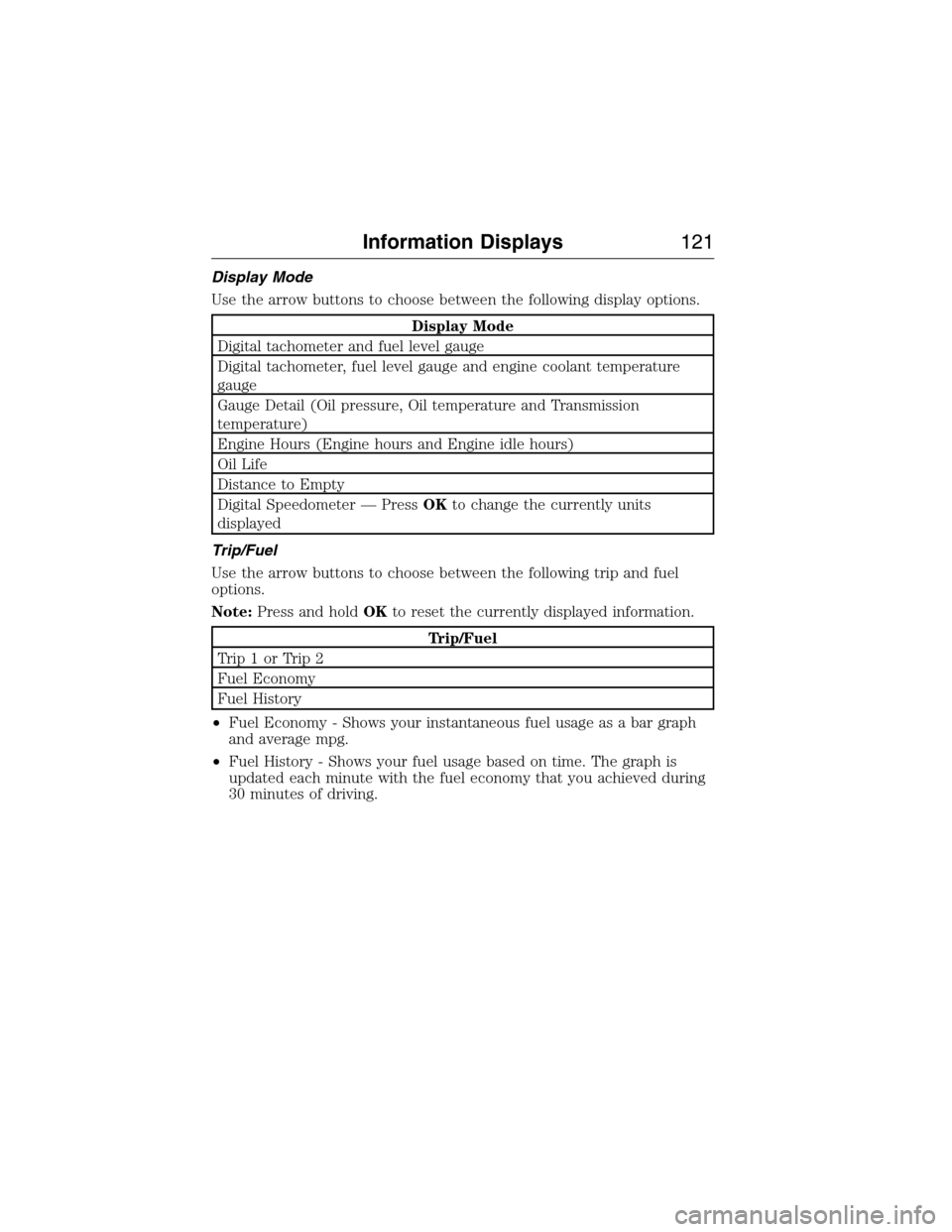
Use the arrow buttons to choose between the following display options.
Display Mode
Digital tachometer and fuel level gauge
Digital tachometer, fuel level gauge and engine coolant temperature
gauge
Gauge Detail (Oil pressure, Oil temperature and Transmission
temperature)
Engine Hours (Engine hours and Engine idle hours)
Oil Life
Distance to Empty
Digital Speedometer — PressOKto change the currently units
displayed
Trip/Fuel
Use the arrow buttons to choose between the following trip and fuel
options.
Note:Press and holdOKto reset the currently displayed information.
Trip/Fuel
Trip1orTrip2
Fuel Economy
Fuel History
•Fuel Economy - Shows your instantaneous fuel usage as a bar graph
and average mpg.
•Fuel History - Shows your fuel usage based on time. The graph is
updated each minute with the fuel economy that you achieved during
30 minutes of driving.
Information Displays121
2015 Expedition(exd)
Owners Guide gf, 1st Printing, July 2014
USA(fus)
Page 128 of 564
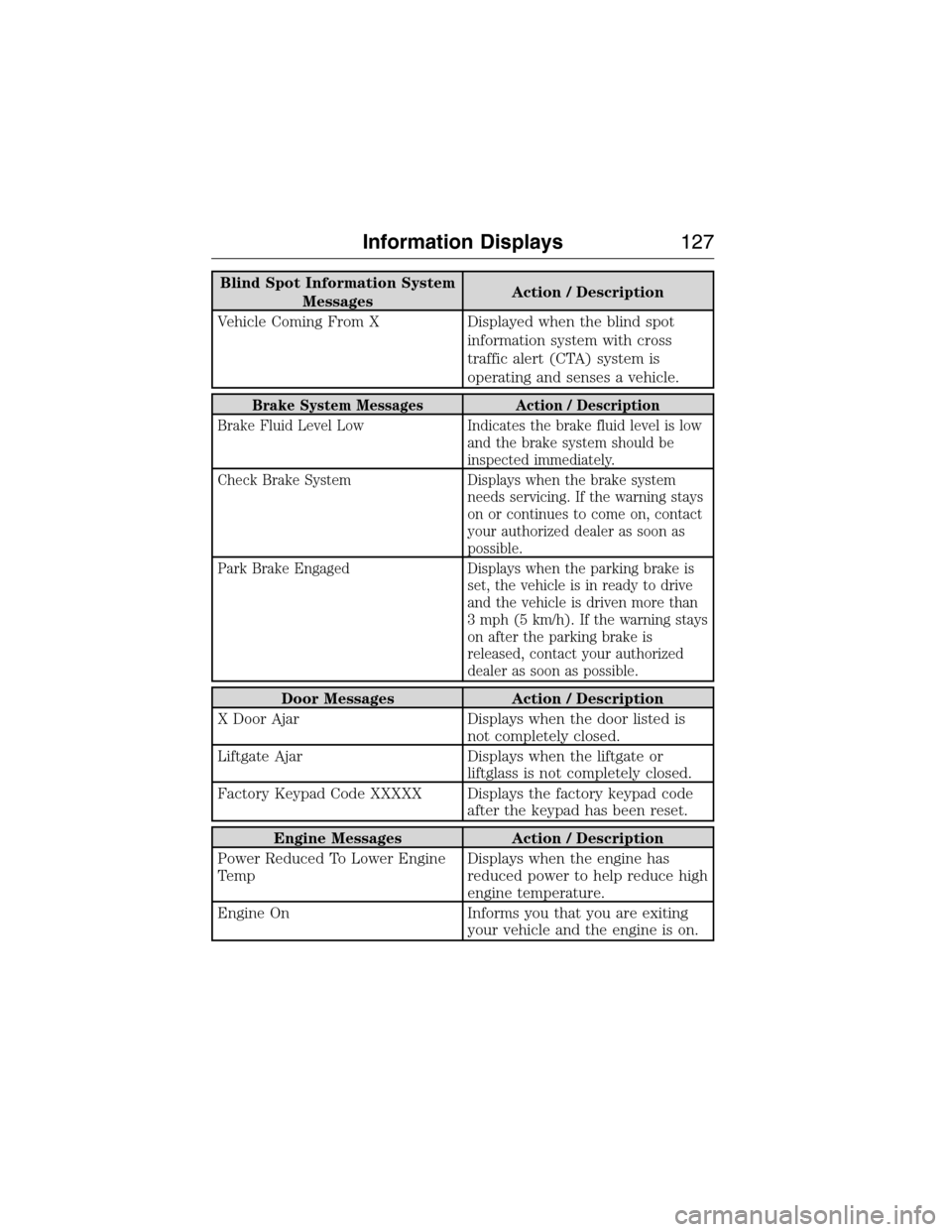
Blind Spot Information System
MessagesAction / Description
Vehicle Coming From X Displayed when the blind spot
information system with cross
traffic alert (CTA) system is
operating and senses a vehicle.
Brake System Messages Action / Description
Brake Fluid Level Low Indicates the brake fluid level is low
and the brake system should be
inspected immediately.
Check Brake System Displays when the brake system
needs servicing. If the warning stays
on or continues to come on, contact
your authorized dealer as soon as
possible.
Park Brake Engaged Displays when the parking brake is
set, the vehicle is in ready to drive
and the vehicle is driven more than
3 mph (5 km/h). If the warning stays
on after the parking brake is
released, contact your authorized
dealer as soon as possible.
Door Messages Action / Description
X Door Ajar Displays when the door listed is
not completely closed.
Liftgate Ajar Displays when the liftgate or
liftglass is not completely closed.
Factory Keypad Code XXXXX Displays the factory keypad code
after the keypad has been reset.
Engine Messages Action / Description
Power Reduced To Lower Engine
TempDisplays when the engine has
reduced power to help reduce high
engine temperature.
Engine On Informs you that you are exiting
your vehicle and the engine is on.
Information Displays127
2015 Expedition(exd)
Owners Guide gf, 1st Printing, July 2014
USA(fus)
Page 129 of 564
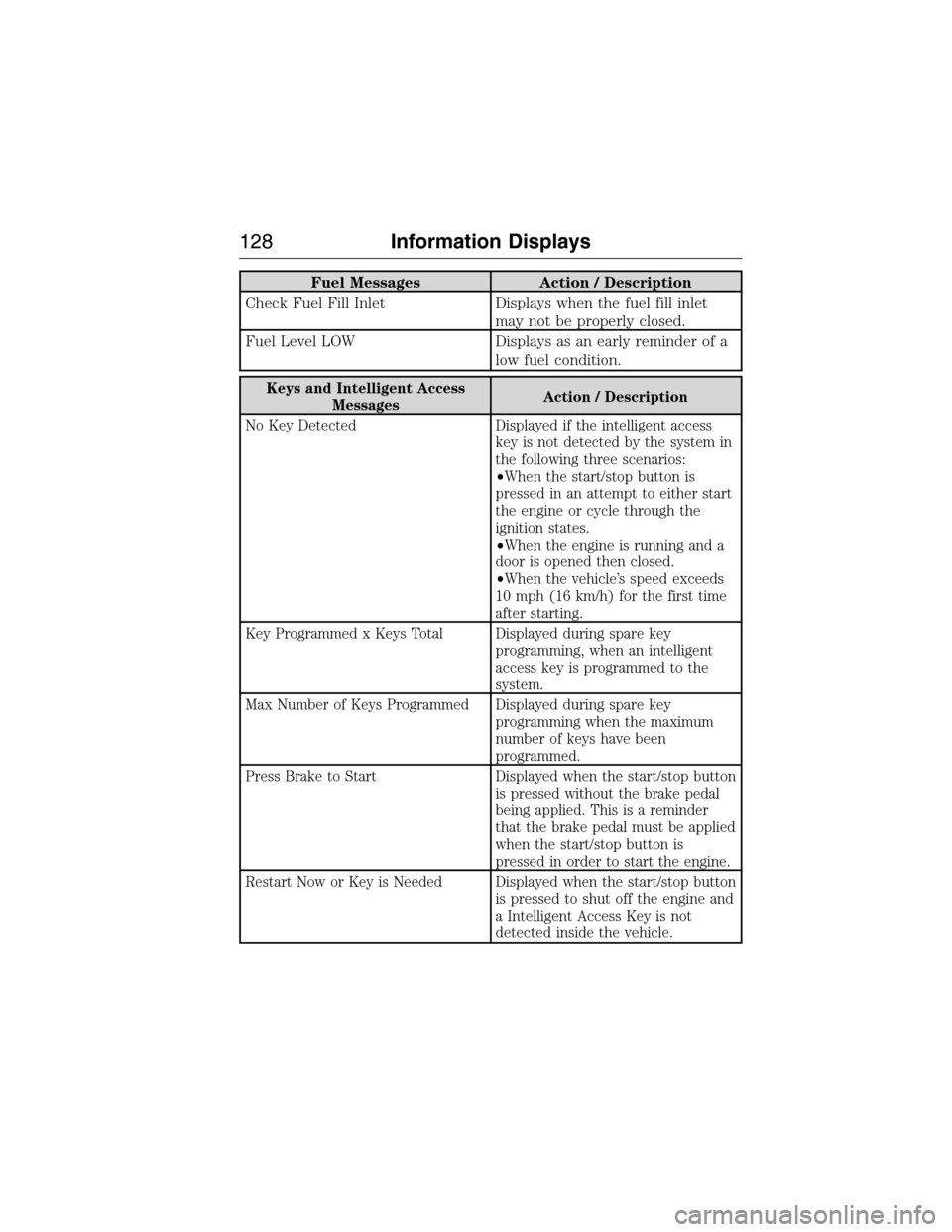
Fuel Messages Action / Description
Check Fuel Fill Inlet Displays when the fuel fill inlet
may not be properly closed.
Fuel Level LOW Displays as an early reminder of a
low fuel condition.
Keys and Intelligent Access
MessagesAction / Description
No Key Detected Displayed if the intelligent access
key is not detected by the system in
the following three scenarios:
•When the start/stop button is
pressed in an attempt to either start
the engine or cycle through the
ignition states.
•When the engine is running and a
door is opened then closed.
•When the vehicle’s speed exceeds
10 mph (16 km/h) for the first time
after starting.
Key Programmed x Keys Total Displayed during spare key
programming, when an intelligent
access key is programmed to the
system.
Max Number of Keys Programmed Displayed during spare key
programming when the maximum
number of keys have been
programmed.
Press Brake to Start Displayed when the start/stop button
is pressed without the brake pedal
being applied. This is a reminder
that the brake pedal must be applied
when the start/stop button is
pressed in order to start the engine.
Restart Now or Key is Needed Displayed when the start/stop button
is pressed to shut off the engine and
a Intelligent Access Key is not
detected inside the vehicle.
128Information Displays
2015 Expedition(exd)
Owners Guide gf, 1st Printing, July 2014
USA(fus)
Page 130 of 564
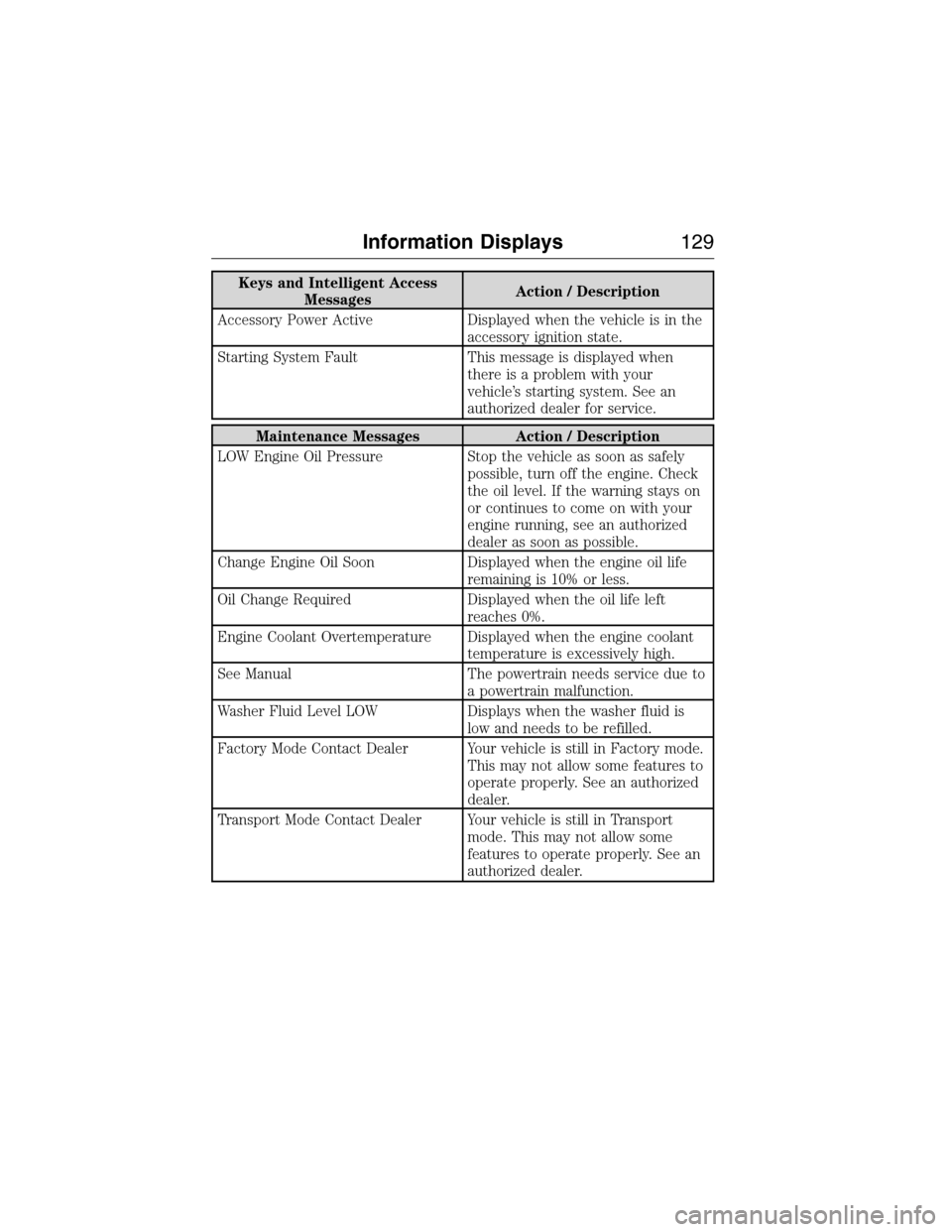
Keys and Intelligent Access
MessagesAction / Description
Accessory Power Active Displayed when the vehicle is in the
accessory ignition state.
Starting System Fault This message is displayed when
there is a problem with your
vehicle’s starting system. See an
authorized dealer for service.
Maintenance Messages Action / Description
LOW Engine Oil Pressure Stop the vehicle as soon as safely
possible, turn off the engine. Check
the oil level. If the warning stays on
or continues to come on with your
engine running, see an authorized
dealer as soon as possible.
Change Engine Oil Soon Displayed when the engine oil life
remaining is 10% or less.
Oil Change Required Displayed when the oil life left
reaches 0%.
Engine Coolant Overtemperature Displayed when the engine coolant
temperature is excessively high.
See Manual The powertrain needs service due to
a powertrain malfunction.
Washer Fluid Level LOW Displays when the washer fluid is
low and needs to be refilled.
Factory Mode Contact Dealer Your vehicle is still in Factory mode.
This may not allow some features to
operate properly. See an authorized
dealer.
Transport Mode Contact Dealer Your vehicle is still in Transport
mode. This may not allow some
features to operate properly. See an
authorized dealer.
Information Displays129
2015 Expedition(exd)
Owners Guide gf, 1st Printing, July 2014
USA(fus)
Page 144 of 564
GENERAL OPERATING TIPS
General Hints
Note:Prolonged use of recirculated air may cause the windows to fog
up.
Note:You may feel a small amount of air from the footwell air vents
regardless of the air distribution setting.
Note:To reduce humidity build-up inside your vehicle, do not drive with
the system switched off or with recirculated air always switched on.
Note:Do not place objects under the front seats as this may interfere
with the airflow to the rear seats.
Note:Remove any snow, ice or leaves from the air intake area at the
base of the windshield.
Note:To improve the time to reach comfort in hot weather, drive with
the windows slightly open for 2-3 minutes after start-up or until your
vehicle airs out.
Manual Climate Control
Note:To reduce fogging of the windshield during humid weather, adjust
the air distribution control to the windshield air vents position.
Automatic Climate Control
Note:Adjusting the settings when your vehicle interior is extremely hot
or cold is not necessary. The system automatically adjusts to heat or cool
the cabin to your selected temperature as quickly as possible. For the
system to function efficiently, the instrument panel and side air vents
should be fully open.
Note:If you selectAUTOduring cold outside temperatures, the system
directs airflow to the windshield and side window vents. In addition, the
fan may run at a slower speed until the engine warms up.
Note:If you selectAUTOduring hot outside temperatures, or when the
inside of the vehicle is hot, the system automatically uses recirculated air
to maximize interior cooling. When the interior reaches the selected
temperature, the system automatically switches to using outside air.
Climate Control143
2015 Expedition(exd)
Owners Guide gf, 1st Printing, July 2014
USA(fus)
Page 157 of 564
Easy Entry and Exit Feature (If Equipped)
The Easy Entry and Exit feature adjusts the position of the seat and
steering column to allow easier exit and entry to the vehicle.
The driver seat automatically moves 2 inches (5 centimeters) rearward
when the transmission is in park (P) and you remove the key from the
ignition or you switch the ignition off.
The driver seat returns to the previous position when you put the key in
the ignition or switch the ignition on.
Enable or disable this feature through the information display. See the
Information Displayschapter.
Climate Controlled Seats (If Equipped)
Heated Seats
WARNING:Persons who are unable to feel pain to the skin
because of advanced age, chronic illness, diabetes, spinal cord
injury, medication, alcohol use, exhaustion, or other physical conditions,
must exercise care when using the seat heater. The seat heater may
cause burns even at low temperatures, especially if used for long
periods of time. Do not place anything on the seat that insulates against
heat, such as a blanket or cushion, because this may cause the seat
heater to overheat. Do not puncture the seat with pins, needles, or
other pointed objects because this may damage the heating element
which may cause the seat heater to overheat. An overheated seat may
cause serious personal injury.
Note:Do not do the following:
•Place heavy objects on the seat.
•Operate the seat heater if water or any other liquid is spilled on the
seat. Allow the seat to dry thoroughly.
The heated seats will only function when the engine is running.
To operate the heated seats:
Press the heated seat symbol to cycle through the various
heat settings and off. Warmer settings are indicated by
more indicator lights.
156Seats
2015 Expedition(exd)
Owners Guide gf, 1st Printing, July 2014
USA(fus)
Page 158 of 564
Cooled Seats
The cooled seats will only function when the engine is running.
To operate the cooled seats:
Press the cooled seat symbol to cycle through the various
cooling settings and off. Cooler settings are indicated by
more indicator lights.
If the engine falls below 350 RPM while the cooled seats are
on, the feature will turn itself off. You will need to reactivate it.
Climate Controlled Seats Air Filter Replacement (If Equipped)
The climate controlled seat system includes air filters. You must replace
them periodically. Seescheduled maintenance informationfor more
information.
There is a filter located under each front seat. You can access the filter
from the second row seat. Move the front seats all the way forward and
up to ease access.
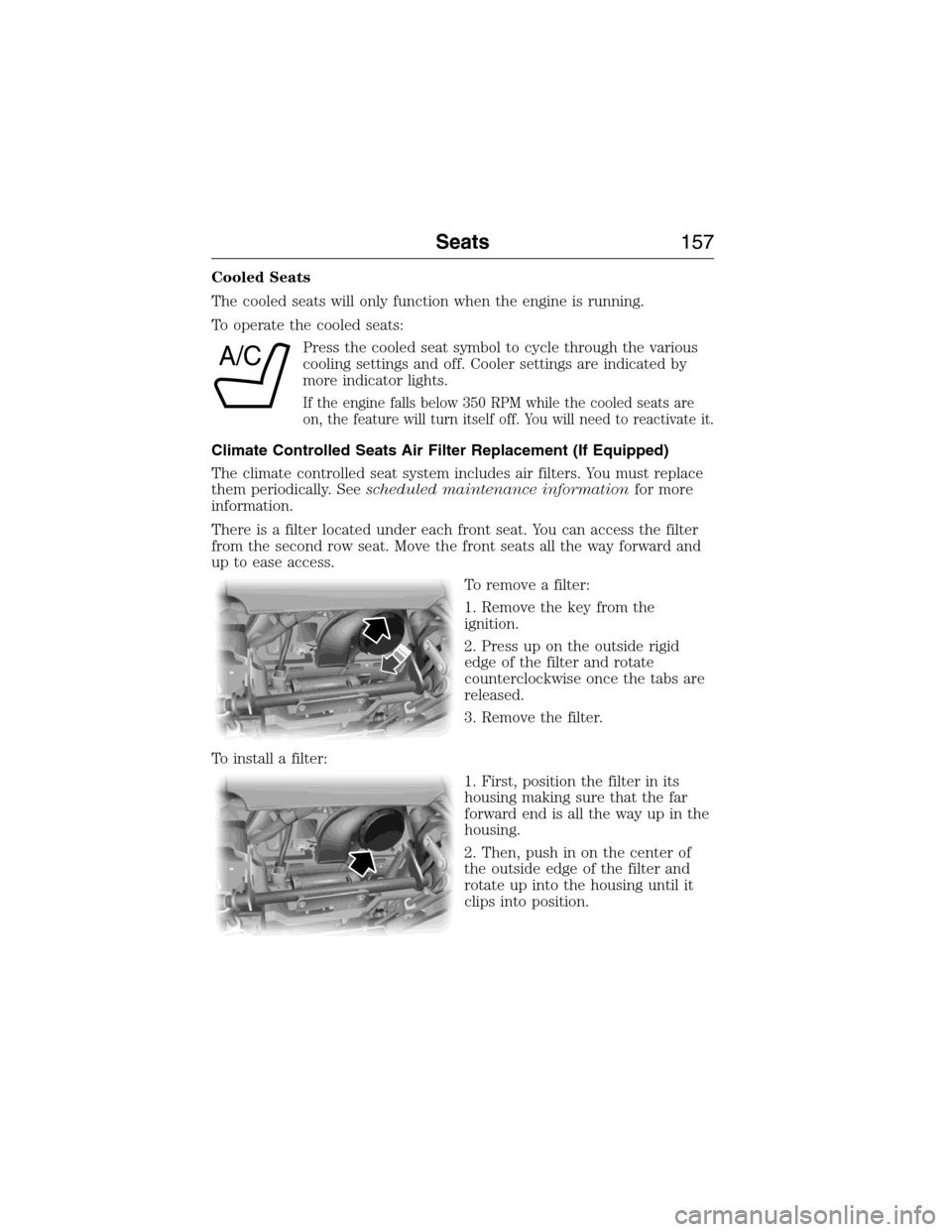
To remove a filter:
1. Remove the key from the
ignition.
2. Press up on the outside rigid
edge of the filter and rotate
counterclockwise once the tabs are
released.
3. Remove the filter.
To install a filter:
1. First, position the filter in its
housing making sure that the far
forward end is all the way up in the
housing.
2. Then, push in on the center of
the outside edge of the filter and
rotate up into the housing until it
clips into position.
A/C
Seats157
2015 Expedition(exd)
Owners Guide gf, 1st Printing, July 2014
USA(fus)
Page 174 of 564
AUXILIARY POWER POINTS
WARNING:Do not plug optional electrical accessories into the
cigarette lighter socket (if equipped). Improper use of the lighter
can cause damage not covered by your warranty, and can result in fire
or serious injury.
Note:If used when the engine is not running, the battery will discharge.
There may be insufficient power to restart your engine.
Note:Do not insert objects other than an accessory plug into the power
point. This will damage the outlet and blow the fuse.
Note:Do not hang any type of accessory or accessory bracket from the
plug.
Note:Do not use the power point over the vehicle capacity of 12 volt
DC 180 watts or a fuse may blow.
Note:Do not use the power point for operating a cigarette lighter
element.
Note:Improper use of the power outlet can cause damage not covered
by your warranty.
Note:Always keep the power point caps closed when not in use.
Run the engine for full capacity use of the power point. To prevent the
battery from being discharged:
•Do not use the power point longer than necessary when the engine is
not running.
•Do not leave devices plugged in overnight or when the vehicle is
parked for extended periods.
Locations
Power points may be found:
•On the instrument panel.
•In the console bin.
•On the rear of the center console.
•On the right rear quarter panel.
Auxiliary Power Points173
2015 Expedition(exd)
Owners Guide gf, 1st Printing, July 2014
USA(fus)
Page 175 of 564
110 Volt AC Power Point (If Equipped)
WARNING:Do not keep electrical devices plugged in the power
point whenever the device is not in use. Do not use any
extension cord with the 110 volt AC power point, since it will defeat
the safety protection design. Doing so may cause the power point to
overload due to powering multiple devices that can reach beyond the
150–watt load limit and could result in fire or serious injury.
Note:The cap should always be closed whenever the power point outlet
is not in use.
Note:The power point will turn off after 13 minutes if the ignition is on
without the engine running. Keep the engine running to use the power
point.
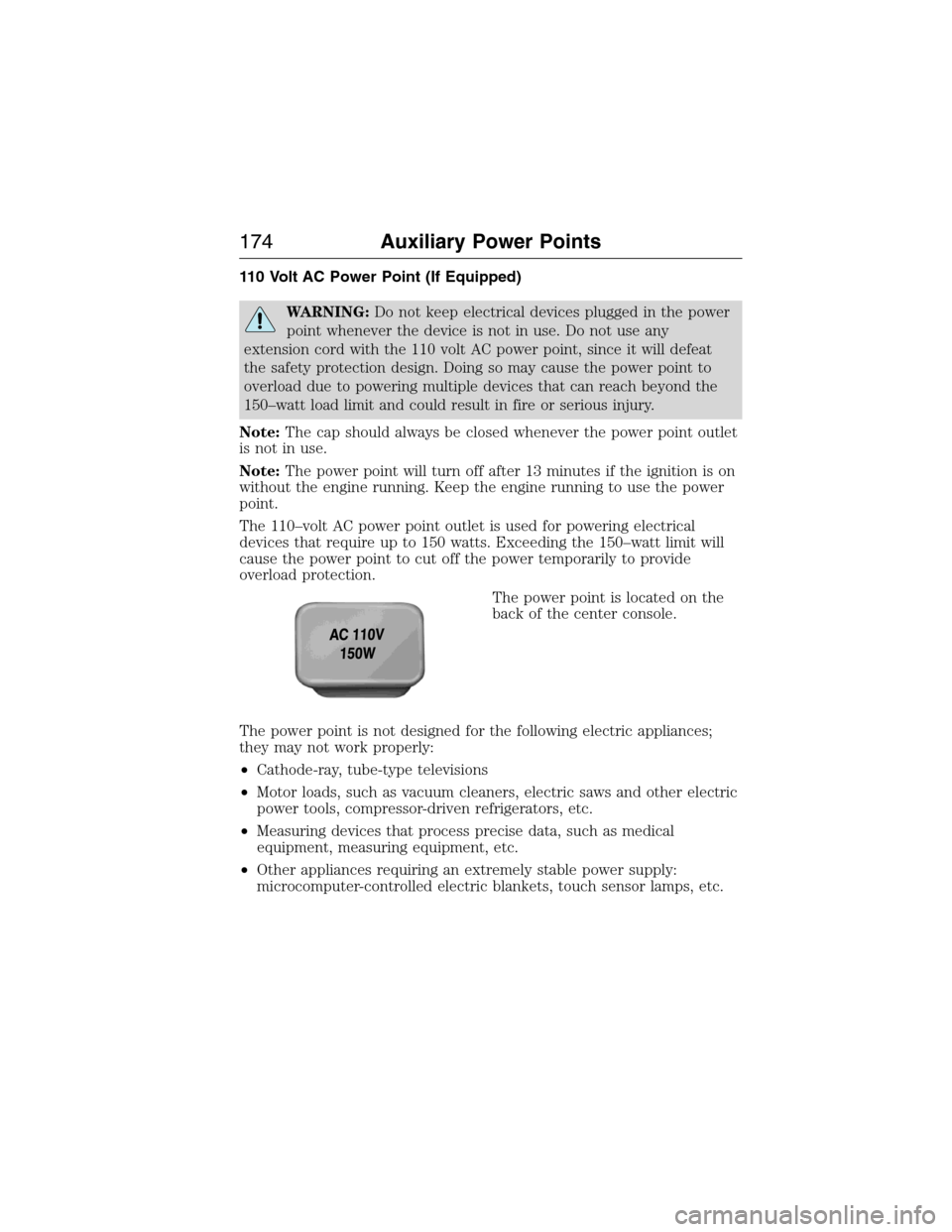
The 110–volt AC power point outlet is used for powering electrical
devices that require up to 150 watts. Exceeding the 150–watt limit will
cause the power point to cut off the power temporarily to provide
overload protection.
The power point is located on the
back of the center console.
The power point is not designed for the following electric appliances;
they may not work properly:
•Cathode-ray, tube-type televisions
•Motor loads, such as vacuum cleaners, electric saws and other electric
power tools, compressor-driven refrigerators, etc.
•Measuring devices that process precise data, such as medical
equipment, measuring equipment, etc.
•Other appliances requiring an extremely stable power supply:
microcomputer-controlled electric blankets, touch sensor lamps, etc.
174Auxiliary Power Points
2015 Expedition(exd)
Owners Guide gf, 1st Printing, July 2014
USA(fus)
Page 178 of 564
GENERAL INFORMATION
WARNING:Extended idling at high engine speeds can produce
very high temperatures in the engine and exhaust system,
creating the risk of fire or other damage.
WARNING:Do not park, idle, or drive your vehicle on dry grass
or other dry ground cover. The emission system heats up the
engine compartment and exhaust system, which can start a fire.
WARNING:Do not start your vehicle in a closed garage or in
other enclosed areas. Exhaust fumes can be toxic. Always open
the garage door before you start the engine.
WARNING:If you smell exhaust fumes inside your vehicle, have
your vehicle checked by an authorized dealer immediately. Do
not drive if you smell exhaust fumes.
If you disconnect the battery, your vehicle may exhibit some unusual
driving characteristics for approximately 5 miles (8 kilometers) after you
connect it. This is because the engine management system must realign
itself with the engine. You may disregard any unusual driving
characteristics during this period.
The powertrain control system meets all Canadian interference-causing
equipment standard requirements regulating the impulse electrical field
or radio noise.
Do not press the accelerator pedal while starting the engine. If you have
difficulty starting the engine, seeFailure to startlater in this section.
Starting and Stopping the Engine177
2015 Expedition(exd)
Owners Guide gf, 1st Printing, July 2014
USA(fus)