reset FORD EXPLORER 2006 4.G Owners Manual
[x] Cancel search | Manufacturer: FORD, Model Year: 2006, Model line: EXPLORER, Model: FORD EXPLORER 2006 4.GPages: 328, PDF Size: 3.59 MB
Page 5 of 328
Fuel pump shut-off switch:In the event of an accident the
safety switch will automatically cut off the fuel supply to the
engine. The switch can also be activated through sudden vibration (e.g.
collision when parking). To reset the switch, refer to theFuel pump
shut-off switchin theRoadside Emergencieschapter.
SAFETY AND ENVIRONMENT PROTECTION
Warning symbols in this guide
How can you reduce the risk of personal injury to yourself or others? In
this guide, answers to such questions are contained in comments
highlighted by the warning triangle symbol. These comments should be
read and observed.
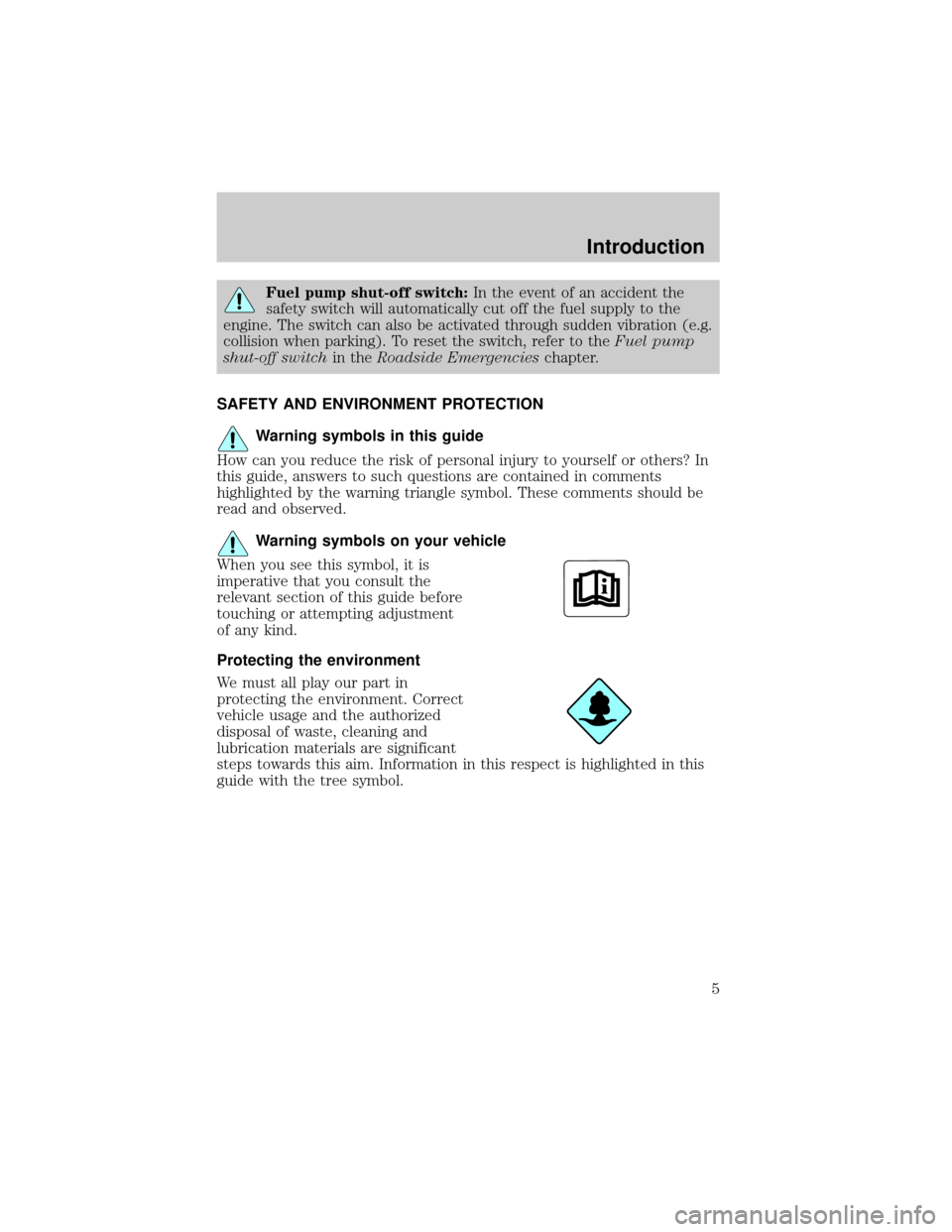
Warning symbols on your vehicle
When you see this symbol, it is
imperative that you consult the
relevant section of this guide before
touching or attempting adjustment
of any kind.
Protecting the environment
We must all play our part in
protecting the environment. Correct
vehicle usage and the authorized
disposal of waste, cleaning and
lubrication materials are significant
steps towards this aim. Information in this respect is highlighted in this
guide with the tree symbol.
Introduction
5
Page 10 of 328
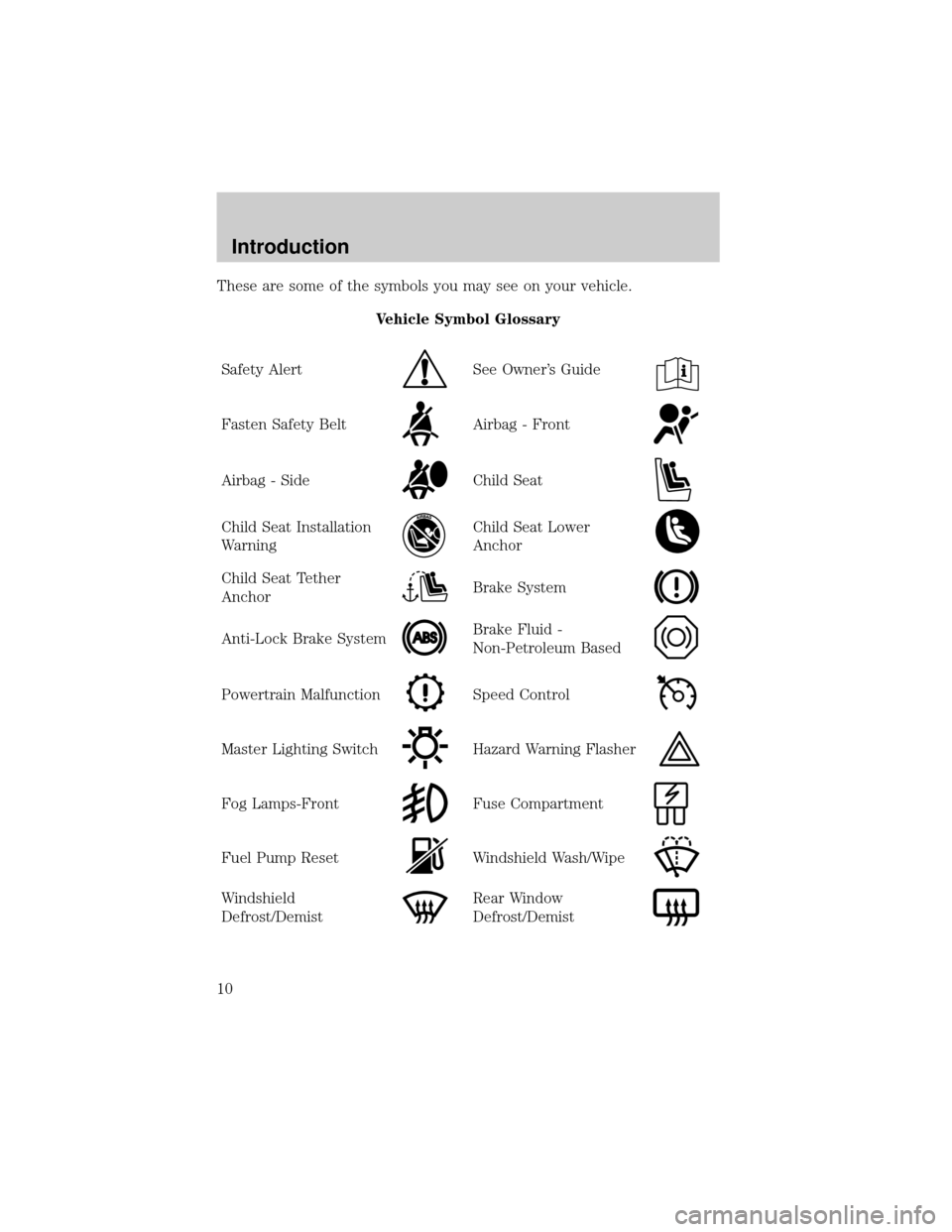
These are some of the symbols you may see on your vehicle.
Vehicle Symbol Glossary
Safety Alert
See Owner's Guide
Fasten Safety BeltAirbag - Front
Airbag - SideChild Seat
Child Seat Installation
WarningChild Seat Lower
Anchor
Child Seat Tether
AnchorBrake System
Anti-Lock Brake SystemBrake Fluid -
Non-Petroleum Based
Powertrain MalfunctionSpeed Control
Master Lighting SwitchHazard Warning Flasher
Fog Lamps-FrontFuse Compartment
Fuel Pump ResetWindshield Wash/Wipe
Windshield
Defrost/DemistRear Window
Defrost/Demist
Introduction
10
Page 19 of 328
Never remove the coolant reservoir cap while the engine is
running or hot.
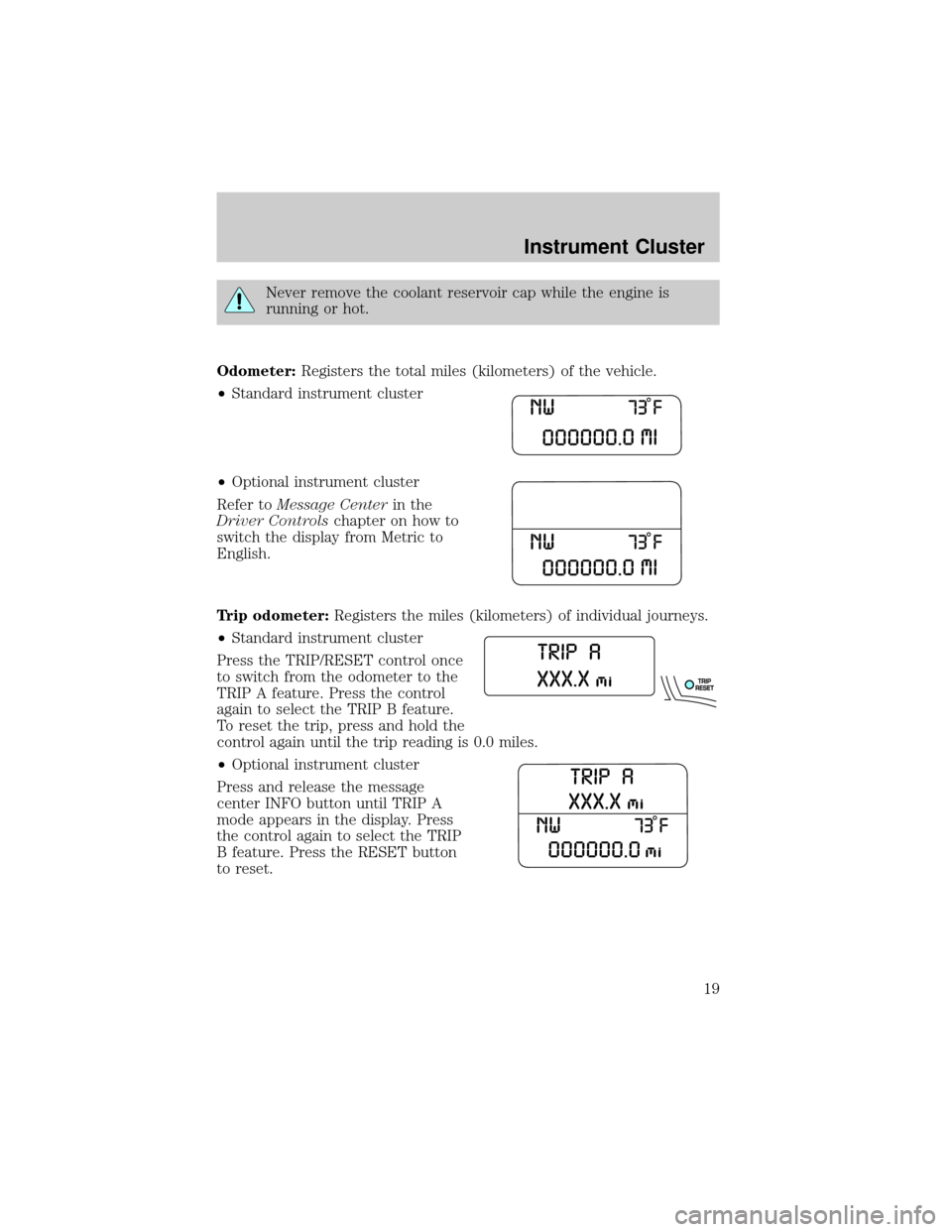
Odometer:Registers the total miles (kilometers) of the vehicle.
²Standard instrument cluster
²Optional instrument cluster
Refer toMessage Centerin the
Driver Controlschapter on how to
switch the display from Metric to
English.
Trip odometer:Registers the miles (kilometers) of individual journeys.
²Standard instrument cluster
Press the TRIP/RESET control once
to switch from the odometer to the
TRIP A feature. Press the control
again to select the TRIP B feature.
To reset the trip, press and hold the
control again until the trip reading is 0.0 miles.
²Optional instrument cluster
Press and release the message
center INFO button until TRIP A
mode appears in the display. Press
the control again to select the TRIP
B feature. Press the RESET button
to reset.
Instrument Cluster
19
Page 22 of 328
Autoset:Allows you to set the strongest local radio stations without
losing your original manually set preset stations for AM/FM1/FM2. Press
MENU to access. Use
/to set.
When the six strongest stations are filled, the station stored in preset 1
will begin playing. If there are less than six strong stations, the system
will store the last one in the remaining presets. Use
/to turn
on/off.
Bass:Press
/to adjust the bass setting.
Treble:Press
/to adjust the treble setting.
Balance:Press
/to adjust the audio between the left and right
speakers.
Fade:Press
/to adjust the audio between the front and rear
speakers.
Speed sensitive volume:Radio volume automatically changes slightly
with vehicle speed to compensate for road and wind noise. Press MENU
to access and use
/to adjust. The recommended level is 1±3.
Level 0 (SPEED OFF) turns the feature off and level 7 is the maximum
setting.
Track/Folder Mode:Available only on MP3 discs in CD mode.
Press
/to toggle between Track and Folder mode.
In Track mode, press
SEEKto scroll through all tracks on the
current disc.
In Folder mode, press
SEEKto scroll through tracks within the
selected folder.
Compression:Brings soft and loud CD passages together for a more
consistent listening level when in CD mode. Press MENU until
compression status is displayed. Press
/to turn the feature on/off.
4.AUX:Press to toggle between
FES/DVD, AUX and Satellite Radio
modes (if equipped). If no auxiliary
sources are available, NO AUX AUDIO will be displayed.
Entertainment Systems
22
Page 23 of 328
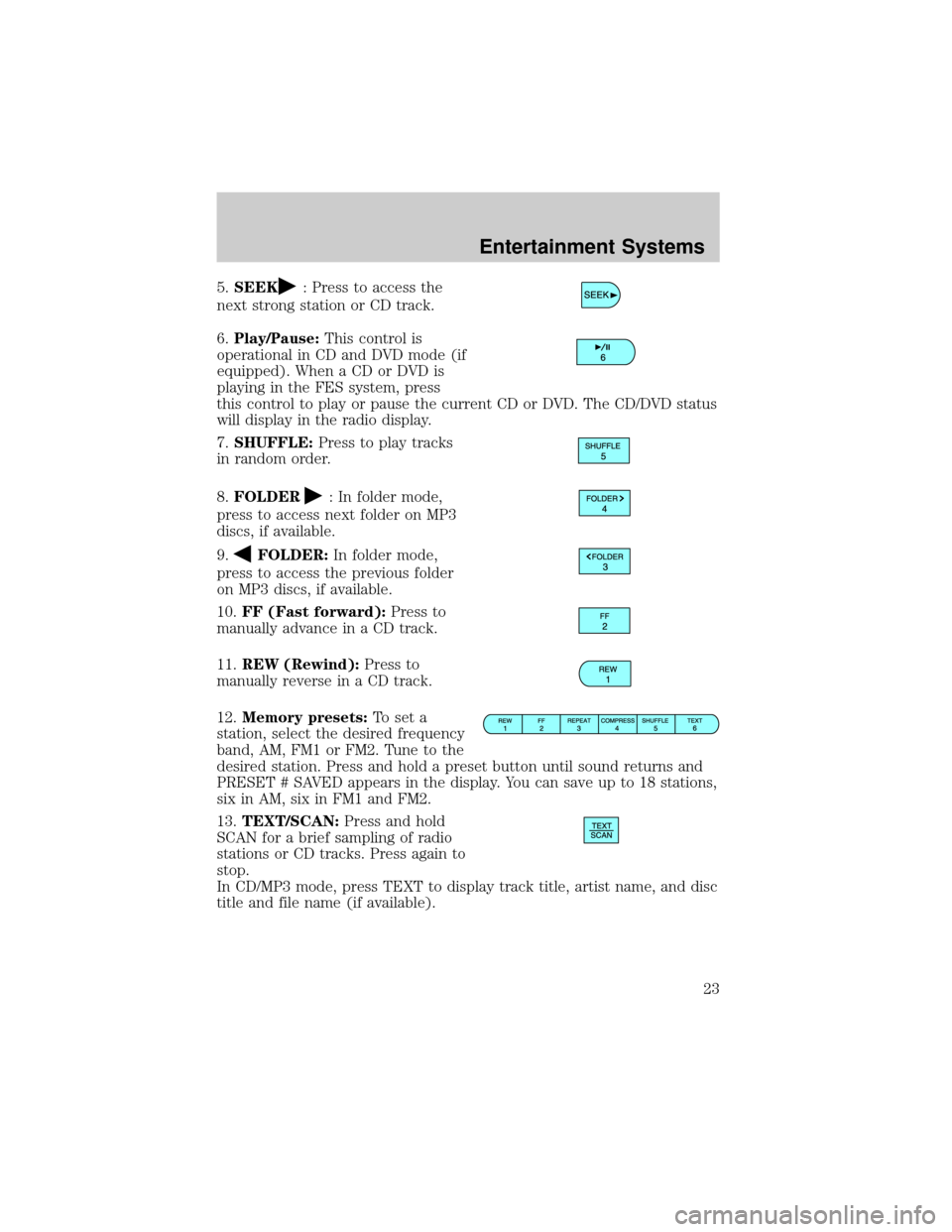
5.SEEK: Press to access the
next strong station or CD track.
6.Play/Pause:This control is
operational in CD and DVD mode (if
equipped). When a CD or DVD is
playing in the FES system, press
this control to play or pause the current CD or DVD. The CD/DVD status
will display in the radio display.
7.SHUFFLE:Press to play tracks
in random order.
8.FOLDER
: In folder mode,
press to access next folder on MP3
discs, if available.
9.
FOLDER:In folder mode,
press to access the previous folder
on MP3 discs, if available.
10.FF (Fast forward):Press to
manually advance in a CD track.
11.REW (Rewind):Press to
manually reverse in a CD track.
12.Memory presets:To set a
station, select the desired frequency
band, AM, FM1 or FM2. Tune to the
desired station. Press and hold a preset button until sound returns and
PRESET # SAVED appears in the display. You can save up to 18 stations,
six in AM, six in FM1 and FM2.
13.TEXT/SCAN:Press and hold
SCAN for a brief sampling of radio
stations or CD tracks. Press again to
stop.
In CD/MP3 mode, press TEXT to display track title, artist name, and disc
title and file name (if available).
Entertainment Systems
23
Page 26 of 328
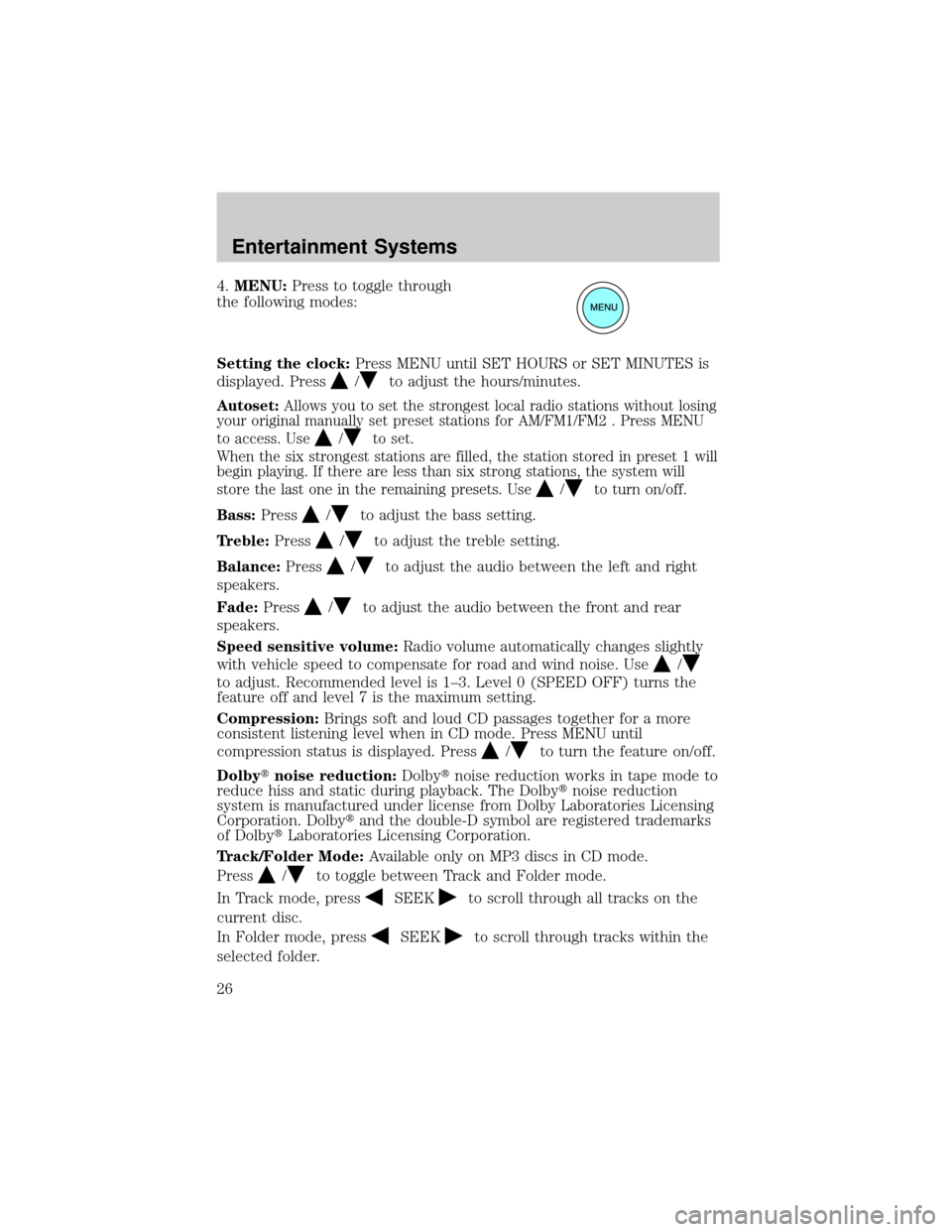
4.MENU:Press to toggle through
the following modes:
Setting the clock:Press MENU until SET HOURS or SET MINUTES is
displayed. Press
/to adjust the hours/minutes.
Autoset:Allows you to set the strongest local radio stations without losing
your original manually set preset stations for AM/FM1/FM2 . Press MENU
to access. Use
/to set.
When the six strongest stations are filled, the station stored in preset 1 will
begin playing. If there are less than six strong stations, the system will
store the last one in the remaining presets. Use
/to turn on/off.
Bass:Press/to adjust the bass setting.
Treble:Press
/to adjust the treble setting.
Balance:Press
/to adjust the audio between the left and right
speakers.
Fade:Press
/to adjust the audio between the front and rear
speakers.
Speed sensitive volume:Radio volume automatically changes slightly
with vehicle speed to compensate for road and wind noise. Use
/
to adjust. Recommended level is 1±3. Level 0 (SPEED OFF) turns the
feature off and level 7 is the maximum setting.
Compression:Brings soft and loud CD passages together for a more
consistent listening level when in CD mode. Press MENU until
compression status is displayed. Press
/to turn the feature on/off.
Dolbytnoise reduction:Dolbytnoise reduction works in tape mode to
reduce hiss and static during playback. The Dolbytnoise reduction
system is manufactured under license from Dolby Laboratories Licensing
Corporation. Dolbytand the double-D symbol are registered trademarks
of DolbytLaboratories Licensing Corporation.
Track/Folder Mode:Available only on MP3 discs in CD mode.
Press
/to toggle between Track and Folder mode.
In Track mode, press
SEEKto scroll through all tracks on the
current disc.
In Folder mode, press
SEEKto scroll through tracks within the
selected folder.
Entertainment Systems
26
Page 27 of 328
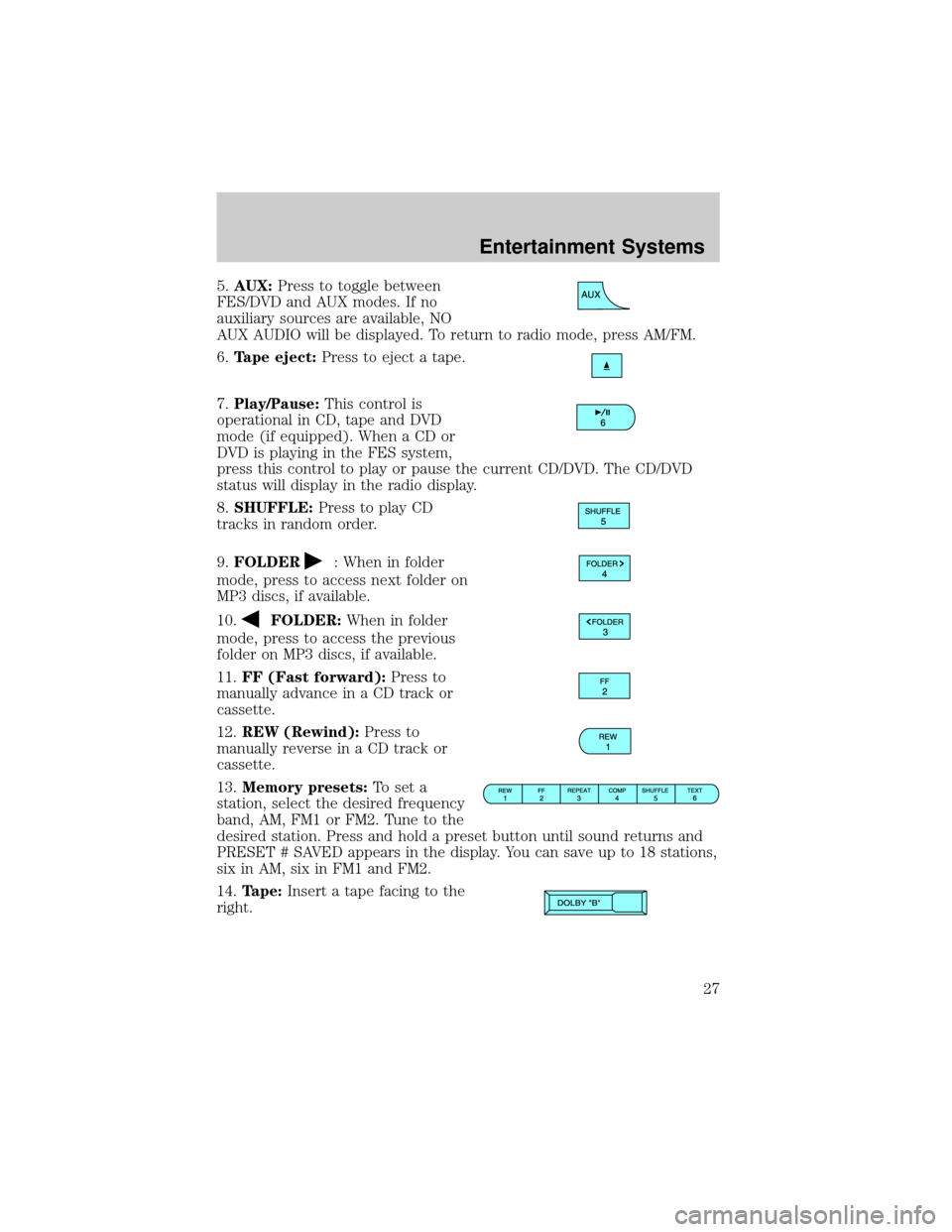
5.AUX:Press to toggle between
FES/DVD and AUX modes. If no
auxiliary sources are available, NO
AUX AUDIO will be displayed. To return to radio mode, press AM/FM.
6.Tape eject:Press to eject a tape.
7.Play/Pause:This control is
operational in CD, tape and DVD
mode (if equipped). When a CD or
DVD is playing in the FES system,
press this control to play or pause the current CD/DVD. The CD/DVD
status will display in the radio display.
8.SHUFFLE:Press to play CD
tracks in random order.
9.FOLDER
: When in folder
mode, press to access next folder on
MP3 discs, if available.
10.
FOLDER:When in folder
mode, press to access the previous
folder on MP3 discs, if available.
11.FF (Fast forward):Press to
manually advance in a CD track or
cassette.
12.REW (Rewind):Press to
manually reverse in a CD track or
cassette.
13.Memory presets:To set a
station, select the desired frequency
band, AM, FM1 or FM2. Tune to the
desired station. Press and hold a preset button until sound returns and
PRESET # SAVED appears in the display. You can save up to 18 stations,
six in AM, six in FM1 and FM2.
14.Tape:Insert a tape facing to the
right.
Entertainment Systems
27
Page 30 of 328
RBDS (Radio Broadcast Digital Signal) ON/OFF:Press/to
turn RBDS ON or OFF.
Program Type:If RBDS is ON, press
/to find the desired program
type, then use
SEEKor SCAN to search for FM radio stations
broadcasting the desired program type.
SHOW RBDS Info:If RBDS is ON, this allows you to display the name
of the FM radio station or program type. Press
/to show program
type, station name or none.
RBDS:Allows you to search RBDS (Radio Broadcast Digital Signal)
equipped stations for the following music formats: Classical, Country,
Jazz, Oldies, R&B, Religious, Rock, Soft, Top 40 and Information
(Inform). RBDS is only available in FM mode.
Autoset:Allows you to set the strongest local radio stations without
losing your original manually set preset stations for AM/FM1/FM2 .
Use
/to turn on/off.
When the six strongest stations are filled, the station stored in preset 1
will begin playing. If there are less than six strong stations, the system
will store the last one in the remaining presets. Use
/to turn
on/off.
Bass:Press
/to adjust the bass setting.
Treble:Press
/to adjust the treble setting.
Balance:Press
/to adjust the audio between the left and right
speakers.
Fade:Press
/to adjust the audio between the front and rear
speakers.
Speed sensitive volume:Radio volume automatically changes slightly
with vehicle speed to compensate for road and wind noise. Use
/
to adjust. Recommended level is 1±3. Level 0 (SPEED OFF) turns the
feature off and level 7 is the maximum setting.
Occupancy mode:Use
/to select and optimize sound for ALL
SEATS, DRIVERS SEAT or REAR SEATS.
Entertainment Systems
30
Page 32 of 328
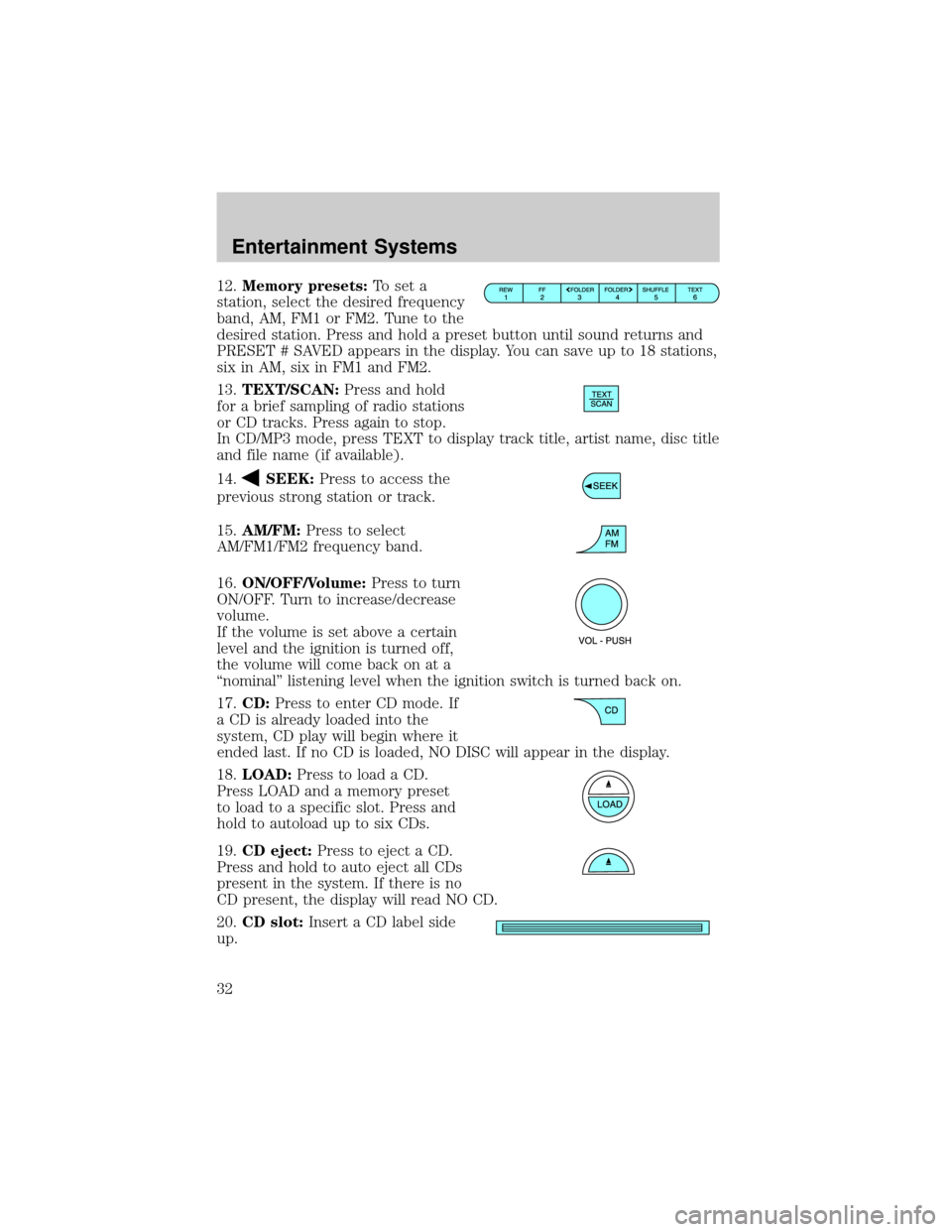
12.Memory presets:To set a
station, select the desired frequency
band, AM, FM1 or FM2. Tune to the
desired station. Press and hold a preset button until sound returns and
PRESET # SAVED appears in the display. You can save up to 18 stations,
six in AM, six in FM1 and FM2.
13.TEXT/SCAN:Press and hold
for a brief sampling of radio stations
or CD tracks. Press again to stop.
In CD/MP3 mode, press TEXT to display track title, artist name, disc title
and file name (if available).
14.
SEEK:Press to access the
previous strong station or track.
15.AM/FM:Press to select
AM/FM1/FM2 frequency band.
16.ON/OFF/Volume:Press to turn
ON/OFF. Turn to increase/decrease
volume.
If the volume is set above a certain
level and the ignition is turned off,
the volume will come back on at a
ªnominalº listening level when the ignition switch is turned back on.
17.CD:Press to enter CD mode. If
a CD is already loaded into the
system, CD play will begin where it
ended last. If no CD is loaded, NO DISC will appear in the display.
18.LOAD:Press to load a CD.
Press LOAD and a memory preset
to load to a specific slot. Press and
hold to autoload up to six CDs.
19.CD eject:Press to eject a CD.
Press and hold to auto eject all CDs
present in the system. If there is no
CD present, the display will read NO CD.
20.CD slot:Insert a CD label side
up.
Entertainment Systems
32
Page 63 of 328
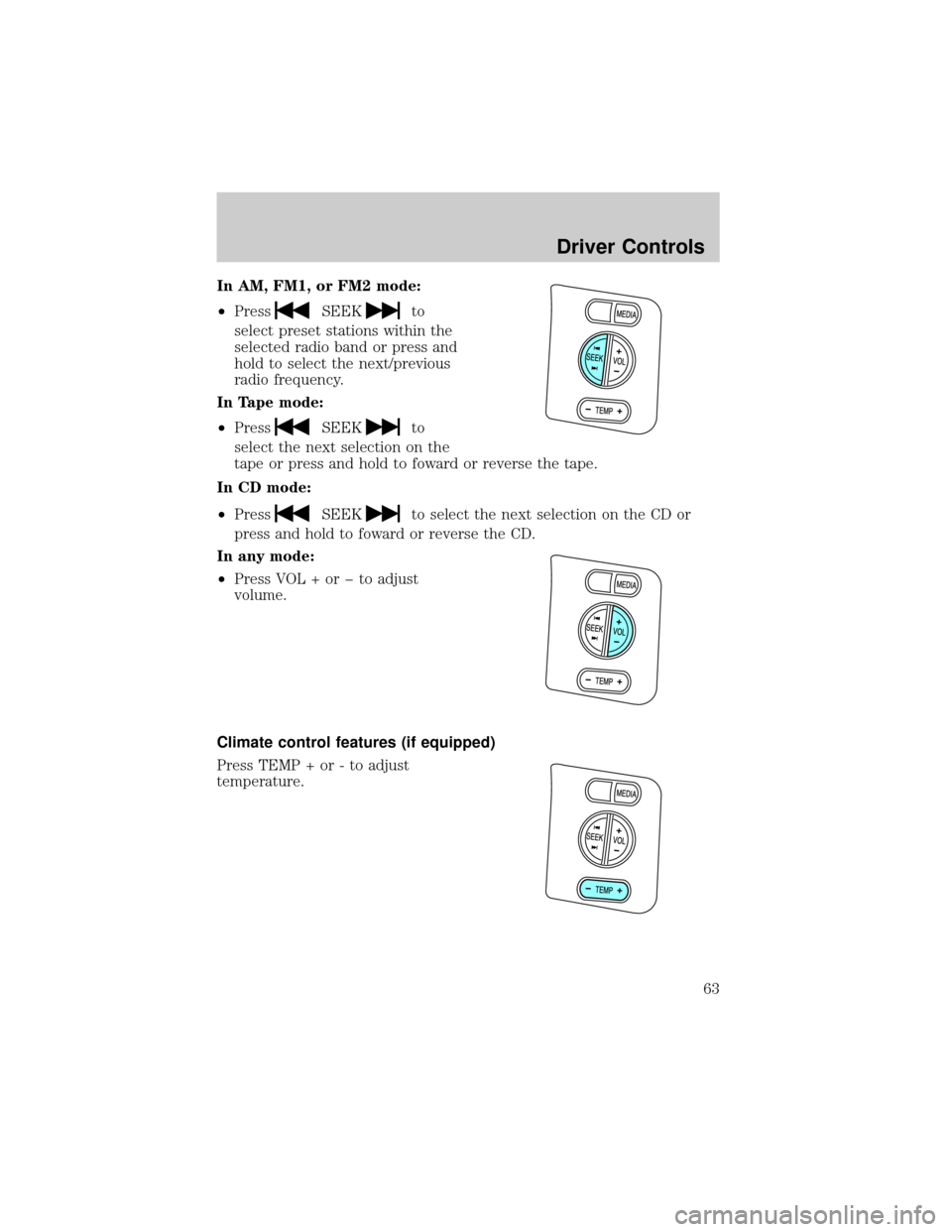
In AM, FM1, or FM2 mode:
²Press
SEEKto
select preset stations within the
selected radio band or press and
hold to select the next/previous
radio frequency.
In Tape mode:
²Press
SEEKto
select the next selection on the
tape or press and hold to foward or reverse the tape.
In CD mode:
²Press
SEEKto select the next selection on the CD or
press and hold to foward or reverse the CD.
In any mode:
²Press VOL + or þ to adjust
volume.
Climate control features (if equipped)
Press TEMP + or - to adjust
temperature.
Driver Controls
63