ECO mode FORD F450 SUPER DUTY 2017 Owner's Manual
[x] Cancel search | Manufacturer: FORD, Model Year: 2017, Model line: F450 SUPER DUTY, Model: FORD F450 SUPER DUTY 2017Pages: 642, PDF Size: 12.35 MB
Page 90 of 642
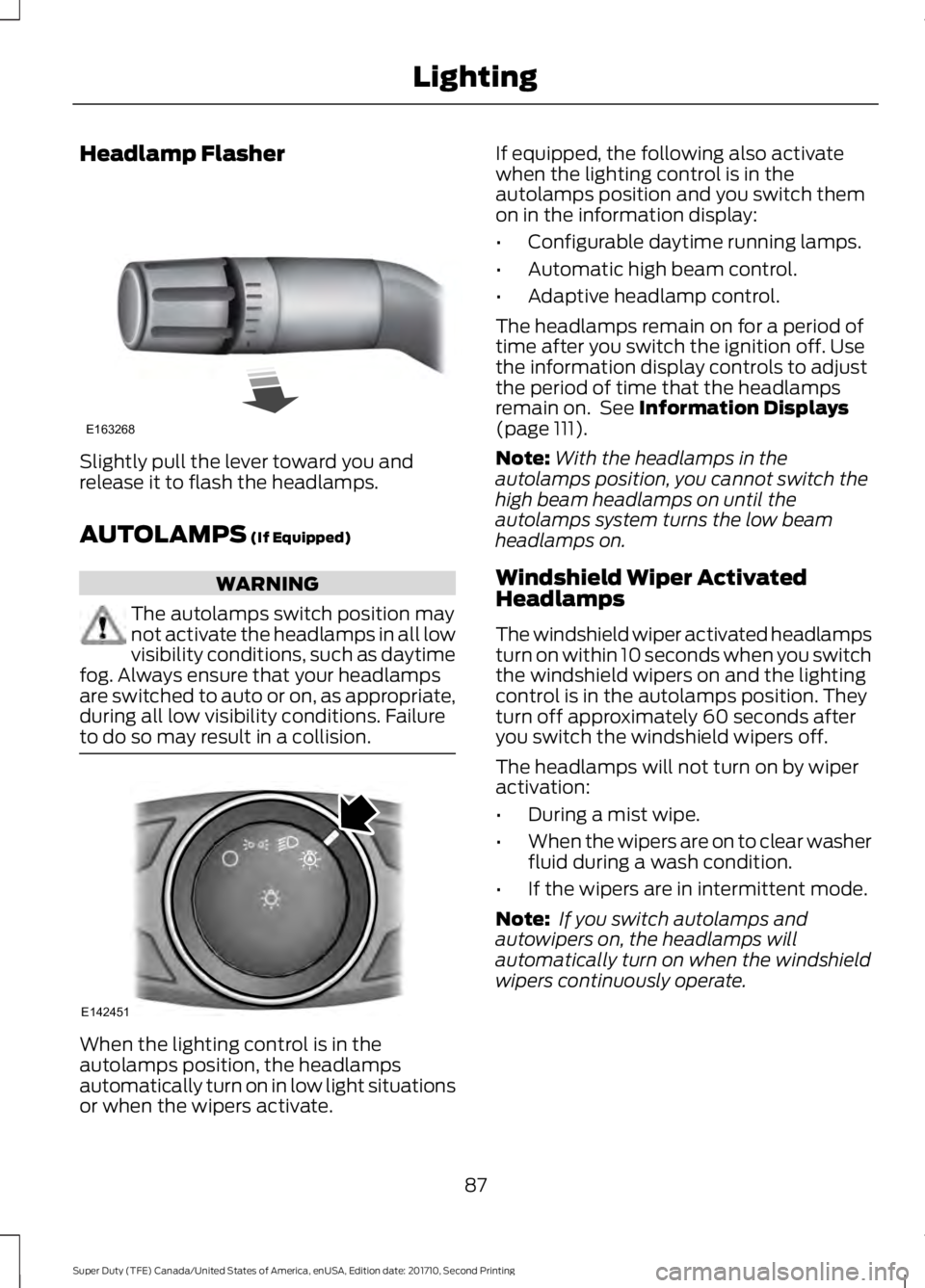
Headlamp Flasher
Slightly pull the lever toward you andrelease it to flash the headlamps.
AUTOLAMPS (If Equipped)
WARNING
The autolamps switch position maynot activate the headlamps in all lowvisibility conditions, such as daytimefog. Always ensure that your headlampsare switched to auto or on, as appropriate,during all low visibility conditions. Failureto do so may result in a collision.
When the lighting control is in theautolamps position, the headlampsautomatically turn on in low light situationsor when the wipers activate.
If equipped, the following also activatewhen the lighting control is in theautolamps position and you switch themon in the information display:
•Configurable daytime running lamps.
•Automatic high beam control.
•Adaptive headlamp control.
The headlamps remain on for a period oftime after you switch the ignition off. Usethe information display controls to adjustthe period of time that the headlampsremain on. See Information Displays(page 111).
Note:With the headlamps in theautolamps position, you cannot switch thehigh beam headlamps on until theautolamps system turns the low beamheadlamps on.
Windshield Wiper ActivatedHeadlamps
The windshield wiper activated headlampsturn on within 10 seconds when you switchthe windshield wipers on and the lightingcontrol is in the autolamps position. Theyturn off approximately 60 seconds afteryou switch the windshield wipers off.
The headlamps will not turn on by wiperactivation:
•During a mist wipe.
•When the wipers are on to clear washerfluid during a wash condition.
•If the wipers are in intermittent mode.
Note: If you switch autolamps andautowipers on, the headlamps willautomatically turn on when the windshieldwipers continuously operate.
87
Super Duty (TFE) Canada/United States of America, enUSA, Edition date: 201710, Second Printing
LightingE163268 E142451
Page 92 of 642
Note:If it appears that automatic controlof the high beams is not functioningproperly, check the windshield in front ofthe camera for a blockage. A clear view ofthe road is required for proper systemoperation. Have any windshield damage inthe area of the camera’s field-of-viewrepaired.
Note:If the system detects a blockage, forexample bird droppings, bug splatter, snowor ice, the system will go into low beammode until you clear the blockage. Amessage may also appear in the instrumentcluster display noting the front camera isblocked.
Note:Typical road dust, dirt and waterspots will not affect the performance of theautomatic high beam system. However, incold or inclement weather conditions, youwill notice a decrease in the availability ofthe high beam system, especially at startup. If you want to change the beam stateindependently of the system, you mayswitch the high beams on or off using themultifunction switch. Automatic control willresume when conditions are correct.
Note:Modification of the vehicle ride heightsuch as using much larger tires, maydegrade feature performance.
A camera sensor, centrally mountedbehind the windshield of your vehicle,continuously monitors conditions to decidewhen to switch the high beams off and on.
Once the system is active, the high beamswill switch on if:
•the ambient light level is low enough
•there is no traffic in front of the vehicle
•the vehicle speed is greater thanapproximately 32 mph (52 km/h).
The high beams will switch off if:
•the system detects the headlamps ofan approaching vehicle or the taillamps of a preceding vehicle.
•vehicle speed falls belowapproximately 27 mph (44 km/h)
•the ambient light level is high enoughthat high beams are not required
•the system detects severe rain, snowor fog
•the camera is blocked.
Activating the System
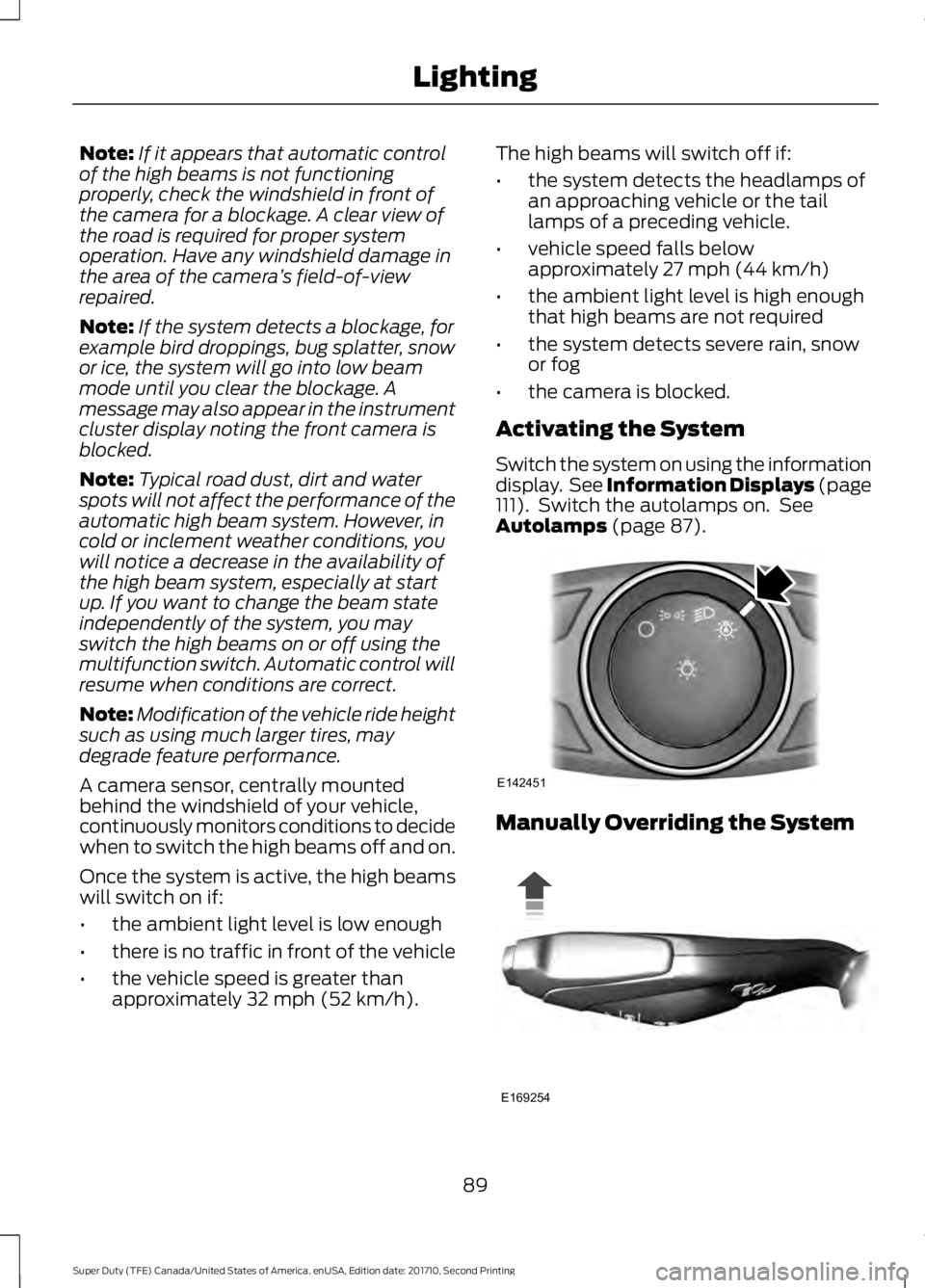
Switch the system on using the informationdisplay. See Information Displays (page111). Switch the autolamps on. SeeAutolamps (page 87).
Manually Overriding the System
89
Super Duty (TFE) Canada/United States of America, enUSA, Edition date: 201710, Second Printing
LightingE142451 E169254
Page 99 of 642
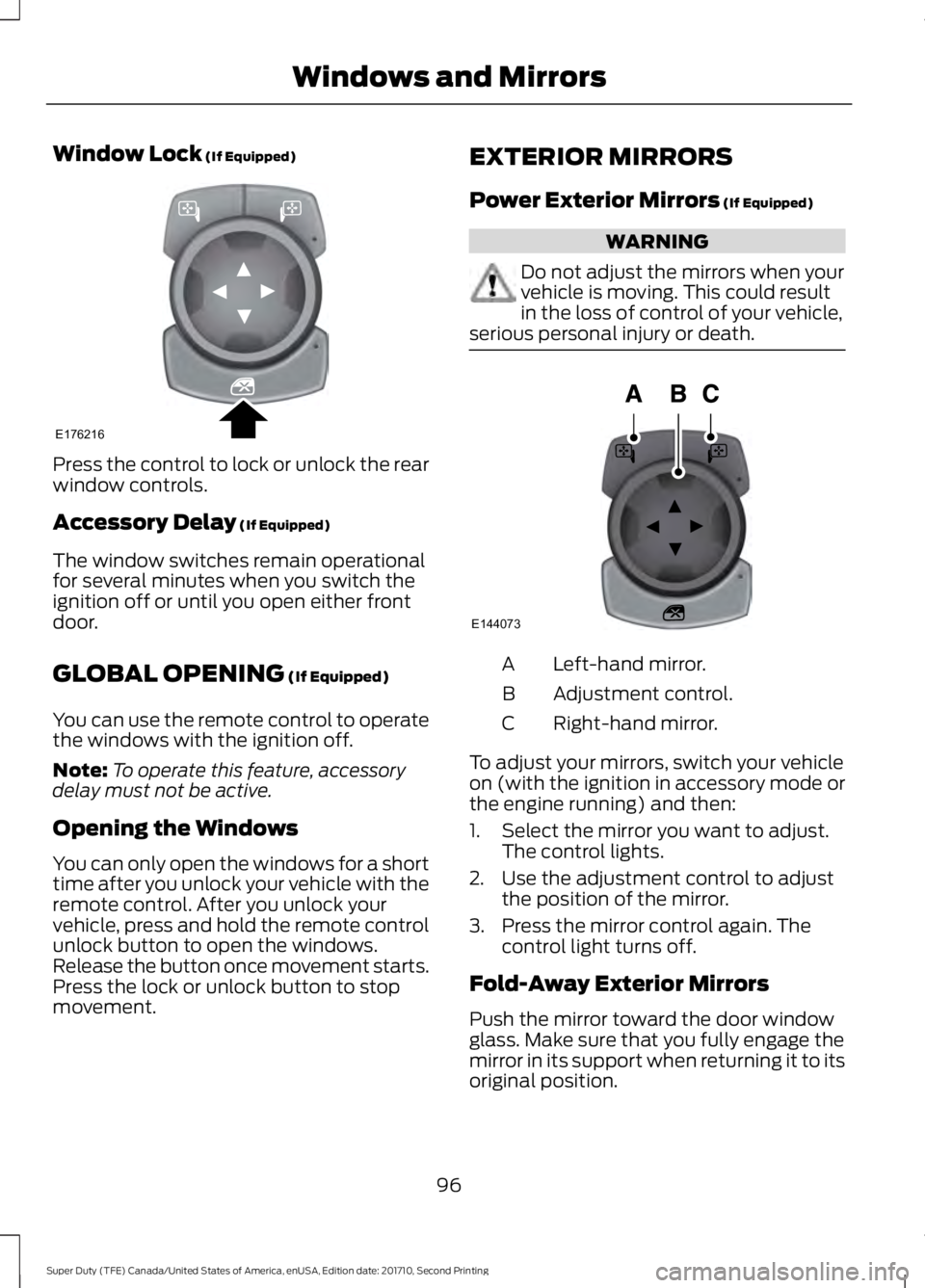
Window Lock (If Equipped)
Press the control to lock or unlock the rearwindow controls.
Accessory Delay (If Equipped)
The window switches remain operationalfor several minutes when you switch theignition off or until you open either frontdoor.
GLOBAL OPENING (If Equipped)
You can use the remote control to operatethe windows with the ignition off.
Note:To operate this feature, accessorydelay must not be active.
Opening the Windows
You can only open the windows for a shorttime after you unlock your vehicle with theremote control. After you unlock yourvehicle, press and hold the remote controlunlock button to open the windows.Release the button once movement starts.Press the lock or unlock button to stopmovement.
EXTERIOR MIRRORS
Power Exterior Mirrors (If Equipped)
WARNING
Do not adjust the mirrors when yourvehicle is moving. This could resultin the loss of control of your vehicle,serious personal injury or death.
Left-hand mirror.A
Adjustment control.B
Right-hand mirror.C
To adjust your mirrors, switch your vehicleon (with the ignition in accessory mode orthe engine running) and then:
1. Select the mirror you want to adjust.The control lights.
2. Use the adjustment control to adjustthe position of the mirror.
3. Press the mirror control again. Thecontrol light turns off.
Fold-Away Exterior Mirrors
Push the mirror toward the door windowglass. Make sure that you fully engage themirror in its support when returning it to itsoriginal position.
96
Super Duty (TFE) Canada/United States of America, enUSA, Edition date: 201710, Second Printing
Windows and MirrorsE176216 E144073
Page 100 of 642
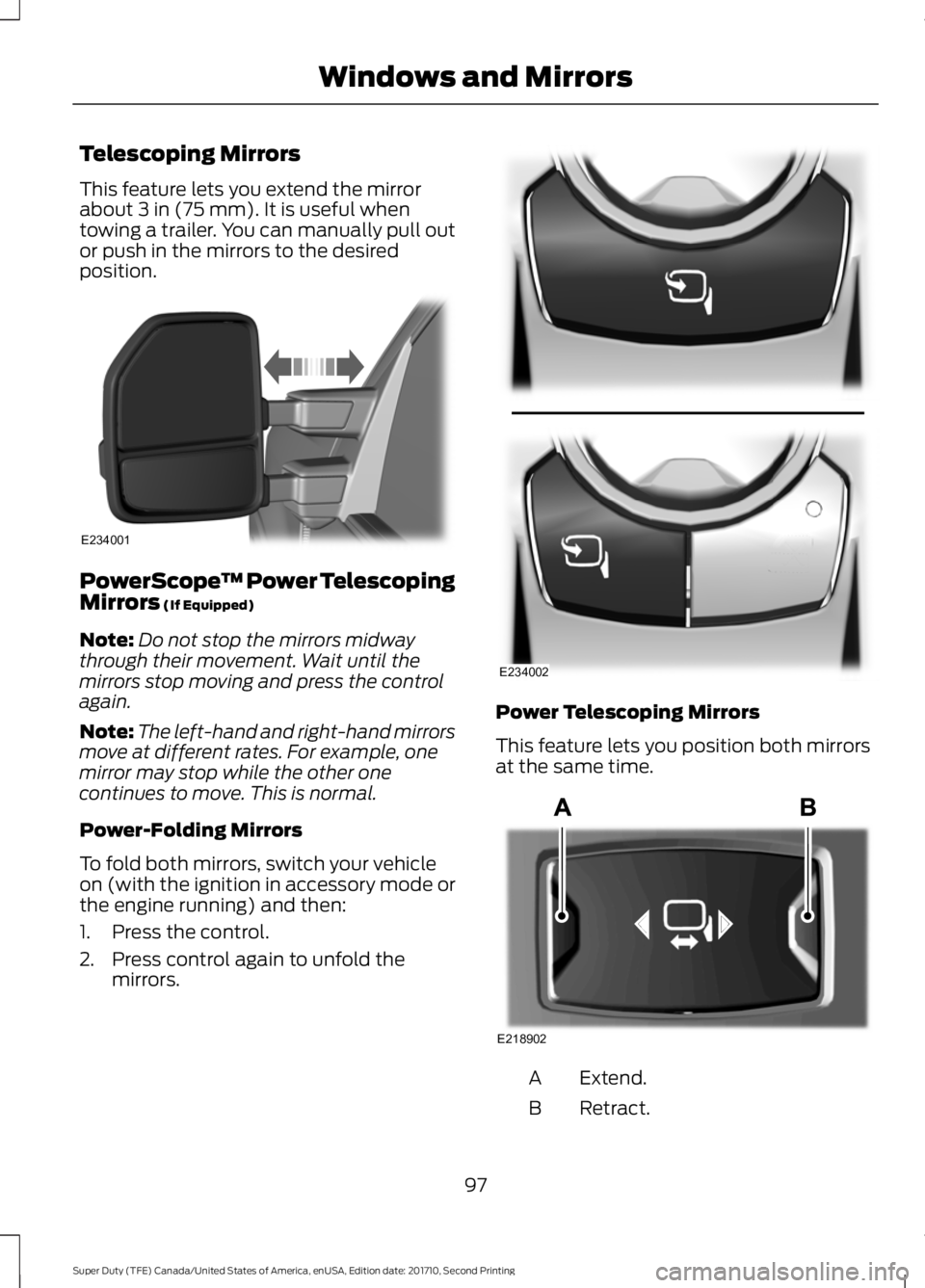
Telescoping Mirrors
This feature lets you extend the mirrorabout 3 in (75 mm). It is useful whentowing a trailer. You can manually pull outor push in the mirrors to the desiredposition.
PowerScope™ Power TelescopingMirrors (If Equipped)
Note:Do not stop the mirrors midwaythrough their movement. Wait until themirrors stop moving and press the controlagain.
Note:The left-hand and right-hand mirrorsmove at different rates. For example, onemirror may stop while the other onecontinues to move. This is normal.
Power-Folding Mirrors
To fold both mirrors, switch your vehicleon (with the ignition in accessory mode orthe engine running) and then:
1. Press the control.
2. Press control again to unfold themirrors.
Power Telescoping Mirrors
This feature lets you position both mirrorsat the same time.
Extend.A
Retract.B
97
Super Duty (TFE) Canada/United States of America, enUSA, Edition date: 201710, Second Printing
Windows and MirrorsE234001 E234002 E218902
Page 101 of 642
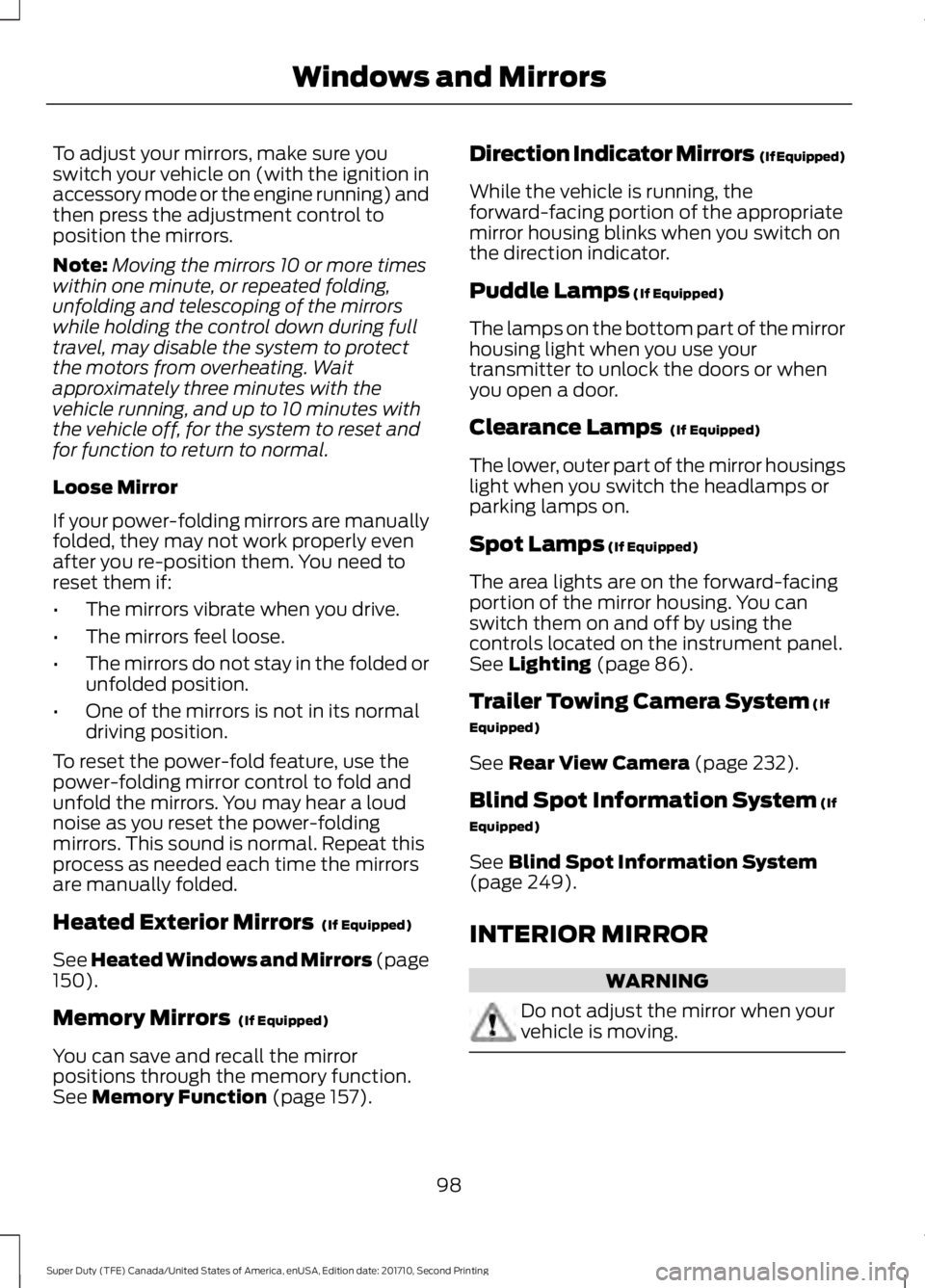
To adjust your mirrors, make sure youswitch your vehicle on (with the ignition inaccessory mode or the engine running) andthen press the adjustment control toposition the mirrors.
Note:Moving the mirrors 10 or more timeswithin one minute, or repeated folding,unfolding and telescoping of the mirrorswhile holding the control down during fulltravel, may disable the system to protectthe motors from overheating. Waitapproximately three minutes with thevehicle running, and up to 10 minutes withthe vehicle off, for the system to reset andfor function to return to normal.
Loose Mirror
If your power-folding mirrors are manuallyfolded, they may not work properly evenafter you re-position them. You need toreset them if:
•The mirrors vibrate when you drive.
•The mirrors feel loose.
•The mirrors do not stay in the folded orunfolded position.
•One of the mirrors is not in its normaldriving position.
To reset the power-fold feature, use thepower-folding mirror control to fold andunfold the mirrors. You may hear a loudnoise as you reset the power-foldingmirrors. This sound is normal. Repeat thisprocess as needed each time the mirrorsare manually folded.
Heated Exterior Mirrors (If Equipped)
See Heated Windows and Mirrors (page150).
Memory Mirrors (If Equipped)
You can save and recall the mirrorpositions through the memory function.See Memory Function (page 157).
Direction Indicator Mirrors (If Equipped)
While the vehicle is running, theforward-facing portion of the appropriatemirror housing blinks when you switch onthe direction indicator.
Puddle Lamps (If Equipped)
The lamps on the bottom part of the mirrorhousing light when you use yourtransmitter to unlock the doors or whenyou open a door.
Clearance Lamps (If Equipped)
The lower, outer part of the mirror housingslight when you switch the headlamps orparking lamps on.
Spot Lamps (If Equipped)
The area lights are on the forward-facingportion of the mirror housing. You canswitch them on and off by using thecontrols located on the instrument panel.See Lighting (page 86).
Trailer Towing Camera System (If
Equipped)
See Rear View Camera (page 232).
Blind Spot Information System (If
Equipped)
See Blind Spot Information System(page 249).
INTERIOR MIRROR
WARNING
Do not adjust the mirror when yourvehicle is moving.
98
Super Duty (TFE) Canada/United States of America, enUSA, Edition date: 201710, Second Printing
Windows and Mirrors
Page 108 of 642
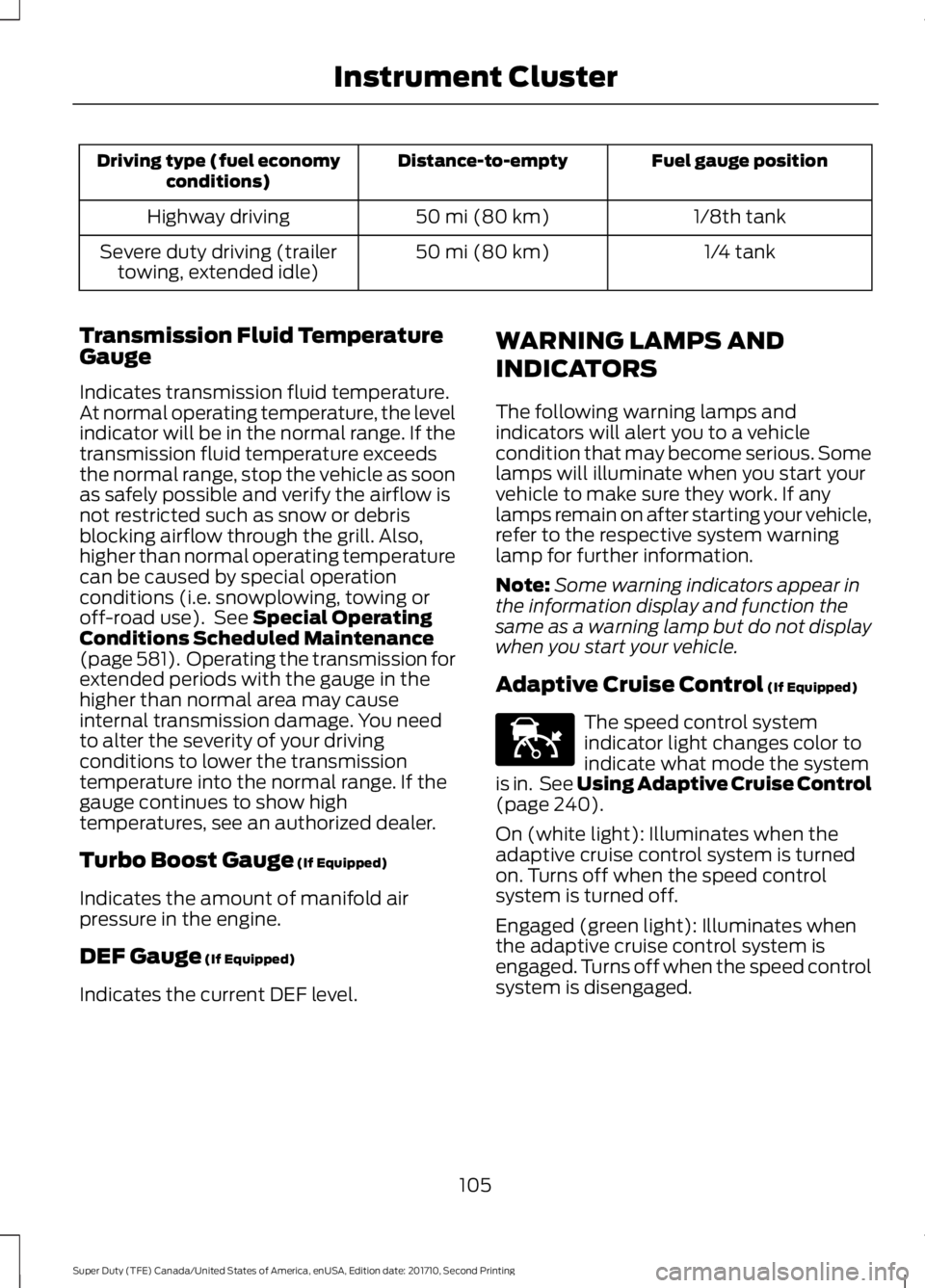
Fuel gauge positionDistance-to-emptyDriving type (fuel economyconditions)
1/8th tank50 mi (80 km)Highway driving
1/4 tank50 mi (80 km)Severe duty driving (trailertowing, extended idle)
Transmission Fluid TemperatureGauge
Indicates transmission fluid temperature.At normal operating temperature, the levelindicator will be in the normal range. If thetransmission fluid temperature exceedsthe normal range, stop the vehicle as soonas safely possible and verify the airflow isnot restricted such as snow or debrisblocking airflow through the grill. Also,higher than normal operating temperaturecan be caused by special operationconditions (i.e. snowplowing, towing oroff-road use). See Special OperatingConditions Scheduled Maintenance(page 581). Operating the transmission forextended periods with the gauge in thehigher than normal area may causeinternal transmission damage. You needto alter the severity of your drivingconditions to lower the transmissiontemperature into the normal range. If thegauge continues to show hightemperatures, see an authorized dealer.
Turbo Boost Gauge (If Equipped)
Indicates the amount of manifold airpressure in the engine.
DEF Gauge (If Equipped)
Indicates the current DEF level.
WARNING LAMPS AND
INDICATORS
The following warning lamps andindicators will alert you to a vehiclecondition that may become serious. Somelamps will illuminate when you start yourvehicle to make sure they work. If anylamps remain on after starting your vehicle,refer to the respective system warninglamp for further information.
Note:Some warning indicators appear inthe information display and function thesame as a warning lamp but do not displaywhen you start your vehicle.
Adaptive Cruise Control (If Equipped)
The speed control systemindicator light changes color toindicate what mode the systemis in. See Using Adaptive Cruise Control(page 240).
On (white light): Illuminates when theadaptive cruise control system is turnedon. Turns off when the speed controlsystem is turned off.
Engaged (green light): Illuminates whenthe adaptive cruise control system isengaged. Turns off when the speed controlsystem is disengaged.
105
Super Duty (TFE) Canada/United States of America, enUSA, Edition date: 201710, Second Printing
Instrument ClusterE144524
Page 111 of 642
It also illuminates momentarily when youswitch the ignition on to confirm the lampis functional. If it does not illuminate whenyou switch the ignition on, or begins toflash at any time, have the system checkedby your authorized dealer.
Powertrain Malfunction/ReducedPower/Electronic Throttle Control
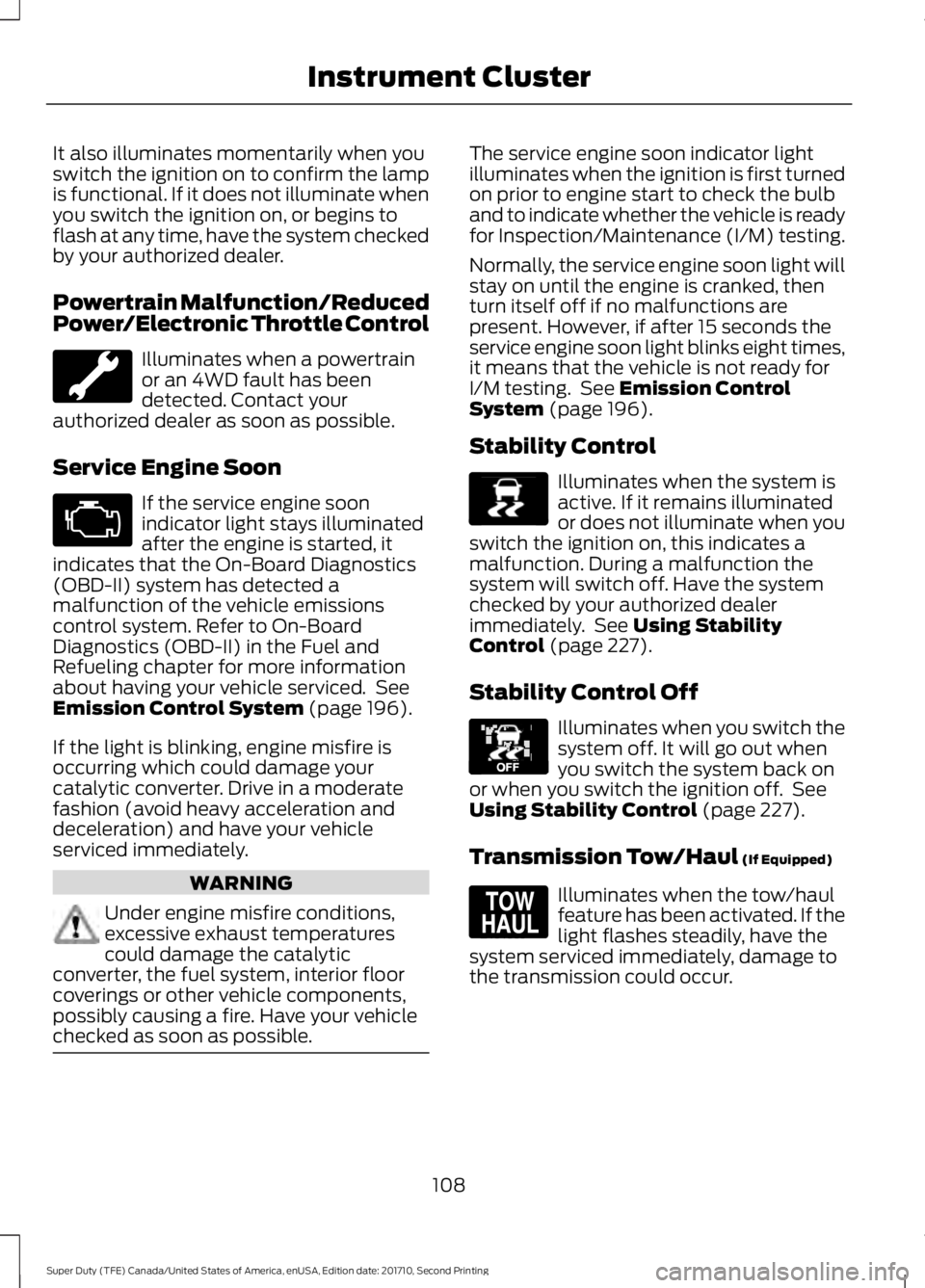
Illuminates when a powertrainor an 4WD fault has beendetected. Contact yourauthorized dealer as soon as possible.
Service Engine Soon
If the service engine soonindicator light stays illuminatedafter the engine is started, itindicates that the On-Board Diagnostics(OBD-II) system has detected amalfunction of the vehicle emissionscontrol system. Refer to On-BoardDiagnostics (OBD-II) in the Fuel andRefueling chapter for more informationabout having your vehicle serviced. SeeEmission Control System (page 196).
If the light is blinking, engine misfire isoccurring which could damage yourcatalytic converter. Drive in a moderatefashion (avoid heavy acceleration anddeceleration) and have your vehicleserviced immediately.
WARNING
Under engine misfire conditions,excessive exhaust temperaturescould damage the catalyticconverter, the fuel system, interior floorcoverings or other vehicle components,possibly causing a fire. Have your vehiclechecked as soon as possible.
The service engine soon indicator lightilluminates when the ignition is first turnedon prior to engine start to check the bulband to indicate whether the vehicle is readyfor Inspection/Maintenance (I/M) testing.
Normally, the service engine soon light willstay on until the engine is cranked, thenturn itself off if no malfunctions arepresent. However, if after 15 seconds theservice engine soon light blinks eight times,it means that the vehicle is not ready forI/M testing. See Emission ControlSystem (page 196).
Stability Control
Illuminates when the system isactive. If it remains illuminatedor does not illuminate when youswitch the ignition on, this indicates amalfunction. During a malfunction thesystem will switch off. Have the systemchecked by your authorized dealerimmediately. See Using StabilityControl (page 227).
Stability Control Off
Illuminates when you switch thesystem off. It will go out whenyou switch the system back onor when you switch the ignition off. SeeUsing Stability Control (page 227).
Transmission Tow/Haul (If Equipped)
Illuminates when the tow/haulfeature has been activated. If thelight flashes steadily, have thesystem serviced immediately, damage tothe transmission could occur.
108
Super Duty (TFE) Canada/United States of America, enUSA, Edition date: 201710, Second Printing
Instrument Cluster E138639 E130458 E161509
Page 118 of 642
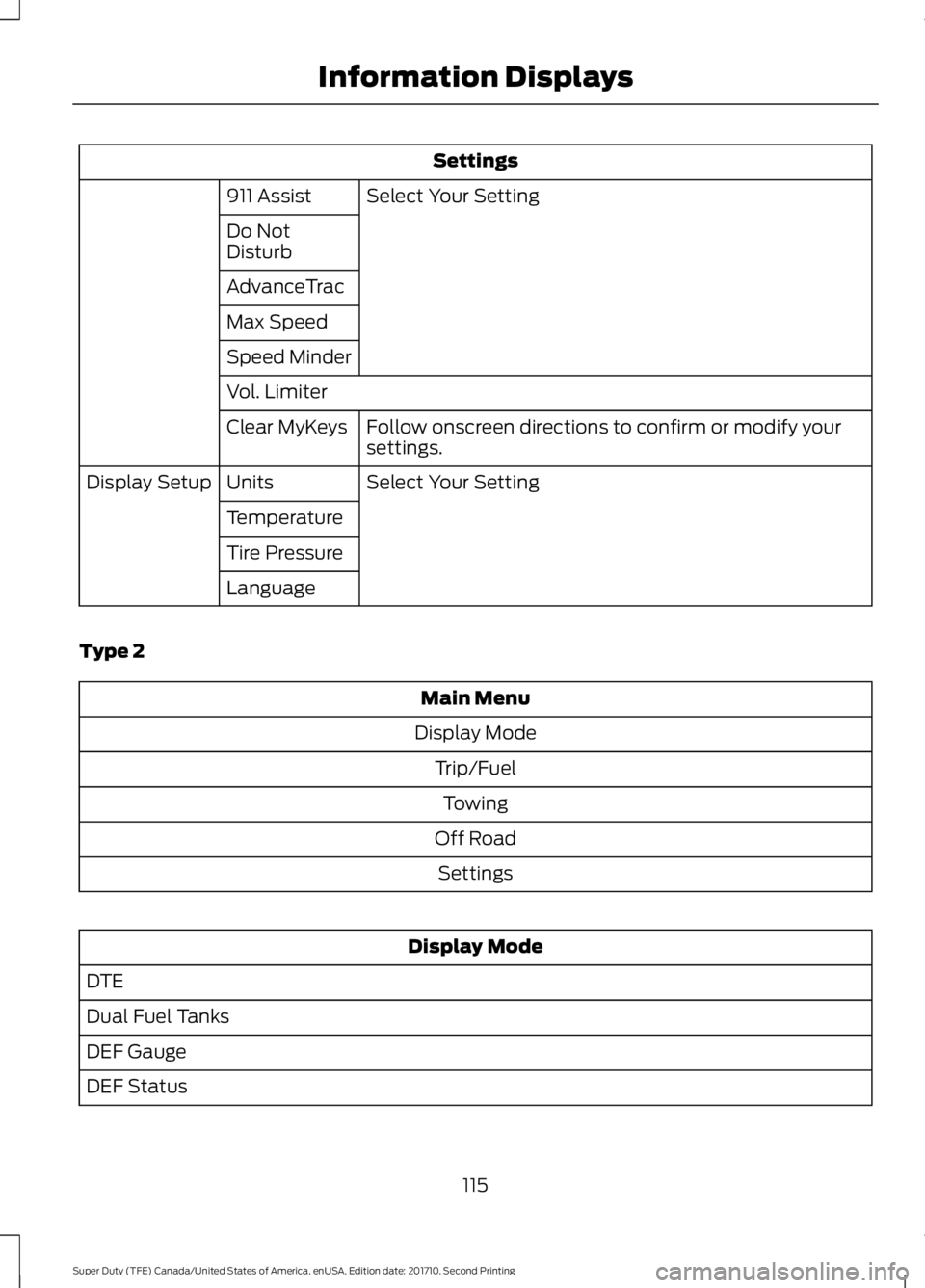
Settings
Select Your Setting911 Assist
Do NotDisturb
AdvanceTrac
Max Speed
Speed Minder
Vol. Limiter
Follow onscreen directions to confirm or modify yoursettings.Clear MyKeys
Select Your SettingUnitsDisplay Setup
Temperature
Tire Pressure
Language
Type 2
Main Menu
Display Mode
Trip/Fuel
Towing
Off Road
Settings
Display Mode
DTE
Dual Fuel Tanks
DEF Gauge
DEF Status
115
Super Duty (TFE) Canada/United States of America, enUSA, Edition date: 201710, Second Printing
Information Displays
Page 119 of 642
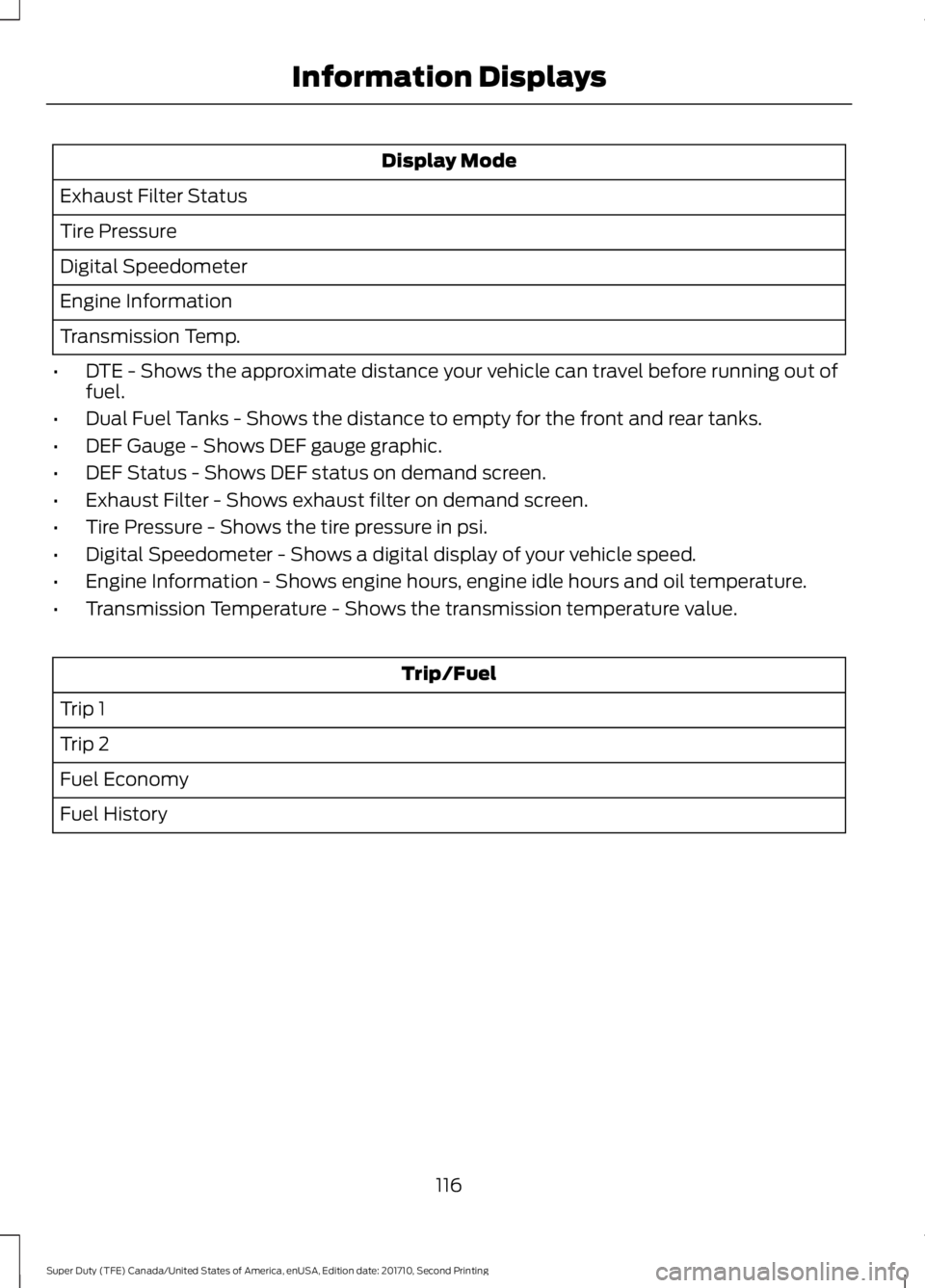
Display Mode
Exhaust Filter Status
Tire Pressure
Digital Speedometer
Engine Information
Transmission Temp.
•DTE - Shows the approximate distance your vehicle can travel before running out offuel.
•Dual Fuel Tanks - Shows the distance to empty for the front and rear tanks.
•DEF Gauge - Shows DEF gauge graphic.
•DEF Status - Shows DEF status on demand screen.
•Exhaust Filter - Shows exhaust filter on demand screen.
•Tire Pressure - Shows the tire pressure in psi.
•Digital Speedometer - Shows a digital display of your vehicle speed.
•Engine Information - Shows engine hours, engine idle hours and oil temperature.
•Transmission Temperature - Shows the transmission temperature value.
Trip/Fuel
Trip 1
Trip 2
Fuel Economy
Fuel History
116
Super Duty (TFE) Canada/United States of America, enUSA, Edition date: 201710, Second Printing
Information Displays
Page 129 of 642
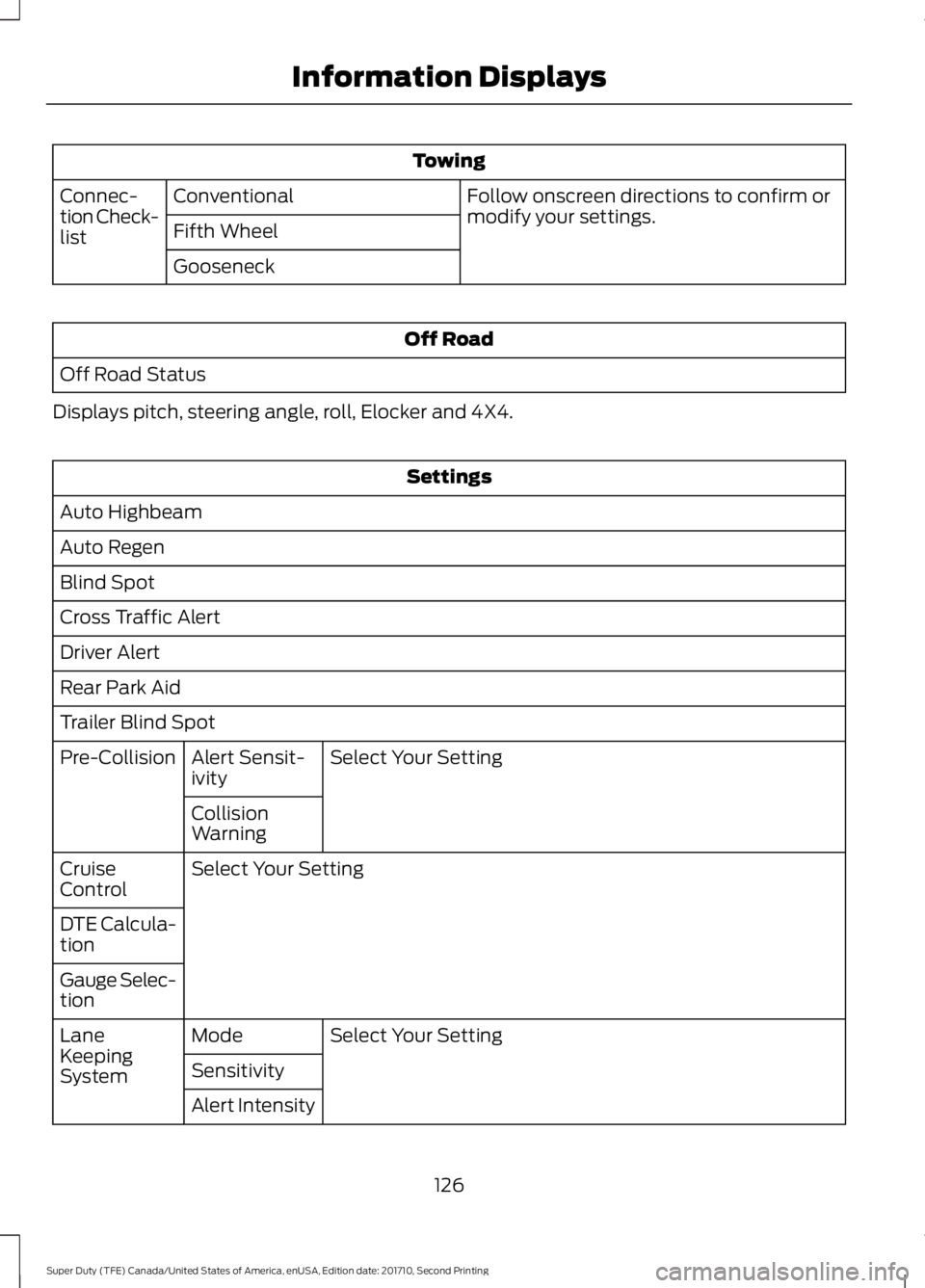
Towing
Follow onscreen directions to confirm ormodify your settings.ConventionalConnec-tion Check-listFifth Wheel
Gooseneck
Off Road
Off Road Status
Displays pitch, steering angle, roll, Elocker and 4X4.
Settings
Auto Highbeam
Auto Regen
Blind Spot
Cross Traffic Alert
Driver Alert
Rear Park Aid
Trailer Blind Spot
Select Your SettingAlert Sensit-ivityPre-Collision
CollisionWarning
Select Your SettingCruiseControl
DTE Calcula-tion
Gauge Selec-tion
Select Your SettingModeLaneKeepingSystemSensitivity
Alert Intensity
126
Super Duty (TFE) Canada/United States of America, enUSA, Edition date: 201710, Second Printing
Information Displays