ignition GMC YUKON DENALI 2003 Owner's Manual
[x] Cancel search | Manufacturer: GMC, Model Year: 2003, Model line: YUKON DENALI, Model: GMC YUKON DENALI 2003Pages: 447, PDF Size: 21.97 MB
Page 143 of 447
The seat, throttle and brake pedals and mirror positions
can also be recalled when placing the key in the
ignition
if programmed to do so through the Driver
Information Center (DIC). See
DIC Operation and
Displays on page
3-43.
To stop recall movement of the memory seat feature at
any time, press one
of the memory buttons or power
seat controls.
Easy Exit Seat
The controls for this memory function are located on the
driver's door.
ii! (Easy Exit Seat): This button is used to program
and recall the desired driver's seat position when
exiting/entering the vehicle. The seat position, can be
personalized for both driver
1 and driver 2.
To store the seat exit position for driver 1 or 2, do the
following:
1. Select the desired driver number by pressing and
releasing the
1 or 2 button or by pressing the
unlock button on the number
1 or 2 remote
keyless entry transmitter. The seat will move to the
stored memory position.
2. Adjust the seat to the desired exit position.
3. Press and hold the exit button of the memory
control for three seconds.
A double chime will sound
to let you know that the position has been stored
for the identified driver
(1 or 2).
To use the seat exit position, do one of the following:
Press the exit button on the memory control.
Or, if this feature is enabled (active) in the DIC,
then removing the key from the ignition will
cause the seat to move
to the exit position.
2-48
Page 155 of 447
Increasing Speed While Using Cruise
Control
There are two ways to go to a higher speed:
Use the accelerator pedal to get to the higher
speed. Press the SET button at the end of the lever,
then release the button and the accelerator pedal.
You’ll now cruise at the higher speed.
resume/accelerate. Hold it there until you get up to
the speed you want, and then release the switch.
To increase your speed in very small amounts,
move the switch briefly to resume/accelerate.
Each time you do this, your vehicle will go about
1 mph (1.6 km/h) faster.
Move the cruise switch from on to
Reducing Speed While Using Cruise
Control
Press in the button at the end of the lever until you
reach the lower speed you want, then release it.
To slow down in very small amounts, briefly press
the set button. Each time you do this, you’ll go
about
1 mph (1.6 km/h) slower.
Passing Another Vehicle While Using
Cruise Control
Use the accelerator pedal to increase your speed.
When you take your foot
off the pedal, your vehicle will
slow down to the cruise control speed you set earlier.
Using Cruise Control on Hills
How well your cruise control will work on hills depends
upon your speed, load and the steepness of the
hills. When going up steep hills, you may want to step
on the accelerator pedal to maintain your speed.
When going downhill, you may have to brake or shift to
a lower gear to keep your speed down. Of course,
applying the brake takes you out of cruise control. Many
drivers find this to be too much trouble and don’t use
cruise control on steep hills.
Ending Cruise Control
There are four ways to turn off the cruise control:
e Step lightly on the brake pedal,
move the cruise control switch to off, or
shift the transmission to NEUTRAL (N).
If your vehicle has the Stabilitrak@feature, cruise
control will deactivate
if road conditions cause
Stabilitrak@to activate.
Erasing Speed Memory
When you turn off the cruise control or the ignition, your
cruise control set speed memory is erased.
3-1 2
Page 157 of 447
Automatic Headlamp System
When it is dark enough outside and the headlamp
switch is in AUTO, your automatic headlamp system will
turn on your headlamps at the normal brightness
along with other lamps such as the taillamps,
sidemarker, parking lamps, roof marker lamps and the
instrument panel lights. The radio lights will also be dim.
To turn off the automatic headlamp system, turn the
exterior lamps switch
to the off position and then
release.
Your vehicle has a light sensor located on the top of the
instrument panel. Be sure
it is not covered, or the
system will be on whenever the ignition is on.
The system may also turn on your headlamps when
driving through a parking garage, heavy overcast
weather or a tunnel. This is normal.
There is a delay in the transition between the daytime
and nighttime operation of the Daytime Running
Lamps (DRL) and the automatic headlamp systems
so
that driving under bridges or bright overhead street
lights does not affect the system. The DRL and
automatic headlamp system will only be affected when
the light sensor sees a change in lighting lasting
longer than the delay. If
you start your vehicle in a dark garage, the automatic
headlamp system will come on immediately. Once
you leave the garage,
it will take approximately
one minute for the automatic headlamp system to
change
to DRL if it is light outside. During that delay,
your instrument panel cluster may not be as bright
as usual. Make sure your instrument panel brightness
control is in the full bright position. See ”Instrument
Panel Brightness” under lnterior
Lamps on page 3-76.
Lamps On Reminder
If a door is open, a reminder chime will sound when
your headlamps or parking lamps are manually turned
on and your key is out of the ignition. To turn off
the chime, turn the headlamp switch
to off or AUTO and
then back on. In the automatic mode, the headlamps
turn off once the ignition is in LOCK and the headlamps
on at exit delay ends
(if enabled in the DIC).
Daytime Running Lamps
Daytime Running Lamps (DRL) can make it easier for
others
to see the front of your vehicle during the
day. DRL can be helpful in many different driving
conditions, but they can be especially helpful in the short
periods after dawn and before sunset. Fully functional
daytime running lamps are required on all vehicles
first sold in Canada.
3-1 4
Page 158 of 447
The DRL system will come on when the following
conditions are met:
0 The ignition is on,
the exterior lamps control is in AUTO,
the transmission is not in PARK (P), and
0 the light sensor determines it is daytime.
When the DRL are on, only your DRL lamps will be on
The taillamps, sidemarker and other lamps won’t be
on. The instrument panel won’t be
lit up either.
When it begins
to get dark, the automatic headlamp
system will switch from DRL
to the headlamps.
As with any vehicle, you should turn on the regular
headlamp system when you need it.
Puddle Lamps
Your vehicle is equipped with puddle lamps to help you
see the area near the base of the front doors when
it
is dark out. The puddle lamps will illuminate when a door
is opened or when you press the unlock button on the
keyless entry transmitter. The lamps will time out or turn
off once the engine is started.
Fog Lamps
Use the fog lamps for better vision in foggy or misty
conditions. Your parking lamps and/or low-beam
headlamps must be on for your fog lamps
to work.
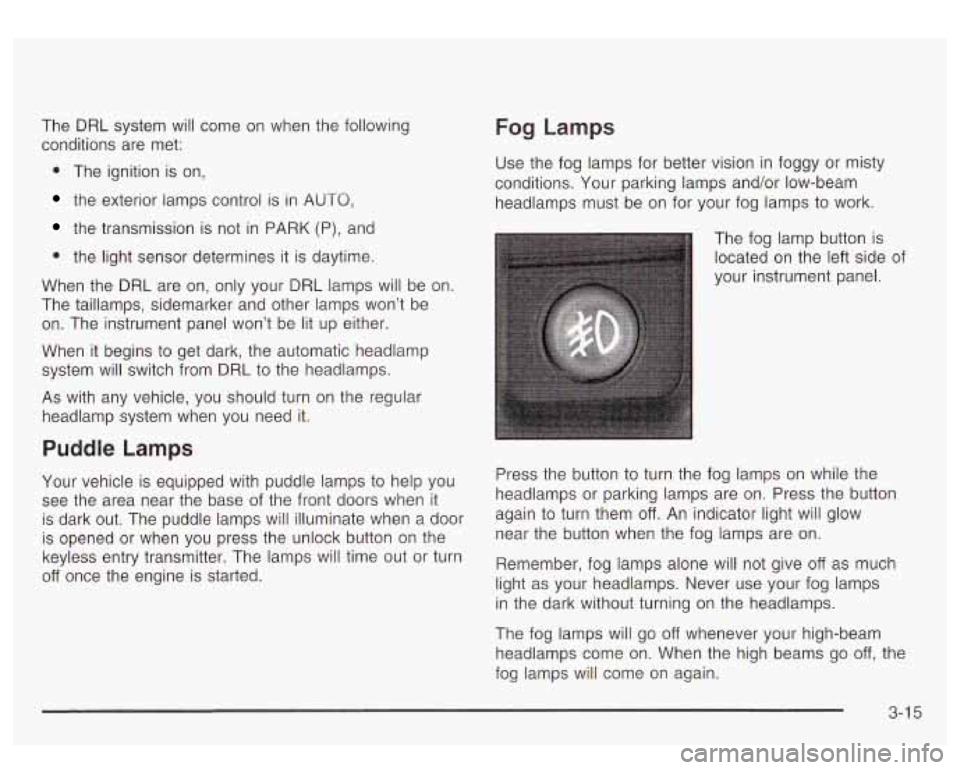
The fog lamp button
is
located on the left side of
your instrument panel.
Press the button
to turn the fog lamps on while the
headlamps or parking lamps are on. Press the button
again to turn them
off. An indicator light will glow
near the button when the fog lamps are on.
Remember, fog lamps alone will not give
off as much
light as your headlamps. Never use your fog lamps
in the dark without turning on the headlamps.
The fog lamps will go
off whenever your high-beam
headlamps come on. When the high beams go
off, the
fog lamps will come on again.
3-1 5
Page 159 of 447
The fog lamps will be cancelled after the ignition is
turned
off. If you still want to use the fog lamps after you
restart the vehicle, you will need
to press the fog
lamp button again.
Interior Lamps
Instrument Panel Brightness
The thumbwheel for this feature is located next to the
exterior lamps control.
G:~ (Instrument Panel Lights): Turn the thumbwheel,
located next
to the exterior lamps control, up or
down to brighten or dim the instrument panel lights and
the radio display. This will only work
if the headlamps
or parking lamps are on.
To turn on the dome lamps, with the vehicle doors
closed, turn the thumbwheel all the way up.
Dome Lamps
The dome lamps will come on when you open a door
and will slowly dim
to off when all doors are closed.
You can also turn the dome lamps on by turning
the thumbwheel, located next to the exterior lamp
control, all the way up. In this position, the dome lamps
will remain on whether a door is opened or closed.
(Dome Override): Press this button, located below
the exterior lamp control,
to set the dome lamps to
come on automatically when a door is opened, or remain
off. To turn the lamps off, press the button into the in
position. With the button in this position, the dome lamps
will remain
off when the doors are open. To return the
lamps
to automatic operation, press the button again
and return it
to the out position. With the button in this
position, the dome lamps will come on when you
open a door.
Entry Lighting
Your vehicle is equipped with an illuminated entry
feature.
When a door is opened, the dome lamps and puddle
lamps will come
on if the dome override button is in the
out position. If the dome override button is pressed
in, the lamps will not come on.
Exit Lighting
With exit lighting, the interior lamps will come on when
you remove the key from the ignition. The lamps
will not come on
if the dome override button is
pressed in.
3-1 6
Page 160 of 447
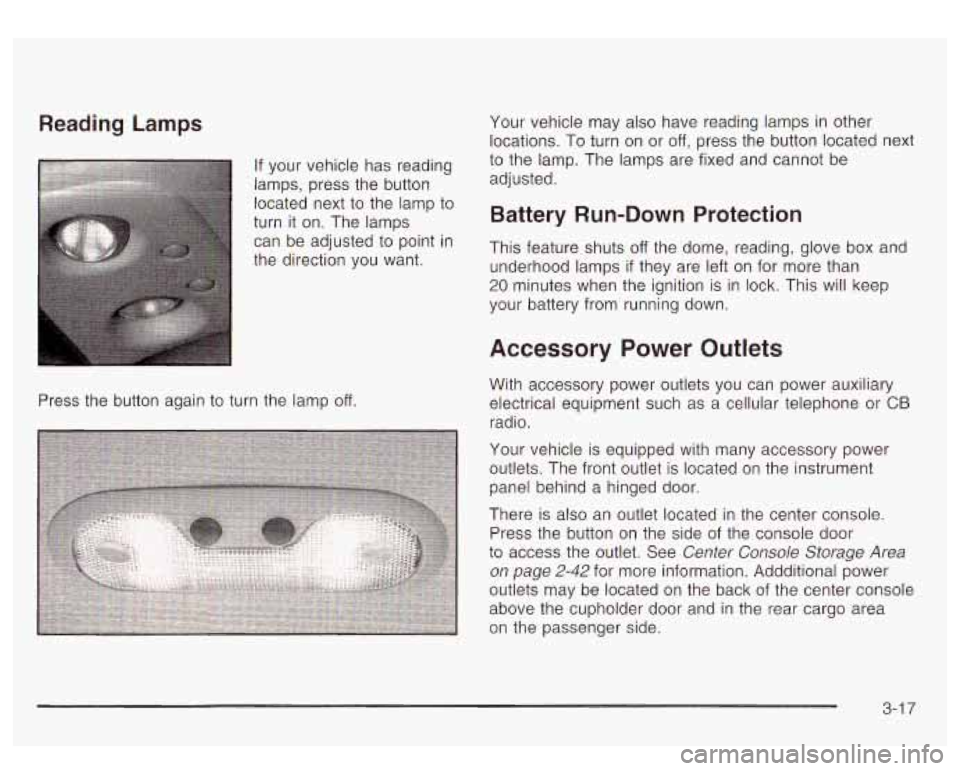
Reading Lamps
If your vehicle has reading
lamps, press the button located next
to the lamp to
turn it on. The lamps can be adjusted
to point in
the direction you want.
Press the button again to turn the lamp
off.
Your vehicle may also have reading lamps in other
locations.
To turn on or off, press the button located next
to the lamp. The lamps are fixed and cannot be
adjusted.
Battery Run-Down Protection
This feature shuts off the dome, reading, glove box and
underhood lamps
if they are left on for more than
20 minutes when the ignition is in lock. This will keep
your battery from running down.
Accessory Power Outlets
With accessory power outlets you can power auxiliary
electrical equipment such as a cellular telephone or
CB
radio.
Your vehicle is equipped with many accessory power
outlets. The front outlet is located on the instrument
panel behind a hinged door.
There is also an outlet located in the center console.
Press the button on the side of the console door
to access the outlet. See Center Console Storage Area
on page 2-42 for more information. Addditional power
outlets may be located on the back of the center console
above the cupholder door and in the rear cargo area
on the passenger side.
3-1 7
Page 174 of 447
Air Bag Readiness Light
There is an air bag readiness light on the instrument
panel, which shows the air bag symbol. The system
checks the air bag’s electrical system for malfunctions.
The light tells you
if there is an electrical problem.
The system check includes the air bag sensors, the air
bag modules, the wiring and the crash sensing and
diagnostic module. For more information on the air bag
system, see
Air Bag Systems on page 1-72.
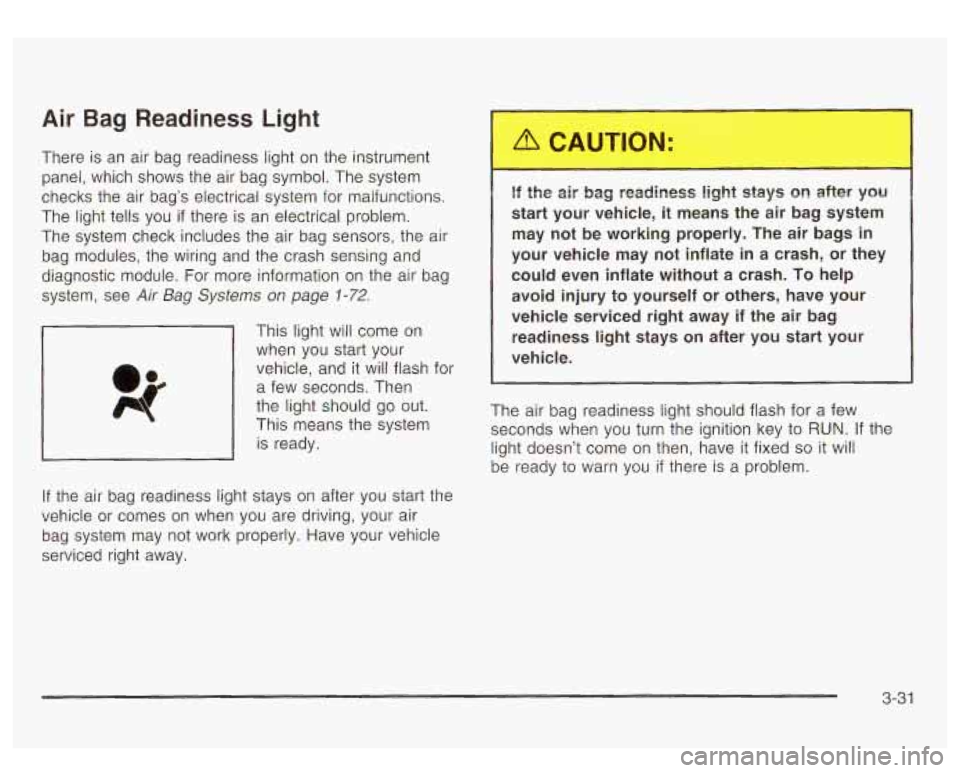
This light will come on
when you start your
vehicle, and it will flash for
a few seconds. Then
the light should go out.
This means the system
is ready.
If the air bag readiness light stays on after you start the
vehicle or comes on when you are driving, your air
bag system may not work properly. Have your vehicle
serviced right away.
16 the air bag readiness light stays on after yscl
start your vehicle,
it means the air bag system
may not be working properly. The air bags
in
your vehicle may not inflate in a crash, or they could even inflate without a crash.
To help
avoid injury to yourself or others, have your
vehicle serviced right away
if the air bag
readiness light stays on after you start your
vehicle.
The air bag readiness light should flash for a few
seconds when you turn the ignition key to RUN. If the
light doesn’t come on then, have it fixed
so it will
be ready to warn you
if there is a problem.
3-31
Page 175 of 447
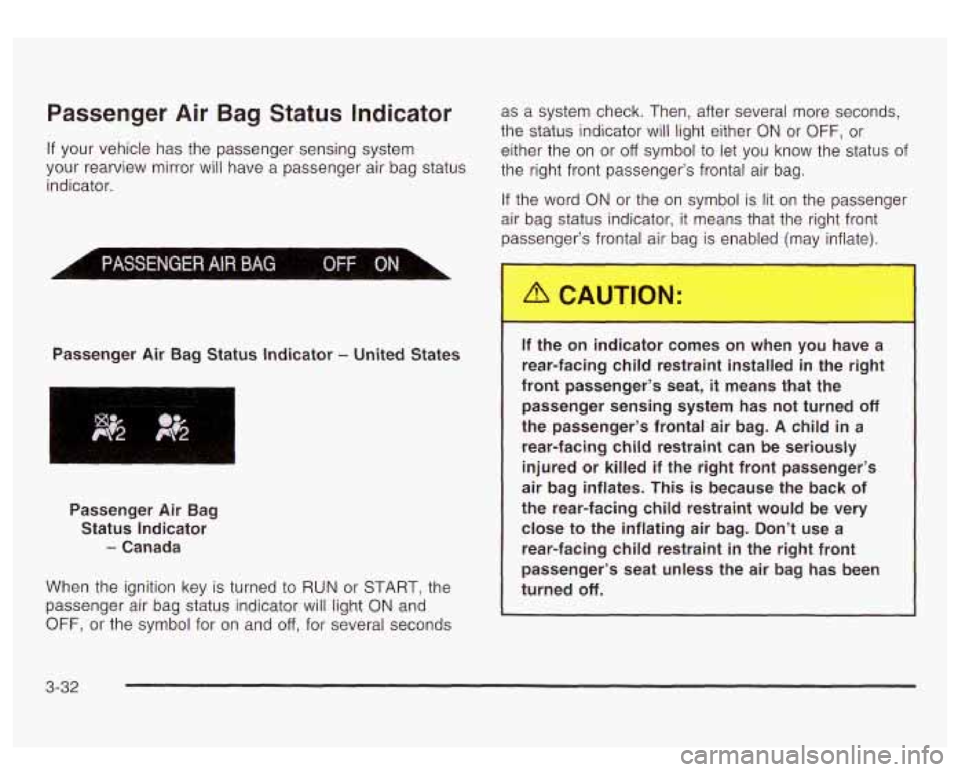
Passenger Air Bag Status Indicator as a system check. Then, after several more seconds,
the status indicator will light either
ON or OFF, or
If your vehicle has the passenger sensing system either the on or off symbol to let you know the status of
your rearview mirror Will have a passenger air bag status the right front passenger’s frontal air bag.
indicator.
Passenger Air Bag Status Indicator
- United States
If the word ON or the on symbol is lit on the passenger
air bag status indicator, it means that the right front
passenger’s frontal air bag is en, ed (may inflate).
Passenger Air Bag Status Indicator
- Canada
When the ignition key is turned
to RUN or START, the
passenger air bag status indicator will light
ON and
OFF, or the symbol for on and off, for several seconds
.. le on inc ator comes on when you have a
rear-facing child restraint installed in the right
front passenger’s seat,
it means that the
passenger sensing system has not turned
off
the passenger’s frontal air bag. A child in a
rear-facing child restraint can be seriously
injured or killed
if the right front passenger’s
air bag inflates. This is because the back of
the rear-facing child restraint would be very close to the inflating air bag. Don’t use a
rear-facing child restraint
in the right front
passenger’s seat unless the air bag has been
turned
off.
3-32
Page 176 of 447
If the word OFF or the off symbol is lit on the air bag
status indicator,
it means that the passenger sensing
system has turned
off the right front passenger’s frontal
air bag. See Passenger Sensing System on page
7 -8 7
for more on this, including important safety information.
If, after several seconds, all status indicator lights
remain on, or
if there are no lights at all, there may be a
problem with the lights or the passenger sensing
system. See your dealer for service.
__ -he ofl ..jdicator and the air bag readiness
light ever come on together, it means that
something may be wrong with the air bag
system.
If this ever happens, have the vehicle
serviced promptly, because an adult-size
person sitting in the right front passenger seat
may not have the protection of the frontal air
bag. See “Air Bag Readiness Light” in the
Index.
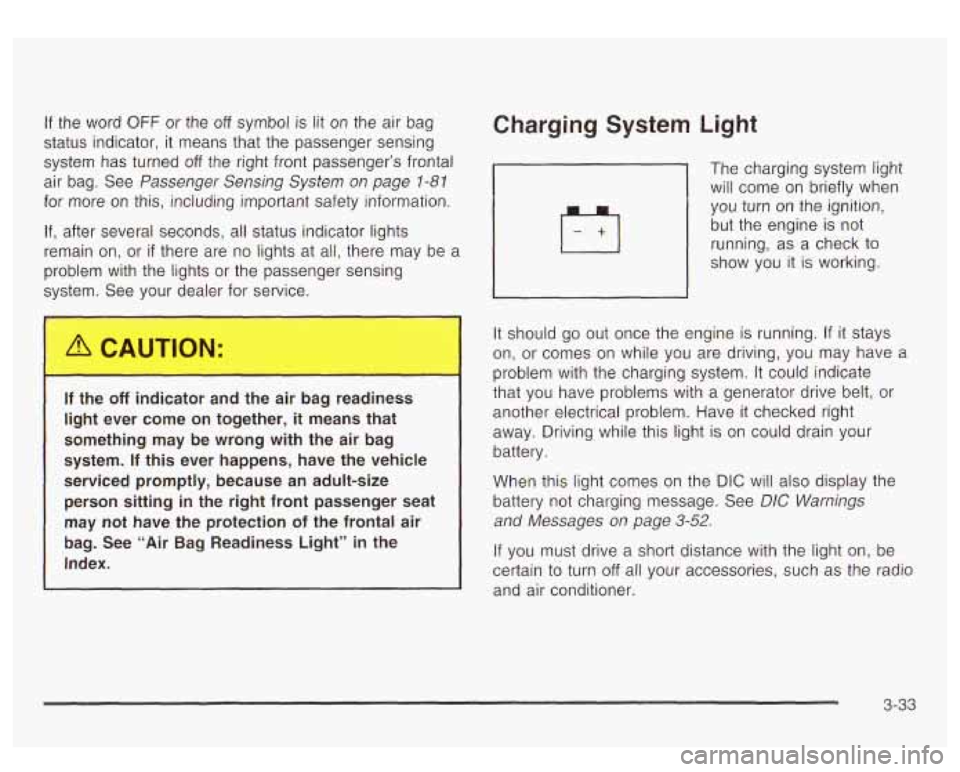
Charging System Light
The charging system light
will come on briefly when you turn on the ignition,
but the engine is
not
running, as a check to
show you it
is working.
It should go out once the engine is running. If it stays
on, or comes on while you are driving, you may have a
problem with the charging system.
It could indicate
that you have problems with a generator drive belt, or
another electrical problem. Have it checked right
away. Driving while this light is on could drain your
battery.
When this light comes on the DIC will also display the
battery not charging message. See
DIC Warnings
and Messages
on page 3-52.
If you must drive a short distance with the light on, be
certain to turn
off all your accessories, such as the radio
and air conditioner.
3-33
Page 177 of 447
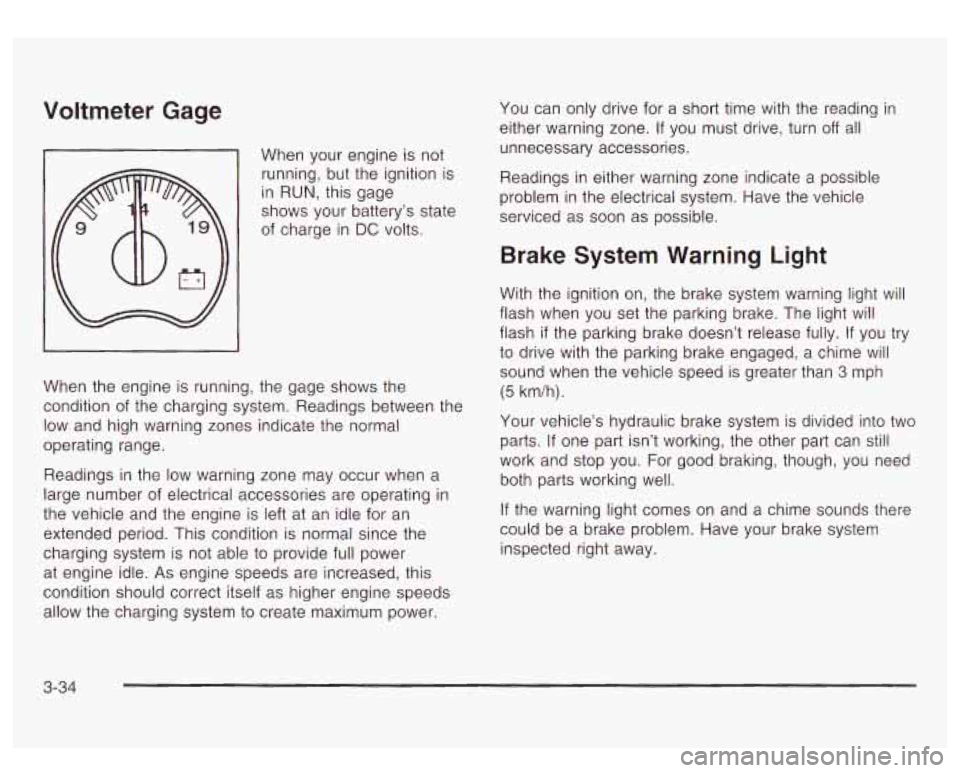
Voltmeter Gage
When your engine is not
running, but the ignition is
in
RUN, this gage
shows your battery’s state
of charge in
DC volts.
When the engine is running, the gage shows the
condition of the charging system. Readings between the
low and high warning zones indicate the normal
operating range.
Readings in the low warning zone may occur when a
large number of electrical accessories are operating in
the vehicle and the engine is left at an idle for an
extended period. This condition is normal since the
charging system is not able
to provide full power
at engine idle.
As engine speeds are increased, this
condition should correct itself as higher engine speeds allow the charging system
to create maximum power. You
can only drive for a short time with the reading in
either warning zone. If you must drive, turn
off all
unnecessary accessories.
Readings in either warning zone indicate a possible
problem in the electrical system. Have the vehicle
serviced as soon as possible.
Brake System Warning Light
With the ignition on, the brake system warning light will
flash when you set the parking brake. The light will
flash
if the parking brake doesn’t release fully. If you try
to drive with the parking brake engaged, a chime will
sound when the vehicle speed is greater than 3 mph
(5 km/h).
Your vehicle’s hydraulic brake system
is divided into two
parts. If one part isn’t working, the other part can still
work and stop you. For good braking, though, you need
both parts working well.
If the warning light comes on and a chime sounds there
could be a brake problem. Have your brake system
inspected right away.
3-34