change HONDA CRV 2023 User Guide
[x] Cancel search | Manufacturer: HONDA, Model Year: 2023, Model line: CRV, Model: HONDA CRV 2023Pages: 719, PDF Size: 13.43 MB
Page 93 of 719
92
Safe Driving
Exhaust Gas Hazard
Carbon Monoxide Gas
The engine exhaust from this vehicle contains carbon monoxide, a colorless,
odorless, and highly toxic gas. As long as you properly maintain your vehicle, carbon
monoxide gas will not get into the interior.
■Have the exhaust system in spected for leaks whenever
• The exhaust system is m aking an unusual noise.
• The exhaust system may have been damaged.
• The vehicle is raised for an oil change.
When you operate a vehicle with the tailgat e open, airflow can pull exhaust gas into
the interior and create a hazardous conditio n. If you must drive with the tailgate
open, open all the windows and set the climate control system as shown below.
1. Select the fresh air mode.
2. Select the mode.
3. Set the fan speed to high.
4. Set the temperature control to a comfortable setting.
Adjust the climate control system in the same manner if you sit in your parked
vehicle with the engine running.
1 Carbon Monoxide Gas
An enclosed area such as a garage can quickly fill up
with carbon monoxide gas.
Do not run the engine with the garage door closed.
Even when the garage door is open, drive out of the
garage immediat ely after starting the engine.
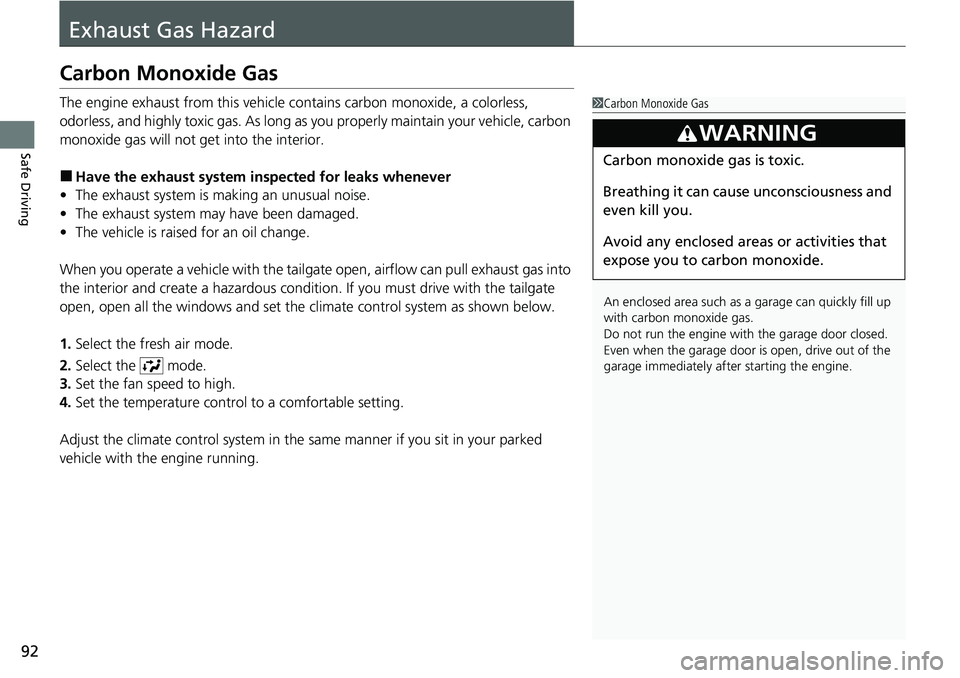
3WARNING
Carbon monoxide gas is toxic.
Breathing it can cause unconsciousness and
even kill you.
Avoid any enclosed areas or activities that
expose you to carbon monoxide.
Page 110 of 719
109
uuIndicators u
Continued
Instrument Panel
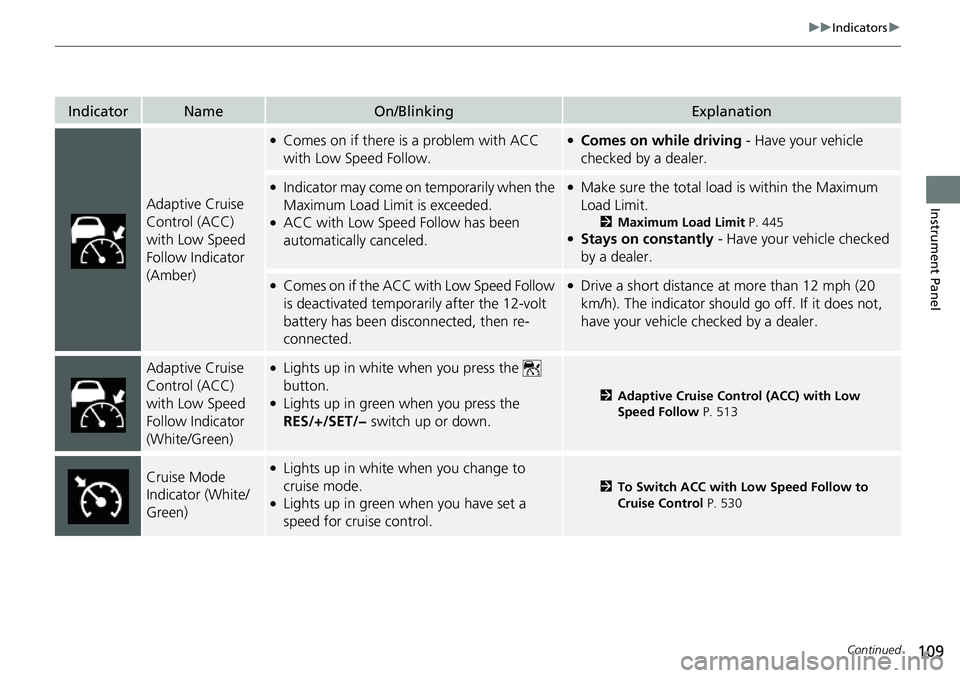
IndicatorNameOn/BlinkingExplanation
Adaptive Cruise
Control (ACC)
with Low Speed
Follow Indicator
(Amber)
●Comes on if there is a problem with ACC
with Low Speed Follow.●Comes on while driving - Have your vehicle
checked by a dealer.
●Indicator may come on temporarily when the
Maximum Load Limit is exceeded.
●ACC with Low Speed Follow has been
automatically canceled.
●Make sure the total load is within the Maximum
Load Limit.
2 Maximum Load Limit P. 445●Stays on constantly - Have your vehicle checked
by a dealer.
●Comes on if the ACC with Low Speed Follow
is deactivated temporarily after the 12-volt
battery has been disconnected, then re-
connected.●Drive a short distance at more than 12 mph (20
km/h). The indicator should go off. If it does not,
have your vehicle checked by a dealer.
Adaptive Cruise
Control (ACC)
with Low Speed
Follow Indicator
(White/Green)●Lights up in white when you press the
button.
●Lights up in green when you press the
RES/+/SET/− switch up or down.2Adaptive Cruise Control (ACC) with Low
Speed Follow P. 513
Cruise Mode
Indicator (White/
Green)●Lights up in white when you change to
cruise mode.
●Lights up in green when you have set a
speed for cruise control.
2To Switch ACC with Low Speed Follow to
Cruise Control P. 530
Page 115 of 719
114
Instrument Panel
Gauges and Driver Information Interface
Gauges
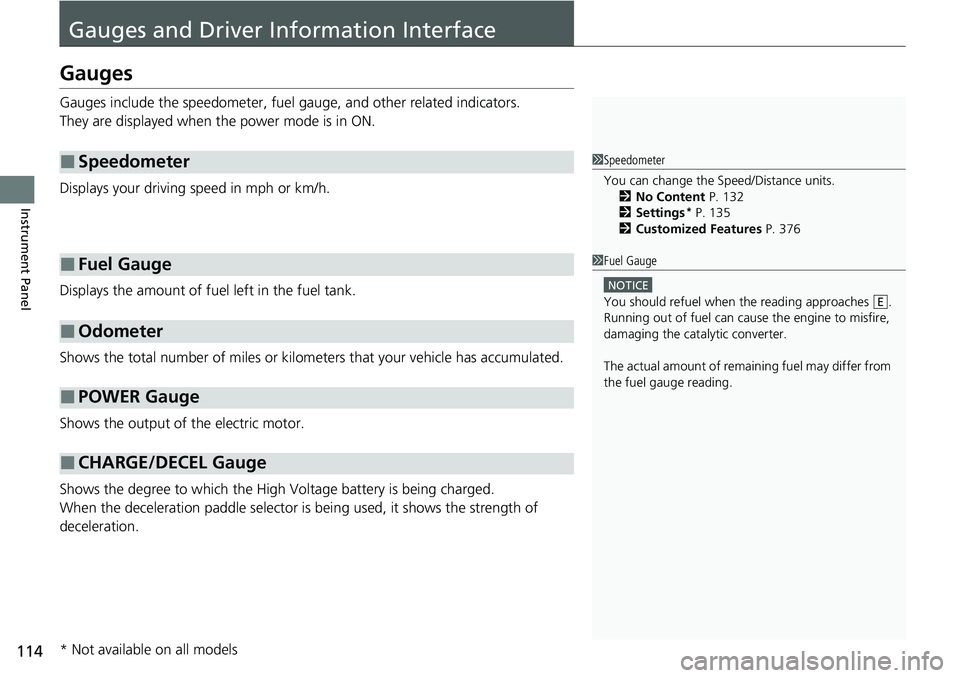
Gauges include the speedometer, fuel gauge, and other related indicators.
They are displayed when the power mode is in ON.
Displays your driving speed in mph or km/h.
Displays the amount of fuel left in the fuel tank.
Shows the total number of miles or kilome ters that your vehicle has accumulated.
Shows the output of the electric motor.
Shows the degree to which the High Voltage battery is being charged.
When the deceleration paddle selector is being used, it shows the strength of
deceleration.
■Speedometer
■Fuel Gauge
■Odometer
■POWER Gauge
■CHARGE/DECEL Gauge
1 Speedometer
You can change the Speed/Distance units.
2 No Content P. 132
2 Settings
* P. 135
2 Customized Features P. 376
1Fuel Gauge
NOTICE
You should refuel when the reading approaches .
Running out of fuel can cause the engine to misfire,
damaging the cata lytic converter.
The actual amount of remain ing fuel may differ from
the fuel gauge reading.E
* Not available on all models
Page 117 of 719
uuGauges and Driver Information Interface uGauges
116
Instrument Panel
Shows the current mode for ACC with Low Speed Follow, LKAS, and Traffic Jam
Assist.
2 Adaptive Cruise Control (ACC) with Low Speed Follow P. 513
2 Lane Keeping Assist System (LKAS) P. 533
2 Traffic Jam Assist P. 545
Shows the clock.
■Current Mode for ACC with Low Speed Follow, the LKAS, and
Traffic Jam Assist
■Clock1Clock
You can adjust the time manually and change the
clock display to show the 12 hour clock or 24 hour
clock. 2 Clock P. 146
Page 120 of 719
Continued119
uuGauges and Driver Information Interface uDriver Information Interface
Instrument Panel
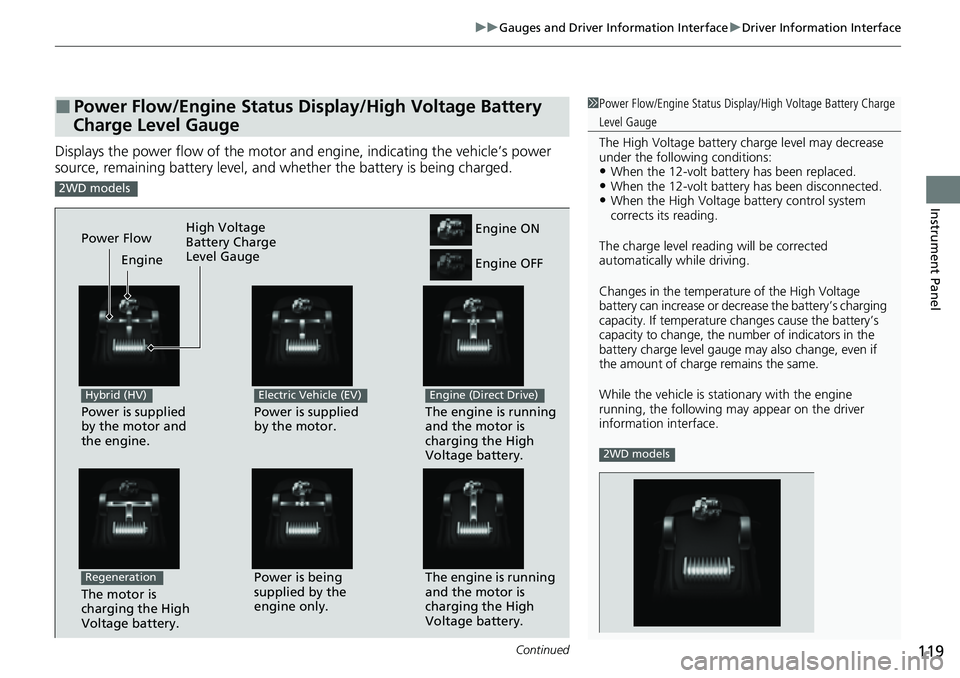
Displays the power flow of the motor an d engine, indicating the vehicle’s power
source, remaining battery level, and whether the battery is being charged.
■Power Flow/Engine Status Display/High Voltage Battery
Charge Level Gauge1 Power Flow/Engine Status Display/High Voltage Battery Charge
Level Gauge
The High Voltage battery ch arge level may decrease
under the following conditions:
•When the 12-volt batter y has been replaced.•When the 12-volt battery has been disconnected.•When the High Voltage battery control system
corrects its reading.
The charge level readin g will be corrected
automatically while driving.
Changes in the temperatur e of the High Voltage
battery can increase or decrease the battery’s charging
capacity. If temperature ch anges cause the battery’s
capacity to change, the num ber of indicators in the
battery charge level gauge may also change, even if
the amount of charge remains the same.
While the vehicle is stat ionary with the engine
running, the following ma y appear on the driver
information interface.
2WD models
2WD models
Power is supplied
by the motor and
the engine.
Hybrid (HV)
The engine is running
and the motor is
charging the High
Voltage battery.Power is being
supplied by the
engine only.
Engine ON
Engine OFF
Power is supplied
by the motor.
Electric Vehicle (EV)
The engine is running
and the motor is
charging the High
Voltage battery.
Engine (Direct Drive)
Power Flow Engine
The motor is
charging the High
Voltage battery.
Regeneration
High Voltage
Battery Charge
Level Gauge
Page 123 of 719
uuGauges and Driver Information Interface uDriver Information Interface
122
Instrument Panel
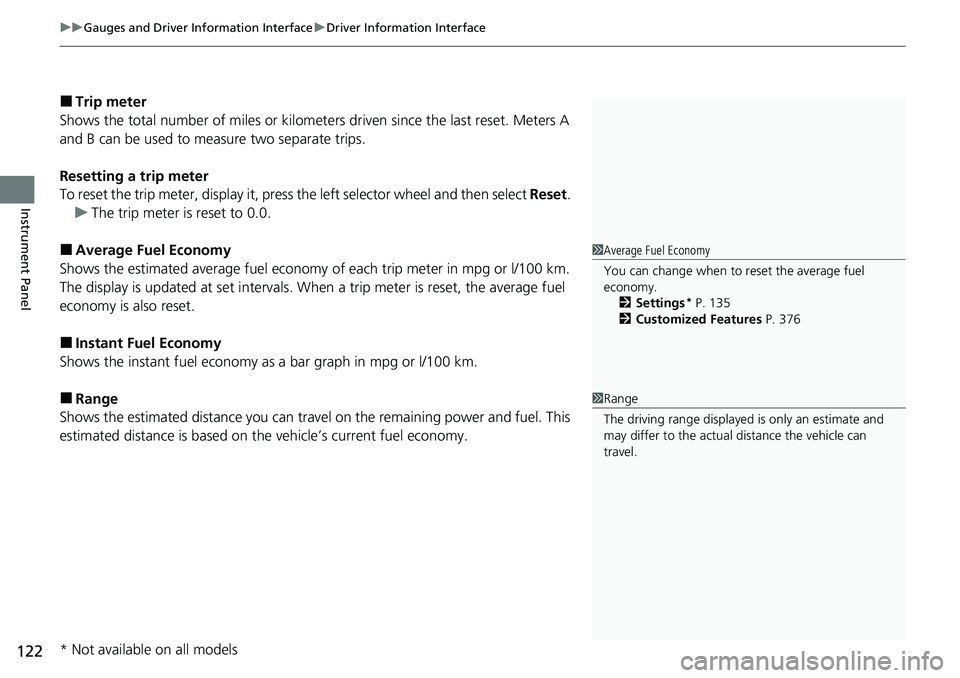
■Trip meter
Shows the total number of miles or kilomete rs driven since the last reset. Meters A
and B can be used to measure two separate trips.
Resetting a trip meter
To reset the trip meter, display it, press the left selector wheel and then select Reset.
u The trip meter is reset to 0.0.
■Average Fuel Economy
Shows the estimated average fuel economy of each trip meter in mpg or l/100 km.
The display is updated at set intervals. When a trip meter is reset, the average fuel
economy is also reset.
■Instant Fuel Economy
Shows the instant fuel economy as a bar graph in mpg or l/100 km.
■Range
Shows the estimated distance you can trave l on the remaining power and fuel. This
estimated distance is based on the vehicle’s current fuel economy.
1 Average Fuel Economy
You can change when to reset the average fuel
economy.
2 Settings
* P. 135
2 Customized Features P. 376
1Range
The driving range displayed is only an estimate and
may differ to the actual distance the vehicle can
travel.
* Not available on all models
Page 125 of 719
uuGauges and Driver Information Interface uDriver Information Interface
124
Instrument Panel
■Trip meter
2 Trip meter P. 122
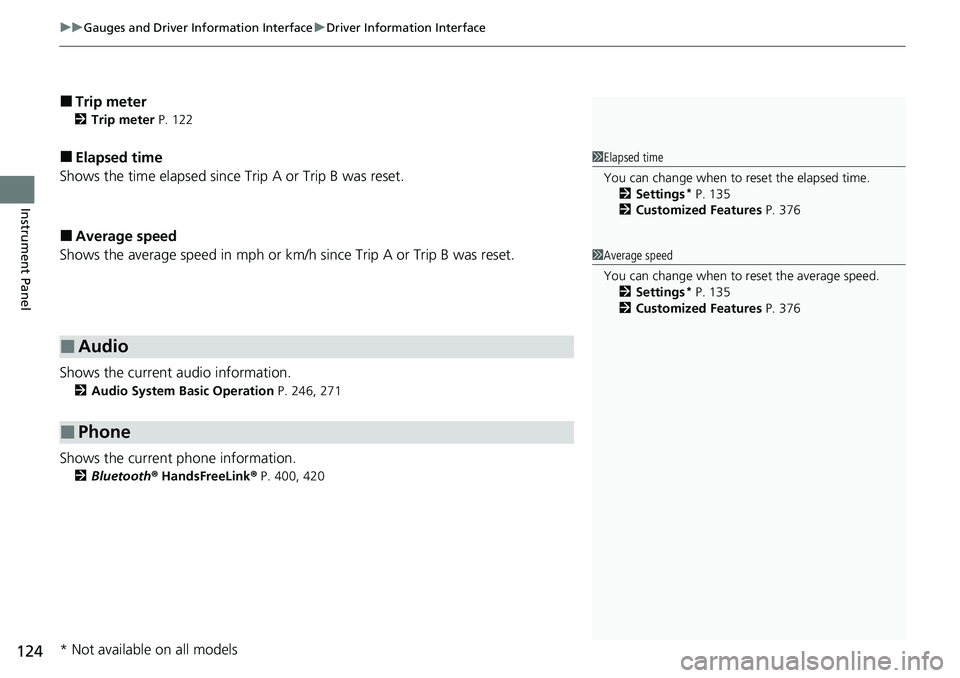
■Elapsed time
Shows the time elapsed since Trip A or Trip B was reset.
■Average speed
Shows the average speed in mph or km/h since Trip A or Trip B was reset.
Shows the current audio information.
2 Audio System Basic Operation P. 246, 271
Shows the current phone information.
2Bluetooth ® HandsFreeLink ® P. 400, 420
■Audio
■Phone
1 Elapsed time
You can change when to reset the elapsed time.
2 Settings
* P. 135
2 Customized Features P. 376
1Average speed
You can change when to reset the average speed.
2 Settings
* P. 135
2 Customized Features P. 376
* Not available on all models
Page 129 of 719
uuGauges and Driver Information Interface uDriver Information Interface
128
Instrument Panel
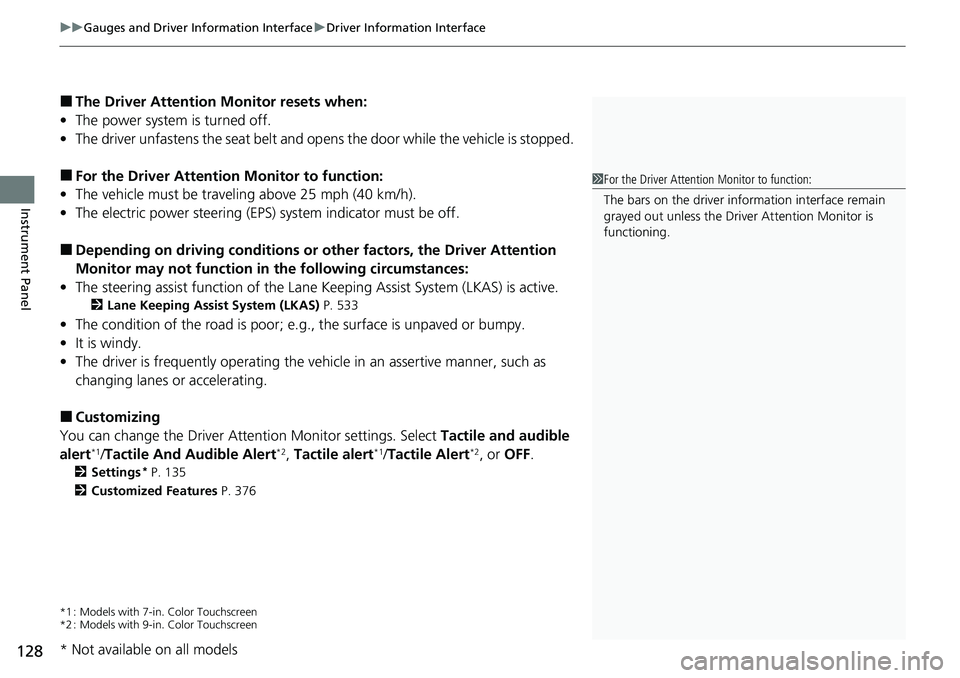
■The Driver Attention Monitor resets when:
• The power system is turned off.
• The driver unfastens the seat belt and op ens the door while the vehicle is stopped.
■For the Driver Attention Monitor to function:
• The vehicle must be traveling above 25 mph (40 km/h).
• The electric power steering (EPS) system indicator must be off.
■Depending on driving conditions or other factors, the Driver Attention
Monitor may not function in the following circumstances:
• The steering assist function of the Lane Keeping Assist System (LKAS) is active.
2Lane Keeping Assist System (LKAS) P. 533
•The condition of the road is poor; e.g., the surface is unpaved or bumpy.
• It is windy.
• The driver is frequently op erating the vehicle in an assertive manner, such as
changing lanes or accelerating.
■Customizing
You can change the Driver Attention Monitor settings. Select Tactile and audible
alert
*1/ Tactile And Audible Alert*2, Tactile alert*1/Tactile Alert*2, or OFF .
2Settings* P. 135
2 Customized Features P. 376
*1 : Models with 7-in. Color Touchscreen
*2 : Models with 9-in. Color Touchscreen
1For the Driver Attention Monitor to function:
The bars on the driver information interface remain
grayed out unless the Driv er Attention Monitor is
functioning.
* Not available on all models
Page 133 of 719
132
uuGauges and Driver Information Interface uDriver Information Interface
Instrument Panel
2 POWER Gauge P. 114
2 CHARGE/DECEL Gauge P. 114
■Speed/Distance Units
Enables you to show another unit on th e driver information interface and audio/
information screen and set the displayed m easurements to read in either miles and
mph or km and km/h.
Press and hold the left selector wheel when you select No content on the driver
information interface. Each ti me you do this, the unit will change from miles and
mph to km and km/h or vice versa. After this, a confirmation screen will appear for
a few seconds.
■No Content
Page 134 of 719
Continued133
uuGauges and Driver Information Interface uDriver Information Interface
Instrument Panel
Display the adjustment for instrument panel brightness.
When the power mode is in ON, you can use the left selector wheel to adjust
instrument panel brightness.
Brighten: Roll the left selector wheel up.
Dim: Roll the left selector wheel down.
Press the left selector wheel to exit.
■Brightness1 Brightness
The brightness of the gauge is automatically adjusted
depending on the ambient brightness.
•The brightness dims when the ambient light is
dark.
•The brightness brightens when the ambient light is
bright.
You can change the setting even when the ambient
lighting is bright, but the brightness of the gauge
won’t change.