set Hyundai Azera 2015 Manual PDF
[x] Cancel search | Manufacturer: HYUNDAI, Model Year: 2015, Model line: Azera, Model: Hyundai Azera 2015Pages: 473, PDF Size: 11.92 MB
Page 244 of 473
![Hyundai Azera 2015 Manual PDF 4167
Features of your vehicle
MEDIA MODE
Pressing the key will change the
operating mode in order of CD
➟
USB(iPod®) ➟ AUX ➟ My Music ➟BT Audio.
If [Mode Pop up] is turned on within
[Displa](/img/35/14466/w960_14466-243.png "Hyundai Azera 2015 Manual PDF 4167
Features of your vehicle
MEDIA MODE
Pressing the key will change the
operating mode in order of CD
➟
USB(iPod®) ➟ AUX ➟ My Music ➟BT Audio.
If [Mode Pop up] is turned on within
[Displa")
4167
Features of your vehicle
MEDIA MODE
Pressing the key will change the
operating mode in order of CD
➟
USB(iPod®) ➟ AUX ➟ My Music ➟BT Audio.
If [Mode Pop up] is turned on within
[Display], then pressing the
key will display the Media mode
Pop-up screen.
Use TUNE knob to move the focus.
Press the knob to select.
✽NOTICE
• If the key is pressed with the
system power off, then the power will
turn on and the most recently played
media mode will be played.
• The media mode pop up screen can be
displayed only when there are two or
more media modes turned on.MEDIA
MEDIA
SETUP
MEDIA
Page 247 of 473
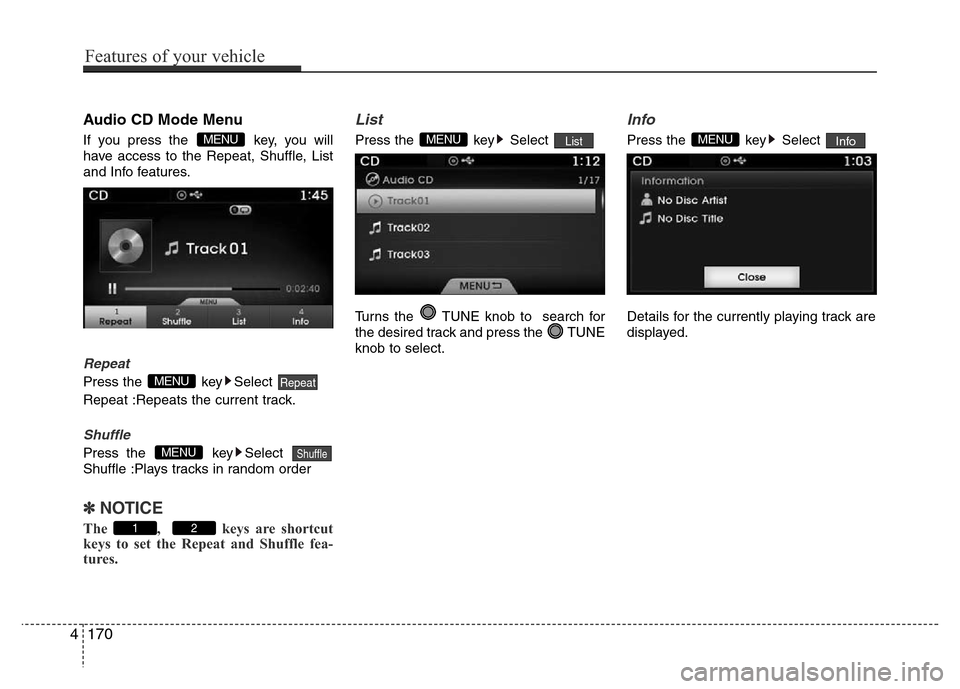
Audio CD Mode Menu
If you press the key, you will
have access to the Repeat, Shuffle, List
and Info features.
Repeat
Press the key Select
Repeat :Repeats the current track.
Shuffle
Press the key Select
Shuffle :Plays tracks in random order
✽ NOTICE
The , keys are shortcut
keys to set the Repeat and Shuffle fea-
tures.
List
Press the key Select
Turns the TUNE knob to search for
the desired track and press the TUNE
knob to select.
Info
Press the key Select
Details for the currently playing track are
displayed.InfoMENUListMENU
21
ShuffleMENU
RepeatMENU
MENU
4170
Features of your vehicle
Page 250 of 473
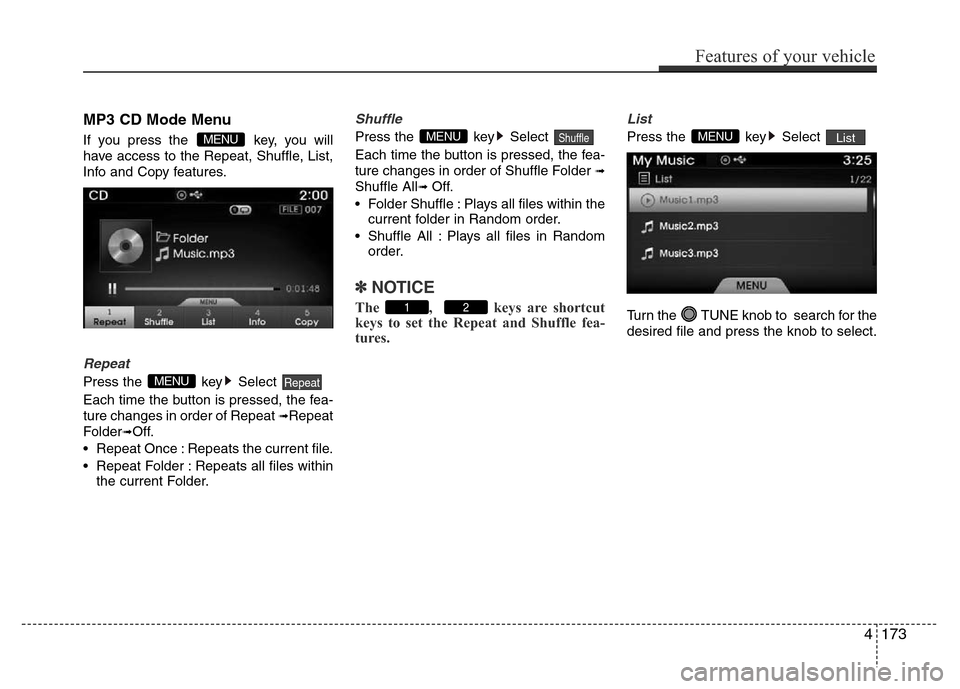
MP3 CD Mode Menu
If you press the key, you will
have access to the Repeat, Shuffle, List,
Info and Copy features.
Repeat
Press the key Select
Each time the button is pressed, the fea-
ture changes in order of Repeat
➟Repeat
Folder
➟Off.
• Repeat Once : Repeats the current file.
• Repeat Folder : Repeats all files within
the current Folder.
Shuffle
Press the key Select
Each time the button is pressed, the fea-
ture changes in order of Shuffle Folder
➟
Shuffle All➟ Off.
• Folder Shuffle : Plays all files within the
current folder in Random order.
• Shuffle All : Plays all files in Random
order.
✽NOTICE
The , keys are shortcut
keys to set the Repeat and Shuffle fea-
tures.
List
Press the key Select
Turn the TUNE knob to search for the
desired file and press the knob to select.ListMENU
21
ShuffleMENU
RepeatMENU
MENU
Features of your vehicle
173 4
Page 251 of 473
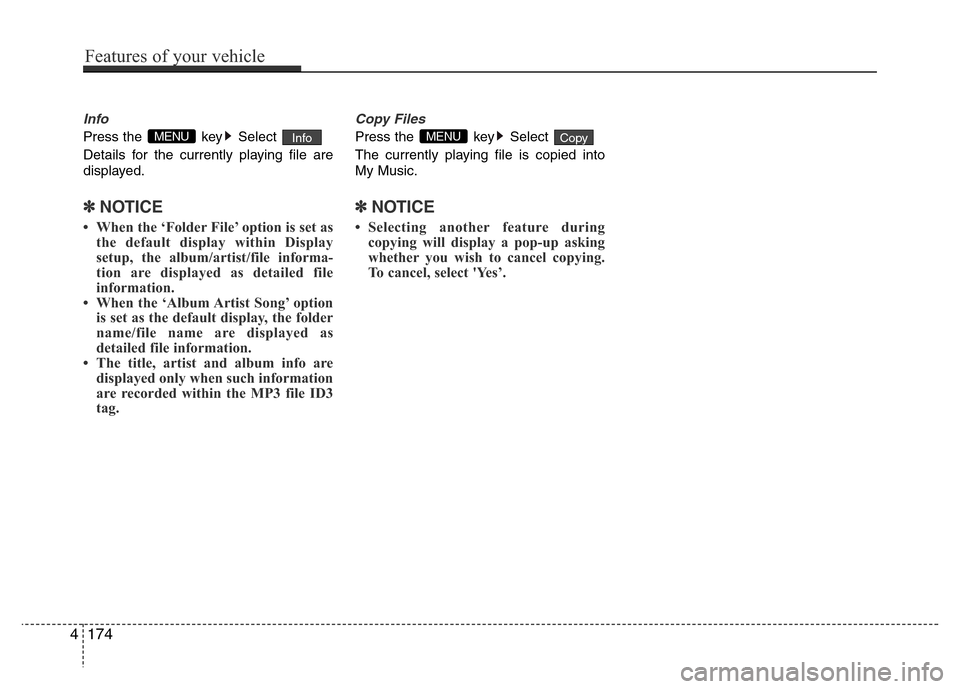
Info
Press the key Select
Details for the currently playing file are
displayed.
✽NOTICE
• When the ‘Folder File’ option is set as
the default display within Display
setup, the album/artist/file informa-
tion are displayed as detailed file
information.
• When the ‘Album Artist Song’ option
is set as the default display, the folder
name/file name are displayed as
detailed file information.
• The title, artist and album info are
displayed only when such information
are recorded within the MP3 file ID3
tag.
Copy Files
Press the key Select
The currently playing file is copied into
My Music.
✽NOTICE
• Selecting another feature during
copying will display a pop-up asking
whether you wish to cancel copying.
To cancel, select 'Yes’.
CopyMENUInfoMENU
4174
Features of your vehicle
Page 254 of 473
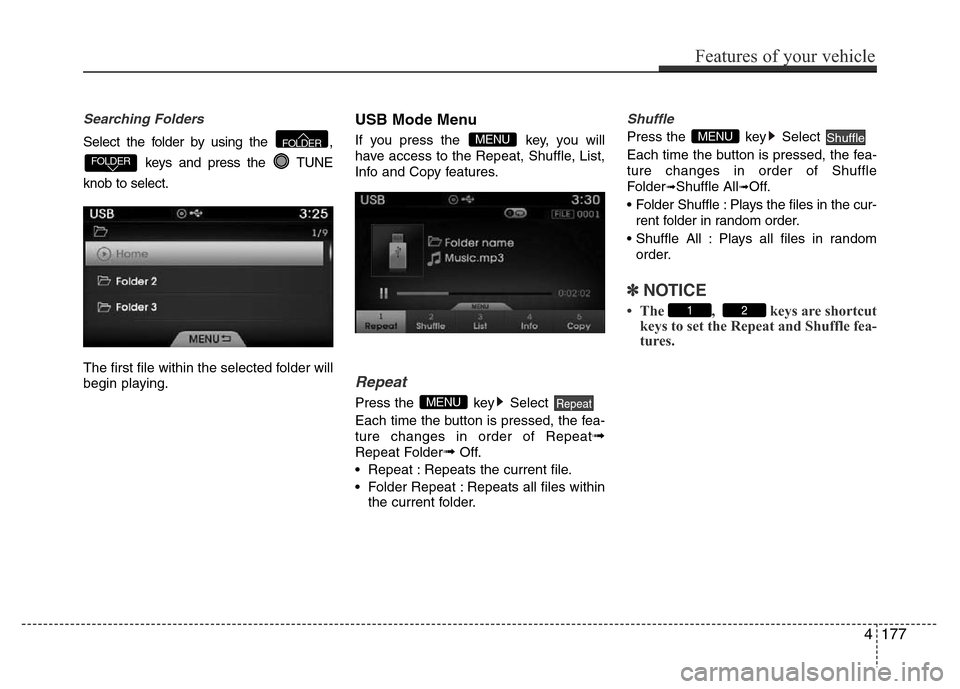
Searching Folders
Select the folder by using the ,
keys and press the TUNE
knob to select.
The first file within the selected folder will
begin playing.
USB Mode Menu
If you press the key, you will
have access to the Repeat, Shuffle, List,
Info and Copy features.
Repeat
Press the key Select
Each time the button is pressed, the fea-
ture changes in order of Repeat
➟
Repeat Folder➟Off.
• Repeat : Repeats the current file.
• Folder Repeat : Repeats all files within
the current folder.
Shuffle
Press the key Select
Each time the button is pressed, the fea-
ture changes in order of Shuffle
Folder
➟Shuffle All➟Off.
• Folder Shuffle : Plays the files in the cur-
rent folder in random order.
• Shuffle All : Plays all files in random
order.
✽NOTICE
• The , keys are shortcut
keys to set the Repeat and Shuffle fea-
tures.21
ShuffleMENU
RepeatMENU
MENU
FOLDER
FOLDER
Features of your vehicle
177 4
Page 255 of 473
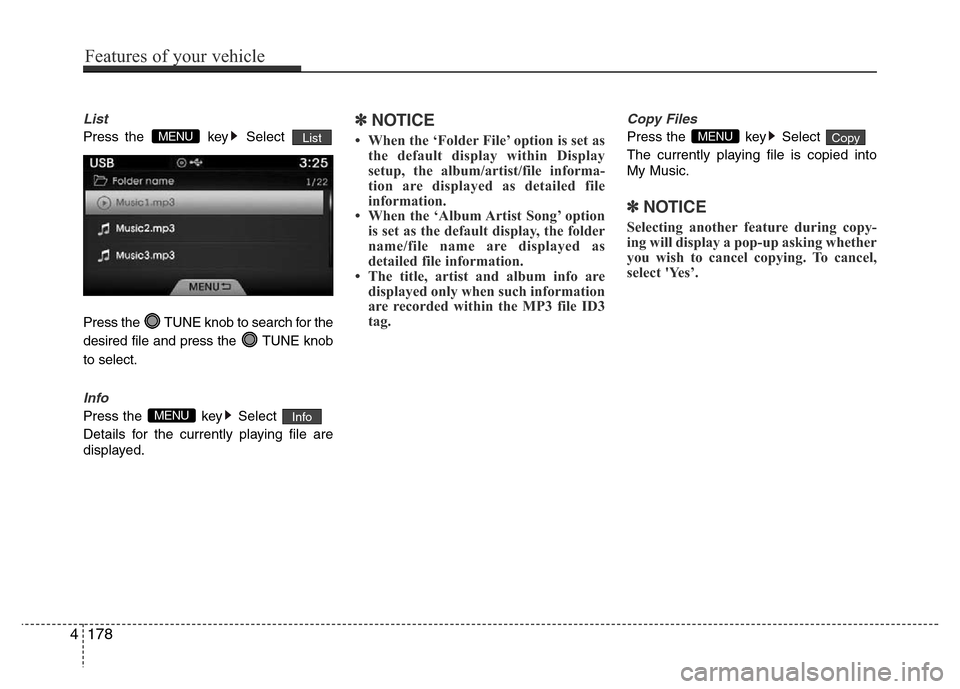
List
Press the key Select
Press the TUNE knob to search for the
desired file and press the TUNE knob
to select.
Info
Press the key Select
Details for the currently playing file are
displayed.
✽NOTICE
• When the ‘Folder File’ option is set as
the default display within Display
setup, the album/artist/file informa-
tion are displayed as detailed file
information.
• When the ‘Album Artist Song’ option
is set as the default display, the folder
name/file name are displayed as
detailed file information.
• The title, artist and album info are
displayed only when such information
are recorded within the MP3 file ID3
tag.
Copy Files
Press the key Select
The currently playing file is copied into
My Music.
✽NOTICE
Selecting another feature during copy-
ing will display a pop-up asking whether
you wish to cancel copying. To cancel,
select 'Yes’.
CopyMENU
InfoMENU
ListMENU
4178
Features of your vehicle
Page 262 of 473
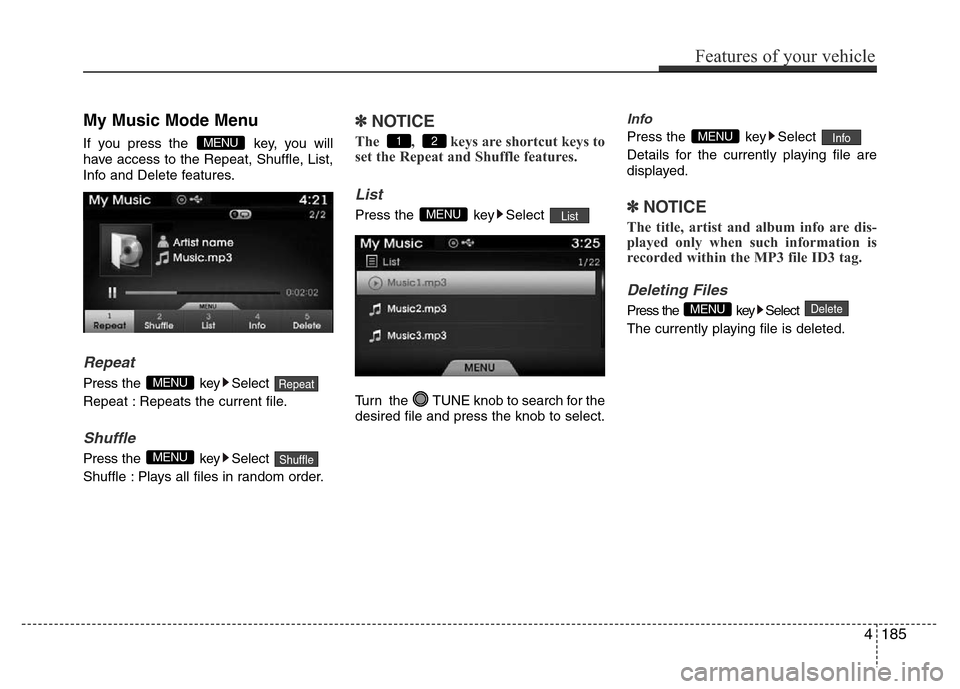
My Music Mode Menu
If you press the key, you will
have access to the Repeat, Shuffle, List,
Info and Delete features.
Repeat
Press the key Select
Repeat : Repeats the current file.
Shuffle
Press the key Select
Shuffle : Plays all files in random order.
✽NOTICE
The , keys are shortcut keys to
set the Repeat and Shuffle features.
List
Press the key Select
Turn the TUNE knob to search for the
desired file and press the knob to select.
Info
Press the key Select
Details for the currently playing file are
displayed.
✽NOTICE
The title, artist and album info are dis-
played only when such information is
recorded within the MP3 file ID3 tag.
Deleting Files
Press the key Select
The currently playing file is deleted.DeleteMENU
InfoMENU
ListMENU
21
ShuffleMENU
RepeatMENU
MENU
Features of your vehicle
185 4
Page 263 of 473
![Hyundai Azera 2015 Manual PDF List Menu
From the List screen Press the
Select [Edit].
Files saved in My Music can be selected
and deleted.Use the
TUNE knobto search and
select files you want to delete and select
the button from](/img/35/14466/w960_14466-262.png "Hyundai Azera 2015 Manual PDF List Menu
From the List screen Press the
Select [Edit].
Files saved in My Music can be selected
and deleted.Use the
TUNE knobto search and
select files you want to delete and select
the button from")
List Menu
From the List screen Press the
Select [Edit].
Files saved in My Music can be selected
and deleted.Use the
TUNE knobto search and
select files you want to delete and select
the button from the Menu.
(1) : Moves to the previous screen
(2)Select All: Selects all files
(3)Unselet All: Deselects all selected files
(4)Delete: Deletes selected files
✽NOTICE
• If there is memory available, up to
6,000 files can be saved.
• Identical files cannot be copied more
than 1,000 times.
• To check memory information, go
to [System] [Memory
Information]
SETUP
DeleteMENU
4186
Features of your vehicle
Page 264 of 473
Bluetooth®Wireless
Technology AUDIO MODE
Using Bluetooth®Wireless
Technology Audio Mode
Playing/Pausing Bluetooth®Wireless
TechnologyAudio
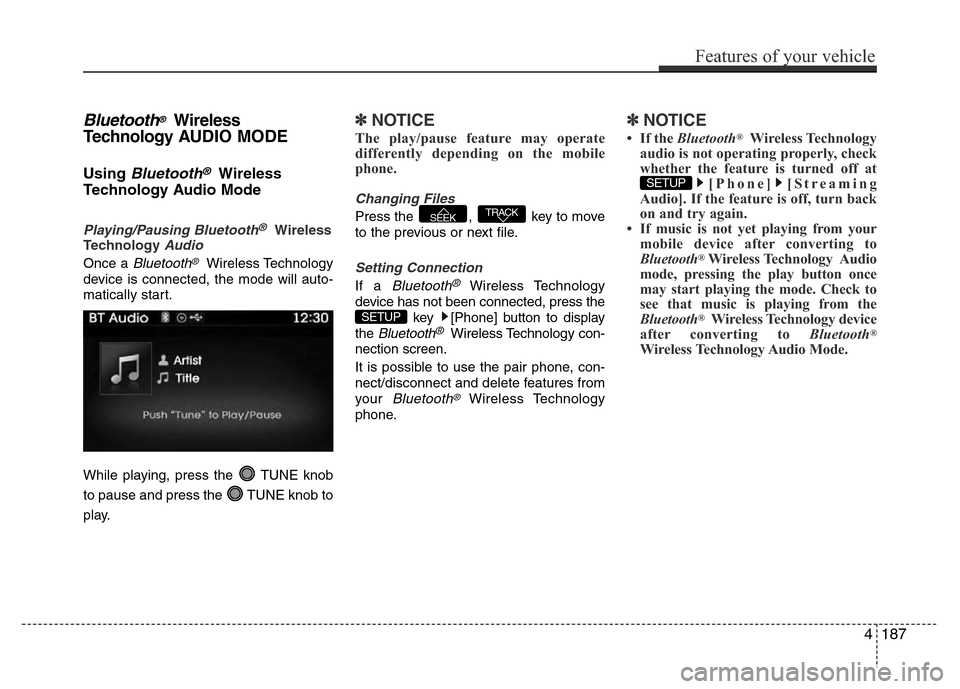
Once a Bluetooth®Wireless Technology
device is connected, the mode will auto-
matically start.
While playing, press the TUNE knob
to pause and press the TUNE knob to
play.
✽NOTICE
The play/pause feature may operate
differently depending on the mobile
phone.
Changing Files
Press the , key to move
to the previous or next file.
Setting Connection
If a Bluetooth®Wireless Technology
device has not been connected, press the
key [Phone] button to display
the
Bluetooth®Wireless Technology con-
nection screen.
It is possible to use the pair phone, con-
nect/disconnect and delete features from
your
Bluetooth®Wireless Technology
phone.
✽NOTICE
• If the Bluetooth®Wireless Technology
audio is not operating properly, check
whether the feature is turned off at
[Phone] [Streaming
Audio]. If the feature is off, turn back
on and try again.
• If music is not yet playing from your
mobile device after converting to
Bluetooth
®Wireless Technology Audio
mode, pressing the play button once
may start playing the mode. Check to
see that music is playing from the
Bluetooth
®Wireless Technology device
after converting to Bluetooth®
Wireless Technology Audio Mode.
SETUP
SETUP
TRACKSEEK
Features of your vehicle
187 4
Page 266 of 473
4. After a few moments, a screen is dis-
played where the passkey is entered.
Hear, enter the passkey “0000” to pair
your
Bluetooth®Wireless Technology
device with the car audio system.
5. Once pairing is complete, the following
screen is displayed.
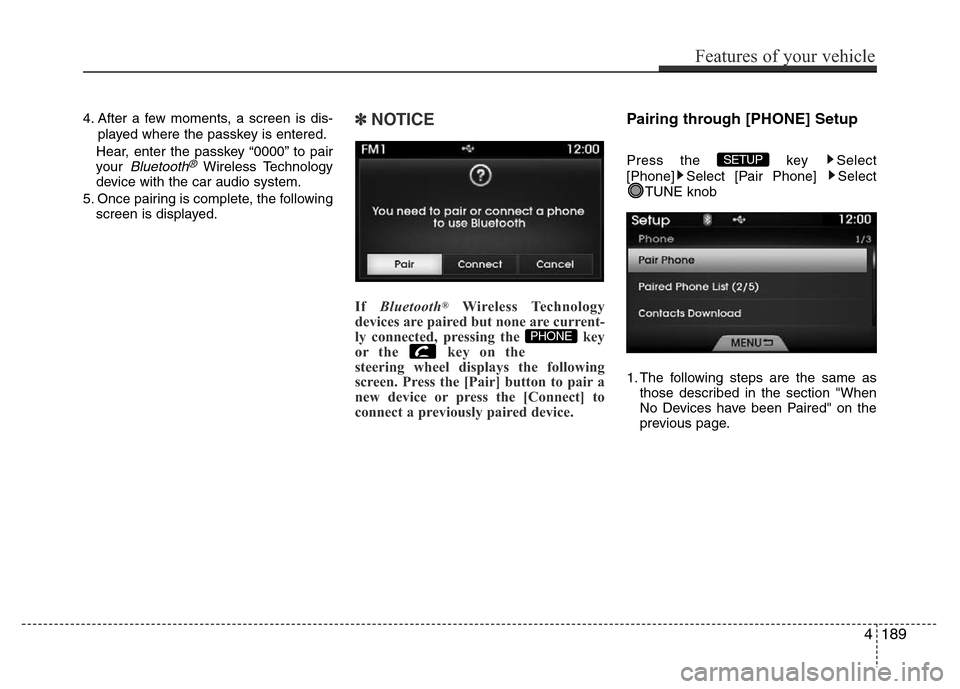
✽NOTICE
If Bluetooth®Wireless Technology
devices are paired but none are current-
ly connected, pressing the key
or the key on the
steering wheel displays the following
screen. Press the [Pair] button to pair a
new device or press the [Connect] to
connect a previously paired device.
Pairing through [PHONE] Setup
Press the key Select
[Phone] Select [Pair Phone] Select
TUNE knob
1. The following steps are the same as
those described in the section "When
No Devices have been Paired" on the
previous page.SETUP
PHONE
Features of your vehicle
189 4