change key battery Hyundai Azera 2015 Owner's Manual
[x] Cancel search | Manufacturer: HYUNDAI, Model Year: 2015, Model line: Azera, Model: Hyundai Azera 2015Pages: 473, PDF Size: 11.92 MB
Page 90 of 473
413
Features of your vehicle
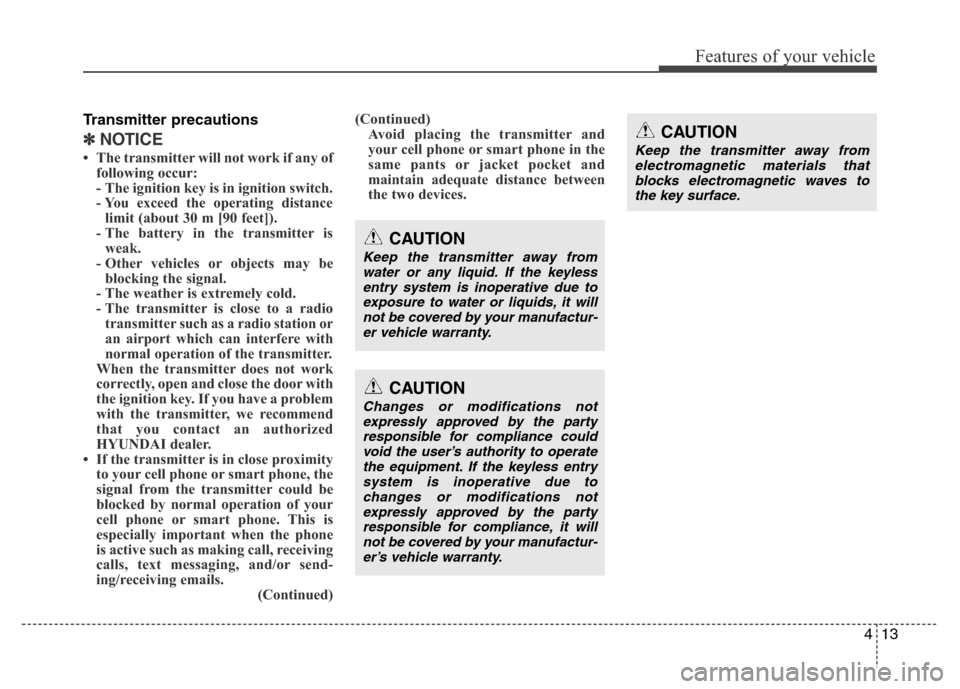
Transmitter precautions
✽NOTICE
• The transmitter will not work if any of
following occur:
- The ignition key is in ignition switch.
- You exceed the operating distance
limit (about 30 m [90 feet]).
- The battery in the transmitter is
weak.
- Other vehicles or objects may be
blocking the signal.
- The weather is extremely cold.
- The transmitter is close to a radio
transmitter such as a radio station or
an airport which can interfere with
normal operation of the transmitter.
When the transmitter does not work
correctly, open and close the door with
the ignition key. If you have a problem
with the transmitter, we recommend
that you contact an authorized
HYUNDAI dealer.
• If the transmitter is in close proximity
to your cell phone or smart phone, the
signal from the transmitter could be
blocked by normal operation of your
cell phone or smart phone. This is
especially important when the phone
is active such as making call, receiving
calls, text messaging, and/or send-
ing/receiving emails.
(Continued)(Continued)
Avoid placing the transmitter and
your cell phone or smart phone in the
same pants or jacket pocket and
maintain adequate distance between
the two devices.
CAUTION
Changes or modifications not
expressly approved by the party
responsible for compliance could
void the user’s authority to operate
the equipment. If the keyless entry
system is inoperative due to
changes or modifications not
expressly approved by the party
responsible for compliance, it will
not be covered by your manufactur-
er’s vehicle warranty.
CAUTION
Keep the transmitter away from
water or any liquid. If the keyless
entry system is inoperative due to
exposure to water or liquids, it will
not be covered by your manufactur-
er vehicle warranty.
CAUTION
Keep the transmitter away from
electromagnetic materials that
blocks electromagnetic waves to
the key surface.
Page 150 of 473
473
Features of your vehicle
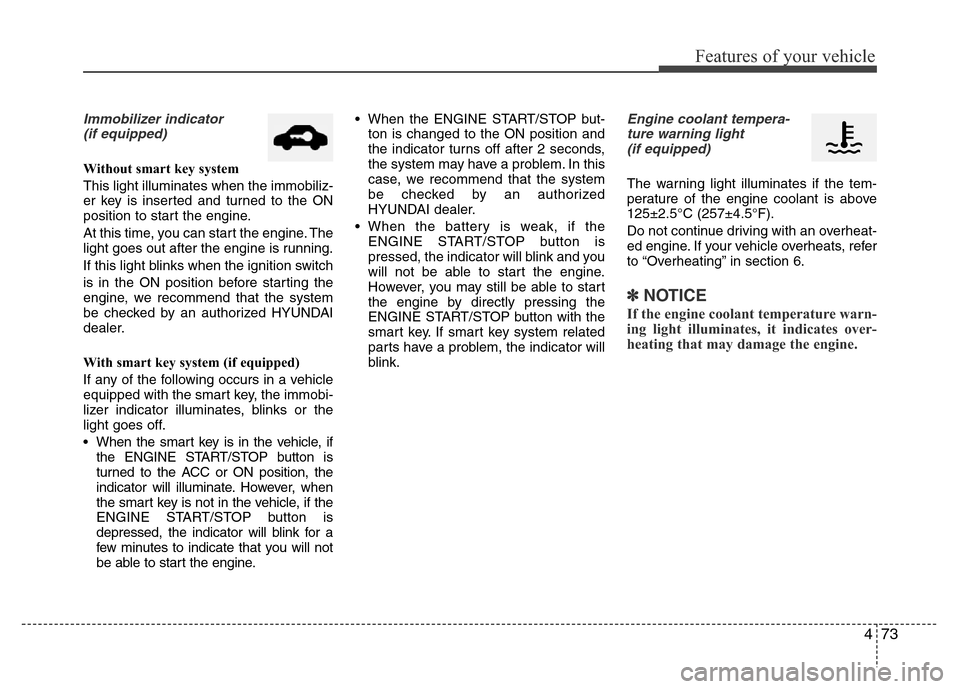
Immobilizer indicator
(if equipped)
Without smart key system
This light illuminates when the immobiliz-
er key is inserted and turned to the ON
position to start the engine.
At this time, you can start the engine. The
light goes out after the engine is running.
If this light blinks when the ignition switch
is in the ON position before starting the
engine, we recommend that the system
be checked by an authorized HYUNDAI
dealer.
With smart key system (if equipped)
If any of the following occurs in a vehicle
equipped with the smart key, the immobi-
lizer indicator illuminates, blinks or the
light goes off.
• When the smart key is in the vehicle, if
the ENGINE START/STOP button is
turned to the ACC or ON position, the
indicator will illuminate. However, when
the smart key is not in the vehicle, if the
ENGINE START/STOP button is
depressed, the indicator will blink for a
few minutes to indicate that you will not
be able to start the engine.• When the ENGINE START/STOP but-
ton is changed to the ON position and
the indicator turns off after 2 seconds,
the system may have a problem. In this
case, we recommend that the system
be checked by an authorized
HYUNDAI dealer.
• When the battery is weak, if the
ENGINE START/STOP button is
pressed, the indicator will blink and you
will not be able to start the engine.
However, you may still be able to start
the engine by directly pressing the
ENGINE START/STOP button with the
smart key. If smart key system related
parts have a problem, the indicator will
blink.
Engine coolant tempera-
ture warning light
(if equipped)
The warning light illuminates if the tem-
perature of the engine coolant is above
125±2.5°C (257±4.5°F).
Do not continue driving with an overheat-
ed engine. If your vehicle overheats, refer
to “Overheating” in section 6.
✽NOTICE
If the engine coolant temperature warn-
ing light illuminates, it indicates over-
heating that may damage the engine.
Page 155 of 473
Features of your vehicle
78 4
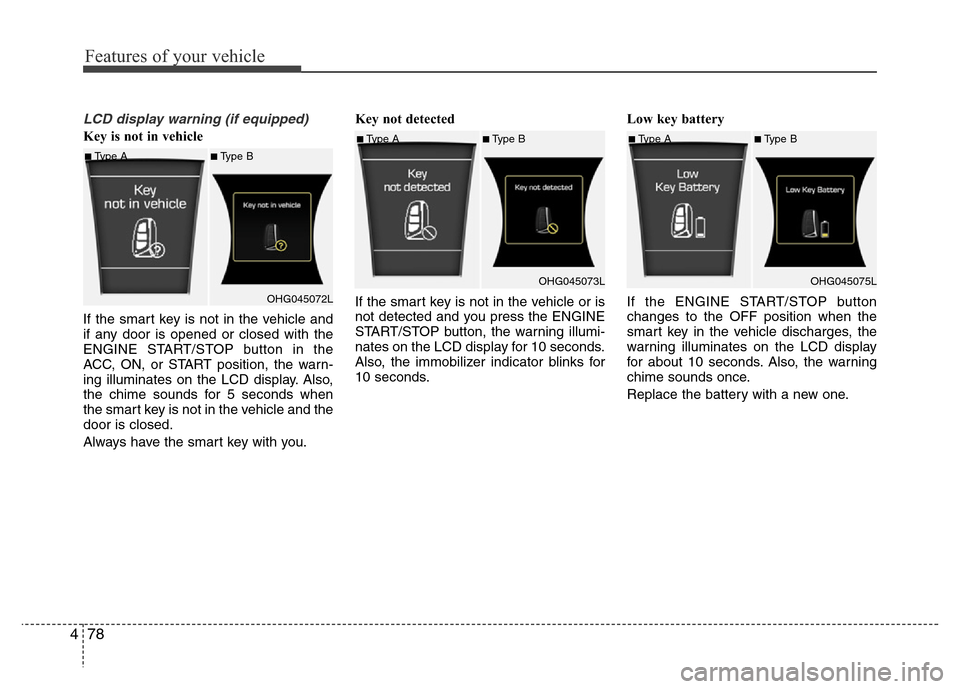
LCD display warning (if equipped)
Key is not in vehicle
If the smart key is not in the vehicle and
if any door is opened or closed with the
ENGINE START/STOP button in the
ACC, ON, or START position, the warn-
ing illuminates on the LCD display. Also,
the chime sounds for 5 seconds when
the smart key is not in the vehicle and the
door is closed.
Always have the smart key with you.Key not detected
If the smart key is not in the vehicle or is
not detected and you press the ENGINE
START/STOP button, the warning illumi-
nates on the LCD display for 10 seconds.
Also, the immobilizer indicator blinks for
10 seconds.Low key battery
If the ENGINE START/STOP button
changes to the OFF position when the
smart key in the vehicle discharges, the
warning illuminates on the LCD display
for about 10 seconds. Also, the warning
chime sounds once.
Replace the battery with a new one.
■Type A■Type B
OHG045072L
■Type A■Type B
OHG045073L■Type A■Type B
OHG045075L
Page 232 of 473
✽NOTICE - USING THE iPod®
DEVICE
•iPod®is a registered trademark of
Apple Inc.
• In order to use the iPod
®while
operating the keys, you must use a
dedicated iPod
®cable. (the cable
that is supplied when purchasing
iPod
®/iPhone products)
• If the iPod®is connected to the
vehicle while it is playing, a high
pitch sound could occur for approx-
imately 1-2 seconds immediately
after connecting. If possible, con-
nect the iPod
®to the vehicle with
the iPod®stopped/paused.
• During ACC ON state, connecting
the iPod
®through the iPod®cable
will charge the iPod®through the
car audio system.
• When connecting with the iPod
®
cable, make sure to fully insert the
jack to prevent communication
interference.
(Continued)(Continued)
• When the EQ features of an exter-
nal device, such as the iPod
®, and
the audio system are both active,
EQ effects could overlap and cause
sound deterioration and distortion.
Whenever possible, turn off the EQ
feature within the external device
upon use by connecting with the
audio system.
• Noise may occur when an iPod
®or
AUX device is connected. When
such devices are not being used, dis-
connect the device for storage.
• When the iPod
®or AUX device
power is connected to the power
jack, playing the external device
may result in noise. In such cases,
disconnect the power connection
before use.
• Skipping or improper operation
may occur depending on the char-
acteristics of your iPod
®/Phone
device.
(Continued)(Continued)
• If your iPhone is connected to both
the Bluetooth
®Wireless Technology
and USB, the sound may not be
properly played. In your iPhone,
select the Dock connector or
Bluetooth
®Wireless Technology to
change the sound output (source).
•iPod
®mode cannot be operated
when the iPod®cannot be recog-
nized due to versions that do not
support communication protocols.
• For fifth generation iPod
®Nano
devices, the iPod®may not be rec-
ognized when the battery level is
low. Please charge the iPod
®for
use.
• Search/play orders shown within the
iPod
®device may differ with the
orders shown within the audio sys-
tem.
• If the iPod
®malfunctions due to an
iPod®device defect, reset the iPod®
and try again. (To learn more, refer
to your iPod®manual)
(Continued)
Features of your vehicle
155 4