display Hyundai Elantra 2018 Owner's Guide
[x] Cancel search | Manufacturer: HYUNDAI, Model Year: 2018, Model line: Elantra, Model: Hyundai Elantra 2018Pages: 526, PDF Size: 17.2 MB
Page 142 of 526
3-65
Convenient features of your vehicle
3
- Engine Oil Pressure Warning light
To prevent severe engine damage,
after the Engine Oil Pressure Warning
Light is illuminated and as soon as it
is safe to do so, turn the engine off
and check the oil level.
If the oil level is low, fill the engine oil
to the proper level and start the
engine again. If the light stays on with
the engine running, turn the engine off
immediately.
In this case, have your vehicle
inspected by an authorized HYUNDAI
dealer.
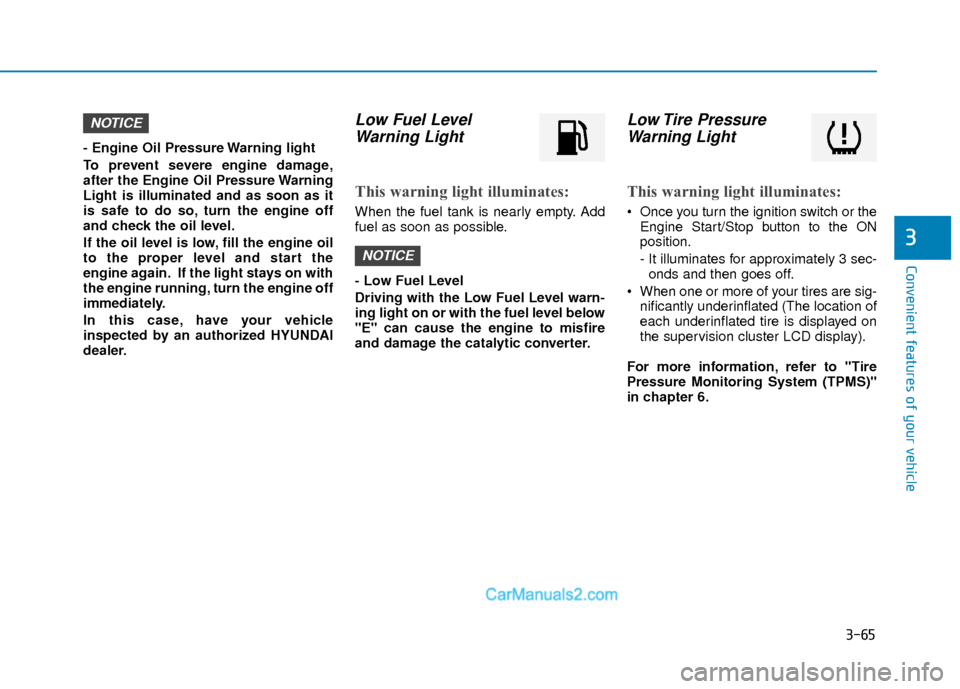
Low Fuel LevelWarning Light
This warning light illuminates:
When the fuel tank is nearly empty. Add
fuel as soon as possible.
- Low Fuel Level
Driving with the Low Fuel Level warn-
ing light on or with the fuel level below
"E" can cause the engine to misfire
and damage the catalytic converter.
Low Tire PressureWarning Light
This warning light illuminates:
Once you turn the ignition switch or the
Engine Start/Stop button to the ON
position.
- It illuminates for approximately 3 sec-onds and then goes off.
When one or more of your tires are sig- nificantly underinflated (The location of
each underinflated tire is displayed on
the supervision cluster LCD display).
For more information, refer to "Tire
Pressure Monitoring System (TPMS)"
in chapter 6.
NOTICE
NOTICE
Page 144 of 526
3-67
Convenient features of your vehicle
3
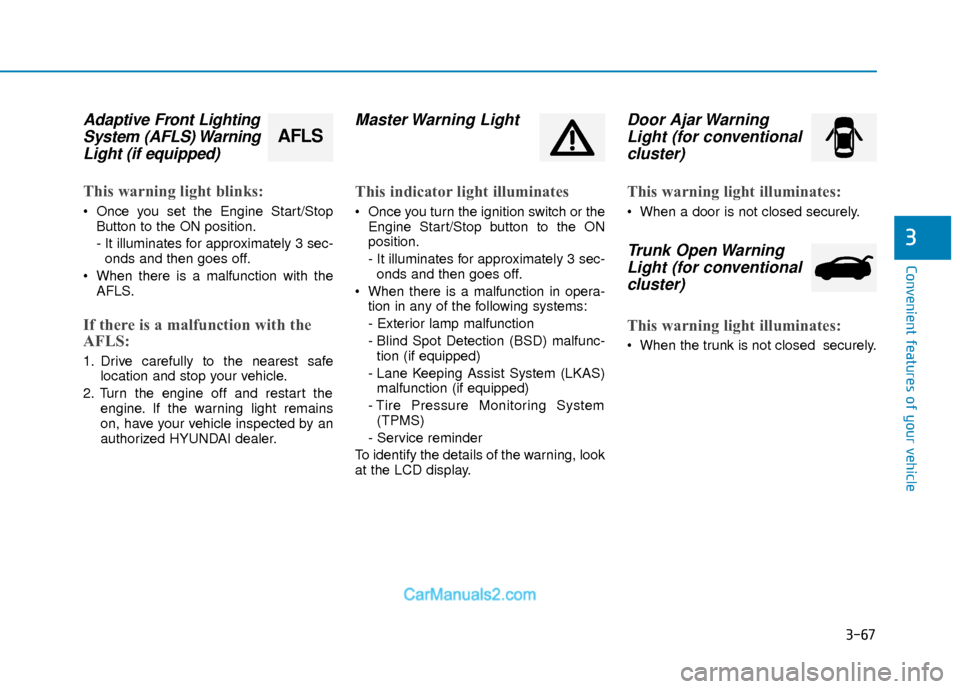
Adaptive Front LightingSystem (AFLS) WarningLight (if equipped)
This warning light blinks:
Once you set the Engine Start/Stop
Button to the ON position.
- It illuminates for approximately 3 sec-onds and then goes off.
When there is a malfunction with the AFLS.
If there is a malfunction with the
AFLS:
1. Drive carefully to the nearest safe location and stop your vehicle.
2. Turn the engine off and restart the engine. If the warning light remains
on, have your vehicle inspected by an
authorized HYUNDAI dealer.
Master Warning Light
This indicator light illuminates
Once you turn the ignition switch or theEngine Start/Stop button to the ON
position.
- It illuminates for approximately 3 sec-onds and then goes off.
When there is a malfunction in opera- tion in any of the following systems:
- Exterior lamp malfunction
- Blind Spot Detection (BSD) malfunc-tion (if equipped)
- Lane Keeping Assist System (LKAS) malfunction (if equipped)
- Tire Pressure Monitoring System (TPMS)
- Service reminder
To identify the details of the warning, look
at the LCD display.
Door Ajar Warning Light (for conventionalcluster)
This warning light illuminates:
When a door is not closed securely.
Trunk Open WarningLight (for conventional cluster)
This warning light illuminates:
When the trunk is not closed securely.
AFLS
Page 148 of 526
![Hyundai Elantra 2018 Owners Guide 3-71
Convenient features of your vehicle
3
Lane Keeping AssistSystem (LKAS)Indicator Light (if equipped)
This indicator light illuminates:
[Green] When you activate the lane
departure warning system](/img/35/14540/w960_14540-147.png "Hyundai Elantra 2018 Owners Guide 3-71
Convenient features of your vehicle
3
Lane Keeping AssistSystem (LKAS)Indicator Light (if equipped)
This indicator light illuminates:
[Green] When you activate the lane
departure warning system")
3-71
Convenient features of your vehicle
3
Lane Keeping AssistSystem (LKAS)Indicator Light (if equipped)
This indicator light illuminates:
[Green] When you activate the lane
departure warning system by pressing
the LKAS button.
[White] When system operating condi- tions are not satisfied or when the sen-
sor does not detect the lane line.
[Yellow] When there is a malfunction with the lane keeping assist system.
In this case, have your vehicle inspected
by an authorized HYUNDAI dealer.
For more information, refer to "Lane
Keeping Assist System (LKAS)" in
chapter 5.
LCD Display Messages
(if equipped)
Shift to "P" or "N" to start engine
This warning message is displayed if you
try to start the engine with the shift lever
not in the P (Park) or N (Neutral) position.
Information
You can start the engine with the shift
lever in the N (Neutral) position. But, for
your safety, we recommend that you start
the engine with the shift lever in the P
(Park) position.
Shift to "P"
This message is displayed if you try to
turn off the engine without the shift lever
in P (Park) position.
At this time, the Engine Start/Stop button
turns to the ACC position (If you press
the Engine Start/Stop button once more,
it will turn to the ON position).
i
OTL045146L
■ Supervision cluster
OTL045144L
■Supervision cluster
Page 149 of 526
3-72
Convenient features of your vehicle
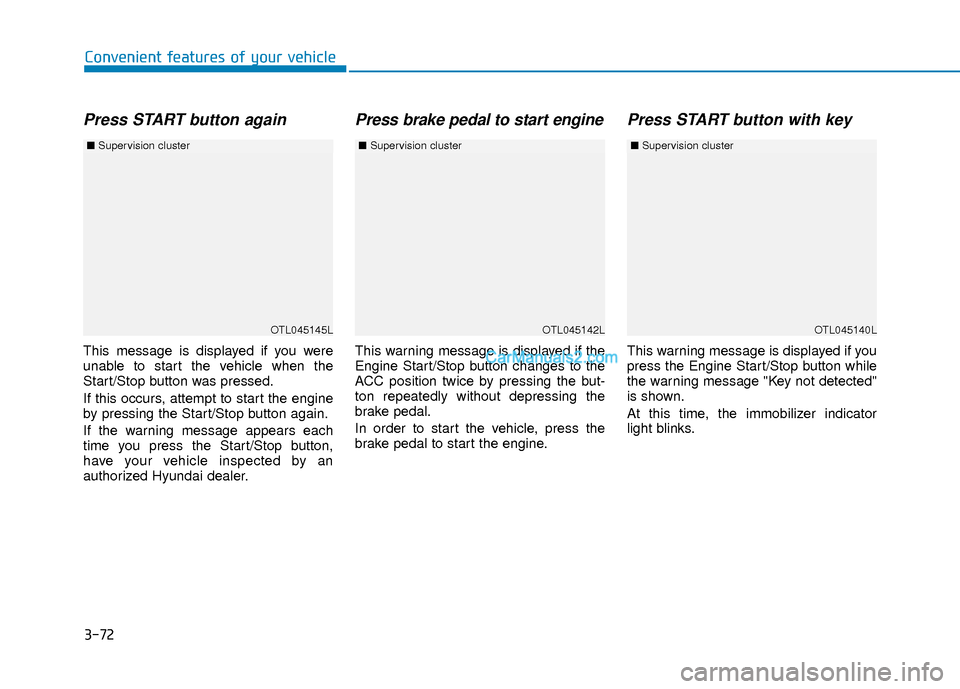
Press START button again
This message is displayed if you were
unable to start the vehicle when the
Start/Stop button was pressed.
If this occurs, attempt to start the engine
by pressing the Start/Stop button again.
If the warning message appears each
time you press the Start/Stop button,
have your vehicle inspected by an
authorized Hyundai dealer.
Press brake pedal to start engine
This warning message is displayed if the
Engine Start/Stop button changes to the
ACC position twice by pressing the but-
ton repeatedly without depressing the
brake pedal.
In order to start the vehicle, press the
brake pedal to start the engine.
Press START button with key
This warning message is displayed if you
press the Engine Start/Stop button while
the warning message "Key not detected"
is shown.
At this time, the immobilizer indicator
light blinks.
OTL045145L
■Supervision cluster
OTL045142LOTL045140L
■Supervision cluster ■Supervision cluster
Page 150 of 526
3-73
Convenient features of your vehicle
3
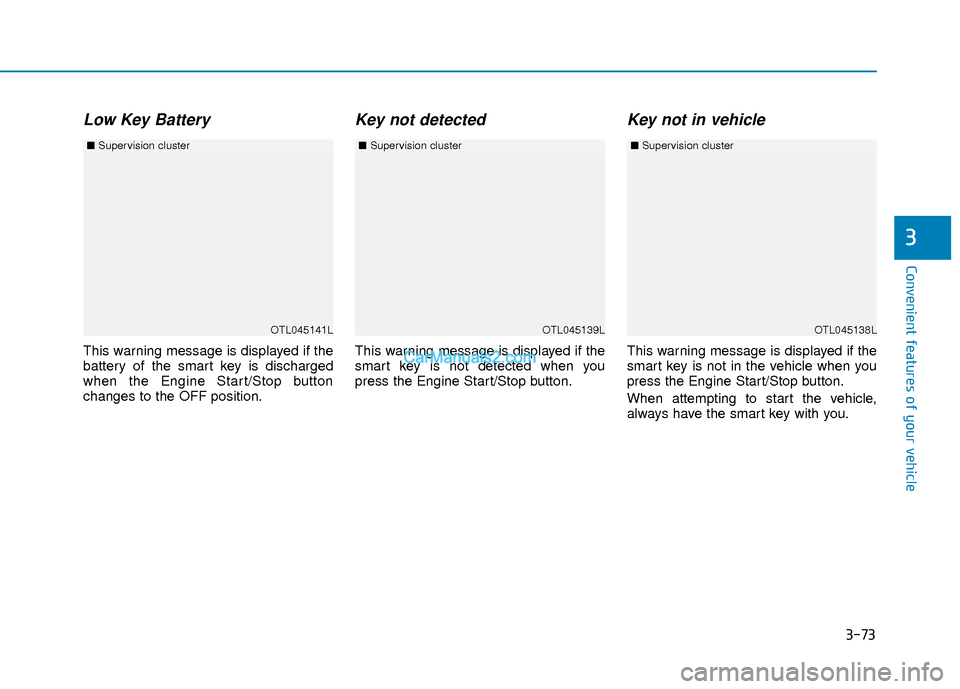
Low Key Battery
This warning message is displayed if the
battery of the smart key is discharged
when the Engine Start/Stop button
changes to the OFF position.
Key not detected
This warning message is displayed if the
smart key is not detected when you
press the Engine Start/Stop button.
Key not in vehicle
This warning message is displayed if the
smart key is not in the vehicle when you
press the Engine Start/Stop button.
When attempting to start the vehicle,
always have the smart key with you.
OTL045141L
■Supervision cluster
OTL045138LOTL045139L
■Supervision cluster ■Supervision cluster
Page 151 of 526
3-74
Convenient features of your vehicle
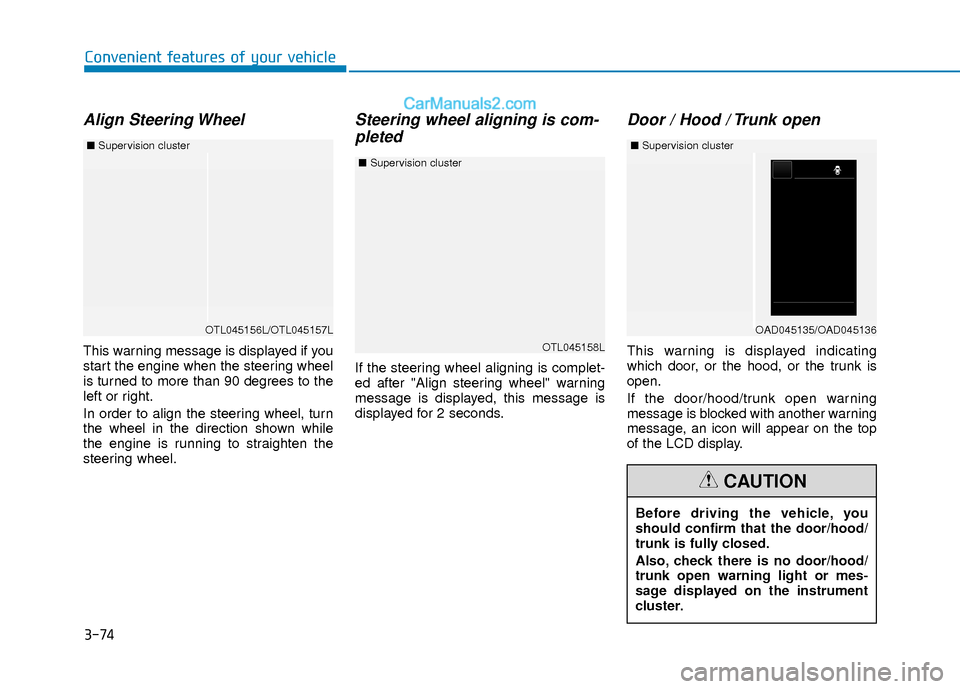
Align Steering Wheel
This warning message is displayed if you
start the engine when the steering wheel
is turned to more than 90 degrees to the
left or right.
In order to align the steering wheel, turn
the wheel in the direction shown while
the engine is running to straighten the
steering wheel.
Steering wheel aligning is com-pleted
If the steering wheel aligning is complet-
ed after "Align steering wheel" warning
message is displayed, this message is
displayed for 2 seconds.
Door / Hood / Trunk open
This warning is displayed indicating
which door, or the hood, or the trunk is
open.
If the door/hood/trunk open warning
message is blocked with another warning
message, an icon will appear on the top
of the LCD display.
OTL045156L/OTL045157L
■ Supervision cluster
Before driving the vehicle, you
should confirm that the door/hood/
trunk is fully closed.
Also, check there is no door/hood/
trunk open warning light or mes-
sage displayed on the instrument
cluster.
CAUTION
OTL045158L
■Supervision cluster
OAD045135/OAD045136
■Supervision cluster
Page 152 of 526
3-75
Convenient features of your vehicle
3
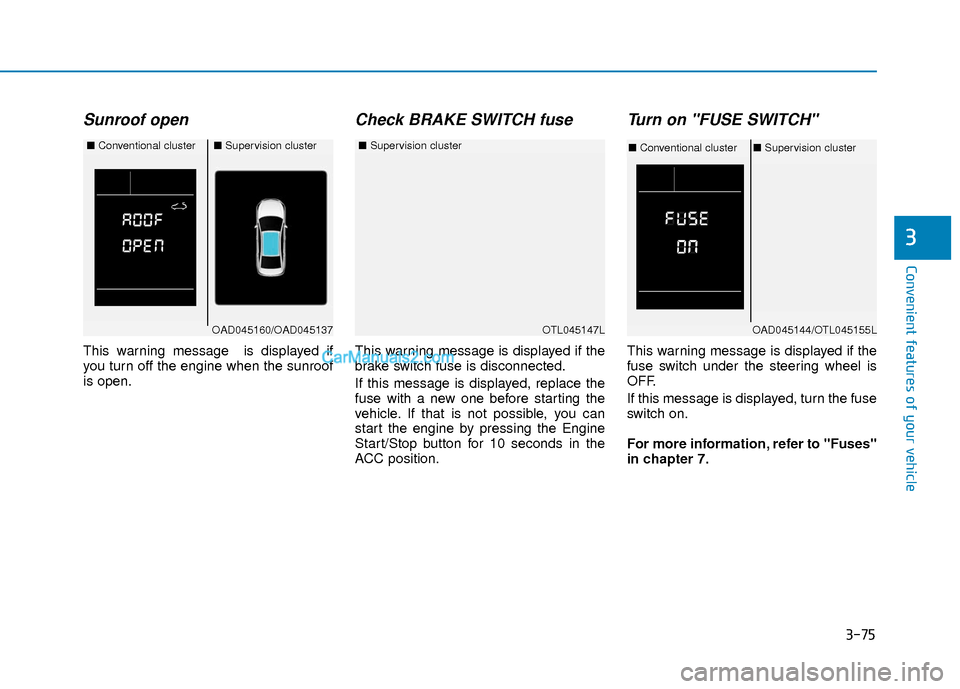
Sunroof open
This warning message is displayed if
you turn off the engine when the sunroof
is open.
Check BRAKE SWITCH fuse
This warning message is displayed if the
brake switch fuse is disconnected.
If this message is displayed, replace the
fuse with a new one before starting the
vehicle. If that is not possible, you can
start the engine by pressing the Engine
Start/Stop button for 10 seconds in the
ACC position.
Turn on "FUSE SWITCH"
This warning message is displayed if the
fuse switch under the steering wheel is
OFF.
If this message is displayed, turn the fuse
switch on.
For more information, refer to "Fuses"
in chapter 7.
OTL045147L
■Supervision cluster
OAD045160/OAD045137
■Conventional cluster■Supervision cluster
OAD045144/OTL045155L
■Conventional cluster ■Supervision cluster
Page 153 of 526
3-76
Convenient features of your vehicle
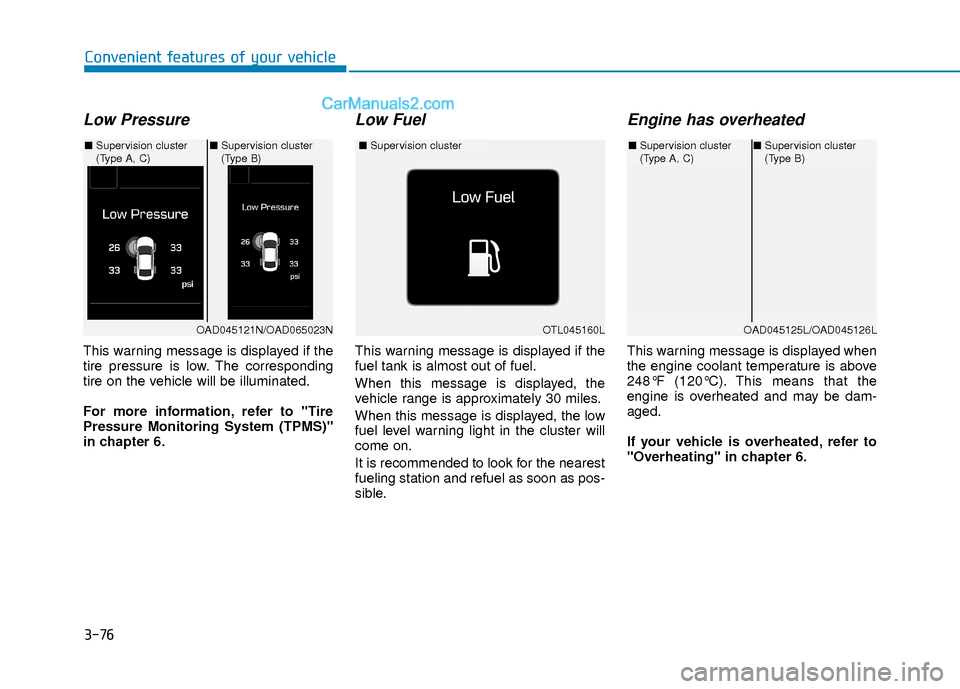
Low Pressure
This warning message is displayed if the
tire pressure is low. The corresponding
tire on the vehicle will be illuminated.
For more information, refer to "Tire
Pressure Monitoring System (TPMS)"
in chapter 6.
Low Fuel
This warning message is displayed if the
fuel tank is almost out of fuel.
When this message is displayed, the
vehicle range is approximately 30 miles.
When this message is displayed, the low
fuel level warning light in the cluster will
come on.
It is recommended to look for the nearest
fueling station and refuel as soon as pos-
sible.
Engine has overheated
This warning message is displayed when
the engine coolant temperature is above
248°F (120°C). This means that the
engine is overheated and may be dam-
aged.
If your vehicle is overheated, refer to
"Overheating" in chapter 6.
OTL045160L
■Supervision cluster
OAD045121N/OAD065023N
■Supervision cluster
(Type A, C) ■
Supervision cluster
(Type B)
OAD045125L/OAD045126L
■Supervision cluster
(Type A, C)■Supervision cluster
(Type B)
Page 154 of 526
3-77
Convenient features of your vehicle
3
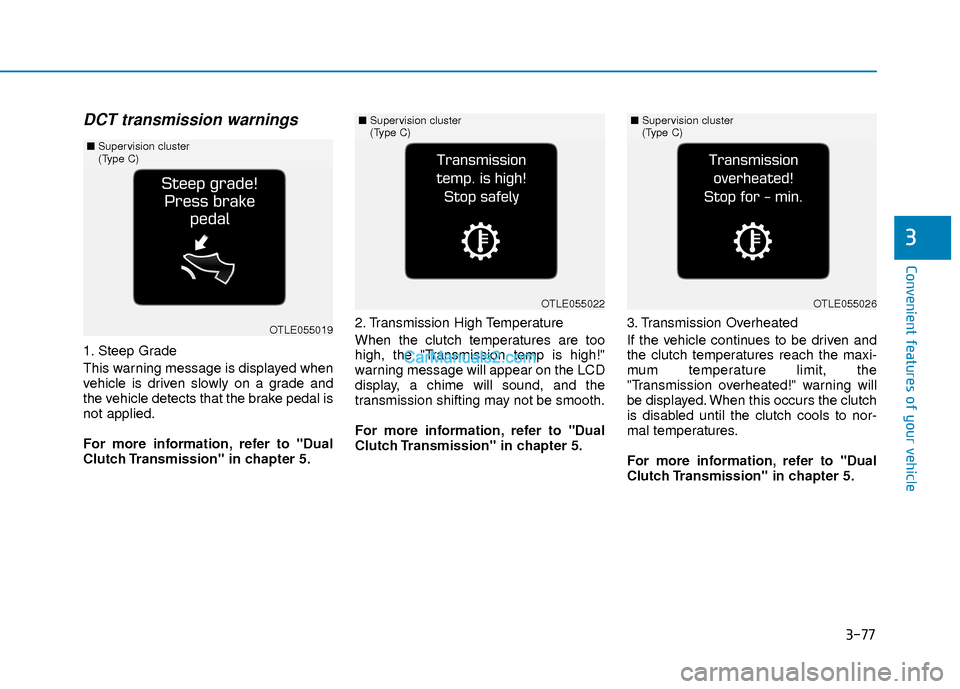
DCT transmission warnings
1. Steep Grade
This warning message is displayed when
vehicle is driven slowly on a grade and
the vehicle detects that the brake pedal is
not applied.
For more information, refer to "Dual
Clutch Transmission" in chapter 5.2. Transmission High Temperature
When the clutch temperatures are too
high, the "Transmission temp is high!"
warning message will appear on the LCD
display, a chime will sound, and the
transmission shifting may not be smooth.
For more information, refer to "Dual
Clutch Transmission" in chapter 5.
3. Transmission Overheated
If the vehicle continues to be driven and
the clutch temperatures reach the maxi-
mum temperature limit, the
"Transmission overheated!" warning will
be displayed. When this occurs the clutch
is disabled until the clutch cools to nor-
mal temperatures.
For more information, refer to "Dual
Clutch Transmission" in chapter 5.
OTLE055019
■
Supervision cluster
(Type C)
OTLE055022
■Supervision cluster
(Type C)
OTLE055026
■Supervision cluster
(Type C)
Page 155 of 526
3-78
Convenient features of your vehicle
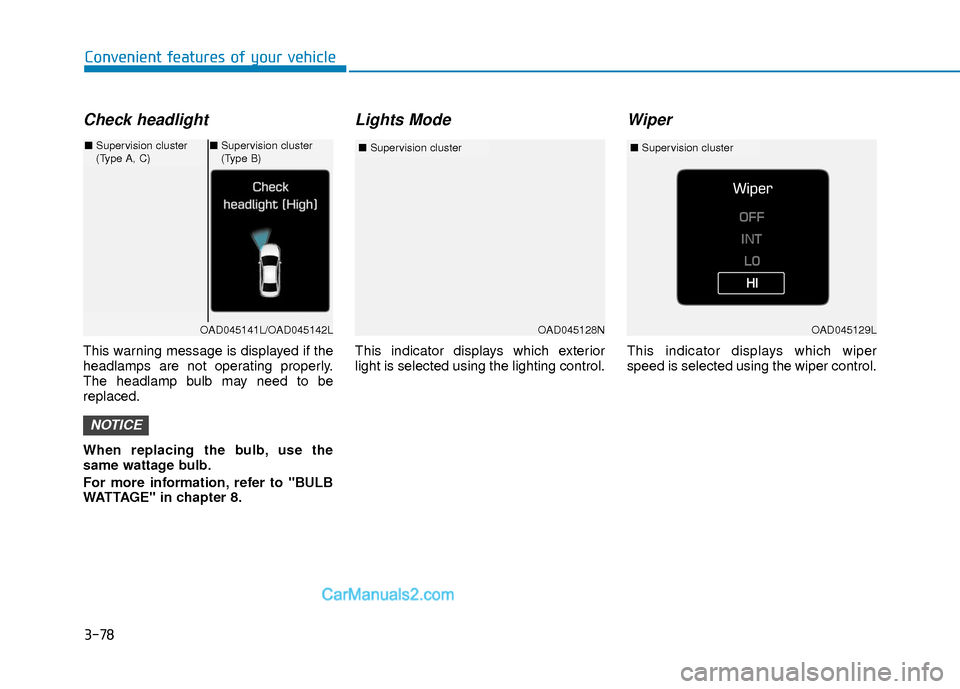
Check headlight
This warning message is displayed if the
headlamps are not operating properly.
The headlamp bulb may need to be
replaced.
When replacing the bulb, use the
same wattage bulb.
For more information, refer to "BULB
WATTAGE" in chapter 8.
Lights Mode
This indicator displays which exterior
light is selected using the lighting control.
Wiper
This indicator displays which wiper
speed is selected using the wiper control.
NOTICE
OAD045128N
■Supervision cluster
OAD045141L/OAD045142L
■Supervision cluster
(Type A, C)■Supervision cluster
(Type B)
OAD045129L
■ Supervision cluster