Rear HYUNDAI ELANTRA 2021 Manual PDF
[x] Cancel search | Manufacturer: HYUNDAI, Model Year: 2021, Model line: ELANTRA, Model: HYUNDAI ELANTRA 2021Pages: 570, PDF Size: 52.21 MB
Page 308 of 570
06
6-49
Two labels on your driver's door sill show
how much weight your vehicle was
designed to carry: the Tire and Loading
Information Label and the Certification
Label.
Before loading your vehicle, familiarize
yourself with the following terms for
determining your vehicle’s weight
ratings, from the vehicle's specifications
and the Certification Label:
Base Curb Weight
This is the weight of the vehicle
including a full tank of fuel and all
standard equipment. It does not
include passengers, cargo, or optional
equipment.
Vehicle Curb Weight
This is the weight of your new vehicle
when you picked it up from your dealer
plus any aftermarket equipment.
Cargo Weight
This figure includes all weight added to
the Base Curb Weight, including cargo
and optional equipment.
GAW (Gross Axle Weight)
This is the total weight placed on each
axle (front and rear) - including vehicle
curb weight and all payload.GAWR (Gross Axle Weight Rating)
This is the maximum allowable weight
that can be carried by a single axle (front
or rear). These numbers are shown on
the Certification Label. The total load on
each axle must never exceed its GAWR.
GVW (Gross Vehicle Weight)
This is the Base Curb Weight plus actual
Cargo Weight plus passengers.
GVWR (Gross Vehicle Weight Rating)
This is the maximum allowable weight
of the fully loaded vehicle (including
all options, equipment, passengers
and cargo). The GVWR is shown on the
Certification Label located on the driver’s
door sill.
vehicle loaD limit
Page 309 of 570
6-50
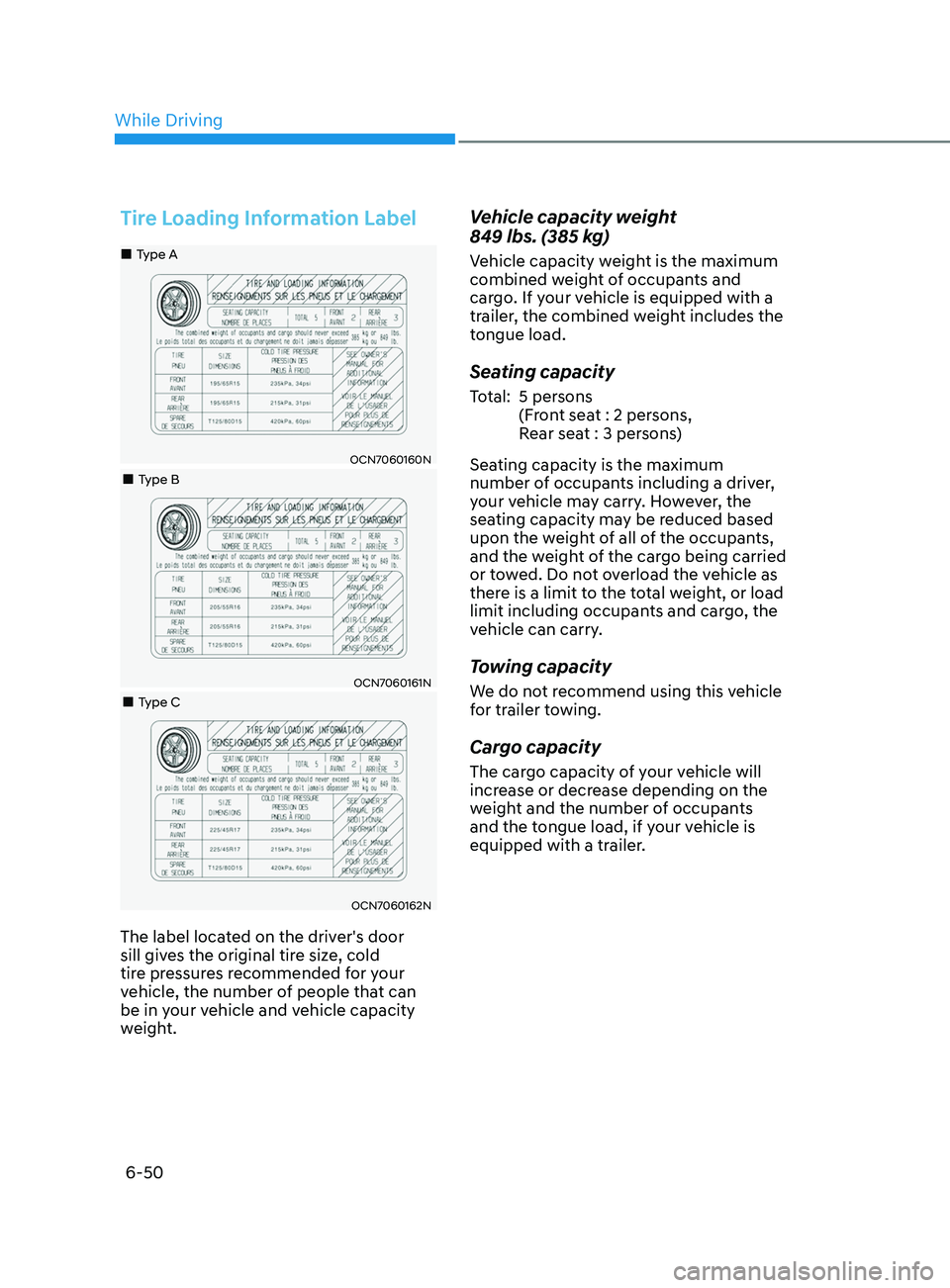
Tire Loading Information Label
OCN7060160N
„„Type A
„„Type B
OCN7060161N
„„Type C
OCN7060162N
The label located on the driver's door
sill gives the original tire size, cold
tire pressures recommended for your
vehicle, the number of people that can
be in your vehicle and vehicle capacity
weight.
Vehicle capacity weight
849 lbs. (385 kg)
Vehicle capacity weight is the maximum
combined weight of occupants and
cargo. If your vehicle is equipped with a
trailer, the combined weight includes the
tongue load.
Seating capacity
Total: 5 persons (Front seat : 2 persons,
Rear seat : 3 persons)
Seating capacity is the maximum
number of occupants including a driver,
your vehicle may carry. However, the
seating capacity may be reduced based
upon the weight of all of the occupants,
and the weight of the cargo being carried
or towed. Do not overload the vehicle as
there is a limit to the total weight, or load
limit including occupants and cargo, the
vehicle can carry.
Towing capacity
We do not recommend using this vehicle
for trailer towing.
Cargo capacity
The cargo capacity of your vehicle will
increase or decrease depending on the
weight and the number of occupants
and the tongue load, if your vehicle is
equipped with a trailer.
While Driving
Page 312 of 570
06
6-53
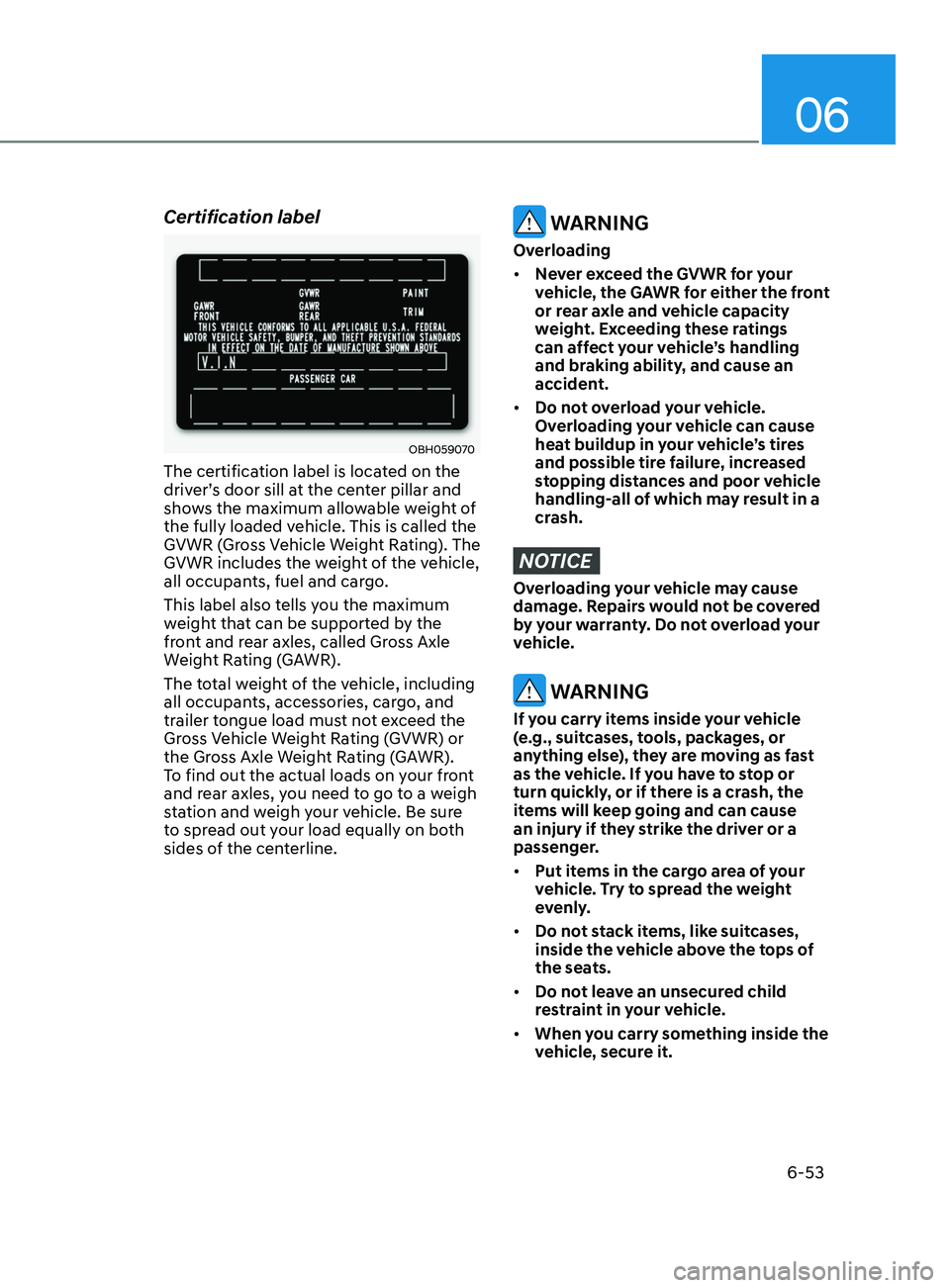
Certification label
OBH059070
The certification label is located on the
driver’s door sill at the center pillar and
shows the maximum allowable weight of
the fully loaded vehicle. This is called the
GVWR (Gross Vehicle Weight Rating). The
GVWR includes the weight of the vehicle,
all occupants, fuel and cargo.
This label also tells you the maximum
weight that can be supported by the
front and rear axles, called Gross Axle
Weight Rating (GAWR).
The total weight of the vehicle, including
all occupants, accessories, cargo, and
trailer tongue load must not exceed the
Gross Vehicle Weight Rating (GVWR) or
the Gross Axle Weight Rating (GAWR).
To find out the actual loads on your front
and rear axles, you need to go to a weigh
station and weigh your vehicle. Be sure
to spread out your load equally on both
sides of the centerline.
WARNING
Overloading
• Never exceed the GVWR for your
vehicle, the GAWR for either the front
or rear axle and vehicle capacity
weight. Exceeding these ratings
can affect your vehicle’s handling
and braking ability, and cause an
accident.
• Do not overload your vehicle.
Overloading your vehicle can cause
heat buildup in your vehicle’s tires
and possible tire failure, increased
stopping distances and poor vehicle
handling-all of which may result in a
crash.
NOTICE
Overloading your vehicle may cause
damage. Repairs would not be covered
by your warranty. Do not overload your
vehicle.
WARNING
If you carry items inside your vehicle
(e.g., suitcases, tools, packages, or
anything else), they are moving as fast
as the vehicle. If you have to stop or
turn quickly, or if there is a crash, the
items will keep going and can cause
an injury if they strike the driver or a
passenger.
• Put items in the cargo area of your
vehicle. Try to spread the weight
evenly.
• Do not stack items, like suitcases,
inside the vehicle above the tops of
the seats.
• Do not leave an unsecured child
restraint in your vehicle.
• When you carry something inside the
vehicle, secure it.
Page 314 of 570
Driving SafetyForward Collision–Avoidance Assist (FCA) (front view camera only) ....................7-2
F orward Collision–Avoidance Assist (FCA) (sensor fusion) ................................... 7
-14
Lane Keeping Assist (LKA)
........................................................................\
.............. 7
-30
Blind-Spot Collision Warning (BCW)
...................................................................... 7
-36
Blind-Spot Collision-Avoidance Assist (BCA)
........................................................ 7
-45
Safe Exit Warning (SEW)
........................................................................\
.................. 7
-58
Manual Speed Limit Assist (MSLA)
........................................................................\
. 7-63
In
telligent Speed Limit Assist (ISLA)
...................................................................... 7
-66
Driver Attention Warning (DAW)
........................................................................\
..... 7
-7 1
Driving ConvenienceCruise Control (CC) ........................................................................\
...........................7-7 7
Smart Cruise Control (SCC) ........................................................................\
............. 7
-81
Navigation-Based Smart Cruise Control (NSCC) ..................................................7-98
Lane Following Assist (LFA)
........................................................................\
........... 7
-105
Highway Driving Assist (HDA)
........................................................................\
....... 7
-109
Parking SafetyRear View Monitor (RVM) ........................................................................\
..............7- 116
Rear Cross-Traffic Collision Warning (RCCW) ...................................................... 7
-120
Rear Cross-Traffic Collision-Avoidance Assist (RCCA)
......................................... 7
-128
Reverse Parking Distance Warning (PDW)
........................................................... 7
-139
Reverse Parking Collision-Avoidance Assist (PCA)
.............................................. 7
-142
Declaration of Conformity
........................................................................\
.............. 7
-150
7. Driver assistance system
Driver assistance system
7
Page 322 of 570
07
7-9
• Driving through steam, smoke or
shadow
• Only part of the vehicle, pedestrian or
cyclist is detected
• The vehicle in front is a bus, heavy
truck, truck with a unusually shaped
luggage, trailer, etc.
• The vehicle in front has no tail lights,
tail lights are located unusually, etc.
• The brightness outside is low, and the
tail lamps are not on or are not bright
• The rear of the front vehicle is small
or the vehicle does not look normal,
such as when the vehicle is tilted,
overturned, or the side of the vehicle
is visible, etc.
• The
fr
ont
v
ehicle’s
gr
ound
clear
ance
is low or high
• A v
ehicle or pedestrian suddenly cuts
in front
• The vehicle in front is detected late
• The vehicle in front is suddenly
blocked by a obstacle
• The vehicle in front suddenly changes
lane or suddenly reduces speed
• The vehicle in front is bent out of
shape
• The
fr
ont
v
ehicle’s
speed is f
ast
or slow
• The v
ehicle in front steers in the
opposite direction of your vehicle to
avoid a collision
• With a vehicle in front, your vehicle
changes lane at low speed
• The vehicle in front is covered with
snow •
You are departing or returning to the
lane
• Unstable driving
• You are on a roundabout and the
vehicle in front is not detected
• You are continuously driving in a circle
• The vehicle in front has an unusual
shape
• The vehicle in front is driving uphill or
downhill
• The pedestrian is not fully detected,
for example, if the pedestrian is
leaning over or is not fully walking
upright
• The pedestrian is wearing clothing or
equipment that makes it difficult to
detect as a pedestrian
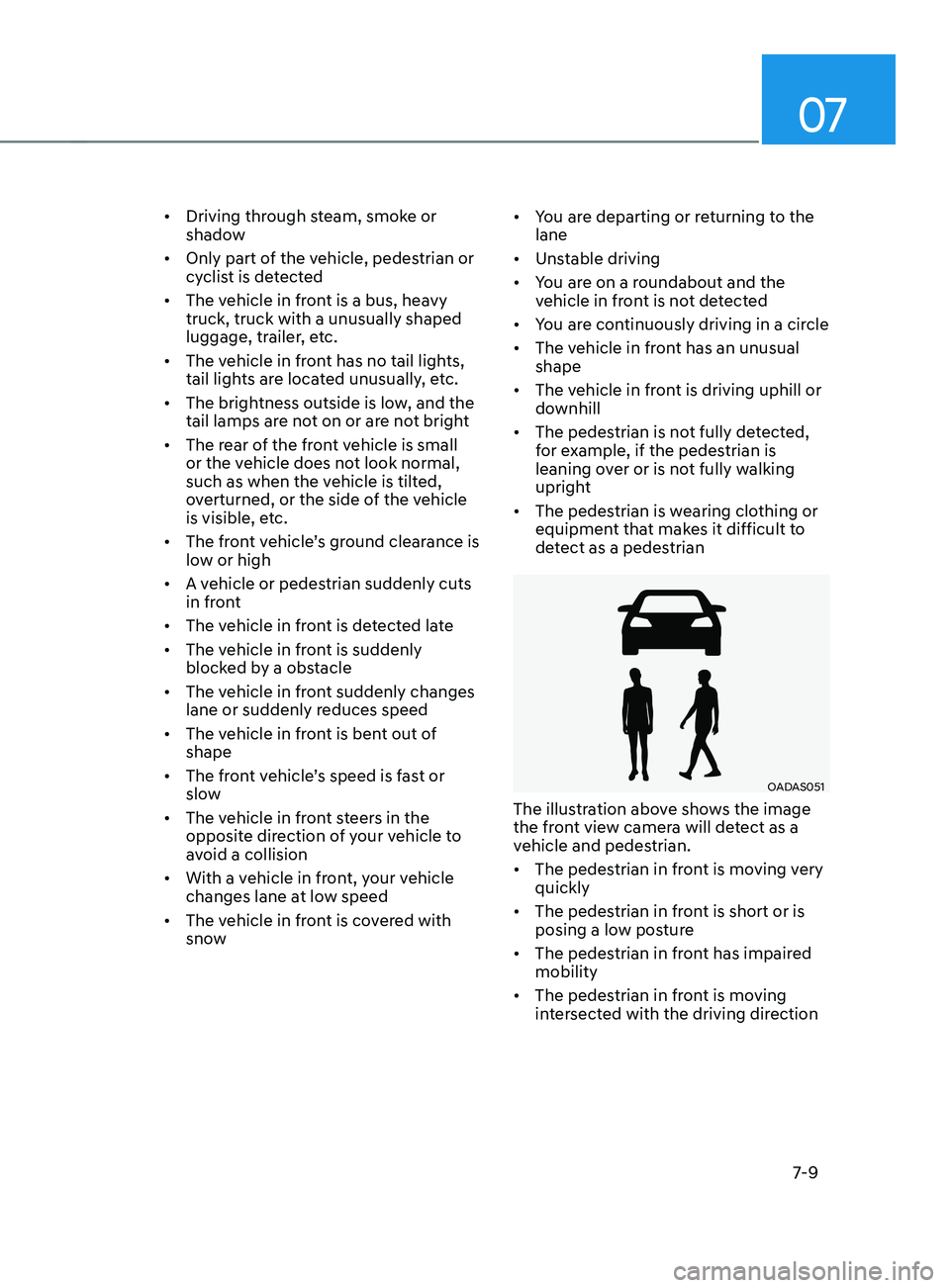
OADAS051
The illustration above shows the image
the front view camera will detect as a
vehicle and pedestrian.
• The pedestrian in front is moving very
quickly
• The pedestrian in front is short or is
posing a low posture
• The pedestrian in front has impaired
mobility
• The pedestrian in front is moving
intersected with the driving direction
Page 326 of 570
07
7-13
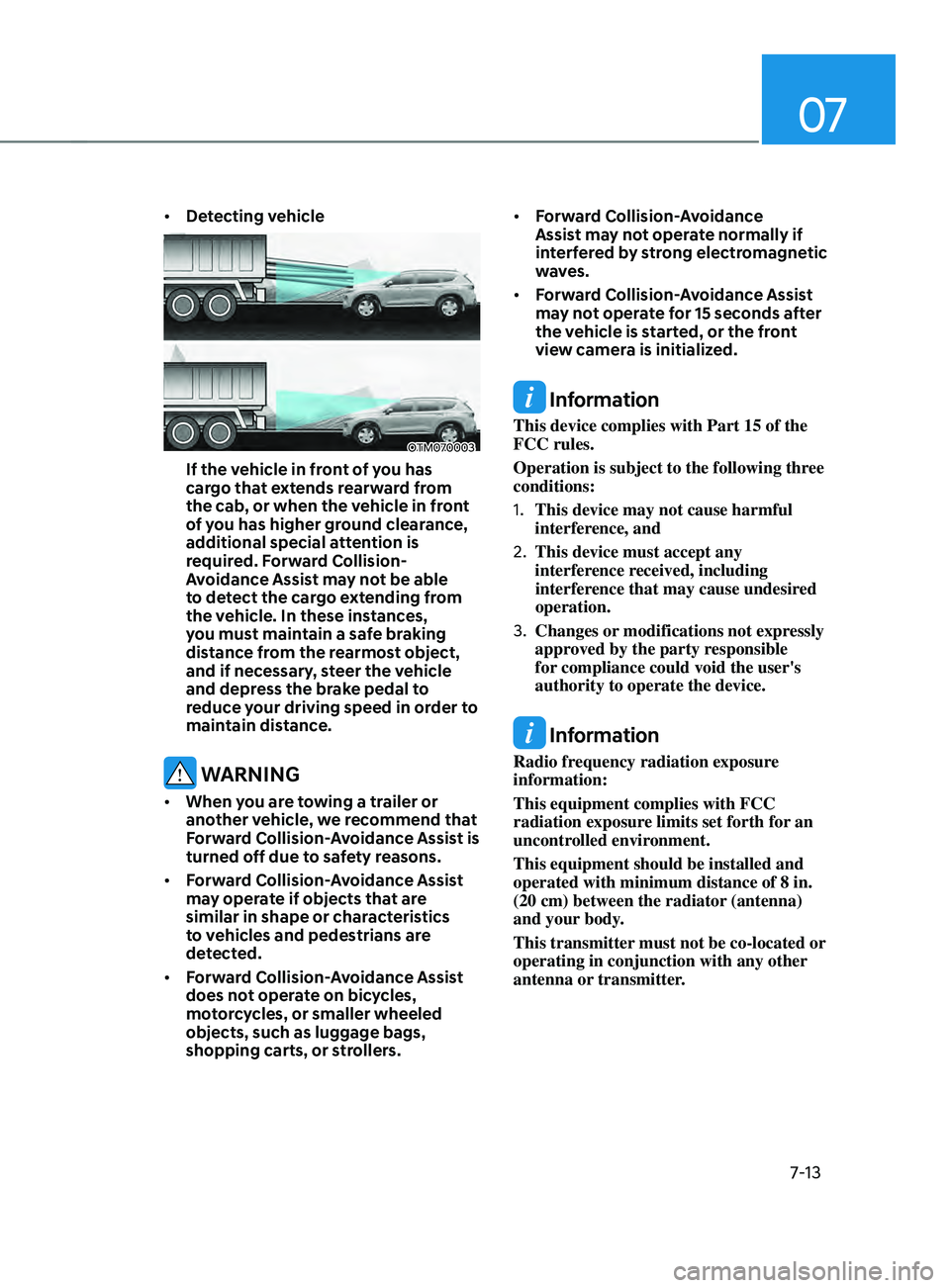
• Detecting vehicle
OTM070003
If the vehicle in front of you has
cargo that extends rearward from
the cab, or when the vehicle in front
of you has higher ground clearance,
additional special attention is
required. Forward Collision-
Avoidance Assist may not be able
to detect the cargo extending from
the vehicle. In these instances,
you must maintain a safe braking
distance from the rearmost object,
and if necessary, steer the vehicle
and depress the brake pedal to
reduce your driving speed in order to
maintain distance.
WARNING
• When you are towing a trailer or
another vehicle, we recommend that
Forward Collision-Avoidance Assist is
turned off due to safety reasons.
• Forward Collision-Avoidance Assist
may operate if objects that are
similar in shape or characteristics
to vehicles and pedestrians are
detected.
• Forward Collision-Avoidance Assist
does not operate on bicycles,
motorcycles, or smaller wheeled
objects, such as luggage bags,
shopping carts, or strollers. •
Forward Collision-Avoidance
Assist may not operate normally if
interfered by strong electromagnetic
waves.
• Forward Collision-Avoidance Assist
may not operate for 15 seconds after
the vehicle is started, or the front
view camera is initialized.
Information
This device complies with Part 15 of the
FCC rules.
Operation is subject to the following three
conditions:
1.
This device may not cause harmful
interference, and
2.
This device must accept any
interference r
eceived, including
interference that may cause undesired
operation.
3.
Changes or modifications not expr
essly
approved by the party responsible
for compliance could void the user's
authority to operate the device.
Information
Radio frequency radiation exposure
information:
This equipment complies with FCC
radiation exposure limits set forth for an
uncontrolled environment.
This equipment should be installed and
operated with minimum distance of 8 in.
(20 cm) between the radiator (antenna)
and your body.
This transmitter must not be co-located or
operating in conjunction with any other
antenna or transmitter.
Page 337 of 570
Driver assistance system
7-24
• Your vehicle is being towed
• The surrounding is very bright
• The surrounding is very dark, such as
in a tunnel, etc.
• The brightness changes suddenly, for
example when entering or exiting a
tunnel
• The brightness outside is low, and the
headlamps are not on or are not bright
• Driving through steam, smoke or
shadow
• Only part of the vehicle, pedestrian or
cyclist is detected
• The vehicle in front is a bus, heavy
truck, truck with a unusually shaped
luggage, trailer, etc.
• The vehicle in front has no tail lights,
tail lights are located unusually, etc.
• The brightness outside is low, and the
tail lamps are not on or are not bright
• The rear of the front vehicle is small
or the vehicle does not look normal,
such as when the vehicle is tilted,
overturned, or the side of the vehicle
is visible, etc.
• The
fr
ont
v
ehicle’s
gr
ound
clear
ance
is low or high
• A v
ehicle, pedestrian or cyclist
suddenly cuts in front
• The bumper around the front radar is
impacted, damaged or the front radar
is out of position
• The temperature around the front
radar is high or low •
Driving through a tunnel or iron bridge
• Driving in large areas where there are
few vehicles or structures (i.e. desert,
meadow, suburb, etc.)
• Driving near areas containing metal
substances, such as a construction
zone, railroad, etc.
• A material is near that reflects very
well on the front radar, such as a
guardrail, nearby vehicle, etc.
• The cyclist in front is on a bicycle
made of material that does not reflect
on the front radar
• The vehicle in front is detected late
• The vehicle in front is suddenly
blocked by a obstacle
• The vehicle in front suddenly changes
lane or suddenly reduces speed
• The vehicle in front is bent out of
shape
• The
fr
ont
v
ehicle’s
speed is f
ast
or slow
• The v
ehicle in front steers in the
opposite direction of your vehicle to
avoid a collision
• With a vehicle in front, your vehicle
changes lane at low speed
• The vehicle in front is covered with
snow
• You are departing or returning to the
lane
• Unstable driving
• You are on a roundabout and the
vehicle in front is not detected
• You are continuously driving in a circle
• The vehicle in front has an unusual
shape
• The vehicle in front is driving uphill or
downhill
Page 341 of 570
![HYUNDAI ELANTRA 2021 Manual PDF Driver assistance system
7-28
OADAS031[A] : Your vehicle, [B] : Lane changing vehicle,
[C] : Same lane vehicle
When a vehicle in front of you
merges out of the lane, Forward
Collision-Avoidance Ass](/img/35/41160/w960_41160-340.png "HYUNDAI ELANTRA 2021 Manual PDF Driver assistance system
7-28
OADAS031[A] : Your vehicle, [B] : Lane changing vehicle,
[C] : Same lane vehicle
When a vehicle in front of you
merges out of the lane, Forward
Collision-Avoidance Ass")
Driver assistance system
7-28
OADAS031[A] : Your vehicle, [B] : Lane changing vehicle,
[C] : Same lane vehicle
When a vehicle in front of you
merges out of the lane, Forward
Collision-Avoidance Assist may not
immediately detect the vehicle that
is now in front of you. In this case,
you must maintain a safe braking
distance, and if necessary, steer your
vehicle and depress the brake pedal
to reduce your driving speed in order
to maintain a safe distance.•
Detecting vehicle
OTM070147
If the vehicle in front of you has
cargo that extends rearward from
the cab, or when the vehicle in front
of you has higher ground clearance,
additional special attention is
required. Forward Collision-
Avoidance Assist may not be able
to detect the cargo extending from
the vehicle. In these instances,
you must maintain a safe braking
distance from the rearmost object,
and if necessary, steer your vehicle
and depress the brake pedal to
reduce your driving speed in order to
maintain distance.
Page 350 of 570
![HYUNDAI ELANTRA 2021 Manual PDF 07
7-37
Detecting sensor
OCN7060046[1] : Rear corner radar
Refer to the picture above for the
detailed location of the detecting sensor.
CAUTION
Take the following precautions to
maintain optimal](/img/35/41160/w960_41160-349.png "HYUNDAI ELANTRA 2021 Manual PDF 07
7-37
Detecting sensor
OCN7060046[1] : Rear corner radar
Refer to the picture above for the
detailed location of the detecting sensor.
CAUTION
Take the following precautions to
maintain optimal")
07
7-37
Detecting sensor
OCN7060046[1] : Rear corner radar
Refer to the picture above for the
detailed location of the detecting sensor.
CAUTION
Take the following precautions to
maintain optimal performance of the
detecting sensor:
• Never disassemble the rear corner
radar or radar assembly, or apply any
impact on it.
• If the rear corner radars have been
replaced or repaired, we recommend
that the vehicle be inspected by an
authorized HYUNDAI dealer.
• If there is impact on the rear
corner radar or near the radar,
even though the warning message
does not appear on the cluster,
Blind-Spot Safety system may not
operate properly. We recommend
that the system be inspected by an
authorized HYUNDAI dealer.
• Use only genuine parts to repair the
rear bumper where the rear corner
radar is located.
• Do not apply license plate frame or
objects, such as a bumper sticker,
film or a bumper guard near the rear
corner radar. •
The system may not work properly
if the bumper has been replaced, or
the surroundings of the rear corner
radar has been damaged or paint has
been applied.
• If a trailer, carrier, etc. is installed,
it may adversely affect the
performance of the rear corner radar
or the system may not operate.
Function settings
Setting
OCN7070037L
Blind-Spot Safety
With the engine on, select or deselect
‘Driver
Assis
tance
→ Blind-
Spot
Sa
fety’
from the Se
ttings menu to set whether or
not to use each function.
- If ‘W
arning
Only’ is select
ed,
the sy
stem will warn the driver with a
warning message and an audible
warning depending on the collision
risk levels. Braking will not be assisted.
- If ‘Off’ is select
ed,
the s
ystem
will turn of
f.
Page 351 of 570
Driver assistance system
7-38
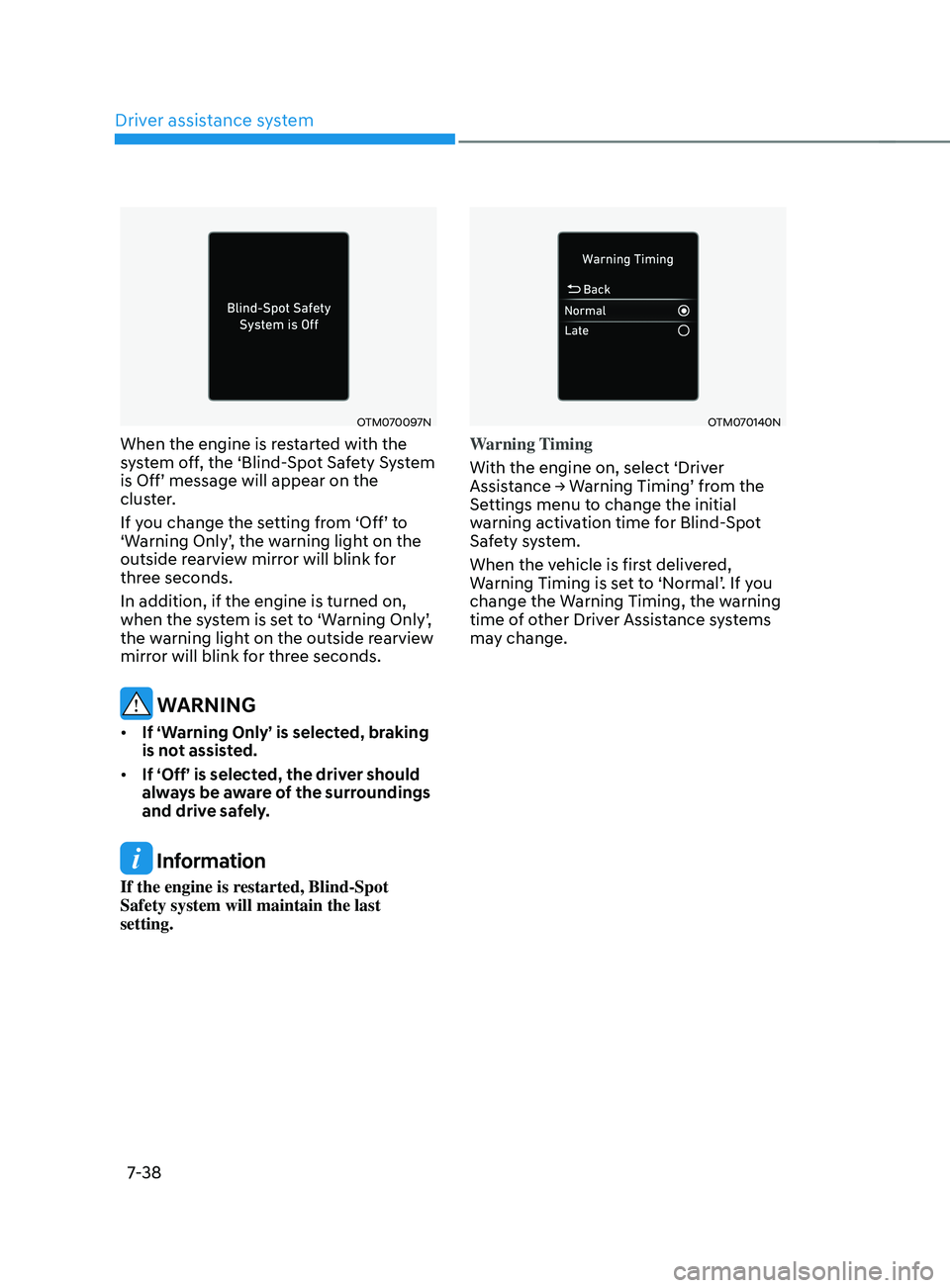
OTM070097N
When the engine is restarted with the
system off, the ‘Blind-Spot Safety System
is
Off’ message will appear on the clust
er.
If
y
ou
change the se
tting
fr
om
‘Off’ t
o
‘Warning Only’
,
the w
arning
ligh
t
on the outside rearvie
w mirror will blink for
three seconds.
In addition, if the engine is turned on,
when
the s
ystem
is se
t
t
o
‘W
arning
Only’
,
the warning ligh
t on the outside rearview
mirror will blink for three seconds.
WARNING
• If ‘Warning Only’ is selected, braking
is not assisted.
• If ‘Off’ is selected, the driver should
always be aware of the surroundings
and drive safely.
Information
If the engine is restarted, Blind-Spot
Safety system will maintain the last
setting.
OTM070140N
Warning Timing
With the engine on, select ‘Driver
Assistance
→ W
arning
Timing’ fr
om
the Settings menu t
o change the initial
warning activation time for Blind-Spot
Safety system.
When the vehicle is first delivered,
Warning
Timing is se
t
t
o
‘N
ormal’.
If y
ou
change the Warning Timing, the w
arning
time of other Driver Assistance systems
may change.