light HYUNDAI PALISADE 2022 Owners Manual
[x] Cancel search | Manufacturer: HYUNDAI, Model Year: 2022, Model line: PALISADE, Model: HYUNDAI PALISADE 2022Pages: 663, PDF Size: 15.74 MB
Page 437 of 663
5-103
Driving your vehicle
5
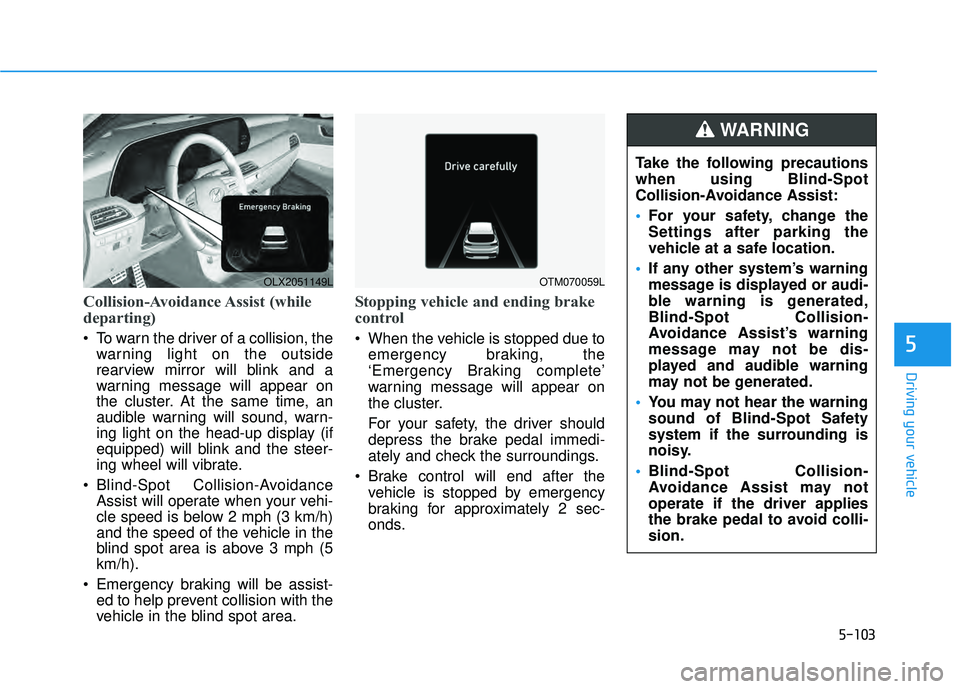
Collision-Avoidance Assist (while
departing)
To warn the driver of a collision, thewarning light on the outside
rearview mirror will blink and a
warning message will appear on
the cluster. At the same time, an
audible warning will sound, warn-
ing light on the head-up display (if
equipped) will blink and the steer-
ing wheel will vibrate.
Blind-Spot Collision-Avoidance Assist will operate when your vehi-
cle speed is below 2 mph (3 km/h)
and the speed of the vehicle in the
blind spot area is above 3 mph (5
km/h).
Emergency braking will be assist- ed to help prevent collision with the
vehicle in the blind spot area.
Stopping vehicle and ending brake
control
When the vehicle is stopped due to
emergency braking, the
‘Emergency Braking complete’
warning message will appear on
the cluster.
For your safety, the driver should
depress the brake pedal immedi-
ately and check the surroundings.
Brake control will end after the vehicle is stopped by emergency
braking for approximately 2 sec-
onds.
OLX2051149LOTM070059L
Take the following precautions
when using Blind-Spot
Collision-Avoidance Assist:
For your safety, change the
Settings after parking the
vehicle at a safe location.
If any other system’s warning
message is displayed or audi-
ble warning is generated,
Blind-Spot Collision-
Avoidance Assist’s warning
message may not be dis-
played and audible warning
may not be generated.
You may not hear the warning
sound of Blind-Spot Safety
system if the surrounding is
noisy.
Blind-Spot Collision-
Avoidance Assist may not
operate if the driver applies
the brake pedal to avoid colli-
sion.
WARNING
Page 438 of 663
5-104
Driving your vehicle When Blind-Spot Collision-
Avoidance Assist is operat-
ing, braking control by the
function will automatically
cancel when the driver exces-
sively depresses the accelera-
tor pedal or sharply steers the
vehicle.
During Blind-Spot Collision-
Avoidance Assist operation,
the vehicle may stop sudden-
ly injuring passengers and
shifting loose objects. Always
have the seat belt on and keep
loose objects secured.
Even if there is a problem with
Blind-Spot Collision-
Avoidance Assist, the vehi-
cle’s basic braking perform-
ance will operate normally.
Blind-Spot Collision-
Avoidance Assist does not
operate in all situations or
cannot avoid all collisions.
Blind-Spot Collision-
Avoidance Assist may warn
the driver late or may not warn
the driver depending on the
road and driving conditions.
Driver should maintain con-
trol of the vehicle at all times.
Do not depend on Blind-Spot
Collision-Avoidance Assist.
Maintain a safe braking dis-
tance, and if necessary,
depress the brake pedal to
reduce driving speed or to
stop the vehicle.
Never operate Blind-Spot
Collision-Avoidance Assist on
people, animal, objects, etc. It
may cause serious injury or
death.
The brake control may not oper-
ate properly depending on the
status of ESC (Electronic
Stability Control).
There will only be a warning
when:
- The ESC (Electronic Stability
Control) warning light is on
- ESC (Electronic Stability Control) is engaged in a differ-
ent function
WARNING
Page 439 of 663
5-105
Driving your vehicle
5
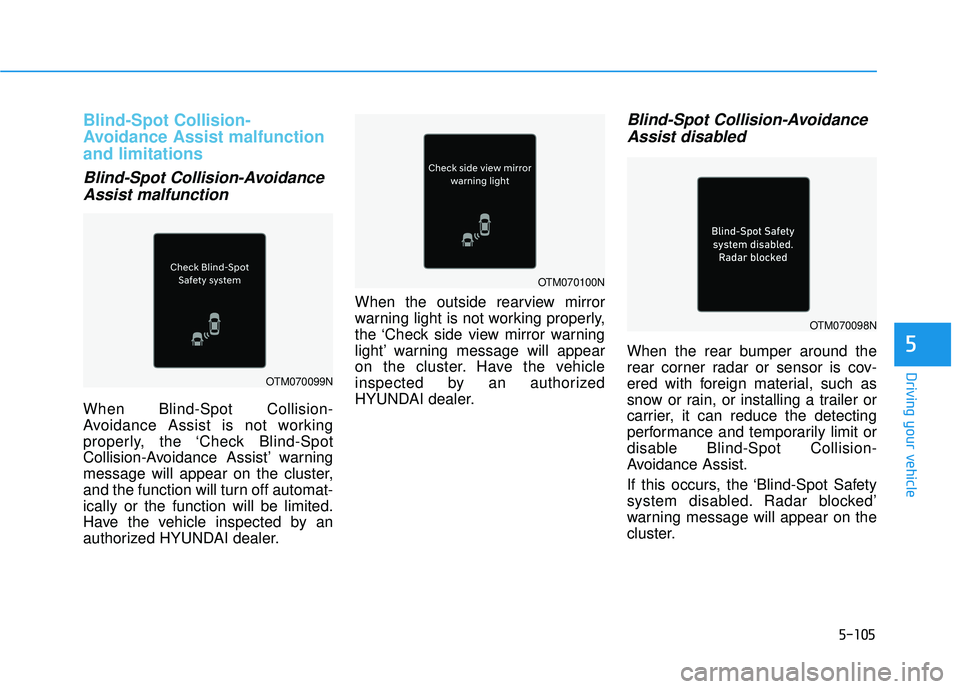
Blind-Spot Collision-
Avoidance Assist malfunction
and limitations
Blind-Spot Collision-AvoidanceAssist malfunction
When Blind-Spot Collision-
Avoidance Assist is not working
properly, the ‘Check Blind-Spot
Collision-Avoidance Assist’ warning
message will appear on the cluster,
and the function will turn off automat-
ically or the function will be limited.
Have the vehicle inspected by an
authorized HYUNDAI dealer. When the outside rearview mirror
warning light is not working properly,
the ‘Check side view mirror warning
light’ warning message will appear
on the cluster. Have the vehicle
inspected by an authorized
HYUNDAI dealer.
Blind-Spot Collision-Avoidance
Assist disabled
When the rear bumper around the
rear corner radar or sensor is cov-
ered with foreign material, such as
snow or rain, or installing a trailer or
carrier, it can reduce the detecting
performance and temporarily limit or
disable Blind-Spot Collision-
Avoidance Assist.
If this occurs, the ‘Blind-Spot Safety
system disabled. Radar blocked’
warning message will appear on the
cluster.
OTM070099N
OTM070098N
OTM070100N
Page 447 of 663
5-113
Driving your vehicle
5
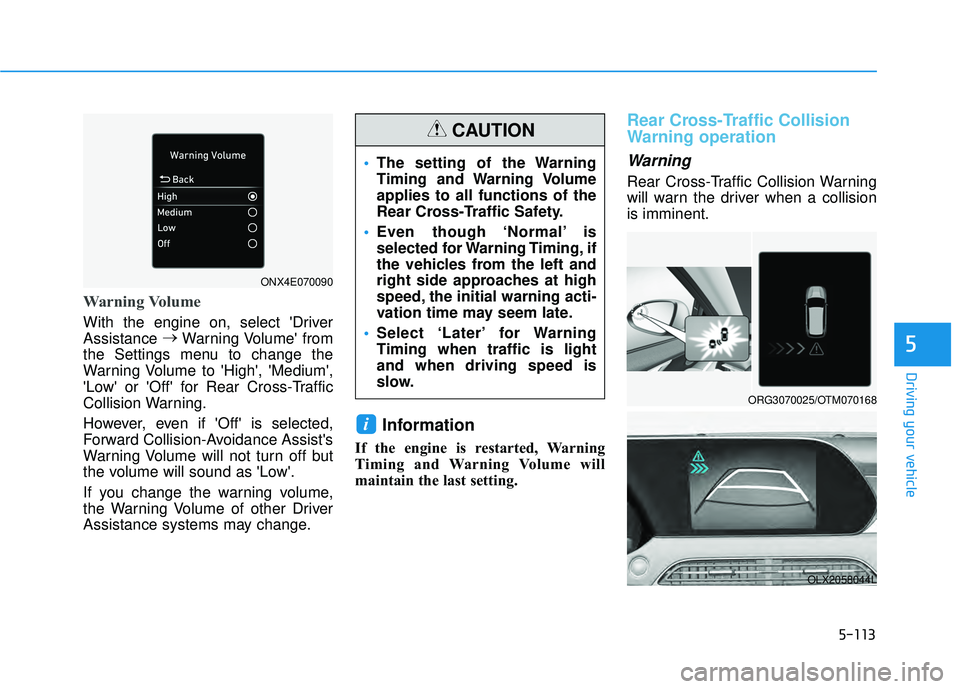
Warning Volume
With the engine on, select 'Driver
Assistance →
Warning Volume' from
the Settings menu to change the
Warning Volume to 'High', 'Medium',
'Low' or 'Off' for Rear Cross-Traffic
Collision Warning.
However, even if 'Off' is selected,
Forward Collision-Avoidance Assist's
Warning Volume will not turn off but
the volume will sound as 'Low'.
If you change the warning volume,
the Warning Volume of other Driver
Assistance systems may change.
Information
If the engine is restarted, Warning
Timing and Warning Volume will
maintain the last setting.
Rear Cross-Traffic Collision
Warning operation
Warning
Rear Cross-Traffic Collision Warning
will warn the driver when a collision
is imminent.
i
ORG3070025/OTM070168
OLX2058044L
The setting of the Warning
Timing and Warning Volume
applies to all functions of the
Rear Cross-Traffic Safety.
Even though ‘Normal’ is
selected for Warning Timing, if
the vehicles from the left and
right side approaches at high
speed, the initial warning acti-
vation time may seem late.
Select ‘Later’ for Warning
Timing when traffic is light
and when driving speed is
slow.
CAUTION
ONX4E070090
Page 449 of 663
5-115
Driving your vehicle
5
Rear Cross-Traffic Collision
Warning malfunction and limi-
tations
Rear Cross-Traffic CollisionWarning malfunction
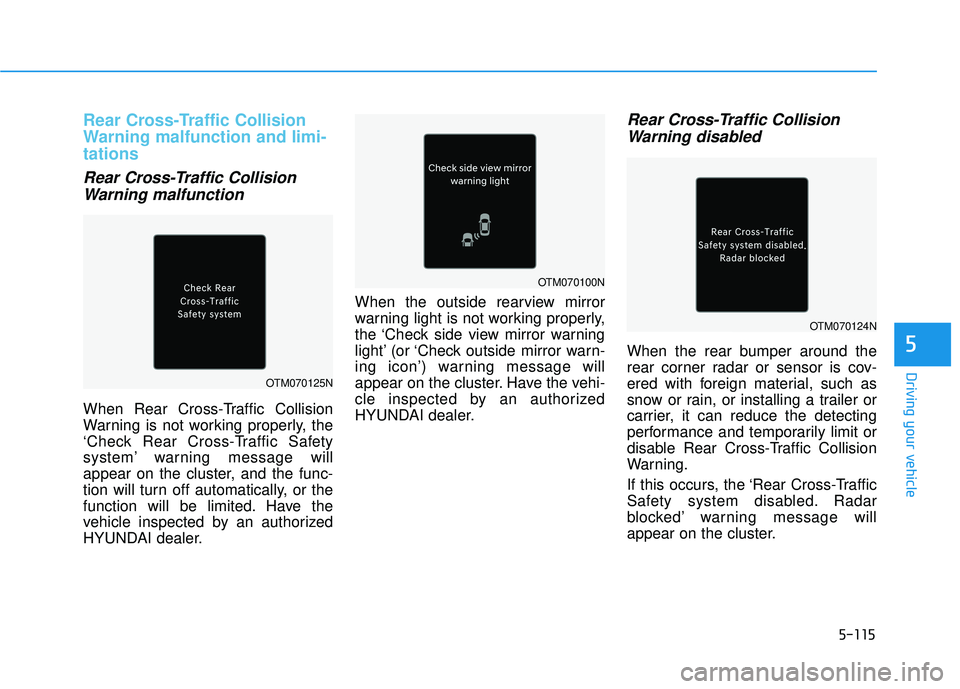
When Rear Cross-Traffic Collision
Warning is not working properly, the
‘Check Rear Cross-Traffic Safety
system’ warning message will
appear on the cluster, and the func-
tion will turn off automatically, or the
function will be limited. Have the
vehicle inspected by an authorized
HYUNDAI dealer. When the outside rearview mirror
warning light is not working properly,
the ‘Check side view mirror warning
light’ (or ‘Check outside mirror warn-
ing icon’) warning message will
appear on the cluster. Have the vehi-
cle inspected by an authorized
HYUNDAI dealer.
Rear Cross-Traffic Collision
Warning disabled
When the rear bumper around the
rear corner radar or sensor is cov-
ered with foreign material, such as
snow or rain, or installing a trailer or
carrier, it can reduce the detecting
performance and temporarily limit or
disable Rear Cross-Traffic Collision
Warning.
If this occurs, the ‘Rear Cross-Traffic
Safety system disabled. Radar
blocked’ warning message will
appear on the cluster.
OTM070125N
OTM070100N
OTM070124N
Page 455 of 663
5-121
Driving your vehicle
5
Warning Volume
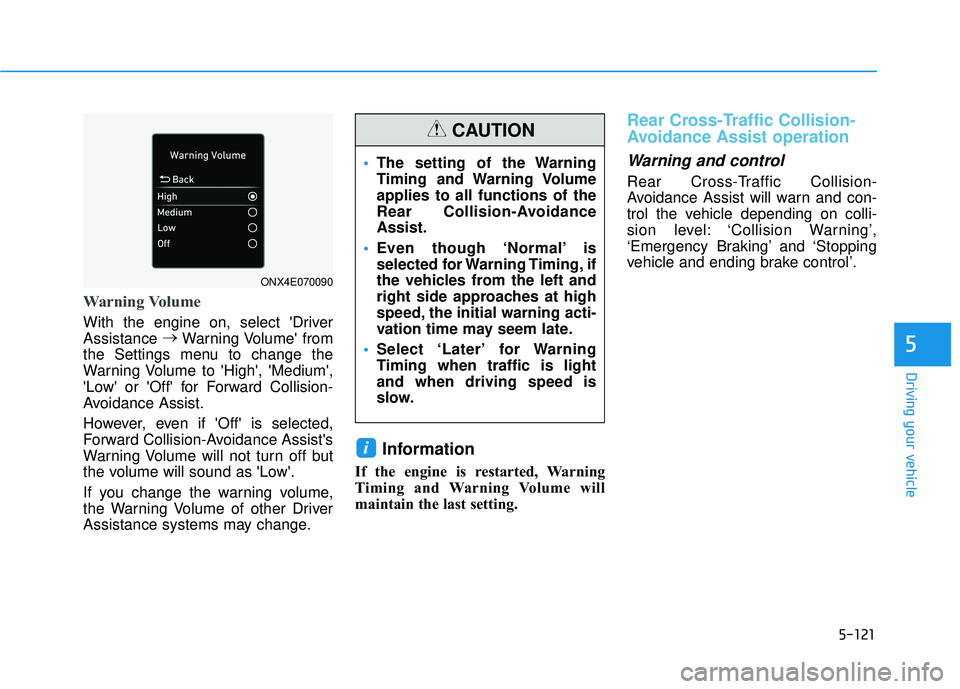
With the engine on, select 'Driver
Assistance →
Warning Volume' from
the Settings menu to change the
Warning Volume to 'High', 'Medium',
'Low' or 'Off' for Forward Collision-
Avoidance Assist.
However, even if 'Off' is selected,
Forward Collision-Avoidance Assist's
Warning Volume will not turn off but
the volume will sound as 'Low'.
If you change the warning volume,
the Warning Volume of other Driver
Assistance systems may change.
Information
If the engine is restarted, Warning
Timing and Warning Volume will
maintain the last setting.
Rear Cross-Traffic Collision-
Avoidance Assist operation
Warning and control
Rear Cross-Traffic Collision-
Avoidance Assist will warn and con-
trol the vehicle depending on colli-
sion level: ‘Collision Warning’,
‘Emergency Braking’ and ‘Stopping
vehicle and ending brake control’.
i
The setting of the Warning
Timing and Warning Volume
applies to all functions of the
Rear Collision-Avoidance
Assist.
Even though ‘Normal’ is
selected for Warning Timing, if
the vehicles from the left and
right side approaches at high
speed, the initial warning acti-
vation time may seem late.
Select ‘Later’ for Warning
Timing when traffic is light
and when driving speed is
slow.
CAUTION
ONX4E070090
Page 456 of 663
5-122
Driving your vehicle
Collision Warning
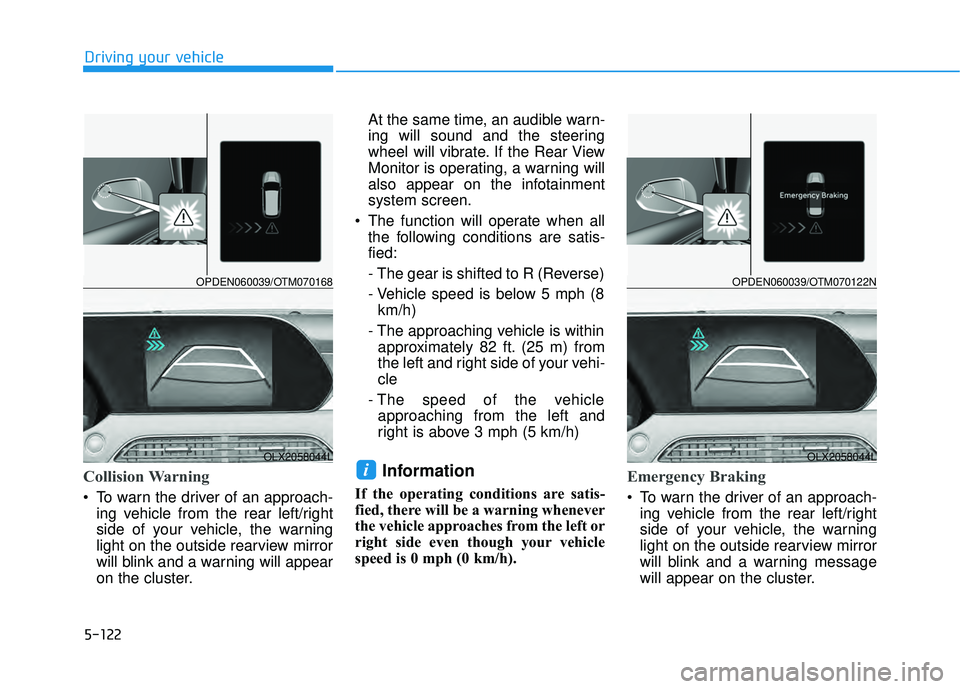
To warn the driver of an approach-ing vehicle from the rear left/right
side of your vehicle, the warning
light on the outside rearview mirror
will blink and a warning will appear
on the cluster. At the same time, an audible warn-
ing will sound and the steering
wheel will vibrate. If the Rear View
Monitor is operating, a warning will
also appear on the infotainment
system screen.
The function will operate when all the following conditions are satis-
fied:
- The gear is shifted to R (Reverse)
- Vehicle speed is below 5 mph (8km/h)
- The approaching vehicle is within approximately 82 ft. (25 m) from
the left and right side of your vehi-
cle
- The speed of the vehicle approaching from the left and
right is above 3 mph (5 km/h)
Information
If the operating conditions are satis-
fied, there will be a warning whenever
the vehicle approaches from the left or
right side even though your vehicle
speed is 0 mph (0 km/h).
Emergency Braking
To warn the driver of an approach- ing vehicle from the rear left/right
side of your vehicle, the warning
light on the outside rearview mirror
will blink and a warning message
will appear on the cluster.
iOLX2058044L
OPDEN060039/OTM070168
OLX2058044L
OPDEN060039/OTM070122N
Page 459 of 663
5-125
Driving your vehicle
5
Information
If the function assists you with brak-
ing, the driver needs to pay atten-
tion as the brake assist will end
within 2 seconds. The driver must
immediately depress the brake
pedal and check vehicle surround-
ings.
Brake control will end when the
driver depresses the brake pedal
with sufficient power.
After shifting the gear to R
(Reverse), braking control will
operate once for left and right vehi-
cle approach.
Rear Cross-Traffic Collision-
Avoidance Assist malfunction
and limitations
Rear Cross-Traffic Collision-
Avoidance Assist malfunction
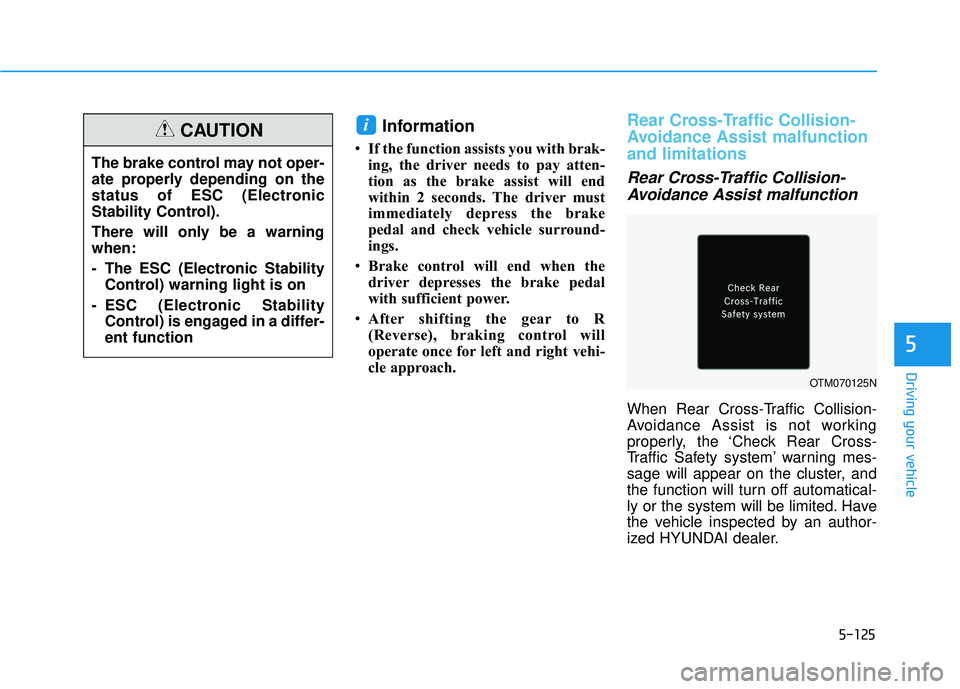
When Rear Cross-Traffic Collision-
Avoidance Assist is not working
properly, the ‘Check Rear Cross-
Traffic Safety system’ warning mes-
sage will appear on the cluster, and
the function will turn off automatical-
ly or the system will be limited. Have
the vehicle inspected by an author-
ized HYUNDAI dealer.
i
The brake control may not oper-
ate properly depending on the
status of ESC (Electronic
Stability Control).
There will only be a warning
when:
- The ESC (Electronic Stability
Control) warning light is on
- ESC (Electronic Stability Control) is engaged in a differ-
ent function
CAUTION
OTM070125N
Page 460 of 663
5-126
Driving your vehicle
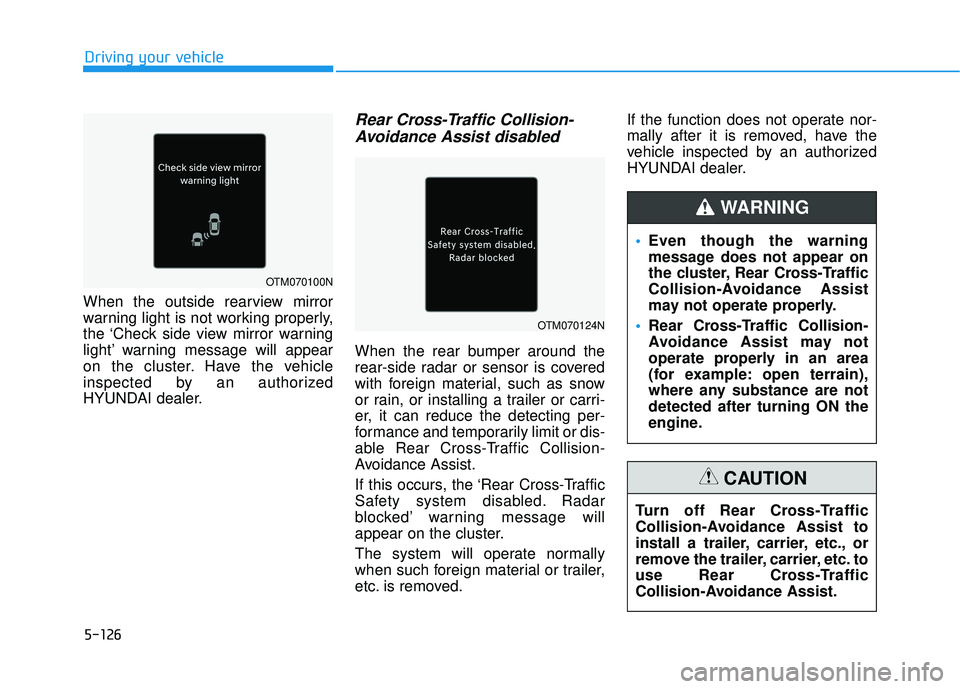
When the outside rearview mirror
warning light is not working properly,
the ‘Check side view mirror warning
light’ warning message will appear
on the cluster. Have the vehicle
inspected by an authorized
HYUNDAI dealer.
Rear Cross-Traffic Collision- Avoidance Assist disabled
When the rear bumper around the
rear-side radar or sensor is covered
with foreign material, such as snow
or rain, or installing a trailer or carri-
er, it can reduce the detecting per-
formance and temporarily limit or dis-
able Rear Cross-Traffic Collision-
Avoidance Assist.
If this occurs, the ‘Rear Cross-Traffic
Safety system disabled. Radar
blocked’ warning message will
appear on the cluster.
The system will operate normally
when such foreign material or trailer,
etc. is removed. If the function does not operate nor-
mally after it is removed, have the
vehicle inspected by an authorized
HYUNDAI dealer.
Even though the warning
message does not appear on
the cluster, Rear Cross-Traffic
Collision-Avoidance Assist
may not operate properly.
Rear Cross-Traffic Collision-
Avoidance Assist may not
operate properly in an area
(for example: open terrain),
where any substance are not
detected after turning ON the
engine.
WARNING
Turn off Rear Cross-Traffic
Collision-Avoidance Assist to
install a trailer, carrier, etc., or
remove the trailer, carrier, etc. to
use Rear Cross-Traffic
Collision-Avoidance Assist.
CAUTION
OTM070100N
OTM070124N
Page 466 of 663
5-132
Driving your vehicle
Warning Volume
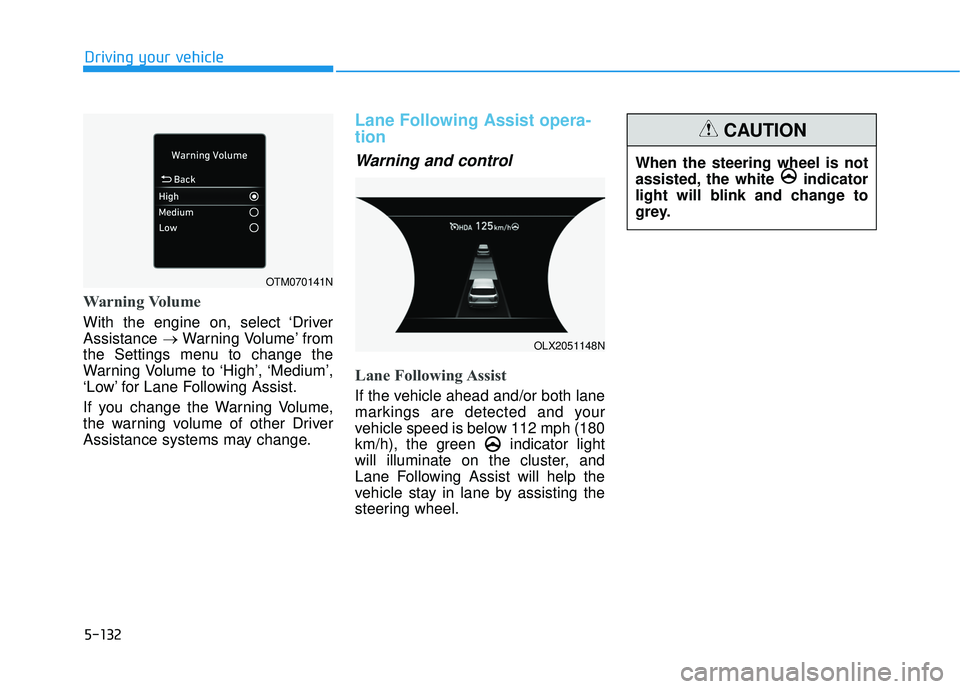
With the engine on, select ‘Driver
Assistance →Warning Volume’ from
the Settings menu to change the
Warning Volume to ‘High’, ‘Medium’,
‘Low’ for Lane Following Assist.
If you change the Warning Volume,
the warning volume of other Driver
Assistance systems may change.
Lane Following Assist opera-
tion
Warning and control
Lane Following Assist
If the vehicle ahead and/or both lane
markings are detected and your
vehicle speed is below 112 mph (180
km/h), the green indicator light
will illuminate on the cluster, and
Lane Following Assist will help the
vehicle stay in lane by assisting the
steering wheel.
When the steering wheel is not
assisted, the white indicator
light will blink and change to
grey.
CAUTION
OTM070141N
OLX2051148N