display HYUNDAI SONATA HYBRID 2019 Manual Online
[x] Cancel search | Manufacturer: HYUNDAI, Model Year: 2019, Model line: SONATA HYBRID, Model: HYUNDAI SONATA HYBRID 2019Pages: 546, PDF Size: 78.75 MB
Page 360 of 546
5-70
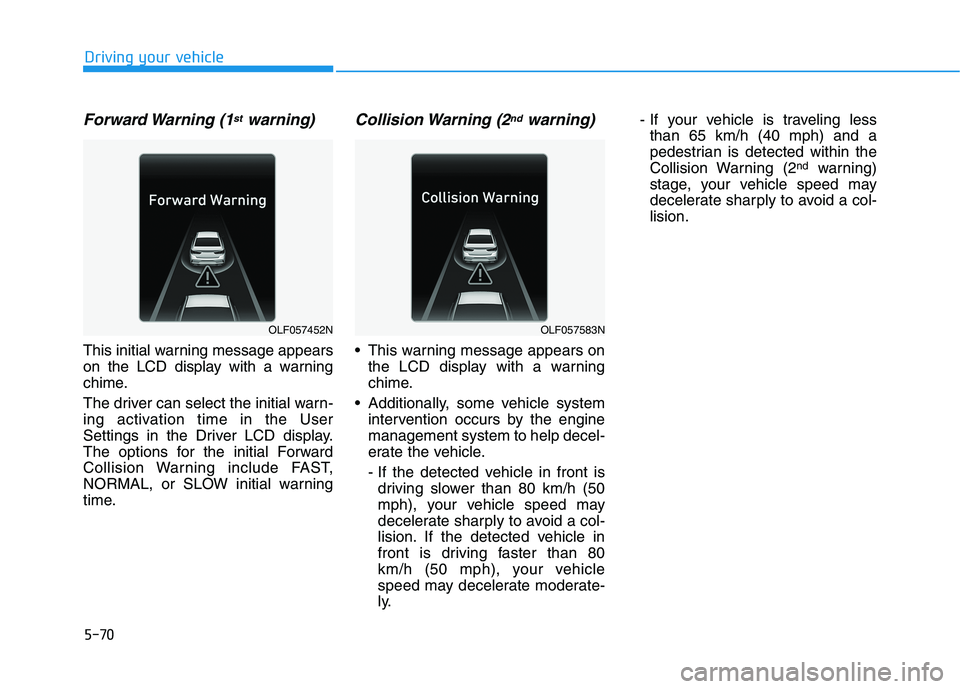
Forward Warning (1stwarning)
This initial warning message appears
on the LCD display with a warning
chime.
The driver can select the initial warn-
ing activation time in the User
Settings in the Driver LCD display.
The options for the initial Forward
Collision Warning include FAST,
NORMAL, or SLOW initial warning
time.
Collision Warning (2ndwarning)
This warning message appears onthe LCD display with a warning
chime.
Additionally, some vehicle system intervention occurs by the enginemanagement system to help decel-
erate the vehicle.
- If the detected vehicle in front isdriving slower than 80 km/h (50
mph), your vehicle speed may
decelerate sharply to avoid a col-
lision. If the detected vehicle in
front is driving faster than 80
km/h (50 mph), your vehicle
speed may decelerate moderate-
ly. - If your vehicle is traveling less
than 65 km/h (40 mph) and a
pedestrian is detected within the
Collision Warning (2 nd
warning)
stage, your vehicle speed may
decelerate sharply to avoid a col-lision.
Driving your vehicle
OLF057452NOLF057583N
Page 361 of 546
5-71
Driving your vehicle
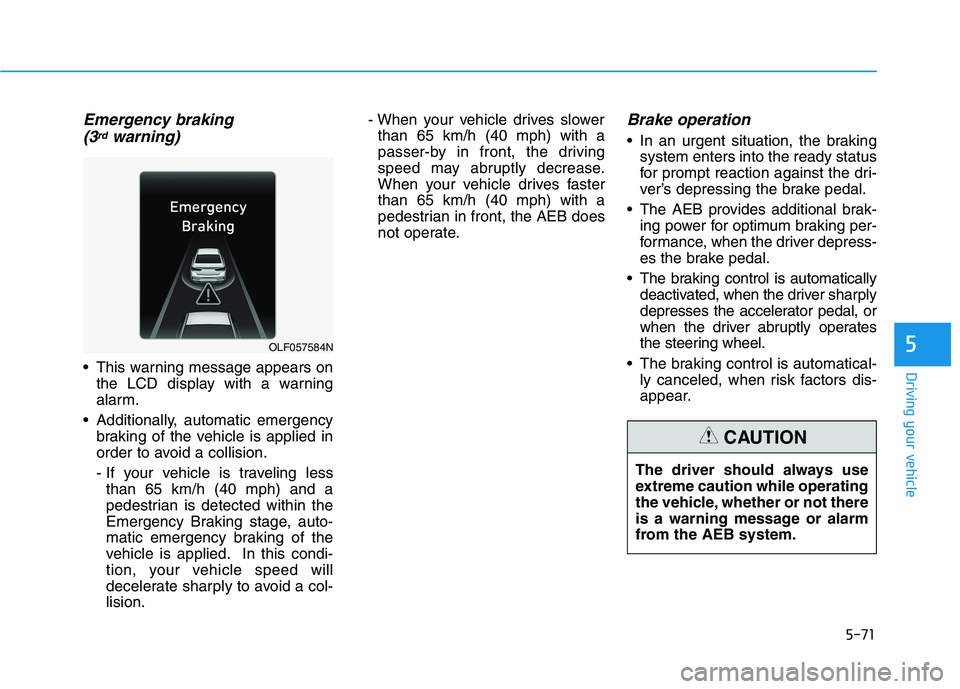
Emergency braking (3rdwarning)
This warning message appears on the LCD display with a warning
alarm.
Additionally, automatic emergency braking of the vehicle is applied in
order to avoid a collision.
- If your vehicle is traveling lessthan 65 km/h (40 mph) and a
pedestrian is detected within the
Emergency Braking stage, auto-
matic emergency braking of the
vehicle is applied. In this condi-
tion, your vehicle speed will
decelerate sharply to avoid a col-lision. - When your vehicle drives slower
than 65 km/h (40 mph) with a
passer-by in front, the driving
speed may abruptly decrease.
When your vehicle drives fasterthan 65 km/h (40 mph) with a
pedestrian in front, the AEB does
not operate.
Brake operation
In an urgent situation, the braking system enters into the ready status
for prompt reaction against the dri-
ver’s depressing the brake pedal.
The AEB provides additional brak- ing power for optimum braking per-
formance, when the driver depress-
es the brake pedal.
The braking control is automatically deactivated, when the driver sharply
depresses the accelerator pedal, or
when the driver abruptly operates
the steering wheel.
The braking control is automatical- ly canceled, when risk factors dis-
appear.
5OLF057584N
The driver should always use
extreme caution while operating
the vehicle, whether or not there
is a warning message or alarm
from the AEB system.
CAUTION
Page 363 of 546
5-73
Driving your vehicle
Do not apply foreign objectssuch as a bumper sticker or a
bumper guard near the radar
sensor. Doing so may adversely
affect the sensing performance
of the radar.
Always keep the radar sensor and lens cover clean and free of
dirt and debris.
Use only a soft cloth to wash the vehicle. Do not spray pressur-
ized water directly on the sensor
or sensor cover.
Be careful not to apply unneces- sary force on the radar sensor or
sensor cover. If the sensor is
forcibly moved out of proper
alignment, the AEB system may
not operate correctly. In this
case, a warning message may
not be displayed. Have the vehi-
cle inspected by an authorized
HYUNDAI dealer.
(Continued)(Continued)
If the front bumper becomes
damaged in the area around the
radar sensor, the AEB system
may not operate properly. Have
the vehicle inspected by an
authorized HYUNDAI dealer.
Use only genuine HYUNDAI parts to repair or replace a dam-
aged sensor or sensor cover. Do
not apply paint to the sensor
cover.
System malfunction
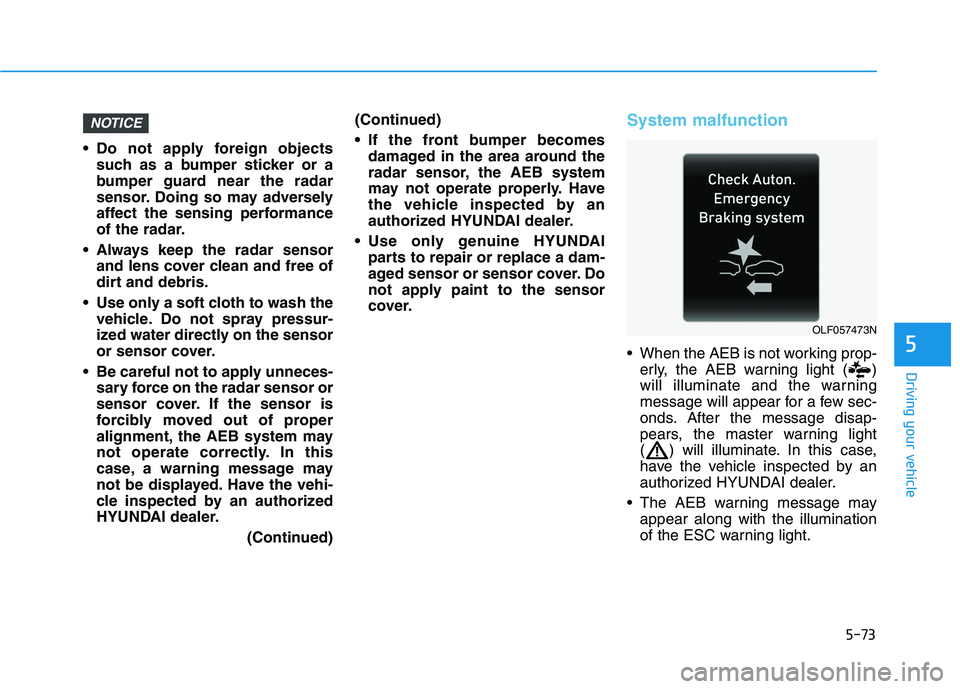
When the AEB is not working prop-erly, the AEB warning light ( )
will illuminate and the warning
message will appear for a few sec-
onds. After the message disap-
pears, the master warning light
( ) will illuminate. In this case,
have the vehicle inspected by an
authorized HYUNDAI dealer.
The AEB warning message may appear along with the illumination
of the ESC warning light.
NOTICE
5
OLF057473N
Page 364 of 546
5-74
Driving your vehicle
The AEB is only a supplemen-
tal system for the driver’s con-
venience. The driver shouldhold the responsibility to con-
trol the vehicle operation. Do
not solely depend on the AEB
system. Rather, maintain a
safe braking distance, and, if
necessary, depress the brakepedal to reduce the drivingspeed.
In certain instances and
under certain driving condi-
tions, the AEB system may
activate prematurely. This ini-
tial warning message appears
on the LCD display with a
warning chime.
Also, in certain instances the
front radar sensor or camera
recognition system may not
detect the vehicle or pedestri-
an ahead. The AEB system
may not activate and the
warning message will not be
displayed. (Continued)
(Continued)
If there is a malfunction with
the AEB system, the automat-
ic emergency braking is not
applied even though the brak-ing system is operating nor-
mally.
The AEB system operates
only to help detect vehicles or
pedestrians in front of the
vehicle. The AEB system does not
operate when the vehicle is in
reverse. The AEB system is not designed to detect other
objects on the road such asanimals. The AEB system does not
detect cross traffic vehicles
that are approaching. The AEB system cannot
detect the driver approaching
the side view of a parked vehi-
cle (for example on a deadend street.)(Continued)
(Continued)
In these cases, you must
maintain a safe braking dis-
tance, and if necessary,depress the brake pedal toreduce the driving speed in
order to maintain a safe dis-
tance.WARNING
Page 377 of 546
5-87
Driving your vehicle
5
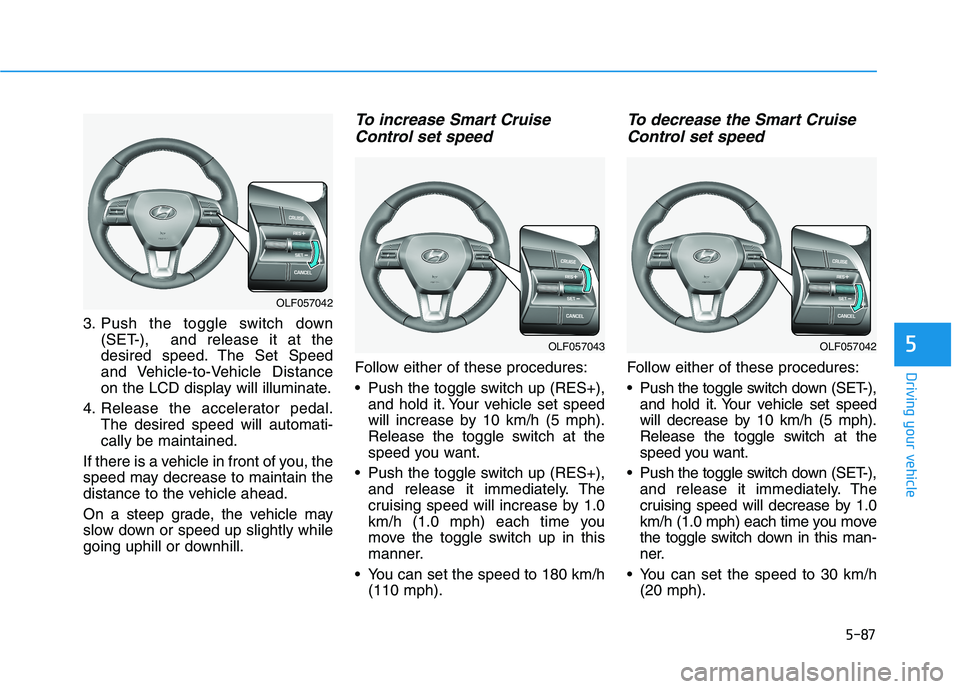
3. Push the toggle switch down(SET-), and release it at the
desired speed. The Set Speed
and Vehicle-to-Vehicle Distance
on the LCD display will illuminate.
4. Release the accelerator pedal. The desired speed will automati-cally be maintained.
If there is a vehicle in front of you, the
speed may decrease to maintain the
distance to the vehicle ahead.
On a steep grade, the vehicle may
slow down or speed up slightly while
going uphill or downhill.
To increase Smart Cruise Control set speed
Follow either of these procedures:
Push the toggle switch up (RES+), and hold it. Your vehicle set speed
will increase by 10 km/h (5 mph).
Release the toggle switch at the
speed you want.
Push the toggle switch up (RES+), and release it immediately. The
cruising speed will increase by 1.0
km/h (1.0 mph) each time you
move the toggle switch up in this
manner.
You can set the speed to 180 km/h (110 mph).
To decrease the Smart Cruise
Control set speed
Follow either of these procedures:
Push the toggle switch down (SET-), and hold it. Your vehicle set speed
will decrease by 10 km/h (5 mph).
Release the toggle switch at the
speed you want.
Push the toggle switch down (SET-), and release it immediately. The
cruising speed will decrease by 1.0
km/h (1.0 mph) each time you move
the toggle switch down in this man-
ner.
You can set the speed to 30 km/h (20 mph).
OLF057042
OLF057043OLF057042
Page 378 of 546
5-88
Driving your vehicle
To temporarily accelerate withthe Smart Cruise Control on
If you want to speed up temporarily
when the Smart Cruise Control is on,
depress the accelerator pedal.
Increased speed will not interfere
with Smart Cruise Control operationor change the set speed.
To return to the set speed, take your
foot off the accelerator.
If you push the toggle switch down
(SET-) at increased speed, the cruis-ing speed will be set again.
Smart Cruise Control will betemporarily canceled when:
Canceled manually
Depressing the brake pedal.
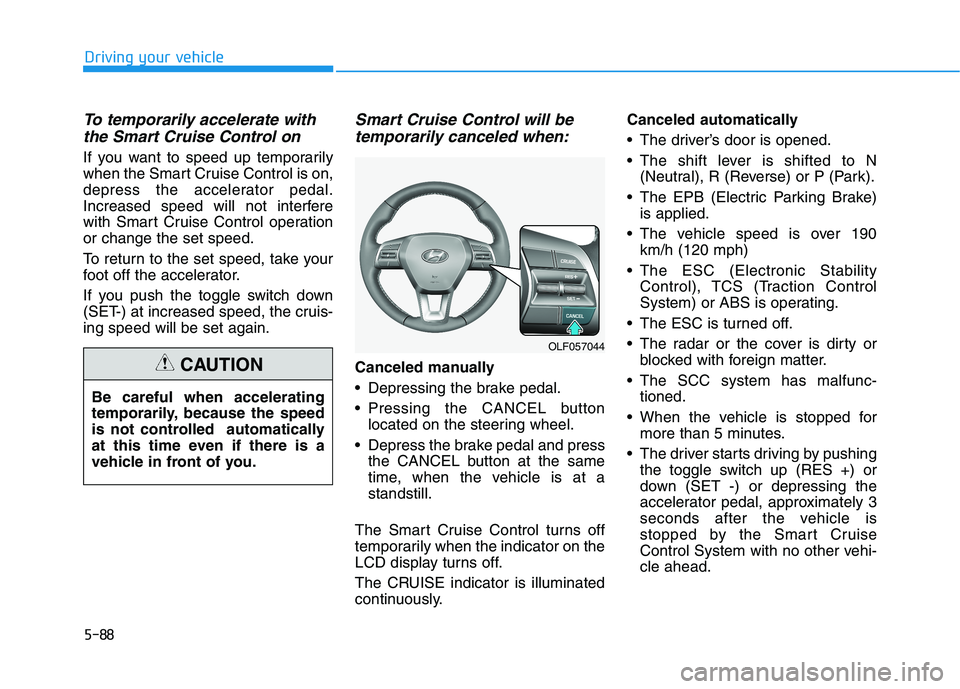
Pressing the CANCEL button located on the steering wheel.
Depress the brake pedal and press the CANCEL button at the same
time, when the vehicle is at astandstill.
The Smart Cruise Control turns off
temporarily when the indicator on the
LCD display turns off.
The CRUISE indicator is illuminated
continuously. Canceled automatically
The driver’s door is opened.
The shift lever is shifted to N
(Neutral), R (Reverse) or P (Park).
The EPB (Electric Parking Brake) is applied.
The vehicle speed is over 190 km/h (120 mph)
The ESC (Electronic Stability Control), TCS (Traction Control
System) or ABS is operating.
The ESC is turned off.
The radar or the cover is dirty or blocked with foreign matter.
The SCC system has malfunc- tioned.
When the vehicle is stopped for more than 5 minutes.
The driver starts driving by pushing the toggle switch up (RES +) or
down (SET -) or depressing the
accelerator pedal, approximately 3
seconds after the vehicle is
stopped by the Smart Cruise
Control System with no other vehi-cle ahead.
Be careful when accelerating
temporarily, because the speed
is not controlled automatically
at this time even if there is a
vehicle in front of you.CAUTION
OLF057044
Page 379 of 546
5-89
Driving your vehicle
5
The driver starts driving by pushingthe toggle switch up (RES +) or
down (SET -) or depressing the
accelerator pedal, after stopping
the vehicle with a vehicle stopped
far away in front.
The accelerator pedal is continu- ously depressed for more than one
minute. Each of these actions will cancel
the Smart Cruise Control opera-
tion. (The Set Speed and Vehicle-
to-Vehicle Distance on the LCD
display will go off.)
In a condition the Smart Cruise Control is canceled automatically,
the Smart Cruise Control will not
resume even though the RES+ or
SET- toggle switch is pushed. Also,the EPB will be applied when the
vehicle is stopped. If the Smart Cruise Control is can-
celed by other than the reasons
mentioned, have your vehicle
checked by an authorized
HYUNDAI dealer.
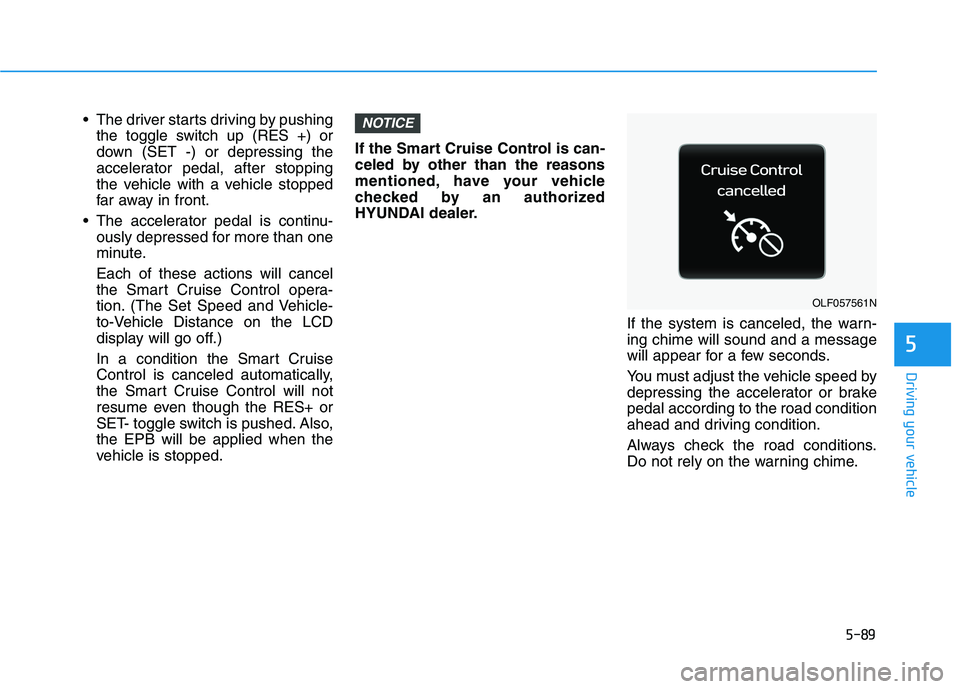
If the system is canceled, the warn-ing chime will sound and a message
will appear for a few seconds.
You must adjust the vehicle speed by
depressing the accelerator or brakepedal according to the road condition
ahead and driving condition.
Always check the road conditions.
Do not rely on the warning chime.NOTICE
OLF057561N
Page 384 of 546
5-94
Driving your vehicle
Warning message
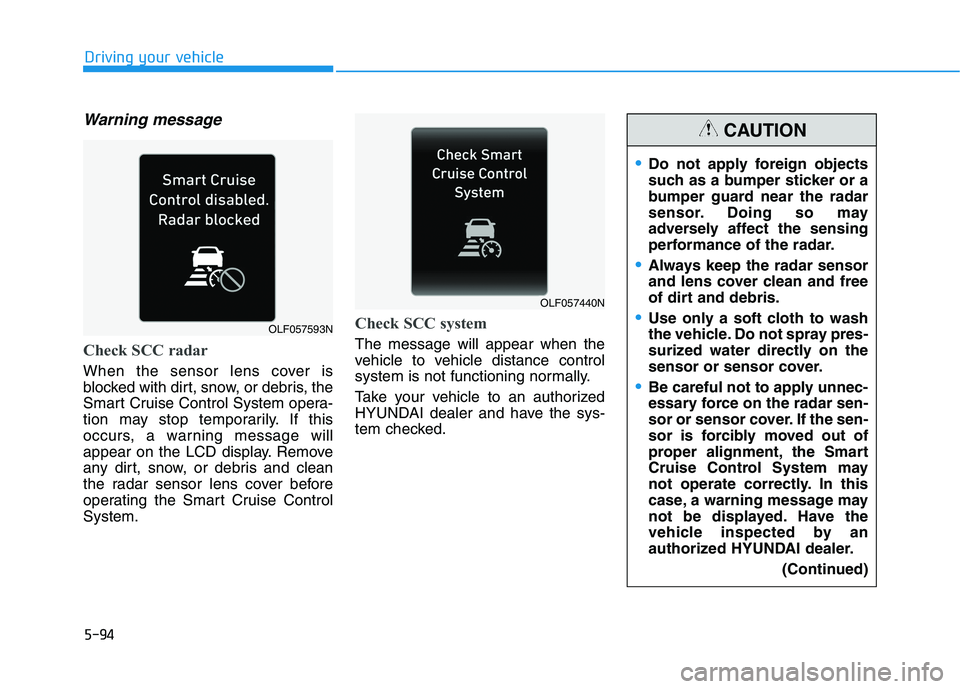
Check SCC radar
When the sensor lens cover is
blocked with dirt, snow, or debris, the
Smart Cruise Control System opera-
tion may stop temporarily. If this
occurs, a warning message will
appear on the LCD display. Remove
any dirt, snow, or debris and clean
the radar sensor lens cover before
operating the Smart Cruise ControlSystem.
Check SCC system
The message will appear when the
vehicle to vehicle distance control
system is not functioning normally.
Take your vehicle to an authorized
HYUNDAI dealer and have the sys-
tem checked.
Do not apply foreign objects
such as a bumper sticker or a
bumper guard near the radar
sensor. Doing so may
adversely affect the sensing
performance of the radar.
Always keep the radar sensor
and lens cover clean and free
of dirt and debris.
Use only a soft cloth to wash
the vehicle. Do not spray pres-
surized water directly on the
sensor or sensor cover.
Be careful not to apply unnec-
essary force on the radar sen-
sor or sensor cover. If the sen-
sor is forcibly moved out of
proper alignment, the Smart
Cruise Control System may
not operate correctly. In this
case, a warning message may
not be displayed. Have the
vehicle inspected by an
authorized HYUNDAI dealer.(Continued)
CAUTION
OLF057440N
OLF057593N
Page 411 of 546
6-9
What to do in an emergency
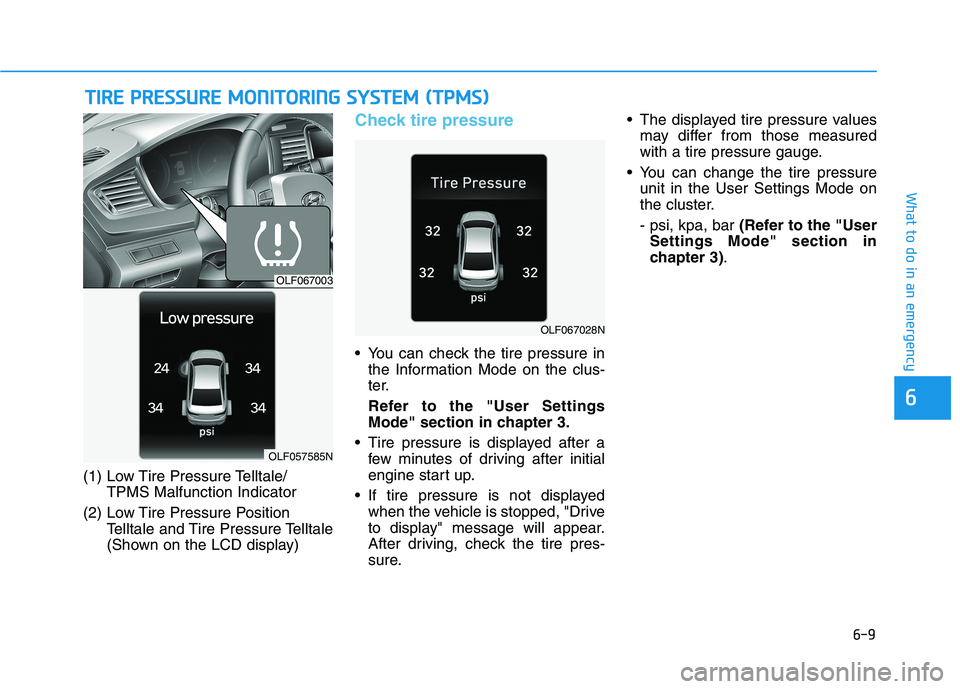
(1) Low Tire Pressure Telltale/TPMS Malfunction Indicator
(2) Low Tire Pressure Position Telltale and Tire Pressure Telltale
(Shown on the LCD display)
Check tire pressure
You can check the tire pressure inthe Information Mode on the clus-
ter.
Refer to the "User Settings Mode" section in chapter 3.
Tire pressure is displayed after a few minutes of driving after initial
engine start up.
If tire pressure is not displayed when the vehicle is stopped, "Drive
to display" message will appear.
After driving, check the tire pres-
sure. The displayed tire pressure values
may differ from those measured
with a tire pressure gauge.
You can change the tire pressure unit in the User Settings Mode on
the cluster. - psi, kpa, bar (Refer to the "User
Settings Mode" section in
chapter 3) .
TTIIRR EE PP RR EESSSS UU RREE MM OONNIITT OO RRIINN GG SS YY SSTT EEMM (( TT PP MM SS))
6
OLF067003
OLF057585N
OLF067028N
Page 413 of 546
6-11
What to do in an emergency
If any of the below happens, have
the system checked by an author-
ized HYUNDAI dealer.
1. The Low Tire Pressure Telltale/TPMS Malfunction Indicator
does not illuminate for 3 sec-
onds when the ignition switchis placed to the ON position orengine is running.
2. The TPMS Malfunction Indicator remains illuminated after blink-
ing for approximately 1 minute.
3. The Low Tire Pressure Position Telltale remains illuminated.
Low Tire Pressure
Telltale
Low Tire Pressure
Position and Tire
Pressure Telltale
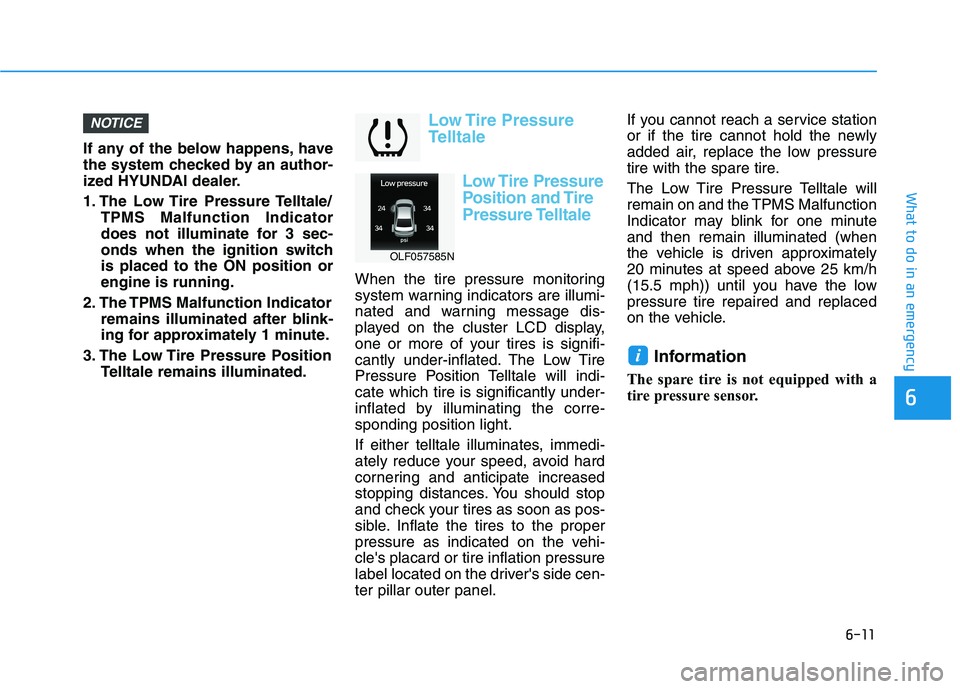
When the tire pressure monitoring
system warning indicators are illumi-
nated and warning message dis-
played on the cluster LCD display,
one or more of your tires is signifi-
cantly under-inflated. The Low Tire
Pressure Position Telltale will indi-cate which tire is significantly under-
inflated by illuminating the corre-sponding position light.
If either telltale illuminates, immedi-
ately reduce your speed, avoid hard
cornering and anticipate increased
stopping distances. You should stop
and check your tires as soon as pos-
sible. Inflate the tires to the proper
pressure as indicated on the vehi-cle's placard or tire inflation pressure
label located on the driver's side cen-ter pillar outer panel. If you cannot reach a service station
or if the tire cannot hold the newly
added air, replace the low pressure
tire with the spare tire.
The Low Tire Pressure Telltale will
remain on and the TPMS Malfunction
Indicator may blink for one minuteand then remain illuminated (when
the vehicle is driven approximately
20 minutes at speed above 25 km/h
(15.5 mph)) until you have the lowpressure tire repaired and replaced
on the vehicle.
Information
The spare tire is not equipped with a
tire pressure sensor.
i
NOTICE
6
OLF057585N