heating Hyundai Terracan 2004 Owner's Guide
[x] Cancel search | Manufacturer: HYUNDAI, Model Year: 2004, Model line: Terracan, Model: Hyundai Terracan 2004Pages: 361, PDF Size: 4.69 MB
Page 268 of 361
CONTROLS AND EQUIPMENT
1- 68 B670B01A-AAT Fan Speed Control (Blower Control) This is used to turn the blower fan on and off
and to select the fan speed.
The blower fan speed, and therefore the vol-
ume of air delivered from the system, may be controlled manually by setting the blower con-trol between the "1" and "4" position.
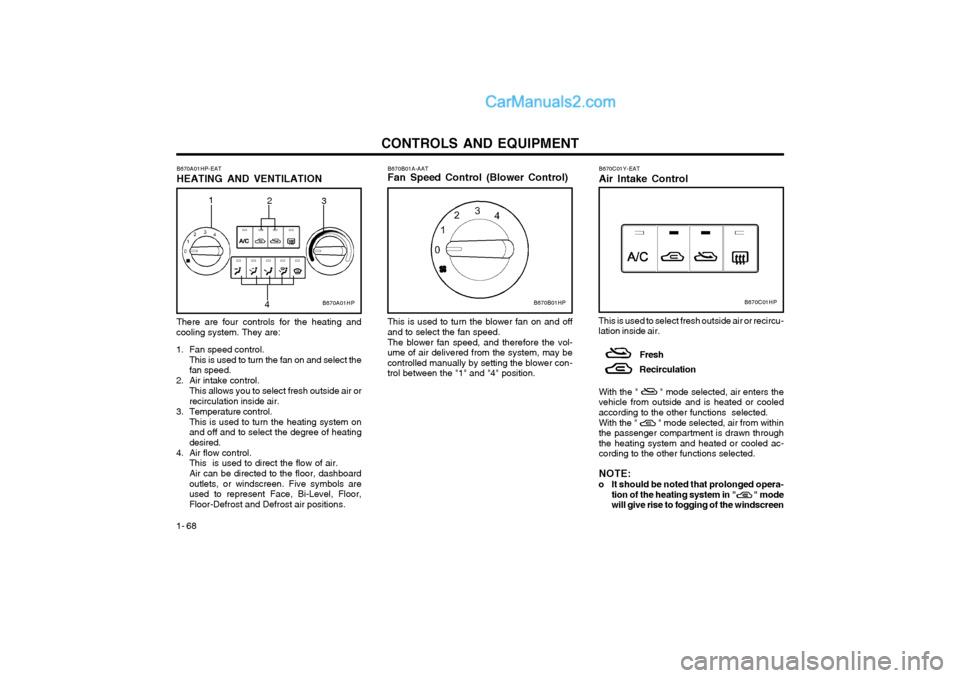
B670A01HP-EAT HEATING AND VENTILATION There are four controls for the heating and
cooling system. They are:
1. Fan speed control. This is used to turn the fan on and select the fan speed.
2. Air intake control. This allows you to select fresh outside air orrecirculation inside air.
3. Temperature control. This is used to turn the heating system onand off and to select the degree of heatingdesired.
4. Air flow control. This is used to direct the flow of air. Air can be directed to the floor, dashboard outlets, or windscreen. Five symbols areused to represent Face, Bi-Level, Floor,Floor-Defrost and Defrost air positions. B670C01Y-EAT Air Intake Control
This is used to select fresh outside air or recircu- lation inside air. Fresh Recirculation
With the " " mode selected, air enters the vehicle from outside and is heated or cooledaccording to the other functions selected. With the " " mode selected, air from within the passenger compartment is drawn throughthe heating system and heated or cooled ac-cording to the other functions selected. NOTE:
o It should be noted that prolonged opera- tion of the heating system in " " mode will give rise to fogging of the windscreen
B670B01HPB670C01HPB670A01HP
2
3
1
4
Page 270 of 361
CONTROLS AND EQUIPMENT
1- 70
If the "Floor-Defrost" mode is selected, the A/C will turn on automatically and "Fresh" mode will
be activated. B670E02A-AAT Temperature Control
B670D06HP-DThis control is used to adjust the degree of
heating or cooling desired.
Defrost-Level
Air is discharged through the windscreen de-
frost nozzle, side defroster nozzle and side ventilator.
If the "Defrost" mode is selected, the A/C will
turn on automatically and "Fresh" mode will beactivated to improve windscreen defrosting. B690A01S-AAT HEATING CONTROLS
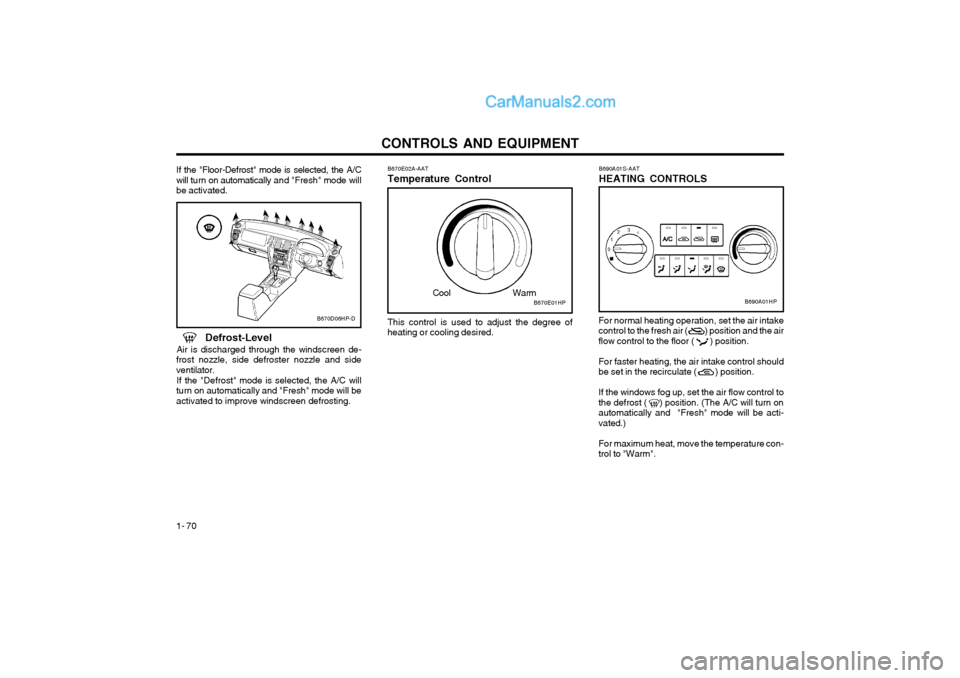
For normal heating operation, set the air intake control to the fresh air ( ) position and the airflow control to the floor ( ) position. For faster heating, the air intake control should be set in the recirculate ( ) position. If the windows fog up, set the air flow control to the defrost ( ) position. (The A/C will turn onautomatically and "Fresh" mode will be acti-vated.) For maximum heat, move the temperature con- trol to "Warm".
B670E01HP
Cool WarmB690A01HP
Page 271 of 361
CONTROLS AND EQUIPMENT1- 71
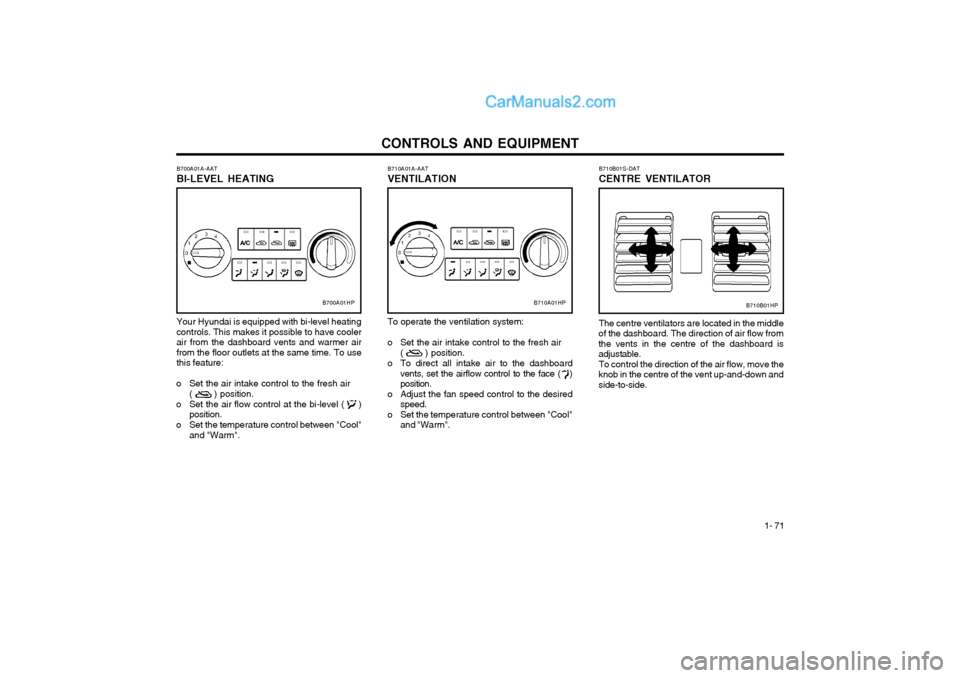
B710A01A-AAT VENTILATION To operate the ventilation system:
o Set the air intake control to the fresh air
( ) position.
o To direct all intake air to the dashboard vents, set the airflow control to the face ( ) position.
o Adjust the fan speed control to the desired speed.
o Set the temperature control between "Cool" and "Warm".
B700A01A-AAT BI-LEVEL HEATING Your Hyundai is equipped with bi-level heating controls. This makes it possible to have coolerair from the dashboard vents and warmer airfrom the floor outlets at the same time. To usethis feature:
o Set the air intake control to the fresh air ( ) position.
o Set the air flow control at the bi-level ( ) position.
o Set the temperature control between "Cool" and "Warm".
B700A01HPB710A01HP
The centre ventilators are located in the middle
of the dashboard. The direction of air flow from the vents in the centre of the dashboard isadjustable. To control the direction of the air flow, move the
knob in the centre of the vent up-and-down andside-to-side. B710B01S-DAT CENTRE VENTILATOR
B710B01HP
Page 272 of 361
CONTROLS AND EQUIPMENT
1- 72
B720A02FC-EAT DEFROSTING/DEFOGGING
B720A01HP
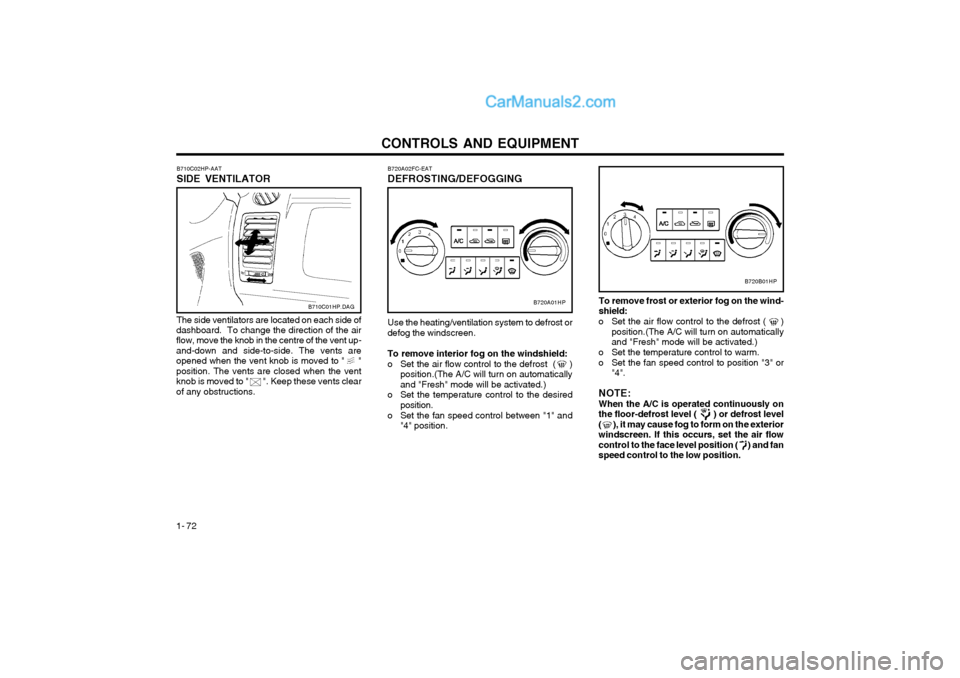
Use the heating/ventilation system to defrost or
defog the windscreen.
To remove interior fog on the windshield:
o Set the air flow control to the defrost ( ) position.(The A/C will turn on automatically and "Fresh" mode will be activated.)
o Set the temperature control to the desired position.
o Set the fan speed control between "1" and "4" position.To remove frost or exterior fog on the wind- shield:
o Set the air flow control to the defrost ( ) position.(The A/C will turn on automaticallyand "Fresh" mode will be activated.)
o Set the temperature control to warm.
o Set the fan speed control to position "3" or "4".
NOTE:When the A/C is operated continuously onthe floor-defrost level ( ) or defrost level( ), it may cause fog to form on the exteriorwindscreen. If this occurs, set the air flowcontrol to the face level position ( ) and fanspeed control to the low position.
B720B01HP
B710C01HP.DAG
B710C02HP-AAT SIDE VENTILATOR The side ventilators are located on each side of
dashboard. To change the direction of the air flow, move the knob in the centre of the vent up- and-down and side-to-side. The vents areopened when the vent knob is moved to " "position. The vents are closed when the ventknob is moved to " ". Keep these vents clearof any obstructions.
Page 273 of 361
CONTROLS AND EQUIPMENT1- 73
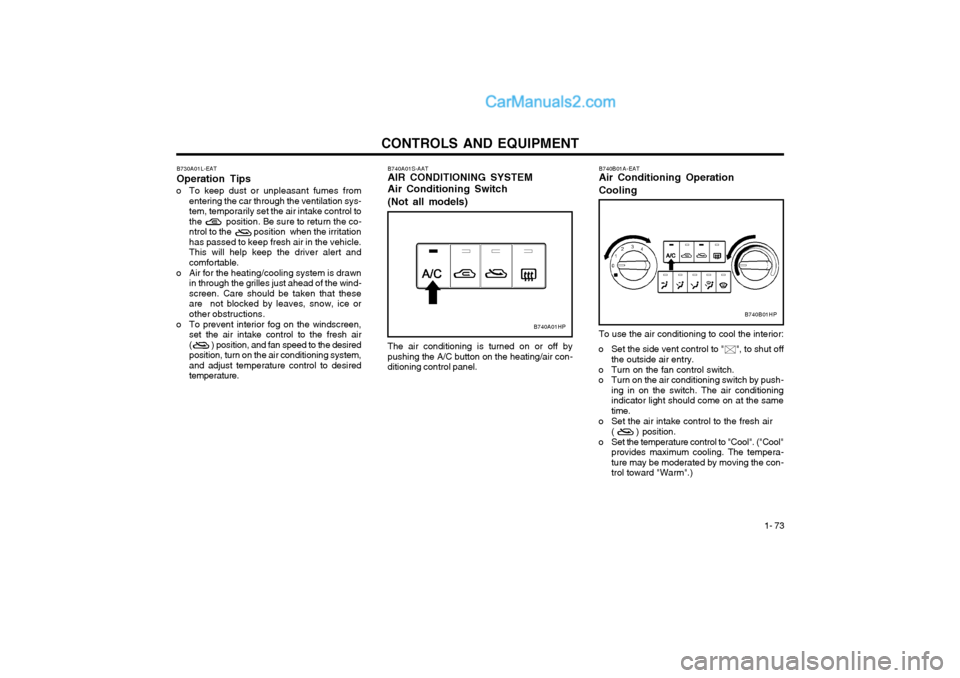
The air conditioning is turned on or off by pushing the A/C button on the heating/air con-ditioning control panel.
B740A01S-AAT AIR CONDITIONING SYSTEM Air Conditioning Switch (Not all models)
B730A01L-EAT Operation Tips
o To keep dust or unpleasant fumes from entering the car through the ventilation sys-
tem, temporarily set the air intake control to
the position. Be sure to return the co-
ntrol to the position when the irritationhas passed to keep fresh air in the vehicle.This will help keep the driver alert andcomfortable.
o Air for the heating/cooling system is drawn in through the grilles just ahead of the wind-screen. Care should be taken that these
are not blocked by leaves, snow, ice or
other obstructions.
o To prevent interior fog on the windscreen, set the air intake control to the fresh air( ) position, and fan speed to the desiredposition, turn on the air conditioning system,and adjust temperature control to desiredtemperature.
B740A01HP
B740B01A-EAT Air Conditioning Operation Cooling To use the air conditioning to cool the interior:
o Set the side vent control to " ", to shut off
the outside air entry.
o Turn on the fan control switch.
o Turn on the air conditioning switch by push- ing in on the switch. The air conditioningindicator light should come on at the sametime.
o Set the air intake control to the fresh air ( ) position.
o Set the temperature control to "Cool". ("Cool" provides maximum cooling. The tempera-ture may be moderated by moving the con-trol toward "Warm".)
B740B01HP
Page 274 of 361
CONTROLS AND EQUIPMENT
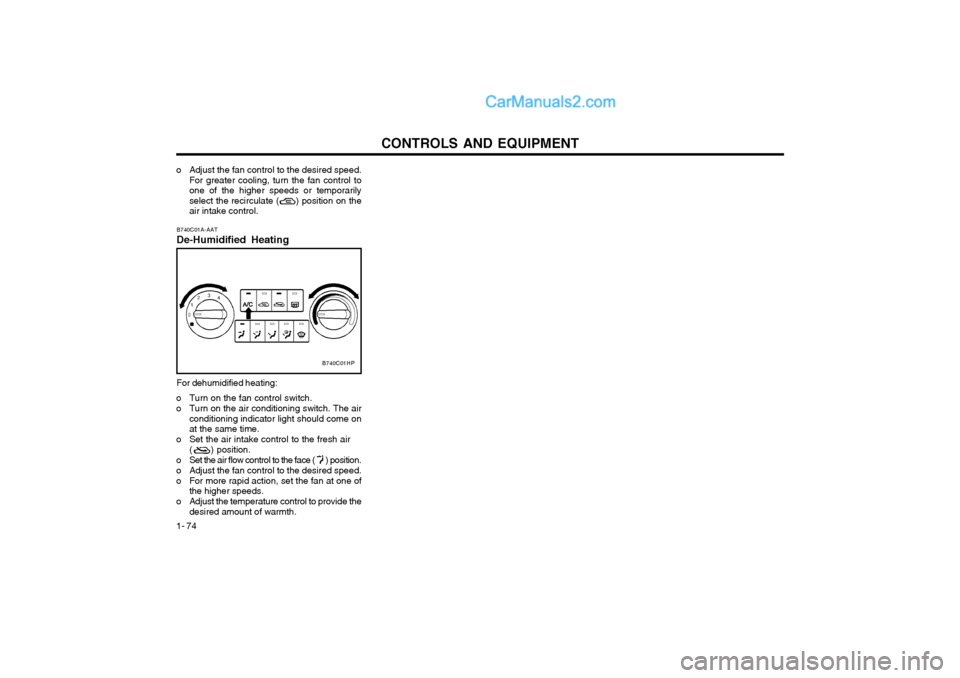
1- 74 B740C01A-AAT De-Humidified Heating For dehumidified heating:
o Turn on the fan control switch.
o Turn on the air conditioning switch. The air conditioning indicator light should come on at the same time.
o Set the air intake control to the fresh air ( ) position.
o Set the air flow control to the face ( ) position.
o Adjust the fan control to the desired speed.
o For more rapid action, set the fan at one of the higher speeds.
o Adjust the temperature control to provide the desired amount of warmth.
o Adjust the fan control to the desired speed.For greater cooling, turn the fan control to one of the higher speeds or temporarilyselect the recirculate ( ) position on theair intake control.
B740C01HP
Page 275 of 361
CONTROLS AND EQUIPMENT1- 75
B970A01Y-EAT AUTOMATIC HEATING AND COOL-
ING CONTROL SYSTEM
(Not aII models) Your Hyundai is equipped with an automatic
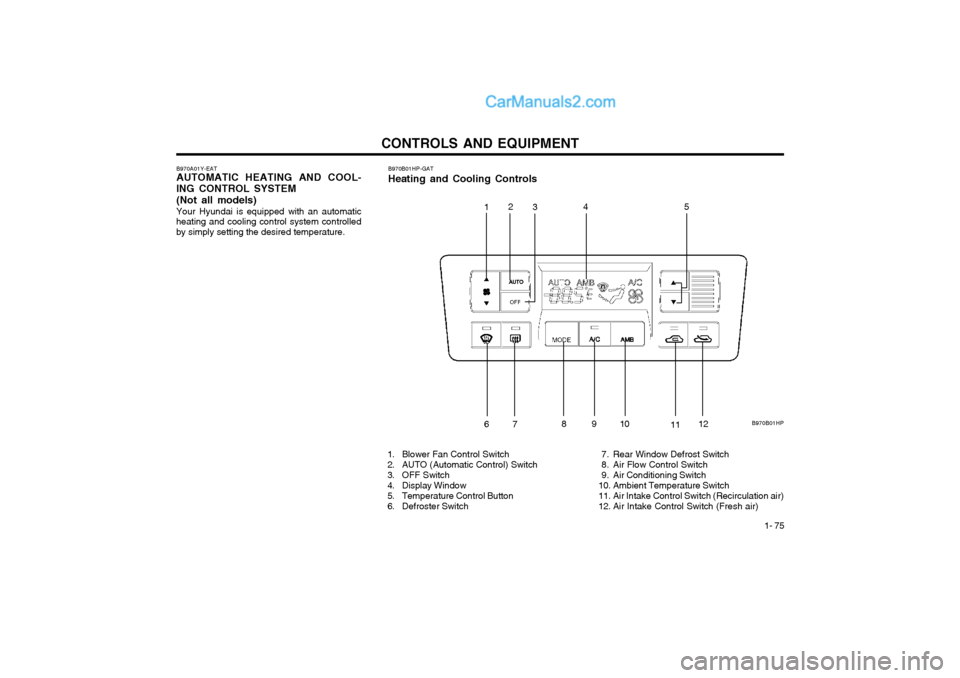
heating and cooling control system controlled by simply setting the desired temperature. B970B01HP-GAT Heating and Cooling Controls
1. Blower Fan Control Switch
2. AUTO (Automatic Control) Switch
3. OFF Switch
4. Display Window
5. Temperature Control Button
6. Defroster Switch 7. Rear Window Defrost Switch
8. Air Flow Control Switch
9. Air Conditioning Switch
10. Ambient Temperature Switch
11. Air Intake Control Switch (Recirculation air)
12. Air Intake Control Switch (Fresh air)
B970B01HP
1
2
3 45
67 891
0
1112
Page 276 of 361
CONTROLS AND EQUIPMENT
1- 76
B970C02L-EAT Automatic Operation
The FATC (Full Automatic Temperature Con- trol) system automatically controls the heatingand cooling by doing as follows:
1. Push the "AUTO" switch. The indicator light will come on confirming that the Face, Floorand/or Bi-Level modes as well as the blowerspeed and air conditioner will be controlledautomatically. Press the TEMP down ( ) button 3 seconds
or more with the AMB button held down.
The display shows that the unit of tempera-
ture is adjusted to Centigrade or Fahrenheit
(°C °F or °F °C).
photo sensor
HHP294B
2. Push the "TEMP" button to set the desired
temperature. The temperature will increase to the maxi- mum 90°F(32°C) by pushing on the bu-tton. Each push of the button will cause thetemperature to increase by 1°F(0.5°C). The temperature will decrease to the mini- mum 62°F(17°C) by pushing on the bu-tton. Each push of the button will cause thetemperature to decrease by 1°F(0.5°C).
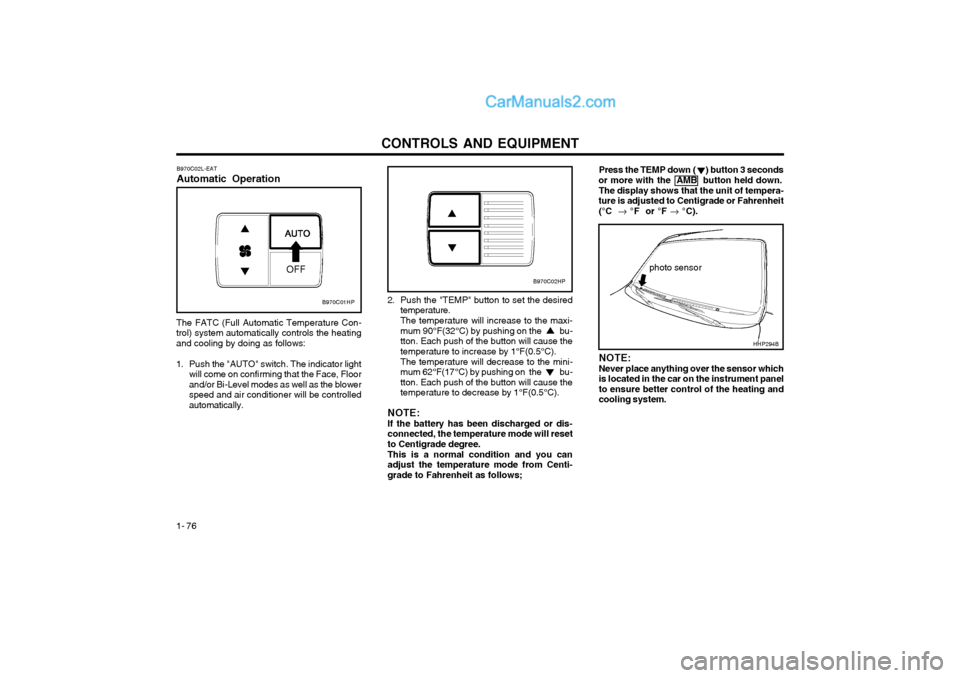
NOTE: If the battery has been discharged or dis- connected, the temperature mode will resetto Centigrade degree. This is a normal condition and you can adjust the temperature mode from Centi-grade to Fahrenheit as follows; NOTE: Never place anything over the sensor which is located in the car on the instrument panelto ensure better control of the heating andcooling system.
B970C01HP
B970C02HP
Page 277 of 361
CONTROLS AND EQUIPMENT1- 77
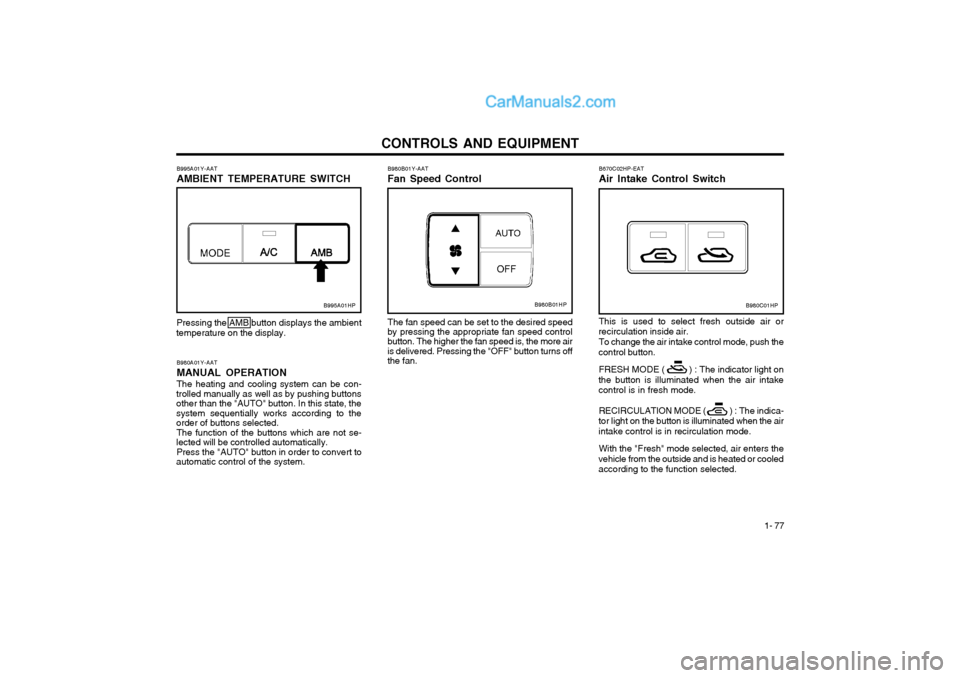
B670C02HP-EAT Air Intake Control Switch This is used to select fresh outside air or
recirculation inside air.
To change the air intake control mode, push the
control button.
FRESH MODE ( ) : The indicator light on
the button is illuminated when the air intake control is in fresh mode.
RECIRCULATION MODE ( ) : The indica-
tor light on the button is illuminated when the air
intake control is in recirculation mode.
With the "Fresh" mode selected, air enters the
vehicle from the outside and is heated or cooledaccording to the function selected.
B980A01Y-AAT MANUAL OPERATION The heating and cooling system can be con-
trolled manually as well as by pushing buttons other than the "AUTO" button. In this state, thesystem sequentially works according to the order of buttons selected.
The function of the buttons which are not se-
lected will be controlled automatically.
Press the "AUTO" button in order to convert to
automatic control of the system. B980B01Y-AAT Fan Speed Control
Pressing the AMB button displays the ambient
temperature on the display. The fan speed can be set to the desired speed
by pressing the appropriate fan speed control button. The higher the fan speed is, the more air is delivered. Pressing the "OFF" button turns offthe fan.
B995A01Y-AAT AMBIENT TEMPERATURE SWITCH
B995A01HPB980B01HPB980C01HP
Page 278 of 361
CONTROLS AND EQUIPMENT
1- 78 B980D01Y-AAT Heating and Cooling System OffPress the "OFF" button to stop the operation of
the heating and cooling system. With the "Recirculation" mode selected, air from
within the passenger compartment will be drawn through the heating system heated or cooledaccording to the function selected. NOTE:
o It should be noted that prolonged opera- tion of the heating in "recirculation" modewill give rise to fogging of the windscreenand side windows and the air within thepassenger compartment will becomestale. In addition, prolonged use of theair conditioning with the "Recirculation"mode selected may result in the air withinthe passenger compartment becomingexcessively dry.
o When the ignition switch is turned "ON" the air intake control will be changed to"FRESH" mode (regardless of switch po-sition). This is normal operation. The airintake control operates in "AUTO" modewhen turning the ignition to the ON posi-tion if the "AUTO" mode was used beforeshutting off the engine. B980E01L-EAT Air Flow Control
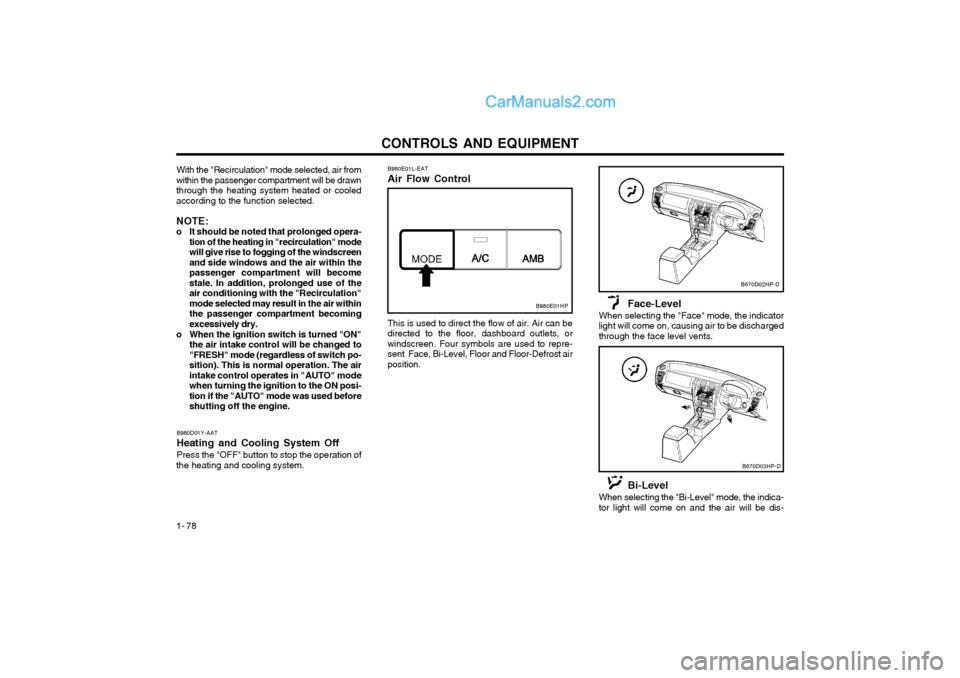
B980E01HP
This is used to direct the flow of air. Air can be directed to the floor, dashboard outlets, orwindscreen. Four symbols are used to repre-sent Face, Bi-Level, Floor and Floor-Defrost airposition.
Face-Level
When selecting the "Face" mode, the indicatorlight will come on, causing air to be dischargedthrough the face level vents.
B670D02HP-D
B670D03HP-D
Bi-Level
When selecting the "Bi-Level" mode, the indica- tor light will come on and the air will be dis-