lock INFINITI M 2010 Service Manual
[x] Cancel search | Manufacturer: INFINITI, Model Year: 2010, Model line: M, Model: INFINITI M 2010Pages: 445, PDF Size: 6.15 MB
Page 118 of 445

Type B :
Open the lid of the rear center armrest to use
the cup holder.
SUNGLASSES HOLDER
WARNING
Keep the sunglasses holder closed while driv-
ing to prevent an accident.
To open the sunglasses holder, push
s1.
CAUTION
c Do not use for anything other than glasses.
c Do not leave glasses in the sunglasses
holder while parking in direct sunlight. The
heat may damage the glasses.
GLOVE BOX
WARNING
Keep glove box lid closed while driving to help
prevent injury in an accident or a sudden stop.
To open the glove box, push the glove box lid
release button
s1.
To close, push the lid in until the lock latches.
To lock
s2/unlocks3the glove box, use the
mechanical key. For the mechanical key usage,
see ªKEYSº in the ª3. Pre-driving checks and
adjustmentsº section.
Rear Ð Type B
SIC2875SIC2779BSIC2930A
Instruments and controls2-41
wÐ
Ð
05/14/09Ðpattie
X
Page 119 of 445

CONSOLE BOX
Model with DVD player
To open the console box lid, pull the levers1.
To close, push the lid down until the lock
latches.
Model without DVD player
To open the console box lid, pull the levers2or
s3and pull up the lid.
When the lever
s2(driver's seat side) is pulled,
the upper case is available for storing some
small items. When the lever
s3(front passen-
ger's seat side) is pulled, the bottom case is
available for storing some larger ones.
To close, push the lid down until the lock
latches.
Model with DVD player
SIC2781A
Model without DVD player
SIC2782A
2-42Instruments and controls
wÐ
Ð
05/19/09Ðtbrooks
X
Page 120 of 445

COAT HOOKS
The coat hooks are equipped beside the rear
personal lights.
To use the coat hook, push the hook
sAto
release.
CAUTION
Do not place items which are more than 2 lb (1
kg) on the hook.
CARGO NET (if so equipped)
The cargo net helps keep packages in the cargo
area from moving around while your vehicle is
driven.
To install the cargo net, attach the hooks to the
retainers
sA.
CAUTION
Avoid keeping heavy objects in the net.
POWER WINDOWS
WARNING
c Make sure that all passengers have their
hands, etc. inside the vehicle while it is in
motion and before closing the windows. Use
the window lock switch to prevent unex-
pected use of the power windows.
c Do not leave children unattended inside the
vehicle. They could unknowingly activate
switches or controls and become trapped in
the window. Unattended children could be-
come involved in serious accidents.
The power windows operate when the ignition
switch is in the ON position or for about 45
seconds after the ignition switch is pushed to
the LOCK position. If the driver's or front pas-
senger's door is opened during this period of
about 45 seconds, power to the windows is
canceled.
SIC2077ASIC2784
WINDOWS
Instruments and controls2-43
wÐ
Ð
05/14/09Ðpattie
X
Page 121 of 445

Main power window switch (driver's
side)
1. Driver side window
2. Front passenger side window
3. Rear left passenger side window
4. Rear right passenger side window
5. Window lock button
To open or close the window, push downsAor
pull up
sBthe switch and hold it. The main
switch (driver side switches) will open or close
all the windows.
Locking passengers' windows
When the lock buttonsCis pushed in, only the
driver side window can be opened or closed.
Push it in again to cancel.
Passenger side power window switch
The passenger side switch will open or close
only the corresponding window. To open or
close the window, push down or pull up the
switch and hold it.
SIC3279SIC3241
2-44Instruments and controls
wÐ
Ð
05/14/09Ðpattie
X
Page 122 of 445

Automatic operation (for all door
windows)
To fully open or close the window, completely
push down or pull up the switch and release it;
it need not be held. The window will automati-
cally open or close all the way. To stop the
window, just push or lift the switch in the
opposite direction.
A light push or pull on the switch will cause the
window to open or close until the switch is
released.
Auto reverse function
WARNING
There are some small distances immediately
before the closed position which cannot be de-
tected. Make sure that all passengers have
their hands, etc., inside the vehicle before clos-
ing the window.
If the control unit detects something caught in
the window as it is closing, the window will be
immediately lowered.
The auto reverse function can be activated when
the window is closed by automatic operation
when the ignition switch is in the ON position or
for 45 seconds after the ignition switch is
pushed to the LOCK position.
Depending on the environment or driving condi-
tions, the auto reverse function may be activated
if an impact or load similar to something being
caught in the window occurs.
If the windows do not close
automatically
If the power window automatic function (closing
only) does not operate properly, perform the
following procedure to initialize the power win-
dow system.
1. Push the ignition switch to the ON posi- tion.
2. Close the door.
3. Open the window completely by operating the power window switch.
4. Pull the power window switch and hold it to close the window, and then hold the
switch more than 3 seconds after the
window is closed completely.
5. Release the power window switch. Oper- ate the window by the automatic function
to confirm the initialization is complete.
6. Perform steps 2 through 5 above for other windows.
If the power window automatic function does
not operate properly after performing the pro-
cedure above, have your vehicle checked by an
INFINITI retailer.
SIC3289
Instruments and controls2-45
wÐ
Ð
05/19/09Ðtbrooks
X
Page 123 of 445

WARNING
cIn an accident you could be thrown from the
vehicle through an open moonroof. Always
use seat belts and child restraints.
c Do not allow anyone to stand up or extend
any portion of their body out of the moonroof
opening while the vehicle is in motion or
while the moonroof is closing.
CAUTION
cRemove water drops, snow, ice or sand from
the moonroof before opening.
c Do not place any heavy object on the moon-
roof or surrounding area.
AUTOMATIC MOONROOF
The moonroof only operates when the ignition
switch is in the ON position.
The automatic moonroof is operational for
about 45 seconds, even if the ignition switch is
pushed to the LOCK position. If the driver's door
or the passenger's door is opened during this
period of about 45 seconds, power to the
moonroof is canceled.
Sunshade
The sunshade will open automatically when the
moonroof is opened. However, it must be
closed manually.
Tilting the moonroof
To tilt up, first close the moonroof, then push
the OPEN
s1side of the moonroof switch and
release it; it need not be held. To tilt down the
moonroof, push the CLOSE
s2side.
Sliding the moonroof
To fully open or close the moonroof, push the
OPEN
s1or CLOSEs2side of the moonroof
switch and release it; it need not be held. The
roof will automatically open or close all the way. To stop the roof, push the switch once more
while it is opening or closing.
Auto reverse function
WARNING
There are some small distances immediately
before the closed position which cannot be de-
tected. Make sure that all passengers have
their hands, etc., inside the vehicle before clos-
ing the moonroof.
If the control unit detects something caught in
the moonroof when it is closing, the moonroof
will be immediately opened.
The auto reverse function can be activated when
the moonroof is closed by automatic operation
when the ignition switch is in the ON position or
for about 45 seconds after the ignition switch is
pushed to the LOCK position.
If the moonroof cannot be closed automatically
when the auto reverse function activates due to
a malfunction, push and hold the CLOSE
s2
side of the moonroof switch.
Depending on the environment or driving condi-
tions, the auto reverse function may be activated
if an impact or load similar to something being
caught in the moonroof occurs.
SIC3888
MOONROOF
2-46Instruments and controls
wÐ
Ð
05/14/09Ðpattie
X
Page 126 of 445

MAP LIGHTS
Push the button as illustrated to turn the light
on or off.
PERSONAL LIGHTS
Rear
Push the button as illustrated to turn the light
on or off.
INTERIOR LIGHT CONTROL SWITCH
The interior light control switch has two posi-
tions: DOOR and OFF.
DOOR position
When the switch is in the DOOR positions1, the
map lights and rear personal lights will illumi-
nate under the following conditions:
c ignition switch is in the LOCK position
± remain on for about 15 seconds.
SIC3889SIC2789SIC3890
Instruments and controls2-49
wÐ
Ð
05/14/09Ðpattie
X
Page 127 of 445

cdoors are unlocked by pushing the UNLOCK
button
on the Intelligent Key or door
handle request switch with the ignition
switch in the LOCK position
± remain on for about 15 seconds.
c any door is opened and then closed with the
ignition switch in the LOCK position
± remain on for about 15 seconds.
c any door is opened with the ignition switch
in the ACC or ON position
± remain on while the door is opened. When the door is closed, the lights go off.
The lights will turn off after 30 minutes when the
lights remain illuminated to prevent the battery
from becoming discharged. When the auto interior illumination is set to the
OFF position (see ªVEHICLE INFORMATION AND
SETTINGSº in the ª4. Monitor, climate, audio,
phone and voice recognition systemsº section),
the lights will illuminate under the following
condition:
c
any door is opened with the ignition switch
in any position
± remain on while the door is opened. When the door is closed, the lights go off.
OFF position
When the switch is in the OFF positions2, the
lights will not illuminate, regardless of the
condition. The light on the vanity mirror will turn on when
the cover on the vanity mirror is opened.
When the cover is closed, the light will turn off.
The lights will turn off after 30 minutes when the
lights remain illuminated to prevent the battery
from becoming discharged.SIC2555B
VANITY MIRROR LIGHTS
2-50Instruments and controls
wÐ
Ð
05/14/09Ðpattie
X
Page 128 of 445

The light illuminates when the trunk lid is
opened. When the trunk lid is closed, the light
will turn off.
The light will turn off after 30 minutes when the
light remains illuminated to prevent the battery
from becoming discharged.HomeLinkT
Universal Transceiver provides a
convenient way to consolidate the functions of
up to three individual hand-held transmitters
into one built-in device.
HomeLinkT Universal Transceiver:
c Will operate most Radio Frequency (RF) de-
vices such as garage doors, gates, home and
office lighting, entry door locks and security
systems.
c Is powered by your vehicle's battery. No
separate batteries are required. If the vehi-
cle's battery is discharged or is discon-
nected, HomeLink Twill retain all program-
ming.
Once HomeLinkT Universal Transceiver is pro-
grammed, retain the original transmitter for fu-
ture programming procedures (Example: new ve-
hicle purchases). Upon sale of the vehicle, the
programmed HomeLinkT Universal Transceiver
buttons should be erased for security purposes.
For additional information, see ªPROGRAMMING
HomeLinkTº later in this section.WARNING
c Do not use HomeLinkT Universal Transceiver
with any garage door opener that lacks
safety stop and reverse features as required
by federal safety standards. (These stan-
dards became effective for opener models
manufactured after April 1, 1982.) A garage
door opener which cannot detect an object in
the path of a closing garage door and then
automatically stop and reverse, does not
meet current federal safety standards. Using
a garage door opener without these features
increases the risk of serious injury or death.
c During programming procedure, your garage
door or security gate may open or close.
Make sure that people and objects are clear
of the garage door, gate, etc. that you are
programming.
c Your vehicle's engine should be turned off
while programming HomeLinkT Universal
Transceiver.
PROGRAMMING HOMELINKT
To program your HomeLink TTransceiver to op-
erate a garage door, gate, or entry door opener,
home or office lighting, you need to be at the
same location as the device. Note: Garage door
openers (manufactured after 1996) have ªrolling
TRUNK LIGHT HOMELINKTUNIVERSAL TRANSCEIVER
Instruments and controls2-51
wÐ
Ð
05/14/09Ðpattie
X
Page 132 of 445
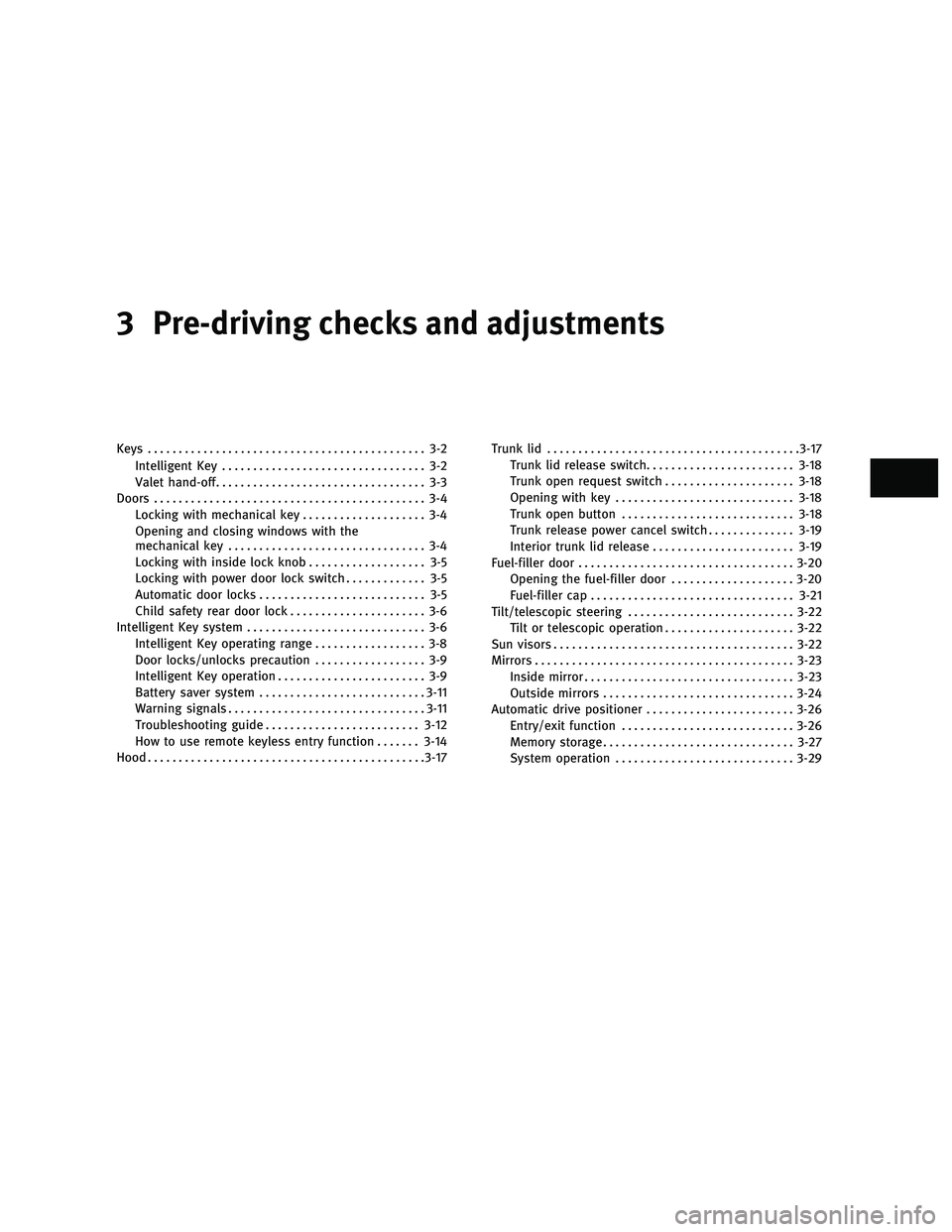
3 Pre-driving checks and adjustments
Keys............................................. 3-2
Intelligent Key ................................. 3-2
Valet hand-off .................................. 3-3
Doors ............................................ 3-4
Locking with mechanical key .................... 3-4
Opening and closing windows with the
mechanical key ................................ 3-4
Locking with inside lock knob ................... 3-5
Locking with power door lock switch ............. 3-5
Automatic door locks ........................... 3-5
Child safety rear door lock ...................... 3-6
Intelligent Key system ............................. 3-6
Intelligent Key operating range .................. 3-8
Door locks/unlocks precaution .................. 3-9
Intelligent Key operation ........................ 3-9
Battery saver system ........................... 3-11
Warning signals ................................ 3-11
Troubleshooting guide ......................... 3-12
How to use remote keyless entry function .......3-14
Hood ............................................. 3-17Trunk lid
......................................... 3-17
Trunk lid release switch ........................ 3-18
Trunk open request switch .....................3-18
Opening with key ............................. 3-18
Trunk open button ............................ 3-18
Trunk release power cancel switch ..............3-19
Interior trunk lid release ....................... 3-19
Fuel-filler door ................................... 3-20
Opening the fuel-filler door ....................3-20
Fuel-filler cap ................................. 3-21
Tilt/telescopic steering ........................... 3-22
Tilt or telescopic operation .....................3-22
Sun visors ....................................... 3-22
Mirrors .......................................... 3-23
Inside mirror .................................. 3-23
Outside mirrors ............................... 3-24
Automatic drive positioner ........................3-26
Entry/exit function ............................ 3-26
Memory storage ............................... 3-27
System operation ............................. 3-29
wÐ
Ð
05/14/09Ðpattie
X