display KIA NIRO HYBRID EV 2021 Workshop Manual
[x] Cancel search | Manufacturer: KIA, Model Year: 2021, Model line: NIRO HYBRID EV, Model: KIA NIRO HYBRID EV 2021Pages: 667, PDF Size: 9.17 MB
Page 355 of 667
529
Driving your vehicle
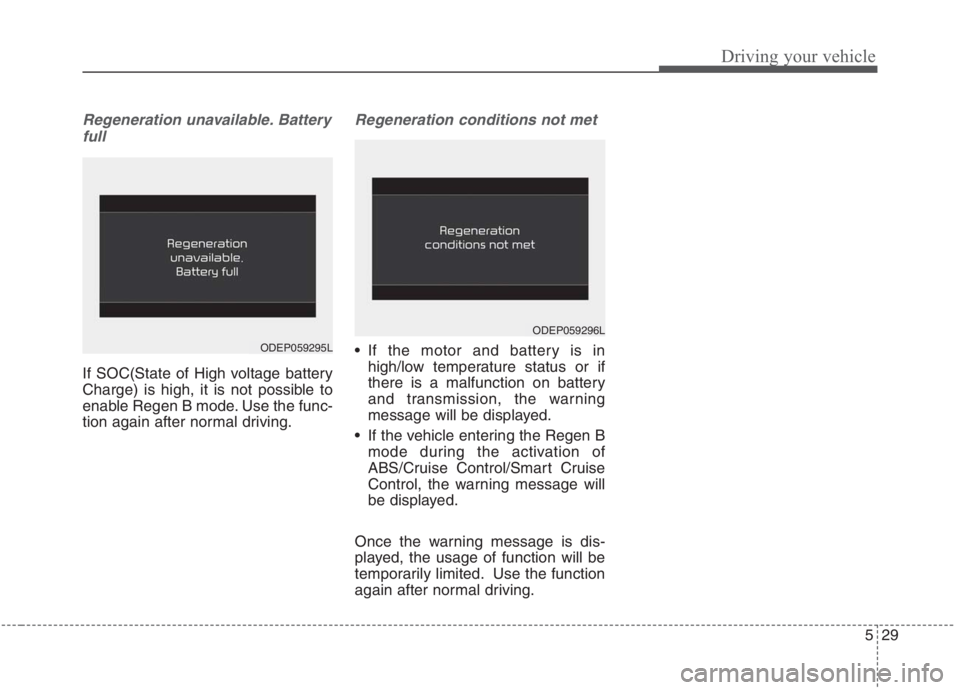
Regeneration unavailable. Battery
full
If SOC(State of High voltage battery
Charge) is high, it is not possible to
enable Regen B mode. Use the func-
tion again after normal driving.
Regeneration conditions not met
If the motor and battery is in
high/low temperature status or if
there is a malfunction on battery
and transmission, the warning
message will be displayed.
If the vehicle entering the Regen B
mode during the activation of
ABS/Cruise Control/Smart Cruise
Control, the warning message will
be displayed.
Once the warning message is dis-
played, the usage of function will be
temporarily limited. Use the function
again after normal driving.
ODEP059296L
ODEP059295L
Page 369 of 667
543
Driving your vehicle
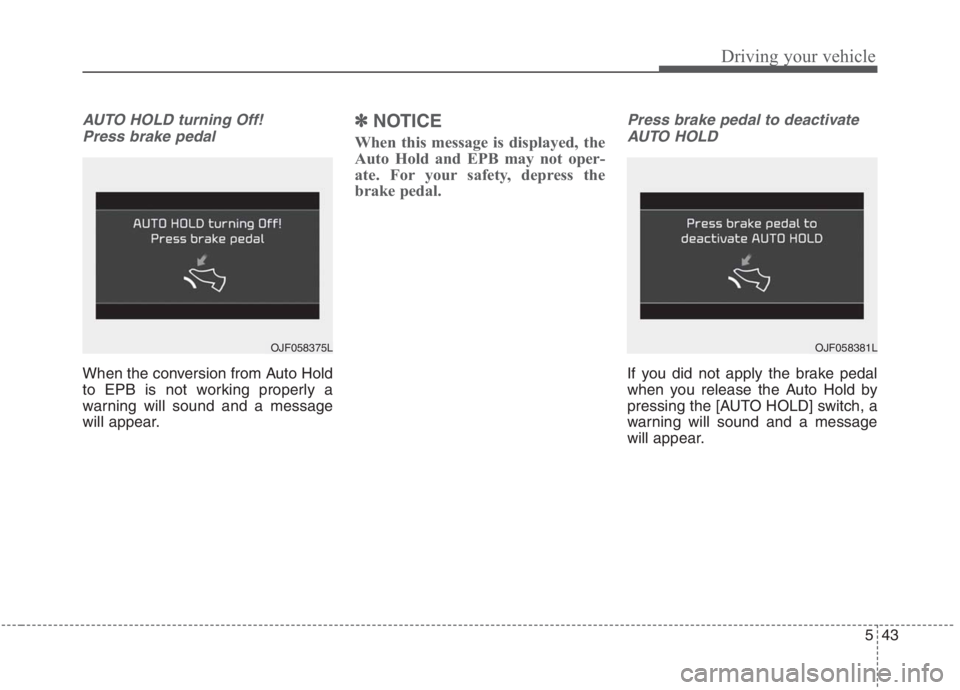
AUTO HOLD turning Off!
Press brake pedal
When the conversion from Auto Hold
to EPB is not working properly a
warning will sound and a message
will appear.
✽ ✽
NOTICE
When this message is displayed, the
Auto Hold and EPB may not oper-
ate. For your safety, depress the
brake pedal.
Press brake pedal to deactivate
AUTO HOLD
If you did not apply the brake pedal
when you release the Auto Hold by
pressing the [AUTO HOLD] switch, a
warning will sound and a message
will appear.
OJF058375LOJF058381L
Page 370 of 667
![KIA NIRO HYBRID EV 2021 Workshop Manual Driving your vehicle
44 5
AUTO HOLD conditions not met.
Close door and hood
When you press the [AUTO HOLD]
switch, if the driver’s door, engine
hood are not closed, a warning will
sound and a messag](/img/2/58908/w960_58908-369.png "KIA NIRO HYBRID EV 2021 Workshop Manual Driving your vehicle
44 5
AUTO HOLD conditions not met.
Close door and hood
When you press the [AUTO HOLD]
switch, if the driver’s door, engine
hood are not closed, a warning will
sound and a messag")
Driving your vehicle
44 5
AUTO HOLD conditions not met.
Close door and hood
When you press the [AUTO HOLD]
switch, if the driver’s door, engine
hood are not closed, a warning will
sound and a message will appear on
the LCD display. At this moment,
press the [AUTO HOLD] button after
closing the driver’s door and hood.
Anti-lock brake system (ABS)
ABS (or ESC) will not prevent acci-
dents due to improper or dangerous
driving maneuvers. Even though
vehicle control is improved during
emergency braking, always maintain
a safe distance between you and
objects ahead. Vehicle speeds
should always be reduced during
extreme road conditions. The vehicle
should be driven at reduced speeds
in the following circumstances:
When driving on rough, gravel or
snow-covered roads
When driving on roads where the
road surface is pitted or has differ-
ent surface heights.
Driving in these conditions increases
the stopping distance for your vehicle.The ABS continuously senses the
speed of the wheels. If the wheels
are going to lock, the ABS system
repeatedly modulates the hydraulic
brake pressure to the wheels.
When you apply your brakes under
conditions which may lock the
wheels, you may hear a “tik-tik’’
sound from the brakes, or feel a cor-
responding sensation in the brake
pedal. This is normal and it means
your ABS is active.
In order to obtain the maximum benefit
from your ABS in an emergency situa-
tion, do not attempt to modulate your
brake pressure and do not try to pump
your brakes. Press your brake pedal as
hard as possible to allow the ABS to
control the force being delivered to the
brakes.
✽ ✽
NOTICE
A click sound may be heard in the
engine compartment when the vehi-
cle begins to move after the engine is
started. These conditions are normal
and indicate that the anti-lock brake
system is functioning properly.
ODEP059313L
Page 380 of 667
Driving your vehicle
54 5
The warning light illumi-
nates on the LCD display,
when you cancel FCA sys-
tem. The driver can moni-
tor the FCA ON/OFF status on the
LCD display. Also, the warning light
illuminates when the ESC (Electronic
Stability Control) is turned off. When
the warning light remains ON with
FCA activated, have your vehicle
inspected by an authorized Kia deal-
er.Warning Timing
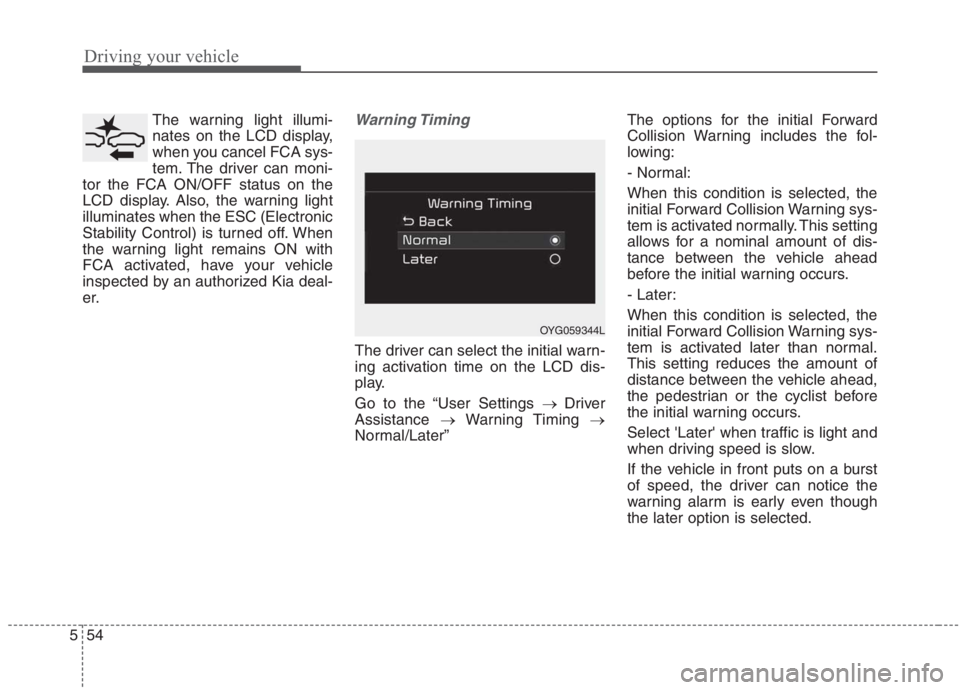
The driver can select the initial warn-
ing activation time on the LCD dis-
play.
Go to the “User Settings → Driver
Assistance →Warning Timing →
Normal/Later”The options for the initial Forward
Collision Warning includes the fol-
lowing:
- Normal:
When this condition is selected, the
initial Forward Collision Warning sys-
tem is activated normally. This setting
allows for a nominal amount of dis-
tance between the vehicle ahead
before the initial warning occurs.
- Later:
When this condition is selected, the
initial Forward Collision Warning sys-
tem is activated later than normal.
This setting reduces the amount of
distance between the vehicle ahead,
the pedestrian or the cyclist before
the initial warning occurs.
Select 'Later' when traffic is light and
when driving speed is slow.
If the vehicle in front puts on a burst
of speed, the driver can notice the
warning alarm is early even though
the later option is selected.
OYG059344L
Page 382 of 667
Driving your vehicle
56 5
FCA warning message and
system control
FCA system produces warning mes-
sages and warning alarms in accor-
dance with the collision risk levels of
followings like vehicle’s sudden brak-
ing in front or lack of vehicle to vehi-
cle distance or collision to pedestri-
ans or cyclist. Also, it controls the
brakes in accordance with the colli-
sion risk levels.
The driver can select the initial warn-
ing activation time in the User set-
tings in the LCD display. The
options for the initial Forward
Collision Warning include Normal or
Late initial warning time.
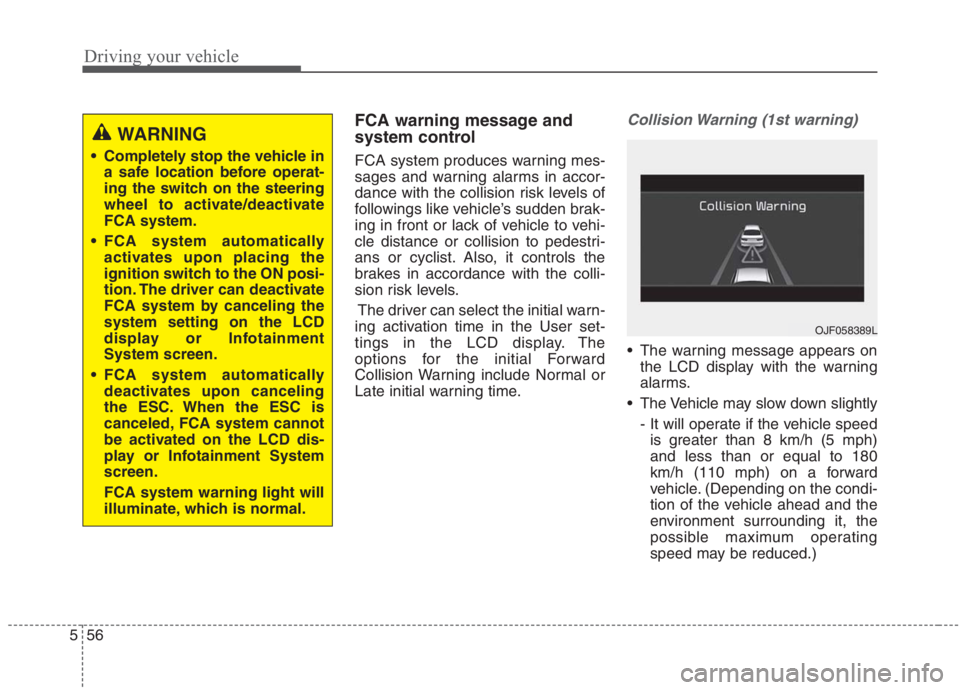
Collision Warning (1st warning)
The warning message appears on
the LCD display with the warning
alarms.
The Vehicle may slow down slightly
- It will operate if the vehicle speed
is greater than 8 km/h (5 mph)
and less than or equal to 180
km/h (110 mph) on a forward
vehicle. (Depending on the condi-
tion of the vehicle ahead and the
environment surrounding it, the
possible maximum operating
speed may be reduced.)
WARNING
Completely stop the vehicle in
a safe location before operat-
ing the switch on the steering
wheel to activate/deactivate
FCA system.
FCA system automatically
activates upon placing the
ignition switch to the ON posi-
tion. The driver can deactivate
FCA system by canceling the
system setting on the LCD
display or Infotainment
System screen.
FCA system automatically
deactivates upon canceling
the ESC. When the ESC is
canceled, FCA system cannot
be activated on the LCD dis-
play or Infotainment System
screen.
FCA system warning light will
illuminate, which is normal.
OJF058389L
Page 383 of 667
557
Driving your vehicle
- For pedestrians and cyclists, the
vehicle speed is greater than or
equal to 8 km/h (5 mph) and less
than 70 km/h (45 mph).
(Depending on the condition of
pedestrians and bike riders and
the surrounding environment the
possible maximum operating
speed may be reduced.)
FCA system controls the brakes
within certain limit to release shock
from the collision.
- If you select “Warning Only”, FCA
system activates and produces
only warning alarms in accor-
dance with the collision risk lev-
els. You should control the brake
directly because FCA system do
not control the brake.Emergency braking (2nd warning)
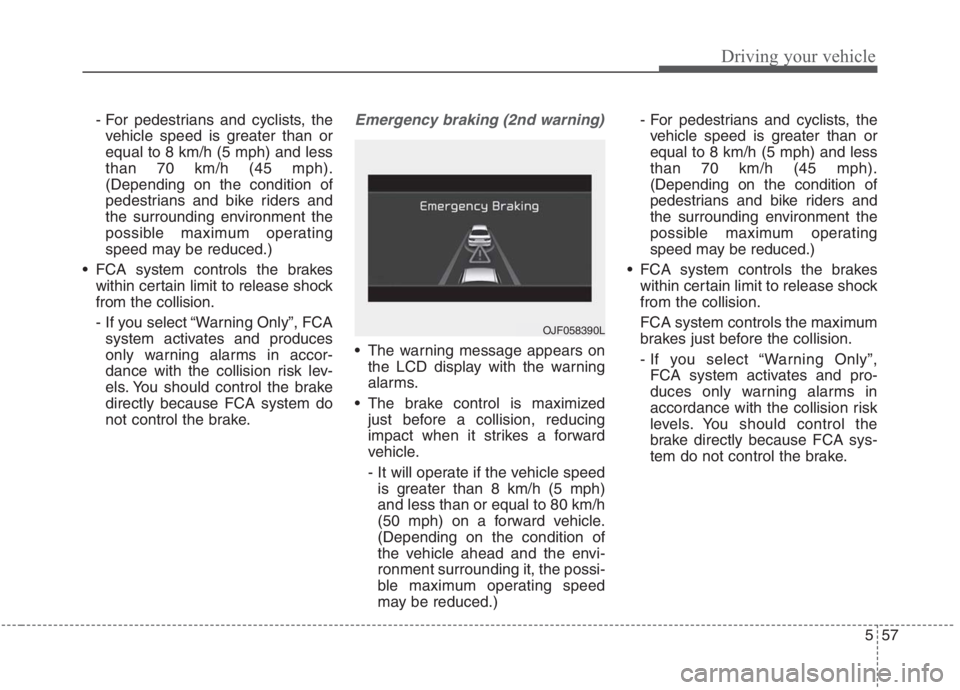
The warning message appears on
the LCD display with the warning
alarms.
The brake control is maximized
just before a collision, reducing
impact when it strikes a forward
vehicle.
- It will operate if the vehicle speed
is greater than 8 km/h (5 mph)
and less than or equal to 80 km/h
(50 mph) on a forward vehicle.
(Depending on the condition of
the vehicle ahead and the envi-
ronment surrounding it, the possi-
ble maximum operating speed
may be reduced.)- For pedestrians and cyclists, the
vehicle speed is greater than or
equal to 8 km/h (5 mph) and less
than 70 km/h (45 mph).
(Depending on the condition of
pedestrians and bike riders and
the surrounding environment the
possible maximum operating
speed may be reduced.)
FCA system controls the brakes
within certain limit to release shock
from the collision.
FCA system controls the maximum
brakes just before the collision.
- If you select “Warning Only”,
FCA system activates and pro-
duces only warning alarms in
accordance with the collision risk
levels. You should control the
brake directly because FCA sys-
tem do not control the brake.
OJF058390L
Page 387 of 667
561
Driving your vehicle
WARNING
FCA system is only a supple-
mental system for the driver’s
convenience. The driver has
the ultimate responsibility to
control and operate the vehi-
cle safely. Do not solely
depend on FCA system.
Rather, maintain a safe brak-
ing distance, and, if neces-
sary, depress the brake pedal
to lower the driving speed.
In certain instances and
under certain driving condi-
tions, FCA system may acti-
vate unintentionally. This ini-
tial warning message appears
on the LCD display with a
warning chime.
(Continued)
(Continued)
Also, in certain instances the
front radar sensor or camera
recognition system may not
detect the vehicle, pedestrian
or cyclist (if equipped) ahead.
FCA system may not activate
and the warning message will
not be displayed.
FCA system may unnecessar-
ily produce the warning mes-
sage and the warning alarms.
Also, due to the sensing limi-
tation, FCA system may not
produce the warning message
and the warning alarm at all.
When there is a malfunction
with FCA system, the braking
control does not operate upon
detecting a collision risk even
with other braking systems
normally operating.
(Continued)(Continued)
FCA system operates only for
the vehicle/pedestrian in
front, while driving forward. It
does not operate for any ani-
mals or vehicles in the oppo-
site direction.
FCA system does not recog-
nize the vehicle, which trans-
versally drives across the
crossroad, or the vehicle,
which is parked in the trans-
versal direction.
If the vehicle in front stops
suddenly, you may have less
control of the brake system.
Therefore, always keep safe
distance between your vehicle
and the vehicle in front of you.
FCA system may activate dur-
ing braking and the vehicle
may stop suddenly. And the
load in the vehicle may endan-
ger passengers. Therefore,
always be mindful of the load
volume in the vehicle.
(Continued)
Page 398 of 667
Driving your vehicle
72 5
LKA system operation
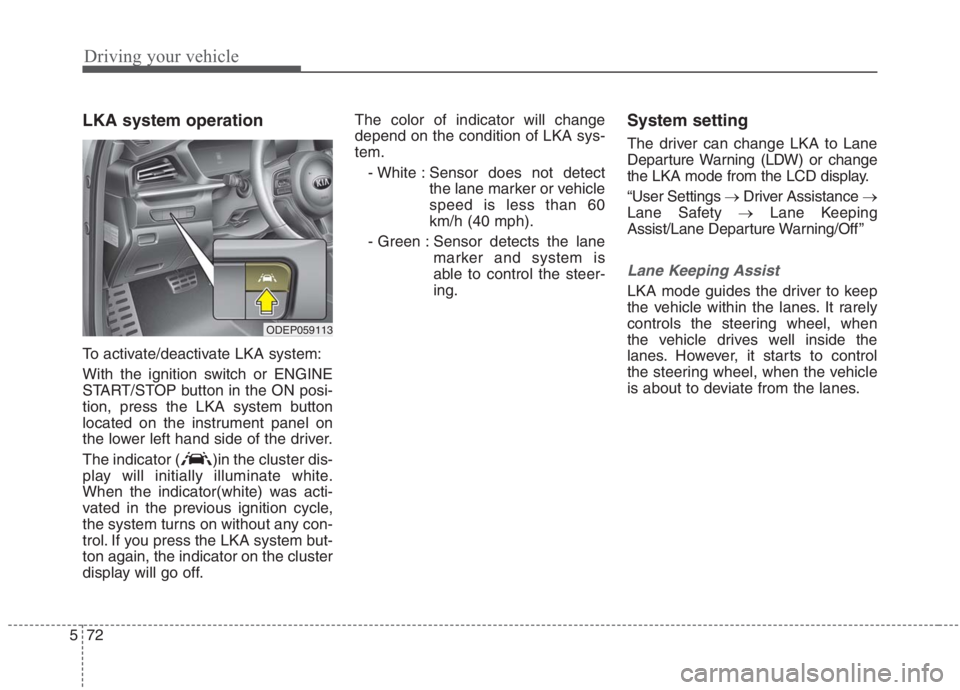
To activate/deactivate LKA system:
With the ignition switch or ENGINE
START/STOP button in the ON posi-
tion, press the LKA system button
located on the instrument panel on
the lower left hand side of the driver.
The indicator ( )in the cluster dis-
play will initially illuminate white.
When the indicator(white) was acti-
vated in the previous ignition cycle,
the system turns on without any con-
trol. If you press the LKA system but-
ton again, the indicator on the cluster
display will go off.The color of indicator will change
depend on the condition of LKA sys-
tem.
- White : Sensor does not detect
the lane marker or vehicle
speed is less than 60
km/h (40 mph).
- Green : Sensor detects the lane
marker and system is
able to control the steer-
ing.
System setting
The driver can change LKA to Lane
Departure Warning (LDW) or change
the LKA mode from the LCD display.
“User Settings →Driver Assistance →
Lane Safety →Lane Keeping
Assist/Lane Departure Warning/Off ”
Lane Keeping Assist
LKA mode guides the driver to keep
the vehicle within the lanes. It rarely
controls the steering wheel, when
the vehicle drives well inside the
lanes. However, it starts to control
the steering wheel, when the vehicle
is about to deviate from the lanes.
ODEP059113
Page 399 of 667
573
Driving your vehicle
Lane Departure Warning
LDW alerts the driver with a visual
and acoustic warning when the sys-
tem detects the vehicle leaving the
lane. In this mode, the steering wheel
will not be controlled. When the vehi-
cle’s front wheel contacts the inside
edge of lane line, the contacted line
will be displayed on the LCD display.
Off
If you select ‘Off’, it is the same with
pressing LKA ( ) button to
release.
LKA activation
LKA system activation
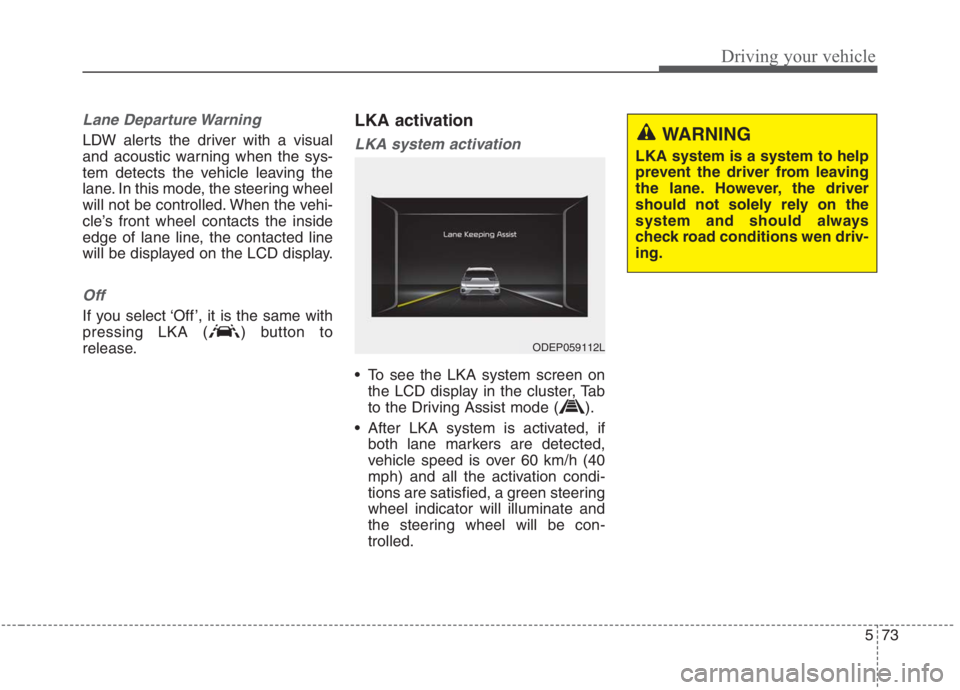
To see the LKA system screen on
the LCD display in the cluster, Tab
to the Driving Assist mode ( ).
After LKA system is activated, if
both lane markers are detected,
vehicle speed is over 60 km/h (40
mph) and all the activation condi-
tions are satisfied, a green steering
wheel indicator will illuminate and
the steering wheel will be con-
trolled.
ODEP059112L
WARNING
LKA system is a system to help
prevent the driver from leaving
the lane. However, the driver
should not solely rely on the
system and should always
check road conditions wen driv-
ing.
Page 400 of 667
Driving your vehicle
74 5
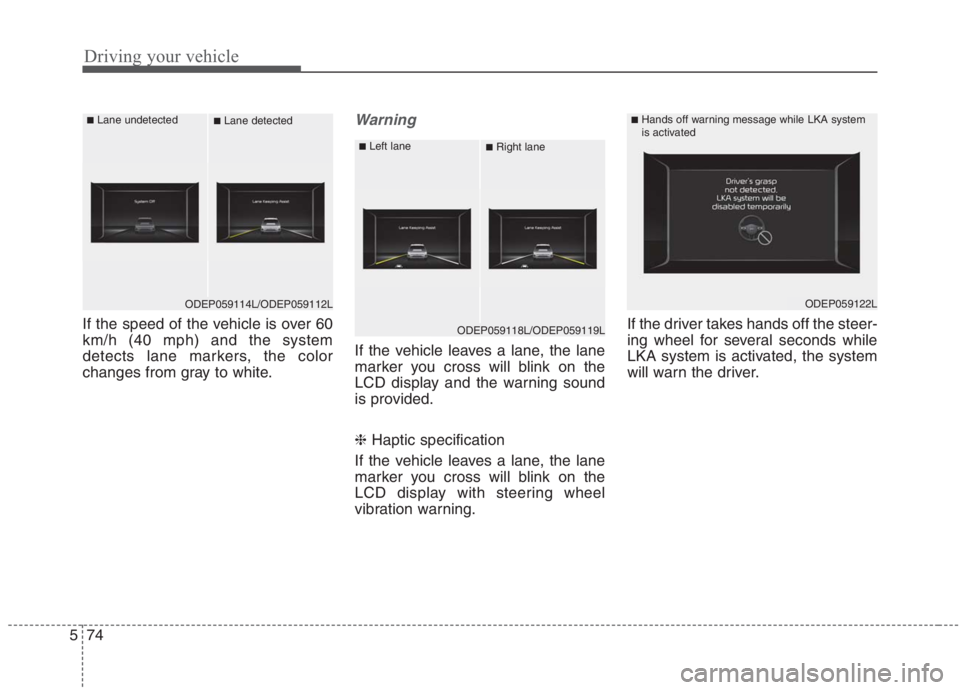
If the speed of the vehicle is over 60
km/h (40 mph) and the system
detects lane markers, the color
changes from gray to white.
Warning
If the vehicle leaves a lane, the lane
marker you cross will blink on the
LCD display and the warning sound
is provided.
❈ Haptic specification
If the vehicle leaves a lane, the lane
marker you cross will blink on the
LCD display with steering wheel
vibration warning.If the driver takes hands off the steer-
ing wheel for several seconds while
LKA system is activated, the system
will warn the driver.
ODEP059114L/ODEP059112L
■Lane undetected■Lane detected
ODEP059118L/ODEP059119L
■Left lane■Right lane
ODEP059122L
■Hands off warning message while LKA system
is activated