engine KIA SPORTAGE 2020 Owners Manual
[x] Cancel search | Manufacturer: KIA, Model Year: 2020, Model line: SPORTAGE, Model: KIA SPORTAGE 2020Pages: 624, PDF Size: 15.41 MB
Page 334 of 624
Driving your vehicle
48
5
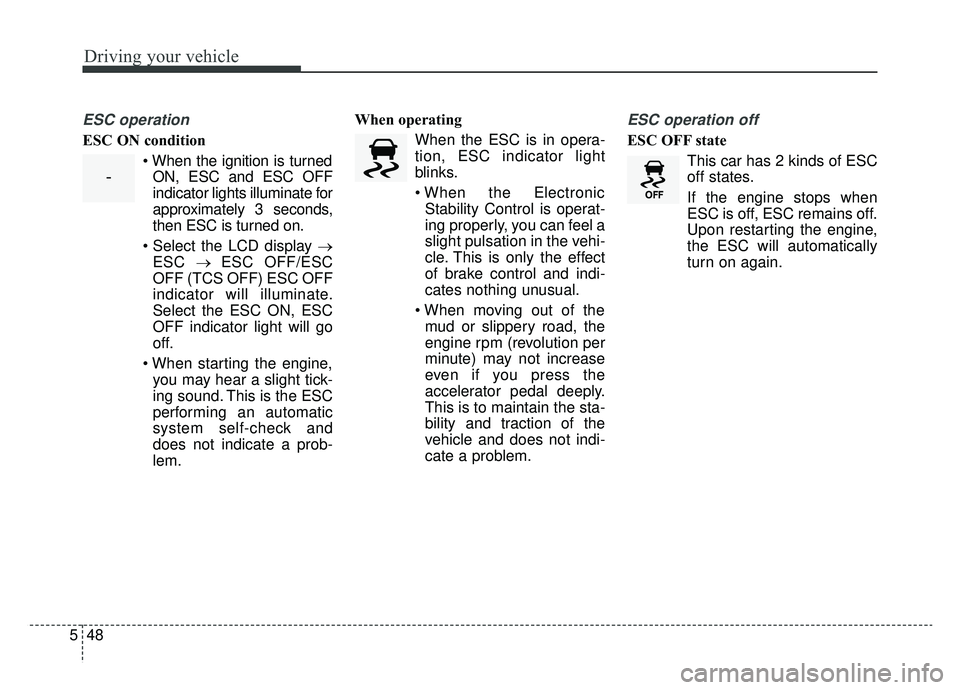
ESC operation
ESC ON condition
ON, ESC and ESC OFF
indicator lights illuminate for
approximately 3 seconds,
then ESC is turned on.
→ ESC → ESC OFF/ESC
OFF (TCS OFF) ESC OFF
indicator will illuminate.
Select the ESC ON, ESC
OFF indicator light will go
off.
you may hear a slight tick-
ing sound. This is the ESC
performing an automatic
system self-check and
does not indicate a prob-
lem. When operating
When the ESC is in opera-
tion, ESC indicator light
blinks.
Stability Control is operat-
ing properly, you can feel a
slight pulsation in the vehi-
cle. This is only the effect
of brake control and indi-
cates nothing unusual.
mud or slippery road, the
engine rpm (revolution per
minute) may not increase
even if you press the
accelerator pedal deeply.
This is to maintain the sta-
bility and traction of the
vehicle and does not indi-
cate a problem.
ESC operation off
ESC OFF state
This car has 2 kinds of ESC
off states.
If the engine stops when
ESC is off, ESC remains off.
Upon restarting the engine,
the ESC will automatically
turn on again.
-
Page 335 of 624
549
Driving your vehicle
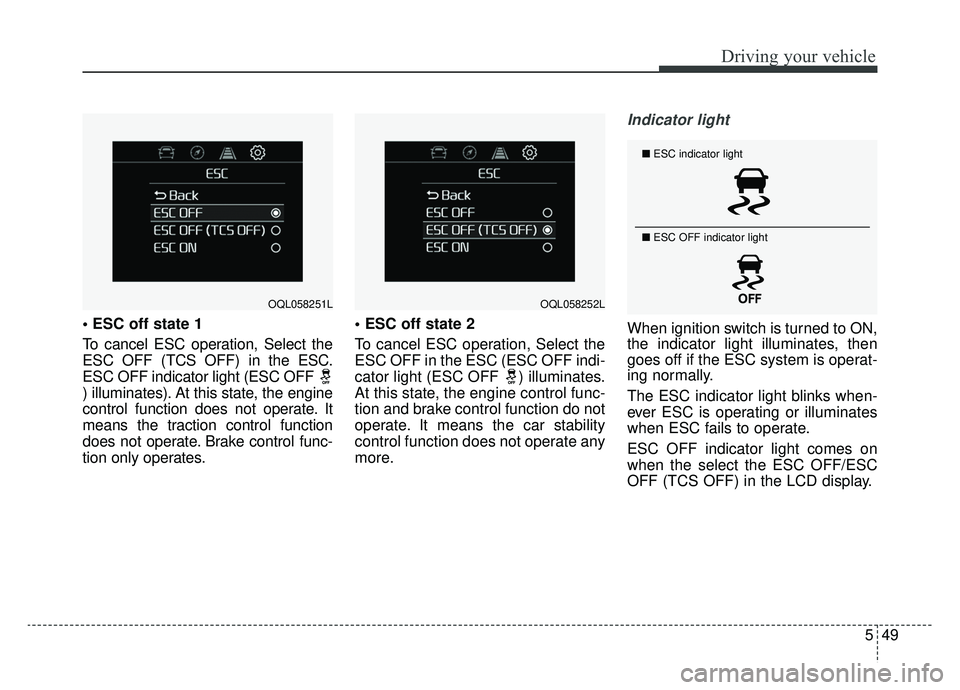
To cancel ESC operation, Select the
ESC OFF (TCS OFF) in the ESC.
ESC OFF indicator light (ESC OFF
) illuminates). At this state, the engine
control function does not operate. It
means the traction control function
does not operate. Brake control func-
tion only operates.
To cancel ESC operation, Select the
ESC OFF in the ESC (ESC OFF indi-
cator light (ESC OFF ) illuminates.
At this state, the engine control func-
tion and brake control function do not
operate. It means the car stability
control function does not operate any
more.
Indicator light
When ignition switch is turned to ON,
the indicator light illuminates, then
goes off if the ESC system is operat-
ing normally.
The ESC indicator light blinks when-
ever ESC is operating or illuminates
when ESC fails to operate.
ESC OFF indicator light comes on
when the select the ESC OFF/ESC
OFF (TCS OFF) in the LCD display.
OQL058251LOQL058252L
■
ESC indicator light
■ ESC OFF indicator light
Page 339 of 624
553
Driving your vehicle
Good braking practices
Check to be sure the parking brakeis not engaged and the parking
brake indicator light is out before
driving away.
Driving through water may get the brakes wet. They can also get wet
when the vehicle is washed. Wet
brakes can be dangerous! Your
vehicle will not stop as quickly if the
brakes are wet. Wet brakes may
cause the vehicle to pull to one side.
To dry the brakes, apply the brakes
lightly until the braking action
returns to normal, taking care to
keep the vehicle under control at all
times. If the braking action does not
return to normal, stop as soon as it
is safe to do so and call an author-
ized Kia dealer for assistance.
Don't coast down hills with the vehicle out of gear. This is extreme-
ly hazardous. Keep the vehicle in
gear at all times, use the brakes to
slow down, then shift to a lower
gear so that engine braking will
help you maintain a safe speed. Don't "ride" the brake pedal.
Resting your foot on the brake
pedal while driving can be danger-
ous because the brakes might
overheat and lose their effective-
ness. It also increases the wear of
the brake components.
If a tire goes flat while you are driv- ing, apply the brakes gently and
keep the vehicle pointed straight
ahead while you slow down. When
you are moving slowly enough for it
to be safe to do so, pull off the road
and stop in a safe place.
If your vehicle is equipped with an Automatic Transmission, don't let
your vehicle creep forward. To
avoid creeping forward, keep your
foot firmly on the brake pedal when
the vehicle is stopped.
Be cautious when parking on a hill. Firmly engage the parking brake
and place the shift lever in P (auto-
matic transmission). If your vehicle
is facing downhill, turn the front
wheels into the curb to help keep
the vehicle from rolling. If your vehicle is facing uphill, turn
the front wheels away from the
curb to help keep the vehicle from
rolling. If there is no curb or if it is
required by other conditions to
keep the vehicle from rolling, block
the wheels.
Under some conditions your park- ing brake can freeze in the
engaged position. This is most like-
ly to happen when there is an
accumulation of snow or ice
around or near the rear brakes or if
the brakes are wet. If there is a risk
that the parking brake may freeze,
apply it only temporarily while you
put the shift lever in P (automatic
transmission) and block the rear
wheels so the vehicle cannot roll.
Then release the parking brake.
Do not hold the vehicle on an incline with the accelerator pedal.
This can cause the transmission to
overheat. Always use the brake
pedal or parking brake.
Page 342 of 624
Driving your vehicle
56
5
FCA warning message and
system control
The FCA system produces warning
messages, warning alarms, and
emergency braking based on the
level of risk of a frontal collision, such
as when a vehicle ahead suddenly
brakes.
The driver can select the initial warn-
ing activation time in the User
Settings in the LCD display. The
options for the initial Forward
Collision Warning include Early,
Normal or Late initial warning time.
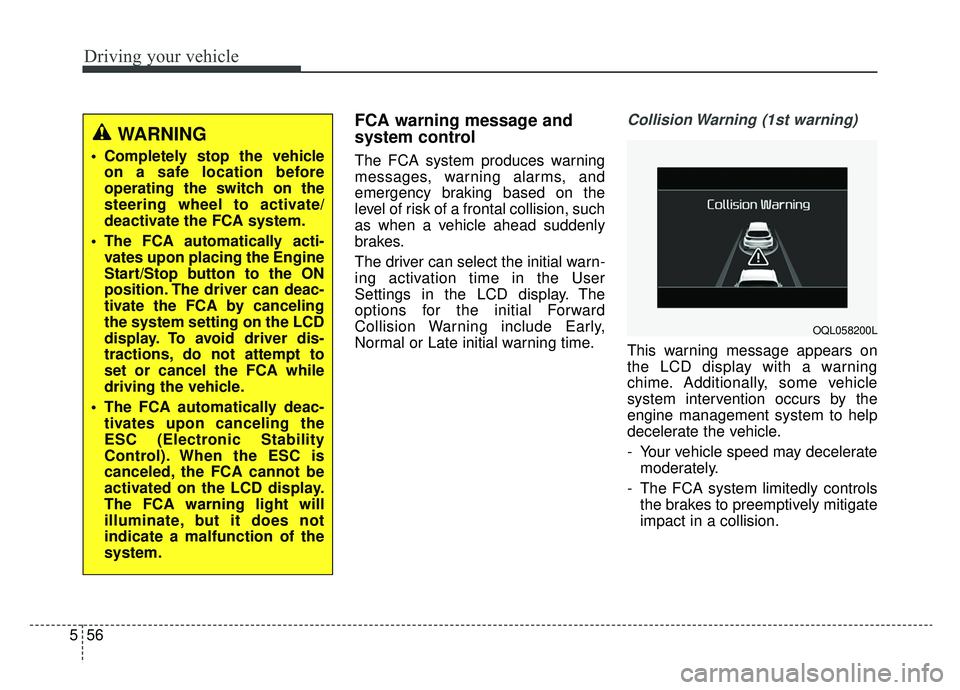
Collision Warning (1st warning)
This warning message appears on
the LCD display with a warning
chime. Additionally, some vehicle
system intervention occurs by the
engine management system to help
decelerate the vehicle.
- Your vehicle speed may decelerate
moderately.
- The FCA system limitedly controls the brakes to preemptively mitigate
impact in a collision.
WARNING
Completely stop the vehicleon a safe location before
operating the switch on the
steering wheel to activate/
deactivate the FCA system.
The FCA automatically acti- vates upon placing the Engine
Start/Stop button to the ON
position. The driver can deac-
tivate the FCA by canceling
the system setting on the LCD
display. To avoid driver dis-
tractions, do not attempt to
set or cancel the FCA while
driving the vehicle.
The FCA automatically deac- tivates upon canceling the
ESC (Electronic Stability
Control). When the ESC is
canceled, the FCA cannot be
activated on the LCD display.
The FCA warning light will
illuminate, but it does not
indicate a malfunction of the
system.
OQL058200L
Page 343 of 624
557
Driving your vehicle
- It will operate if the vehicle speed isgreater than 5 mph (8 km/h) and
less than or equal to 38 mph (60
km/h) on a forward vehicle.
(Depending on the condition of the
vehicle ahead and the environment
surrounding it, the possible maxi-
mum operating speed may be
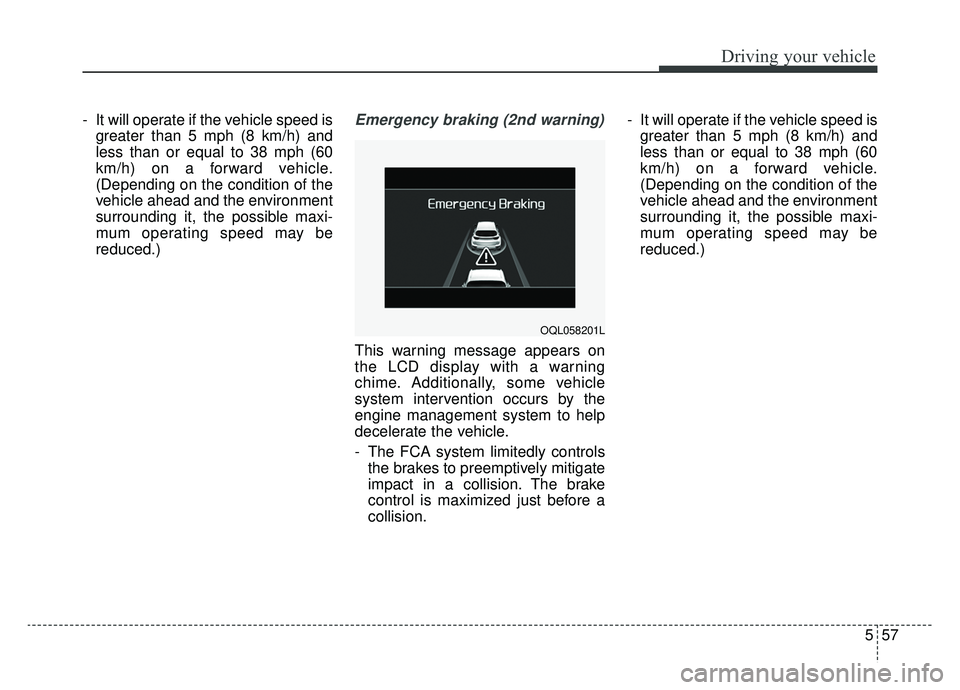
reduced.)Emergency braking (2nd warning)
This warning message appears on
the LCD display with a warning
chime. Additionally, some vehicle
system intervention occurs by the
engine management system to help
decelerate the vehicle.
- The FCA system limitedly controlsthe brakes to preemptively mitigate
impact in a collision. The brake
control is maximized just before a
collision. - It will operate if the vehicle speed is
greater than 5 mph (8 km/h) and
less than or equal to 38 mph (60
km/h) on a forward vehicle.
(Depending on the condition of the
vehicle ahead and the environment
surrounding it, the possible maxi-
mum operating speed may be
reduced.)
OQL058201L
Page 346 of 624
Driving your vehicle
60
5
However, the FCA system may not
properly operate in an area (e.g.
open terrain), where any objects are
not detected after turning ON the
engine.
Although a warning message will not
appear on the LCD display, the FCA
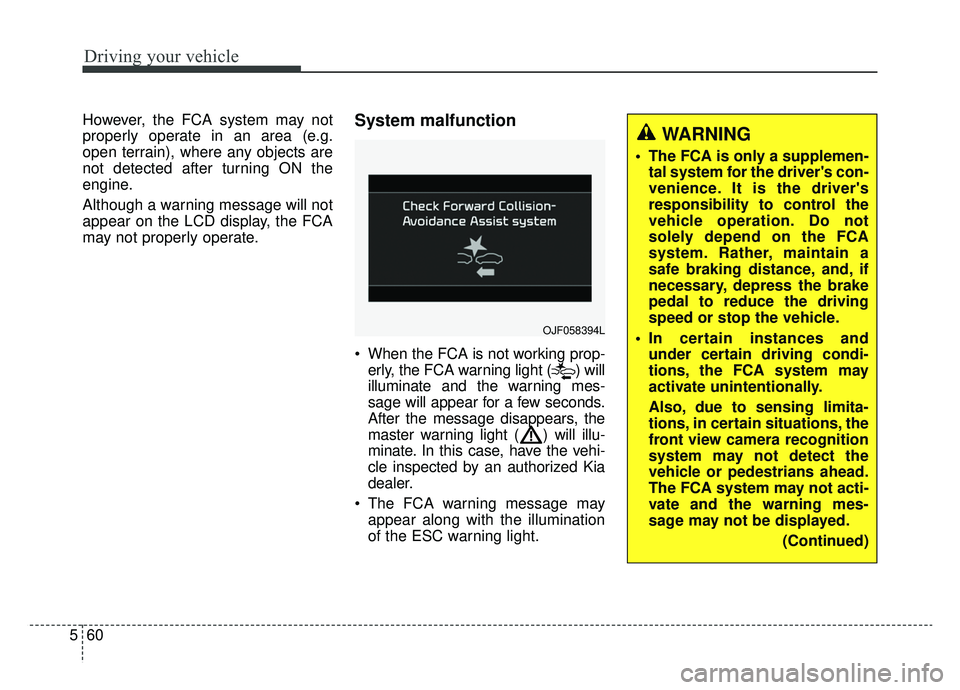
may not properly operate.System malfunction
When the FCA is not working prop-
erly, the FCA warning light ( ) will
illuminate and the warning mes-
sage will appear for a few seconds.
After the message disappears, the
master warning light ( ) will illu-
minate. In this case, have the vehi-
cle inspected by an authorized Kia
dealer.
The FCA warning message may appear along with the illumination
of the ESC warning light.
OJF058394L
WARNING
The FCA is only a supplemen-tal system for the driver's con-
venience. It is the driver's
responsibility to control the
vehicle operation. Do not
solely depend on the FCA
system. Rather, maintain a
safe braking distance, and, if
necessary, depress the brake
pedal to reduce the driving
speed or stop the vehicle.
In certain instances and under certain driving condi-
tions, the FCA system may
activate unintentionally.
Also, due to sensing limita-
tions, in certain situations, the
front view camera recognition
system may not detect the
vehicle or pedestrians ahead.
The FCA system may not acti-
vate and the warning mes-
sage may not be displayed.
(Continued)
Page 355 of 624
569
Driving your vehicle
FCA warning message and
system control
The FCA system produces warning
messages, warning alarms, and
emergency braking based on the
level of risk of a frontal collision, such
as when a vehicle ahead suddenly
brakes.
The driver can select the initial warn-
ing activation time in the User
Settings in the LCD display. The
options for the initial Forward
Collision Warning include Early,
Normal or Late initial warning time.
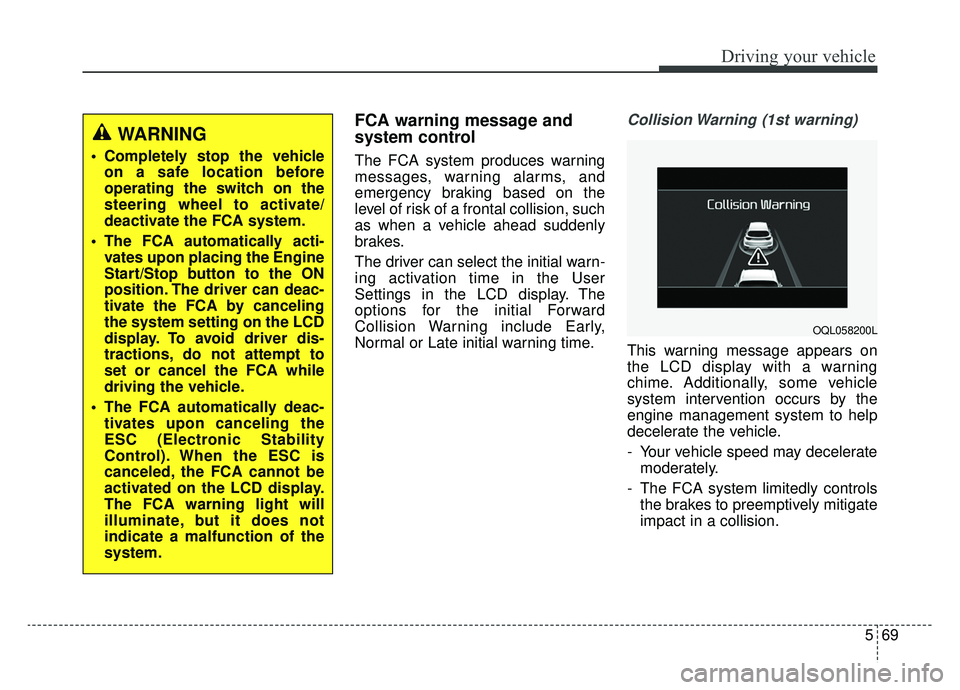
Collision Warning (1st warning)
This warning message appears on
the LCD display with a warning
chime. Additionally, some vehicle
system intervention occurs by the
engine management system to help
decelerate the vehicle.
- Your vehicle speed may deceleratemoderately.
- The FCA system limitedly controls the brakes to preemptively mitigate
impact in a collision.
WARNING
Completely stop the vehicleon a safe location before
operating the switch on the
steering wheel to activate/
deactivate the FCA system.
The FCA automatically acti- vates upon placing the Engine
Start/Stop button to the ON
position. The driver can deac-
tivate the FCA by canceling
the system setting on the LCD
display. To avoid driver dis-
tractions, do not attempt to
set or cancel the FCA while
driving the vehicle.
The FCA automatically deac- tivates upon canceling the
ESC (Electronic Stability
Control). When the ESC is
canceled, the FCA cannot be
activated on the LCD display.
The FCA warning light will
illuminate, but it does not
indicate a malfunction of the
system.
OQL058200L
Page 356 of 624
Driving your vehicle
70
5
- It will operate if the vehicle speed is
greater than 5 mph (8 km/h) and
less than or equal to 50 mph (80
km/h) on a forward vehicle.
(Depending on the condition of the
vehicle ahead and the environment
surrounding it, the possible maxi-
mum operating speed may be
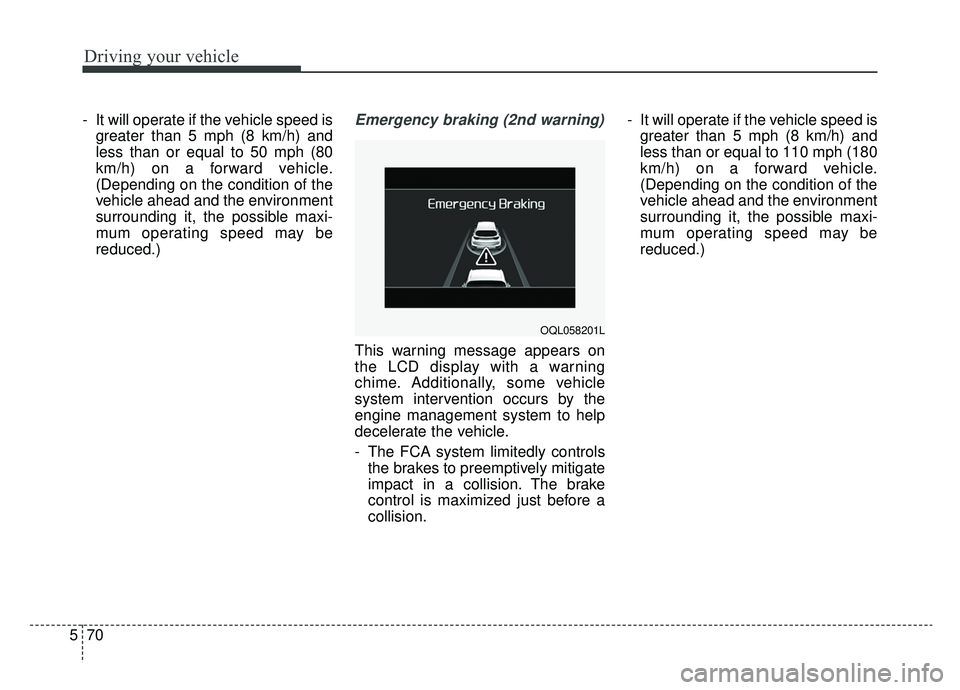
reduced.)Emergency braking (2nd warning)
This warning message appears on
the LCD display with a warning
chime. Additionally, some vehicle
system intervention occurs by the
engine management system to help
decelerate the vehicle.
- The FCA system limitedly controlsthe brakes to preemptively mitigate
impact in a collision. The brake
control is maximized just before a
collision. - It will operate if the vehicle speed is
greater than 5 mph (8 km/h) and
less than or equal to 110 mph (180
km/h) on a forward vehicle.
(Depending on the condition of the
vehicle ahead and the environment
surrounding it, the possible maxi-
mum operating speed may be
reduced.)
OQL058201L
Page 359 of 624
573
Driving your vehicle
(Continued)
• Be careful not to apply unneces-sary force on the sensor. If the sen-
sor is forcibly moved out of proper
alignment, the system may not
operate correctly. In this case, a
warning message may not be dis-
played. In this case, we recom-
mend you have the vehicle inspect-
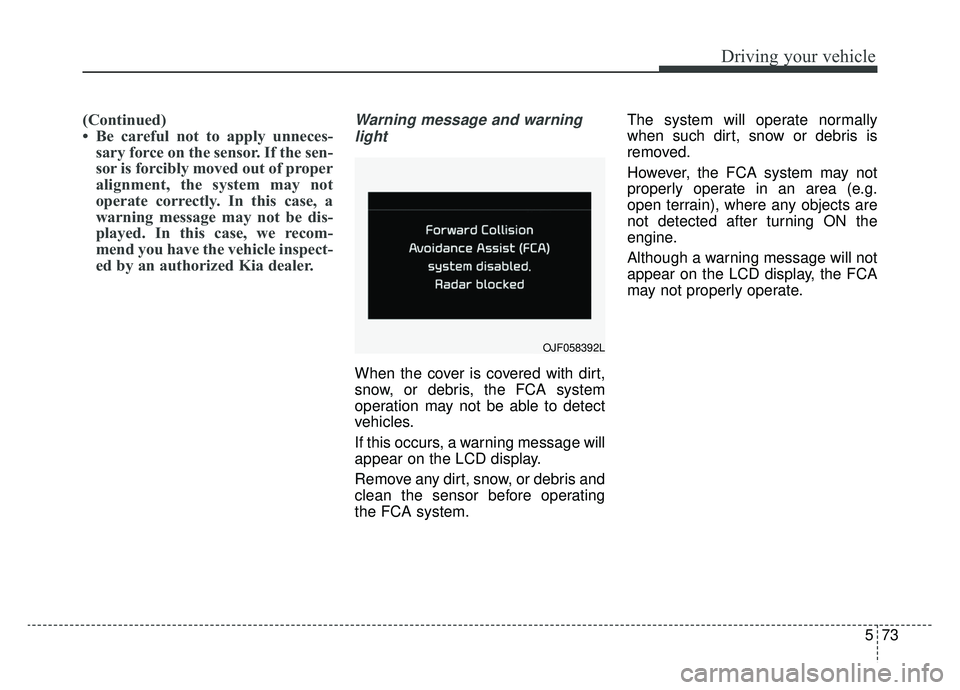
ed by an authorized Kia dealer.Warning message and warning
light
When the cover is covered with dirt,
snow, or debris, the FCA system
operation may not be able to detect
vehicles.
If this occurs, a warning message will
appear on the LCD display.
Remove any dirt, snow, or debris and
clean the sensor before operating
the FCA system. The system will operate normally
when such dirt, snow or debris is
removed.
However, the FCA system may not
properly operate in an area (e.g.
open terrain), where any objects are
not detected after turning ON the
engine.
Although a warning message will not
appear on the LCD display, the FCA
may not properly operate.
OJF058392L
Page 369 of 624
583
Driving your vehicle
Good braking practices
Wet brakes can be dangerous! The
brakes may get wet if the vehicle is
driven through standing water or if it
is washed. Your vehicle will not stop
as quickly if the brakes are wet. Wet
brakes may cause the vehicle to pull
to one side.To dry the brakes, apply the brakes
lightly until the braking action returns
to normal, taking care to keep the
vehicle under control at all times. If
the braking action does not return to
normal, stop as soon as it is safe to
do so and we recommend that you
call an authorized Kia dealer for
assistance.
DO NOT drive with your foot resting
on the brake pedal. Even light, but
constant pedal pressure can result in
the brakes overheating, brake wear,
and possibly even brake failure.
If a tire goes flat while you are driv-
ing, apply the brakes gently and
keep the vehicle pointed straight
ahead while you slow down. When
you are moving slowly enough for it
to be safe to do so, pull off the road
and stop in a safe location.
Keep your foot firmly on the brake
pedal when the vehicle is stopped to
prevent the vehicle from rolling for-
ward.
WARNING
Whenever leaving the vehicle or
parking, always come to a com-
plete stop and continue to
depress the brake pedal. Move
the shift lever into the P (Park)
position, then apply the parking
brake, and place the Engine
Start/Stop button in the OFF
position.
Vehicles with the parking brake
not fully engaged are at risk for
moving inadvertently and caus-
ing injury to yourself or others.