check engine KIA STINGER 2018 User Guide
[x] Cancel search | Manufacturer: KIA, Model Year: 2018, Model line: STINGER, Model: KIA STINGER 2018Pages: 551, PDF Size: 13.75 MB
Page 173 of 551
Features of your vehicle
86
4
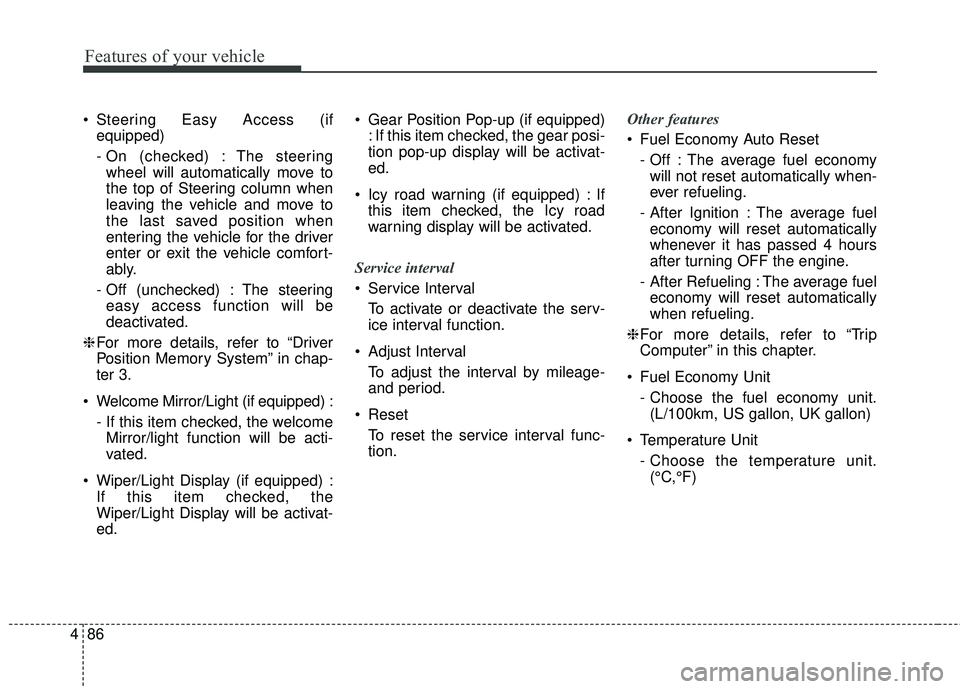
Steering Easy Access (if
equipped)
- On (checked) : The steeringwheel will automatically move to
the top of Steering column when
leaving the vehicle and move to
the last saved position when
entering the vehicle for the driver
enter or exit the vehicle comfort-
ably.
- Off (unchecked) : The steering easy access function will be
deactivated.
❈ For more details, refer to “Driver
Position Memory System” in chap-
ter 3.
Welcome Mirror/Light (if equipped) : - If this item checked, the welcomeMirror/light function will be acti-
vated.
Wiper/Light Display (if equipped) : If this item checked, the
Wiper/Light Display will be activat-
ed. Gear Position Pop-up (if equipped)
: If this item checked, the gear posi-
tion pop-up display will be activat-
ed.
Icy road warning (if equipped) : If this item checked, the Icy road
warning display will be activated.
Service interval
Service Interval To activate or deactivate the serv-
ice interval function.
Adjust Interval To adjust the interval by mileage-
and period.
Reset To reset the service interval func-
tion. Other features
Fuel Economy Auto Reset
- Off : The average fuel economywill not reset automatically when-
ever refueling.
- After Ignition : The average fuel economy will reset automatically
whenever it has passed 4 hours
after turning OFF the engine.
- After Refueling : The average fuel economy will reset automatically
when refueling.
❈ For more details, refer to “Trip
Computer” in this chapter.
Fuel Economy Unit - Choose the fuel economy unit.(L/100km, US gallon, UK gallon)
Temperature Unit - Choose the temperature unit.(°C,°F)
Page 175 of 551
Features of your vehicle
88
4
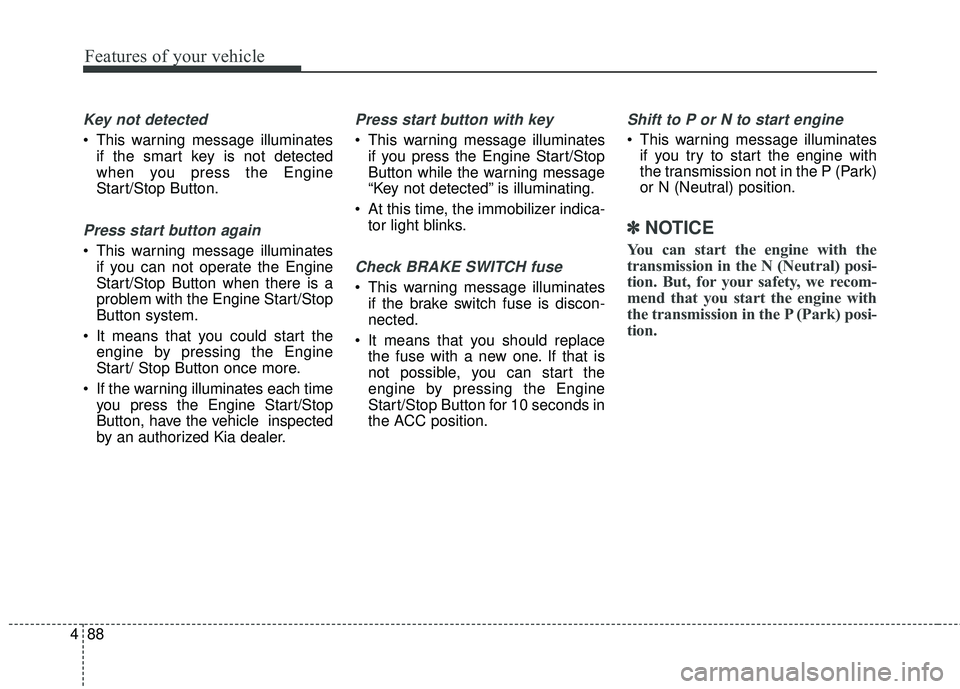
Key not detected
This warning message illuminates
if the smart key is not detected
when you press the Engine
Start/Stop Button.
Press start button again
This warning message illuminatesif you can not operate the Engine
Start/Stop Button when there is a
problem with the Engine Start/Stop
Button system.
It means that you could start the engine by pressing the Engine
Start/ Stop Button once more.
If the warning illuminates each time you press the Engine Start/Stop
Button, have the vehicle inspected
by an authorized Kia dealer.
Press start button with key
This warning message illuminatesif you press the Engine Start/Stop
Button while the warning message
“Key not detected” is illuminating.
At this time, the immobilizer indica- tor light blinks.
Check BRAKE SWITCH fuse
This warning message illuminatesif the brake switch fuse is discon-
nected.
It means that you should replace the fuse with a new one. If that is
not possible, you can start the
engine by pressing the Engine
Start/Stop Button for 10 seconds in
the ACC position.
Shift to P or N to start engine
This warning message illuminatesif you try to start the engine with
the transmission not in the P (Park)
or N (Neutral) position.
✽ ✽ NOTICE
You can start the engine with the
transmission in the N (Neutral) posi-
tion. But, for your safety, we recom-
mend that you start the engine with
the transmission in the P (Park) posi-
tion.
Page 178 of 551
491
Features of your vehicle
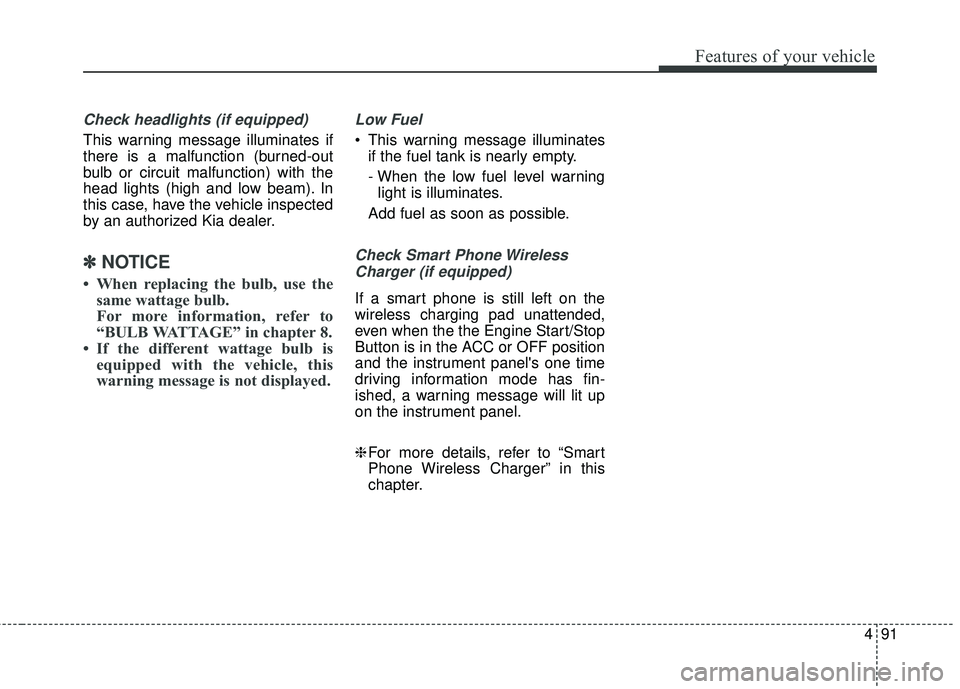
Check headlights (if equipped)
This warning message illuminates if
there is a malfunction (burned-out
bulb or circuit malfunction) with the
head lights (high and low beam). In
this case, have the vehicle inspected
by an authorized Kia dealer.
✽ ✽NOTICE
• When replacing the bulb, use the
same wattage bulb.
For more information, refer to
“BULB WATTAGE” in chapter 8.
• If the different wattage bulb is equipped with the vehicle, this
warning message is not displayed.
Low Fuel
This warning message illuminates
if the fuel tank is nearly empty.
- When the low fuel level warninglight is illuminates.
Add fuel as soon as possible.
Check Smart Phone Wireless Charger (if equipped)
If a smart phone is still left on the
wireless charging pad unattended,
even when the the Engine Start/Stop
Button is in the ACC or OFF position
and the instrument panel's one time
driving information mode has fin-
ished, a warning message will lit up
on the instrument panel.
❈ For more details, refer to “Smart
Phone Wireless Charger” in this
chapter.
Page 180 of 551
493
Features of your vehicle
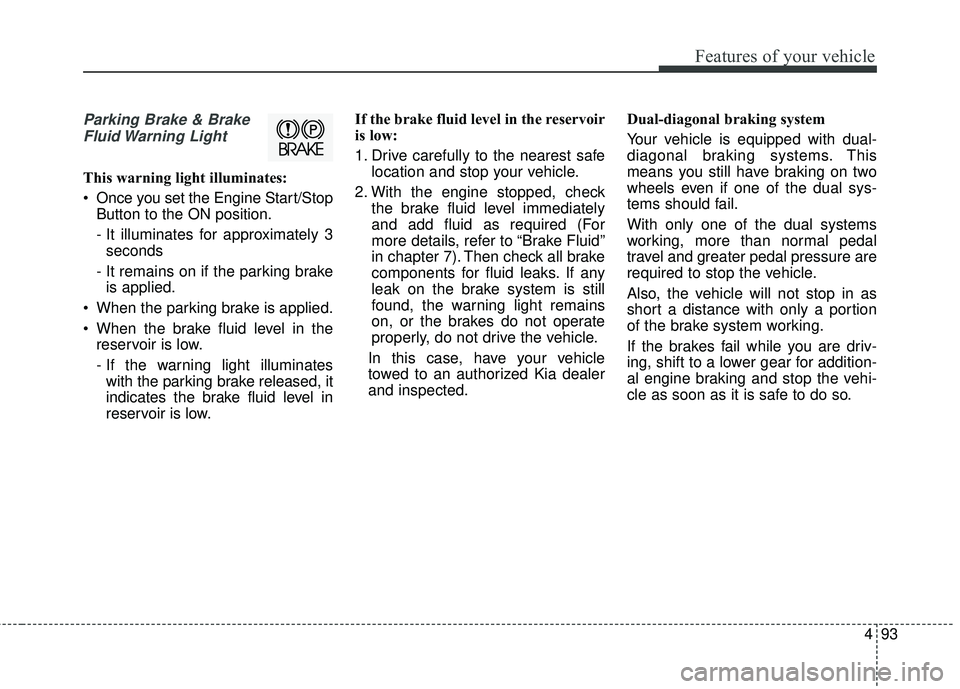
Parking Brake & BrakeFluid Warning Light
This warning light illuminates:
Once you set the Engine Start/Stop Button to the ON position.
- It illuminates for approximately 3seconds
- It remains on if the parking brake is applied.
When the parking brake is applied.
When the brake fluid level in the reservoir is low.
- If the warning light illuminateswith the parking brake released, it
indicates the brake fluid level in
reservoir is low. If the brake fluid level in the reservoir
is low:
1. Drive carefully to the nearest safe
location and stop your vehicle.
2. With the engine stopped, check the brake fluid level immediately
and add fluid as required (For
more details, refer to “Brake Fluid”
in chapter 7). Then check all brake
components for fluid leaks. If any
leak on the brake system is still
found, the warning light remains
on, or the brakes do not operate
properly, do not drive the vehicle.
In this case, have your vehicle
towed to an authorized Kia dealer
and inspected. Dual-diagonal braking system
Your vehicle is equipped with dual-
diagonal braking systems. This
means you still have braking on two
wheels even if one of the dual sys-
tems should fail.
With only one of the dual systems
working, more than normal pedal
travel and greater pedal pressure are
required to stop the vehicle.
Also, the vehicle will not stop in as
short a distance with only a portion
of the brake system working.
If the brakes fail while you are driv-
ing, shift to a lower gear for addition-
al engine braking and stop the vehi-
cle as soon as it is safe to do so.
Page 183 of 551
Features of your vehicle
96
4
Charging System
Warning Light
This warning light illuminates:
Once you set the Engine Start/Stop Button to the ON position.
- It remains on until the engine isstarted.
When there is a malfunction with either the alternator or electrical
charging system.
If there is a malfunction with either the
alternator or electrical charging system:
1.Drive carefully to the nearest safe location and stop your vehicle.
2.Turn the engine off and check the alternator drive belt for looseness
or breakage.
If the belt is adjusted properly,
there may be a problem in the elec-
trical charging system.
In this case, have the vehicle
inspected by an authorized Kia
dealer.
Engine Oil Pressure
Warning Light
This warning light illuminates:
Once you set the Engine Start/Stop Button to the ON position.
- It remains on until the engine isstarted.
When the engine oil pressure is low.
CAUTION
If the Malfunction IndicatorLamp (MIL) illuminates, poten-tial catalytic converter damageis possible which could result inloss of engine power.
In this case, have the vehicleinspected by an authorized Kiadealer.
CAUTION - Malfunction
Indicator Lamp (MIL)
Driving with the Malfunction Indicator Lamp (MIL) on maycause damage to the emissioncontrol systems which couldeffect drivability and/or fueleconomy.
Page 184 of 551
497
Features of your vehicle
If the engine oil pressure is low:
1.Drive carefully to the nearest safelocation and stop your vehicle.
2.Turn the engine off and check the engine oil level (For more details,
refer to “Engine Oil” in chapter 7). If
the level is low, add oil as required.
If the warning light remains on after
adding oil or if oil is not available,
have the vehicle inspected by an
authorized Kia dealer.Low Fuel Level Warning
Light
This warning light illuminates:
When the fuel tank is nearly empty.
If the fuel tank is nearly empty:
Add fuel as soon as possible.
CAUTION - Engine
Overheating
Do not continue driving with theengine overheated. Otherwiseengine may be damaged.
CAUTION - Engine
damage
If the engine is not stoppedimmediately after the engine oilpressure warning light is illumi-nated and stays on while theengine is running, seriousengine damage may result.CAUTION - Low Fuel
Level
Driving with the Low Fuel Levelwarning light on or with the fuellevel below “E” can cause theengine to misfire and damagethe catalytic converter (ifequipped).
Page 196 of 551
4109
Features of your vehicle
✽ ✽NOTICE
• This system can only sense objects
within the range and location of
the sensors; It can not detect
objects in other areas where sen-
sors are not installed. Also, small
or slim objects, such as poles or
objects located between sensors
may not be detected by the sen-
sors. Always visually check behind
the vehicle when backing up.
• Be sure to inform any drivers of the vehicle that may be unfamiliar
with the system regarding the sys-
tems capabilities and limitations.
Non-operational conditions of
parking assist system
Parking assist system may not
operate normally when:
1. Moisture is frozen to the sensor. (It will operate normally when mois-
ture melts.)
2. Sensor is covered with foreign matter, such as snow or water, or
the sensor cover is blocked. (It will
operate normally when the materi-
al is removed or the sensor is no
longer blocked.)
3. Sensor is stained with foreign mat- ter such as snow or water.
(Sensing range will return to nor-
mal when removed.)
4.The parking assist button is off.
There is a possibility of parking assist system malfunction when:
1. Driving on uneven road surfaces such as unpaved roads, gravel,
bumps, or gradient.
2. Objects generating excessive noise such as vehicle horns, loud
motorcycle engines, or truck air
brakes can interfere with the sen-
sor.
3. Heavy rain or water spray.
4. Wireless transmitters or mobile phones present near the sensor.
5. Sensor is covered with snow.
Page 199 of 551
Features of your vehicle
112
4
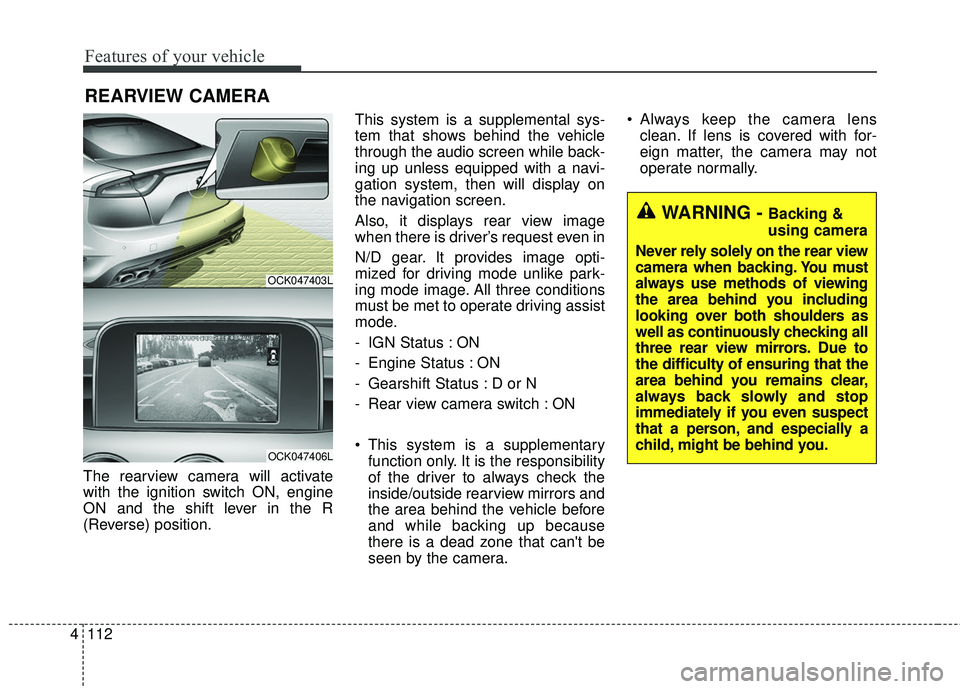
The rearview camera will activate
with the ignition switch ON, engine
ON and the shift lever in the R
(Reverse) position. This system is a supplemental sys-
tem that shows behind the vehicle
through the audio screen while back-
ing up unless equipped with a navi-
gation system, then will display on
the navigation screen.
Also, it displays rear view image
when there is driver’s request even in
N/D gear. It provides image opti-
mized for driving mode unlike park-
ing mode image. All three conditions
must be met to operate driving assist
mode.
- IGN Status : ON
- Engine Status : ON
- Gearshift Status : D or N
- Rear view camera switch : ON
This system is a supplementary
function only. It is the responsibility
of the driver to always check the
inside/outside rearview mirrors and
the area behind the vehicle before
and while backing up because
there is a dead zone that can't be
seen by the camera. Always keep the camera lens
clean. If lens is covered with for-
eign matter, the camera may not
operate normally.
REARVIEW CAMERA
OCK047403L
OCK047406L
WARNING - Backing &
using camera
Never rely solely on the rear view
camera when backing. You must
always use methods of viewing
the area behind you including
looking over both shoulders as
well as continuously checking all
three rear view mirrors. Due to
the difficulty of ensuring that the
area behind you remains clear,
always back slowly and stop
immediately if you even suspect
that a person, and especially a
child, might be behind you.
Page 200 of 551
4113
Features of your vehicle
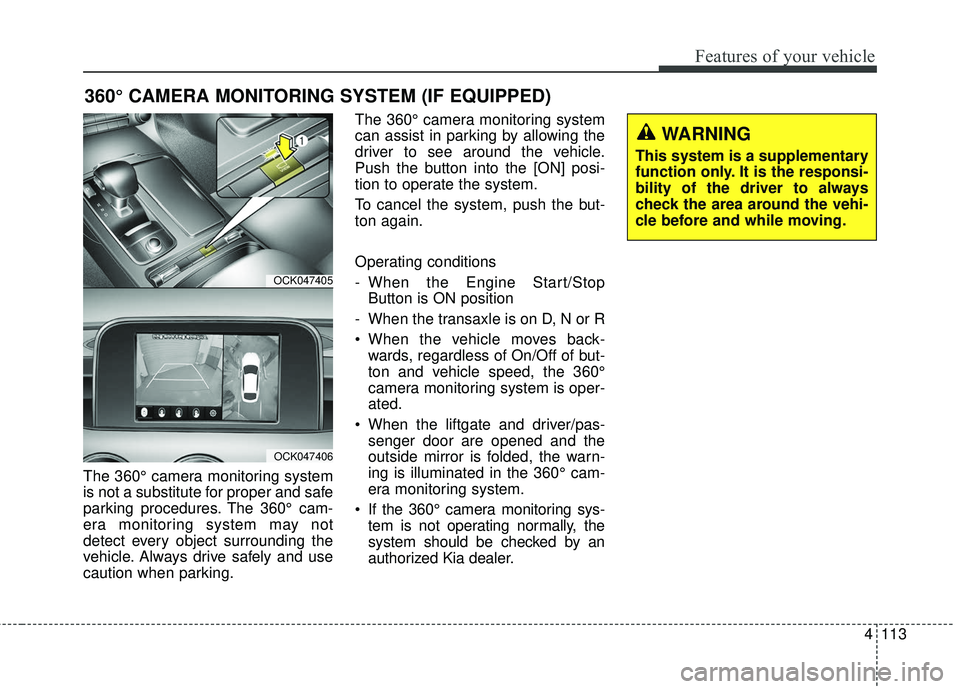
The 360° camera monitoring system
is not a substitute for proper and safe
parking procedures. The 360° cam-
era monitoring system may not
detect every object surrounding the
vehicle. Always drive safely and use
caution when parking.The 360° camera monitoring system
can assist in parking by allowing the
driver to see around the vehicle.
Push the button into the [ON] posi-
tion to operate the system.
To cancel the system, push the but-
ton again.
Operating conditions
- When the Engine Start/Stop
Button is ON position
- When the transaxle is on D, N or R
When the vehicle moves back- wards, regardless of On/Off of but-
ton and vehicle speed, the 360°
camera monitoring system is oper-
ated.
When the liftgate and driver/pas- senger door are opened and the
outside mirror is folded, the warn-
ing is illuminated in the 360° cam-
era monitoring system.
If the 360° camera monitoring sys- tem is not operating normally, the
system should be checked by an
authorized Kia dealer.
360° CAMERA MONITORING SYSTEM (IF EQUIPPED)
OCK047405
OCK047406
WARNING
This system is a supplementary
function only. It is the responsi-
bility of the driver to always
check the area around the vehi-
cle before and while moving.
Page 208 of 551
4121
Features of your vehicle
Dynamic Bending Light (DBL)
(if equipped)
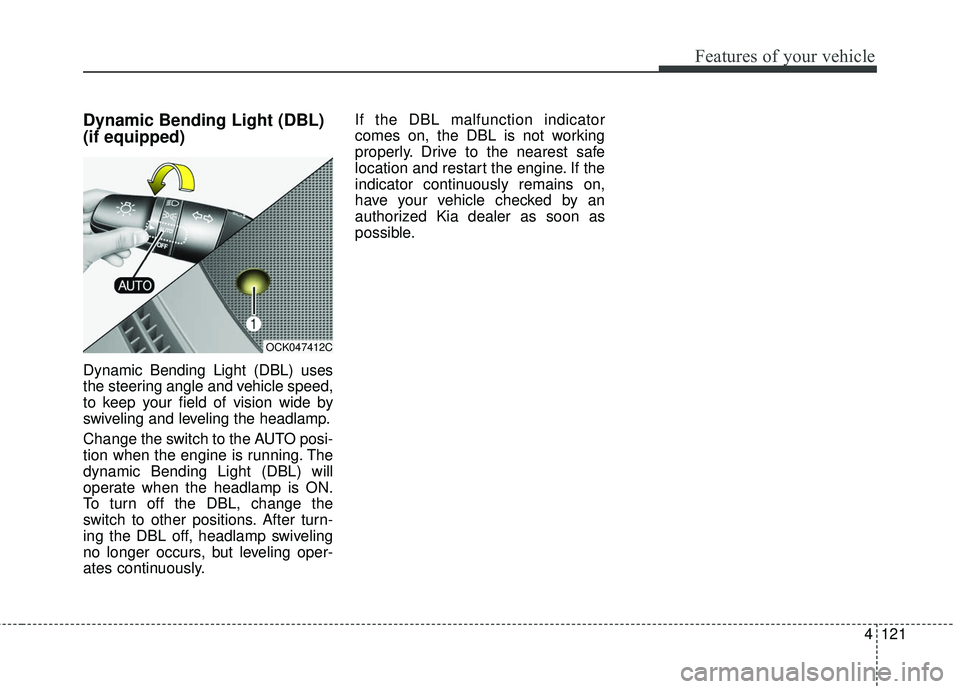
Dynamic Bending Light (DBL) uses
the steering angle and vehicle speed,
to keep your field of vision wide by
swiveling and leveling the headlamp.
Change the switch to the AUTO posi-
tion when the engine is running. The
dynamic Bending Light (DBL) will
operate when the headlamp is ON.
To turn off the DBL, change the
switch to other positions. After turn-
ing the DBL off, headlamp swiveling
no longer occurs, but leveling oper-
ates continuously.If the DBL malfunction indicator
comes on, the DBL is not working
properly. Drive to the nearest safe
location and restart the engine. If the
indicator continuously remains on,
have your vehicle checked by an
authorized Kia dealer as soon as
possible.
OCK047412C