LEXUS LS430 2003 Factory Repair Manual
LS430 2003
LEXUS
LEXUS
https://www.carmanualsonline.info/img/36/57050/w960_57050-0.png
LEXUS LS430 2003 Factory Repair Manual
Page 4467 of 4500
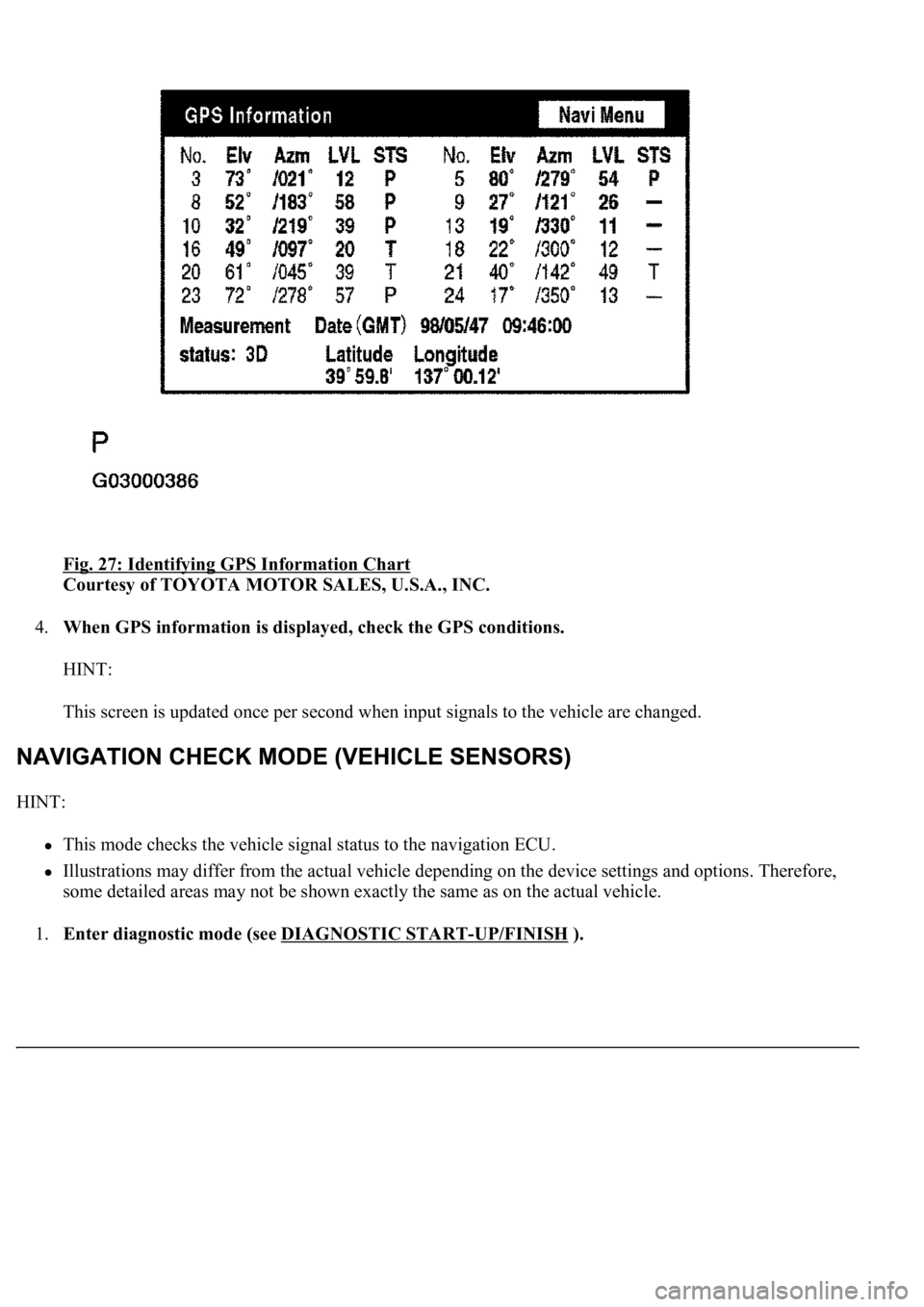
Fig. 27: Identifying GPS Information Chart
Courtesy of TOYOTA MOTOR SALES, U.S.A., INC.
4.When GPS information is displayed, check the GPS conditions.
HINT:
This screen is updated once per second when input signals to the vehicle are changed.
HINT:
This mode checks the vehicle signal status to the navigation ECU.
Illustrations may differ from the actual vehicle depending on the device settings and options. Therefore,
some detailed areas may not be shown exactly the same as on the actual vehicle.
1.Enter diagnostic mode (see DIAGNOSTIC START
-UP/FINISH ).
Page 4476 of 4500
Fig. 36: Displaying Navigation Screen
Courtesy of TOYOTA MOTOR SALES, U.S.A., INC.
4.Check the navigation and disc information when the "Parts Information" screen is displayed.
NAVIGATION MANUFACTURER CHART
HINT:
The microphone is checked in the "Navigation Check (Microphone Check)" mode.
Illustrations may differ from the actual vehicle depending on vehicle specifications.
1.Start the diagnostic mode (see DIAGNOSTIC START
-UP/FINISH )
DisplayContents
Navigation Manufacturer/*1Navigation ECU manufacturer name is displayed.
Navigation Version/*2Navigation ECU version is displayed.
Disc Manufacturer/*3Map disc manufacturer is displayed.
Disc Version/*4Map disc version is displayed.
Page 4490 of 4500
d. Parts Information Screen
Fig. 51: Displaying Parts Information Screen
Courtesy of TOYOTA MOTOR SALES, U.S.A., INC.
Screen description
DISPLAY CHART
e. Memory Copy/Paste Screen
DisplayContents
Navigation Manufacturer/*1Navigation ECU manufacturer is displayed.
Navigation Version No./*2Navigation ECU version is displayed.
Disc ManufacturersMap disc manufacturer is displayed.
Disc Version No./*4Map disc version is displayed.
Page 4491 of 4500
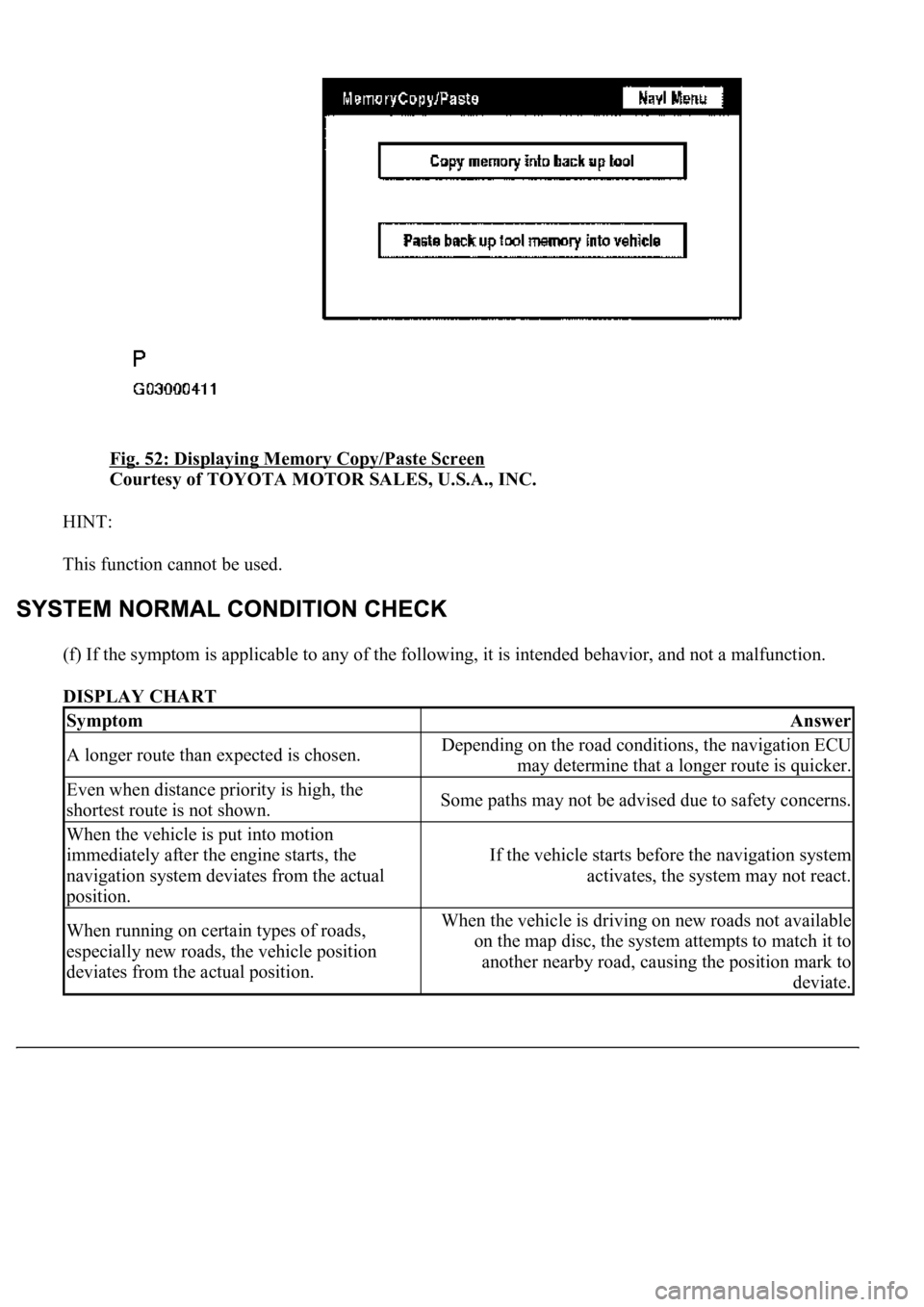
Fig. 52: Displaying Memory Copy/Paste Screen
Courtesy of TOYOTA MOTOR SALES, U.S.A., INC.
HINT:
This function cannot be used.
(f) If the symptom is applicable to any of the following, it is intended behavior, and not a malfunction.
DISPLAY CHART
SymptomAnswer
A longer route than expected is chosen.Depending on the road conditions, the navigation ECU
may determine that a longer route is quicker.
Even when distance priority is high, the
shortest route is not shown.Some paths may not be advised due to safety concerns.
When the vehicle is put into motion
immediately after the engine starts, the
navigation system deviates from the actual
position.
If the vehicle starts before the navigation system
activates, the system may not react.
When running on certain types of roads,
especially new roads, the vehicle position
deviates from the actual position.When the vehicle is driving on new roads not available
on the map disc, the system attempts to match it to
another nearby road, causing the position mark to
deviate.
Page 4492 of 4500
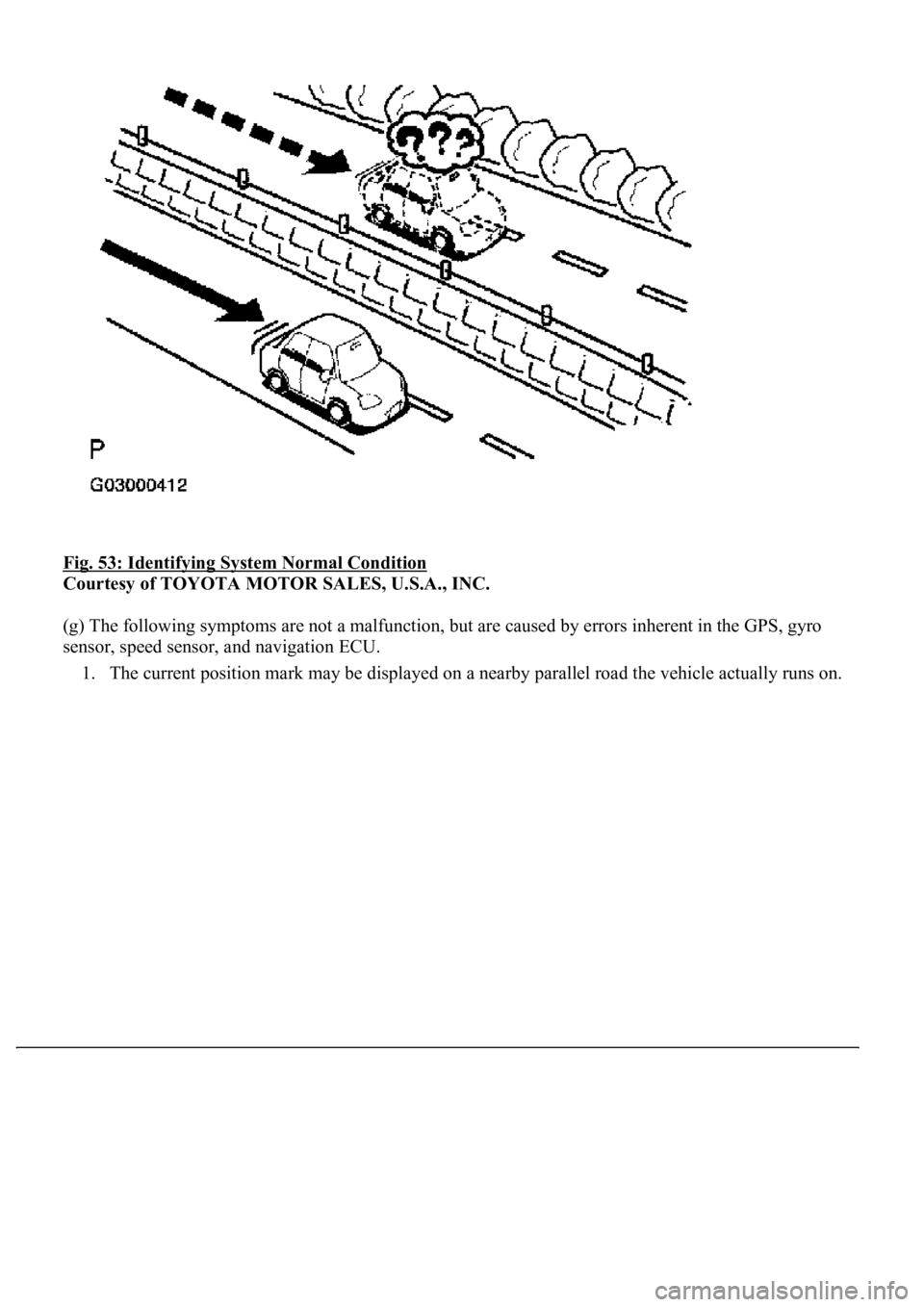
Fig. 53: Identifying System Normal Condition
Courtesy of TOYOTA MOTOR SALES, U.S.A., INC.
(g) The following symptoms are not a malfunction, but are caused by errors inherent in the GPS, gyro
sensor, speed sensor, and navigation ECU.
1. The current position mark may be displayed on a nearby parallel road the vehicle actually runs on.