engine LEXUS RX200T 2017 Owners Manual
[x] Cancel search | Manufacturer: LEXUS, Model Year: 2017, Model line: RX200T, Model: LEXUS RX200T 2017Pages: 776, PDF Size: 44.51 MB
Page 425 of 776
4254-5. Using the driving support systems
4
Driving
RX350/RX200t_EE_OM48F32E
■Turning off both TRC and VSC systems
To turn the TRC and VSC systems off, pr ess and hold for more than 3 seconds
while the vehicle is stopped.
The VSC OFF indicator light will come on an d the “Traction Control Turned Off” will be
shown on the multi-information display.
*
Press again to turn the systems back on.
*: On vehicles with PCS (Pre-Crash Safety system), pre-crash brake assist and pre-
crash braking will also be disabled. ( P. 312)
■When the message is displayed on the mult i-information display showing that TRC has
been disabled even if the VSC OFF switch has not been pressed
TRC cannot be operated. Contact any authoriz ed Lexus dealer or repairer, or another
duly qualified and equipped professional.
■Operating conditions of hill-start assist control
When the following four conditions are met, the hill-start assist control will operate:
●The shift lever is in a position other than P or N (when starting off forward/backward on
an upward incline).
●The vehicle is stopped
●The accelerator pedal is not depressed
●The parking brake is not engaged
■Automatic system cancelation of hill-start assist control
The hill-start assist control will turn off in any of the following situations:
●The shift lever is shifted to P or N
●The accelerator pedal is depressed
●The parking brake is engaged
●Approximately 2 seconds elapse after the brake pedal is released
■Sounds and vibrations caused by the ABS, brake assist, TRC, VSC and hill-start assist
control systems
●A sound may be heard from the engine compartment when the brake pedal is
depressed repeatedly, when the engine is st arted or just after the vehicle begins to
move. This sound does not indicate that a malfunction has occurred in any of these sys-
tems.
●Any of the following conditions may occu r when the above systems are operating.
None of these indicates that a malfunction has occurred.
• Vibrations may be felt through the vehicle body and steering.
• A motor sound may be heard also after the vehicle comes to a stop.
• The brake pedal may pulsate slig htly after the ABS is activated.
• The brake pedal may move down slig htly after the ABS is activated.
■EPS operation sound
When the steering wheel is operated, a motor sound (whirring sound) may be heard.
This does not indicate a malfunction.
Page 426 of 776
4264-5. Using the driving support systems
RX350/RX200t_EE_OM48F32E
■Automatic reactivation of TRC and VSC systems
After turning the TRC and VSC systems off, the systems will be automatically re-enabled in the following situations:
●When the engine switch is turned off
●If only the TRC system is turned off, the TR C will turn on when vehicle speed increases
If both the TRC and VSC systems are turned off, automatic re-enabling will not occur
when vehicle speed increases.
■Reduced effectiveness of the EPS system
The effectiveness of the EPS system is redu ced to prevent the system from overheating
when there is frequent steering input over an extended period of time. The steering wheel may feel heavy as a result. Should this occur, refrain from excessive steering input or stop the vehicle and turn the engine off. The EPS system should return to normal
within 10 minutes.
■Operating conditions of emergency brake signal
When the following three conditions are me t, the emergency brake signal will operate:
●The emergency flashers are off.
●Actual vehicle speed is over 55 km/h (35 mph).
●The brake pedal is depressed in a manner that cause the system to judge from the vehi-
cle deceleration that this is a sudden braking operation.
■Automatic system cancelation of emergency brake signal
The emergency brake signal will turn of f in any of the following situations:
●The emergency flashers are turned on.
●The brake pedal is released.
●The system judges from the vehicle deceleration that is not a sudden braking operation.
Page 429 of 776
429
4
Driving
RX350/RX200t_EE_OM48F32E
4-6. Driving tips
●Use fluids that are appropriate to the prevailing outside temperatures.
•Engine oil
• Engine coolant
• Washer fluid
●Have a service technician inspect the condition of the battery.
●Have the vehicle fitted with four snow tires or purchase a set of tire chains for
the front tires.
Ensure that all tires are of the specified size and the same brand, and that chains match the size of the tires.
Perform the following according to the driving conditions:
●Do not try to forcibly open a window or move a wiper that is frozen. Pour
warm water over the frozen area to melt the ice. Wipe away the water imme-
diately to prevent it from freezing.
●To ensure proper operation of the climate control system fan, remove any
snow that has accumulated on the air inlet vents in front of the windshield.
●Check for and remove any excess ice or snow that may have accumulated on
the exterior lights, vehicle’s roof, chassi s, around the tires or on the brakes.
●Remove any snow or mud from the bottom of your shoes before getting in the
vehicle.
Winter driving tips
Carry out the necessary preparations and inspections before driving the vehi-
cle in winter. Always drive the vehicle in a manner appropriate to the prevail-
ing weather conditions.
Pre-winter preparations
Before driving the vehicle
Page 431 of 776
4314-6. Driving tips
4
Driving
RX350/RX200t_EE_OM48F32E
To enable the windshield wipers to be lifted when heavy snow or icy conditions
are expected, change the rest position of the windshield wipers from the
retracted position below the hood to the service position using the wiper lever.
( P. 283)
■Tire chain installation
Observe the following precautions wh en installing and removing chains:
●Install and remove tire chains in a safe location.
●Install tire chains on the front tires only. Do not install tire chains on the rear tires.
●Install tire chains on front tires as tightly as possible. Retighten chains after driving
0.5 - 1.0 km (1/4 - 1/2 mile).
●Install tire chains following the instru ctions provided with the tire chains.
Windshield wipers
WARNING
■Driving with snow tires
Observe the following precautions to reduce the risk of accidents. Failure to do so may result in a loss of vehicle control and cause death or serious injury.
●Use tires of the specified size.
●Maintain the recommended level of air pressure.
●Do not drive at speeds in excess of the speed limit or the speed limit specified for the
snow tires being used.
●Use snow tires on all, not just some wheels.
■Driving with tire chains
Observe the following precautions to reduce the risk of accidents. Failure to do so may result in the vehicle being unable to be driven safely, and may cause death or serious injury.
●Do not drive in excess of the speed limit sp ecified for the tire chains being used, or 50 km/h (30 mph), whichever is lower.
●Avoid driving on bumpy road surfaces or over potholes.
●Avoid sudden acceleration, abrupt steering, sudden braking and shifting operations that cause sudden engine braking.
●Slow down sufficiently before entering a curve to ensure that vehicle control is main-
tained.
●Do not use the LKA (Lane-Keeping Assist) system. (if equipped)
Page 435 of 776
4354-6. Driving tips
4
Driving
RX350/RX200t_EE_OM48F32E
NOTICE
■To prevent water damage
Take all necessary safety measures to ensure that water damage to the engine or other components does not occur.
●Water entering the engine air intake will cause severe engine damage.
●Water entering the automatic transmission will cause deterioration in shift quality, locking up of your transmission accompanied by vibration, and ultimately damage.
●Water can wash the grease from wheel bear ings, causing rusting and premature fail- ure, and may also enter the differential, transmission and transfer (AWD models only)case, reducing the gear o il’s lubricating qualities.
■When you drive through water
If driving through water, such as when crossing shallow streams, first check the depth of the water and the bottom of the riverbed for firmness. Drive slowly and avoid deep
water.
■Inspection after off-road driving
●Sand and mud that has accumulated around brake discs may affect braking efficiency
and may damage brake system components.
●Always perform a maintenance inspection after each day of off-road driving that has taken you through rough terrain, sand, mud, or water.
Page 443 of 776
4435-1. Basic Operations
5
Lexus Display Audio system
RX350/RX200t_EE_OM48F32E
■When using the screen
●Under extremely cold conditions, the Lexus Display Audio controller may react slowly.
●If the screen is cold, the display may be dark, or the system may seem to be operating slightly slower than normal.
●The screen may seem dark and hard to se e when viewed through sunglasses. Change your angle of viewing, adjust the display on the “Display” screen (P. 453) or remove your sunglasses.
■Using cellular phones
Interference may be heard through the audio system’s speakers if a cellular phone is being used inside or close to the vehicle while the audio system is operating.
WARNING
■Using the Lexus Display Audio controller
Be careful when touching the Lexus Display Audio controller in extreme temperatures as it may become very hot or cold due to the temperature inside the vehicle.
■Laser product
●CAUTIONEN/IEC 60825-1:2007Use of controls or adjustments or performa nce of procedures other than those spec-
ified herein may result in hazardous radiation exposure. A warning label is affixed on the back of this product.
NOTICE
■To prevent Lexus Display Audio controller malfunction
●Do not allow the Lexus Display Audio controller to come into contact with food, liq-
uid, stickers or lit cigarettes as doing so may cause it to change color, emit a strange odor or stop functioning.
●Do not subject the Lexus Display Audio controller to excessive pressure or strong
impact as the controller may bend or break off.
■To prevent battery discharge
Do not leave the audio system on longer than necessary when the engine is off.
■To avoid damaging the audio system
Take care not to spill drinks or other fluids on the audio system.
Page 486 of 776
4865-7. Connecting Bluetooth®
RX350/RX200t_EE_OM48F32E
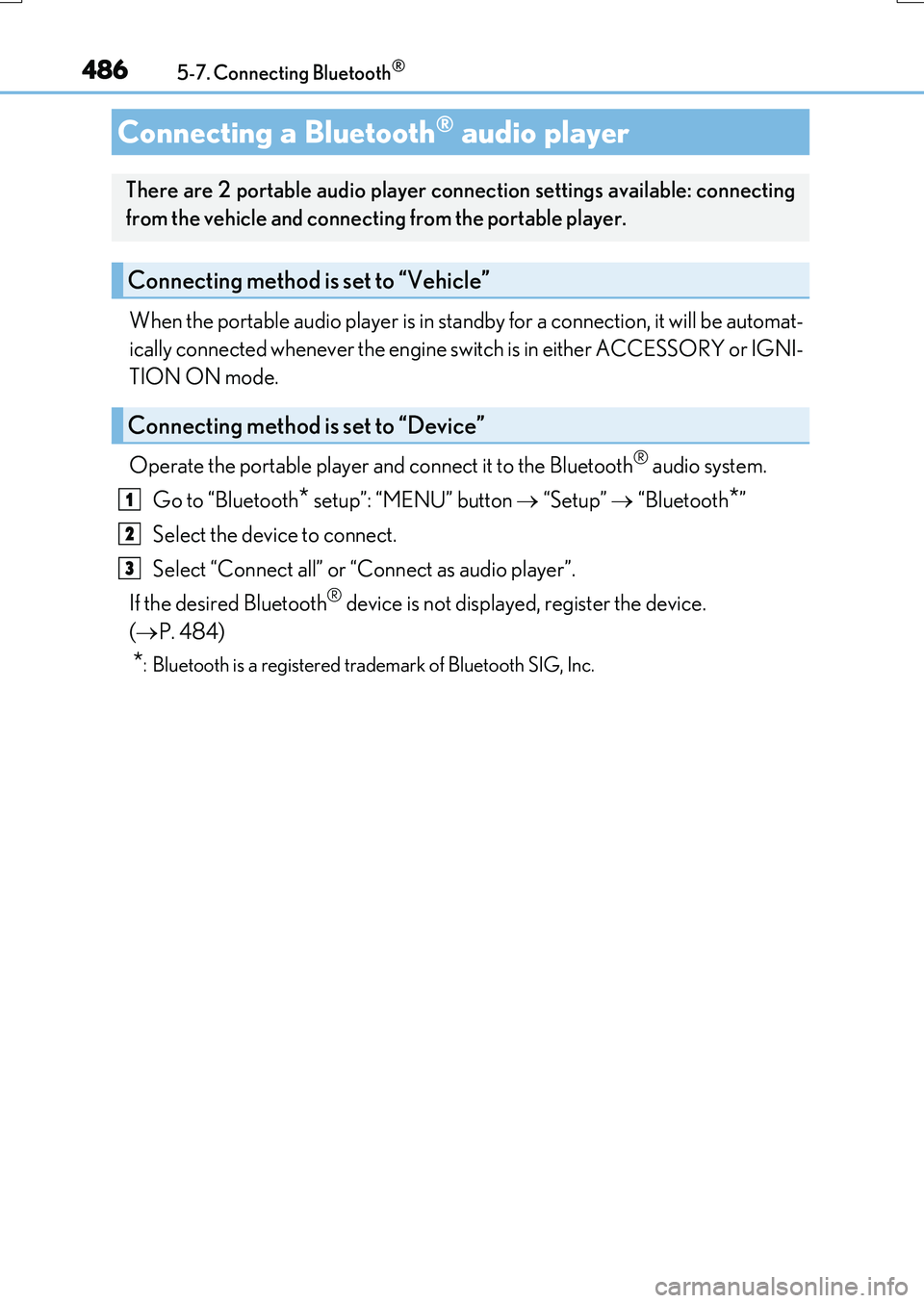
When the portable audio player is in standby for a connection, it will be automat-
ically connected whenever the engine switch is in either ACCESSORY or IGNI-
TION ON mode.
Operate the portable player and connect it to the Bluetooth® audio system.
Go to “Bluetooth* setup”: “MENU” button “Setup” “Bluetooth*”
Select the device to connect.
Select “Connect all” or “Connect as audio player”.
If the desired Bluetooth® device is not displayed, register the device.
( P. 484)
*: Bluetooth is a registered trademark of Bluetooth SIG, Inc.
Connecting a Bluetooth® audio player
There are 2 portable audio player connection settings available: connecting
from the vehicle and connecting from the portable player.
Connecting method is set to “Vehicle”
Connecting method is set to “Device”
1
2
3
Page 487 of 776
4875-7. Connecting Bluetooth®
5
Lexus Display Audio system
RX350/RX200t_EE_OM48F32E
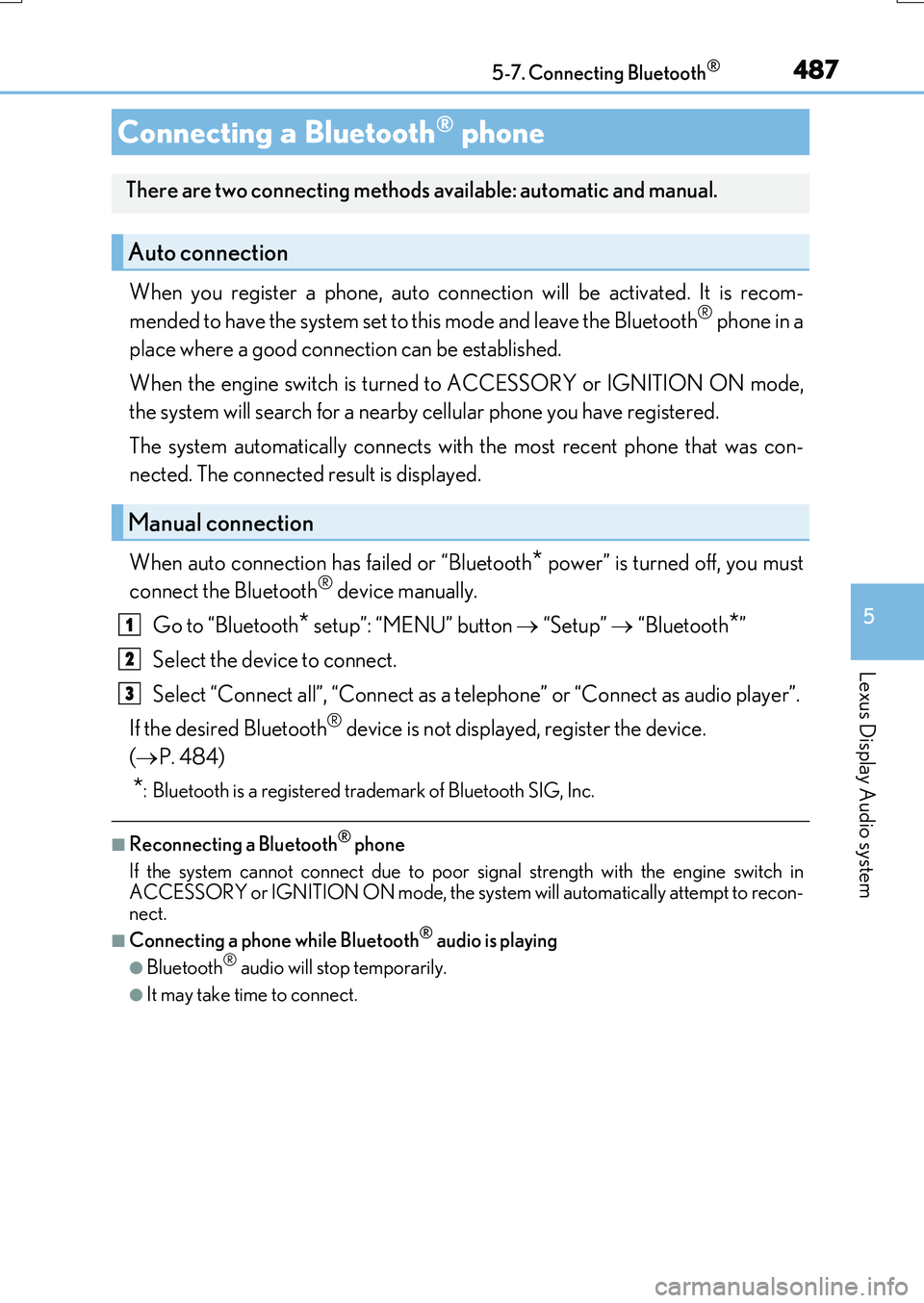
When you register a phone, auto connection will be activated. It is recom-
mended to have the system set to this mode and leave the Bluetooth® phone in a
place where a good connection can be established.
When the engine switch is turned to ACCESSORY or IGNITION ON mode,
the system will search for a nearby cellular phone you have registered.
The system automatically connects with the most recent phone that was con-
nected. The connected result is displayed.
When auto connection has failed or “Bluetooth* power” is turned off, you must
connect the Bluetooth® device manually.
Go to “Bluetooth* setup”: “MENU” button “Setup” “Bluetooth*”
Select the device to connect.
Select “Connect all”, “Connect as a telephone” or “Connect as audio player”.
If the desired Bluetooth® device is not displayed, register the device.
( P. 484)
*: Bluetooth is a registered trademark of Bluetooth SIG, Inc.
■Reconnecting a Bluetooth® phone
If the system cannot connect due to poor signal strength with the engine switch in ACCESSORY or IGNITION ON mode, the syst em will automatically attempt to recon-
nect.
■Connecting a phone while Bluetooth® audio is playing
●Bluetooth® audio will stop temporarily.
●It may take time to connect.
Connecting a Bluetooth® phone
There are two connecting methods available: automatic and manual.
Auto connection
Manual connection
1
2
3
Page 508 of 776
5085-10. Phonebook
RX350/RX200t_EE_OM48F32E
You can register the desired contact from the phonebook. Up to 15 contacts per
phone can be registered.
Go to “Add favourite”: “MENU” button “Setup” “Telephone” “Con-
tact/call history settings” “Add favourite”
Choose the contact to register.
Go to “Remove favourite”: “MENU” button “Setup” “Telephone”
“Contact/call history settings” “Remove favourite”
Select the desired contacts.
You can select all contacts by selecting “Select all”.
Move the controller to the left and select “Remove”.
Go to “Delete contacts”: “MENU” button “Setup” “Telephone”
“Contact/call history settings” “Delete contacts”
Select the desired contacts.
You can select all contacts by selecting “Select all”.
Move the controller to the left and select “Delete”.
■Phonebook data
Phonebook data is managed separately for every registered phone. When one phone is connected, you cannot read the registered data of the other phones.
■When transferring contacts
Transfer contacts while the engine is running. If the cellular phone is OPP or PBAP compat ible, you may need to input “1234” on the
cellular phone for OBEX certification.
■When you have selected “Replace contacts” or “Add contact” to transfer contacts
If the cellular phone does not support OPP se rvice, you cannot use these functions. You
can transfer the phonebook data only by operating your phone.
■Transferring contacts while Bluetooth® audio is playing
Bluetooth® audio will disconnect. It will reconnect automatically when data transfer fin-
ishes. It may not reconnect dependin g on the phone which is connected.
Registering favorites
Removing favorites
Deleting the contacts data
1
2
1
2
3
1
2
3
Page 515 of 776
5155-11. Bluetooth®
5
Lexus Display Audio system
RX350/RX200t_EE_OM48F32E
■Compatible models
The Bluetooth® audio system supports portable audio players with the following specifi- cations
●Bluetooth® specifications: Ver. 2.0, or higher (Recommend ed: Ver. 3.0 +EDR or higher)
●Profiles:
• A2DP (Advanced Audio Distribution Profile) Ver. 1.0, or higher (Recommended: Ver. 1.2 or higher) This is a profile to transmit stereo audio or high quality sound to the audio system.
• AVRCP (Audio/Video Remote Control Profile) Ver. 1.0 or higher (Recommended: Ver. 1.4 or higher) This is a profile to allow remote control the A/V equipment.
However, please note that some functions may be limited depending on the type of por- table audio player connected.
The hands-free system supports cellular ph ones with the following specifications.
●Bluetooth® specification: Ver. 2.0 or higher (Recommended : Ver. 3.0 +EDR or higher)
●Profiles:
• HFP (Hands Free Profile) Ver. 1.0 or higher (Recommended: Ver. 1.6 or higher) This is a profile to allow hands-free phone calls using a cellular phone or head set. It has outgoing and incoming call functions.
• OPP (Object Push Profile) Ver. 1.1 or higher (Recommended: Ver. 1.2) This is a profile to transfer phonebook data. When a Bluetooth® compatible cellular phone has both PBAP and OPP, OPP cannot be used.
• PBAP (Phone Book Access Profile) Ver. 1.0 or higher (Recommended: Ver. 1.1) This is a profile to tr ansfer phonebook data.
• MAP (Message Access Profile) Ver.1.0 or higher This is a profile to using phone message.If the cellular phone does not support HFP, you cannot register it with the hands-free sys-
tem. OPP, PBAP or MAP services must be selected individually.
■Reconnecting the portable audio player
If the portable audio player is disconnect ed due to poor reception when the engine
switch is turned to ACCESSORY or IGNITION ON mode, the system automatically reconnects the portable audio player.
If you have switched off the portable audio player yourself, follow the instructions below
to reconnect:
●Select the portable audio player again
●Enter the portable audio player
■When you sell your car
Be sure to delete your personal data. ( P. 451)