phone LEXUS RX350 2011 Service Manual
[x] Cancel search | Manufacturer: LEXUS, Model Year: 2011, Model line: RX350, Model: LEXUS RX350 2011Pages: 821, PDF Size: 13.27 MB
Page 447 of 821
377
3-4. Using the hands-free phone system (for mobile phones)
3
Interior features
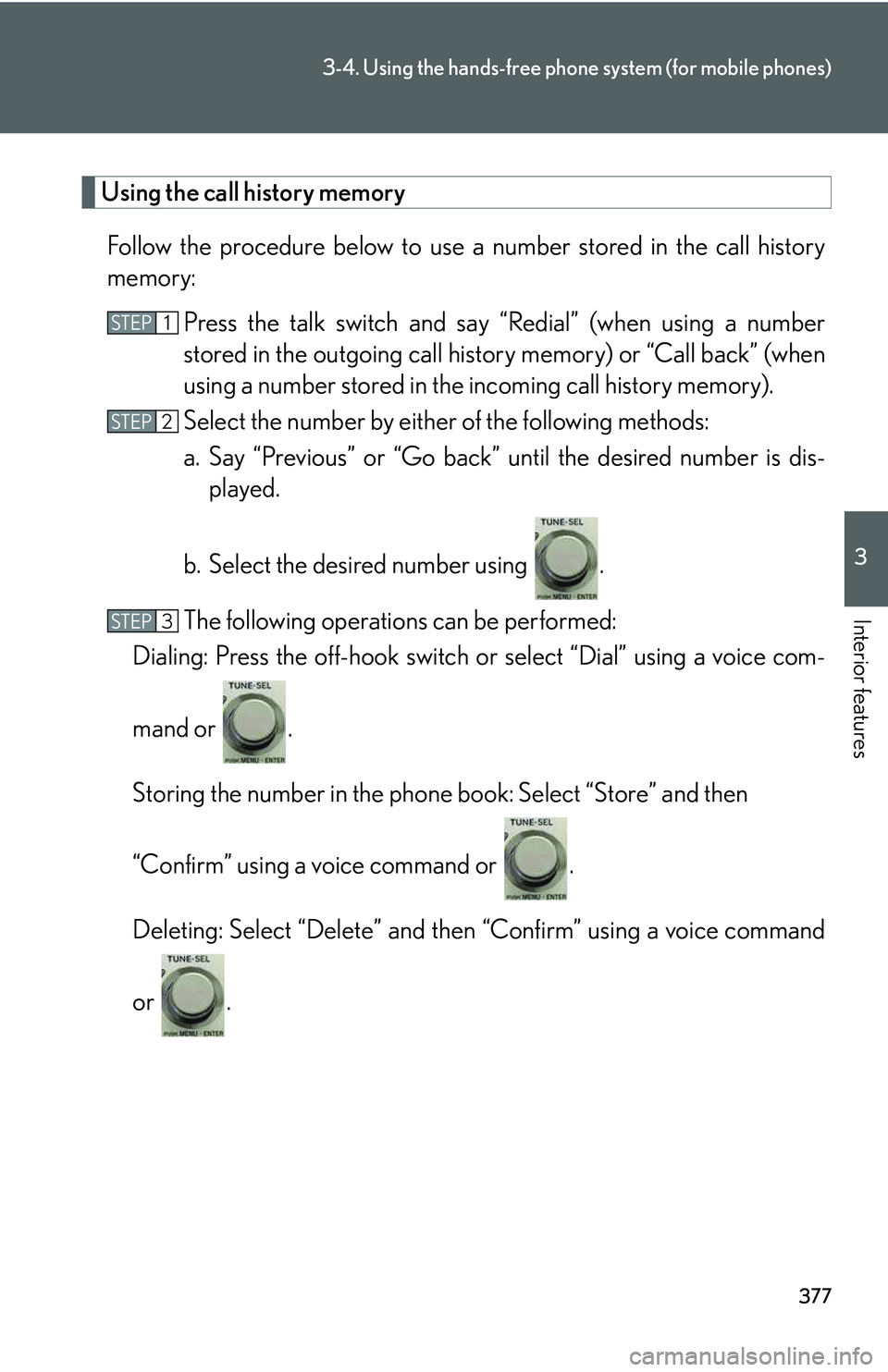
Using the call history memory
Follow the procedure below to use a number stored in the call history
memory:
Press the talk switch and say “Redial” (when using a number
stored in the outgoing call history memory) or “Call back” (when
using a number stored in the incoming call history memory).
Select the number by either of the following methods:
a. Say “Previous” or “Go back” until the desired number is dis-
played.
b. Select the desired number using .
The following operations can be performed:
Dialing: Press the off-hook switch or select “Dial” using a voice com-
mand or .
Storing the number in the phone book: Select “Store” and then
“Confirm” using a voice command or .
Deleting: Select “Delete” and then “Confirm” using a voice command
or .
STEP1
STEP2
STEP3
Page 448 of 821
378
3-4. Using the hands-free phone system (for mobile phones)
nCall waiting
lIf your phone does not support HFP Ver. 1.5, this function cannot be used.
lCall waiting operation may differ depending on your mobile phone and service
provider.
nCall history
Up to 5 numbers can be stored in each of the outgoing and incoming call history
memories.
nWhen talking on the phone
lDo not talk simultaneously with the other party.
lKeep the volume of the received voice down. Otherwise, voice echo will
increase.
Page 449 of 821
379
3-4. Using the hands-free phone system (for mobile phones)
3
Interior features
Setting a mobile phone
Registering a mobile phone in the hands-free phone system allows the sys-
tem to function. The following functions can be used for registered mobile
phones:
nFunctions and operation procedures
To enter the menu for each function, follow the steps below using a
voice command or :
lRegistering a mobile phone
1. “Setup” → 2. “Phone Setup” → 3. “Pair Phone”
lSelecting a mobile phone to be used
1. “Setup” → 2. “Phone Setup” → 3. “Connect Phone (Connect)”
lChanging the registered name of a mobile phone
1. “Setup” → 2. “Phone Setup” → 3. “Change Name”
lListing the registered mobile phones
1. “Setup” → 2. “Phone Setup” → 3. “List Phones”
lChanging the passkey
1. “Setup” → 2. “Phone Setup” → 3. “Set Passkey”
lDeleting a registered mobile phone
1. “Setup” → 2. “Phone Setup” → 3. “Delete Phone”
Page 450 of 821

380
3-4. Using the hands-free phone system (for mobile phones)
Registering a mobile phone
Select “Pair Phone” using a voice command or , and perform the
procedure for registering a mobile phone. (→P. 369)
Selecting a mobile phone to be used
Select “Connect Phone (Connect)” using a voice command or
.
Pattern A
Select the mobile phone to be used by either of the following
methods, and select “Confirm” by using a voice command or
:
a. Press the talk switch and say the name of the desired mobile
phone.
b. Press the talk switch and say “List Phones”. When the name of
the desired mobile phone is read aloud, press the talk switch.
Pattern B
Select the mobile phone to be used using .
STEP1
STEP2
STEP2
Page 451 of 821
381
3-4. Using the hands-free phone system (for mobile phones)
3
Interior features
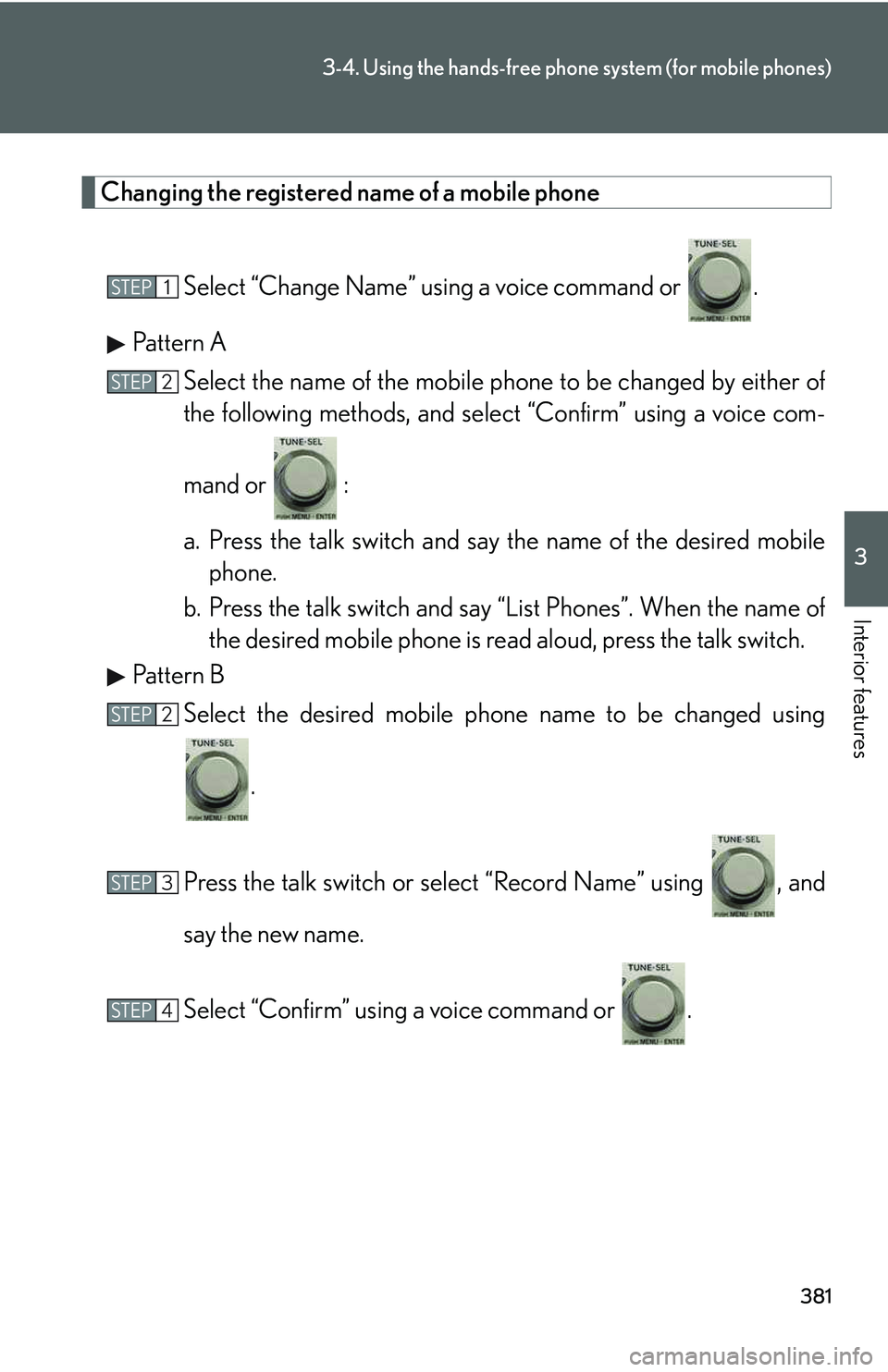
Changing the registered name of a mobile phone
Select “Change Name” using a voice command or .
Pattern A
Select the name of the mobile phone to be changed by either of
the following methods, and select “Confirm” using a voice com-
mand or :
a. Press the talk switch and say the name of the desired mobile
phone.
b. Press the talk switch and say “List Phones”. When the name of
the desired mobile phone is read aloud, press the talk switch.
Pattern B
Select the desired mobile phone name to be changed using
.
Press the talk switch or select “Record Name” using , and
say the new name.
Select “Confirm” using a voice command or .
STEP1
STEP2
STEP2
STEP3
STEP4
Page 452 of 821
382
3-4. Using the hands-free phone system (for mobile phones)
Listing the registered mobile phones
Select “List Phones” using a voice command or . The list of regis-
tered mobile phones will be read aloud.
When listing is complete, the system returns to “Phone Setup”.
Pressing the talk switch while the name of a mobile phone is being read
aloud selects the mobile phone, and the following functions will become
available:
lSelecting a mobile phone: “Connect Phone (Connect)”
lChanging a registered name: “Change Name”
lDeleting a mobile phone: “Delete Phone”
Changing the passkey
Select “Set Passkey” using a voice command or .
Pattern A
Press the talk switch, say a 4 to 8-digit number, and select “Con-
firm” using a voice command or .
STEP1
STEP2
Page 453 of 821
383
3-4. Using the hands-free phone system (for mobile phones)
3
Interior features
Pattern B
Select a 4 to 8-digit number using .
The number should be input 1 digit at a time.
When the entire number to be registered as a passkey has been
input, press again.
If the number to be registered has 8 digits, pressing of the knob is not
necessary.
Deleting a registered mobile phone
Select “Delete Phone” using a voice command or .
Pattern A
Select the mobile phone to be deleted by either of the following
methods and select “Confirm” using a voice command or :
a. Press the talk switch and say the name of the desired mobile
phone.
b. Press the talk switch and say “List Phones”. When the name of
the desired mobile phone is read aloud, press the talk switch.
STEP2
STEP3
STEP1
STEP2
Page 454 of 821
384
3-4. Using the hands-free phone system (for mobile phones)
Pattern B
Select the desired mobile phone to be deleted using .
If the mobile phone to be deleted is paired as a Bluetooth® audio player,
the registration of the audio player can be deleted at the same time. A
voice guidance instruction to delete a Bluetooth® audio player is heard.
Select “Yes” or “No” using a voice command or .
(Bluetooth® audio player →P. 343)
nThe number of mobile phones that can be registered
Up to 6 mobile phones can be registered in the system.
STEP2
STEP3
Page 455 of 821
385
3-4. Using the hands-free phone system (for mobile phones)
3
Interior features
Security and system setup
nSecurity setting items and operation procedures
To enter the menu for each function, follow the steps below using a
voice command or :
lSetting or changing the PIN (Personal Identification Number)
1. “Setup” → 2. “Security” → 3. “Set PIN”
lLocking the phone book
1. “Setup” → 2. “Security” → 3. “Phonebook Lock (Phbk Lock)”
lUnlocking the phone book
1. “Setup” → 2. “Security” → 3. “Phonebook Unlock (Phbk
Unlock)”
nSystem setup items and operation procedures
To enter the menu for each function, follow the steps below using
:
lSetting voice guidance volume
1. “Setup” → 2. “System Setup” → 3. “Guidance Vol”
lDisplaying the Bluetooth® device address and name
1. “Setup” → 2. “System Setup” → 3. “Device Name”
lInitializing the system
1. “Setup” → 2. “System Setup” → 3. “Initialize”
Page 456 of 821
386
3-4. Using the hands-free phone system (for mobile phones)
Setting or changing the PIN
nSetting a PIN
Select “Set PIN” using a voice command or .
Enter a PIN using a voice command or .
When using , input the code 1 digit at a time.
nChanging the PIN
Select “Set PIN” using a voice command or .
Enter the registered PIN using a voice command or .
Enter a new PIN using a voice command or .
When using , input the code 1 digit at a time.
Locking or unlocking the phone book
Select “Phonebook Lock (Phbk Lock)” or “Phonebook Unlock
(Phbk Unlock)” using a voice command or .
STEP1
STEP2
STEP1
STEP2
STEP3
STEP1