Ring LINCOLN MARK VIII 1997 User Guide
[x] Cancel search | Manufacturer: LINCOLN, Model Year: 1997, Model line: MARK VIII, Model: LINCOLN MARK VIII 1997Pages: 315, PDF Size: 2.18 MB
Page 44 of 315

39
Function/Status Error MessagesFor some functions displayed by the Message
Center, there will be error messages displayed,
instead of the requested information, if that
information is not currently available because of
improper operation of sensor systems, or the vehicle
network communication between electronic
modules. In this case instead of displaying a
warning message which takes control of the display,
a function/status error message will be displayed
when the affected function is requested. These
messages will have 2 formats:
1. Data error messages in the form ªDATA
ERRORº or ªDATA ERRº. These messages
indicate improper operation of the vehicle
network communication between electronics
modules. If these messages occur on a regular
basis contact your dealer for service as soon as
safely possible.2. Invalid sensor operation messages with the form
ªSENSOR OPENº or ªSENSOR SHORTº. These
messages indicate improper operation of vehicle
sensor systems, or vehicle wiring/connectors
between the sensors and Message Center. If
these messages occur on a regular basis contact
your dealer for service as soon as safely
possible.
Electronic CompassThe electronic compass will be displayed when the
COMPASS switch is pressed. The display shows the
direction your car is traveling as one of the
following directions: North, Northeast, East,
Southeast, South, Southwest, West, or Northwest.
If a warning becomes active, the warning message
will override the compass display.
File:03fnis8.ex
Update:Thu Jun 27 10:00:37 1996
Page 46 of 315
41
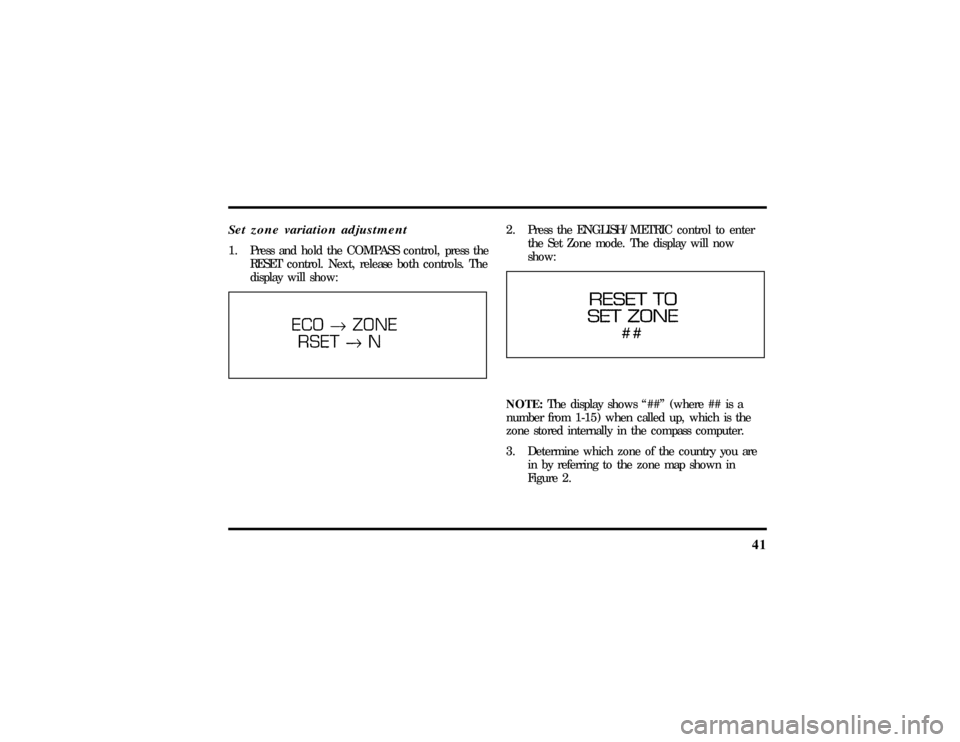
Set zone variation adjustment1. Press and hold the COMPASS control, press the
RESET control. Next, release both controls. The
display will show:
2. Press the ENGLISH/METRIC control to enter
the Set Zone mode. The display will now
show:NOTE:The display shows ª##º (where ## is a
number from 1-15) when called up, which is the
zone stored internally in the compass computer.
3. Determine which zone of the country you are
in by referring to the zone map shown in
Figure 2.
File:03fnis8.ex
Update:Thu Jun 27 10:00:37 1996
Page 49 of 315
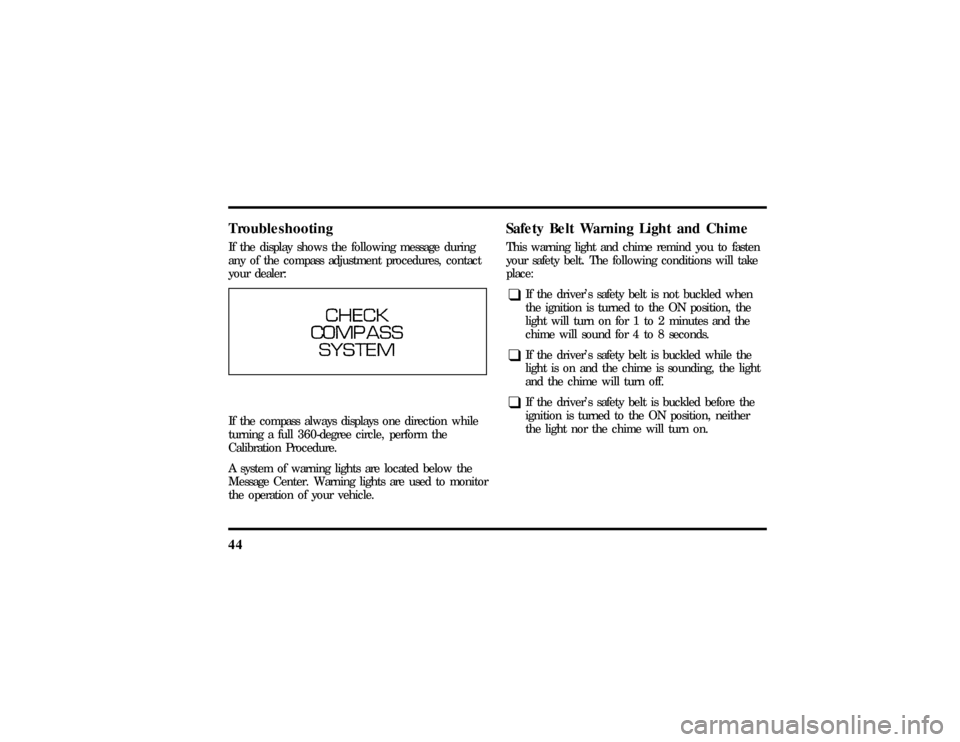
44TroubleshootingIf the display shows the following message during
any of the compass adjustment procedures, contact
your dealer:If the compass always displays one direction while
turning a full 360-degree circle, perform the
Calibration Procedure.
A system of warning lights are located below the
Message Center. Warning lights are used to monitor
the operation of your vehicle.
Safety Belt Warning Light and ChimeThis warning light and chime remind you to fasten
your safety belt. The following conditions will take
place:q
If the driver's safety belt is not buckled when
the ignition is turned to the ON position, the
light will turn on for 1 to 2 minutes and the
chime will sound for 4 to 8 seconds.
q
If the driver's safety belt is buckled while the
light is on and the chime is sounding, the light
and the chime will turn off.
q
If the driver's safety belt is buckled before the
ignition is turned to the ON position, neither
the light nor the chime will turn on.
File:03fnis8.ex
Update:Thu Jun 27 10:00:37 1996
Page 61 of 315

56To stop the scan mode on the presently sampled
tape selection, press ªSCANº a second time.q
How to change the side of the tape being
played
The alternate side of the tape can be selected by
pressing the ªSIDE 1-2º button.
How to eject the tapeTo stop the tape and eject the cassette, press the
ªEJº button. The radio will resume playing if the
radio power is on. The tape cartridge can be ejected
with radio power (and/or ignition) on or off.How to store the tapePress the ªAM/FMº button to stop the tape player
and resume radio play.Using the DolbyHB noise reduction
featurePush thekbutton to activate Dolby B Noise
Reduction. Press again to deactivate.
Automatic tape tighteningYour audio system cassette tape player automatically
goes into momentary fast rewind (approximately 1
second) when a tape is first inserted to tighten any
loose tape in the cartridge.Tips on Caring for the Cassette Player
and TapesIn order to keep your cassette tape player
performing the way it was meant to, read and
follow these simple precautions:q
Using a Ford or equivalent cassette cleaning
cartridge to clean the tape player head after
10-12 hours of play will help maintain the best
playback sound and proper tape operation.
q
Only cassettes that are 90 minutes long or less
should be used. Tapes longer than 90 minutes
are thinner and subject to breakage or may jam
the tape player mechanism.
File:04fnas8.ex
Update:Wed Jun 19 10:43:44 1996
Page 67 of 315

62If the CD Changer is empty, ªNO CDº will flash in
the display and radio play will continue.
If your vehicle is not equipped with the Ford
10-CD system and the ªCDº button is pushed, ªNO
DJº will flalsh and radio play will continue.How to change the disc being playedWhen in the CD mode, you can change discs by
pressing the right (
a) side of the ªTUNE DISCSº
button (to select the next disc) or the left (
b) side
of the ªTUNE DISCSº button (to select the previous
disc). Play will begin on the first track of the
selected disc.
When either side of the button is pressed and held,
the CD changer will continue fast-forwarding or
reversing through the discs in the disc magazine.
During these functions, the display will indicate the
disc number.
How to change the track being playedPress the right (
a) side of the ªSEEKº button to
seek forward to the next track of current disc. After
the last track has been completed, the CD player
automatically wraps back to the first track of the
current disc.
Press the left (
b) side of the SEEK button to seek
in reverse to the previous track on the current disc.
If a selection has been playing for three seconds or
more and you press the left (
b) side of the SEEK
button, the CD Changer will replay that selection
from the beginning.Operating the CD Compression featureThe compression feature will bring soft and loud
passages closer together for a more consistent
listening level.
To turn the compression on, press the
ªCOMPRESSº/#5 button. When the compression
feature is activated, the display will indicate ªCº.
File:04fnas8.ex
Update:Wed Jun 19 10:43:44 1996
Page 71 of 315

66AntennaThe antenna for the audio system is integral to the
rear window glass. The AM portion of the antenna
uses the same pattern of lines as the grid for the
rear defroster. The FM portion of the antenna uses
the top three lines on the glass, which are indicated
by the word ªRADIO.ºCommon Radio Reception
ConditionsSeveral conditions prevent FM reception from being
completely clear and noise-free, such as the
following:Distance/StrengthThe strength of the FM signal is directly related to
the distance the signal must travel. The listenable
range of an average FM signal is approximately 24
miles (40 km). Beyond this distance, the radio is
operating in a ªfringeº area and the signal becomes
weaker. Also, ªSignal Modulationº is used by somestations to increase their ªloudnessº relative to other
stations. The difference in loudness can be a result
of signal modulation as well as signal strength.
TerrainThe terrain (hilly, mountainous, tall buildings) of the
area over which the signal travels may prevent the
FM signal from being noise-free.
If there is a building or large structure between the
antenna and station, some of the signal ªbendsº
around the building, but certain spots receive almost
no signal. Moving out of the ªshadowº of the
structure will allow the station to return to normal.
When the radio waves are reflected off objects or
structures, the reflected signal cancels the normal
signal, causing the antenna to pick up noise and
distortion. Cancellation effects are most prominent
in metropolitan areas, but also can become quite
severe in hilly terrain and depressed roadways.
File:04fnas8.ex
Update:Wed Jun 19 10:43:44 1996
Page 85 of 315

80Setting the Autolamp On/Off Delay
SystemBy using the autolamp, you can set the headlamps
to:q
turn on the lamps automatically at night
q
turn off the lamps automatically during daylight
q
keep the lamps on for up to three minutes after
you turn the key to OFF.
The controls for the autolamp
To use the autolamp:
1. Make sure the headlamp control is in the OFF
position. If the control for the headlamps is
ON, you cancel the autolamp.
2. Turn the ignition key to ON or start your
vehicle.
File:05fncf8.ex
Update:Thu Jun 27 10:02:20 1996
Page 86 of 315

81
3. Rotate the headlamp control counterclockwise
from the OFF position.
NOTE:The Message Center will display the
amount of time that has been set for the autolamp
to turn off the headlamps after turning the key to
off.
4. The autolamp will automatically turn the lamps
on and off for you.
Do not put any articles on top of the photocell that
is located in the top right corner of the instrument
panel. This photocell controls the autolamp. If you
cover it, the photocell reacts as if it is nighttime,
and the lamps turn on.
To turn the autolamp off, rotate the headlamp
control clockwise to the OFF position.
To turn the autolamp off, rotate the headlamp
control clockwise to the OFF position. The message
center will display ªAUTOLAMP OFFº message.
q
The further you rotate the headlamp switch
counterclockwise, the longer the lamps will stay
on after you leave your vehicle. Similarly, if you
rotate the control only slightly, the headlamps
stay on for only a short time after you turn
your vehicle off.
Turning On Interior Lights/Instrument
Panel IlluminationWith the light control in the parking lamps or the
headlamps position, you can brighten or dim the
lights in the instrument panel. To do this, use the
thumbwheel to the left of the steering wheel. This
wheel also turns on the interior lights with the light
control on or off.
File:05fncf8.ex
Update:Thu Jun 27 10:02:20 1996
Page 91 of 315

86For lane changes, move the lever far enough to
signal but not to latch. The lever will return to the
off position when you release it.
When the turn signal is used when the headlamps
are on, the cornering lamps will automatically light
on either the right or left side depending on the
direction of the turn.High BeamsTo turn on the high beams, turn the headlamp
control switch to the headlamp ON position (or
activate the autolamp feature) and pull the turn
signal lever toward you until it latches. When the
high beams are ON, the high beam indicator light
on the instrument cluster comes on.
To turn off the high beams, push the lever away
from you until it latches. The high beam indicator
light turns off.NOTE:When the headlamps are on low beam, the
outer two headlamps are on. When the headlamps
are on high beam, the two outer headlamps will
turn off and the inner headlamps turn on.
Flashing the LightsTo flash the headlamps, pull the lever toward you
for a moment and then release it. The headlamps
will flash whether the headlamp knob is in the on
or off position.Windshield Wipers and WasherThe wiper system is controlled by the windshield
wiper control module. The windshield wiper will
operate with the ignition switch in the ACC or ON
position or in the delayed accessory mode. The
wiper system functions are as follows:
INTERMITTENTÐ Wipers run at low speed at
intervals set by rotating the barrel of the wiper
switch. The interval can be adjusted between one
to twenty seconds.
File:05fncf8.ex
Update:Thu Jun 27 10:02:20 1996
Page 95 of 315
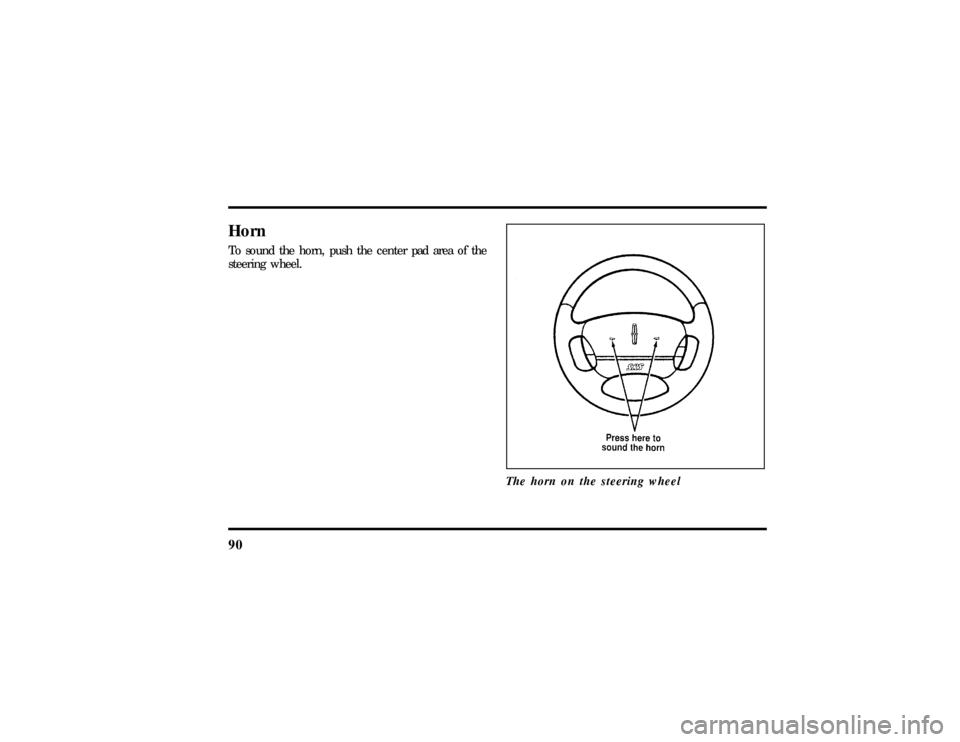
90HornTo sound the horn, push the center pad area of the
steering wheel.
The horn on the steering wheel
File:05fncf8.ex
Update:Thu Jun 27 10:02:20 1996