light LINCOLN MKT 2019 Repair Manual
[x] Cancel search | Manufacturer: LINCOLN, Model Year: 2019, Model line: MKT, Model: LINCOLN MKT 2019Pages: 575, PDF Size: 4.66 MB
Page 208 of 575
WARNING: Adaptive cruise controlis not a crash warning or avoidancesystem.
Note:It is your responsibility to stay alert,drive safely and be in control of the vehicleat all times.
The system adjusts your vehicle speed tomaintain the set gap between you and thevehicle in front of you in the same lane. Youcan select four gap settings.
The system uses a radar sensor that projectsa beam directly in front of your vehicle.
The adaptive cruise controls are on thesteering wheel.
Switching Adaptive Cruise Control On
Press and release the button.
The indicator, current gap settingand set speed appear in theinformation display.
Setting the Adaptive Cruise Speed
Drive to your preferred speed.
Press the toggle button upward ordownward to set the currentspeed.
Take your foot off the accelerator pedal.
The indicator, current gap setting and setspeed appear in the information display.
Note:When adaptive cruise control is active,the speedometer may vary slightly from theset speed displayed in the informationdisplay.
Following a Vehicle
WARNING: When following a vehicle,your vehicle does not always deceleratequickly enough to avoid a crash withoutdriver intervention. Always apply thebrakes when necessary. Failing to do somay result in a crash, serious injury ordeath.
205
MKT (TP4) , enUSA, Edition date: 201803, Second-Printing
Cruise ControlE265860 E265296 E144529 E164805 E265306 E164805
Page 210 of 575
Adaptive Cruise Control Gap Settings
DynamicbehaviorDistance GapGraphicdisplay,bars indic-atedbetweenvehicles
Sport.Closest.1
Normal.Close.2
Normal.Medium.3
Comfort.Far.4
Each time you switch the system on, itselects the last chosen gap setting.
Overriding the Set Speed
WARNING: If you override thesystem by pressing the accelerator pedal,it does not automatically apply the brakesto maintain a gap from any vehicle ahead.
When you press the accelerator pedal, youoverride the set speed and gap distance.
When you override the system, thegreen indicator light illuminatesand the vehicle image does notappear in the information display.
The system resumes operation when yourelease the accelerator pedal. The vehiclespeed decreases to the set speed, or a lowerspeed if following a slower vehicle.
Changing the Set Speed
Press the toggle button upward ordownward to increase or decreasethe set speed in small increments.
Press and hold either direction to changethe set speed in large increments. Releasethe button when you reach your preferredspeed.
Press the accelerator or brake pedal untilyou reach your preferred speed. Press thetoggle button either direction.
The system may apply the brakes to slowthe vehicle to the new set speed. The setspeed displays continuously in theinformation display when the system isactive.
Canceling the Set Speed
Press and release the button, ortap the brake pedal to cancel theset speed.
Note:The set speed is stored.
Resuming the Set Speed
Press and release to resume theset speed.
Note:Only use resume if you are aware ofthe set speed and intend to return to it.
Automatic Cancellation
The system is not functional at vehiclespeeds below 12 mph (20 km/h). Theinformation display indicates low enginespeed, an audible alarm sounds and theautomatic braking releases if the vehicledrops below this speed.
207
MKT (TP4) , enUSA, Edition date: 201803, Second-Printing
Cruise ControlE144529 E265306 E265298
Page 212 of 575
Detection issues can occur:
With vehicles that edge into yourlane that can only be detectedonce they have moved fully intoyour lane.
A
With motorcyclists that may bedetected late, or not at all.B
With vehicles in front of you whengoing into and coming out of abend. The detection beam doesnot follow sharp curves in the road.
C
In these cases, the system may brake late orunexpectedly. You should stay alert and takeaction when necessary.
If something hits the front end of your vehicleor damage occurs, the radar-sensing zonemay change. This could cause missed orfalse vehicle detection.
System Not Available
Conditions that can cause the system todeactivate or prevent the system fromactivating when requested include:
•A blocked sensor.
•High brake temperature.
•A failure in the system or a relatedsystem.
Blocked Sensor
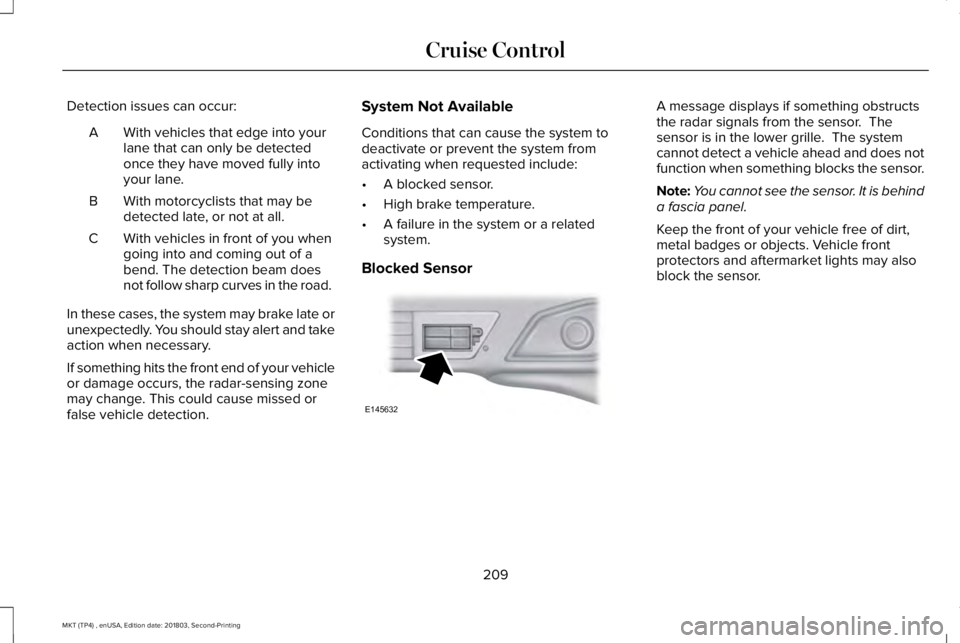
A message displays if something obstructsthe radar signals from the sensor. Thesensor is in the lower grille. The systemcannot detect a vehicle ahead and does notfunction when something blocks the sensor.
Note:You cannot see the sensor. It is behinda fascia panel.
Keep the front of your vehicle free of dirt,metal badges or objects. Vehicle frontprotectors and aftermarket lights may alsoblock the sensor.
209
MKT (TP4) , enUSA, Edition date: 201803, Second-Printing
Cruise ControlE145632
Page 214 of 575
Switching to Normal Cruise Control
WARNING: Normal cruise control willnot brake when your vehicle isapproaching slower vehicles. Always beaware of which mode you have selectedand apply the brakes when necessary.
The cruise control indicator lightreplaces the adaptive cruisecontrol indicator light if you selectnormal cruise control. The gap setting doesnot display, and the system does not respondto lead vehicles. Automatic braking remainsactive to maintain set speed.
You can change from adaptive cruise controlto normal cruise control through theinformation display.
211
MKT (TP4) , enUSA, Edition date: 201803, Second-Printing
Cruise ControlE71340
Page 217 of 575
Note:If the camera sensor cannot track theroad lane markings or if your vehicle speeddrops below approximately 40 mph(64 km/h), the alertness level will change togrey for a short time and the informationdisplay will inform you that the system isunavailable.
Resetting the System
You can reset the system by either:
•Switching the ignition off and on.
•Stopping the vehicle and then openingand closing the driver’s door.
LANE KEEPING SYSTEM (If Equipped)
WARNING: You are responsible forcontrolling your vehicle at all times. Thesystem is designed to be an aid and doesnot relieve you of your responsibility todrive with due care and attention. Failureto follow this instruction could result in theloss of control of your vehicle, personalinjury or death.
WARNING: Always drive with duecare and attention when using andoperating the controls and features on yourvehicle.
WARNING: In cold and severeweather conditions the system may notfunction. Rain, snow and spray can all limitsensor performance.
WARNING: The system will notoperate if the sensor cannot track the roadlane markings.
WARNING: The sensor mayincorrectly track lane markings as otherstructures or objects. This can result in afalse or missed warning.
WARNING: Large contrasts in outsidelighting can limit sensor performance.
WARNING: The system may notoperate properly if the sensor is blocked.Keep the windshield free from obstruction.
WARNING: If damage occurs in theimmediate area surrounding the sensor,have your vehicle checked as soon aspossible.
WARNING: The system may notcorrectly operate if your vehicle is fittedwith a suspension kit not approved by us.
Note:The system works above 40 mph(64 km/h).
Note:The system works as long as thecamera can detect one lane marking.
Note:When aid or alert and aid modes areselected and the system detects no steeringactivity for a short period, the system alertsyou to put your hands on the steering wheel.The system may detect a light grip or touchon the steering wheel as hands off driving.
Note:The system may not function with ablocked camera, or a damaged or dirtywindshield.
214
MKT (TP4) , enUSA, Edition date: 201803, Second-Printing
Driving Aids
Page 221 of 575
Why is the feature not available (line markings are gray) when I can see the lane markings on the road?
Your vehicle stays too close to the lane markings.
Driving at high speeds in curves.
The last alert warning or aid intervention occurred a short time ago.
Ambiguous lane markings, for example in construction zones.
Rapid transition from light to dark, or from dark to light.
Sudden offset in lane markings.
ABS or AdvanceTrac™ is active.
There is a camera blockage due to dirt, grime, fog, frost or water on the windshield.
You are driving too close to the vehicle in front of you.
Transitioning between no lane markings to lane markings or vice versa.
There is standing water on the road.
Faint lane markings, for example partial yellow lane markings on concrete roads.
Lane width is too narrow or too wide.
The camera has not been calibrated after a windshield replacement.
Driving on tight roads or on uneven roads.
218
MKT (TP4) , enUSA, Edition date: 201803, Second-Printing
Driving Aids
Page 223 of 575
Note:When a vehicle passes quickly throughthe blind spot zone, typically fewer than twoseconds, the system does not trigger.
Using the System
The Blind Spot Information System turns onwhen you start the engine and you drive yourvehicle forward above 3 mph (5 km/h).
For automatic transmissions, the Blind SpotInformation System remains on while thetransmission is in drive (D). If shifted intoreverse (R) or park (P) the Blind SpotInformation System turns off. Once shiftedback into drive (D), the Blind Spot InformationSystem turns back on when you drive yourvehicle above 3 mph (5 km/h).
For manual transmissions, the Blind SpotInformation System is on for all gears exceptthe reverse (R).
Note:The Blind Spot Information Systemdoes not function in reverse (R) or park (P).
System Lights and Messages
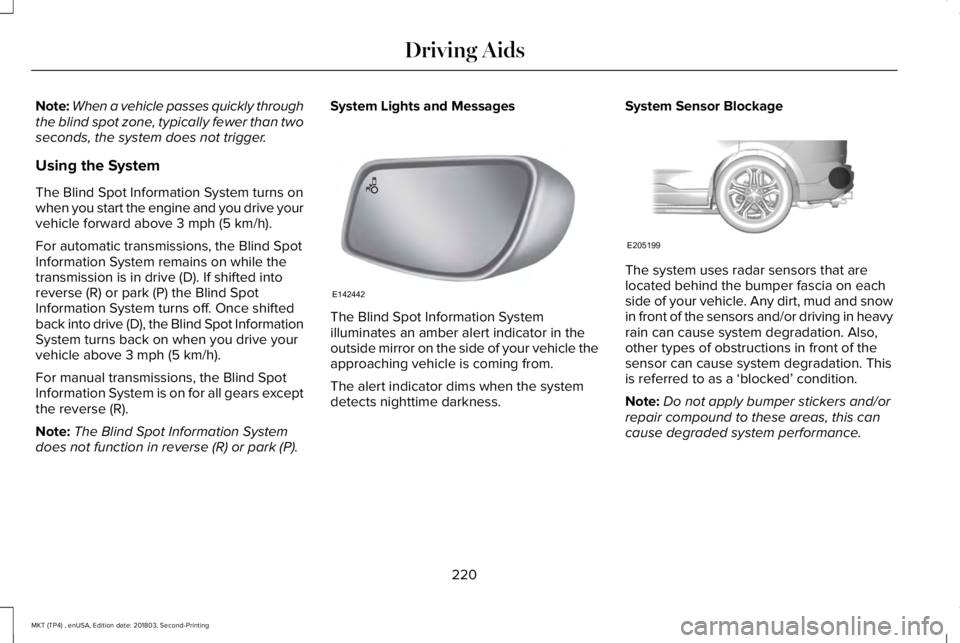
The Blind Spot Information Systemilluminates an amber alert indicator in theoutside mirror on the side of your vehicle theapproaching vehicle is coming from.
The alert indicator dims when the systemdetects nighttime darkness.
System Sensor Blockage
The system uses radar sensors that arelocated behind the bumper fascia on eachside of your vehicle. Any dirt, mud and snowin front of the sensors and/or driving in heavyrain can cause system degradation. Also,other types of obstructions in front of thesensor can cause system degradation. Thisis referred to as a ‘blocked’ condition.
Note:Do not apply bumper stickers and/orrepair compound to these areas, this cancause degraded system performance.
220
MKT (TP4) , enUSA, Edition date: 201803, Second-Printing
Driving AidsE142442 E205199
Page 227 of 575
System Lights, Messages and AudibleAlerts
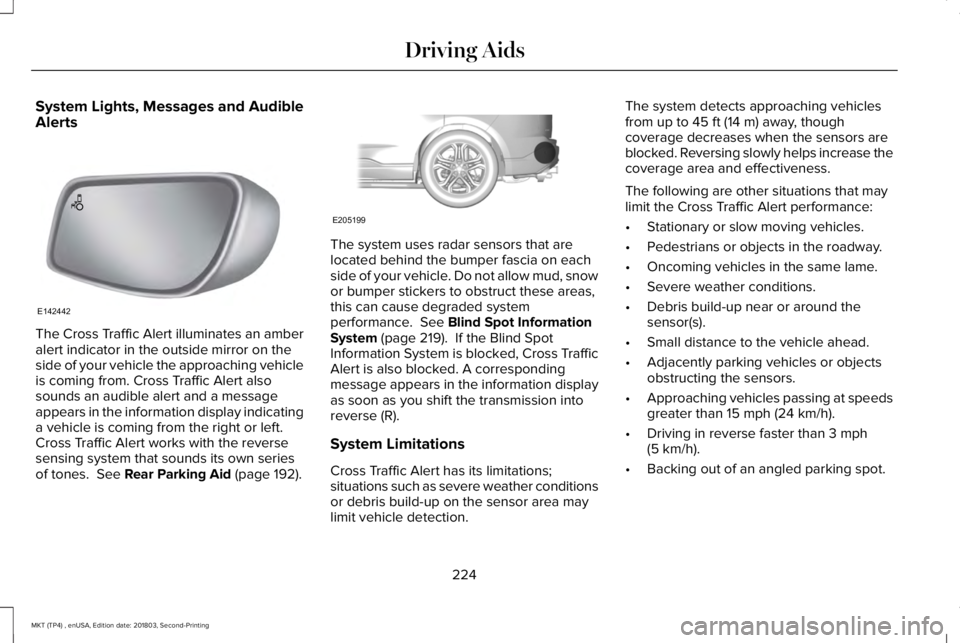
The Cross Traffic Alert illuminates an amberalert indicator in the outside mirror on theside of your vehicle the approaching vehicleis coming from. Cross Traffic Alert alsosounds an audible alert and a messageappears in the information display indicatinga vehicle is coming from the right or left.Cross Traffic Alert works with the reversesensing system that sounds its own seriesof tones. See Rear Parking Aid (page 192).
The system uses radar sensors that arelocated behind the bumper fascia on eachside of your vehicle. Do not allow mud, snowor bumper stickers to obstruct these areas,this can cause degraded systemperformance. See Blind Spot InformationSystem (page 219). If the Blind SpotInformation System is blocked, Cross TrafficAlert is also blocked. A correspondingmessage appears in the information displayas soon as you shift the transmission intoreverse (R).
System Limitations
Cross Traffic Alert has its limitations;situations such as severe weather conditionsor debris build-up on the sensor area maylimit vehicle detection.
The system detects approaching vehiclesfrom up to 45 ft (14 m) away, thoughcoverage decreases when the sensors areblocked. Reversing slowly helps increase thecoverage area and effectiveness.
The following are other situations that maylimit the Cross Traffic Alert performance:
•Stationary or slow moving vehicles.
•Pedestrians or objects in the roadway.
•Oncoming vehicles in the same lame.
•Severe weather conditions.
•Debris build-up near or around thesensor(s).
•Small distance to the vehicle ahead.
•Adjacently parking vehicles or objectsobstructing the sensors.
•Approaching vehicles passing at speedsgreater than 15 mph (24 km/h).
•Driving in reverse faster than 3 mph(5 km/h).
•Backing out of an angled parking spot.
224
MKT (TP4) , enUSA, Edition date: 201803, Second-Printing
Driving AidsE142442 E205199
Page 230 of 575
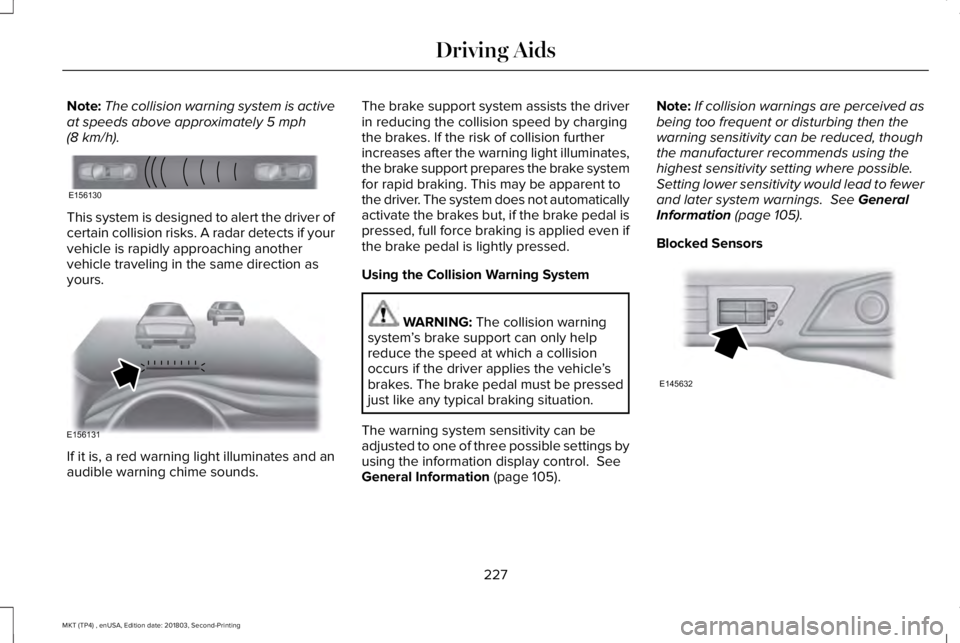
Note:The collision warning system is activeat speeds above approximately 5 mph(8 km/h).
This system is designed to alert the driver ofcertain collision risks. A radar detects if yourvehicle is rapidly approaching anothervehicle traveling in the same direction asyours.
If it is, a red warning light illuminates and anaudible warning chime sounds.
The brake support system assists the driverin reducing the collision speed by chargingthe brakes. If the risk of collision furtherincreases after the warning light illuminates,the brake support prepares the brake systemfor rapid braking. This may be apparent tothe driver. The system does not automaticallyactivate the brakes but, if the brake pedal ispressed, full force braking is applied even ifthe brake pedal is lightly pressed.
Using the Collision Warning System
WARNING: The collision warningsystem’s brake support can only helpreduce the speed at which a collisionoccurs if the driver applies the vehicle’sbrakes. The brake pedal must be pressedjust like any typical braking situation.
The warning system sensitivity can beadjusted to one of three possible settings byusing the information display control. SeeGeneral Information (page 105).
Note:If collision warnings are perceived asbeing too frequent or disturbing then thewarning sensitivity can be reduced, thoughthe manufacturer recommends using thehighest sensitivity setting where possible.Setting lower sensitivity would lead to fewerand later system warnings. See GeneralInformation (page 105).
Blocked Sensors
227
MKT (TP4) , enUSA, Edition date: 201803, Second-Printing
Driving AidsE156130 E156131 E145632
Page 234 of 575
REAR UNDER FLOOR STORAGE (If
Equipped)
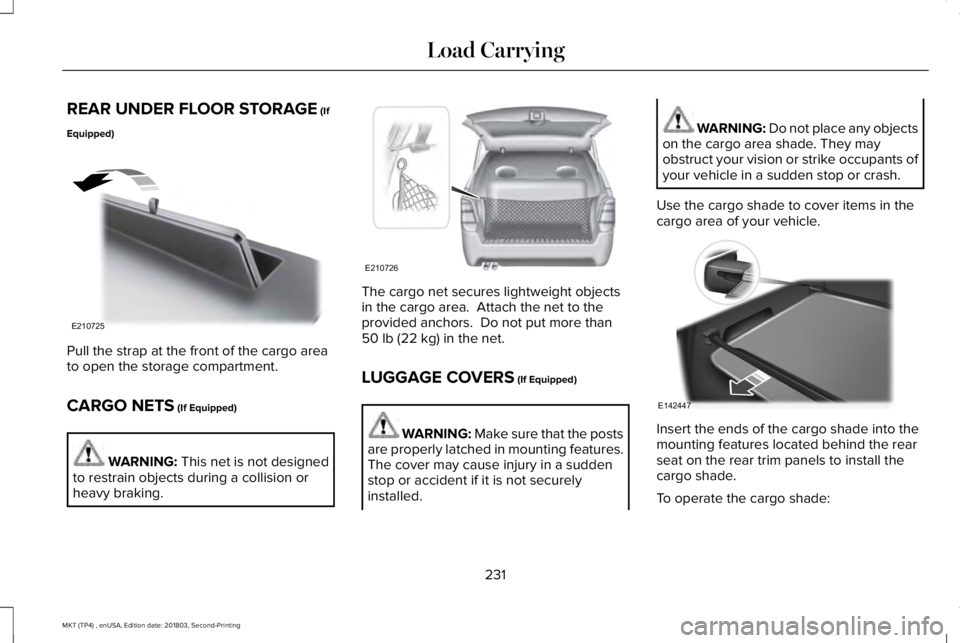
Pull the strap at the front of the cargo areato open the storage compartment.
CARGO NETS (If Equipped)
WARNING: This net is not designedto restrain objects during a collision orheavy braking.
The cargo net secures lightweight objectsin the cargo area. Attach the net to theprovided anchors. Do not put more than50 lb (22 kg) in the net.
LUGGAGE COVERS (If Equipped)
WARNING: Make sure that the postsare properly latched in mounting features.The cover may cause injury in a suddenstop or accident if it is not securelyinstalled.
WARNING: Do not place any objectson the cargo area shade. They mayobstruct your vision or strike occupants ofyour vehicle in a sudden stop or crash.
Use the cargo shade to cover items in thecargo area of your vehicle.
Insert the ends of the cargo shade into themounting features located behind the rearseat on the rear trim panels to install thecargo shade.
To operate the cargo shade:
231
MKT (TP4) , enUSA, Edition date: 201803, Second-Printing
Load CarryingE210725 E210726 E142447