warning light LINCOLN MKZ 2013 User Guide
[x] Cancel search | Manufacturer: LINCOLN, Model Year: 2013, Model line: MKZ, Model: LINCOLN MKZ 2013Pages: 474, PDF Size: 3.79 MB
Page 51 of 474
After all occupants have adjusted
their seats and put on safety belts, it’
s
very important that they continue to
sit properly. A properly seated
occupant sits upright, leaning against
the seat back, and centered on the
seat cushion, with their feet
comfortably extended on the floor.
Sitting improperly can increase the
chance of injury in a crash event. For
example, if an occupant slouches, lies
down, turns sideways, sits forward,
leans forward or sideways, or puts one
or both feet up, the chance of injury
during a crash is greatly increased.
The conditions listed above may
cause the weight of a properly seated
occupant to be incorrectly interpreted
by the front passenger sensing
system. The person in the front
passenger seat may appear heavier
or lighter due to the conditions
described in the list above. To know if the front
passenger sensing system is
operating properly, See
Crash Sensors and Airbag
Indicator (page 51).
DO NOT attempt to repair or service
the system; take your vehicle
immediately to an authorized dealer.
If it is necessary to modify an
advanced front airbag system to
accommodate a person with
disabilities, contact the Ford
Customer Relationship Center. See
Getting the Services You Need
(page
243). SIDE AIRBAGS WARNINGS
Do not place objects or mount
equipment on or near the airbag
cover, on the side of the seat backs
(of the front seats), or in front seat
areas that may come into contact
with a deploying airbag. Failure to
follow these instructions may increase
the risk of personal injury in the event
of a collision. Do not use accessory seat
covers. The use of accessory
seat covers may prevent the
deployment of the side airbags and
increase the risk of injury in an
accident. Do not lean your head on the
door. The side airbag could injure
you as it deploys from the side of the
seatback. Do not attempt to service, repair,
or modify the airbag, its fuses or
the seat cover on a seat containing an
airbag. Contact your authorized dealer
as soon as possible. If the side airbag has deployed,
the airbag will not function again.
The side airbag system (including the
seat) must be inspected and serviced
by an authorized dealer. If the airbag
is not replaced, the unrepaired area
will increase the risk of injury in a
collision. 48
Supplementary Restraints System
Page 54 of 474
CRASH SENSORS AND
AIRBAG INDICATOR
WARNING
Modifying or adding equipment
to the front end of the vehicle
(including frame, bumper, front end
body structure and tow hooks) may
affect the performance of the airbag
system, increasing the risk of injury.
Do not modify the front end of the
vehicle. The vehicle has a collection of crash
and occupant sensors which provide
information to the Restraints Control
Module which deploys (activates) the
front safety belt pretensioners, driver
airbag, passenger airbag, knee
airbag(s), seat mounted side airbags,
and the side curtain airbags. Based on
the type of collision (frontal impact
or side impact), the restraints control
module will deploy the appropriate
safety devices.
The restraints control module also
monitors the readiness of the above
safety devices plus the crash and
occupant sensors. The readiness of
the safety system is indicated by a
warning indicator light in the
instrument cluster or by a backup tone
if the warning light is not working.
Routine maintenance of the airbag is
not required.
A difficulty with the system is
indicated by one or more of the
following: · The readiness light will not
illuminate immediately after
the ignition is turned on.
• The readiness light will either flash
or stay lit.
• A series of five beeps will be heard.
The tone pattern will repeat
periodically until the problem, the
light or both are repaired.
If any of these things happen, even
intermittently, have the supplemental
restraint system serviced at an
authorized dealer immediately. Unless
serviced, the system may not function
properly in the event of a collision.
The safety belt pretensioners and the
front airbag supplemental restraint
system are designed to activate when
the vehicle sustains longitudinal
deceleration sufficient to cause the
restraints control module to deploy a
safety device.
The fact that the safety belt
pretensioners or front airbags did not
activate for both front seat occupants
in a collision does not mean that
something is wrong with the system.
Rather, it means the restraints control
module determined the accident
conditions (crash severity, belt usage,
etc.) were not appropriate to activate
these safety devices.
51
Supplementary Restraints System
Page 86 of 474
The headlamps will remain on for a
period of time after you switch the
ignition off. You can adjust the time
delay using the information display
controls. See Information Displays
(page ?).
Note: If you switch autolamps on in
conjunction with autowipers, low beam
headlamps will illuminate
automatically when the rain sensor
activates the windshield wipers
continuously.
INSTRUMENT LIGHTING
DIMMER
Note: If you disconnect and connect
the battery, or fully discharge and
charge the battery, the illuminated
components will switch to the
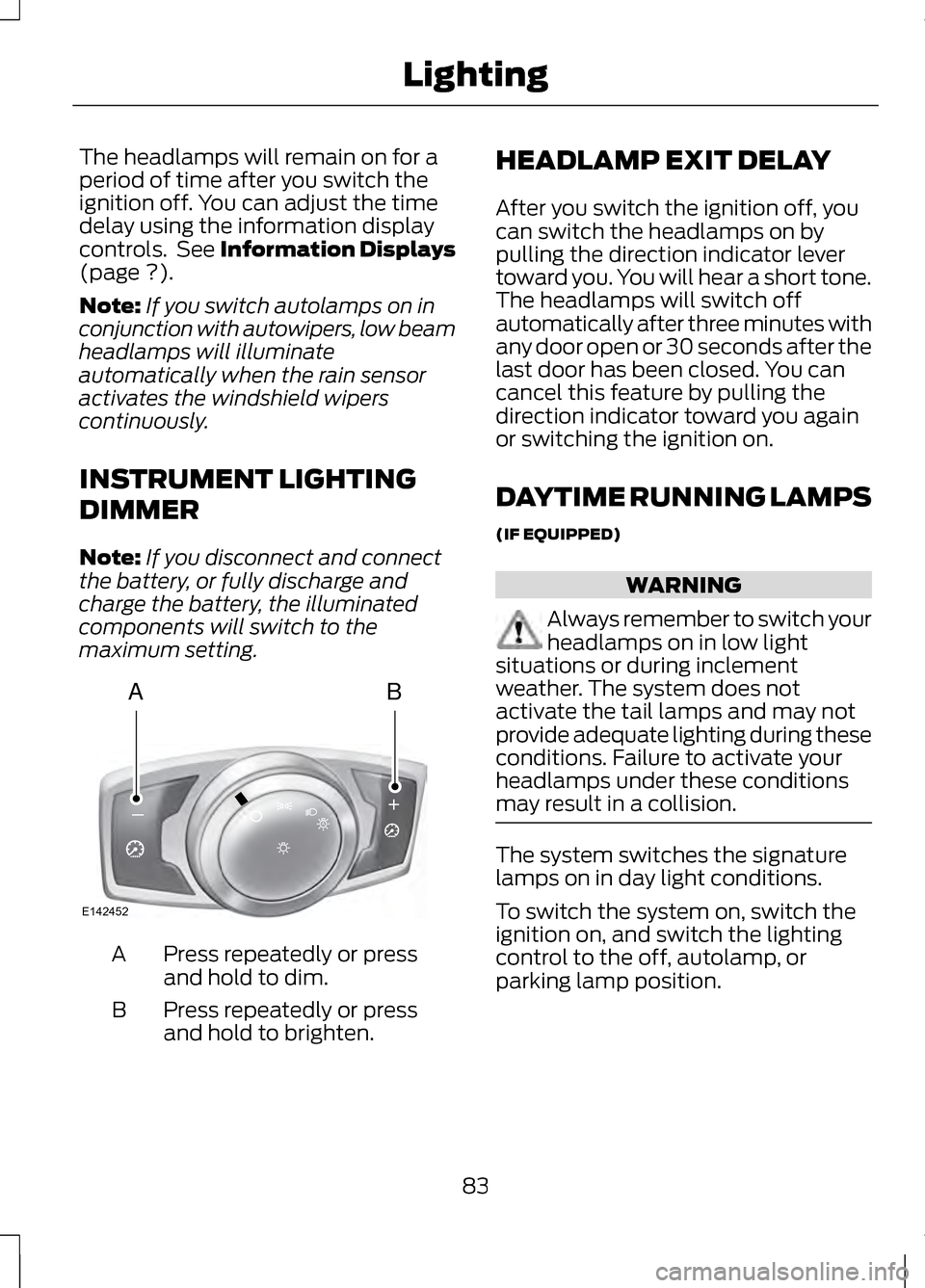
maximum setting. Press repeatedly or press
and hold to dim.
A
Press repeatedly or press
and hold to brighten.
B HEADLAMP EXIT DELAY
After you switch the ignition off, you
can switch the headlamps on by
pulling the direction indicator lever
toward you. You will hear a short tone.
The headlamps will switch off
automatically after three minutes with
any door open or 30 seconds after the
last door has been closed. You can
cancel this feature by pulling the
direction indicator toward you again
or switching the ignition on.
DAYTIME RUNNING LAMPS
(IF EQUIPPED)
WARNING
Always remember to switch your
headlamps on in low light
situations or during inclement
weather. The system does not
activate the tail lamps and may not
provide adequate lighting during these
conditions. Failure to activate your
headlamps under these conditions
may result in a collision. The system switches the signature
lamps on in day light conditions.
To switch the system on, switch the
ignition on, and switch the lighting
control to the off, autolamp, or
parking lamp position.
83
LightingAB
A
E142452
Page 90 of 474
POWER WINDOWS
WARNINGS
Do not leave children
unattended in your vehicle and
do not let them play with the power
windows. They may seriously injure
themselves. When closing the power
windows, you should verify they
are free of obstructions and make sure
that children and pets are not in the
proximity of the window openings. Note:
You may hear a rumbling noise
when just one of the windows are open.
Lower the opposite window slightly to
reduce this noise.
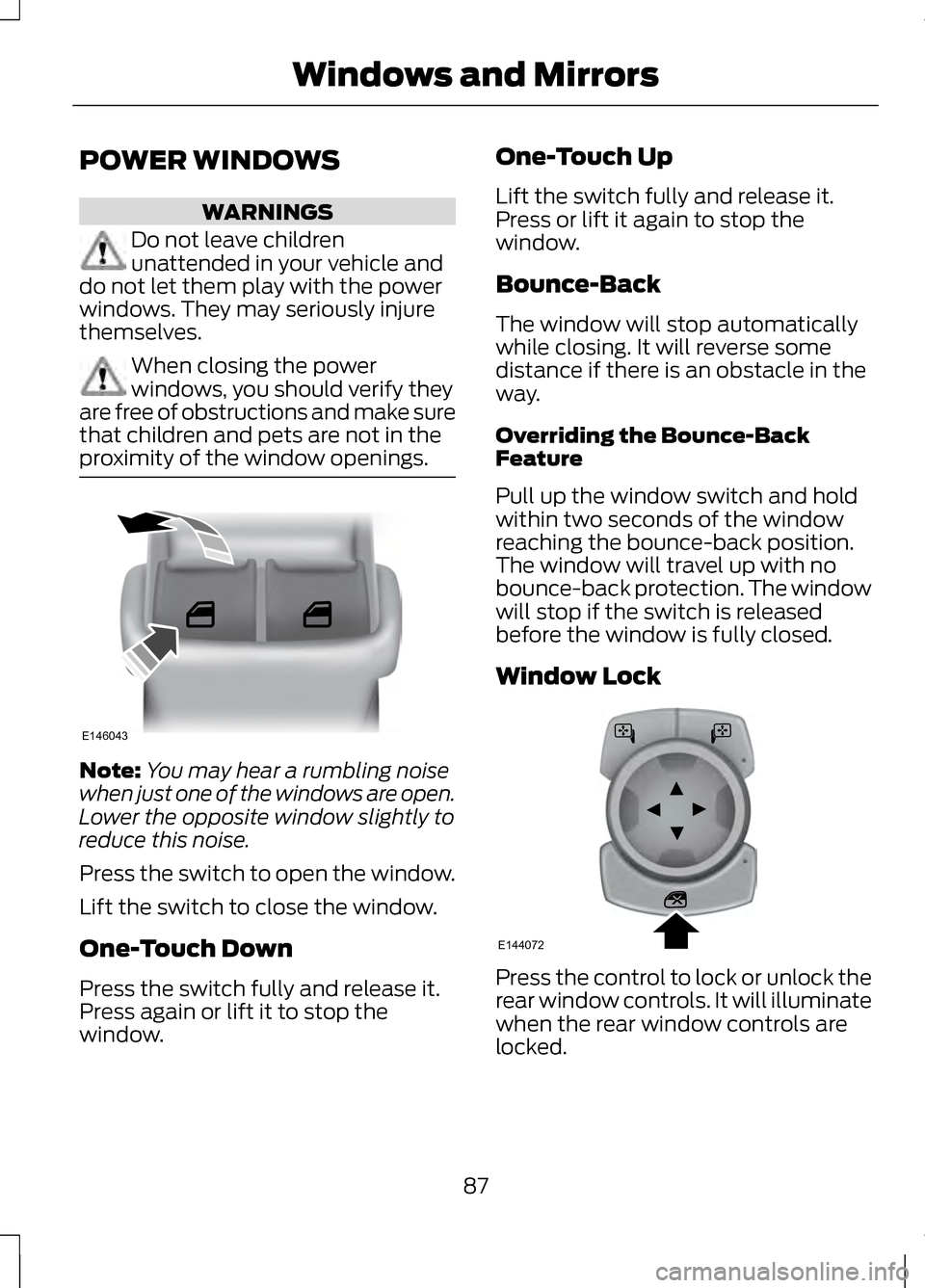
Press the switch to open the window.
Lift the switch to close the window.
One-Touch Down
Press the switch fully and release it.
Press again or lift it to stop the
window. One-Touch Up
Lift the switch fully and release it.
Press or lift it again to stop the
window.
Bounce-Back
The window will stop automatically
while closing. It will reverse some
distance if there is an obstacle in the
way.
Overriding the Bounce-Back
Feature
Pull up the window switch and hold
within two seconds of the window
reaching the bounce-back position.
The window will travel up with no
bounce-back protection. The window
will stop if the switch is released
before the window is fully closed.
Window Lock
Press the control to lock or unlock the
rear window controls. It will illuminate
when the rear window controls are
locked.
87
Windows and MirrorsE146043 E144072
Page 93 of 474
The image of the approaching vehicle
is small and near the inboard edge of
the main mirror when it is at a
distance. The image becomes larger
and begins to move outboard across
the main mirror as the vehicle
approaches (A). The image will
transition from the main mirror and
begin to appear in the blind spot
mirror as the vehicle approaches (B).
The vehicle will transition to your
peripheral field of view as it leaves the
blind spot mirror (C).
Blind Spot Monitor (If Equipped)
See
Blind Spot Monitor (page 212).
INTERIOR MIRROR WARNING
Do not adjust the mirror when
your vehicle is moving.
Note:
Do not clean the housing or
glass of any mirror with harsh
abrasives, fuel or other petroleum or
ammonia-based cleaning products.
You can adjust the interior mirror to
your preference. Some mirrors also
have a second pivot point. This lets
you move the mirror head up or down
and from side to side. Auto-Dimming Mirror
Note:
Do not block the sensors on the
front and back of the mirror. Mirror
performance may be affected. A rear
center passenger or raised rear center
head restraint may also block light
from reaching the sensor.
The mirror will dim automatically to
reduce glare when bright lights are
detected from behind your vehicle. It
will automatically return to normal
reflection when you select reverse
gear to make sure you have a clear
view when backing up.
SUN VISORS Rotate the sun visor toward the side
window and extend it rearward for
extra shade.
90
Windows and MirrorsE138666
Page 98 of 474
Vehicle Settings and
Personalization
See General Information (page 100).
Fuel Gauge
Indicates approximately how much
fuel is left in the fuel tank (when the
ignition is on). The fuel gauge may
vary slightly when the vehicle is in
motion or on a grade. The fuel icon
and arrow indicates which side of the
vehicle the fuel filler door is located.
Engine Coolant Temperature
Gauge
Indicates engine coolant temperature.
At normal operating temperature, the
level indicator will be in the normal
range. If the engine coolant
temperature exceeds the normal
range, stop the vehicle as soon as
safely possible, switch off the engine
and let the engine cool.
WARNING
Never remove the coolant
reservoir cap while the engine is
running or hot. WARNING LAMPS AND
INDICATORS
The following warning lamps and
indicators will alert you to a vehicle
condition that may become serious.
Some lamps will illuminate when you
start your vehicle to make sure they
work. If any lamps remain on after
starting your vehicle, refer to the
respective system warning lamp for
further information.
Note:
Some warning indicators appear
in the information display and function
the same as a warning lamp but do not
display when you start your vehicle.
Adaptive Cruise Control (If
Equipped) The speed control system
indicator light changes color
to indicate what mode the
system is in:
See Using Adaptive
Cruise Control (page 196).
On (white light): Illuminates when the
adaptive cruise control system is
turned on. Turns off when the speed
control system is turned off.
Engaged (green light): Illuminates
when the adaptive cruise control
system is engaged. Turns off when
the speed control system is
disengaged.
95
Instrument ClusterE144524
Page 100 of 474
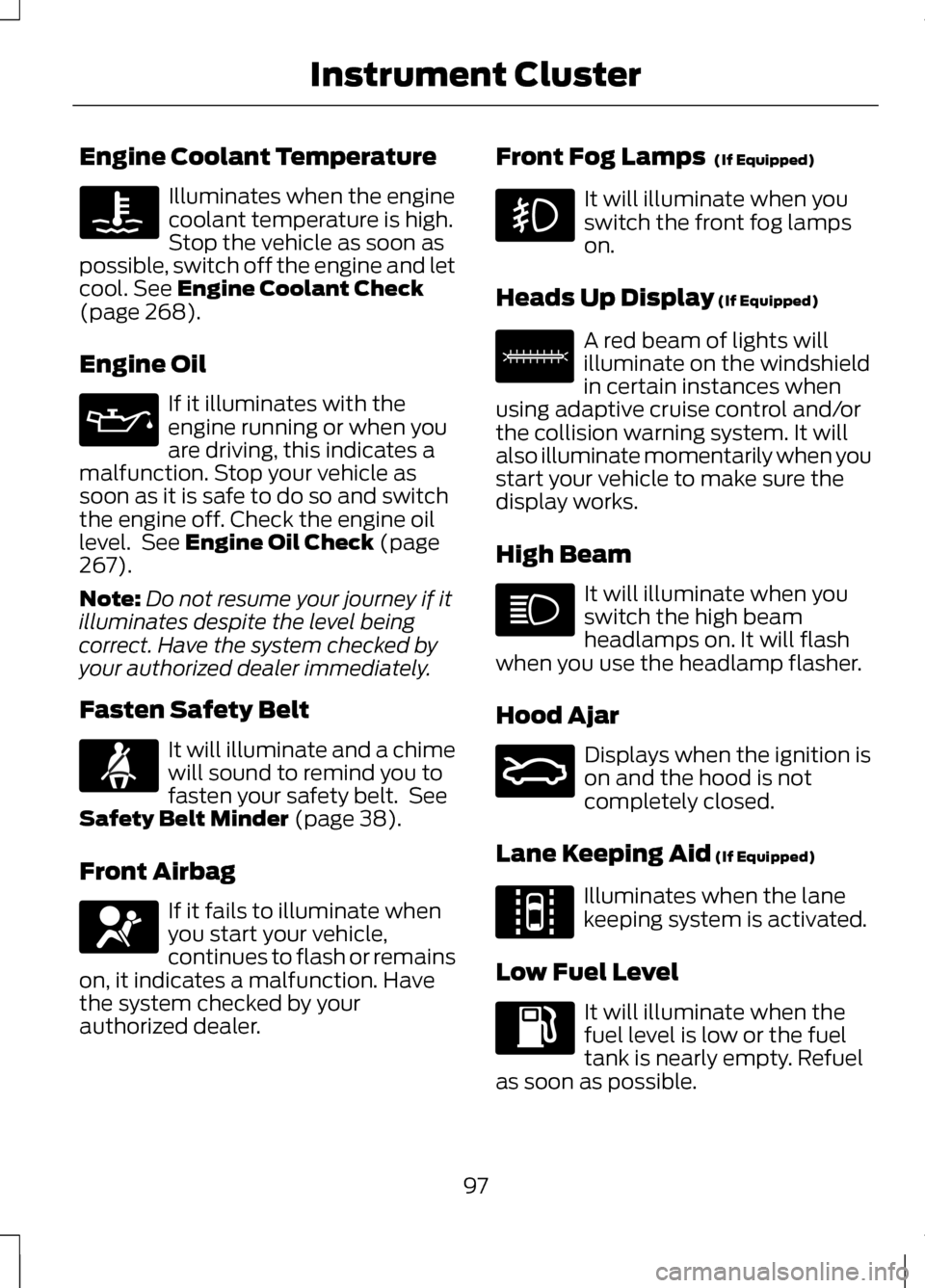
Engine Coolant Temperature
Illuminates when the engine
coolant temperature is high.
Stop the vehicle as soon as
possible, switch off the engine and let
cool. See Engine Coolant Check
(page 268).
Engine Oil If it illuminates with the
engine running or when you
are driving, this indicates a
malfunction. Stop your vehicle as
soon as it is safe to do so and switch
the engine off. Check the engine oil
level. See
Engine Oil Check (page
267).
Note: Do not resume your journey if it
illuminates despite the level being
correct. Have the system checked by
your authorized dealer immediately.
Fasten Safety Belt It will illuminate and a chime
will sound to remind you to
fasten your safety belt. See
Safety Belt Minder
(page 38).
Front Airbag If it fails to illuminate when
you start your vehicle,
continues to flash or remains
on, it indicates a malfunction. Have
the system checked by your
authorized dealer. Front Fog Lamps
(If Equipped) It will illuminate when you
switch the front fog lamps
on.
Heads Up Display
(If Equipped) A red beam of lights will
illuminate on the windshield
in certain instances when
using adaptive cruise control and/or
the collision warning system. It will
also illuminate momentarily when you
start your vehicle to make sure the
display works.
High Beam It will illuminate when you
switch the high beam
headlamps on. It will flash
when you use the headlamp flasher.
Hood Ajar Displays when the ignition is
on and the hood is not
completely closed.
Lane Keeping Aid
(If Equipped) Illuminates when the lane
keeping system is activated.
Low Fuel Level It will illuminate when the
fuel level is low or the fuel
tank is nearly empty. Refuel
as soon as possible.
97
Instrument Cluster E156133 E159324 E144813
Page 101 of 474
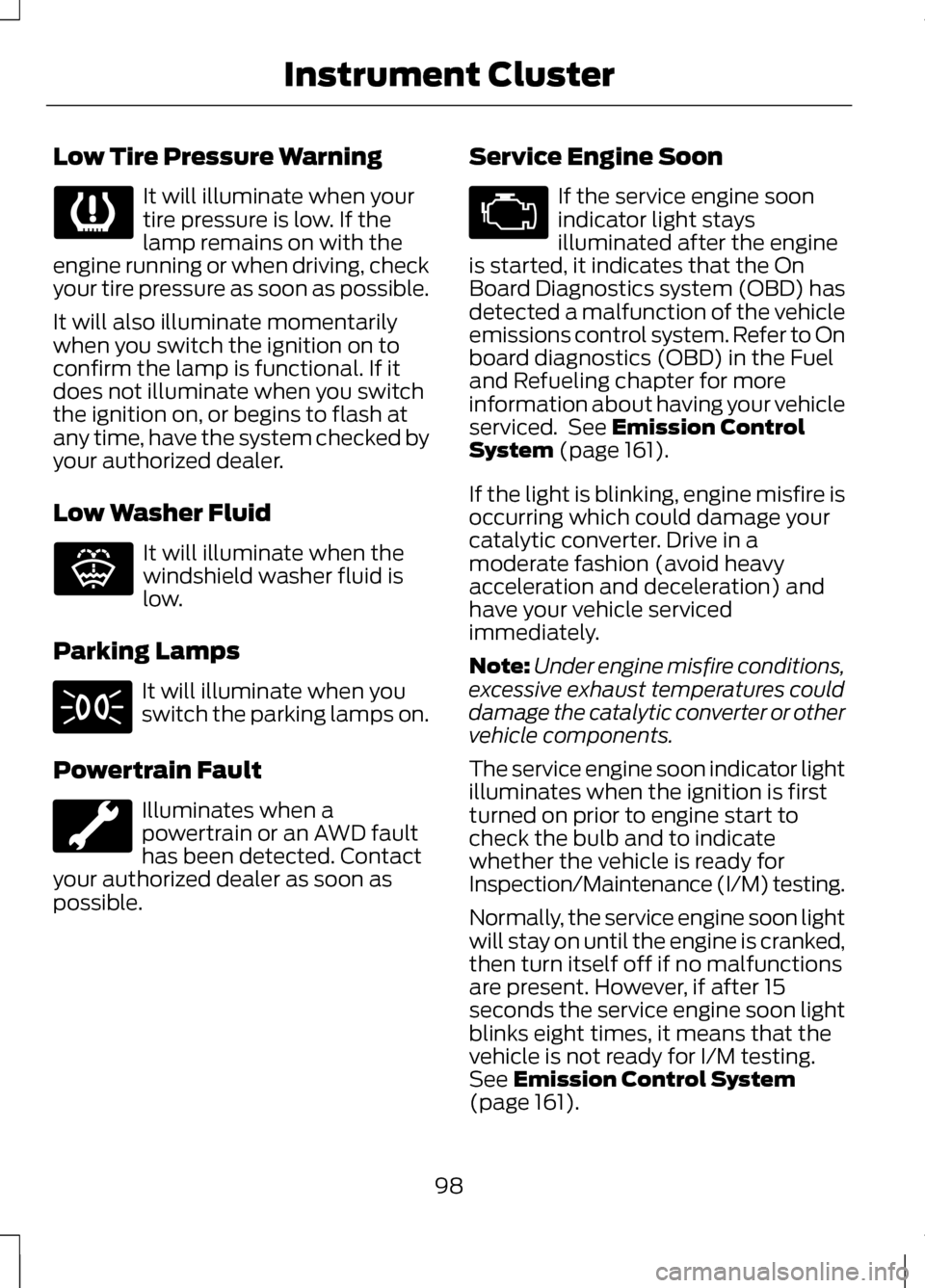
Low Tire Pressure Warning
It will illuminate when your
tire pressure is low. If the
lamp remains on with the
engine running or when driving, check
your tire pressure as soon as possible.
It will also illuminate momentarily
when you switch the ignition on to
confirm the lamp is functional. If it
does not illuminate when you switch
the ignition on, or begins to flash at
any time, have the system checked by
your authorized dealer.
Low Washer Fluid It will illuminate when the
windshield washer fluid is
low.
Parking Lamps It will illuminate when you
switch the parking lamps on.
Powertrain Fault Illuminates when a
powertrain or an AWD fault
has been detected. Contact
your authorized dealer as soon as
possible. Service Engine Soon If the service engine soon
indicator light stays
illuminated after the engine
is started, it indicates that the On
Board Diagnostics system (OBD) has
detected a malfunction of the vehicle
emissions control system. Refer to On
board diagnostics (OBD) in the Fuel
and Refueling chapter for more
information about having your vehicle
serviced. See Emission Control
System (page 161).
If the light is blinking, engine misfire is
occurring which could damage your
catalytic converter. Drive in a
moderate fashion (avoid heavy
acceleration and deceleration) and
have your vehicle serviced
immediately.
Note: Under engine misfire conditions,
excessive exhaust temperatures could
damage the catalytic converter or other
vehicle components.
The service engine soon indicator light
illuminates when the ignition is first
turned on prior to engine start to
check the bulb and to indicate
whether the vehicle is ready for
Inspection/Maintenance (I/M) testing.
Normally, the service engine soon light
will stay on until the engine is cranked,
then turn itself off if no malfunctions
are present. However, if after 15
seconds the service engine soon light
blinks eight times, it means that the
vehicle is not ready for I/M testing.
See
Emission Control System
(page 161).
98
Instrument Cluster E132353
Page 103 of 474
GENERAL INFORMATION
WARNING
Driving while distracted can
result in loss of vehicle control,
accident and injury. Ford strongly
recommends that drivers use extreme
caution when using any device or
feature that may take their focus off
the road. Your primary responsibility
is the safe operation of the vehicle.
We recommend against the use of any
handheld device while driving and that
you comply with all applicable laws. Various systems on your vehicle can
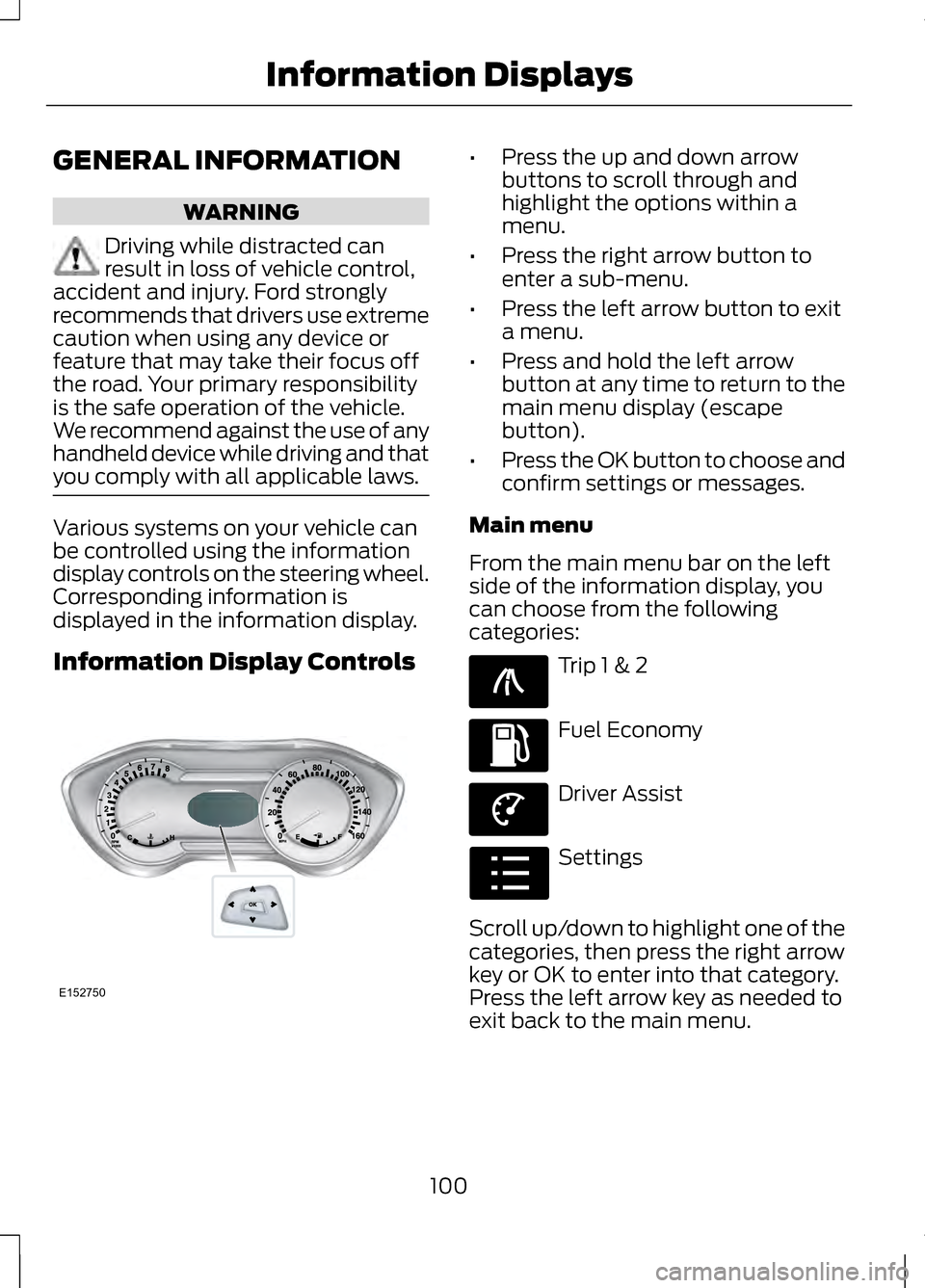
be controlled using the information
display controls on the steering wheel.
Corresponding information is
displayed in the information display.
Information Display Controls •
Press the up and down arrow
buttons to scroll through and
highlight the options within a
menu.
• Press the right arrow button to
enter a sub-menu.
• Press the left arrow button to exit
a menu.
• Press and hold the left arrow
button at any time to return to the
main menu display (escape
button).
• Press the OK button to choose and
confirm settings or messages.
Main menu
From the main menu bar on the left
side of the information display, you
can choose from the following
categories: Trip 1 & 2
Fuel Economy
Driver Assist
Settings
Scroll up/down to highlight one of the
categories, then press the right arrow
key or OK to enter into that category.
Press the left arrow key as needed to
exit back to the main menu.
100
Information DisplaysE152750 E138660 E144640 E144639 E100023
Page 111 of 474
AWD
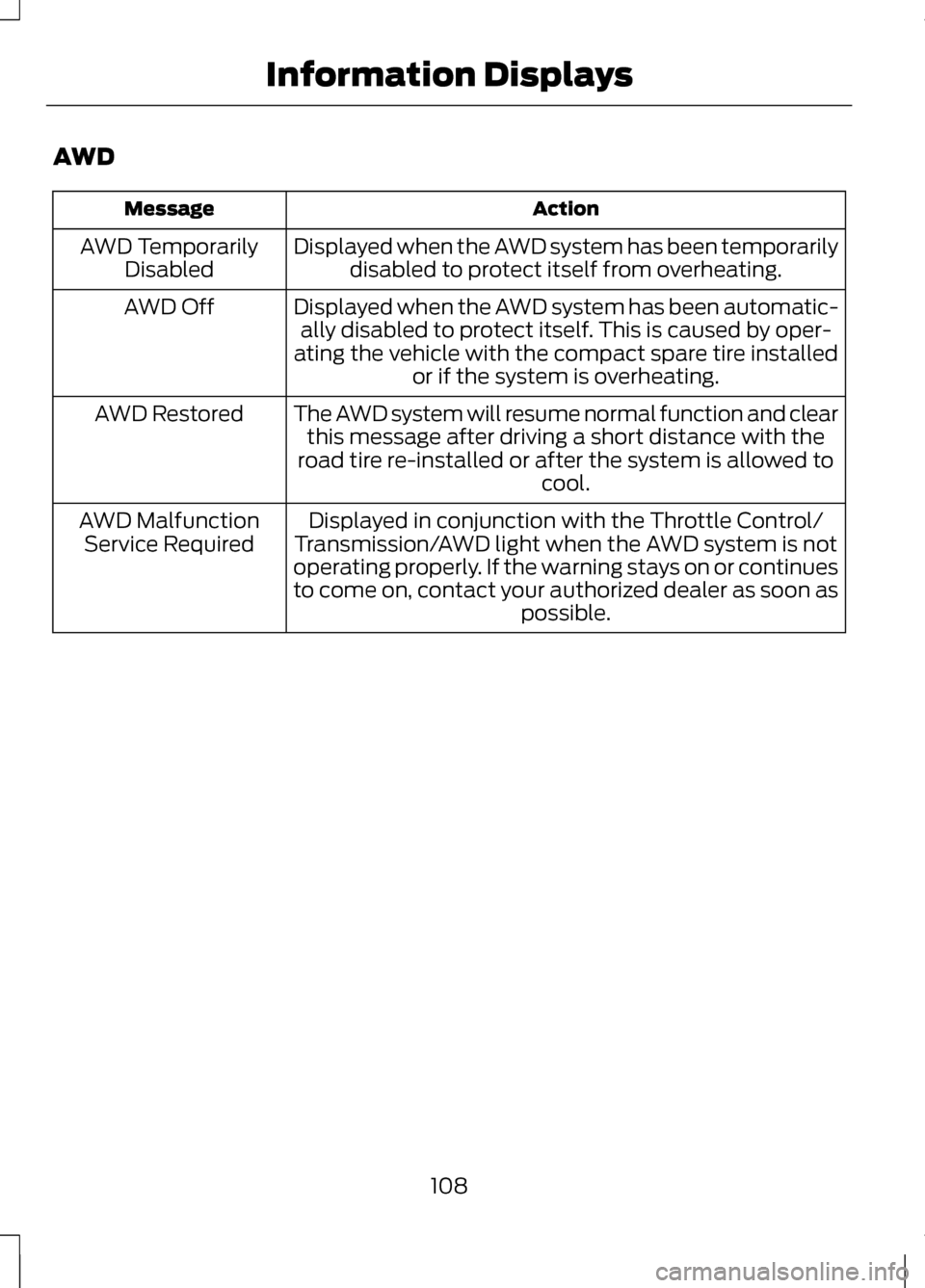
Action
Message
Displayed when the AWD system has been temporarilydisabled to protect itself from overheating.
AWD Temporarily
Disabled
Displayed when the AWD system has been automatic-ally disabled to protect itself. This is caused by oper-
ating the vehicle with the compact spare tire installed or if the system is overheating.
AWD Off
The AWD system will resume normal function and clearthis message after driving a short distance with the
road tire re-installed or after the system is allowed to cool.
AWD Restored
Displayed in conjunction with the Throttle Control/
Transmission/AWD light when the AWD system is not
operating properly. If the warning stays on or continues
to come on, contact your authorized dealer as soon as possible.
AWD Malfunction
Service Required
108
Information Displays