instrument panel LINCOLN MKZ 2013 Owner's Manual
[x] Cancel search | Manufacturer: LINCOLN, Model Year: 2013, Model line: MKZ, Model: LINCOLN MKZ 2013Pages: 474, PDF Size: 3.79 MB
Page 380 of 474
"CD"
"Shuffle CD" *
"Shuffle folder" *
"Shuffle off" "Help"
* WMA or MP3 only.
SD Card Slot and USB Port
SD Card
Note: Your SD card slot is
spring-loaded. To remove the SD card,
press the card in and the system ejects
it. Do not attempt to pull the card to
remove it as this could cause damage.
The card slot can also be used for your
navigation system (if equipped). See
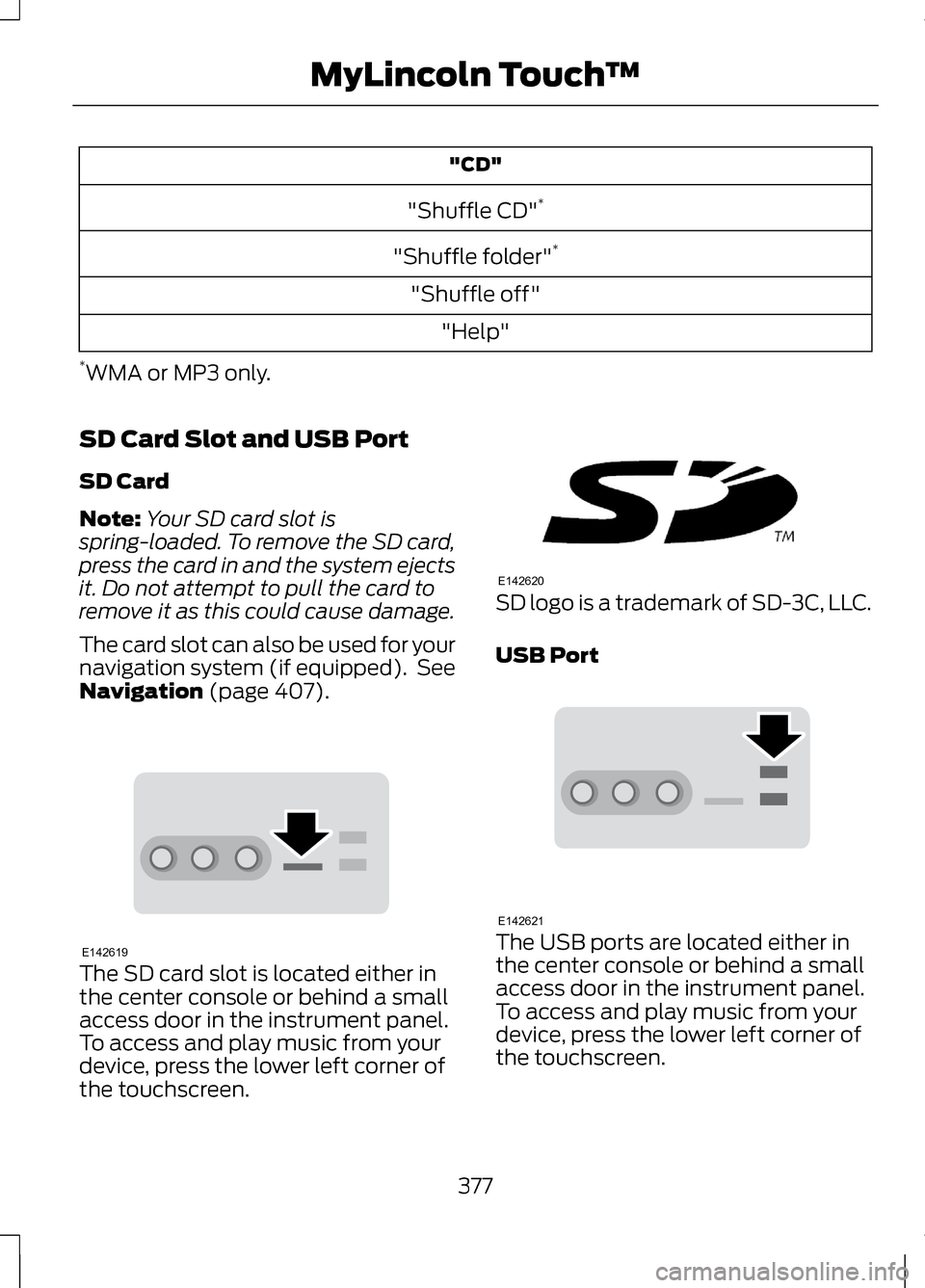
Navigation (page 407). The SD card slot is located either in
the center console or behind a small
access door in the instrument panel.
To access and play music from your
device, press the lower left corner of
the touchscreen. SD logo is a trademark of SD-3C, LLC.
USB Port
The USB ports are located either in
the center console or behind a small
access door in the instrument panel.
To access and play music from your
device, press the lower left corner of
the touchscreen.
377
MyLincoln Touch
™E142619 E142620 E142621
Page 386 of 474
"BLUETOOTH AUDIO"
"Shuffle off"
"Play author
"Browse artist
"What’s this?"
"Play composer
"Browse audiobook
"Help"
"Play folder
"Browse author
A/V Inputs
Note: For safety reasons, connecting
or adjusting the settings on your
portable media player should not be
attempted while the vehicle is moving.
Also, the portable media player should
be stored in a secure location, such as
the center console or the glove box,
when the vehicle is in motion. The
audio extension cable must be long
enough to allow the portable media
player to be safely stored while the
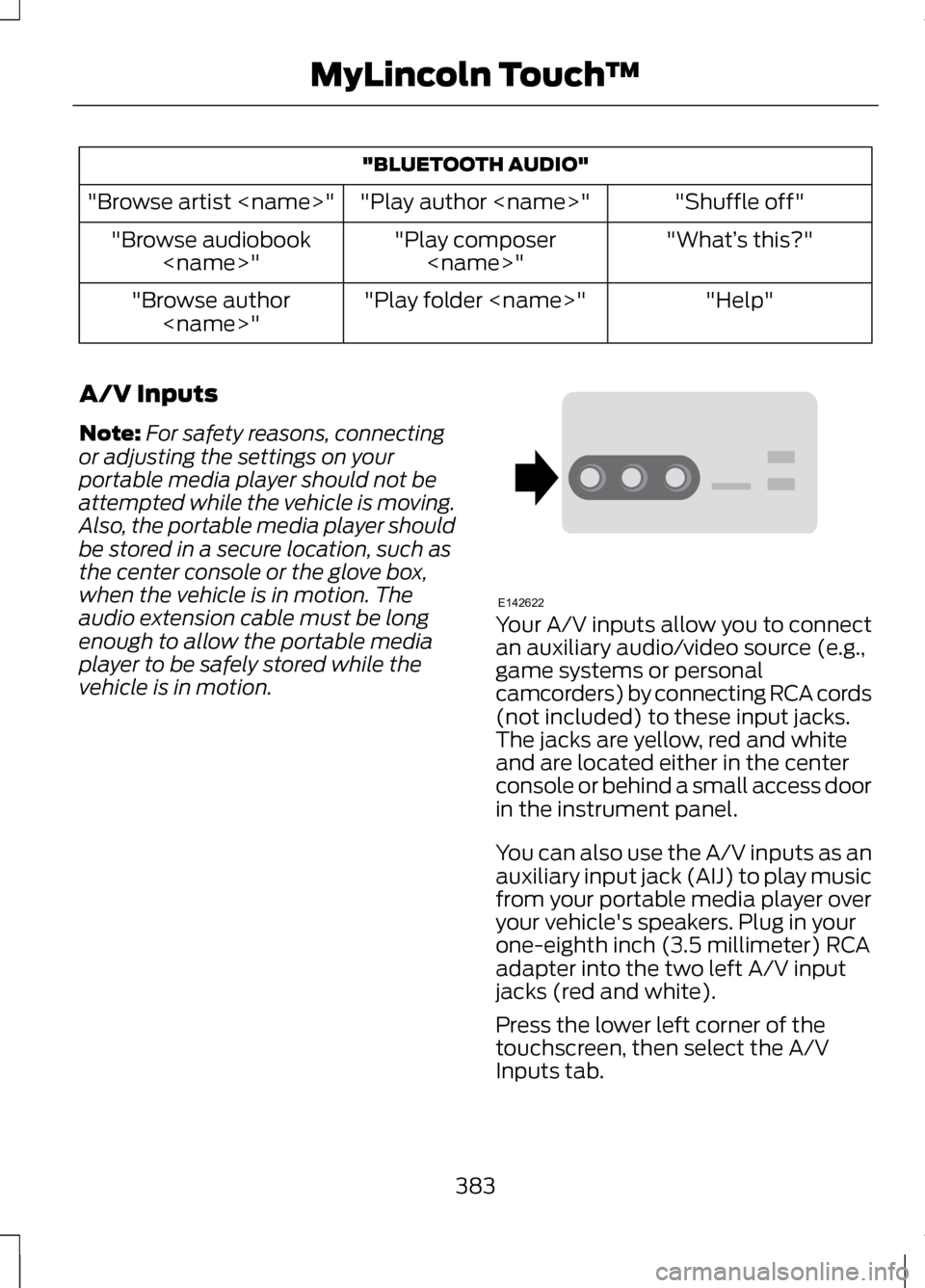
vehicle is in motion. Your A/V inputs allow you to connect
an auxiliary audio/video source (e.g.,
game systems or personal
camcorders) by connecting RCA cords
(not included) to these input jacks.
The jacks are yellow, red and white
and are located either in the center
console or behind a small access door
in the instrument panel.
You can also use the A/V inputs as an
auxiliary input jack (AIJ) to play music
from your portable media player over
your vehicle's speakers. Plug in your
one-eighth inch (3.5 millimeter) RCA
adapter into the two left A/V input
jacks (red and white).
Press the lower left corner of the
touchscreen, then select the A/V
Inputs tab.
383
MyLincoln Touch
™E142622
Page 407 of 474
Power: Touch to turn the climate control system on and off. When
the system is off, outside air is prevented from entering the vehicle.
A
Passenger settings:
Touch DUAL to switch passenger side
temperature controls on and off. Touch the + and - to adjust the
temperature. Touch the heated seat icon to control the heated seat
(if equipped). Touch the cooled seat icon to control the cooled seat
(if equipped).
B
Fan speed:
Touch + or - to increase or decrease the volume of air
circulated in your vehicle.
C
Recirculated air: Touch the button to switch between outside air and
recirculated air. When recirculated air is selected, the button illuminates
and the air currently in the passenger compartment recirculates. This
may reduce the time needed to cool the interior (when used with A/C)
and may also reduce unwanted odors from entering your vehicle.
Recirculated air may turn off automatically in all airflow modes except
MAX A/C to reduce the possibility of fogging.
D
MAX A/C:
Touch to switch on. Recirculated air is distributed through
the instrument panel air vents, air conditioning is automatically adjusted
to the highest speed and the temperature dial returns to the full cool
position. This re-cooling of the interior is more economical and efficient.
E
A/C:
Touch to turn air conditioning on or off. To improve air
conditioning when starting your vehicle, drive with the windows slightly
open for two to three minutes. Use A/C with recirculated air to improve
cooling performance and efficiency.
F
AUTO:
Touch to turn on fully automatic operation. Select the desired
temperature using the temperature control. The system automatically
adjusts fan speed, air distribution, A/C operation, and outside or
recirculated air, to heat or cool the vehicle to maintain the selected
temperature.
G
Rear defroster:
Touch to turn the rear window defroster and heated
mirrors (if equipped).
H
404
MyLincoln Touch
™
Page 408 of 474
Manual airflow distribution controls:Floor/Defrost: Distributes
air through the windshield defroster vents, demister vents, floor vents
and rear seat floor vents, and provides outside air to reduce window
fogging. Panel:
Distributes air through the instrument panel vents.
Panel/Floor: Distributes air through the instrument panel vents,
demister vents, floor vents and rear seat floor vents. Floor: Distributes
air through the demister vents, floor vents and rear seat floor vents.
Defrost:
Touch to clear the windshield of fog and thin ice. Touch again
to return to the previous airflow selection. When switched on, defrost
distributes outside air through the windshield defroster vents and
demister vents to reduce window fogging.
I
Driver settings:
Depending on your vehicle and option package, you
may have the following features: Touch the + and - to adjust the
temperature. Touch the heated seat icon to control the heated seat
(if equipped). Touch the cooled seat icon to control the cooled seat
(if equipped). Touch MyTemp to select your previously pre-set
temperature setpoint. Touch and hold MyTemp store a new pre-set
for temperature setpoint. Touch the heated steering wheel icon (if
equipped) to warm the steering wheel.
J
Note: If your vehicle is equipped with
a wood-trimmed steering wheel, it
does not heat between the 10 o'clock
and 2 o'clock positions. Climate Control Voice
Commands Press the voice button on the
steering wheel controls.
When prompted, say any of
the following commands: Climate Control Commands
"Climate automatic"
"Climate my temperature" "Climate off""Climate on"
"Climate temperature <15.5-29.5> degrees" "Climate temperature <60-85> degrees" "Help"
405
MyLincoln Touch
™E142599
Page 463 of 474
B
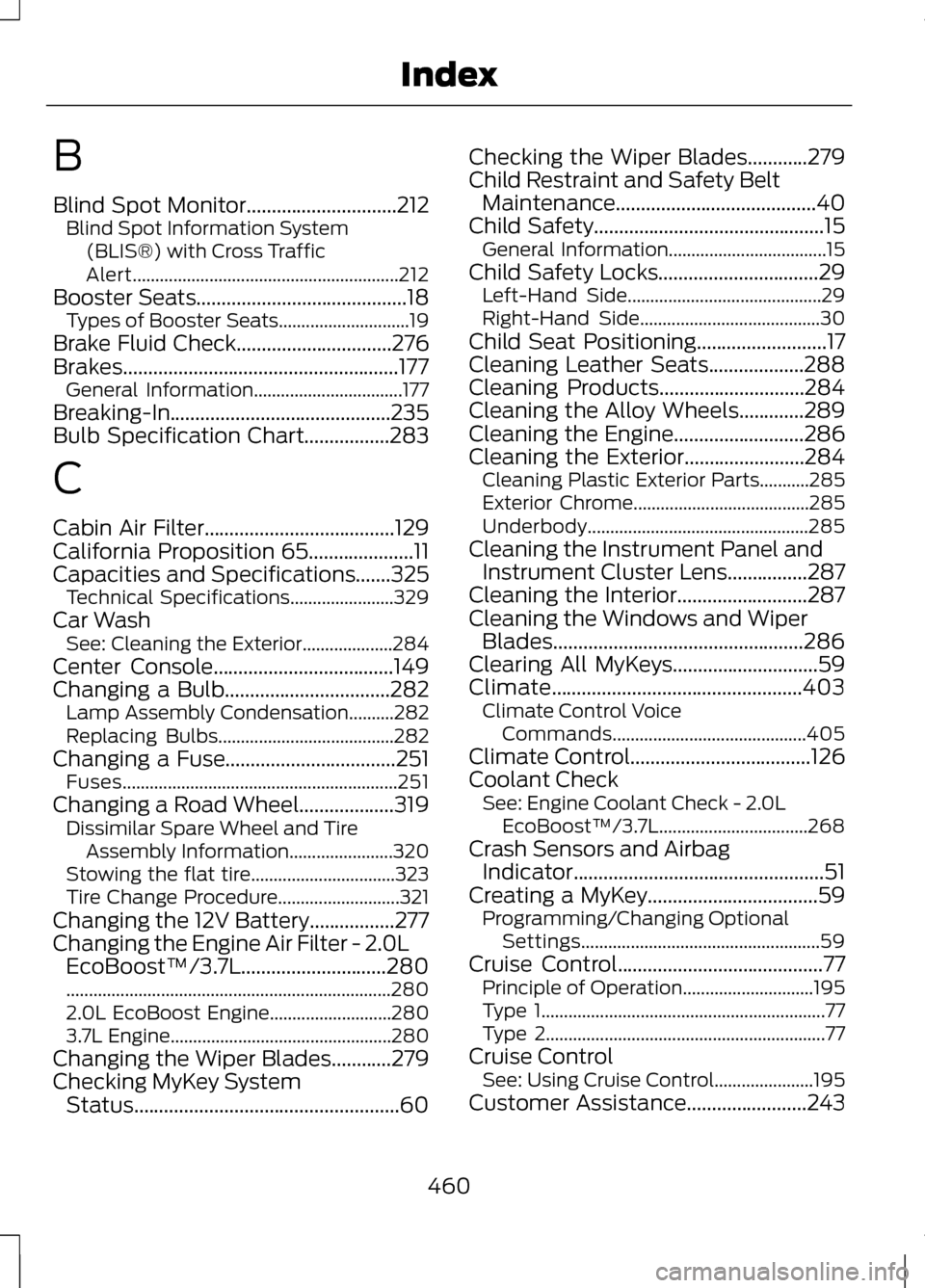
Blind Spot Monitor..............................212
Blind Spot Information System
(BLIS®) with Cross Traffic
Alert........................................................... 212
Booster Seats..........................................18
Types of Booster Seats.............................19
Brake Fluid Check...............................276
Brakes.......................................................177 General Information.................................177
Breaking-In............................................235
Bulb Specification Chart.................283
C
Cabin Air Filter
......................................129
California Proposition 65.....................11
Capacities and Specifications.......325
Technical Specifications.......................329
Car Wash See: Cleaning the Exterior....................284
Center Console
....................................149
Changing a Bulb.................................282
Lamp Assembly Condensation..........282
Replacing Bulbs.......................................282
Changing a Fuse
..................................251
Fuses............................................................. 251
Changing a Road Wheel...................319 Dissimilar Spare Wheel and Tire
Assembly Information.......................320
Stowing the flat tire................................323
Tire Change Procedure...........................321
Changing the 12V Battery.................277
Changing the Engine Air Filter - 2.0L EcoBoost™/3.7L.............................280
........................................................................\
280
2.0L EcoBoost Engine...........................280
3.7L Engine................................................. 280
Changing the Wiper Blades............279
Checking MyKey System Status.....................................................60 Checking the Wiper Blades............279
Child Restraint and Safety Belt
Maintenance........................................40
Child Safety
..............................................15
General Information...................................15
Child Safety Locks................................29 Left-Hand Side........................................... 29
Right-Hand Side........................................30
Child Seat Positioning
..........................17
Cleaning Leather Seats...................288
Cleaning Products.............................284
Cleaning the Alloy Wheels.............289
Cleaning the Engine
..........................286
Cleaning the Exterior........................284 Cleaning Plastic Exterior Parts...........285
Exterior Chrome.......................................285
Underbody................................................. 285
Cleaning the Instrument Panel and Instrument Cluster Lens
................287
Cleaning the Interior..........................287
Cleaning the Windows and Wiper Blades..................................................286
Clearing All MyKeys
.............................59
Climate..................................................403 Climate Control Voice
Commands........................................... 405
Climate Control
....................................126
Coolant Check See: Engine Coolant Check - 2.0L
EcoBoost™/3.7L.................................268
Crash Sensors and Airbag Indicator..................................................51
Creating a MyKey..................................59 Programming/Changing Optional
Settings..................................................... 59
Cruise Control
.........................................77
Principle of Operation.............................195
Type 1............................................................... 77
Type 2.............................................................. 77
Cruise Control See: Using Cruise Control......................195
Customer Assistance
........................243
460
Index