instrument cluster LINCOLN NAVIGATOR 2015 User Guide
[x] Cancel search | Manufacturer: LINCOLN, Model Year: 2015, Model line: NAVIGATOR, Model: LINCOLN NAVIGATOR 2015Pages: 475, PDF Size: 5.13 MB
Page 106 of 475
AUDIBLE WARNINGS AND INDICATORS
Key In Ignition Warning Chime
Sounds when the key is left in the ignition and the driver’s door is
opened.
Headlamps On Warning Chime
Sounds when the headlamps or parking lamps are on, the ignition is off
(the key is not in the ignition) and the driver’s door is opened.
Parking Brake On Warning Chime
Sounds when you have left the parking brake on and drive your vehicle.
If the warning chime remains on after you have released the parking
brake, have the system checked by your authorized dealer immediately.
Turn Signal Chime
Sounds when the direction indicator has been activated to signal a turn
and not turned off after the vehicle is driven more than 1.5 miles
(2.4 km).
Instrument Cluster105
2015 Navigator(nav)
Owners Guide gf, 2nd Printing, December 2014
USA (fus)
Page 165 of 475
Note:Use of any fuel other than recommended fuel can cause
powertrain damage, impair the emission control system or cause loss of
vehicle performance. Any damage to the vehicle that is caused by the
use of fuel not recommended will not be covered under warranty.
Octane Recommendations
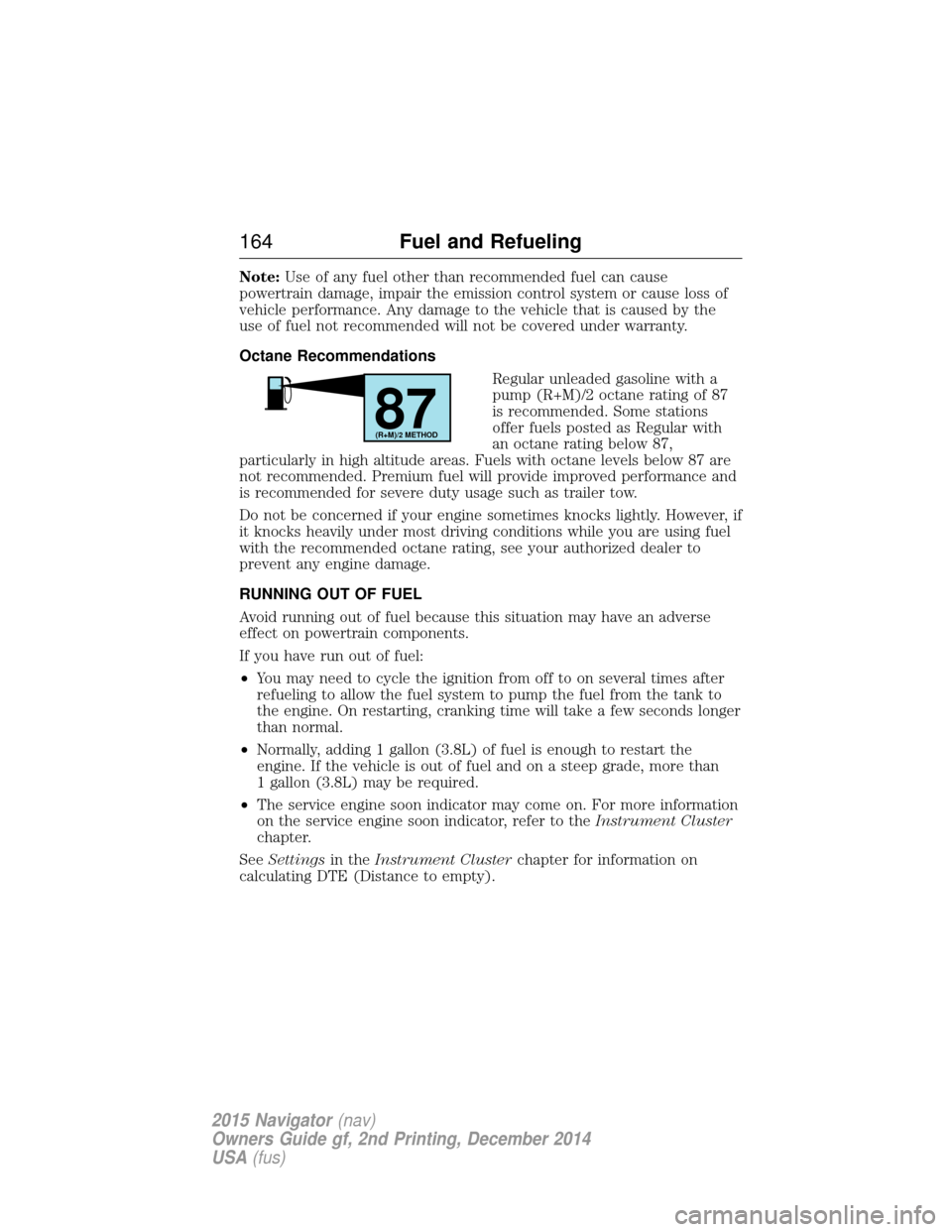
Regular unleaded gasoline with a
pump (R+M)/2 octane rating of 87
is recommended. Some stations
offer fuels posted as Regular with
an octane rating below 87,
particularly in high altitude areas. Fuels with octane levels below 87 are
not recommended. Premium fuel will provide improved performance and
is recommended for severe duty usage such as trailer tow.
Do not be concerned if your engine sometimes knocks lightly. However, if
it knocks heavily under most driving conditions while you are using fuel
with the recommended octane rating, see your authorized dealer to
prevent any engine damage.
RUNNING OUT OF FUEL
Avoid running out of fuel because this situation may have an adverse
effect on powertrain components.
If you have run out of fuel:
• You may need to cycle the ignition from off to on several times after
refueling to allow the fuel system to pump the fuel from the tank to
the engine. On restarting, cranking time will take a few seconds longer
than normal.
• Normally, adding 1 gallon (3.8L) of fuel is enough to restart the
engine. If the vehicle is out of fuel and on a steep grade, more than
1 gallon (3.8L) may be required.
• The service engine soon indicator may come on. For more information
on the service engine soon indicator, refer to the Instrument Cluster
chapter.
See Settings in theInstrument Cluster chapter for information on
calculating DTE (Distance to empty).
87(R+M)/2 METHOD
164 Fuel and Refueling
2015 Navigator(nav)
Owners Guide gf, 2nd Printing, December 2014
USA (fus)
Page 175 of 475
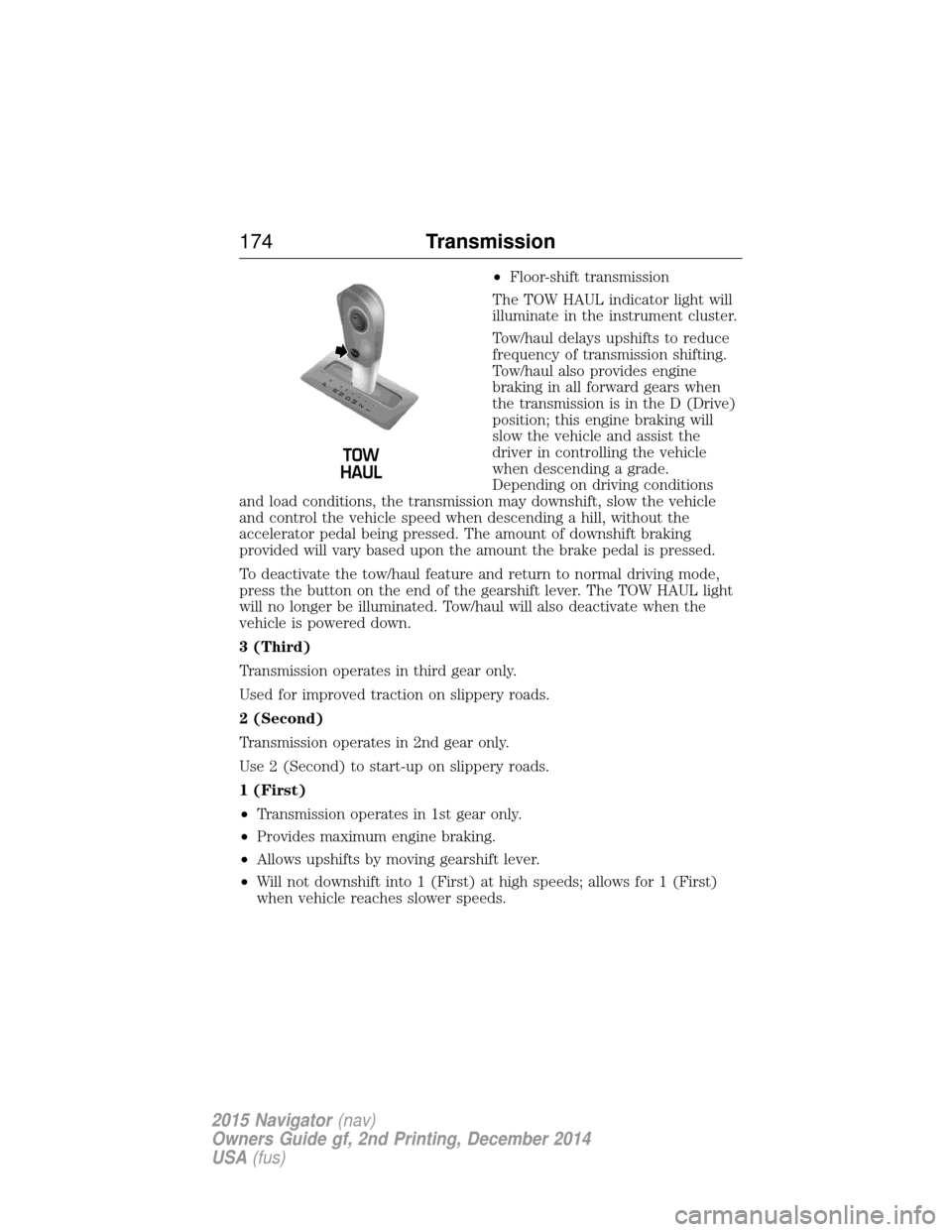
•Floor-shift transmission
The TOW HAUL indicator light will
illuminate in the instrument cluster.
Tow/haul delays upshifts to reduce
frequency of transmission shifting.
Tow/haul also provides engine
braking in all forward gears when
the transmission is in the D (Drive)
position; this engine braking will
slow the vehicle and assist the
driver in controlling the vehicle
when descending a grade.
Depending on driving conditions
and load conditions, the transmission may downshift, slow the vehicle
and control the vehicle speed when descending a hill, without the
accelerator pedal being pressed. The amount of downshift braking
provided will vary based upon the amount the brake pedal is pressed.
To deactivate the tow/haul feature and return to normal driving mode,
press the button on the end of the gearshift lever. The TOW HAUL light
will no longer be illuminated. Tow/haul will also deactivate when the
vehicle is powered down.
3 (Third)
Transmission operates in third gear only.
Used for improved traction on slippery roads.
2 (Second)
Transmission operates in 2nd gear only.
Use 2 (Second) to start-up on slippery roads.
1 (First)
• Transmission operates in 1st gear only.
• Provides maximum engine braking.
• Allows upshifts by moving gearshift lever.
• Will not downshift into 1 (First) at high speeds; allows for 1 (First)
when vehicle reaches slower speeds.
T /H
T /H
PR
N
D
M
2
1
+ -
+
-
174 Transmission
2015 Navigator(nav)
Owners Guide gf, 2nd Printing, December 2014
USA (fus)
Page 176 of 475
Forced downshifts
•Allowed in D (Drive) only.
• Press the accelerator to the floor.
• Allows transmission to select an appropriate gear.
Understanding your SelectShift Automatic® transmission
This vehicle may be equipped with a SelectShift Automatic™
transmission (SST) gearshift lever. The SST is an automatic transmission
with the ability for the driver to change gears up or down (without a
clutch) as desired. The SST feature has two modes: PRS and M mode.
M (Manual)
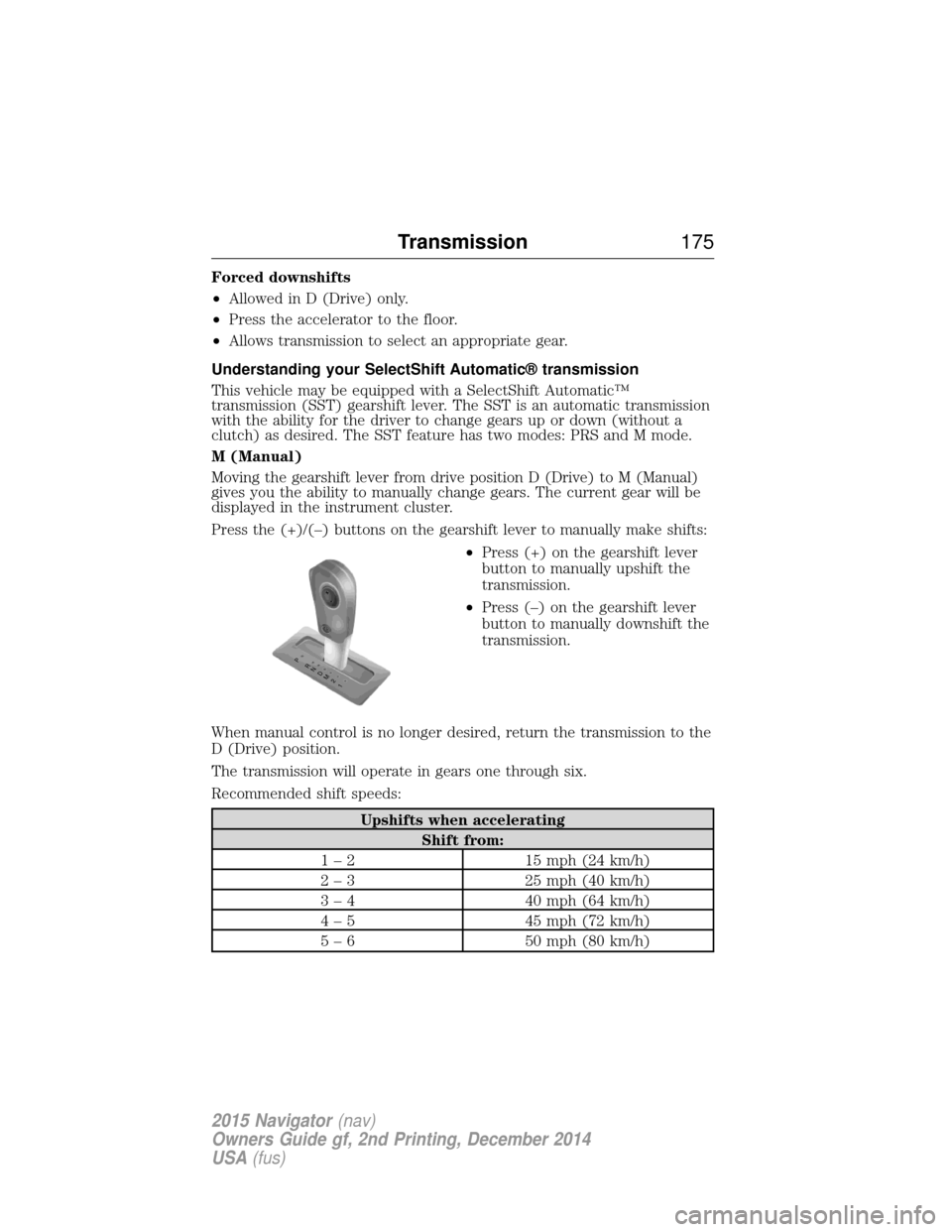
Moving the gearshift lever from drive position D (Drive) to M (Manual)
gives you the ability to manually change gears. The current gear will be
displayed in the instrument cluster.
Press the (+)/(–) buttons on the gearshift lever to manually make shifts: •Press (+) on the gearshift lever
button to manually upshift the
transmission.
• Press (–) on the gearshift lever
button to manually downshift the
transmission.
When manual control is no longer desired, return the transmission to the
D (Drive) position.
The transmission will operate in gears one through six.
Recommended shift speeds:
Upshifts when accelerating Shift from:
1 – 2 15 mph (24 km/h)
2 – 3 25 mph (40 km/h)
3 – 4 40 mph (64 km/h)
4 – 5 45 mph (72 km/h)
5 – 6 50 mph (80 km/h)
T /H
T /H
PR
N
D
M
2
1
+ -
+
-
Transmission 175
2015 Navigator(nav)
Owners Guide gf, 2nd Printing, December 2014
USA (fus)
Page 177 of 475
In order to prevent the engine from running at too low an RPM, which
may cause it to stall, the SST will still automatically make some
downshifts if it has determined that you have not downshifted in time.
Although the SST will make some downshifts for you, it will still allow
you to downshift at any time as long as the SST determines that the
engine will not be damaged from over-revving.
The SST will not automatically upshift, even if the engine is approaching
the RPM limit. It must be shifted manually by pressing the + button.
Engine damage may occur if excessive engine revving is held without
shifting.
PRS (Progressive Range Selection)
With the gearshift lever in D (Drive), press the – button to active PRS.
The available and selected gears will be indicated on the instrument
cluster.
All available gears will be displayed with the current gear indicated.
Press the – button again to lock out gears beginning with the highest
gear. Example: press the – button twice to lock out 6th and 5th gears.
Only the available gears will be displayed and the transmission will
automatically shift between the available gears. Press the + button to
unlock gears to allow the transmission to shift to higher gears. The
transmission will shift automatically within the gear range you select.
Automatic Transmission Adaptive Learning
This feature is designed to increase durability and provide consistent
shift feel over the life of the vehicle. A new vehicle or transmission may
have firm shifts, soft shifts or both. This operation is considered normal
and will not affect function or durability of the transmission. Over time,
the adaptive learning process will fully update transmission operation.
Additionally, whenever the battery is disconnected or a new battery
installed, the strategy must be relearned.
Brake-Shift Interlock – Floor-Shifter Assembly
WARNING:Do not drive your vehicle until you verify that the
brakelamps are working.
WARNING: When doing this procedure, you will be taking the
vehicle out of park which means the vehicle can roll freely. To
avoid unwanted vehicle movement, always fully set the parking brake
prior to doing this procedure. Use wheel chocks if appropriate.
176 Transmission
2015 Navigator(nav)
Owners Guide gf, 2nd Printing, December 2014
USA (fus)
Page 180 of 475
USING FOUR-WHEEL DRIVE (4WD) (if equipped)
WARNING:For important information regarding safe operation
of this type of vehicle, see General Informationin theWheels
and Tires chapter.
Note: Do not use 4X4 mode on dry, hard surfaced roads. Doing so will
produce excessive noise, increase tire wear and may damage drive
components. 4X4 mode is only intended for consistently slippery or loose
surfaces.
Your 4x4 features the heavy-duty Control Trac® 4WD system which
includes a computer-operated transfer case. This unique system is
interactive with the road, continually monitoring and adjusting torque
delivery to the front and rear wheels to optimize vehicle control.
4WD Indicator Lights
The indicator lights illuminate in the message center in the
reconfigurable telltale (RTT) location under the following conditions.
Refer to Warning Lamps and Indicators in theInstrument Cluster
chapter.
Note: When a 4X4 system fault is present, the system will typically
remain in whichever 4X4 mode was selected prior to the fault condition
occurring. It will not default to 4X2 in all circumstances. When this
warning is displayed, have your vehicle serviced by an authorized dealer.
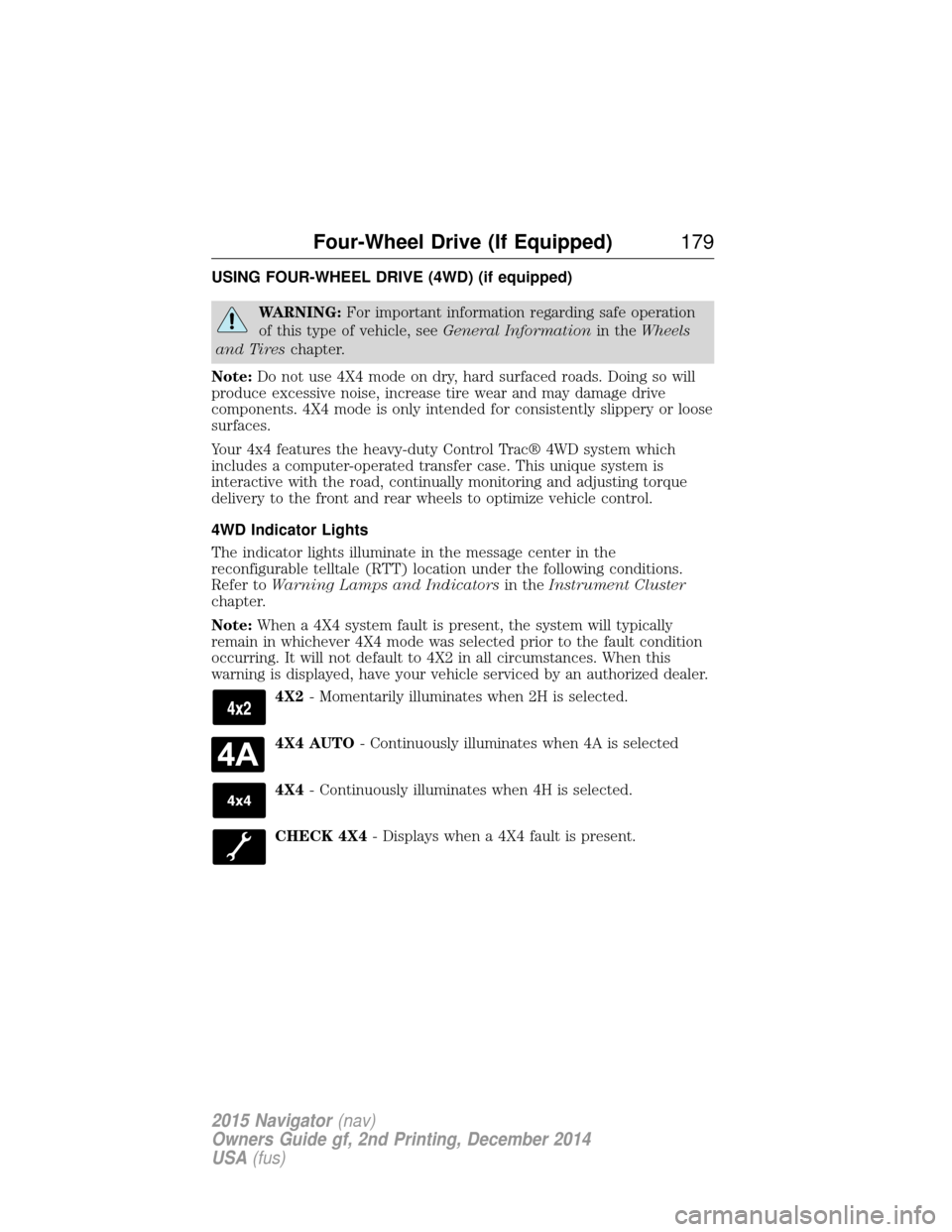
4X2- Momentarily illuminates when 2H is selected.
4X4 AUTO - Continuously illuminates when 4A is selected
4X4 - Continuously illuminates when 4H is selected.
CHECK 4X4 - Displays when a 4X4 fault is present.
Four-Wheel Drive (If Equipped) 179
2015 Navigator(nav)
Owners Guide gf, 2nd Printing, December 2014
USA (fus)
Page 188 of 475
GENERAL INFORMATION
Note:Occasional brake noise is normal. If a metal-to-metal, continuous
grinding or continuous squeal sound is present, the brake linings may be
worn out. Have them inspected by an authorized dealer. If your vehicle
has continuous vibration or shudder in the steering wheel while braking,
have your vehicle inspected by an authorized dealer.
Note: Brake dust may accumulate on the wheels, even under normal
driving conditions. Some dust is inevitable as the brakes wear and does
not contribute to brake noise. See the Vehicle Carechapter for wheel
cleaning instructions.
See theInstrument Cluster chapter for information on the
brake system warning light.
Wet brakes result in reduced braking efficiency. Gently press the brake
pedal a few times when driving from a car wash or standing water to dry
the brakes.
Brake Over Accelerator
In the event the accelerator pedal becomes stuck or entrapped, apply
steady and firm pressure to the brake pedal to slow your vehicle and
reduce engine power. If you experience this condition, apply the brakes
and bring your vehicle to a safe stop. Turn the engine off, shift to park
(P) and apply the parking brake. Inspect the accelerator pedal and the
area around it for any items or debris that may be obstructing its
movement. If none are found and the condition persists, have your
vehicle towed to the nearest authorized dealer.
Anti-Lock Brake System
This system helps you maintain steering control during emergency stops
by keeping the brakes from locking. This lamp momentarily illuminates when you turn the ignition
on. If the light does not illuminate during start-up, remains on
or flashes, the anti-lock brake system may be disabled. Have
the system checked by an authorized dealer. If the anti-lock brake
system is disabled, normal braking is still effective.
If the brake warning lamp illuminates when you release the
parking brake, have the system checked by an authorized
dealer.
Brakes 187
2015 Navigator(nav)
Owners Guide gf, 2nd Printing, December 2014
USA (fus)
Page 196 of 475
Note:Noise from the ABS pump motor may be observed during hill
descent control operation. This is a normal characteristic of the ABS and
should be no reason for concern.
Hill descent modes
• At speeds below 20 mph (32 km/h): When the HDC button is pressed
and HDC is active, HILL DESCENT CONTROL ACTIVE will appear in
the message center for several seconds.
• At speeds below 20 mph (32 km/h): When the HDC button is pressed
and conditions are not correct for hill descent activation, the HDC
system will be enabled, the light on the button will be on solid and
HILL DESCENT CONTROL READY will be displayed in the message
center for several seconds.
• At speeds above 20 mph (32 km/h): When the HDC button is pressed,
the HDC system will be enabled, the light on the button will be
illuminated, and FOR HILL CNTRL, 20 MPH OR LESS will be
displayed in the message center for several seconds.
• For HDC to enable, the vehicle must be in a drive gear or (R)
Reverse. If the vehicle is in P (Park) or N (Neutral) and the HDC
button is pressed, FOR HILL CNTRL, SELECT GEAR will be displayed
in the message center for several seconds.
Refer to Warning lamps and indicators in theInstrument Cluster
chapter for hill descent control messages.
Terrain Response 195
2015 Navigator(nav)
Owners Guide gf, 2nd Printing, December 2014
USA (fus)
Page 204 of 475
PRINCIPLES OF OPERATION
Cruise control lets you maintain a set speed without keeping your foot
on the accelerator pedal.
USING CRUISE CONTROL
WARNING:Do not use cruise control in heavy traffic, on
winding roads or when the road surface is slippery. This could
result in loss of vehicle control, serious injury or death.
WARNING: When you are going downhill, your vehicle speed
may increase above the set speed. The system will not apply the
brakes. Change down a gear to assist the system in maintaining the set
speed. Failure to do so could result in loss of vehicle control, serious
injury or death.
Note: Cruise control will disengage if your vehicle speed decreases more
than 10 mph (16 km/h) below your set speed while driving uphill.
Switching On Cruise Control
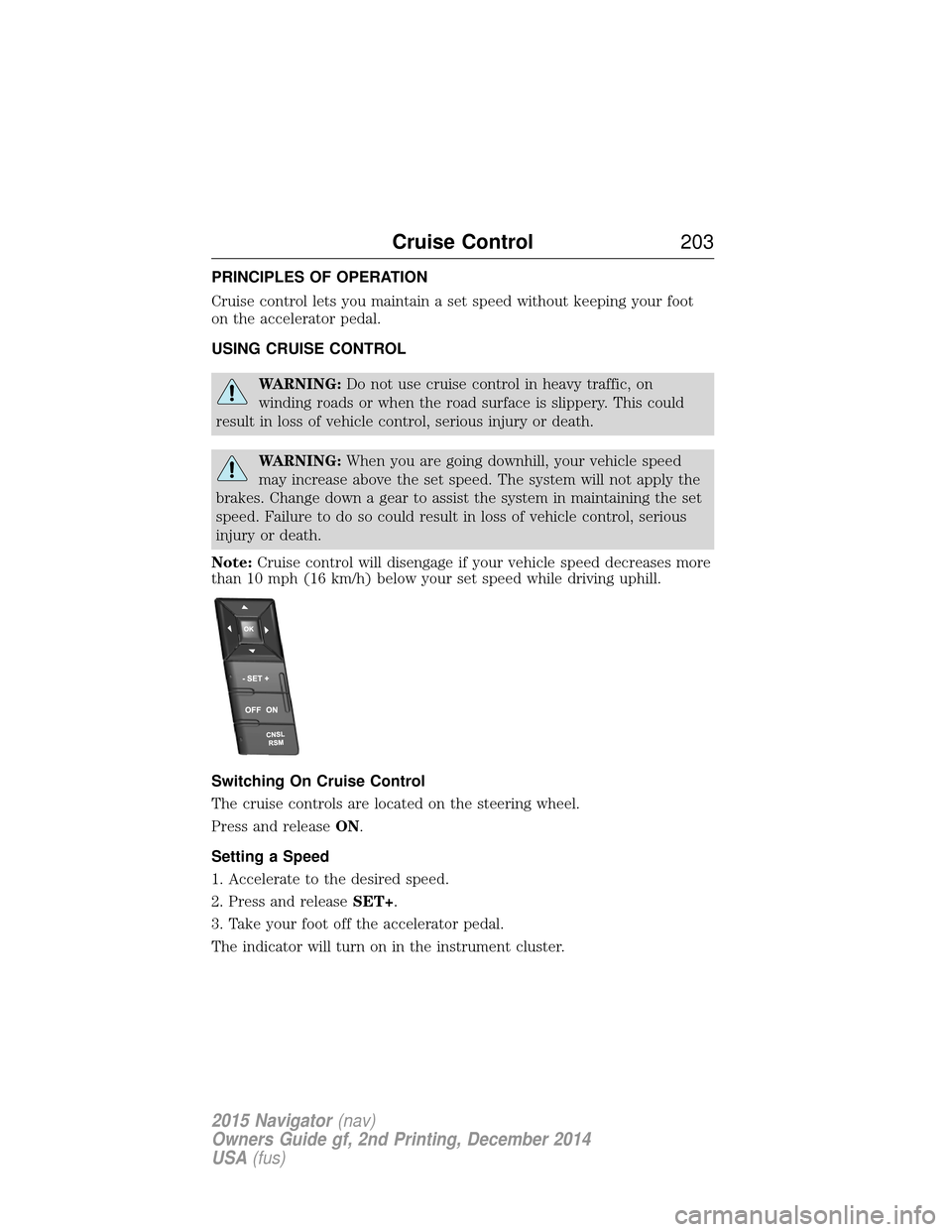
The cruise controls are located on the steering wheel.
Press and release ON.
Setting a Speed
1. Accelerate to the desired speed.
2. Press and release SET+.
3. Take your foot off the accelerator pedal.
The indicator will turn on in the instrument cluster.
Cruise Control 203
2015 Navigator(nav)
Owners Guide gf, 2nd Printing, December 2014
USA (fus)
Page 290 of 475
Note:Lincoln Black Label vehicles may have Alcantara microfiber fabric
on the seats, headliner, floor mats and door panels.
Depending on the type of stain, use water, lemon juice or pure ethyl
alcohol when cleaning. For cleaning Alcantara microfiber cloth, refer to
the following chart:
Type of stain Cleaning procedure
Fruit juice, jam, jelly, syrup or
ketchup. Use lukewarm water and rinse
by dabbing with clean water.
Blood, egg, excrement or urine. Use cold water and rinse by
dabbing with clean water.
Avoid warm water because it
makes these substances
coagulate.
Liquor, alcoholic beverages, wine,
beer, cola and tea. Use lukewarm water. If the
color remains, treat with lemon
juice and then rinse.
Indelible pencil, cocoa, chocolate,
pastry with cream or chocolate,
ice-cream or mustard. Use lukewarm water and rinse
by dabbing with clean water.
Vinegar, hair gel, tomato sauce or
coffee with sugar. Use lemon juice, wipe with
lukewarm water and rinse by
dabbing with clean water.
Dye transfer and all other stains. Use ethyl alcohol, then dab with water.
CLEANING THE CLIMATE CONTROLLED SEATS (IF EQUIPPED)
Remove dust and loose dirt with a whisk broom or a vacuum cleaner.
Remove fresh spots immediately. Clean the seat with a damp cloth, using
a mild soap and water solution, if necessary.
CLEANING THE INSTRUMENT PANEL AND INSTRUMENT
CLUSTER LENS
WARNING: Do not use chemical solvents or strong detergents
when cleaning the steering wheel or instrument panel to avoid
contamination of the airbag system.
Vehicle Care 289
2015 Navigator(nav)
Owners Guide gf, 2nd Printing, December 2014
USA (fus)