cruise control LINCOLN NAVIGATOR 2015 Owners Manual
[x] Cancel search | Manufacturer: LINCOLN, Model Year: 2015, Model line: NAVIGATOR, Model: LINCOLN NAVIGATOR 2015Pages: 475, PDF Size: 5.13 MB
Page 5 of 475
Transmission172
Automatic transmission .................................172
Four-Wheel Drive (If Equipped) 179
Four wheel drive .....................................179
Brakes 187
Brakes .............................................187
Hints on driving with anti-lock brakes ......................188
Parking brake ........................................188
Hill start assist .......................................188
Traction Control 190
TractionControl™ ....................................190
Stability Control 191
AdvanceTrac® .......................................192
Terrain Response 194
Hill descent control ...................................194
Parking Aids 196
Sensing system .......................................196
Rear-view camera system ...............................198
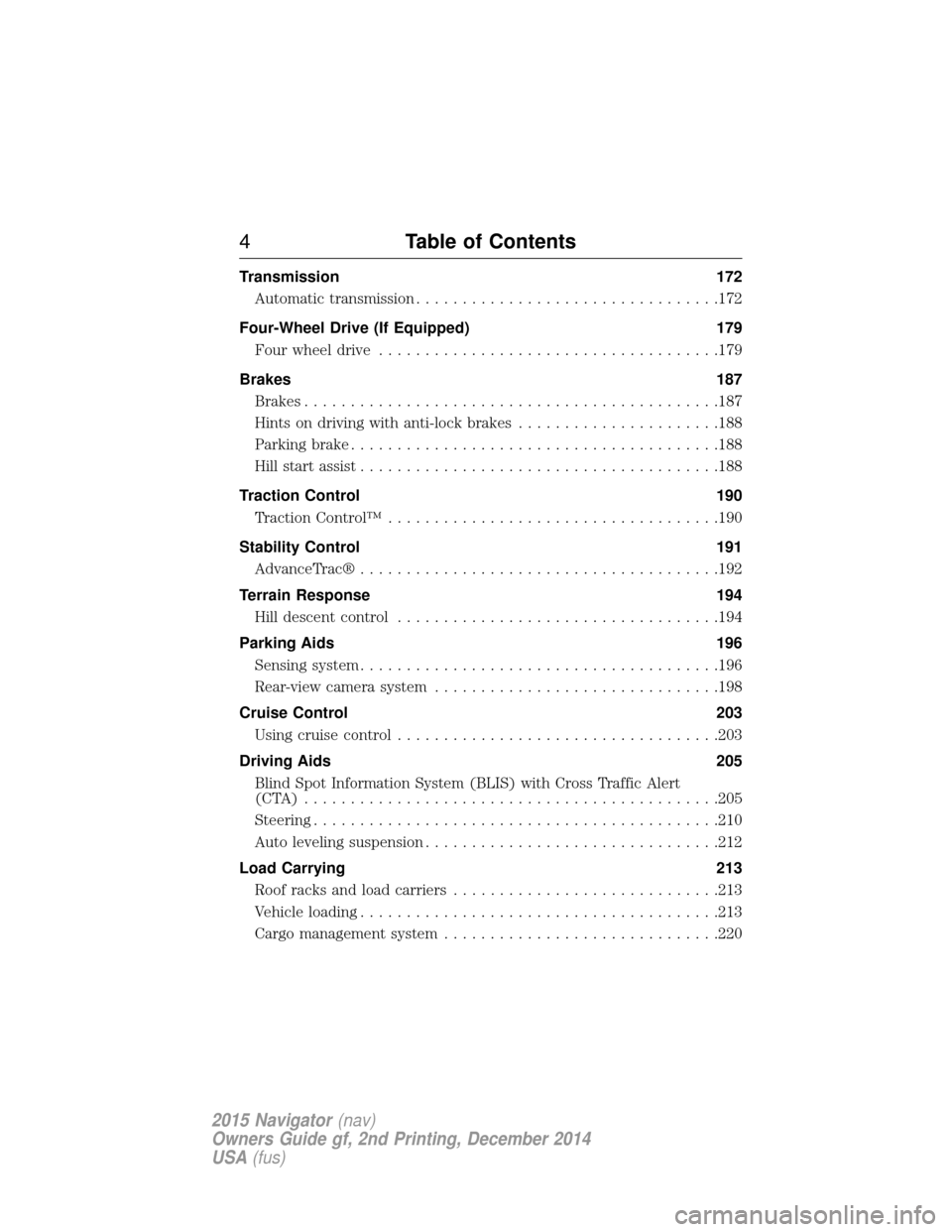
Cruise Control 203
Usingcruisecontrol ...................................203
Driving Aids 205
Blind Spot Information System (BLIS) with Cross Traffic Alert
(CTA) .............................................205
Steering............................................210
Auto leveling suspension ................................212
Load Carrying 213
Roof racks and load carriers .............................213
Vehicle loading .......................................213
Cargo management system ..............................220
4Table of Contents
2015 Navigator(nav)
Owners Guide gf, 2nd Printing, December 2014
USA (fus)
Page 10 of 475
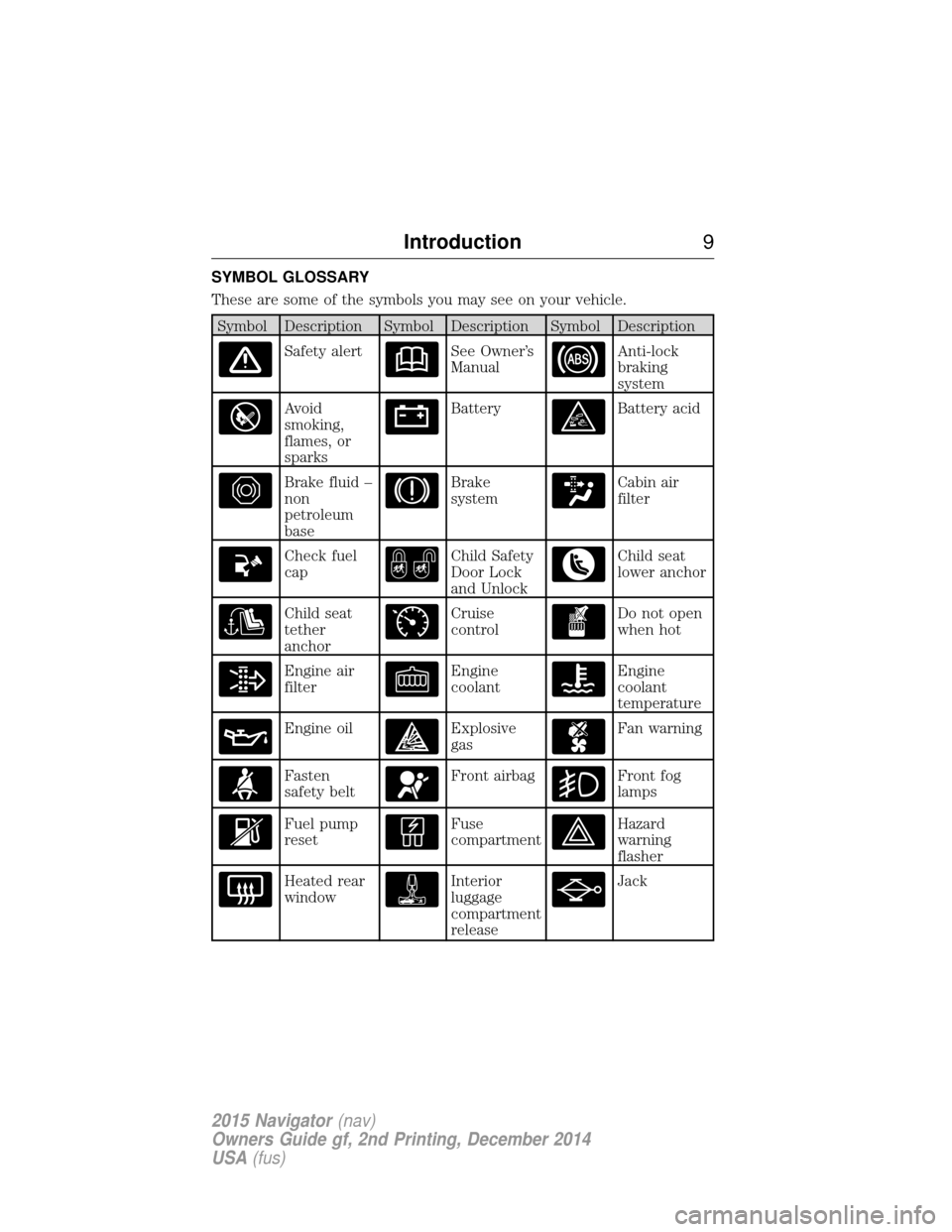
SYMBOL GLOSSARY
These are some of the symbols you may see on your vehicle.
Symbol Description Symbol Description Symbol Description
Safety alertSee Owner’s
ManualAnti-lock
braking
system
Avoid
smoking,
flames, or
sparksBatteryBattery acid
Brake fluid –
non
petroleum
baseBrake
systemCabin air
filter
Check fuel
capChild Safety
Door Lock
and UnlockChild seat
lower anchor
Child seat
tether
anchorCruise
controlDo not open
when hot
Engine air
filterEngine
coolantEngine
coolant
temperature
Engine oilExplosive
gasFan warning
Fasten
safety beltFront airbagFront fog
lamps
Fuel pump
resetFuse
compartmentHazard
warning
flasher
Heated rear
windowInterior
luggage
compartment
releaseJack
Introduction9
2015 Navigator(nav)
Owners Guide gf, 2nd Printing, December 2014
USA (fus)
Page 61 of 475
PRINCIPLES OF OPERATION
MyKey allows you to program keys with restricted driving modes to
promote good driving habits. All but one of the keys programmed to the
vehicle can be activated with these restricted modes.
Any keys that have not been programmed are referred to as
administrator keys or admin keys. These can be used to:
•Create a MyKey.
• Program configurable MyKey settings.
• Clear all MyKey features.
When you have programmed a MyKey, you can access the following
information using the information display:
• How many admin keys and MyKeys are programmed to your vehicle.
• The total distance your vehicle has traveled using a MyKey.
Note: All MyKeys are programmed to the same settings. You cannot
program them individually.
Note: For vehicles with intelligent access (push-button start), when both
a MyKey and an admin transmitter are present, the admin transmitter
will be recognized to start the vehicle.
Non-configurable Settings
The following settings cannot be changed by an admin key user:
• Belt-Minder. You cannot disable this feature. The audio system will
mute when the front seat occupants’ safety belts are not fastened.
• Early low fuel. The low-fuel warning activates earlier, giving the
MyKey user more time to refuel.
• Driver assist features, if equipped on your vehicle, are forced on:
traction control, parking aid, blind spot information system (BLIS)
with cross traffic alert, lane departure warning and the forward
collision warning system.
Configurable Settings
With an admin key, you can configure certain MyKey settings when you
first create a MyKey and before you recycle the key or restart the
vehicle. You can also change the settings afterward with an admin key.
• A vehicle speed limit can be set. Warnings will be shown in the display
followed by an audible tone when your vehicle reaches the set speed.
You cannot override the set speed by fully depressing the accelerator
pedal or by setting cruise control.
• Various vehicle speed minders can be set. Once you select a speed, it
will be shown in the display, followed by an audible tone when the
preselected vehicle speed is exceeded.
60 MyKey
2015 Navigator(nav)
Owners Guide gf, 2nd Printing, December 2014
USA (fus)
Page 84 of 475
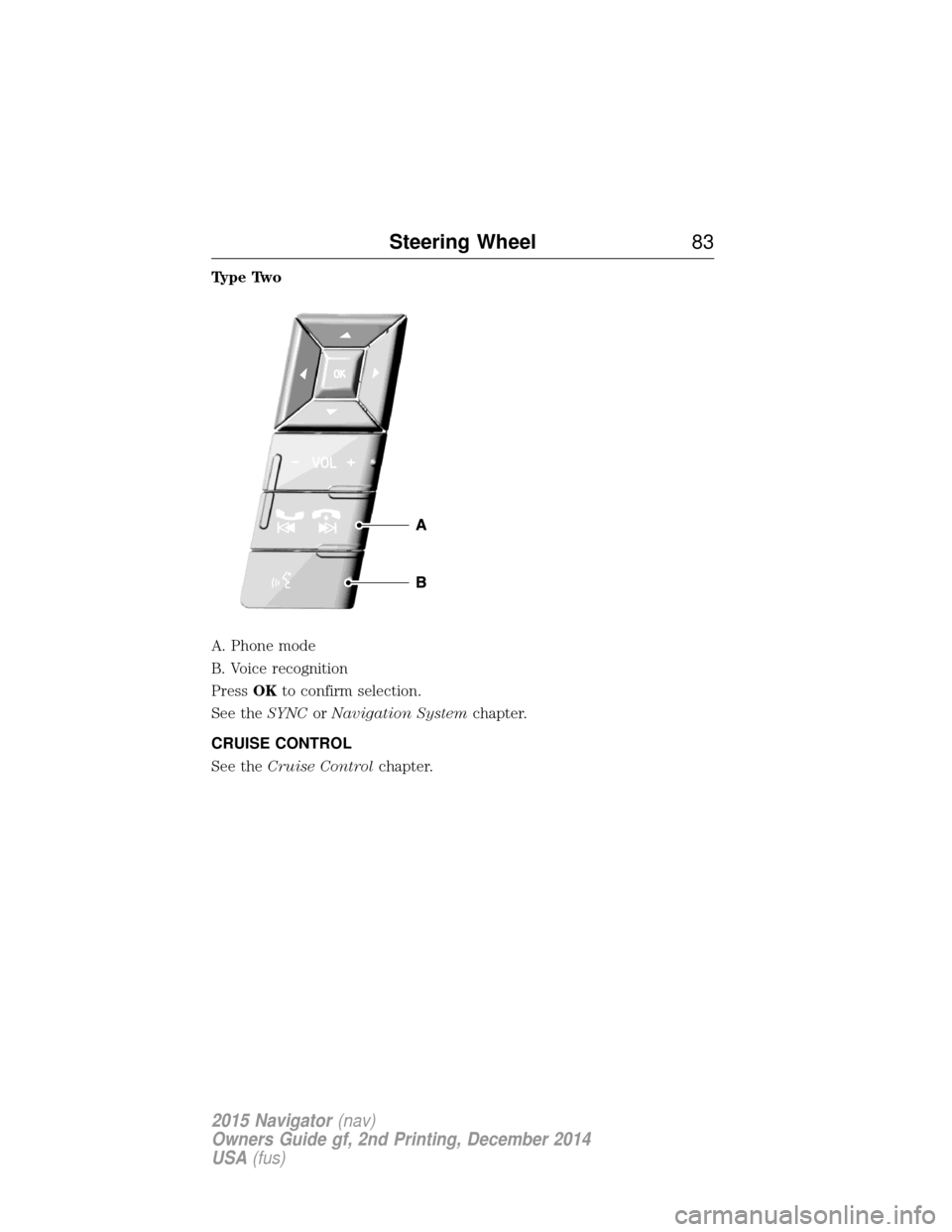
Type Two
A. Phone mode
B. Voice recognition
PressOKto confirm selection.
See the SYNCorNavigation System chapter.
CRUISE CONTROL
See the Cruise Control chapter.
Steering Wheel 83
2015 Navigator(nav)
Owners Guide gf, 2nd Printing, December 2014
USA (fus)
Page 102 of 475
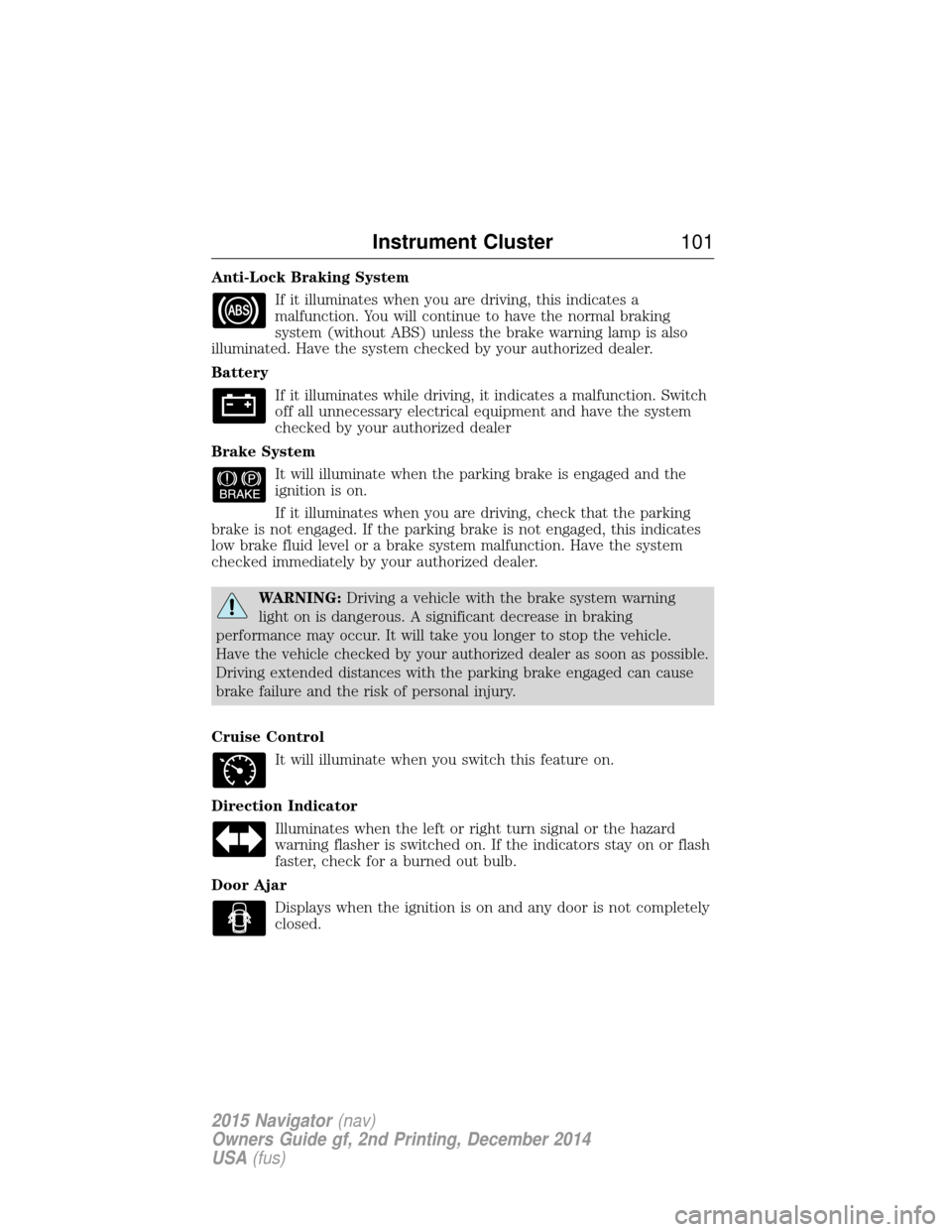
Anti-Lock Braking SystemIf it illuminates when you are driving, this indicates a
malfunction. You will continue to have the normal braking
system (without ABS) unless the brake warning lamp is also
illuminated. Have the system checked by your authorized dealer.
Battery
If it illuminates while driving, it indicates a malfunction. Switch
off all unnecessary electrical equipment and have the system
checked by your authorized dealer
Brake System It will illuminate when the parking brake is engaged and the
ignition is on.
If it illuminates when you are driving, check that the parking
brake is not engaged. If the parking brake is not engaged, this indicates
low brake fluid level or a brake system malfunction. Have the system
checked immediately by your authorized dealer.
WARNING: Driving a vehicle with the brake system warning
light on is dangerous. A significant decrease in braking
performance may occur. It will take you longer to stop the vehicle.
Have the vehicle checked by your authorized dealer as soon as possible.
Driving extended distances with the parking brake engaged can cause
brake failure and the risk of personal injury.
Cruise Control It will illuminate when you switch this feature on.
Direction Indicator Illuminates when the left or right turn signal or the hazard
warning flasher is switched on. If the indicators stay on or flash
faster, check for a burned out bulb.
Door Ajar Displays when the ignition is on and any door is not completely
closed.
Instrument Cluster 101
2015 Navigator(nav)
Owners Guide gf, 2nd Printing, December 2014
USA (fus)
Page 204 of 475
PRINCIPLES OF OPERATION
Cruise control lets you maintain a set speed without keeping your foot
on the accelerator pedal.
USING CRUISE CONTROL
WARNING:Do not use cruise control in heavy traffic, on
winding roads or when the road surface is slippery. This could
result in loss of vehicle control, serious injury or death.
WARNING: When you are going downhill, your vehicle speed
may increase above the set speed. The system will not apply the
brakes. Change down a gear to assist the system in maintaining the set
speed. Failure to do so could result in loss of vehicle control, serious
injury or death.
Note: Cruise control will disengage if your vehicle speed decreases more
than 10 mph (16 km/h) below your set speed while driving uphill.
Switching On Cruise Control
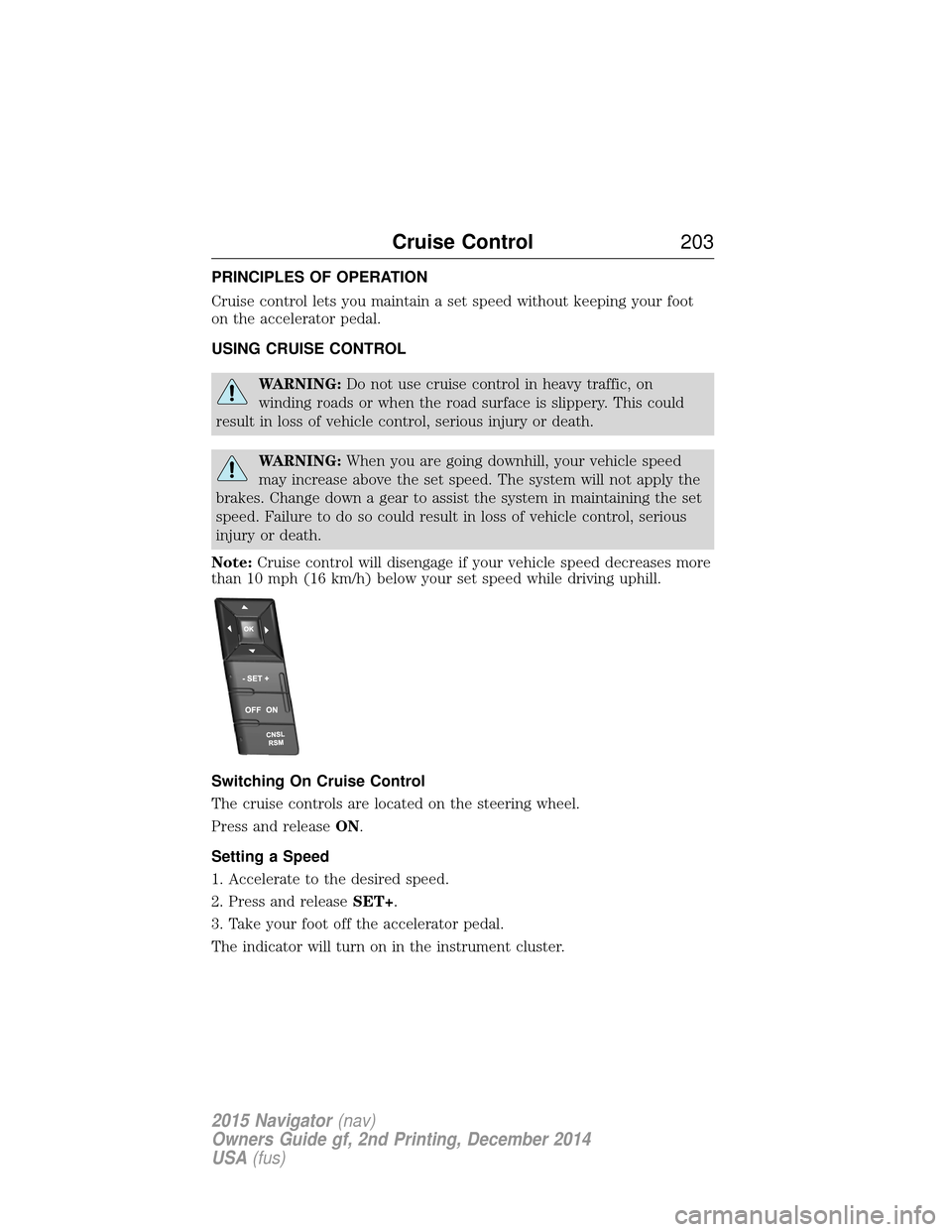
The cruise controls are located on the steering wheel.
Press and release ON.
Setting a Speed
1. Accelerate to the desired speed.
2. Press and release SET+.
3. Take your foot off the accelerator pedal.
The indicator will turn on in the instrument cluster.
Cruise Control 203
2015 Navigator(nav)
Owners Guide gf, 2nd Printing, December 2014
USA (fus)
Page 205 of 475
Changing the Set Speed
•Press and hold SET+orSET–. Release the button when you reach
the desired speed.
• Press and release SET+orSET–. The set speed will change in
approximately 1 mph (2 km/h) increments.
• Press the accelerator pedal or brake pedal until you reach the desired
speed. Press and release SET+.
Canceling a Set Speed
Tap the brake pedal. The set speed will not be erased.
Resuming a Set Speed
Press and release RSM.
Switching Off Cruise Control
Note: The set speed is erased when you turn off cruise control.
Press OFFor turn off the ignition.
204 Cruise Control
2015 Navigator(nav)
Owners Guide gf, 2nd Printing, December 2014
USA (fus)
Page 470 of 475
C
Capacities for refilling fluids ....328
Cargo management system ......220
CD ..............................................343
CD player ..........................341, 377
CD voice commands .................377
Cell phone use ............................14
Changing a tire .........................318
Changing the air filter ..............277
Child safety seatsautomatic locking mode
(retractor) .................................37
LATCH .......................................22
Child safety seats - booster
seats .............................................30
Cleaning the touchscreen ........356
Cleaning your vehicle ...............284 engine compartment ..............286
instrument panel ....................289
interior .............................288–289
plastic parts ............................285
washing ....................................284
waxing .....................................286
wheels ......................................291
wiper blades ............................287
Climate voice commands .........417
Clock ..........................................403
Console overhead ......................96–97, 155
Controls power seat ...............................131
Coolant ......................................267 checking and adding ..............267
refill capacities ........................328
specifications ..........................328
Cross Traffic Alert ....................205 Cruise control ...........................203
Customer Assistance ................241
Ford Extended Service
Plan ..........................................338
Getting roadside assistance ...241
Getting the service you
need .........................................247
Ordering additional owner’s
literature .................................253
Utilizing the
Mediation/Arbitration
Program ...................................251
D
Daytime running lamps
(see Lamps) ................................89
Defrost .......................................122 rear window ............................126
Dipstick automatic transmission
fluid ..........................................271
engine oil .................................266
Display settings .........................404
Driving under special
conditions ..................178, 182, 184 sand .........................................183
snow and ice ...........................185
through water .................183, 238
Dual automatic temperature
control (DATC) .........................122
E
Electronic stability control ......192
Emergencies, roadside jump-starting ..........................244
running out of fuel .................164
Emission control system ..........169
End user license agreement ....431
Index 469
2015 Navigator(nav)
Owners Guide gf, 2nd Printing, December 2014
USA (fus)