traction control LINCOLN NAVIGATOR 2022 Owner's Guide
[x] Cancel search | Manufacturer: LINCOLN, Model Year: 2022, Model line: NAVIGATOR, Model: LINCOLN NAVIGATOR 2022Pages: 646, PDF Size: 7.29 MB
Page 587 of 646
•
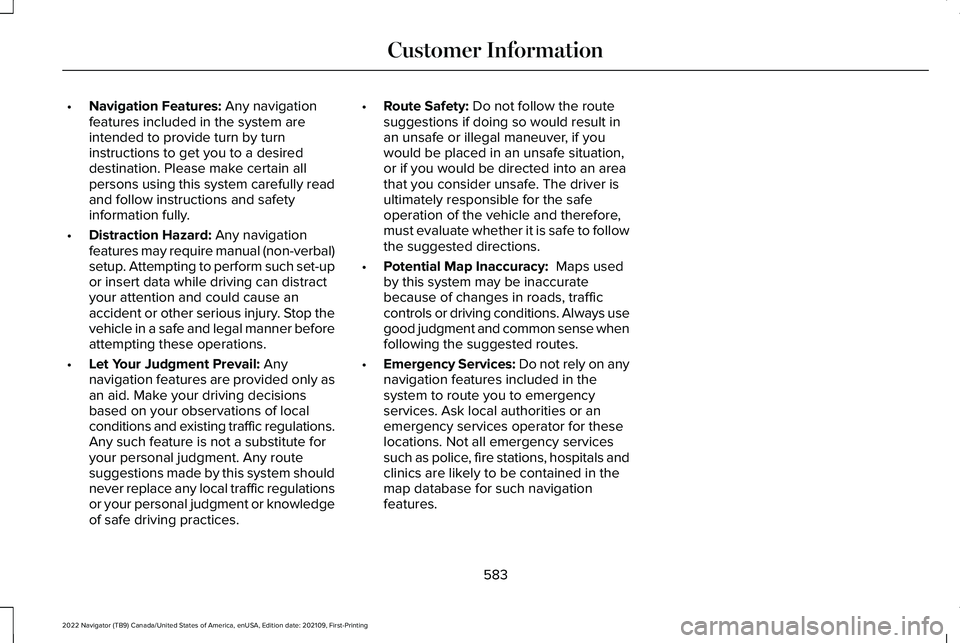
Navigation Features: Any navigation
features included in the system are
intended to provide turn by turn
instructions to get you to a desired
destination. Please make certain all
persons using this system carefully read
and follow instructions and safety
information fully.
• Distraction Hazard:
Any navigation
features may require manual (non-verbal)
setup. Attempting to perform such set-up
or insert data while driving can distract
your attention and could cause an
accident or other serious injury. Stop the
vehicle in a safe and legal manner before
attempting these operations.
• Let Your Judgment Prevail:
Any
navigation features are provided only as
an aid. Make your driving decisions
based on your observations of local
conditions and existing traffic regulations.
Any such feature is not a substitute for
your personal judgment. Any route
suggestions made by this system should
never replace any local traffic regulations
or your personal judgment or knowledge
of safe driving practices. •
Route Safety:
Do not follow the route
suggestions if doing so would result in
an unsafe or illegal maneuver, if you
would be placed in an unsafe situation,
or if you would be directed into an area
that you consider unsafe. The driver is
ultimately responsible for the safe
operation of the vehicle and therefore,
must evaluate whether it is safe to follow
the suggested directions.
• Potential Map Inaccuracy:
Maps used
by this system may be inaccurate
because of changes in roads, traffic
controls or driving conditions. Always use
good judgment and common sense when
following the suggested routes.
• Emergency Services:
Do not rely on any
navigation features included in the
system to route you to emergency
services. Ask local authorities or an
emergency services operator for these
locations. Not all emergency services
such as police, fire stations, hospitals and
clinics are likely to be contained in the
map database for such navigation
features.
583
2022 Navigator (TB9) Canada/United States of America, enUSA, Edition date: 202109, First-Printing Customer Information
Page 631 of 646
How Does Reverse Braking Assist
Work..............................................................239
How Does Speed Sign Recognition Work..............................................................332
How Does Stability Control Work............248
How Does the 360 Degree Camera Work...............................................................261
How Does the Garage Door Opener Work...............................................................187
How Does the Lane Keeping System Work..............................................................299
How Does the Personal Safety System Work................................................................60
How Does the Rear Occupant Alert System Work
...............................................................183
How Does the Safety Canopy™ Work........62
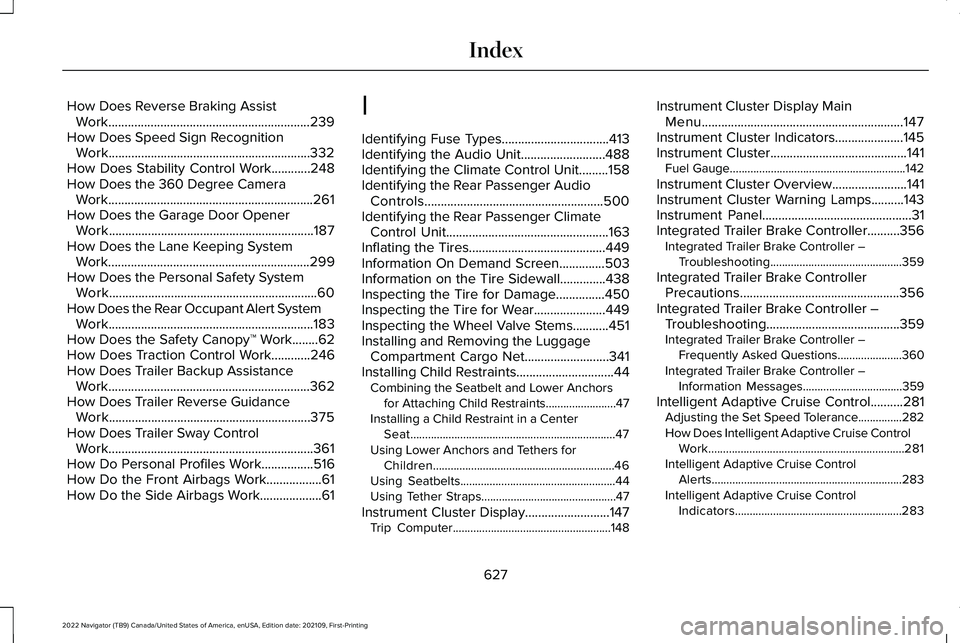
How Does Traction Control Work............246
How Does Trailer Backup Assistance Work..............................................................362
How Does Trailer Reverse Guidance Work..............................................................375
How Does Trailer Sway Control Work...............................................................361
How Do Personal Profiles Work................516
How Do the Front Airbags Work.................61
How Do the Side Airbags Work...................61 I
Identifying Fuse Types.................................413
Identifying the Audio Unit..........................488
Identifying the Climate Control Unit.........158
Identifying the Rear Passenger Audio
Controls.......................................................500
Identifying the Rear Passenger Climate Control Unit
..................................................163
Inflating the Tires..........................................449
Information On Demand Screen..............503
Information on the Tire Sidewall..............438
Inspecting the Tire for Damage
...............450
Inspecting the Tire for Wear......................449
Inspecting the Wheel Valve Stems...........451
Installing and Removing the Luggage Compartment Cargo Net
..........................341
Installing Child Restraints..............................44 Combining the Seatbelt and Lower Anchors
for Attaching Child Restraints........................
47
Installing a Child Restraint in a Center Seat......................................................................47
Using Lower Anchors and Tethers for Children..............................................................46
Using Seatbelts.....................................................44
Using Tether Straps..............................................47
Instrument Cluster Display
..........................147
Trip Computer......................................................148 Instrument Cluster Display Main
Menu..............................................................147
Instrument Cluster Indicators.....................145
Instrument Cluster..........................................141 Fuel Gauge............................................................142
Instrument Cluster Overview
.......................141
Instrument Cluster Warning Lamps..........143
Instrument Panel..............................................31
Integrated Trailer Brake Controller
..........356
Integrated Trailer Brake Controller –
Troubleshooting.............................................359
Integrated Trailer Brake Controller Precautions.................................................356
Integrated Trailer Brake Controller – Troubleshooting.........................................359
Integrated Trailer Brake Controller – Frequently Asked Questions......................360
Integrated Trailer Brake Controller – Information Messages..................................
359
Intelligent Adaptive Cruise Control..........281 Adjusting the Set Speed Tolerance...............282
How Does Intelligent Adaptive Cruise Control
Work...................................................................281
Intelligent Adaptive Cruise Control Alerts.................................................................283
Intelligent Adaptive Cruise Control Indicators.........................................................283
627
2022 Navigator (TB9) Canada/United States of America, enUSA, Edition date: 202109, First-Printing Index
Page 640 of 646
Switching Shuffle Mode On and Off........489
Switching Stability Control On and Off..................................................................249
Switching Text Message Notification On and Off............................................................511
Switching the Audio Unit On and Off..................................................................488
Switching the Display On and Off.............491
Switching the Front Interior Lamps On and Off
....................................................................131
Switching the Hazard Flashers On and Off...................................................................391
Switching the Head Up Display On and Off....................................................................151
Switching the Heated Rear Window On and Off
..........................................................159
Switching the Heated Steering Wheel On and Off
............................................................112
Switching the Lane Keeping System Mode............................................................300
Switching the Lane Keeping System On and Off.........................................................300
Switching the Rear Interior Lamps On and Off
....................................................................131
Switching the Rear Passenger Audio Controls On and Off
.................................500
Switching the Rear Passenger Climate Controls On and Off...................................163 Switching the Rear Window Wiper On and
Off....................................................................115
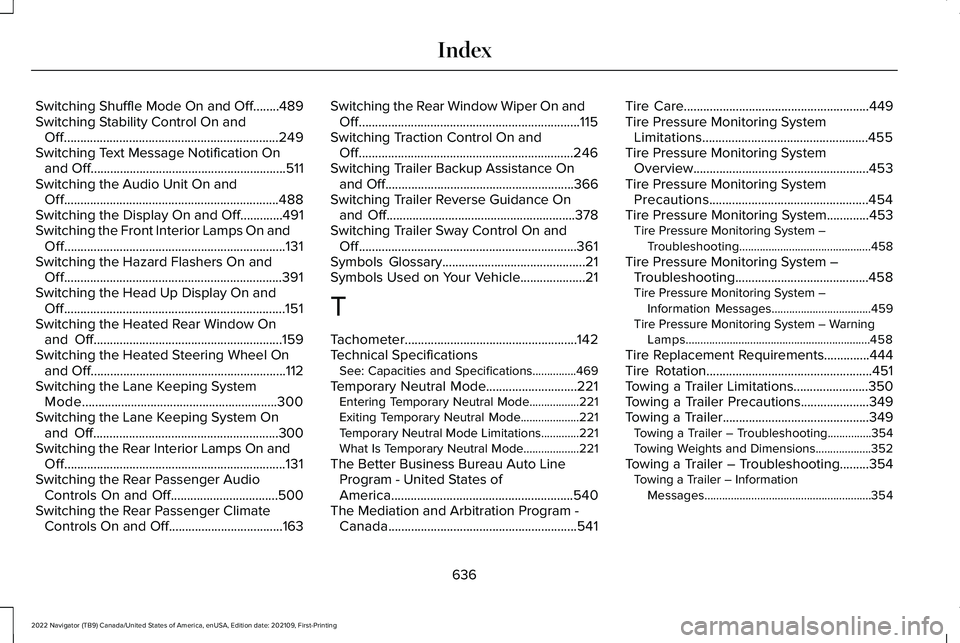
Switching Traction Control On and Off..................................................................246
Switching Trailer Backup Assistance On and Off..........................................................366
Switching Trailer Reverse Guidance On and Off
..........................................................378
Switching Trailer Sway Control On and Off...................................................................361
Symbols Glossary............................................21
Symbols Used on Your Vehicle....................21
T
Tachometer.....................................................142
Technical Specifications See: Capacities and Specifications...............469
Temporary Neutral Mode
............................221
Entering Temporary Neutral Mode.................221
Exiting Temporary Neutral Mode....................221
Temporary Neutral Mode Limitations.............221
What Is Temporary Neutral Mode...................
221
The Better Business Bureau Auto Line Program - United States of
America........................................................540
The Mediation and Arbitration Program - Canada..........................................................541 Tire Care
.........................................................449
Tire Pressure Monitoring System Limitations...................................................455
Tire Pressure Monitoring System Overview......................................................453
Tire Pressure Monitoring System Precautions.................................................454
Tire Pressure Monitoring System.............453 Tire Pressure Monitoring System –
Troubleshooting.............................................458
Tire Pressure Monitoring System – Troubleshooting.........................................458
Tire Pressure Monitoring System – Information Messages..................................459
Tire Pressure Monitoring System – Warning Lamps...............................................................458
Tire Replacement Requirements..............444
Tire Rotation
...................................................451
Towing a Trailer Limitations.......................350
Towing a Trailer Precautions
.....................349
Towing a Trailer.............................................349 Towing a Trailer – Troubleshooting...............354
Towing Weights and Dimensions...................352
Towing a Trailer – Troubleshooting.........354 Towing a Trailer – Information
Messages.........................................................354
636
2022 Navigator (TB9) Canada/United States of America, enUSA, Edition date: 202109, First-Printing Index
Page 641 of 646
Towing Weights and Dimensions.............352
Calculating the Maximum Loaded Trailer
Weight for Your Vehicle................................353
Recommended Towing Weights.....................352
What Is the Maximum Loaded Trailer Weight...............................................................353
Towing Your Vehicle Precautions.............397
Towing Your Vehicle
....................................397
Towing Your Vehicle –
Troubleshooting.............................................400
Towing Your Vehicle – Troubleshooting.........................................400
Towing Your Vehicle – Information Messages........................................................400
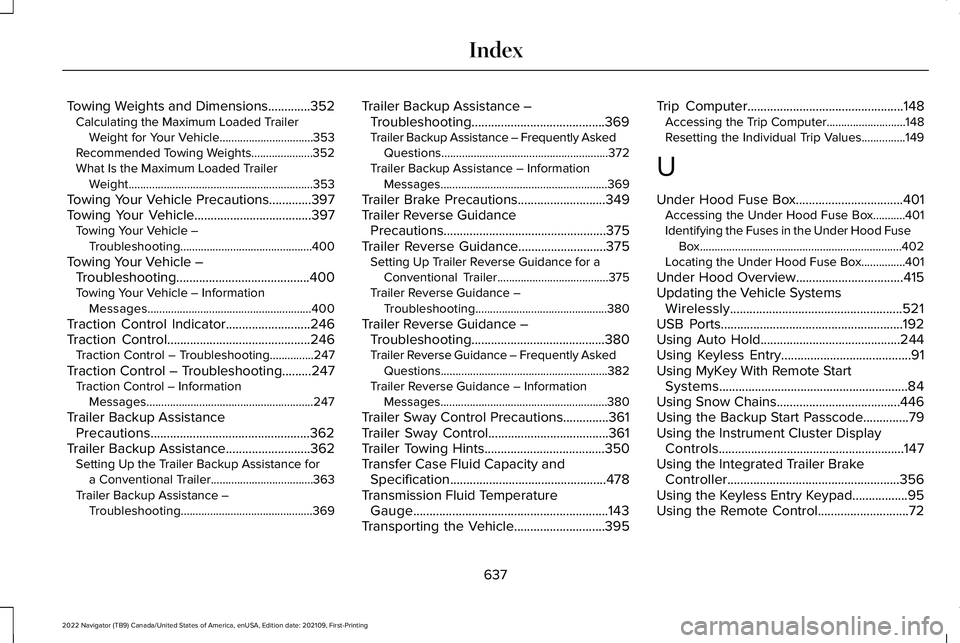
Traction Control Indicator..........................246
Traction Control
............................................246
Traction Control – Troubleshooting...............247
Traction Control – Troubleshooting.........247 Traction Control – Information
Messages.........................................................247
Trailer Backup Assistance Precautions.................................................362
Trailer Backup Assistance
..........................362
Setting Up the Trailer Backup Assistance for
a Conventional Trailer...................................363
Trailer Backup Assistance – Troubleshooting.............................................369 Trailer Backup Assistance –
Troubleshooting.........................................369
Trailer Backup Assistance – Frequently Asked Questions.........................................................372
Trailer Backup Assistance – Information Messages.........................................................369
Trailer Brake Precautions
...........................349
Trailer Reverse Guidance Precautions..................................................375
Trailer Reverse Guidance
...........................375
Setting Up Trailer Reverse Guidance for a
Conventional Trailer......................................
375
Trailer Reverse Guidance – Troubleshooting.............................................380
Trailer Reverse Guidance – Troubleshooting.........................................380
Trailer Reverse Guidance – Frequently Asked Questions.........................................................382
Trailer Reverse Guidance – Information Messages.........................................................380
Trailer Sway Control Precautions..............361
Trailer Sway Control.....................................361
Trailer Towing Hints
.....................................350
Transfer Case Fluid Capacity and Specification ................................................
478
Transmission Fluid Temperature Gauge............................................................143
Transporting the Vehicle............................395 Trip Computer
................................................148
Accessing the Trip Computer...........................148
Resetting the Individual Trip Values...............
149
U
Under Hood Fuse Box.................................401 Accessing the Under Hood Fuse Box...........401
Identifying the Fuses in the Under Hood Fuse
Box.....................................................................402
Locating the Under Hood Fuse Box...............401
Under Hood Overview
.................................415
Updating the Vehicle Systems Wirelessly.....................................................521
USB Ports........................................................192
Using Auto Hold...........................................244
Using Keyless Entry
........................................91
Using MyKey With Remote Start Systems
..........................................................84
Using Snow Chains......................................446
Using the Backup Start Passcode..............79
Using the Instrument Cluster Display Controls.........................................................147
Using the Integrated Trailer Brake Controller
.....................................................356
Using the Keyless Entry Keypad.................95
Using the Remote Control............................72
637
2022 Navigator (TB9) Canada/United States of America, enUSA, Edition date: 202109, First-Printing Index
Page 643 of 646
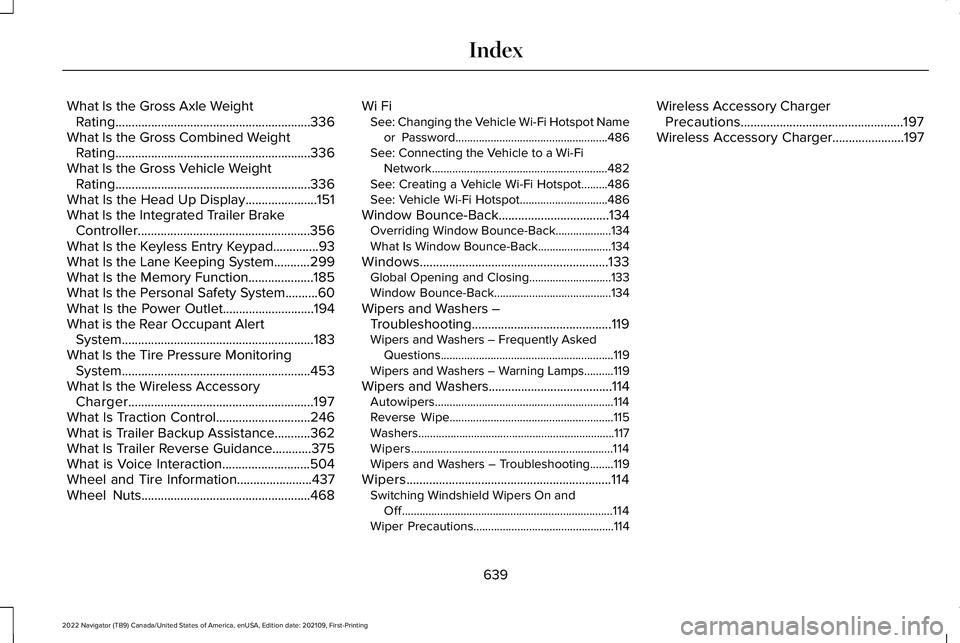
What Is the Gross Axle Weight
Rating............................................................336
What Is the Gross Combined Weight Rating............................................................336
What Is the Gross Vehicle Weight Rating............................................................336
What Is the Head Up Display......................151
What Is the Integrated Trailer Brake Controller
.....................................................356
What Is the Keyless Entry Keypad..............93
What Is the Lane Keeping System...........299
What Is the Memory Function....................185
What Is the Personal Safety System..........60
What Is the Power Outlet............................194
What is the Rear Occupant Alert System...........................................................183
What Is the Tire Pressure Monitoring System..........................................................453
What Is the Wireless Accessory Charger.........................................................197
What Is Traction Control.............................246
What is Trailer Backup Assistance...........362
What Is Trailer Reverse Guidance............375
What is Voice Interaction...........................504
Wheel and Tire Information.......................437
Wheel Nuts
....................................................468 Wi Fi
See: Changing the Vehicle Wi-Fi Hotspot Name
or Password....................................................486
See: Connecting the Vehicle to a Wi-Fi Network............................................................482
See: Creating a Vehicle Wi-Fi Hotspot.........486
See: Vehicle Wi-Fi Hotspot..............................486
Window Bounce-Back..................................134 Overriding Window Bounce-Back...................
134
What Is Window Bounce-Back.........................134
Windows..........................................................133 Global Opening and Closing............................
133
Window Bounce-Back........................................134
Wipers and Washers – Troubleshooting...........................................119
Wipers and Washers – Frequently Asked Questions...........................................................119
Wipers and Washers – Warning Lamps..........119
Wipers and Washers
......................................114
Autowipers.............................................................114
Reverse Wipe........................................................115
Washers...................................................................117
Wipers.....................................................................114
Wipers and Washers – Troubleshooting........119
Wipers...............................................................114 Switching Windshield Wipers On and
Off........................................................................\
114
Wiper Precautions................................................114 Wireless Accessory Charger
Precautions..................................................197
Wireless Accessory Charger
......................197
639
2022 Navigator (TB9) Canada/United States of America, enUSA, Edition date: 202109, First-Printing Index